Genesis Plus EX est un émulateur Windows développé par Hazem Abdelghani, basé sur le cœur open source de Genesis Plus GX. Ce fork propose un port natif pour Windows, sans SDL, avec plusieurs moteurs de rendu graphique et de nombreux filtres d’image. Il prend en charge la Mega Drive/Genesis, la Master System, la Game Gear, la SG-1000, le Mega CD/Sega CD et la Pico.

Fonctionnalités:
– Plusieurs moteurs de rendu: GDI, Direct3D 9 et Direct3D 11
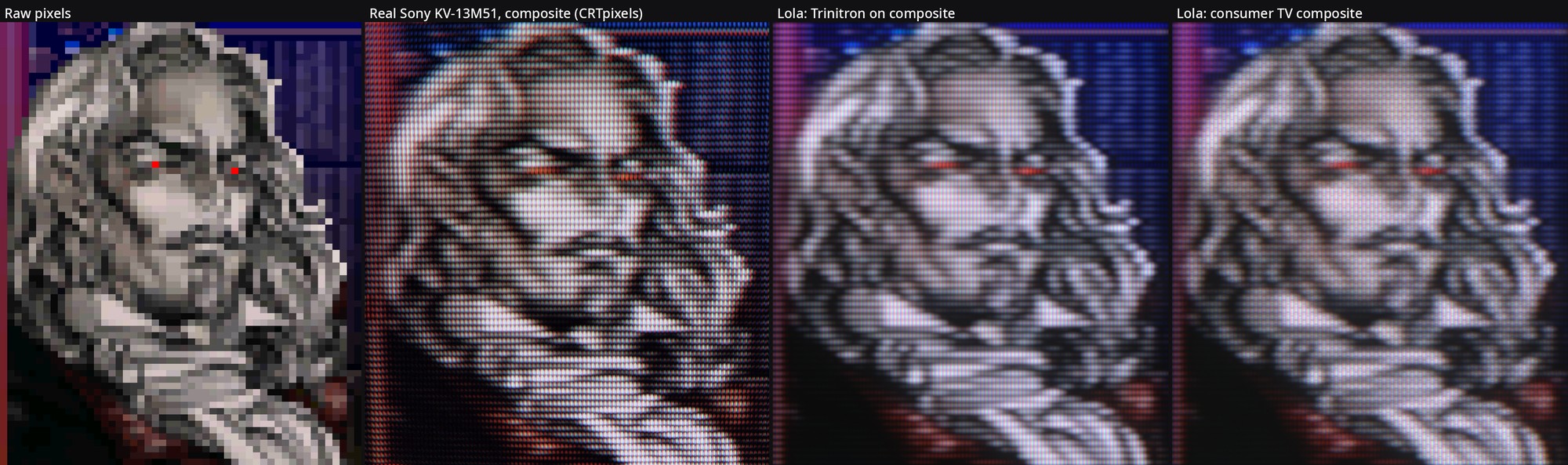
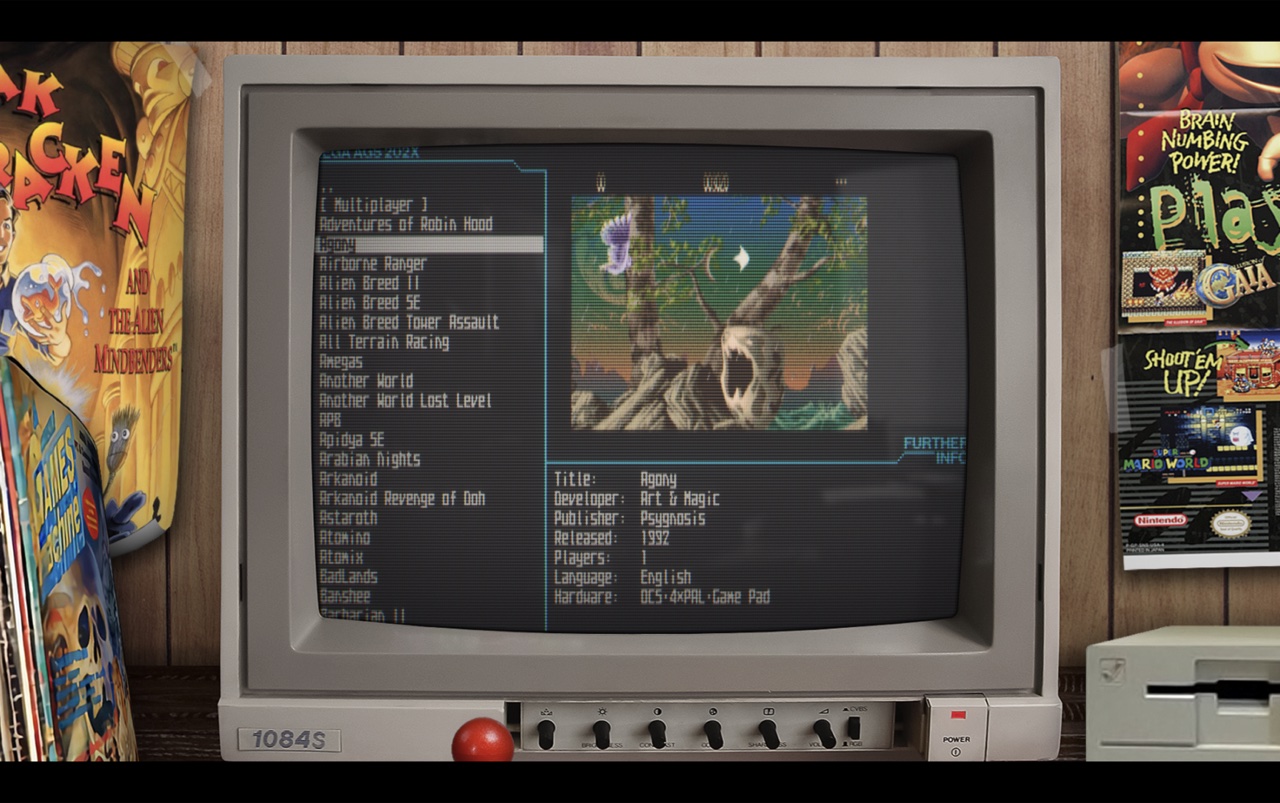
– Nombreux filtres graphiques: Scale2x, Scale3x, Eagle, xBRZ, scanlines et masque CRT
– Prise en charge des shaders au format .slangp via librashader (version 64 bits)
– Réglages vidéo: filtre NTSC, rémanence LCD, mise à l’échelle, rapports d’image et overscan
– Émulation audio et processeurs fidèles: Motorola 68000, Z80, puce FM Yamaha YM2612 et PSG (SN76489)
– Plusieurs cœurs audio FM, égaliseur et filtre passe-bas
– Configuration des commandes au clavier et des manettes XInput, avec prise en charge de nombreux périphériques spécifiques
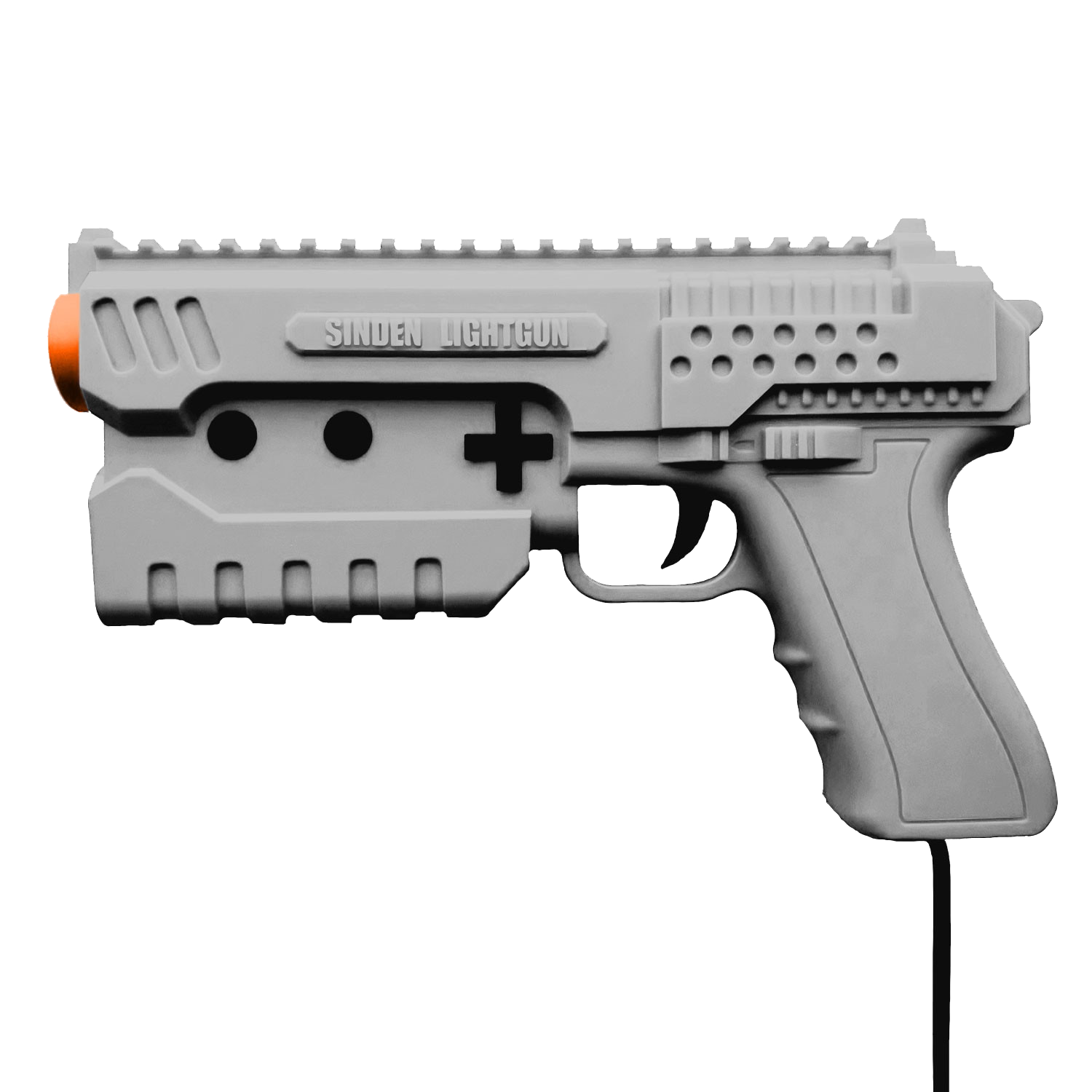
– Prise en charge des accessoires d’époque: Multitap, Mega Mouse, pistolets optiques (Menacer, Justifier) et contrôleur Activator
– Gestion des codes régionaux (USA, Japon, Europe) et du format d’affichage (NTSC 60Hz / PAL 50Hz)
– Sauvegardes d’état avec aperçus, gestionnaire visuel et annulation du dernier chargement
– Prise en charge des sauvegardes de type RAM (fichiers .srm et .sav) pour les jeux avec sauvegarde interne
– Fonction de retour en arrière (rewind) et prise en charge des codes de triche Game Genie et Action Replay
– Navigateur de ROMs avec jaquettes, fichiers récents et lancement direct
– Lecture des archives ZIP, GZ et 7Z
– Gestion des jeux Mega CD multidisques sans réinitialisation
– Jeu en réseau local à deux joueurs
– Enregistrement vidéo avec audio au format MP4 et capture audio au format WAV
– Version portable: paramètres et données conservés dans des dossiers à côté de l’exécutable
– Compatible avec les frontends LaunchBox, Pegasus, Playnite, ES-DE, EmulationStation et RetroBat
Les changements:
Major changes
New look
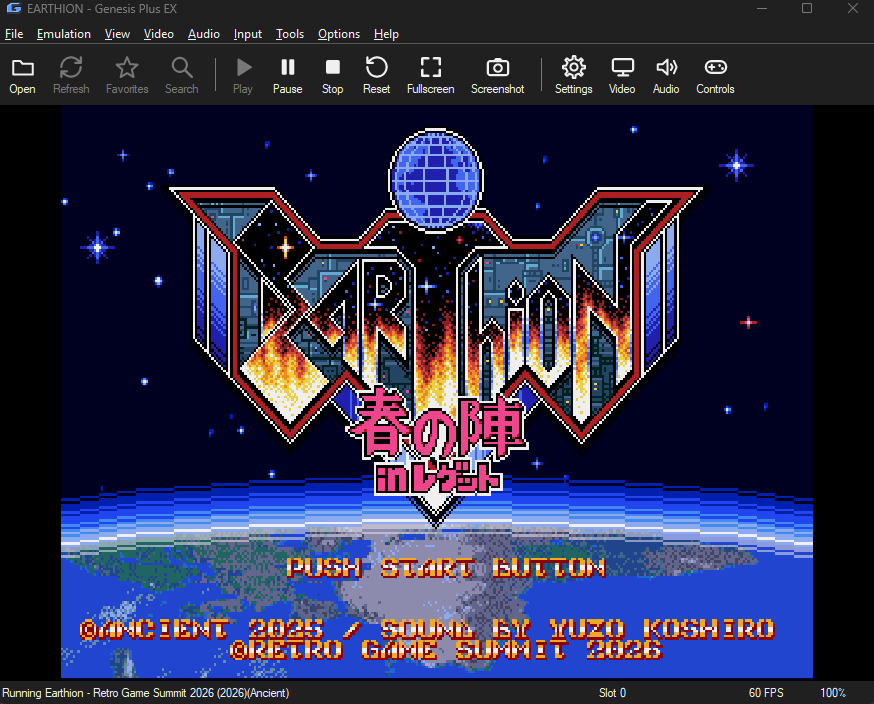
– **Classic or Modern style** (View → Style). Modern features flat, rounded buttons, check boxes, drop-downs and tabs, softer toolbar buttons, messages on a rounded plate, rounded window corners and a themed title bar (Windows 11), using Segoe UI.
– **Accent colors** (Default, Teal, Green, Purple, Pink, Red, Orange, Gray) for selections, tabs and list headings. Light, dark and system themes remain available.
– Toolbars with a choice of sizes, and a Larger UI option.
Sound
– **New outputs:** WASAPI shared (the default), WASAPI exclusive and XAudio2, alongside the existing waveOut. Sound device selection.
– **Levels and Latency** dialog: master, FM, PSG, CD and Sega CD PCM volume, buffer size and a live level meter.
– **New tone controls:** Stereo Width, Bass Boost, Overdrive, Even Out Loudness, and Console Model presets (Model 1 / Model 2).
– Master System FM unit option, Mute FM / PSG shortcuts, Mute When Inactive.
Game library
– **Grid view with cover art** (sizes Tiny to Extra Large, Ctrl+wheel to resize, rounded corners, captions, card frame), with cached covers.
– **Search bar and filters** (`region:`, `console:`, `genre:`, `type:`, `fav:`), plus a filter bar by console, genre and region.
– **Several ROM folders** with exclusions; subfolders are scanned.
– Favorites, a Recently Played group, Group by Console, an A-Z strip, more sortable columns, Clean Game Names (also in File → Recent Files), and list spacing.
– Per-game right-click menu: play with a state, cheats, cover, favorite, desktop shortcut.
Saving
– **Auto Resume** with a « resume next time » box on exit.
– **Rolling backup states** (every 1-10 minutes, three backups; Load State → Load Backup State).
– Manage States window with thumbnails, copy to file, delete; load/save any `.gpstate` file; Undo Load/Save State.
– Rewind bar with history size 128-768 MB.
– Skip-intro option.
– Per-console, per-game data folders for saves, states, covers and cheats.
Recording and capture
– **Animated GIF** (picture only, up to 6 s) and **VGM** sound logs, alongside MP4 video and WAV audio; a separate folder for each kind under `recordings/`.
– Recording now stops in the background (no freeze), with taskbar progress.
– **Input recording and playback** (`.gpm`) for speedruns and bug reports.
– Screenshot output mode: Raw, Corrected (4:3) or Final (after filter); screenshots are written on a worker thread.
Controls window and combos
– **Rebuilt Input → Controls window** with tabs for Player 1, Player 2 and Advanced. Click a button, then press the key or pad button you want: one press works for keyboard and gamepad, with no separate mode. Esc or right-click cancels, and **Auto Assign** goes through all buttons in turn.
– A key or button can be assigned to only one pad button; assigning it takes it from the old one and displays a notification.
– Turbo box beside A/B/C/X/Y/Z with a Turbo Rate, a stick Deadzone, and Controller Model / port devices on the Advanced tab.
– **Combo buttons** (Advanced tab, up to 12): one key or pad button presses several game buttons. Set a Trigger, then add game buttons with Hold (0.25-10 s or until you press it) and Pause steps, e.g. a Sonic spin dash on one button. A How It Works guide is included in the window.
– **Profiles** (Load / New / Save / Delete) store both players, pad types and combos in the `profiles` folder.
– **Gamepad Hotkeys** put shortcuts on pad buttons (fast forward, rewind, states, pause, reset, screenshot, fullscreen, mute, recording, game speed, in-game pause menu) with an optional hold button; Enable Background Input.
Tools
– **Cheat Search** to find a value in memory, a Cheat Converter, shared CRC32 cheat lists in `cheats/library`.
– **Controller profiles**, **turbo** and **combo buttons** (12 rows), and gamepad hotkeys.
– **Netplay improvements:** session codes, Find hosts, optional UPnP port opening, mismatch detection that names the setting, drift check every second, reconnect for up to a minute.
– More peripherals, including the EA 4-Way Play.
– Game