Un complément pour le cheat.7z (XML) de Pugsy (et qui ne sert que pour la partie arcade de MAME), à utiliser en plus du fichier original.
 
– Décompressez l’archive de manière à obtenir un fichier cheat_wayder.7z (qui lui n’est pas à décompresser).
– Placez-le dans le répertoire courant de Mame.
– Enfin, ajouter une référence dans le fichier de configuration de MAME :
 
Remplacez la ligne : ‘cheatpath cheat’ par ‘cheatpath cheat;cheat_wayder;cheat_wayder_omake’
 
Lire le changelog ici.
 

Télécharger Wayder Cheat v0.189 (200,5 Ko)

Site Officiel

En savoir plus…

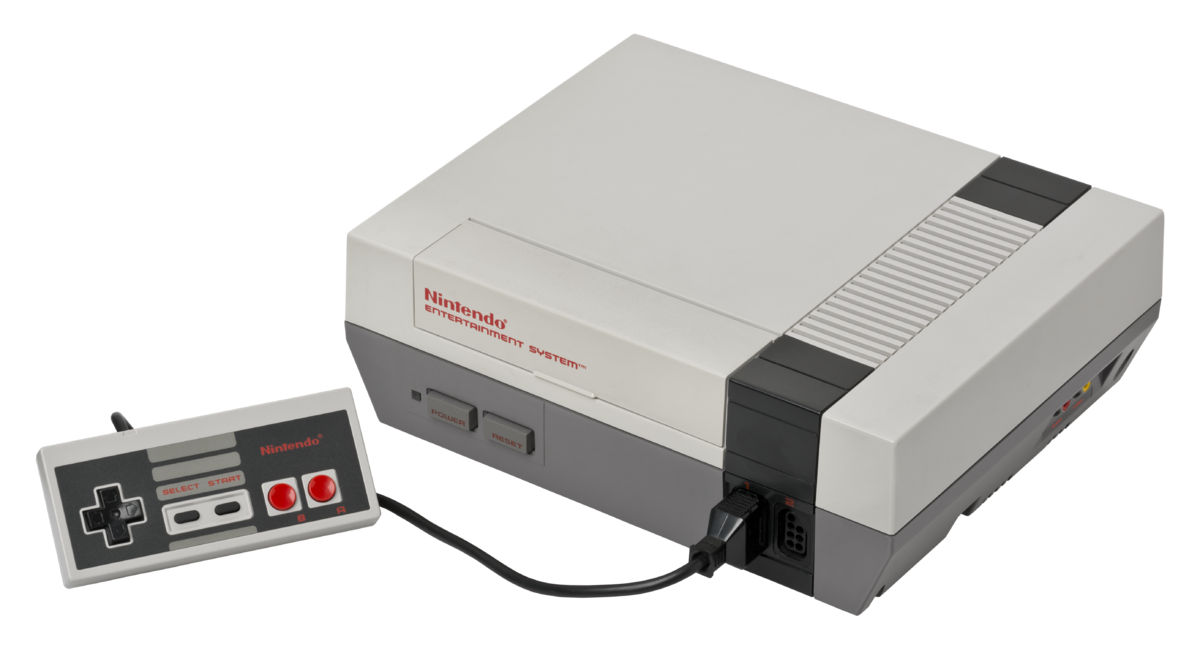
Un émulateur de Nintendo NES développé par l’auteur de fixGB.


– added missing mmc5 exram support when playing back mmc5 nsf files


Télécharger fixNES v1.0.2 Alpha (502,9 Ko)

Site Officiel

En savoir plus…

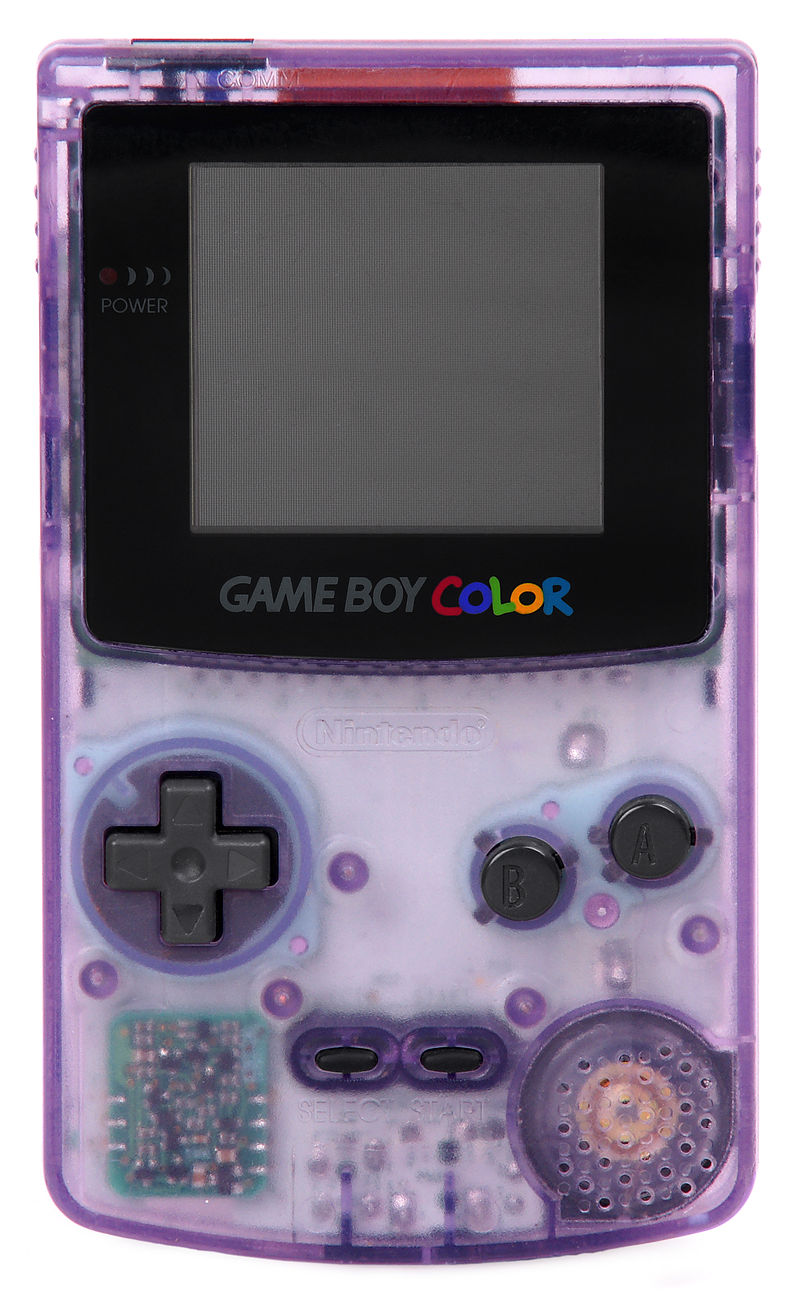
Un émulateur de GameBoy en cours de développement.


– fixed playback for some gbs music files
– implemented APU zombie mode for volume control
– corrected several CPU instruction timing details
– properly implemented OAM DMA with all its timings etc
– corrected some memory bugs and improved timer accuracy
– added basic serial I/O control support as some games rely on its interrupt
– improved PPU accuracy and implemented STAT DMC bug required for some games


Télécharger fixGB v0.8 Alpha (409,5 Ko)

Site Officiel

En savoir plus…

Ootake est un émulateur PC-Engine en provenance du Japon et basé sur PC2E, tournant sous Windows 2000, XP, Vista, 7, 8 et 10. Il nécessite Direct X v9.0c au minimum.


ootake
 
– When « CD-ROM disc is switched » while playing CD games with CD-ROM drive,
the game you switched automatically will be activated. Also, if you take
out the CD-ROM during the game, the game will be paused automatically for
safety.
– « CD access status (seek & read) » is displayed when playing a CD-ROM game.
Currently it is only in window mode, it is displayed on the right side of
« Ootake » at the upper left of the window. If you are using a PC with low
power, or unnecessary, uncheck « View CD Read Access » menu on « CD-ROM »
menu (the third row from the top).
– The play process of ADPCM sound approached the real machine. In
« Cobra II », at the desert town motorcycle ride scene, the stopped problem
(occurred from v2.83) was solved.
– The play operation of ADPCM sound approached the real machine. In
« Seisenshi Denshou », the problem that voice audio was interrupted was
solved.
– In « Ys book I&II (U) », when entering the Tower of Darm, with environment
where CD-ROM access is fast, the problem that Gorban’s voice sound was
interrupted was solved.
– When « Tokimeki Memorial » is started, the decision button of the mouse is
automatically set to left click. If you do not need this, uncheck the
« Setting-> Improve-> Auto Set Left Click (Tokimeki Memorial) » menu.
– When « 1552 Tenka Tairan » is started, mouse mode is set automatically.
(omitting the SELECT button press on the start screen) If you do not
need this, uncheck the « Setting-> Improve-> Auto Use Mouse (1552 Tenka
Tairan) » menu.
– Additionally, a detailed part has been improved and corrected.


Télécharger Ootake (2K/XP/Vista/7/8/10) v2.84 (1,2 Mo)

Site Officiel

En savoir plus…

MXC ou Mame XML Cleaner est un outil très léger et gratuit développé pour traiter et nettoyer les fichiers DAT (XML) de MAME.


Passer au crible tous les jeux non fonctionnels, les clones, les indésirables et purger comme il se doit votre SET de ROMs. Filtrer par mots-clés, par liste de ROMs (compatible Catver) ou par choix multiples (années, manufacturer, drivers, périphériques…).
 
mame-xml-cleaner
 
Les changements:
– Corrections typographiques mineures.
– Le logiciel ne devrait plus être détecté comme un « risque potentiel » par l’analyse heuristique de certains Anti-Virus.


Télécharger MXC v2018.111 (62,3 Ko)

Site Officiel

En savoir plus…

PSXACT est un émulateur de Playstation One écrit en c++ et qui cherche à être le plus précis possible (LLE).


PlayStation_console


Télécharger PSXACT (2018/08/20) (49 Ko)

Site Officiel

En savoir plus…

MedGui Reborn est une interface (Frontend) pour Mednafen sur OS Windows. Cette archive inclut MetroMed.


– Added a progress bar when the user perform a folder scan or load a prescanned rom set
– Now multi compressed archive file will be not extracted on RomTemp folder, but will be streamed and will be extracted only the file selected on the grid by the user
– Reduce too much the time of Preload/Scan Rom set
– Now non supported files by Mednafen or MedGuiR will be skipped with no more error
– On MedClient, now open file dialog purpose the selection of all file or the specific game
– Added a purge function for auto backup made by MedGuiR to preseve space
– fixed the question multitap on MedClient
– fixed the wrong detection of path of snes and pce roms when you load a faust_snes or pce_fast session on MedClient
– Removed psxt001z.exe and added DiscSN.dll (by Asnivor) to detect PSX serial number, now all psx will be detected (many Thanks to Asnivor to port the dll in net 2.0)


Télécharger MedGui Reborn v0.127 (24.5 Mo)

Site Officiel

En savoir plus…

Il s’agit d’un émulateur de Nintendo NES (et aussi FDS, NSF, NSFe, VS System) écrit en C++ (interface en c#) gérant le multi threading et est capable de s’exécuter en mode 32 ou 64 bits automatiquement. Il s’attarde sur la précision, gère un ensemble de mappers et filtres graphiques (mais aussi les packs HD au format HDNes) ainsi que les extensions zip/7z, permet l’enregistrement vidéo, le jeu en ligne ou encore d’utiliser des codes de triches. De plus, il se mettra à jour automatiquement. En outre il dispose également d’un débogueur.
 
Il vous faudra disposer de Windows Vista, 7, 8, 8.1 ou 10 ainsi que DirectX 11 avec .NET Framework 4.5+ d’installé.
 
A noter qu’il est à présent très probable que Mesen soit devenu l’émulateur le plus précis (devant Nestopia UE/puNES/Bizhawk) et en passe de devenir le meilleur émulateur de NES disponible tout simplement.


New Features
– UI: All UI shortcuts are now customizable in the Preferences (multi-key shortcuts are now supported).
– UI: Added a link to the new online documentation site in the Help menu.
 
Bug Fixes
– Cheats: Fixed crash when cheats window was opened
– HD Packs: Fixed sprite recording in HD Pack Builder and crashes when loading HD packs in some conditions.
– Debugger: Fixed some minor bugs.
– Linux: Fixed some crashes and layout fixes.
– Dendy: Fixed regression bug with intensify color and grayscale bits emulation.


Télécharger Mesen v2.1.1 (33.5 Mo)

Site Officiel

Il s’agit d’un petit frontend pour Cemu.

 
– Fresh new UI 😀
– You can now choose if the games launch in fullscreen or windowed mode
– Bug fixes
– Fixed two instances of cemu running / black screen


Télécharger Zogolo’s Launcher v1.4.2 (2,9 Mo)

Site Officiel

En savoir plus…

Voici les derniers émulateurs (et aussi les plus fréquemment mis à jour) en cours de développements.


Citra: Emulateur de 3DS.

Decaf: Emulateur de WiiU.

RPCS3: Emulateur de Playstation 3.

Redream: Emulateur de Sega Dreamcast.

CXBX: Emulateur de Microsoft X-Box.

Xenia: Emulateur de Microsoft X-Box 360.

Cen64: Emulateur de Nintendo 64 Préliminaire.


Télécharger Citra (Final build) (2024/03/07) (140 Mo)

Télécharger Decaf-Emu Build 231109 (40.8 Mo)

Télécharger RPCS3 (WIP) v0.0.43 Alpha (2026/11/17) (35.5 Mo)

Télécharger Redream v1.5.0.1239 (3.1 Mo)

Télécharger Xenia v1.0.2844 (2026/11/17) (3.9 Mo)

Télécharger CXBX Reloaded v0.1.0 (1.3 Mo)

Télécharger Cen64 (WIP) (2022/10/02) (2.6 Mo)

Télécharger Cen64 (Debugger) r2015.01.18 + (DEV) r2017.04.23 (3.4 Mo)

CemUI est une interface graphique pour Cemu créé sous NodeJS et Electron. Il permet une foule de possibilités.


The first alpha release of CemUI 2.0, featuring a brand new code base, layout and feature set


Télécharger CemUI v2.0 Alpha 1 (36.7 Mo)

Site Officiel

En savoir plus…

Il s’agit d’une interface graphique dédiée à Cemu utilisant la plateforme Node.js. Vous devrez installer NW.js sur votre ordinateur pour espérer exécuter le programme.


Télécharger Cemu Loader v1.3.5 (1,4 Mo)

Site Officiel

En savoir plus…


https://getourbonus.com/fr/accueil

https://www.romspedia.com/