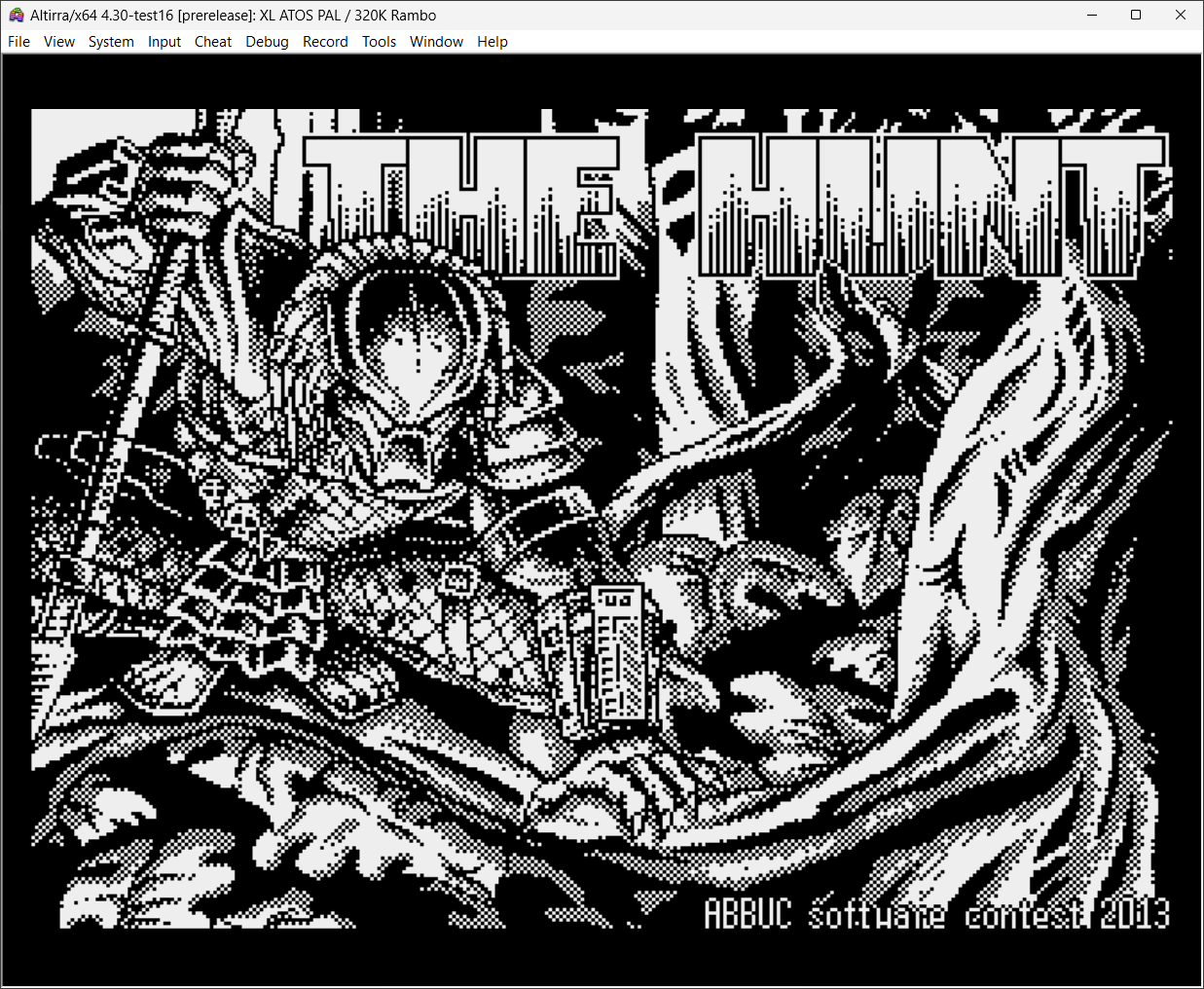
Créé par Avery Lee (l’auteur de VirtualDub), il s’agit d’un émulateur d’Atari 8 bits (800/800XL/130XE) disponible en 32 et 64 bits. Il dispose de beaucoup d’options ainsi que d’une bonne compatibilité. Il prend en charge les jeux protégés conformément à l’émulation. Il s’agit d’une version de développement au stade de béta.
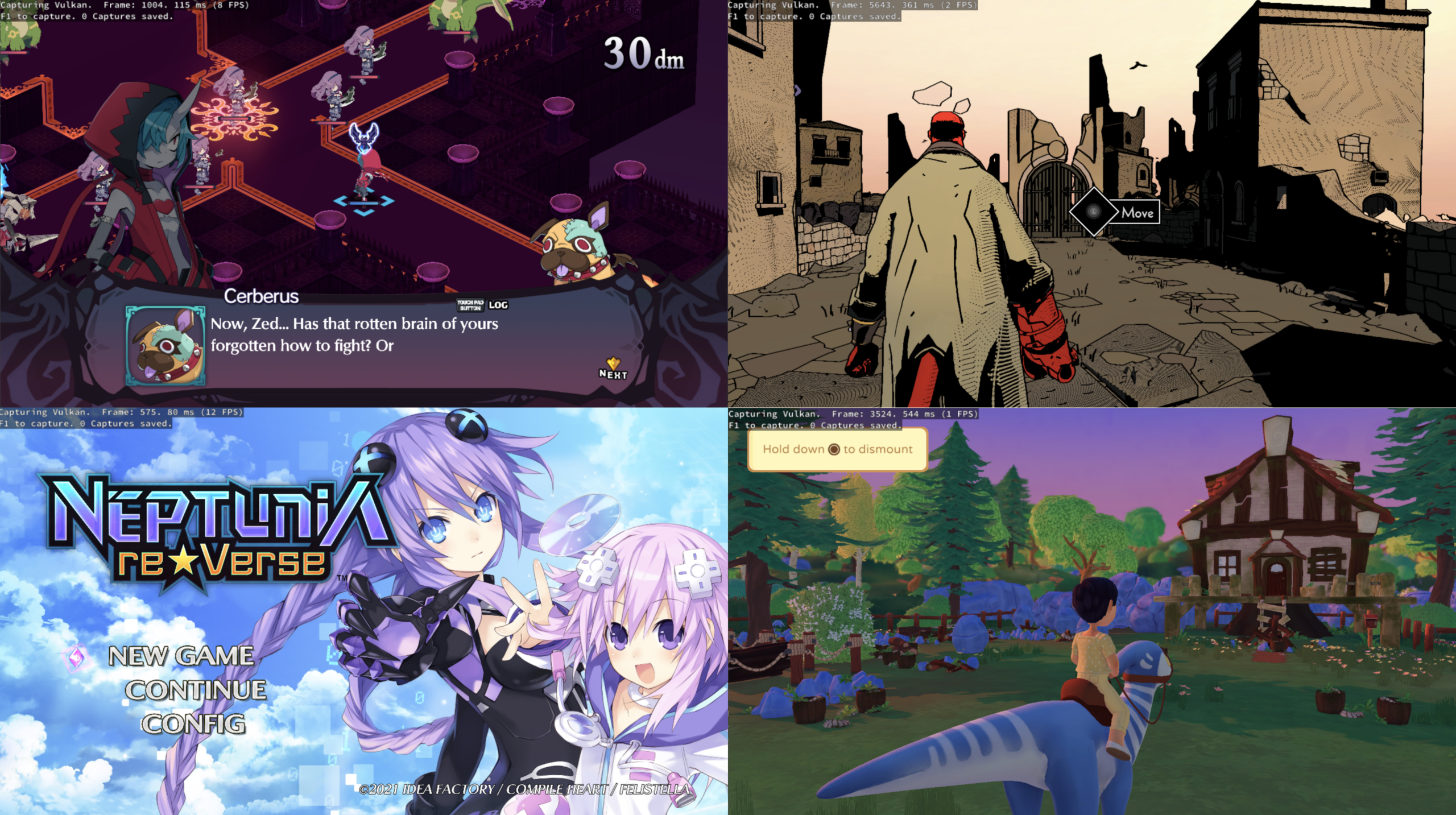
KytyPlus est un fork de KytyPS5, lui-même dérivé du projet original Kyty. Il reprend son émulation de la PlayStation 5 tout en ajoutant plusieurs améliorations, notamment le support expérimental des jeux PS4 via shadPS4, le FSR 1.0, un cache Vulkan permettant de conserver les pipelines compilés et différentes optimisations destinées aux GPU intégrés (iGPU). Il permet également l’installation des fichiers PKG depuis son interface et propose une gestion unifiée des jeux PS4 et PS5. Le projet est encore en développement et de nombreux jeux peuvent rencontrer des plantages, des écrans noirs ou des problèmes graphiques.
Les changements:
– Layer-output shaders now use the core SPIR-V ShaderLayer capability enabled by the Vulkan feature set, rather than the unenabled SPV_EXT_shader_viewport_index_layer extension.
– Layer-output shaders use SPIR-V 1.5 and include their live descriptor and push-constant variables in the entry-point interface. Shaders without layer output retain SPIR-V 1.3.
– Added regression coverage for SPIR-V validation and Vulkan pipeline creation.
– Legacy launcher configurations can disable FSR without failing because of inherited default output dimensions.
– Explicit FSR output dimensions remain validated, and invalid or incomplete dimensions are rejected.
– Fixed successful launcher process starts being reported with Qt’s misleading “Unknown error” text.
– Added emulator CLI regressions for the discussion #15 argument combination and FSR option ordering/validation.
– Mounting and resolving game paths now consistently convert UTF-8 strings to native filesystem paths on Windows.
– Windows file enumeration and directory operations preserve non-ASCII names, including paths containing characters such as an en dash.
– Added regression coverage for Unicode mount paths, guest filenames, directory opens, and file reads.
– Updated Dead Cells (PPSA-15554) to Playable, last tested with v4.1.
– Shader SPIR-V output for layer-export paths now uses the core ShaderLayer capability instead of the legacy SPV_EXT_shader_viewport_index_layer extension.
– Layer-output shaders now set SPIR-V version 1.5; non-layer shaders keep SPIR-V 1.3.
– Layer-output entry points now list the full set of live descriptor and push-constant variables in the interface.
– Added a regression check for Vulkan shader and pipeline compatibility for layer-output paths.
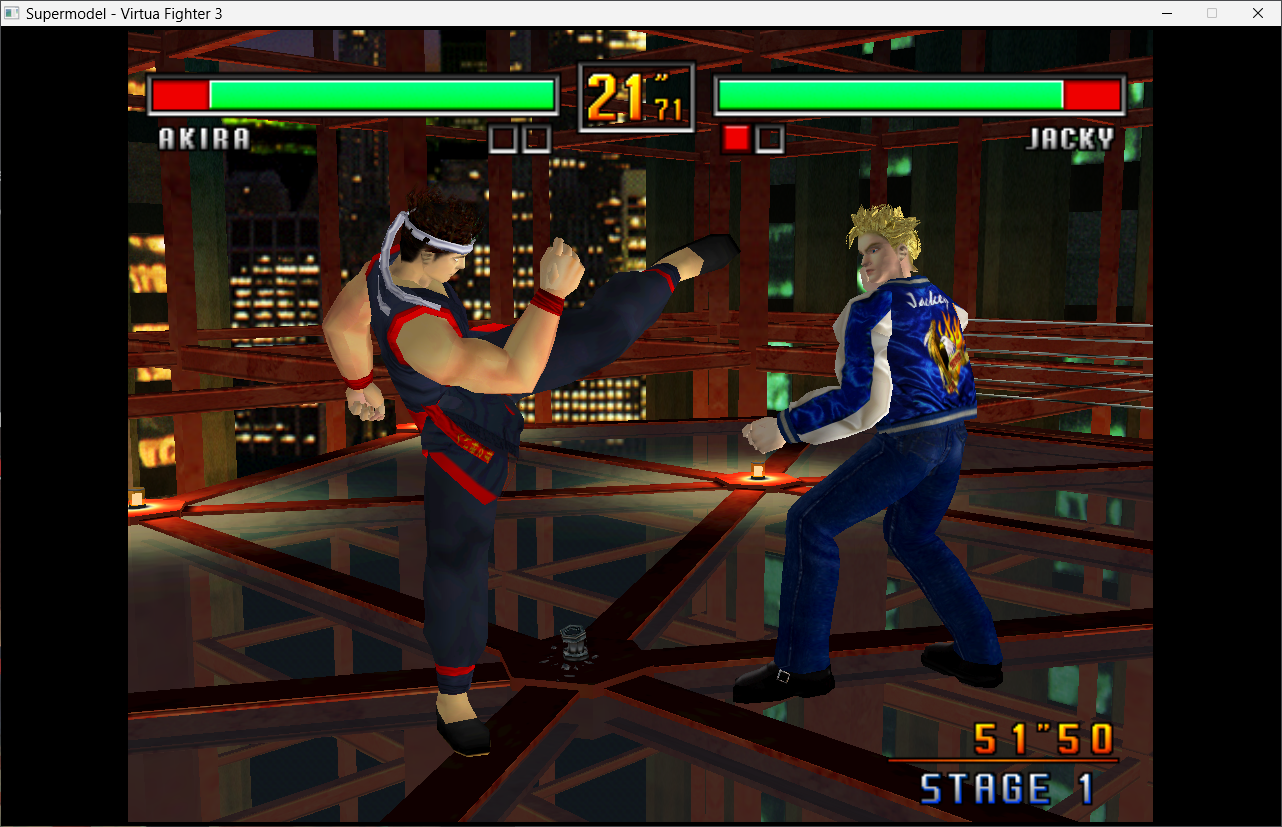
Le premier émulateur de Sega Model 3 créé par Bart Trzynadlowski, Ville Linde et Stefano Teso dans sa version de développement (voir ici ou là) [source].
Le système de mise à jour passe de SVN à GIT, du coup le nom des versions changent, par simplicité j’utiliserai un système par date de release plus compréhensible que le par défaut de GIT.
– GUI: DPI scaling (embed manifest in Release) & non-blocking joystick calibration by @toxieainc in #342
– [Gui.cpp] Add rom scanning feature by @pizzzza19 in #337
– GUI: fix several bugs, and ROM directory and joystick sensitivity settings by @toxieainc in #341
– Fix some UI vs INI quirks and use readable names for some settings in the UI by @toxieainc in #340
– Make quad rendering GLSL 4.1 compatible (so works with macOS, too) by @toxieainc in #339
– Misc fixes
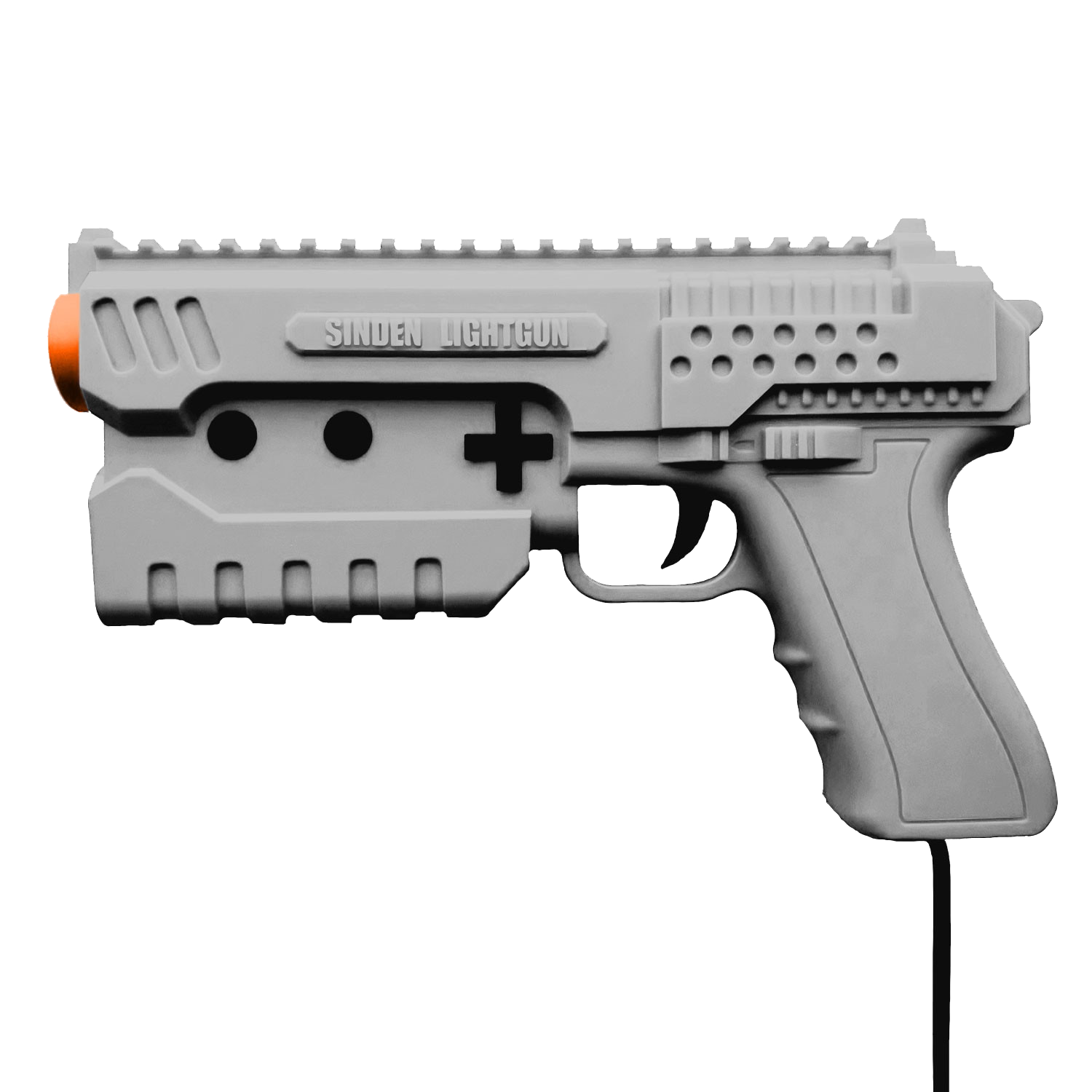
A noter qu’un nouveau fork ajoutant le support du Sinden est dispo ici.
Ajout:
– correction des musiques dans sega rally 2 (mix)
– correction musique 1er niveau 2joueurs (la cave rouge) dans vf3 (pas sûr de la modif, et donc cela peut éventuellement entrainer d’autre problèmes sonore sur d’autre jeux).(inclut officiellement)
Pour générer un dat vous pouvez utiliser cet outil.
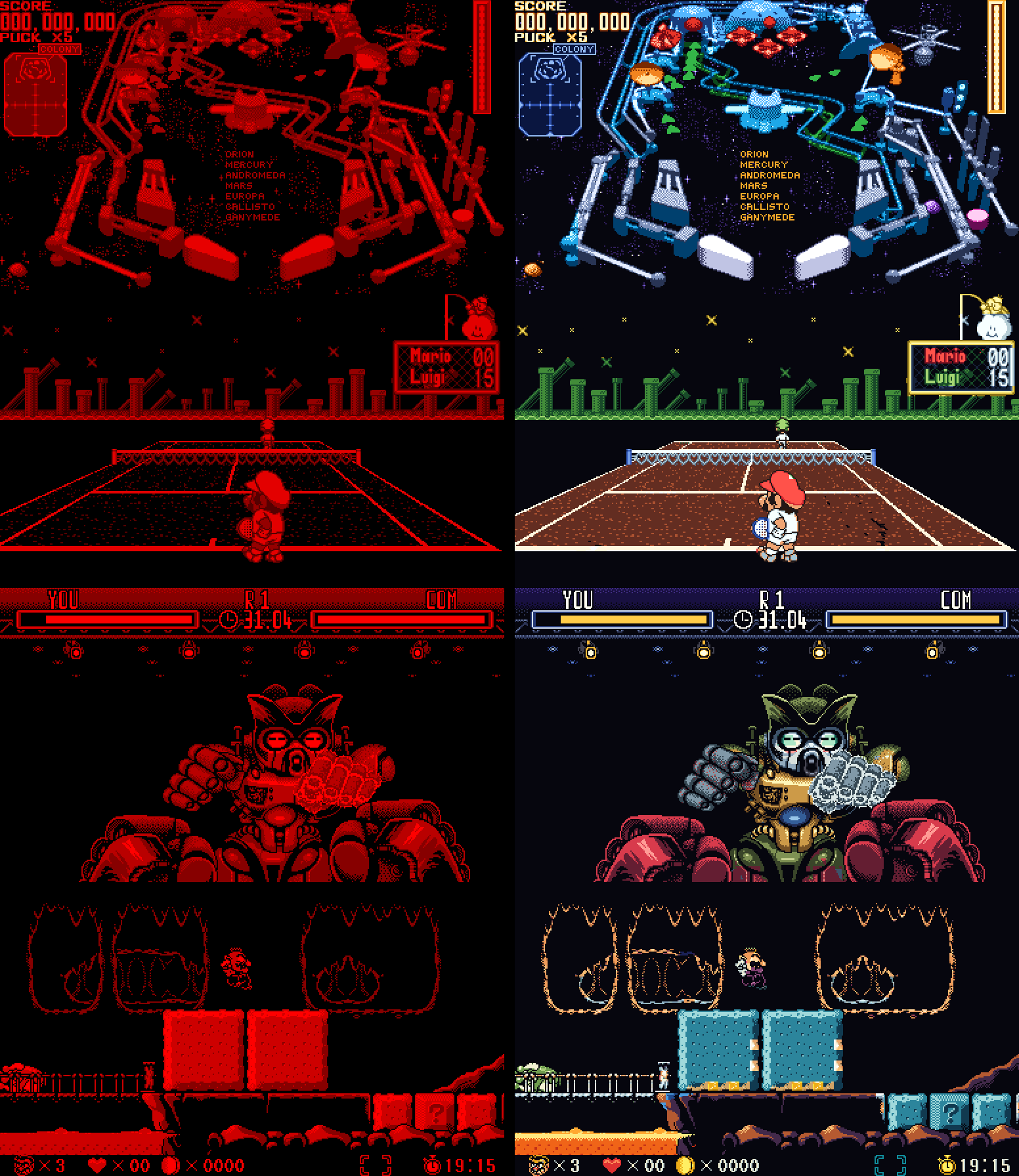
VBoyColor est un émulateur open source de la console Virtual Boy de Nintendo, développé par yuk27 à partir de VirtualBoGo. Il permet de jouer aux jeux de la console en couleurs, tout en conservant l’affichage stéréoscopique 3D sur Meta Quest. Des versions pour Windows et Linux permettent également d’y jouer sur un écran classique. Le projet utilise le cœur d’émulation Beetle VB, issu de Mednafen.
Caractéristiques:
– Émulation de la Nintendo Virtual Boy.
– Colorisation automatique des jeux, notamment grâce à la profondeur des éléments 3D.
– Plusieurs modes de couleurs: palettes multicolores, dégradés et teintes personnalisables.
– Packs de couleurs prédéfinis pour plusieurs jeux.
– Affichage stéréoscopique 3D sur Meta Quest.
– Plusieurs modes d’affichage: pixels nets, lissage ou rendu LED inspiré de l’écran original.
– Sauvegardes instantanées (save states) avec plusieurs emplacements par jeu.
– Configuration des commandes au clavier, à la manette ou avec les contrôleurs VR.
– Prise en charge de Windows, Linux, Android et des casques Meta Quest.
Les changements:
– Touch controls off (Android) – Settings > Controls > Touch controls: switched off, the on-screen controls stay out of the way – the game keeps the whole screen, and they show (over it) when you touch it, going again a few seconds after your last touch. Arranging them is now Settings > Arrange touch controls.
– Back opens the menu (Android) – a quick back gesture or tap during a game now always opens the menu (it was sometimes missed).
– Smoother games on phones (Android) – games no longer stutter on phones with a modest GPU:
. the LED look now takes a fraction of the graphics work, with the same picture (lighter on the Quest and PC too);
. a game’s save is written in the background – games that save often (like Wario Land) no longer freeze for a moment every few seconds;
. steadier frame pacing, a higher priority for the emulation, and (Android 11 and newer) the app asks the phone for a refresh rate that suits a 50 fps game.
– No console window on Windows – VBoy Color (and VBoyColorVR) open just their own window now. The log is still there for bug reports: Settings > Troubleshooting > Log window shows it. – If the app can’t start (no Vulkan driver, no VR runtime), a message box says why.
Windows: the menu’s logo – the sidebar now shows the VBoy Color logo instead of plain « VBoy Color » text.
– Android TV and Fire TV – the README now explains how to install VBoy Color on a TV box: the Downloader app, the APK’s link, a gamepad, and Quit at the bottom of the menu to close it.
– README – brought up to date with everything through beta 8: the update notice, and how each version (PC, PC VR, Android, RetroArch) is built.
– Wario Land – the minigames and the hub, painted part by part:
Wario in the minigames: his face in the coin game’s front poses, the hat in his form’s color when he’s seen from behind on the BET screen, and the far-away Wario in the heart game (and in the levels’ far plane) with his hat, face, overalls and gloves instead of plain orange.
Wario’s laugh in the elevator: a yellow shirt and white gloves rubbing together, instead of an orange shirt.
The hub’s host: purple all over (his belly’s plain patches too), with white eyes and fang, on a wooden stool – instead of a red head and patches of orange, brown and grey.
The sleeping creature on the save point’s map: the host’s purple, with a light blue snot bubble.
The minigame bats: green all over, with no red patches.
The heart game’s flying creatures: light blue with a yellow eye, instead of an orange outline.
– Close game and Quit – at the bottom of the menu’s sidebar (press twice): Close game goes back to the library with nothing running (its save written); Quit closes VBoy Color – on PC, and on Android phones and TVs (with a gamepad, there’s no other way out). Not on the Quest, whose own menu closes apps.
– Screenshots – Save states > Screenshot (F12 on PC) saves the game’s picture as a PNG, in its colors and three times its size, into a new folder of its own: the games folder’s screenshots by default, or one picked in Settings > Folders > Screenshots.
– Hotkeys (PC) – Settings > Controls > Hotkeys: any key, alone or with Ctrl / Alt / Shift (Alt+F1…), for the menu, fullscreen, screenshot, save / load state, previous / next slot, reset, close game and quit. Defaults: Tab, Alt+Enter, F12, F2, F4, F6, F7, Ctrl+R, none, Ctrl+Q.
The color pack and video tools (F4 to F12: captures, re-import, recording…) are now off by default – turn them on in the same page; while on, those keys are theirs, and the page lists what each of them does.
– Updates – when the check at start finds a newer version, a notice says so over the game or the menu, like the achievement pop-ups. The Windows app no longer downloads the RetroArch core’s zip by mistake (« Not a VBoy Color package »).
– RetroArch core – VBoy Color now also runs inside RetroArch (or any other libretro frontend) on Windows, Linux (x86-64 and ARM64, handhelds included), macOS and Android. It has the color packs built in, plus Auto, Multicolor, Gradient and Tint, and the 3D for a normal screen (side by side, top and bottom, colored glasses). RetroArch’s save states, rewind, run-ahead, shaders and achievements all work. To install it, put the core in RetroArch’s cores folder and vboycolor_libretro.info in its Core Info folder – without the .info, RetroArch shows only .zip games, not .vb. The zip’s INSTALL.txt says where both go.
– RetroAchievements (softcore) – log in on the new Achievements page and earn achievements as you play. Unlocks pop up over the game, and the page lists every achievement with its badge. The login’s keyboard has Copy and Paste (Ctrl+C / Ctrl+V on PC too) and an eye that shows the password as you type it.
– Mario Clash – Mario repainted part by part: a red cap and shirt, white gloves, dark overalls with gold buttons, and brown shoes, in every pose.
– Wario Land – Wario’s nose stays pink when he dashes.
– Jack Bros. – Jack Frost’s side views smile again, as before beta 6; the front view keeps its closed mouth.
– Dragon Hopper – a second pass on its pack: the title screen, the story scenes and the fairies.
– Smoother on Quest 3 – if you set the headset to 100 Hz with Quest Games Optimizer (or adb), VBoy Color now keeps that rate instead of switching to 120 Hz. The README explains how.
– Android phones, tablets and handhelds – the same APK now plays on them, with touch controls you can move and resize, or a gamepad.
– Gamepads fixed everywhere – PC window, PC VR and Android: the usual layout (A right, B bottom), every connected pad, pads plugged in later.
– Settings per game – hold a game’s card in the library to give it its own button mapping (and, on a phone, its own touch controls).
– 3D on a normal screen – side by side, top and bottom, or colored glasses (red/cyan, green/magenta, amber/blue).
– Choose your folders – games, saved games, save states and settings wherever you want them.
– Updates from the app – About → Update.
– Dragon Hopper – a first color pack. (Still WIP)
– Hand fixes to the colors – Wario’s face on the Wario Land title, Jack Frost’s face in Jack Bros., Panic Bomber’s moon.
‘Xbox 360 Controller Emulator’ est une bibliothèque de wrappers qui traduit les appels XInput en appels DirectInput, et permet le support des pads non-compatibles XInput dans les applications (surtout des jeux).
En d’autres termes: x360ce vous permet d’utiliser n’importe quel pad dans les jeux qui supportent à la base uniquement le pad XBOX360 !
Notez que la version AnyCPU s’exécute nativement en 32 ou 64 bits selon le système. Elle est donc la seule version à jour à privilégier.
SkyEmu est un émulateur GameBoy, GameBoy Color, Game Boy Advance et NDS de bas niveau. Son objectif principal est de fournir une bonne expérience utilisateur grâce à un bon mélange entre précision / performances / fonctionnalités et convivialité.
Fonctionnalités:
– Émulation Game Boy Advanced très précise
– Émulation Game Boy et Game Boy Color
– Prise en charge expérimentale de la Nintendo DS (uniquement capable d’exécuter des homebrews actuellement)
– Multiplateforme : Windows, MacOS, Linux, application Web (avec commandes à écran tactile pour iOS et Android)
– Prise en charge du contrôleur de jeu et du grondement avec des raccourcis clavier configurables
– Shaders d’upscaling de haute qualité, correction des couleurs et suppression des images fantômes à l’écran- 4x emplacements de sauvegarde avec aperçu de la capture d’écran
– Prise en charge de l’avance rapide et du rembobinage du jeu (prise en charge de très long rembobinage)
– Prise en charge de l’émulation de l’horloge en temps réel
– Débogueurs CPU, MMIO et mémoire
– Thèmes sombres et clairs
– Prise en charge des images de BIOS officiels
– Support pour le chargement des ROMs compressées avec des archives .zip
Les changements sont les suivants: – [GBA] More accurate DMA hblank triggering for DMA
– [RetroAchievements] Make RA reads use the debug memory handler on NDS to avoid altering the ingame timing for its reads.
– [NDS] Make sure debug key is not set as that triggers reboots in some games (ie. Golden Sun)
– [NDS] Mirror card ROM reads to the chip capacity before applying secure-area redirection (fixes Pokémon Conquest boot)
– [NDS] Keep debug and compare-log file handles in scratch so save states can’t restore stale FILE pointers
– [HTTP CONTROL SERVER] Fix bug that would cause arguments to be reordered which would corrupt read/write_byte commands.
– [Control Server] Fix crashes in headless mode
– Refine Agents.md
– [NDS] Improved DMA accuracy
– [NDS] Improved timer emulation
La dernière version de l’émulateur en ligne est également disponible à cette adresse en tant qu’application Web.
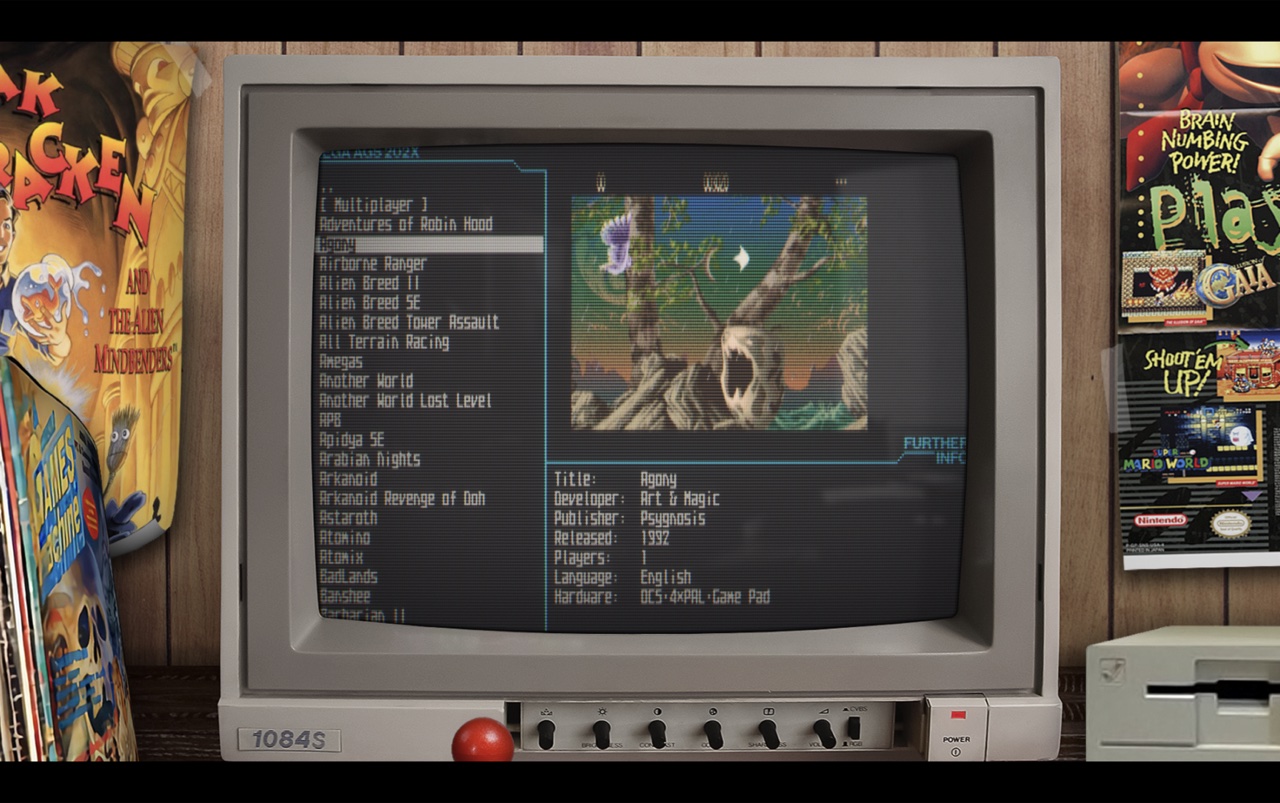
Amiberry est un émulateur Amiga optimisé, libre (GPLv3), basé sur le cœur WinUAE, conçu pour ARM et x86 (Raspberry Pi, PC, etc.), offrant JIT ARM64/x86-64, interface moderne (Dear ImGui), support WHDLoad, shaders/bezels, intégration RetroArch et une distribution multi‑plateforme (Linux, macOS, Windows, Android, FreeBSD, Haiku) avec paquets et scripts d’installation prêts à l’emploi.
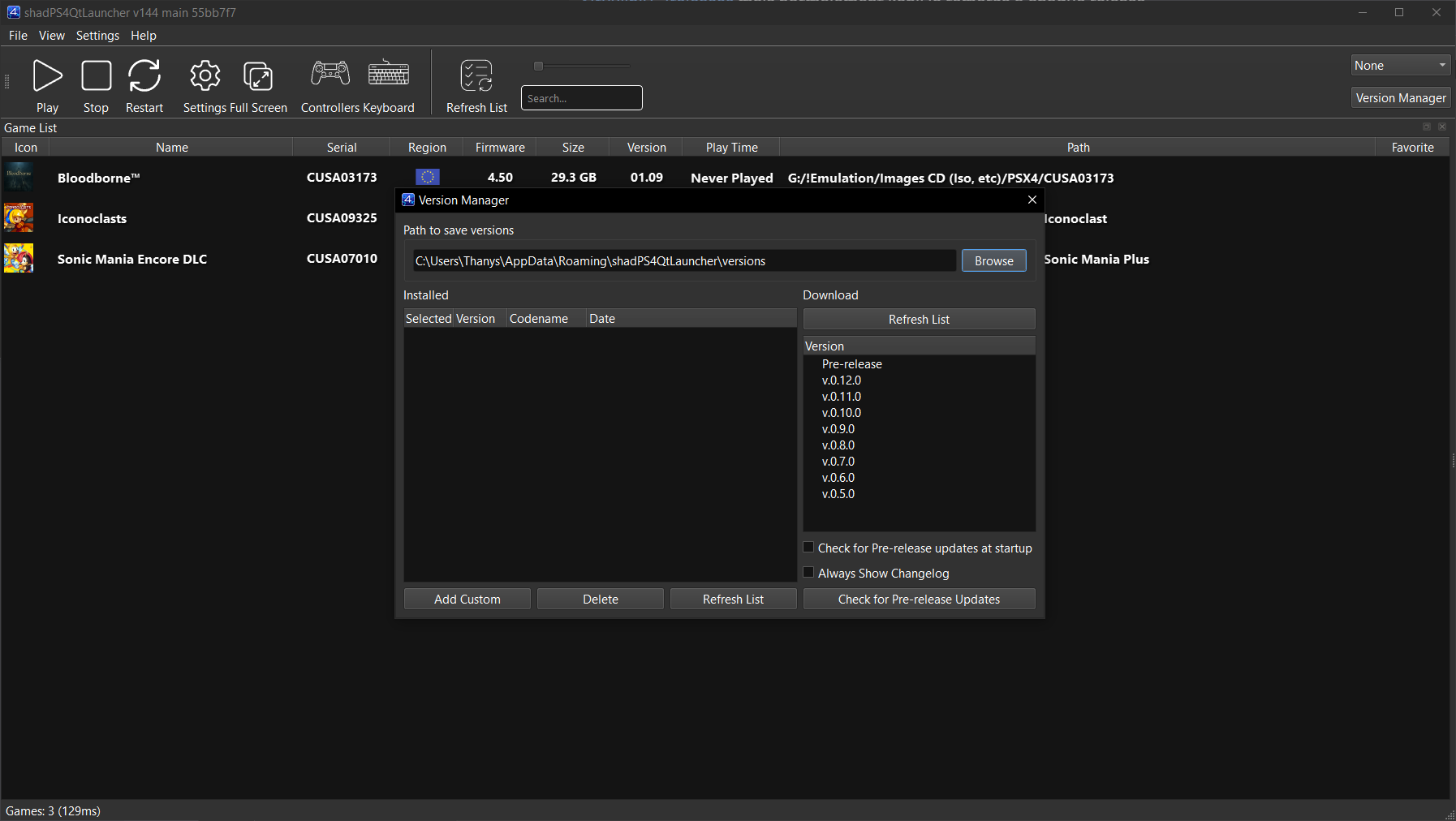
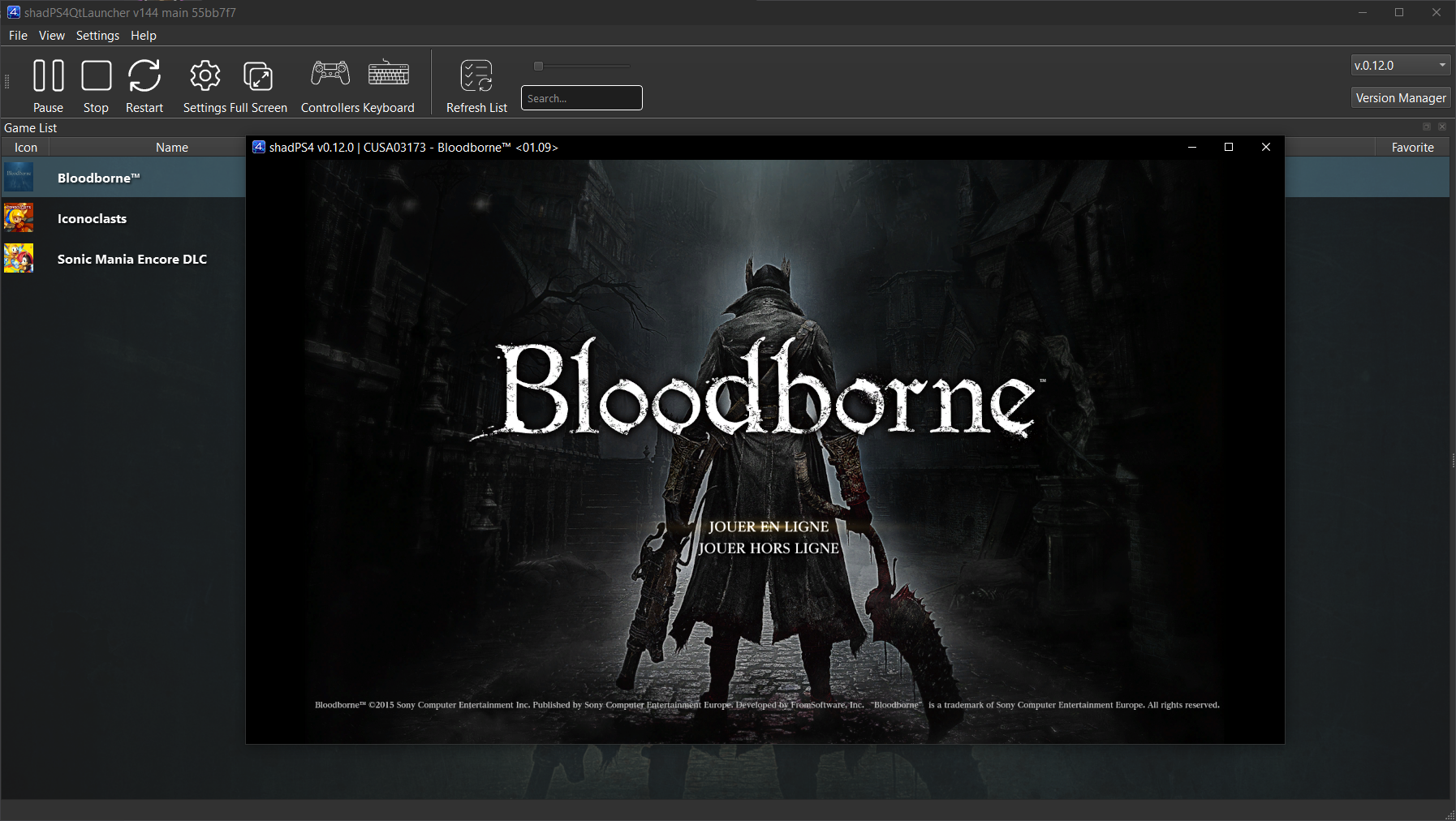
shadPS4 est un émulateur PlayStation 4 open-source. Depuis la version 0.12.1, il abandonne son interface graphique intégrée pour fonctionner uniquement en ligne de commande.
Pour faciliter son usage, une interface externe est disponible. Elle permet de lancer des jeux, configurer les options, et suivre les performances via une interface visuelle simple et intuitive.
Cette interface est développée séparément et reste compatible avec les futures versions de shadPS4.
Les changements: – [ci skip] Qt GUI: Update Translation. (#463)
– Settings: Unhide the home folder settings that was implemented long ago :despair: (#474)
– New Crowdin updates
– Misc fixes
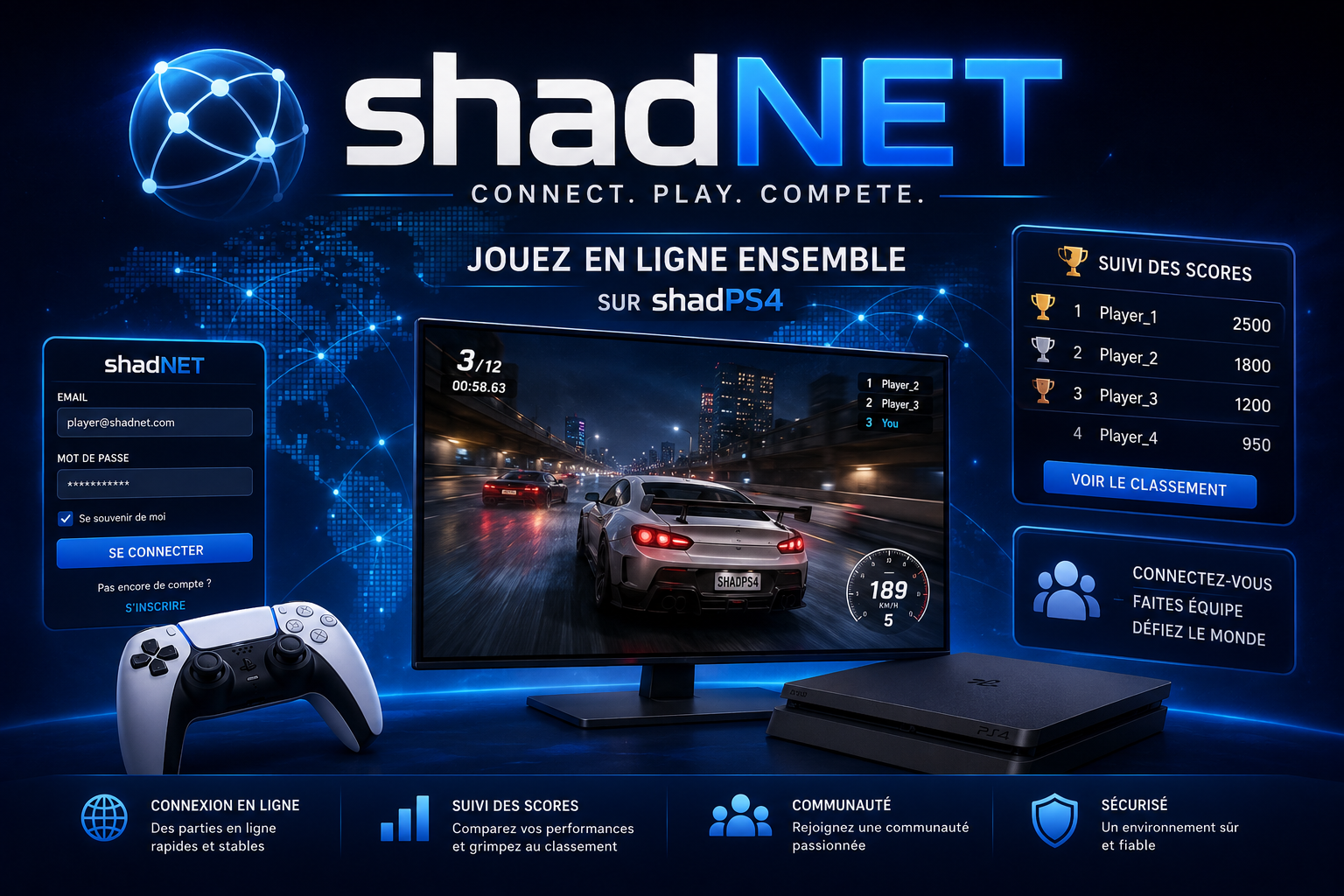
shadNet est un service online (en remplacement du PSN) pour l’émulateur shadPS4, basé sur une solution inspirée de RPCN (PlayStation 3). Ce projet permet aux utilisateurs de se connecter et de jouer en ligne ensemble sur des jeux PS4 émulés.
Les changements: – client version service (#50)
– similar to world service (#49)
– better handling for online status (#48)
– client rules support (#47)
– matchmaking limitation (#46)
– Fix nested identity field selection in friend list (#45)
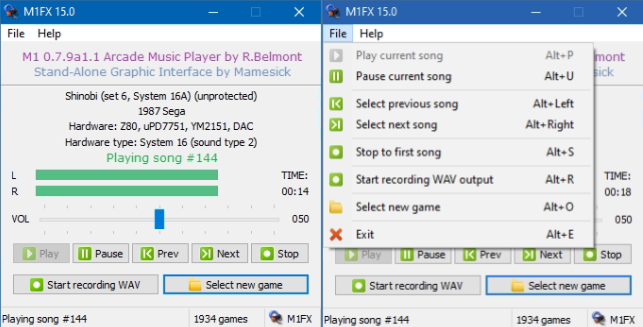
Créé par Mamesick et originellement destiné à son émulateur MAMEUIFX (à présent Arcade64), il s’agit de M1 avec un frontend intégré (et simplifié) dans un seul exécutable et permettant de régler le volume ou même d’enregistrer.
Les changements:
– Dropped UNICODE support for the moment. It’s the cause of unexpected crashes and have to be investigated.
– Implemented the usage of tracks lists, with song title and (where stated) duration. Not all games are supported.
– Added to the M1FX package the above mentioned lists. They are stored in \M1\LISTS\EN\ folder. This is mandatory and cannot be changed.
– Some tweaks and code cleanups here and there.