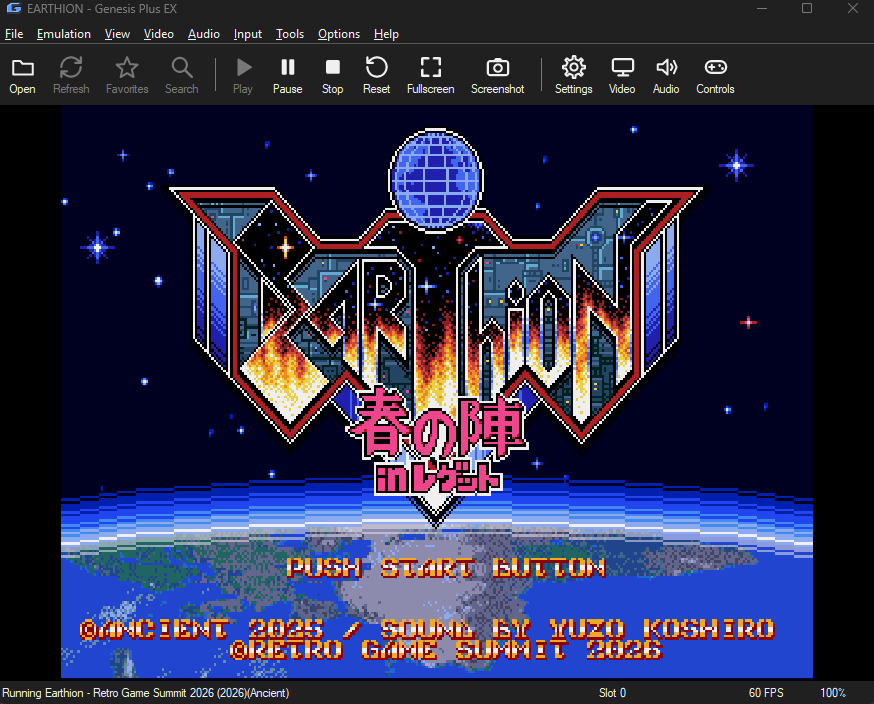
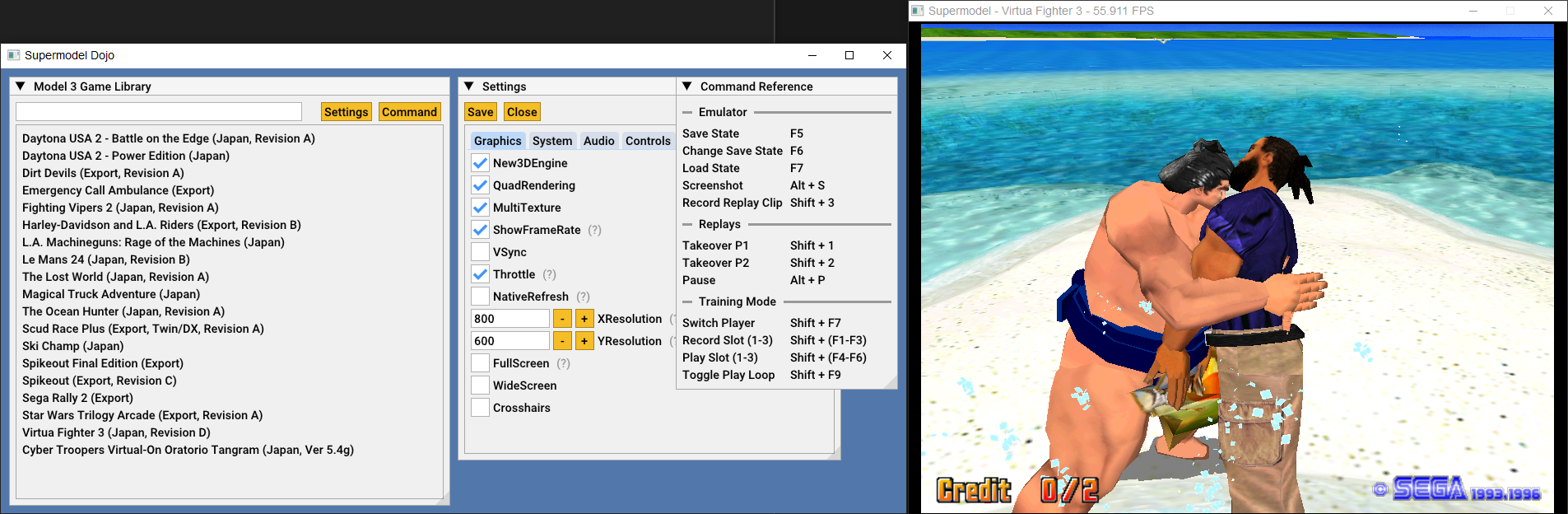
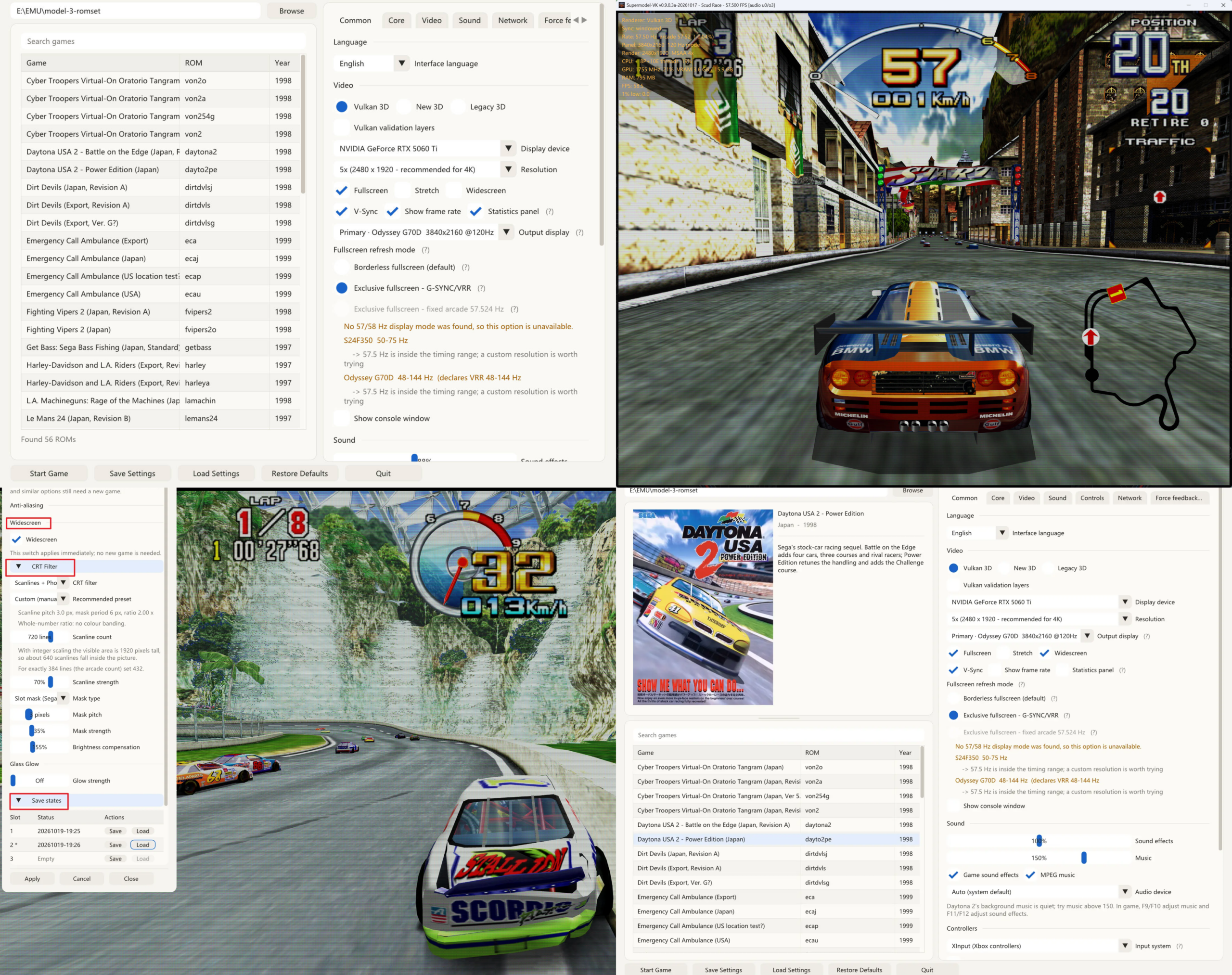
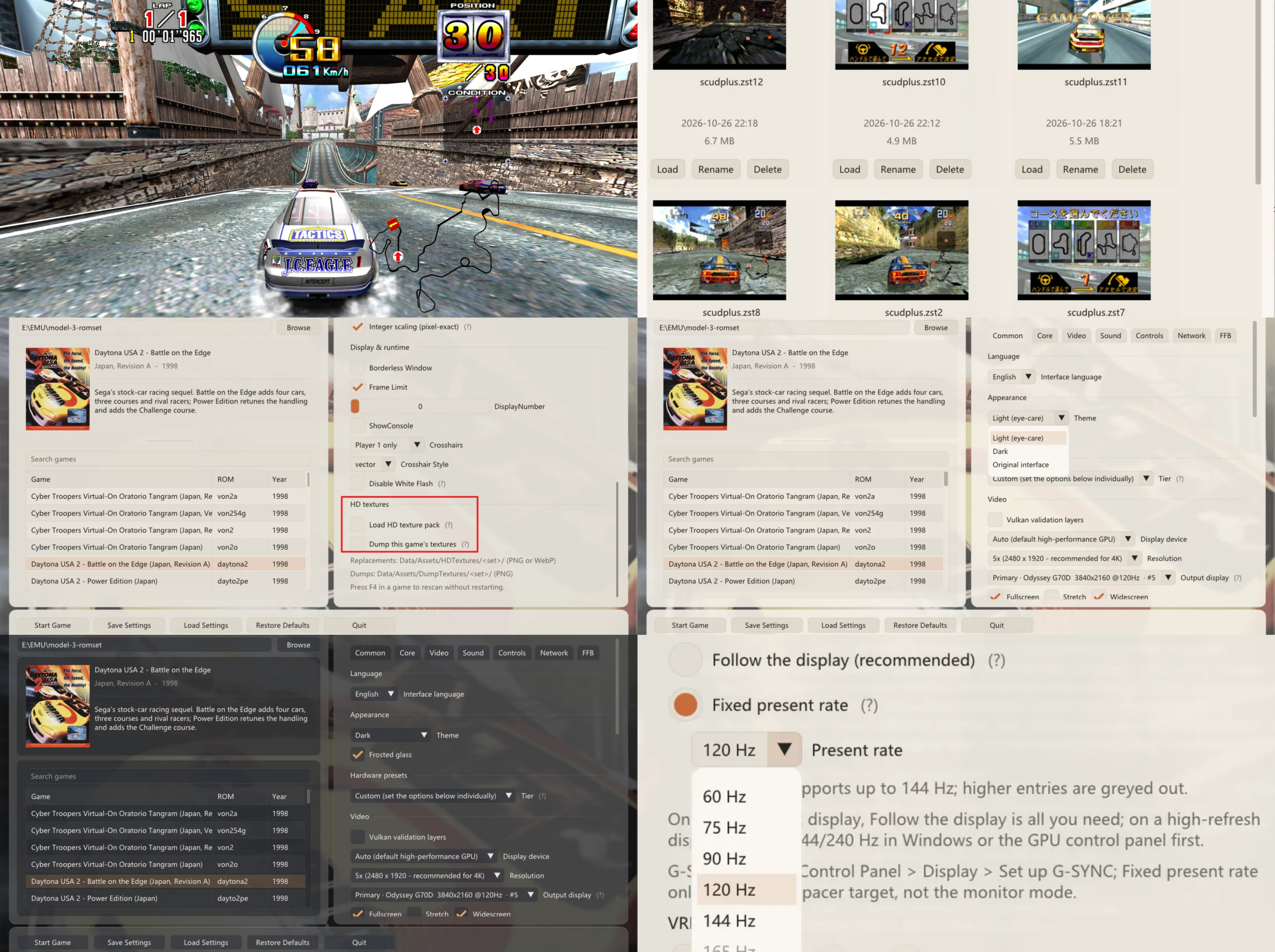
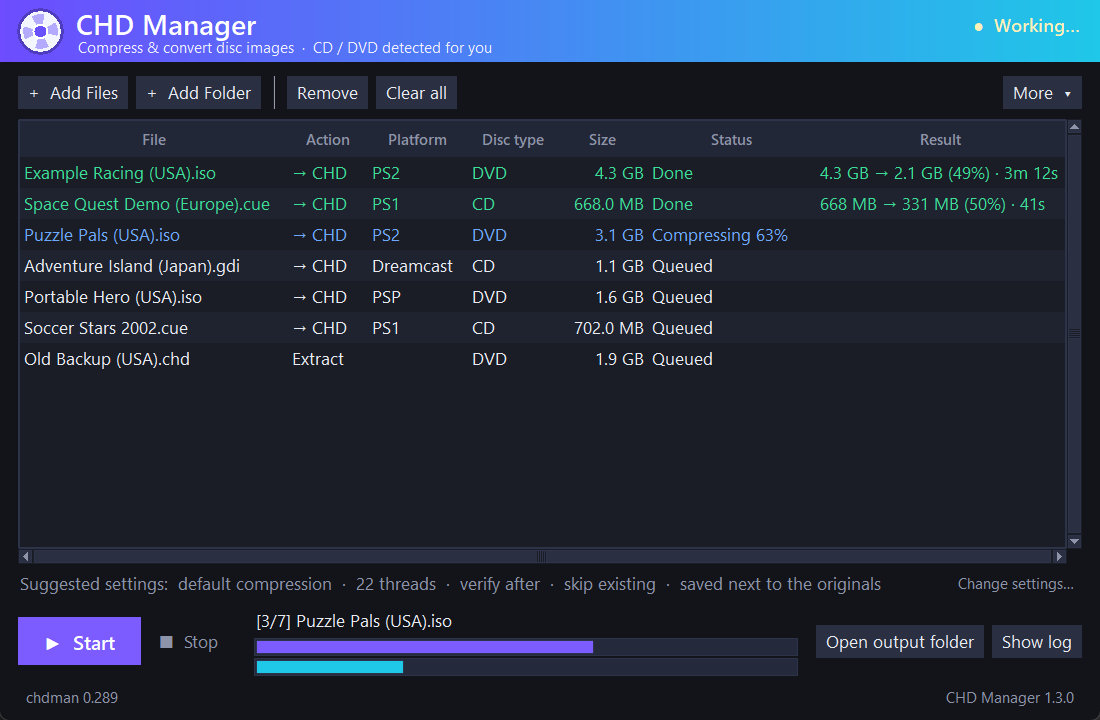
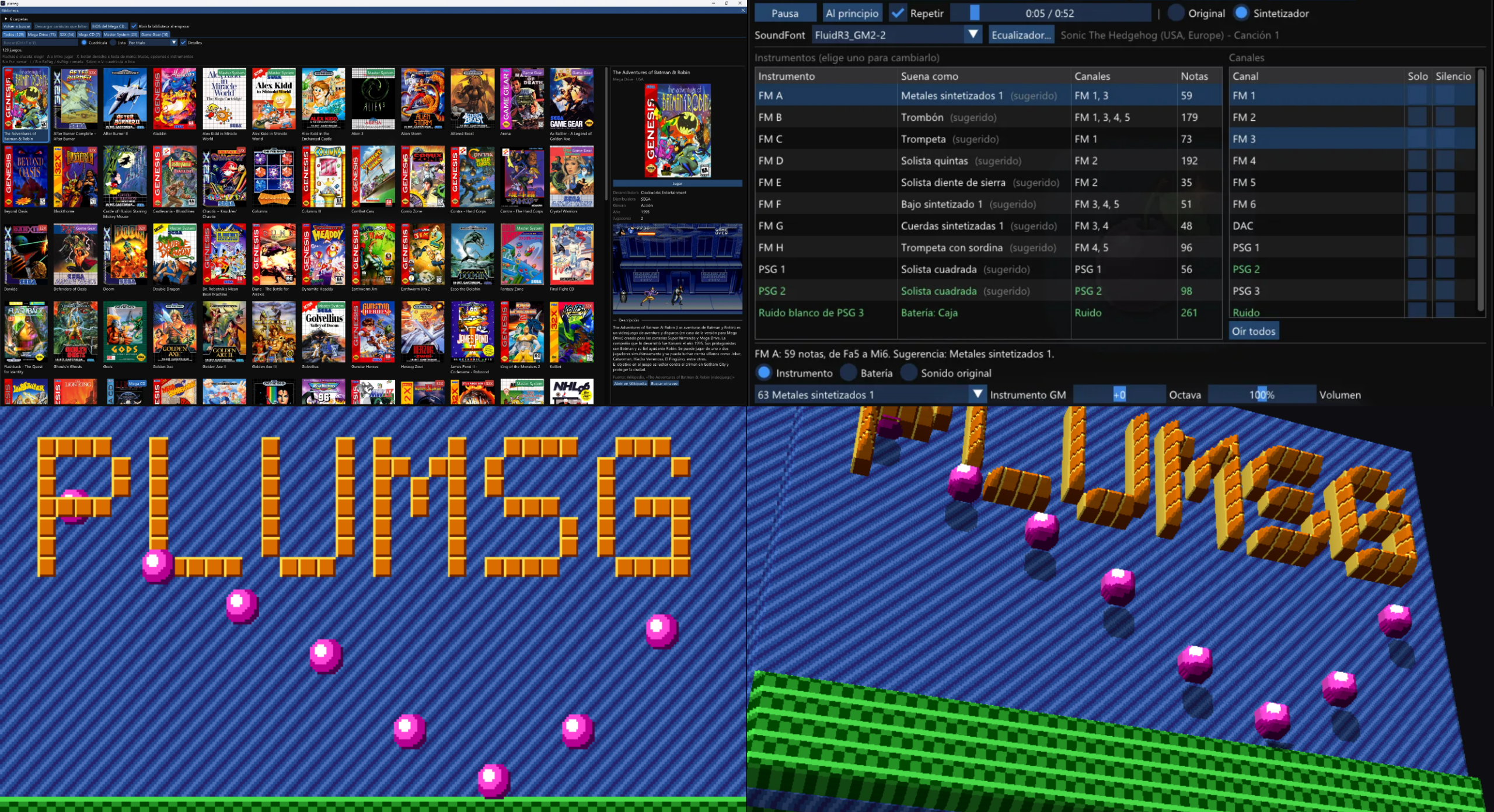
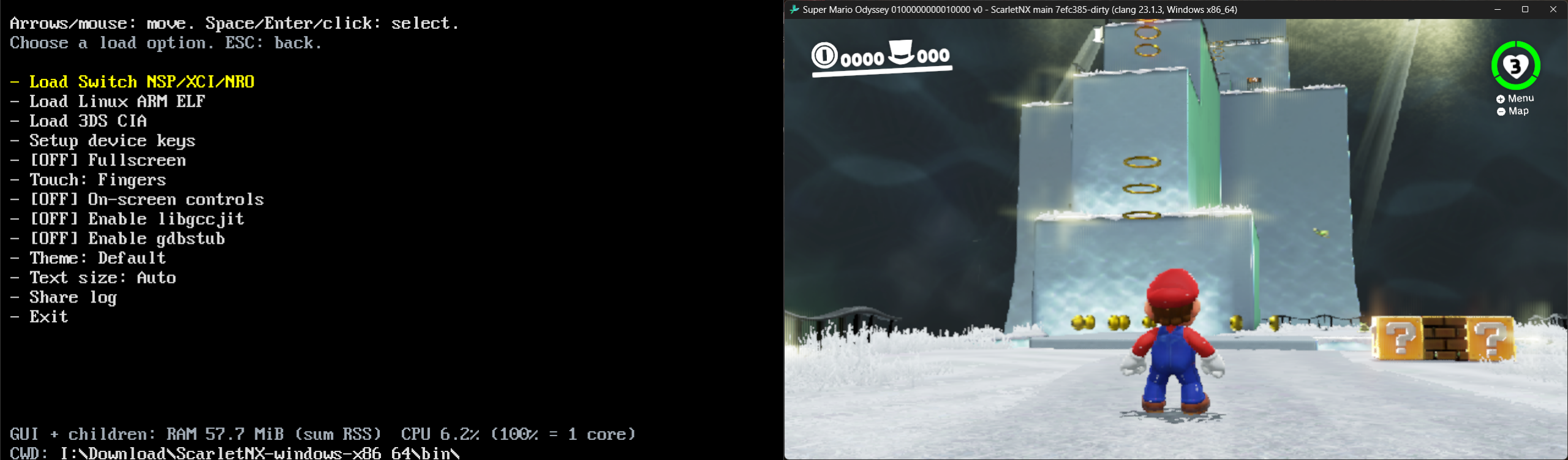
Il s’agit d’une petite application qui fonctionne comme une superposition et vous permet d’ajouter des scanlines sur les jeux pc, émulateurs, interface graphique de la manière la plus simple possible.
 

Que le programme propose des scanlines ou non, vous pourrez ici en appliquer en toute simplicité.


Un tuto est visible ici.
 
Voici les changements:
 
★ BEZEL REFLECTION
4:3 games are now fully supported :
The reflection finally hugs the edge of the image on 4:3 games, not just 16:9.
 
• Corner geometry fixed : rounding the corners no longer stretches or distorts the reflection
• Two separate size sliders : up/down and left/right, with an option to link them
• New AUTO / LOCK / FULL button to choose how the reflection frames the game

 
★ NEW FEATURES

Factory presets :
A full library of ready to use presets built by myself, covering consoles, handhelds, arcade and 16:9 games. Check them first when you add a new game, they will save you a lot of tweaking.
 
In-game menu (OSD) :
The same settings panel, directly inside your game, for titles that hide the S4W window. Controllable with your mouse or fully with a gamepad.
 
Report button :
Tell me how a game behaves in a few clicks, the right log file is attached automatically.
• SNAP TO PIXEL : locks the scanline grid onto the game’s internal pixels
• New Kill Game shortcut to close the running game instantly
• Gamepad support (XInput) : assign your shortcuts to gamepad buttons, not just to the keyboard

 
★ COMPATIBILITY
• MAME per game profiles : a different bezel and different settings depending on which MAME game is running

 
★ BEZELS
• New 4K bezels that stay sharp even if you are not running in 4K

 
A télécharger sur le site officiel.
 

Site Officiel

Un émulateur de MZ-800 / MZ-700 / MZ-1500 pour Windows.


Les changements principaux sont:

– The emulator can now be built on macOS as well (guide: docs/build_osx.md). Thanks to Mathias Olsson for the contribution.
– BUGFIX: macOS – the emulator crashed shortly after start while updating the main window title. (GitHub issue #2)
– BUGFIX: Debugger – a MEM_W/MEM_R breakpoint incorrectly triggered already when an instruction at the watched address was executed.
– BUGFIX: Debugger – MEM_W/MEM_R and IORQ breakpoints only worked while the Disassembled window was open. They now work without the Disassembled #1 window open too.
– Debugger – for a memory-access breakpoint in the memory bank zone (MMEXT_BANK) you can now choose how the entered address is read: either as an address in the CPU view (0000-FFFF), or as an offset within the bank (e.g. 0000-1FFF). The offset within the bank catches an access to that bank regardless of which CPU window the bank is currently mapped into.
– BUGFIX: Trace Suite – turning recording off (or changing a channel mode) from the menu while emulation was running could crash the emulator. Recording is now started and stopped safely on the emulation thread.
– CHANGE: Trace-suite recording now has a default size cap of 2 GB per channel (previously unlimited) so a long recording (mainly CPU Track) cannot fill the disk. When reached, the channel stops; the cap is configurable (max_total_mb, 0 = unlimited).
– BUGFIX: fixed timing in the z80-mz800 CPU core – the CPU executed an interrupt immediately after EI instead of after the following instruction. The bug was introduced in version v2.0.2
– BUGFIX: In IM 2 mode, when an interrupt that did not originate from the PIO-Z80 arrived, we previously returned the vector 0x00 incorrectly. Now the « bus ghost » value is returned. A minor fix was also added in the I/O Ports window and the Events window. Snapshot: loading a snapshot corrupted the Unicard SD root dir configuration.
– MCP server – events are now available over TCP as well (previously only over the pipe). Typed breakpoints (MEM_W, MEM_R, IORQ…) can be created. Instruction tracing can be fully controlled over MCP (start/stop/reset/save, with channel selection). MCP tools now always return an error message instead of an empty response on error.
– BUGFIX: MCP server – sending keys to the emulator now reports whether the keys actually landed. Previously the tool could report success even when the machine did not accept them.
– Tracing can now be limited to an address range (PC filter).
– A breakpoint action can run additional commands – control tracing and CDL recording (start/stop/reset/save) and save a snapshot or a memory segment right from the breakpoint (including a continuing one), with a file name template.
– BUGFIX: MCP server – emu_run now stops emulation deterministically (exactly at the requested frame count). Previously the asynchronous pause stopped it at a variable point, so tracing over MCP could nondeterministically affect timing-sensitive programs.
– MCP server – the emu_run response now includes a stopped_by field (why the emulation stopped: ran the full frame count, breakpoint, pause or timeout); the complete field is now true only when the full requested frame count was reached.
– SPEEDUP: The emulation is significantly faster in MAX SPEED mode. Thanks to Z80 core and memory access optimizations it now runs about 42 % faster (up to ~47 % on memory-heavy code). Specifically: a per-step Z80 core variant without the internal register cache (+27 %) and direct (inline) access to plain RAM instead of going through a function pointer (+11.6 % to +15.6 %).
– BUGFIX: Unicard – the short file name field (8.3 format) in the directory listing and file status contained only a truncated long name instead of a valid 8.3 name for long file names. The emulation now generates the same 8.3 name as a real card.
IMPORTANT: it turned out that each Unicard firmware version fills this field DIFFERENTLY – and the emulation now reproduces BOTH variants. Firmware uc1 (MZ800UKP1) preserves letter case (e.g. « seesharp.mzf » stays lowercase); firmware uc3 (Unicard3) uses uppercase only. The emulation picks the correct variant based on the active firmware.
– BUGFIX: Unicard – the binary directory listing and file status now also faithfully fill the long name field and its length, according to the active firmware (uc1 and uc3 fill these fields differently – on uc1 the long name is sent only for files that actually have one, on uc3 this field carries the primary name). As a result, code tested against the emulator also works on real HW. Firmware uc1 additionally sends a « .. » entry in subdirectories (uc3 does not – its manager adds it itself).
– CHANGE: A bug was found in the Unicard uc3 (Unicard3) firmware – in the binary directory listing it does not fill the long file name (LFN) field. In this point the emulator deliberately behaves CONTRARY to the accurate-emulation principle: it emulates uc3 the way we believe it should behave IF the bug were not there (i.e. filling the LFN correctly). For this reason, uc1 (which is faithful to the real HW) is now the default Unicard firmware for MZ-800.
– BUGFIX: the main window was not placed at the center of the screen at startup on lower-resolution displays when a startup window size other than « Native » was selected. The window is now centered for all sizes, including after leaving full-screen mode.
– BUGFIX: MCP server – direct physical memory access (region_read/region_write and the file_load/save_from_region composites) was unreliable in some situations: reading large regions (around 64 KB) over TCP stalled the connection, and region IO failed until the debugger was opened. It now works reliably even for full 64 KB regions and right after startup; on error it returns a clear message instead of an empty response.
– BUGFIX: On-the-fly reads from the CTC 8253 occasionally returned a wrong value. The bug was introduced in v2.0.2 when the emulation was split into the DBG and HOT paths.


Télécharger Mz800emu v2.0.5 pre (42.0 Mo)

Site Officiel

En savoir plus…

Coffee GB est un émulateur Game Boy Color développé en Java 16 (pour le cœur) et Kotlin (pour l’interface graphique). Conçu comme un projet personnel et un exercice de programmation, il se distingue par une approche technique ambitieuse: l’émulation du CPU est cycle-exacte, chaque instruction étant décomposée en micro-opérations exécutées à la cadence réelle de la console.
 

Malgré son aspect expérimental, Coffee GB offre une compatibilité élevée, validée par les célèbres tests Blargg et Mooneye GB, garantissant un comportement fidèle à la console d’origine. Il prend en charge les cartouches avec les contrôleurs mémoire MBC1 à MBC5, ainsi que les sauvegardes sur batterie, permettant de conserver les données de jeu comme sur une vraie Game Boy.
 

L’émulateur lit également les ROMs compressées (.zip), propose une configuration des touches via un fichier .properties, et intègre une fonctionnalité de netplay avec rollback (encore expérimentale) pour jouer en ligne avec synchronisation des états.
 

Pour les développeurs ou curieux techniques, le projet inclut des tests automatisés via Maven, et le code source est disponible sous licence MIT, librement modifiable et réutilisable.


Télécharger Coffee GB v1.7.16 (66.5 Mo)

Site Officiel

En savoir plus…

Mesen Community Edition est un émulateur multi‑systèmes open‑source pour Windows, Linux et macOS, développé par la communauté à partir du projet Mesen2. Il vise une haute précision, une excellente compatibilité, et propose une interface moderne accompagnée d’outils avancés pour les joueurs comme pour les développeurs.


Né initialement comme un fork pour pallier la mise en pause du développement de Mesen2 par son créateur original (Sour), MesenCE est désormais devenu la continuation officielle et exclusive du projet. Face à la dynamique communautaire, Sour a choisi de rejoindre activement l’équipe de MesenCE afin d’y centraliser tout le développement futur. Cette transition sous un modèle entièrement géré par la communauté permet d’intégrer plus rapidement les correctifs, d’améliorer la compatibilité multiplateforme et d’ajouter de nouvelles fonctionnalités, tout en préservant l’esprit d’excellence du projet d’origine.
 
Les changements:
 
Mesen is becoming MesenCE, a Community Edition maintained by Sour and various community members. All development will occur in this new fork going forward so it can continue whenever Sour is away from the project.
 
– Debugger: Tilemap viewer – Added option to pick background color (#238)
– Debugger: Lua – Added getPressedKeys API (#236)
– Debugger: GG/SG/CV – Sprite Viewer – Added support for zoomed sprites (#235)
– Debugger: SuperGrafx – Added VPC options and VDC1/VDC2 filter in the event viewer (#234)


Télécharger MesenCE v2.2.1 r20260729 (69.8 Mo)

Site Officiel

En savoir plus…

Il s’agit d’un fork de l’émulateur Switch Citron, repris exactement à l’endroit où son développement s’était arrêté.


Les changements:
– Merge pull request #286 from cheezwiz7899/build-fixes2
– spaces are evil
– Merge branch ‘main’ into build-fixes2
– fix AppImage packaging cleanup
– fix(windows) make the csgenerate stage respect the release type
– more dependency package adjustments
– move bolt building to the bolt stage where it belongs
– update packages for various distros in setup
– fix msys2 path handling bug with ffmpeg compile
– some profraw handling improvement for clang-cl pgo stages, and qt path tomfoolery
– Merge branch ‘citron-neo:main’ into build-fixes2
– build(windows):fix pgo profile handling for clang-cl, enable libusb for clangtron


Télécharger Citron Neo (2026/07/29) (9 O)

Site Officiel

En savoir plus…

L’objectif de ce projet est d’être un émulateur Nintendo DS rapide et portable.


Télécharger NooDS (32 bits) (2020/06/14) (2.5 Mo)

Télécharger NooDS (64 bits) (2026/07/29) (3.6 Mo)

Site Officiel

En savoir plus…

Il s’agit d’un bon émulateur de Commodore C64.


Télécharger CCS64 (Dos) v2.0B (348 Ko)

Télécharger CCS64 (Win98+) v3.9.2 (2.0 Mo)

Télécharger CCS64 v4.1 (43.4 Mo)

Site Officiel

En savoir plus…

XRoar est un émulateur Dragon32/64 mais aussi Tandy CoCo.


– Internal rework of breakpoints and watchpoints
– Target description sent to GDB
– Enable GDB for MC-10
– GDB: support NoAckMode
– New option -gdb-pseudo-regs exposes more state as faux registers to GDB
– SDL3 support
– Windows UI migrated to use SDL3
– New option -vo-monochrome selects black & white display [by Erik Gavriluk]


Télécharger XRoar (x86) v1.12 (2.5 Mo)

Télécharger XRoar (x64) v1.12 (2.5 Mo)

Site Officiel

En savoir plus…

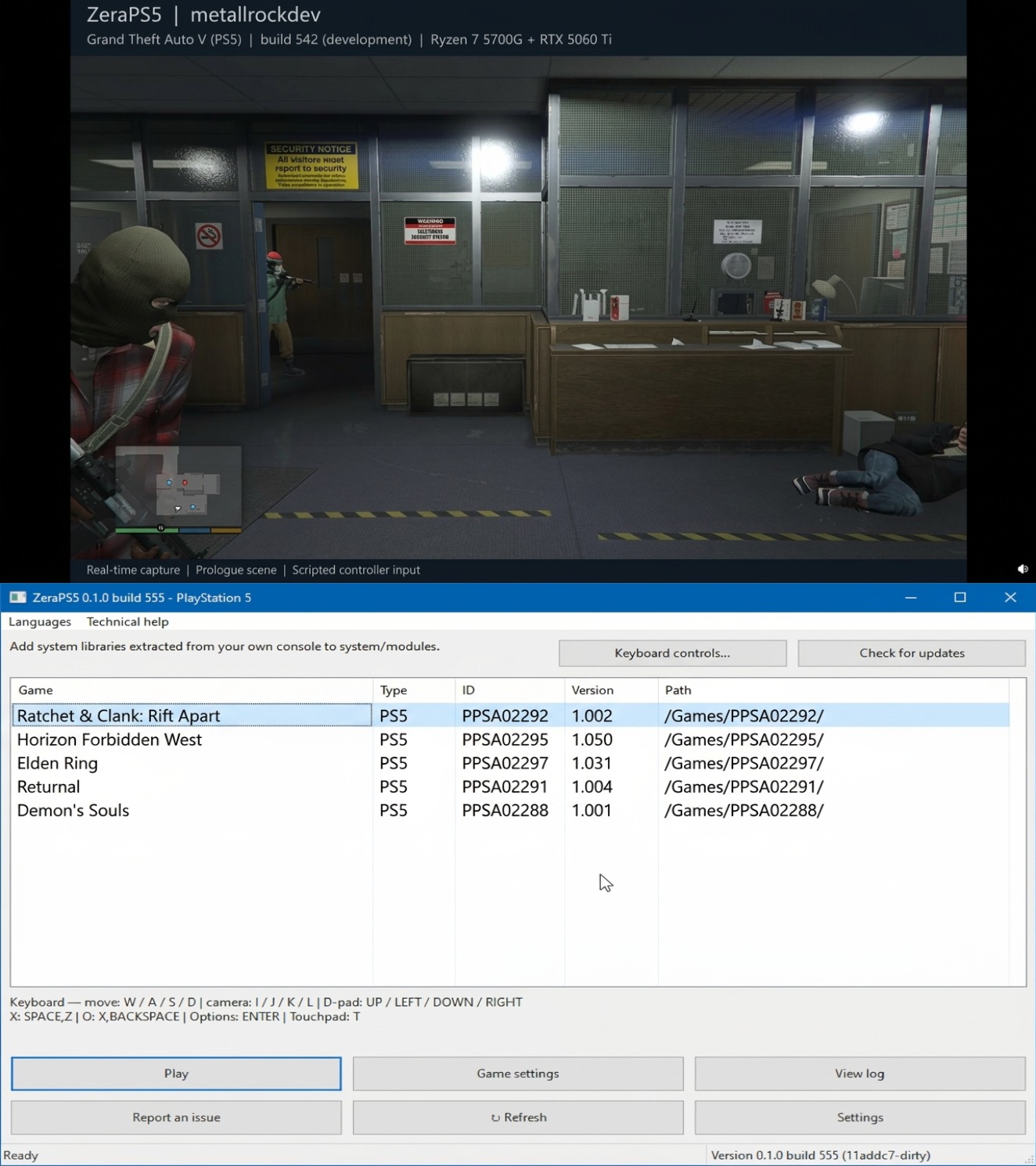
Le projet KytyPS5 est un émulateur PlayStation 5 pour Windows, développé par Nmzik, qui s’appuie sur une version profondément modifiée du Kyty original créé par InoriRus. Il vise à offrir une compatibilité PS5 nettement supérieure à celle du projet initial, en se concentrant sur le démarrage des jeux, la stabilité et la prise en charge progressive des titres commerciaux. L’émulateur est conçu pour fonctionner sans modules LLE externes, ce qui simplifie son utilisation et réduit les dépendances techniques. Le développeur indique que le projet est encore en phase expérimentale, mais déjà capable de lancer certains jeux 2D et plusieurs jeux 3D, avec un objectif clair: améliorer la compatibilité avant de se concentrer sur les performances ou la précision graphique.
 
KytyPS5 fonctionne exclusivement sous Windows et semble optimisé en priorité pour les cartes graphiques NVIDIA, même si d’autres GPU peuvent fonctionner avec des résultats variables. Le projet adopte une approche pragmatique: il cherche d’abord à faire démarrer les jeux, quitte à sacrifier la fidélité visuelle ou la vitesse d’exécution dans les premières versions. Le code est activement développé, avec des mises à jour fréquentes, ce qui en fait l’un des projets PS5 les plus dynamiques actuellement disponibles. Le développeur met en avant une volonté de transparence, en remerciant explicitement InoriRus pour le projet original, tout en assumant une réécriture et une refonte majeure du code.
 
En résumé, KytyPS5 est une continuation non officielle mais assumée du premier Kyty, transformée en un émulateur PS5 moderne, plus ambitieux et plus fonctionnel, qui cherche à devenir une référence dans l’émulation de la console de Sony.


Les changements:
– Embedded fetch shader: Fix overlapping buffer loads by @Nmzik in #133
– Optimize bulk memory invalidation by @Nmzik in #124
– Optimize texture cache tracking by @Nmzik in #123
 
(Temporary build compiled from this fork pending official releases.)


Télécharger KytyPS5 v0.0.7 r260730 (18.6 Mo)

Site Officiel

En savoir plus…

SuperSNES9X est un fork avancé de SNES9X, développé par shanytc, qui ajoute de nombreuses améliorations modernes tout en conservant la rapidité et la simplicité du SNES9X original. Il vise autant les joueurs (retroachievements, online) que les créateurs (sprite ripping, hacking, debugging).


Principales améliorations:
– Support multi-système : GameBoy, GameBoy Color et Super GameBoy intégrés
– RetroAchievements intégrés
– Kaillera (Client/Serveur) pour le jeu en ligne
– Run‑Ahead pour réduire la latence d’entrée
– Correction colorimétrique et filtres CRT‑like
– Viewers S-PPU avancés (Sprites/Tiles) pour rippers et map‑makers
– Cheat Search & Editor améliorés : clic droit, fonctions batch
– Assignation Multi-Bind: mixage clavier + manette sur une même entrée
– Support SDL (Simple DirectMedia Layer)
– Pack multilingue
– Convertisseur de sauvegarde SNES9X <-> MESEN, disponible ici.
 
A noter que les fichiers de configuration et sauvegardes sont 100% compatibles entre SNES9X et SuperSNES9X.
 
Les changements sont:
 
Super FX 3 (FX3) — New Chip Support
– Thanks to the legendary Randy Linden!
– New cart types $17 (FX3) and $18 (FX3 + battery), detected alongside the classic GSU codes.
– GSU MMIO relocated to $7000–$7FFF (mirroring every $400, $x300 quarter reads open bus); the old $3000 window and $6000–$7FFF RAM window are gone.
– ROM banking widened to 4 MB for both the GSU and the CPU ($C0–$FF); RAM only at $70–$71.
– ~4x GSU clock in both cycle and legacy timing modes, stacking with the SuperFX clock multiplier.
– No SCMR RON/RAN bus arbitration; any ROM or RAM program bank is runnable.
– STOP resets R15 to 0 — the FX3 has no completion IRQ; the CPU polls R15 from its V-IRQ.
– MERGE repurposed as a command port keyed on R0: chunky-to-planar conversions (0–2) and framebuffer-third clears (3–5).
– VCR reads $52. Savestates need no format change — the FX3 flag is re-derived from the cart on load.
 
SNES Rumble (Shake) Support
– Support for the Port-1 pass-through rumble dongle the 2026 LRG carts drive (Tested with RT.SFC Rumble test demo).
– The core decodes the WRIO ($4201) bit-bang protocol — one bit latched per $4016 read-clock, preamble $72, then right/left motor magnitudes.
 
Street Fighter EX Plus Alpha – Protection Simulation
– The pirate cart’s protection chip is now simulated, so the game finally runs: boot, menus, player select, full rounds with fighters, timer, damage, and round transitions.
– Without the chip’s three answers the game black-screened on boot (APU upload overran into the IPL), drew HUD-but-no-fighters, or hit the « CPU is deadlocked » crash via a 2-byte-per-frame stack leak.
– The patch is pinned to the dump’s CRC32 plus 12 code-byte matches, and the ROM-info dialog still identifies the original pre-patch dump.
 
Game Boy / Super Game Boy
– Sachen MMC1 open bus: banks past the end of the ROM chip now read $FF instead of mirroring — fixes Rocman X Gold + 4 in 1 hanging forever on its boot-logo probe loop. All 17 Sachen carts in the test set A/B-verified.
– Sachen RA7-high logo detection: carts that keep the Nintendo logo in the RA7-high half of the scrambled window (« 4 in 1 + 8 in 1 » and its three siblings) are now detected instead of booting to the SGB red-X reject screen.
– MBC5 multicart base/mask banking: the 23 in 1 (Taiwan) menu’s $5001/$5002 registers are implemented, so its sub-games (Super Mario 3, GB DBZ Gokou, Tarzan, Tetris, …) actually launch. Ordinary MBC5 carts are untouched.
– SGB BIOS mode powers on with the LCD off, matching hardware — fixes the GB boot logo rendering as scattered tile fragments (Balloon Fight GB, Castlevania Legends). A mid-splash warm reset now power-cycles instead of stranding the BIOS on a half-drawn logo.
 
RetroAchievements
– Full pass over the RA maintainer review’s issue list.
– The achievement list is modeless (the game keeps running), refreshes live once a second, and gains Progress and Type (Missable / Progression / Win Condition) columns plus a game/user summary header.
– Hardcore now permits fast-forward/speed-up (RA rules only forbid sub-100% speeds); slow-mo, frame-advance, and rewind blocks show OSD notices instead of failing silently.
– Real login feedback: server errors in a MessageBox, success confirmation with points, empty-field validation. Toasts expire in wall-clock time so a later ROM load doesn’t replay a stale backlog.
– Menu shows Logout (); new View Profile item opens the RA profile page.
– Logging in with a game running hard-resets once the game is identified (single posted reset; the hardcore toggle no longer resets twice).
– Netplay (snes9x netplay or Kaillera) suspends achievement processing so remote players’ inputs can’t earn unlocks on this account; triggers re-arm when the session ends.
– libretro: GB memory maps are exposed to the frontend, so GB achievements finally evaluate against GB WRAM instead of never firing — also fixes RetroArch cheat search for GB games.
 
SFC-Box
– The keyswitch 2/3 trial banner now reads « Free play in progress », and the check-play banner and minutes-only trial countdown are translated (« Time left N min »).
– gtk/qt builds compile the supervisor-board sources (sfcbox.cpp, hd64180.cpp) they were missing.
 
Input (win32)
– Controller auto-assign is now user-pickable and newly plugged pads no longer hijack configured slots (#178): the Input Config device label is a dropdown of all detected controllers, and the free-slot fallback skips slots whose saved GUID belongs to another (possibly unplugged) device.
– Duplicate controller names now get numbered suffixes in the device dropdown.
 
Libretro
– Decoded values go through the frontend rumble interface (strong=left, weak=right).
 
Win32 / UI
– Added Input → Enable Rumble (Shake) toggle (persisted, default on) drives the SDL gamepad holding Port 1’s bindings; rumble auto-stops on pause/exit.
– Registry file associations are opt-in (#180): AddToRegistry defaults to off, registration uses a SuperSnes9x identity instead of squatting on official Snes9x’s, stale per-exe entries are swept (including renamed copies), and the Settings checkbox applies immediately.
– i18n: translated dialog controls are measured and sized at runtime with the control’s real font (33 languages, English layouts untouched); the menu-localization cache is keyed by command ID so the runtime-inserted BIOS popup no longer scrambles the Emulation menu on language switches.
– Cheat search watch buttons moved clear of the Data Size group box (spotted by Nekokabu in PR #181).
 
Bootable Games:
– Astro Hawk (PD)
– Street Fighter EX Plus Alpha
– StarFox 1 (FX3) – Patch the .bps onto StarFox
– StarFox 2 (FX3) – Patch the .bps onto StartFox 2
– Ultimate Doom (FX3)
– Rocman X Gold + 4 in 1
– 4 in 1 + 8in 1 (and its three siblings)


Télécharger SuperSnes9x v1.63.28 (37.9 Mo)

Site Officiel

En savoir plus…

Atari800 est un émulateur Atari 800 (hum, c’était dur) mais aussi Atari XL/XE/5200. Passer en open source, il est maintenant développé par pas mal de personnes en provenance du net.


Télécharger Atari800 (Java) v4.0.0 (1.2 Mo)

Télécharger Atari800 (Dos) v4.0.0 (905 Ko)

Télécharger Atari800 (32 bits) v7.1.2 (2.9 Mo)

Télécharger Atari800 (64 bits) v7.1.2 (5.9 Mo)

Site Officiel

En savoir plus…

Il s’agit d’un émulateur de Sega Dreamcast en cours de développement.


Les changements sont également visibles ici.
 
Une version payante (proposant la HD et UHD) est disponible sur le site officiel.
 

Télécharger Redream v1.5.0.1215 (2.6 Mo)

Site Officiel

En savoir plus…


Casino-en-ligne-fiable.com

https://getourbonus.com/fr/accueil

https://www.romspedia.com/

https://www.casinoonlinefrancais.fr

Lucky 7 bonus

https://www.casinogratuitsansdepot.com

pablocasino.org

critiquejeu.info

playbonus

casinodoc.org

laplanquedujoueur.com

casinoonlinefrancais