OxyROMon est un gestionnaire de ROM multi-plateforme écrit en Rust (il est donc plutôt voué à être installé sur un serveur, mais peut aussi très bien s’utiliser sur un PC). Comme la plupart des gestionnaires de ROM, il vérifie les fichiers ROM par rapport aux bases de données connues. Il est conçu principalement dans un objectif d’archivage.


Les changements sont les suivants:
 
Features
– Added per-system settings, with automatic fallback to the global value
– Added -n/–system flag to config to scope operations to a specific system (supports % globs)
– Added per-system settings to the web UI, from a dropdown on each system entry
– Added romfile download support to the web UI
– Added an About modal to the web UI, showing version, dependencies and statistics
– Added DAT import to the web UI
– Added Redump DAT download and update to the web UI
– Added notification history to the web UI
– Added -u/–update flag to import-dats to only import DATs for systems already in the database
– Improved ZIP support in import-dats to find .dat files in subdirectories (supports daily dat-o-matic packs)
– Added an optional native desktop app built with Tauri, sharing the CLI’s database and settings
– Added an optional nod feature to handle RVZ and WBFS natively instead of shelling out to dolphin-tool and wit
– Added an optional sevenz feature to read archives and write ZIP natively instead of spawning 7-Zip
– Added real progress bars to RVZ and WBFS conversions with the nod feature
 
Changes
– Rewrote the web UI in Rust using Leptos, replacing the Svelte/Flowbite frontend
– Rebuilt the web UI on Web Awesome components
– Dropped Tailwind CSS, the UI is now styled by Web Awesome and a small stylesheet
– Made the web UI’s three columns resizable, positions are remembered across visits
– Restored the per-field descriptions in the settings dialog
– Replaced the SKIP_PNPM build environment variable with SKIP_TRUNK
– Replaced the cdfs git dependency with a native ISO 9660 reader vendored from opticaldiscs
 
Improvements
– Sizes and notification times in the web UI now follow the reader’s locale
– Notifications in the web UI now stack instead of replacing one another
– Checking an RVZ no longer extracts it to a temporary ISO with the nod feature
– Optimized dependencies in the dev profile, debug builds and the test suite are much faster
– Overhauled web UI colors for improved readability in both light and dark themes
– Fixed statistics table header color in light mode to match the systems and games table headers
– Overhauled CLI output for a cleaner, more consistent terminal experience
– Progress bars and log messages no longer overlap or corrupt each other
– Standardized messaging across all commands with clear icons and color coding
– Improved check-roms output with per-system pass/fail summary
– Revamped statistics card in the web UI with a tiled layout
– Revamped settings modal in the web UI with a two-column layout for easier navigation
– Cleaned up the entire codebase to be clippy-clean (~900 warnings)
– Modernized idioms: std::sync::LazyLock over lazy_static, no more extern crate
– Simplified the main() subcommand dispatch using matches.subcommand() destructuring
– Removed dead code, test-only helpers are now gated behind #[cfg(test)]
– Migrated error handling from simple-error to anyhow, errors now carry a full context chain
– Extracted the hashing and comparison helpers out of CommonRomfile
– Deduplicated the partition-by-extension blocks in convert-roms and export-roms (~560 lines)
– Unified convert-roms/export-roms CSO and ZSO handling behind a shared decoding layer (~440 lines)
– Moved convert-roms/export-roms NSZ, RVZ and WBFS handling onto the shared decoding layer
– Simplified convert-roms CHD handling
– Simplified convert-roms back-to-original handling
– Extracted CUE/BIN and CHD parsing helpers into transcode.rs
– Added a run_tool helper that centralizes external tool invocation
 
Fixes
– Fixed RVZ_COMPRESSION_ALGORITHM never having worked when set to bzip2, it was spelled bzip
– Fixed the notification list in the web UI not opening, it was clipped by the navbar
– Fixed the notification count badge sitting off the bell in the web UI
– Fixed the system actions menu in the web UI being clipped by its pane, and given proper alignment and hover
– Fixed the statistics card shifting up in the web UI whenever a modal opened
– Fixed the server not shutting down cleanly on Ctrl+C when SSE clients were connected
– Fixed convert-roms -f rvz –recompress leaving a stray intermediate .iso
– Fixed convert-roms -f chd failing on standalone RIFF (LaserDisc) images
– Fixed convert-roms -f original and export-roms -f original mispartitioning Switch files


Télécharger Oxyromon v0.22 (5.2 Mo)

Site Officiel

En savoir plus…

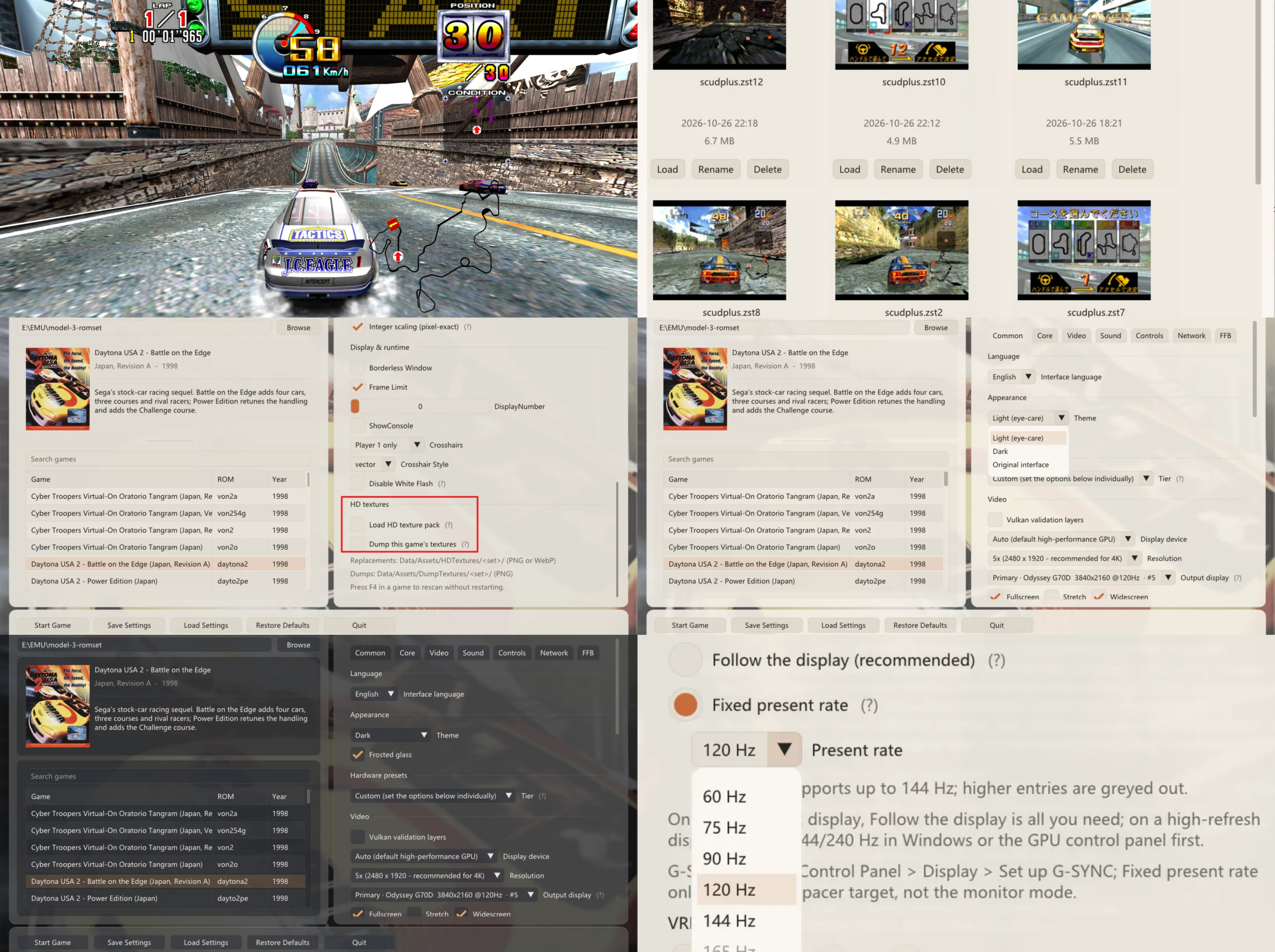
Il s’agit d’un frontend multi-émulateurs qui va mettre en avant les « box art ».


Les changements:
– auto-detects existing game collections so you can use Nostlan alongside other frontends, such as EmulationStation-DE, Playnite, and LaunchBox, without moving any files
read game manuals while playing
– works with NES, SNES, Genesis, GBA, and DS games stored in .zip and .7z files
– new default directory ~/Nostlan
– support for Gopher 64 (N64 emulator) and Azahar (N3DS emulator)

 
Notez qu’il s’agit d’une version de démo, la version complète étant à présent payante.


Télécharger Nostlan (Gratuit) v2.6 (115 Mo)

Télécharger Nostlan (Demo) v4.1.9 (133 Mo)

Site Officiel

En savoir plus…

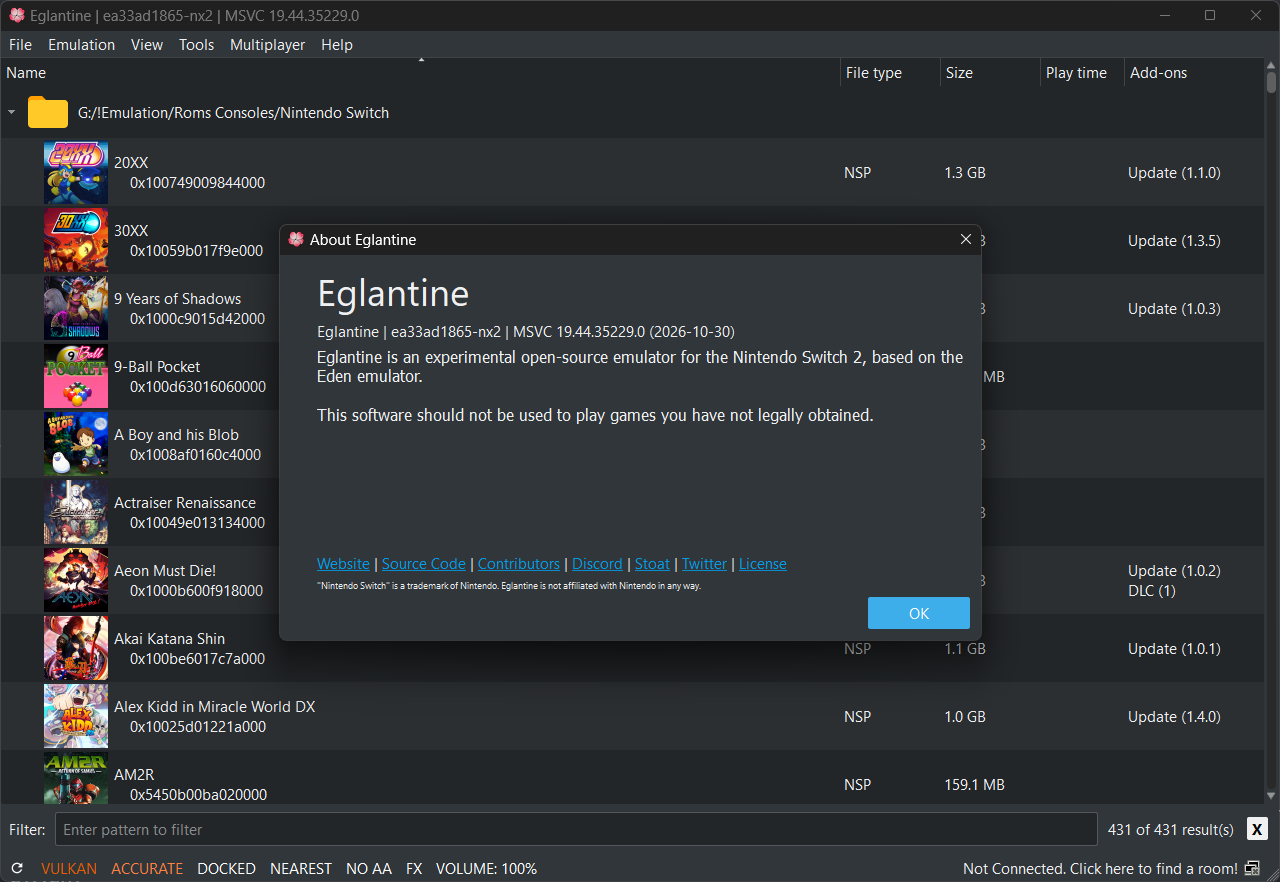
Azahar est une fusion entre Lime3DS et le fork Citra de PabloMK7.


Soyez informé que la prise en charge des jeux cryptés n’est pas disponible…
 
Pour éviter toute confusion concernant les objectifs d’Azahar, la décision a été prise de limiter autant que possible le contournement du TPM (Trusted Platform Module). Le contournement ne sera effectué que lorsque l’interopérabilité du code de Nintendo est nécessaire avec Azahar ou d’autres codes de Nintendo. En conséquence, Azahar n’autorisera pas le lancement ou l’installation de jeux cryptés à moins qu’ils n’aient été obtenus par le biais des applications officielles de Nintendo, telles que l’eShop ou les paramètres système.
 

Note: Les fichiers .3ds non cryptés sont désormais pris en charge nativement.

 
Les changements:
 
voir site officiel
 

NB: L’outil Azahar Artic Setup est une application homebrew pour la Nintendo 3DS qui permet d’installer des fichiers système et des données uniques de la console sur l’émulateur Azahar en utilisant votre console. Il diffuse l’application « Paramètres Système » ainsi que le module système NIM pour effectuer une mise à jour système, et copie vos données uniques de la console pour activer les fonctionnalités en ligne.
 

Télécharger Azahar v2126 (41.6 Mo)

Site Officiel

En savoir plus…

GearLynx est un émulateur d’Atari Lynx pour Windows.


Les changements sont:
⚡ ComLynx support for up to eight emulator instances on the same machine or LAN
🎯 Improved serializable RNG state
🐛 Many bug fixes and improvements


Télécharger GearLynx v1.2.23 (2.9 Mo)

Site Officiel

En savoir plus…

PadForge est un utilitaire moderne de mappage de contrôleurs pour Windows permettant de transformer n’importe quel périphérique d’entrée — manette, joystick, clavier, souris ou écran tactile — en un contrôleur virtuel reconnu comme du matériel réel par les jeux et applications. Il s’appuie sur ViGEmBus, vJoy et Windows MIDI Services pour émettre des contrôleurs Xbox 360, DualShock 4, DirectInput personnalisés, MIDI ou encore un couple clavier+souris virtuel.
 

L’outil autorise le routage libre de toutes les entrées vers jusqu’à seize contrôleurs virtuels simultanés, avec visualisation en temps réel en 2D et 3D, inspection des axes, boutons, triggers et capteurs de mouvement. Les mappages se configurent par enregistrement direct, sélection dans des listes exhaustives ou via un mode « Map All », avec prise en charge des courbes de sensibilité, deadzones avancées, anti-deadzones, offsets, et algorithmes multiples pour sticks et gâchettes.
 
PadForge gère le retour de force, le rumble, la synthèse de vibrations à partir des basses audio, ainsi que la transmission du force feedback DirectInput vers vJoy. Il inclut un système complet de macros permettant de combiner boutons, axes et directions de POV pour déclencher des séquences d’actions (clavier, souris, délais, volume, manipulations d’axes) selon plusieurs modes de déclenchement.
 
L’application peut activer automatiquement des profils selon le programme en cours, basculer de profil via des raccourcis manette, masquer les contrôleurs physiques grâce à HidHide, et installer ou retirer les drivers nécessaires directement depuis l’interface. Un serveur Web intégré permet également de transformer un écran tactile en manette virtuelle avec retour visuel et vibration.
 
PadForge fonctionne sur Windows 10/11 (x64), se déploie en exécutable autonome, propose un polling à 1000 Hz, une localisation dynamique, un mode minimisé en zone de notification et une interface Fluent Design. Le projet est open source sous licence CC BY-NC-SA 4.0 et repose sur de nombreux composants tiers (SDL3, ViGEmBus, vJoy, HelixToolkit, ModernWpf, etc.).


Télécharger PadForge v4.2.0 (285 Mo)

Site Officiel

En savoir plus…

Cet émulateur Apple‑1 moderne, réécrit en C++ avec Dear ImGui et OpenGL, dérive d’un ancien projet initialement développé en Java et offre désormais une émulation fidèle, rapide et multiplateforme, tout en prenant en charge l’ensemble des cartes d’extension P‑LAB — modem Wi‑Fi, terminal, microSD, A1‑SID, carte graphique TMS9918 — ainsi que la carte graphique couleur GEN2 d’Uncle Bernie.


Pour célébrer les 50 ans d’Apple (1976–2026), une nouvelle version POM1 est publiée en hommage au demi‑siècle d’Apple Computer, fondée le 1er avril 1976.
 
Il intègre la prise en charge des composants matériels suivants :
 
– Modem Wi-Fi P-LAB
– Carte Terminal P-LAB
– Carte de stockage microSD P-LAB
– Carte son P-LAB A1-SID
– Carte graphique P-LAB Apple-1 (TMS9918)
– Carte graphique couleur GEN2 d’Uncle Bernie
 
Version en ligne disponible ici.
 

Voici les changements depuis la précédente version:
 
– Diverses améliorations et corrections
 

Télécharger Pom1 v1.9.5 (23.1 Mo)

Site Officiel

Site Officiel original (archive)

En savoir plus…

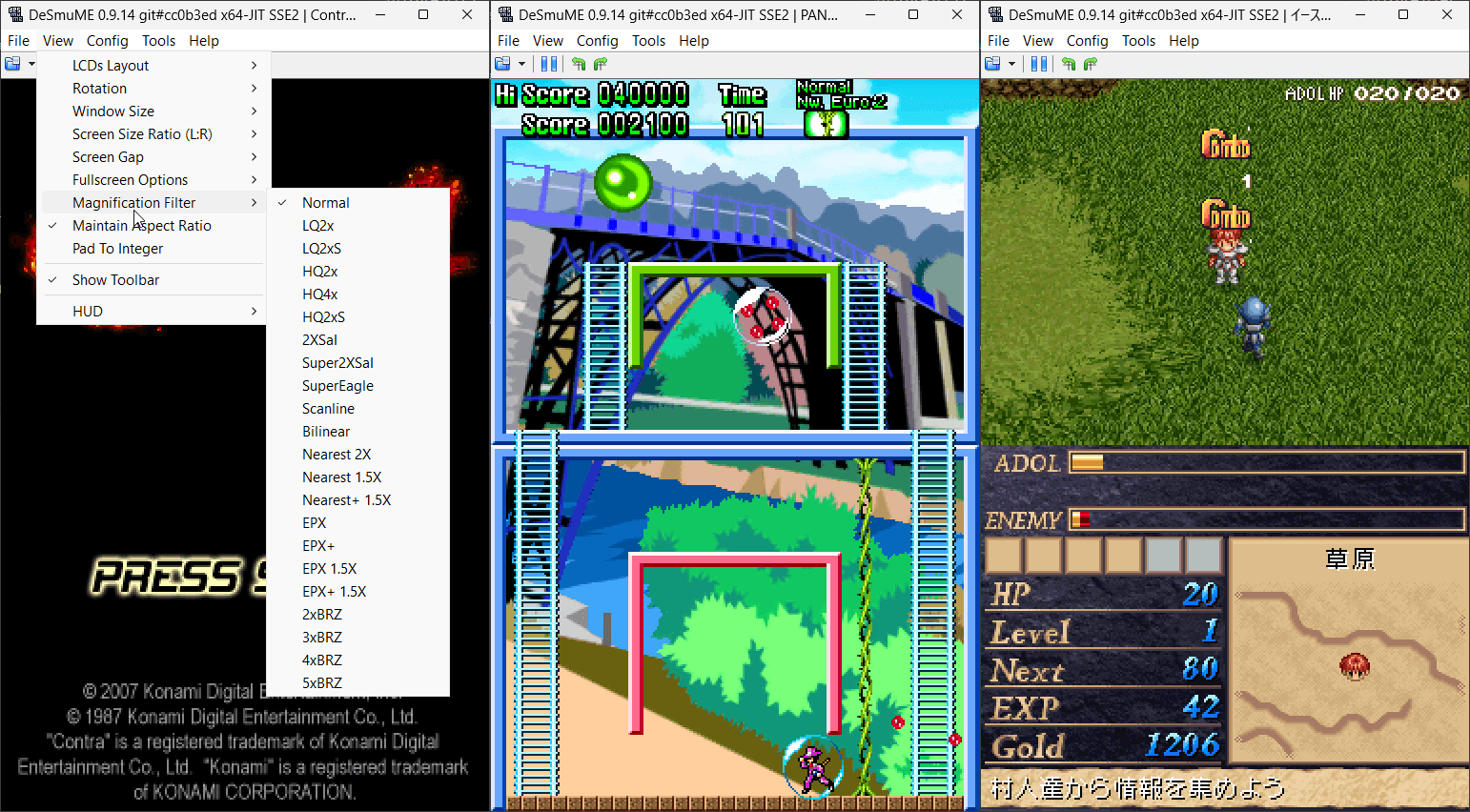
L’objectif de ce projet est d’être un émulateur Nintendo DS rapide et portable.


Télécharger NooDS (32 bits) (2020/06/14) (2.5 Mo)

Télécharger NooDS (64 bits) (2026/08/10) (3.6 Mo)

Site Officiel

En savoir plus…

Il s’agit de la dernière version officielle dite « instable » de Snes9x ajoutant les dernières nouveautés, améliorations et/ou corrections en provenance des sources GIT. Versions 32 et 64 bits dans l’archive.
 

Une petite partie de Starfox 2 (SNES Mini Edition) ?


…ou peut-être un Secret of Mana Français iOS Edition ?


Laissez tomber, je vais me faire la suite non officielle de Chrono Trigger plutôt :p


Les changements depuis le dernier build:
 
– Merge pull request #1049 from dargereldren/master
– Merge branch ‘shanytc-gsu_fixes_upstream’
– PPU: render A.S.P. Air Strike Patrol’s beam-raced mid-scanline effects
– Misc fixes


Télécharger Snes9x TestBuild v1.63.1610 (7.9 Mo)

Site Officiel

En savoir plus…

Simple Launcher est une interface moderne pour émulateurs qui facilite le lancement de jeux rétro et ajoute surtout un support CHD universel grâce à son module CHDMounter, permettant d’utiliser des fichiers CHD même avec des émulateurs qui ne les prennent pas en charge nativement, comme RPCS3, Xenia , Xemu ou autres.


Les changements sont les suivants:
 
Parameter Resolver API

* « Suggest » buttons — Added to the Edit System window for every emulator parameter field.
* AI-powered suggestions — An AI-powered API suggests the best emulator parameters based on the system configuration.
* Confirmation before applying — Shows a dialog with the suggested parameter and an explanation before applying it.
* Explanation: prefix handling — If the AI response starts with « Explanation: », that text is treated as the explanation and is no longer inserted into the emulator parameter field.
* Loading overlay — Added a loading overlay to AI parameter resolution.
* URL normalization — The AI parameter resolver URL is normalized (trailing slash) and uses a fixed 60-second timeout.
 
Image Matching Improvements

* Annotation stripping — New EnableAnnotationStripping option strips region tags, revision numbers, and other annotations from filenames for better cover image matching.
 
Game File Watcher

* New GameFileWatcherService — Monitors ROM system folders for external file changes (create, delete, rename) and automatically refreshes the game list when changes are detected.
* Debouncing (500ms) — Avoids rapid re-scans during batch file operations like archive extraction.
* Automatic start/stop — Watching starts and stops automatically when switching between systems.
 
7za Fallback Extraction

* Automatic fallback to 7za — When SharpCompress fails to extract .7z files, the application now automatically retries using the bundled 7za.exe (or 7za_arm64.exe on ARM64).
* Bundled binaries — Added 7za binaries to tools/SevenZip/ and tools/BatchConvertIsoToXiso/, plus 7za.exe / 7za_arm64.exe to BatchConvertToRVZ and BatchConvertToCHD for fallback extraction/conversion.
 
Batch File Path Validation

* Pre-execution validation — Batch files are now validated before execution to detect referenced paths that do not exist.
* Warning dialog — Shows a dialog listing the missing paths with the option to continue or cancel.
* Direct execution — Batch files are now executed with UseShellExecute instead of cmd.exe /c for better compatibility.
 
OneDrive Error Handling

* Specific OneDrive guidance — When a game file fails to launch and its path contains « OneDrive », the error message now provides specific instructions about syncing and downloading the file.
* Localized message — Added the localized oneDriveIssue string across all supported languages.
 
Invalid Folder Character Validation

* Path character validation — System folder and image folder paths are now validated for invalid path characters before attempting directory creation.
* Clear error message — Shows a message listing the invalid characters found.
 
CHD Support

* Kega Fusion — Added CHD support for the Kega Fusion emulator.
* Exit code reporting — CHD mount failures now include the process exit code in error messages for easier debugging.
* Dokan check — Added a Dokan installation check before CHD mount operations.
* ARM64 support — CHD images are now mounted using the architecture-specific CHDMounter binary (CHDMounter.exe on x64, CHDMounter_arm64.exe on ARM64), enabling CHD mounting on Windows ARM64. The tool now ships with a README.
 
PCSX2 Improvements

* Permission error detection — PCSX2 configuration injection now detects file permission errors and shows a user-friendly notification instead of crashing.
* Portable mode — PCSX2 configuration injection now resolves the config file correctly when PCSX2 runs in portable mode.
 
History Database Format Migration

* MessagePack format — Migrated history.xml to history.dat (MessagePack binary format) for faster loading and smaller file size.
* Backward compatibility — Falls back to history.xml if history.dat is not found.
 
Global Search Enhancements

* Results count — Shows the number of matching results in the global search window.
* AND/OR operators — Supports boolean operators for more flexible search queries.
* Improved loading state — Better visual feedback during search operations.
 
Debug Logger Improvements

* Buffered logging — Debug log messages are now buffered for better performance.
 
Download Reliability

* Automatic retry — Downloads now automatically retry with exponential backoff on failure.
* Read-only file handling — Extraction now handles read-only files gracefully.
 
Startup Robustness

* Fallback logger — If Serilog initialization fails, the app now falls back to debug output instead of crashing at startup.
* Initialization order — The service provider is built only after the temp-folder check, and startup cleanup (trash + temp files) is more resilient.
* Timeout handling — Added timeouts for the silent update check and usage statistics calls so they can no longer hang indefinitely.
 
F8 Hotkey Warning

* Hotkey in use detection — When the F8 global hotkey cannot be registered because another program is already using it, Simple Launcher now shows a clear warning dialog and disables the screenshot functionality instead of failing silently. Localized in all supported languages.
 
RetroAchievements

* Improved system matcher — Updated the RetroAchievements system matcher for better game matching.
 
Credential Protection

* Encrypted RetroAchievements credentials — RA credentials are now encrypted using Windows Credential Manager.
* Nested settings structure — Emulator configuration now uses a nested settings structure for better organization.
 
UI/UX Improvements

* Cancel buttons — Added cancel buttons to the SetGamepadDeadZone, Debug, SetLinks, and EditSystem dialogs.
* Tooltips — Added tooltips for data grids, preview images, and viewer windows.
* Dead zone revert confirmation — Added a confirmation message box when reverting dead zone settings.
* Game list refresh — The game list now automatically refreshes when deleting a file that no longer exists on disk.
* Emergency overlay release — Added an emergency overlay release button to GlobalStatsWindow.
 
Debug Window Improvements

* Restored initialization — The Debug Window opens correctly again: its constructor (lost during the Serilog/DI refactor) was restored, and the window now applies the current app theme on open.
* Styling & closing behavior — Improved Debug Window styling, log text color, and closing/exception behavior.
* -debug command-line flag — Launching SimpleLauncher with the -debug argument now opens the Debug Window alongside the main window.
* parameters.md path fix — The parameters guide is now resolved relative to the application folder instead of the current working directory. Previously, launching the app from another working directory (shortcuts, scripts, IDE) made parameters.md appear « missing » and triggered a modal reinstall dialog that froze the app and the Debug Window.
 
Path Handling

* Quote trimming — Surrounding quotes are now automatically trimmed from paths.
 
Structured Logging

* Serilog — All logging now flows through Serilog (ILogger), and the custom ILogErrors abstraction was removed. The Debug Window receives log entries through a dedicated Serilog sink, a rolling daily file sink (7 days retained) is written to the local app data folder, and bug report sinks were added to all projects (including the tools and Updater).
 
Game List & UI

* Async system manager loading — System managers load asynchronously, preventing UI blocking at startup.
* Embedded images fix — Corrected pack URI paths for embedded images and icons.
* Minimize-to-tray handling — Improved minimize-to-tray behavior via proper window state change handling.
 
Dependency Injection Refactoring

* Massive DI migration — Replaced static service dependencies with dependency injection throughout the entire application.
* Constructor injection — All services, ViewModels, and windows now use constructor injection.
* MessageBoxLibrary.cs removed — Replaced with IMessageBoxLibraryService.
* DebugLogger replaced — Static DebugLogger was replaced with the IDebugLogger interface.
* ContextMenuFunctions replaced — Static ContextMenuFunctions was replaced with the IContextMenuFunctions interface.
 
MVVM Refactoring

* Refactored all configuration windows to the MVVM pattern.
* Refactored the RetroAchievements window to MVVM.
* Added ViewModels for multiple windows, including SupportWindow.
* Introduced the IWindowContext abstraction to decouple the game launcher from MainWindow.
 
Removed Tool

* GameCoverScraper removed — The Game Cover Scraper tool has been removed from the Tools menu, along with all its bundled binaries and resources. Use Find Rom Cover or Retro Game Cover Downloader instead.
 
Other Improvements

* Emulator documentation — Updated parameters.md (e.g., new CPCEC download link).
* Code quality — The codebase now compiles with nullable reference types enabled.
 
Dependency Updates

* SharpCompress 0.48.1 → 0.50.4
* Tomlyn 2.4.0 → 2.6.0
* YamlDotNet updated to latest version
* MessagePack 3.1.6 → 3.1.8
* Microsoft.Data.Sqlite 10.0.8 → 10.0.10
* Microsoft.Extensions.* 10.0.8 → 10.0.10
* Microsoft.Extensions.Http.Resilience 10.6.0 → 10.8.0
* Microsoft.CodeAnalysis.NetAnalyzers 10.0.300 → 10.0.302
* Microsoft.NET.Test.Sdk 18.5.1 → 18.6.0
* SourceGear.sqlite3 updated to 3.53.4
* Added Moq 4.20.72 (new, for unit testing)
* Added Serilog 4.4.0 with Serilog.Sinks.Async 2.1.0, Serilog.Sinks.Debug 3.0.0, and Serilog.Sinks.File 7.0.0 (new)
* Added Meziantou.Analyzer 3.0.139 (new)


Télécharger SimpleLauncher v5.6.0 (104 Mo)

Site Officiel

En savoir plus…

1984 est un émulateur de l’ordinateur rétro Amstrad CPC 464/6128, écrit en C et utilisant SDL3. Son objectif est d’être très portable et relativement fidèle au matériel d’origine.


Télécharger 1984 v0.4.19 (3.8 Mo)

Site Officiel

En savoir plus…

Atari System Emulator (ASE) est un émulateur Atari ST développé en C#, prenant en charge les modèles ST F/FM, Mega ST et STE. Il utilise notamment l’émulateur de processeur Motorola 68000 Moira, créé par Dr. Dirk Hoffmann.


Le projet est issu d’un ancien émulateur développé en C et assembleur à la fin des années 1990. Une grande partie du code a depuis été réécrite, avec également des éléments provenant de Hatari.
 
À l’origine, ASE avait été conçu comme un projet simple permettant de comprendre et expérimenter le fonctionnement d’un émulateur. Au fil de son développement, il s’est toutefois considérablement enrichi et est devenu un émulateur plus complet.


Télécharger ASE v1.9 (66.5 Mo)

Site Officiel

En savoir plus…

MEmu, quésaco ?
Dans la même lignée que le célèbre BlueStacks, MEmu est un émulateur qui vous permettra de retrouver les meilleurs jeux Android sous Windows. Doté d’une bonne compatibilité matérielle, il affiche des résultats et une stabilité notables par rapport à la concurrence et aux smartphones sous Android.
 
Comment jouer ?
Avec son large catalogue de jeux, MEmu permet de découvrir les joies de parties survitaminées de Clash Of Clans, Plants vs. Zombies 2 et de l’excellent Lara Croft : Relic Run sur l’écran du PC. Pour accéder à un jeu, il suffit de le rechercher dans le Play Store et de le télécharger.
 
Une barre latérale permet d’accéder à plusieurs fonctionnalités comme la réattribution des touches, la capture d’écran ou alors la rotation et la secousse de l’écran. L’utilisateur a aussi les moyens d’installer un jeu directement à partir d’un fichier APK stocké sur son ordinateur.
 
D’excellentes performances
Testé sous une bonne configuration matérielle, MEmu propose d’excellentes performances en jeu en termes de stabilité et de fluidité. Lors du test de Lara Croft : Relic Run, le jeu était très fluide lors des scènes d’action en plein écran. Un résultat aussi bien immersif que réussi, d’autant plus que le logiciel supporte l’ouverture de plusieurs instances en même temps.
 
Outre les jeux, il est aussi possible d’installer des applications Android. Notons toutefois que certains jeux ne sont pas compatibles avec l’émulateur.
 
En ce qui concerne la prise en main…
MEmu est très simple à configurer et à prendre en main. L’interface est soignée, élégante et disponible en français.


Télécharger MEmu v9.5.6 (733 Mo)

Site Officiel

En savoir plus…


Casino-en-ligne-fiable.com

https://getourbonus.com/fr/accueil

https://www.romspedia.com/

https://www.casinoonlinefrancais.fr

Lucky 7 bonus

https://www.casinogratuitsansdepot.com

pablocasino.org

critiquejeu.info

casinodoc.org

laplanquedujoueur.com

casinoonlinefrancais