Azahar est une fusion entre Lime3DS et le fork Citra de PabloMK7.

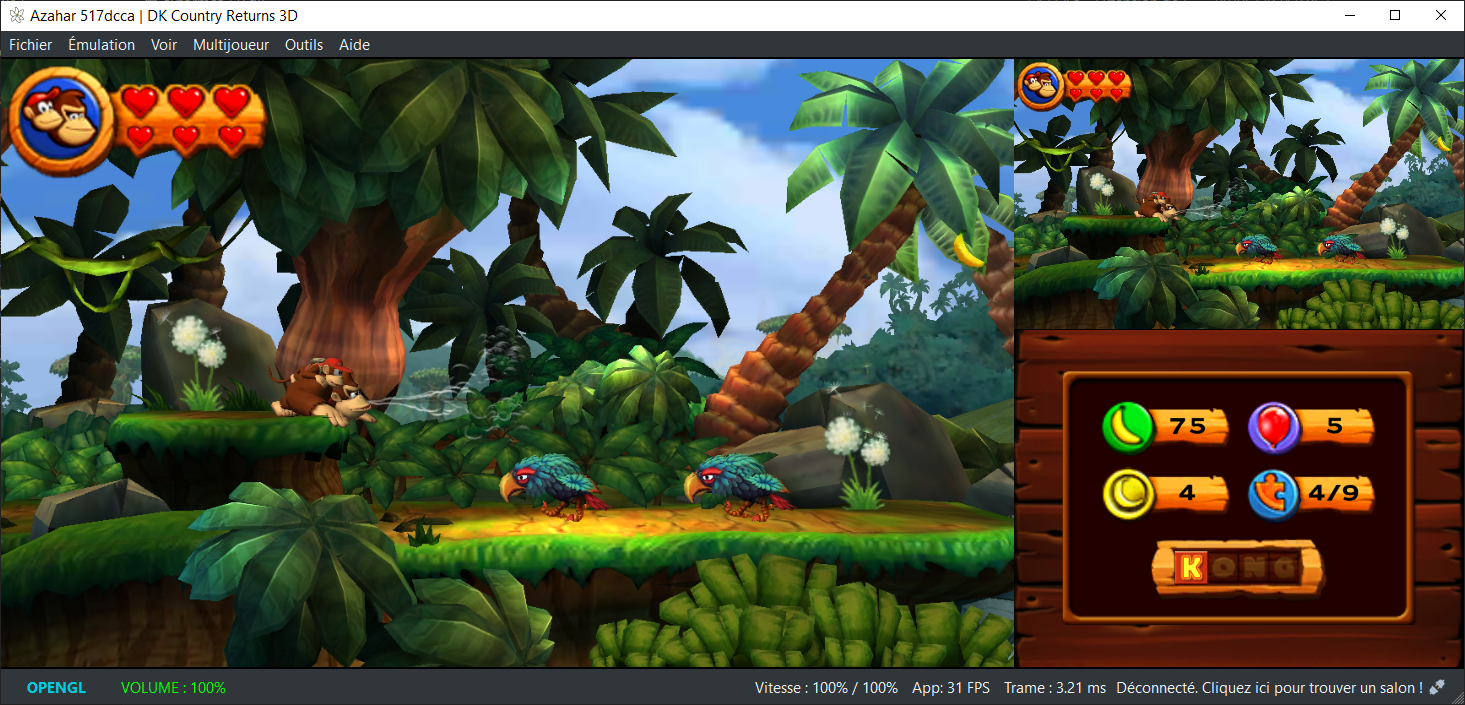
Soyez informé que la prise en charge des jeux cryptés n’est pas disponible…
Pour éviter toute confusion concernant les objectifs d’Azahar, la décision a été prise de limiter autant que possible le contournement du TPM (Trusted Platform Module). Le contournement ne sera effectué que lorsque l’interopérabilité du code de Nintendo est nécessaire avec Azahar ou d’autres codes de Nintendo. En conséquence, Azahar n’autorisera pas le lancement ou l’installation de jeux cryptés à moins qu’ils n’aient été obtenus par le biais des applications officielles de Nintendo, telles que l’eShop ou les paramètres système.
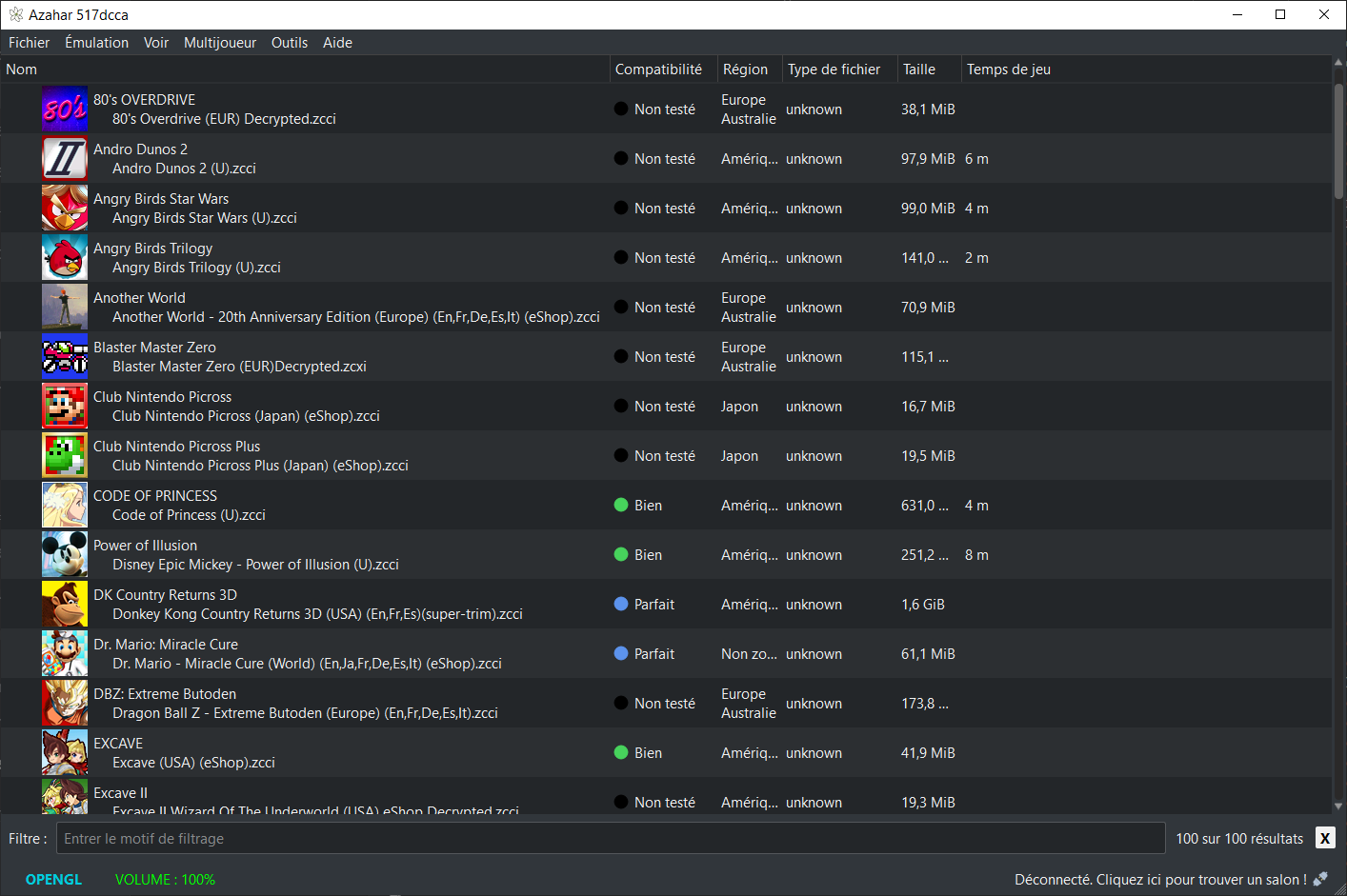
Note: Les fichiers .3ds non cryptés sont désormais pris en charge nativement.
Les changements:
All
– Added emulation of the 3DS’s notification LED.
– Only the desktop frontend exposes this functionality as of now (see « Desktop » section).
– Fixed color blend modes behaving incorrectly on the OpenGL graphics backend.
– This notably fixes an issue where a black square could appear in the bottom-right corner of the screen in some games (e.g. Shin Megami Tensei IV)
– Implemented `syscore` CPU time limiting to match real hardware behaviour.
– Makes emulated applications properly use the `syscore` without starving LLE system applets, which fixes several subtle timing issues.
– Most notably, fixes stability issues caused by having the `BOSS` LLE module enabled.
– The `BOSS` LLE module is now enabled by the « Enable required LLE modules for online features » setting.
– Fixed emulated applications receiving incorrect error values from `getaddrinfo`/`getnameinfo` functions.
– Optimize GeometryEmitter SETEMIT state, providing a minor performance improvement for games which use geometry shaders.
Desktop
– Added a new UI element which displays the emulated 3DS’s notification LED.
– Fixed Discord rich presence often not being set correctly due to a race condition.
– Removed Vulkan warnings which could appear at application launch on setups with missing Vulkan features.
– Removed Mesa OpenGL version override due to improved upstream support.
Android
– All builds of Azahar on Android, including the libretro core, now use the Vulkan renderer by default.
– Note: On builds of Azahar other than the libretro core, this change doesn’t apply retroactively to existing user configurations.
– Added a button to the about game dialog which allows deletion of disk shader cache on a per-game basis.
– Addressed an issue where orientation changes while a 3DS application is booting could cause the emulator to crash.
– Fixed an issue where hidden 3DS system titles could appear in the application list erroneously.
– Fixed an issue where, if a game was launched via an intent while another game was already open, the new game would be stuck infinitely loading.
– Fixed an issue where resetting the values of the background color setting to the default would cause the app to crash.
– Fixed application exits (e.g. with homebrew apps that close themselves) resulting in an « Invalid ROM Format » error dialog.
libretro
– Fixed an issue where the libretro core could crash under certain circumstances when using the Vulkan renderer.
Technical
– Added new `ENABLE_BUILTIN_KEYBLOB` CMake option, enabled by default.
– This is enabled by default for all of our builds, mimicking prior behaviour.
– Disabling it omits the built-in keys usually distributed with Azahar, which disables certain functionality.
– Added new `USE_SYSTEM_OAKNUT` CMake option.
– Improved logging for SVC failures.
– Our x86_64/Intel macOS binaries are now cross-compiled from an ARM64 macOS runner.
– Fixed an issue where attempting to build Azahar’s test suite alongside our libretro core while using GCC would result in a linker error.
– Fixed several issues related to building and using Azahar on NetBSD.
– Unit tests are now able to be discovered by IDEs via `catch_discover_tests`.
– Correct the response of SendToOther in soc:U.
– This is a correctness fix, and has no effect on the end-user.
NB: L’outil Azahar Artic Setup est une application homebrew pour la Nintendo 3DS qui permet d’installer des fichiers système et des données uniques de la console sur l’émulateur Azahar en utilisant votre console. Il diffuse l’application « Paramètres Système » ainsi que le module système NIM pour effectuer une mise à jour système, et copie vos données uniques de la console pour activer les fonctionnalités en ligne.
Télécharger Azahar v2125.1 (39.8 Mo)
Site Officiel
En savoir plus…