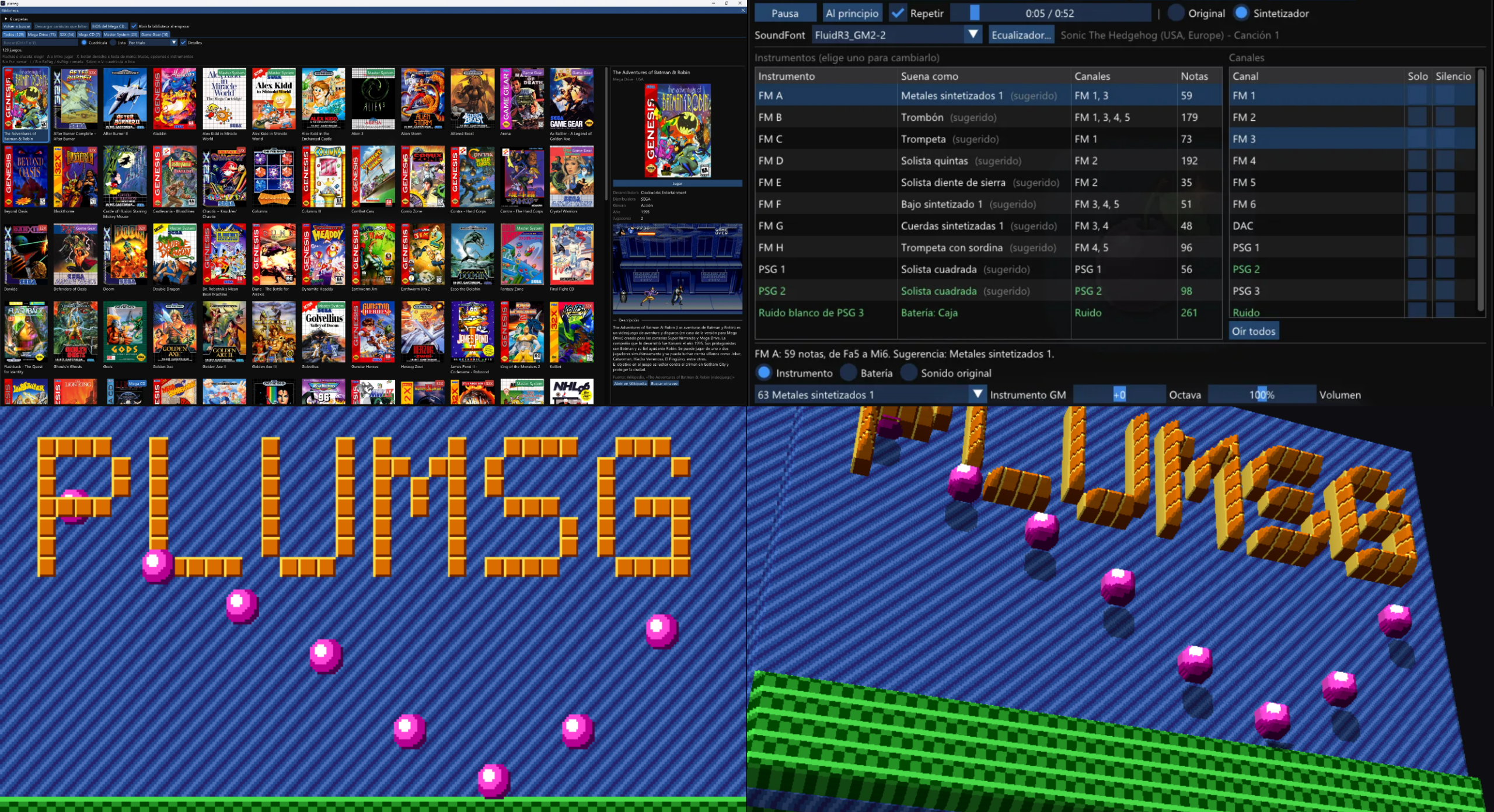
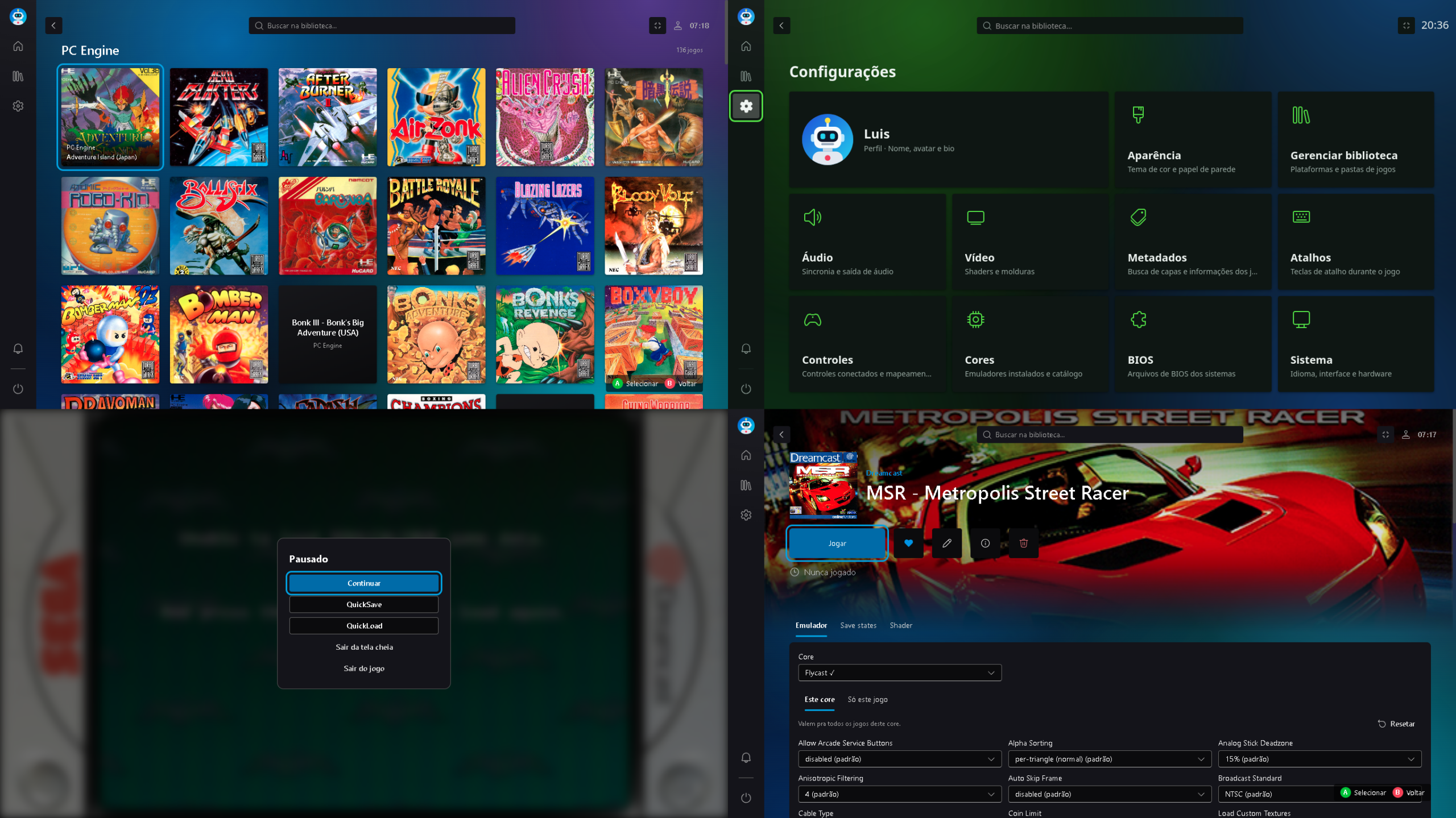
OpenROM est une suite logicielle universelle, gratuite et open-source dédiée à la conversion de ROMs rétro. Conçue pour remplacer les outils propriétaires et fragmentés, elle fonctionne entièrement en local (100 % hors ligne) sans aucune collecte de données.


Interface et Ergonomie
– Esthétique Gaming : Propose une interface sombre moderne développée sous Flutter, inspirée des menus PS5 et Xbox, intégrant un tableau de bord, des cartes pour chaque ROM et des badges de plateforme.
– Personnalisable : Propose plusieurs thèmes intégrés (Cyberpunk, Terminal, Minimal, Gaming) et la possibilité d’en créer via des fichiers JSON.
– Prise en main fluide : Prise en charge native du glisser-déposer pour les fichiers et dossiers isolés ou groupés (traitement par lot).
 
Performances et Fonctionnalités Techniques
– Matrice de conversion complète : Prend en charge plus de 20 parcours de conversion parmi les formats majeurs (ISO, BIN, CUE, GDI, IMG, ECM, CHD, CSO, ZSO, XISO, RVZ, WIA, WBFS, GCZ).
– Détection intelligente : Identifie avec précision les consoles (PS1, PS2, PSP, Xbox, GameCube, Wii, Dreamcast) grâce aux signatures numériques (magic bytes) et analyse les en-têtes CHD (v4/v5) pour différencier CD et DVD.
– Génération et Vérification : Crée automatiquement les fichiers CUE manquants pour les fichiers BIN et vérifie l’intégrité des fichiers CHD générés via chdman.
 
Fonctionnalités Avancées
– Terminal et Automatisation : Intègre un journal de bord en temps réel pendant la conversion et propose un outil en ligne de commande complet (openrom-core) pour l’automatisation et les scripts.
 
Les changements sont:
 
New Platform Detection
OpenROM now automatically identifies 4 additional platforms via magic byte detection:
 
– Sega Saturn
– Sega CD / Mega-CD
– PC-Engine CD / TurboGrafx-CD
– Neo Geo CD
 
These join the existing detection for PS1, PS2, PSP, Xbox, GameCube, Wii, and Dreamcast — all based on actual header bytes, not file size guessing.
 
Bug Fixes
Critical — ISO → CHD Wrong Command
– PS1 and Dreamcast ISOs were incorrectly converted using chdman createdvd instead of chdman createcd. This produced corrupt or unplayable CHD files. Now fixed — the correct command is selected automatically based on platform detection.
 
Xbox ISO Detection
– Xbox ISOs with magic bytes at offset 0x2090000 (alternate layout) were previously misidentified as PS2 or Unknown. Now fixed — both offsets are checked via a fast in-memory path and a slow file seek fallback.


Télécharger OpenROM v2.7.0 (26.3 Mo)

Site Officiel

En savoir plus…

Atari800 est un émulateur Atari 800 (hum, c’était dur) mais aussi Atari XL/XE/5200. Passer en open source, il est maintenant développé par pas mal de personnes en provenance du net.


Télécharger Atari800 (Java) v4.0.0 (1.2 Mo)

Télécharger Atari800 (Dos) v4.0.0 (905 Ko)

Télécharger Atari800 (32 bits) v7.2.1 (2.8 Mo)

Télécharger Atari800 (64 bits) v7.2.1 (5.8 Mo)

Site Officiel

En savoir plus…

Pureikyubu est un émulateur de Nintendo GameCube en cours d’élaboration basé sur Dolwin.
 

Le but de l’émulateur est de rechercher les caractéristiques matérielles de la GameCube et de faire de la rétro-ingénierie sur les technologies utilisées pour développer des jeux pour cette plateforme.


Les améliorations sont les suivantes:
 
Highlights
– Gekko recompiler: A new x86-64 basic-block compiler keeps guest GPRs in host registers and shares the interpreter’s decode cache.
– Paired-Single in SSE: Every arithmetic PS instruction and both quantised loads/stores (psq_l / psq_st) are translated to SSE/SSE2.
– No more busy-waiting: VI scan-out and serial poll run on the CPU thread, while CP, AI DMA, and DSP threads block on events instead of spinning.
– Aggregate interrupt lines: DSP and disk-interface PI lines follow the OR of latched unmasked causes, removing interrupt storms on SI polls.
– Games: Zelda: The Wind Waker and Metroid Prime boot to title screen; Animal Crossing passes audio ARQ handshake and displays Nintendo logo.
– RVZ disc images: Read-only support for Dolphin’s compressed RVZ container (Zstandard).
– SDL controller settings: Added pad backend and complete « Configure Controller N » dialog supporting keyboard and gamepad bindings simultaneously.
– New icon: Cube icon recoloured with blue logo palette and regenerated (pureikyubu.ico, 16–256 px).
 
Added
– Gekko: x86-64 recompiler for Gekko basic blocks with translation state generation counter for O(1) block drops on MMU/cache register writes.
– Gekko: 8192-entry decode cache keyed on PC/instruction word, and 2048-page direct-mapped TLB replacing unordered_map.
– Gekko: SSE Paired-Single translation for add, sub, mul, div, res, rsqrte, madd, msub, nmadd, nmsub, muls0/1, madds0/1, sum0/1, sel, mr, neg, abs, nabs, merge00/01/10/11, and _d recording forms.
– Gekko: Quantised paired loads and stores (psq_l / psq_st) for all indexed/non-indexed, update/non-update, and W = 0/1 forms.
– Gekko: Debugger command jit 0 / jit 1 for live engine switching.
– Disc images: Read-only support for Dolphin’s RVZ container (Zstandard compression, data-entry/group tables, pseudo-random disc junk regeneration).
– Disc images: .rvz extension accepted across command line, game selector, and file dialogs.
– Input and user interface: SDL pad backend driving keyboard and gamepad simultaneously per port, summing and clamping inputs instead of overflowing int8_t.
– Input and user interface: « Configure Controller N » dialog in SDL UI (Options → Controllers → Port 1..4) supporting bindings, axis deflections, and instant config application.
– Input and user interface: Recoloured pureikyubu_icon.svg embedded via pureikyubu_icon.h for SDL_SetWindowIcon.
– Command line and tooling: Instant boot via pureikyubu / –image , and console/log –help support.
– Command line and tooling: –bench [seconds] mode reporting throughput, Gekko::CpuStats, host cycle breakdown (BENCH_PROFILE=1), and instruction histogram (BENCH_STATS=1).
– Command line and tooling: Gekko differential harness expanded with BENCH_SPIN*, BENCH_PS_TEST, BENCH_FUZZ_PS, psq workload mix, and MSVC build_win.bat support.
– Testing: 17 new Serial Interface spec tests covering SIPOLL, buffers, COMCSR, TSTART, intervals, enables, and read-status interrupts.
– Testing: 19 Command Processor spec tests covering VCD/VAT field positions, component/colour byte counts, vertex attribute order, and gx_vtxsize.
– Testing: 5 DSP interrupt aggregation tests covering masked/unmasked cause lines, ARAM DMA completion, mailbox interrupts, and CPU→DSP request tests.
 
Changed
Performance and threading
– The VI scan-out and the serial poll are executed by the CPU thread from the tick it already advances (GekkoCore::Tick / TickN call Flipper::Update), so VI timing is exact instead of sampled by a thread.
– The Command Processor thread blocks on a new portable Event (utils.h) that the CPU thread signals when a batch of FIFO entries is due (CommandProcessor::TickSync); the drain stays at the emulated tickPerFifo rate.
– The AI DMA thread is woken by DSP::AITickSync (about every 6750 ticks at 48 kHz) and parks itself with Suspend() when no DMA is armed. The DSP thread is woken by DspCore::TickSync once per DspWakeTicks and drains a batch, so the emulated DSP no longer self-throttles by re-anchoring its deadline on every poll; the mailbox hold-off is now a tick deadline (DspCore::MailboxHoldTicks).
– mtmsr and rfi drop the compiled blocks only when MSR[IR]/[DR] actually change; the OS toggles MSR[EE] around every critical section and dropping the whole cache for it cost ~85,000 needless re-translations per second.
– Address translation, the tick and the branch-condition helpers are really inlined now (GEKKO_INLINE).
 
Behaviour and configuration
– The Windows and SDL builds keep separate settings: DefaultSettingsWin.json / SettingsWin.json and DefaultSettingsSdl.json / SettingsSdl.json. The two ports run from the same directory and used to overwrite each other’s configuration; each executable now embeds its own file names.
– The serial interface follows the documented register layout: SICnOUTBUF is the CPU-visible register with the shadow read by the transfer engine, SICOMCSR latches CHANNEL and INLNGTH on an ordinary write and TSTART reads back as a pending bit, and the poll register drives SIPoll(line) directly.
– The Flipper device threads and the emulator use the same Event abstraction, so the timing code is portable between Win32 and SDL.
 
Fixed
Interrupts and timers
– DSP/DI aggregate interrupt lines: Every cause in CDCR and DI_SR has its own mask bit, and the pairs are not adjacent; both re-evaluation helpers ANDed the group of causes with the group of masks, so the lines were never asserted at all. Animal Crossing hung in its ARQ wait because the ARAM DMA completion never reached the CPU. Both lines now follow the OR of (cause && its own mask) and are re-evaluated from DSPUpdateInt() / DIUpdateInt() whenever a cause or a mask changes.
– A cleared cause can drop the line: The lines were only ever dropped inside one write_cdcr / write_sr branch; clearing one cause while another was still latched left the line high with nothing left to clear it, so the CPU re-entered the external-interrupt handler on every rfi. Animal Crossing was executing ~11,500 exceptions a second.
– Serial-interface poll storm: The emulator polled on a fixed 0x10000-tick interval (about ten times the hardware frame rate) instead of the SIPOLL video-line schedule, so RDSTINT was re-raised continuously. On Animal Crossing the emulated time for a fixed wall clock went from 3.8 s to 74 s, exception entries from 165,000 to 2,213 and VI interrupts from 0 to 2,178; Zelda’s exception count dropped from 49,635 to 2,157.
– DSP microcode vectors: The interrupt vector base was taken from the live CDCR use-rom bit instead of the program that is running; Zelda’s microcode installs a CPU→DSP vector at 0x000E in IRAM and the loader’s vectors made it bounce the command. CDCR bit 1 is now latched as a request and re-tried until the core accepts it through the TE3/ET gate, so a request that arrives while te3 is closed is no longer lost.
– DSP/AI threads: DspAIOpen cleared its state with memset, which also wiped the Event the AI thread waits on (a wait on a zeroed handle returns immediately, so the thread silently went back to spinning); the clear is now an explicit DspAIControl::Reset.
 
Graphics
– Presentation (issue #361): pe.cpp switched the VI output off after the first GXDrawDone/PE token, which stopped scan-out for the rest of the run in titles that keep presenting; the gate had no hardware meaning and is gone. In the SDL build the VI picture was written into the same window that carries the OpenGL context, so the two presenters alternated; the GL backend owns the window while it runs and the VI still decodes the XFB and counts frames.
– Command Processor: CP_FIFO_COUNT was a stale software register and is now the live FIFO occupancy (« the distance between the write and the read pointer »). The break-point status bit was gated on CP_ENABLE[FIFOBRKINT] instead of [FIFOBRK], so a title that armed the break point without the interrupt never saw the flag. CommandProcessor::ResetFifoProcessor() drops the CP-side command buffer so a new stream starts clean.
– VI: VI_DTV_STATUS (0xCC00206E) is implemented instead of falling through to the default case, where it returned 0 and made the SDK’s VIGetTvFormat() always report NTSC.
– Texture decoder (issue #359): IA4 walked the tiles column first while the tiles of an image are stored row by row, so a map wider than one tile came out transposed (and the report encoder mirrored the same walk, which is why the gallery never showed it); the debugger’s gxtexdump read the colour fields after the decoder had serialised the texels into the R,G,B,A byte order GL wants, which rotated the channels of every non-grey format; C14X2 masked its palette index with 0x3ff instead of 0x3fff; and the transparent fourth colour of the CMPR three-colour mode lost the RGB of the endpoint average.
– Texture uploads: DecodeTexture compares the description and an FNV-1a hash of the raw texture bytes (plus a TLUT generation for the palette) and keeps the GL image when nothing changed; the upload reuses the image storage with glTexSubImage2D, the sampler parameters and the mip chain are only re-applied when TX_SETMODE0/1 really change, and TX_INVTAGS (GXInvalidateTexAll) marks every map for a decode again.
 
Interface and platform
– File → Reopen, a dead menu entry, is wired to the last loaded image (the LASTFILE setting the selector already maintains) with F3 as its accelerator.
– Writes to the SI input buffer registers no longer halt the emulation.
– The Gekko sources are valid UTF-8 (two CP1252 comment bytes in gekko.cpp / gekkoc.cpp were normalised).
– The DSP unit tests link a counter double (testing/dsp_test_support.cpp) now that the DSP sources are built without gekko.cpp, and the mailbox hold-off tolerates the null Core the tests use.


Télécharger Pureikyubu (32 bits) v1.4 (1.2 Mo)

Télécharger Pureikyubu (64 bits) v1.8 (2026/09/13) (1.2 Mo)

Site Officiel

En savoir plus…

Hades est un émulateur de Nintendo GameBoy Advance en cours de développement, il vise à atteindre un équilibre satisfaisant entre convivialité, vitesse et précision.


Actuellement, Hades présente les caractéristiques suivantes:
 

– Une précision décente
– Correction des couleurs
– Sauvegarde rapide (également connue sous le nom de Save State)
– Support de l’horloge en temps réel (RTC)
– Support des contrôleurs de jeu
 

C’est le troisième émulateur à passer les benchs de la cartouche AGS Aging Cartridge utilisée pour tester les systèmes Game Boy Advance.
 

Les nouveautés:
 
– Prefix internal pseudo-keyword macros with `hs_`.
– Remove forgotten test log.
– Simplify affine background tile wrapping and tidy up parameter names.
– Optimize the memory fetches by hand-picking which functions are inlined and which aren’t.
– Enable LTO and use the compiler’s popcount builtin where relevant.
– Misc fixes


Télécharger Hades v1.1.1 Build 260913 (4.9 Mo)

Site Officiel

En savoir plus…

Il s’agit du meilleur émulateur de PlayStation One, devant ePSXe et pSX.


Caractéristiques:
– Recompilateur/JIT CPU (x86-64, armv7/AArch32, AArch64, RISC-V/RV64).
– Rendu matériel compatible avec les API D3D11, D3D12, OpenGL, Vulkan et Metal.
– Mise à l’échelle, filtrage des textures et couleurs vraies (24 bits) dans les moteurs de rendu matériels.
– PGXP pour la précision géométrique, la correction des textures et l’émulation du tampon de profondeur.
– Mélange précis via Rasterizer Order Views / Fragment Shader Interlock.
– Système de remplacement de textures dans les moteurs de rendu matériels.
– Rendu logiciel vectorisé et multi-threadé.
– Désentrelacement adaptatif au mouvement.
– Filtre de sous-échantillonnage adaptatif.
– Rotation d’écran pour les jeux de tir verticaux ou en mode « TATE ».
– Chaînes de shaders de post-traitement (GLSL, Reshade FX et préréglages Slang).
– Bordures décoratives affichées autour du contenu du jeu.
– « Démarrage rapide » pour ignorer l’intro du BIOS.
– Prise en charge des sauvegardes d’état, avec exécution anticipée et rembobinage.
– Compatible avec Windows, Linux et macOS.
– Lecture directe depuis CD, images bin/cue, fichiers bin/img bruts, MAME CHD, ECM à piste unique, MDS/MDF, CCD et formats PBP non chiffrés.
– Préchargement des images disque en RAM pour éviter les interruptions dues à la mise en veille du disque.
– Fusion des jeux multi-disques dans la liste/grille avec cartes mémoire partagées.
– Chargement/application automatique des patchs PPF.
– Démarrage direct des exécutables homebrew.
– Chargement direct des fichiers Portable Sound Format (psf).
– Audio étiré dans le temps lors de l’exécution hors de la vitesse 100 %.
– Prise en charge des manettes numériques et analogiques (le retour de force est transmis à l’hôte).
– Support des pistolets GunCon et Justifier (simulés à la souris).
– Support de la manette NeGcon.
– Préréglages de manette et configuration par jeu.
– Interface utilisateur Qt et mode « Big Picture ».
– Mises à jour automatiques avec canaux preview et stable.
– Analyse automatique du contenu — titres/hachages fournis par redump.org.
– Commutation automatique optionnelle des cartes mémoire par jeu.
– Prise en charge des cheats à partir de listes existantes.
– Éditeur de carte mémoire et importateur de sauvegardes.
– Overclocking CPU émulé.
– Débogage intégré et à distance.
– Support des manettes multitap (jusqu’à 8 appareils).
– Intégration RetroAchievements.
– Présence enrichie Discord.
– Capture vidéo via Media Foundation (Windows) et FFmpeg (toutes plateformes).
– Fonction de caméra libre.
– Émulation de cartouches via port parallèle.

 
Configuration requise:
– Windows 10/11 (7/8/8.1 ici), Linux (AppImage/Flatpak), macOS.
– Un CPU plus rapide qu’une patate. Mais il doit être x86_64, AArch32/armv7, AArch64/ARMv8 ou RISC-V/RV64.
– Un GPU capable de OpenGL 3.1 / OpenGL ES 3.1 / Direct3D 11 niveau de fonctionnalité 10.0 / Vulkan 1.0. Donc, en gros, n’importe quoi fabriqué au cours des 10 dernières années.
– Une manette compatible SDL, XInput ou DInput (par exemple XB360/XBOne/XBSeries). Les utilisateurs de DualShock 3 sous Windows devront installer les pilotes officiels DualShock 3 inclus dans PlayStation Now.


Les améliorations sont:
 
Preview Build:
– Fix libwebp loading on Windows (Stenzek)
– Streamline per-voice flag processing (Stenzek)
– Vectorize Gaussian interpolation (Stenzek)
– Consolidate capture buffer writes (Stenzek)
– Decode ADPCM nibbles in pairs (Stenzek)
– Use timeline semaphores when available (Stenzek)
– Fix core-tests building on Windows (Stenzek)


Stable Build (or rolling release):
– VideoPresenter: Fix prerotation handling with blur/transitions
– Update duckstation-qt_es.ts (#3792)
– MSBuild: Explicitly list plugins to copy
– MSBuild: Track Qt translation outputs
– MSBuild: Track Qt resource outputs
– MSBuild: Fix Qt MOC dependency tracking
– MSBuild: Generate Qt MOC files in parallel
– MSBuild: Track QRC asset dependencies
– MSBuild: Generate Qt translations in parallel
– MSBuild: Generate Qt UI headers in parallel
– Achievements: Add category badge to popup
– Qt: Fix trailing slash being added to game directories
– Settings: Disable gpu_force_video_timing in hardcore mode
– CI: Update deps to 20260905
– Common: Remove unused include
– Build: Use C++23 across the board
– System: Allow live-changing console region
– Misc: Use static operator()
– Achievements: Fix padding in notifications/lists
– Qt: Slight improvement to track summary list
– Qt: Add RA Game ID to game properties
– Qt: Add styling to select disc dialog
– System: Don’t copy non-sensitive user preferences to game settings
– System: Disable post-processing when resetting settings
– dep/rcheevos: Bump to e871ef5
– Qt: Add threads view to debugger
– Qt: Add call stack to debugger
– Qt: Link stack view to memory view
– Qt: Use QPointer in DebuggerWindow
– SettingsInterface: Create type aliases for string lists
– INISettingsInterface: Don’t set dirty if unchanged in SetKeyValueList()
– Qt: Save debugger breakpoints to inis
– System: Fix unused function warning
– VideoThread: Fix rare crash if device initialization fails
– Settings: Ensure pcdrv_root is a native path
– Deps: Bump to 20260906
– Image: Load libpng/libjpeg/libwebp dynamically
– CMake: Don’t unnecessarily bundle
– DynamicLibrary: Log loaded library paths on Linux
– SDLInputSource: Remove unused variable
– SQLiteHelpers: Format file
– SDLInputSource: Load SDL dynamically
– Qt: Warn when LD_LIBRARY_PATH is overridden on Linux
– Qt: Create desktop file before setup wizard on Linux
– ImGuiManager: Load FreeType/plutosvg dynamically
– Util: Centralize dynlib loading
– ZipHelpers: Load libzip on-demand
– CMake: Make bundle building on MacOS optional
– CocoaTools: Return nullopt if not running from bundle
– DynamicLibrary: Drop MacOS Frameworks hack
– Misc: Remove atexit() usage
– SDLInputSource: Centralize SDL subsystem loading
– README: Update feature list
– FullscreenUI: Fix ‘Use Global Setting’ showing in global postfx settings
– FullscreenUI: Use expand icon for dropdowns
– GPUDevice: Add SingleTextureAndUBOAndPushConstants layout
– FullscreenUI: Use SingleTextureAndUBOAndPushConstants for blur apply
– GameList: Add AudioCD type
– Qt: Make game properties inaccessible for PSF/Audio CDs
– GameList: Reorder list entry types
– Update duckstation-qt_es.ts (#3794)
– DynLibs: Fix libjpeg load regression on Windows
– Atualização Português do Brasil (#3793)
– Qt: Merge import buttons in the memory card editor (#3795)
– CPU/CodeCache: Remove thread_local recursive guard
– GPUDevice: Drop SingleTextureAndUBOAndPushConstants
– l10n: update Swedish Qt translation (#3796)
– DynLibs: Fix libwebp loading on Windows


Télécharger DuckStation v0.1 build 11XXX (69.3 Mo)

Site Officiel

En savoir plus…

CraziiEmu est un projet expérimental visant à exécuter des logiciels PlayStation 5 sous Windows, en combinant émulation et couche de compatibilité. Il est développé en C# avec .NET 10 et est destiné aux systèmes Windows 64 bits. Basé sur le projet open-source SharpEmu, il intègre un moteur d’exécution CPU à double mode (exécution native x86-64 à pleine vitesse ou interprétation précise pour le débogage), le rendu graphique sous Vulkan, la prise en charge des formats ELF et SELF de la console, ainsi qu’une gestion de la mémoire virtuelle allant jusqu’à 64 Go. Le tout est enveloppé dans une interface fluide au style console conçue avec Avalonia UI, qui propose un carrousel de jeux, une gestion dynamique des jaquettes et un mappage complet des manettes et du clavier.


Les nouveautés sont:
 
– Resolved a bug that broke certain titles from booting.
 

Télécharger CraziiEmu v0.33 alpha (50.5 Mo)

Site Officiel

En savoir plus…

Le projet KytyPS5 est un émulateur PlayStation 5 pour Windows, développé par Nmzik, qui s’appuie sur une version profondément modifiée du Kyty original créé par InoriRus. Il vise à offrir une compatibilité PS5 nettement supérieure à celle du projet initial, en se concentrant sur le démarrage des jeux, la stabilité et la prise en charge progressive des titres commerciaux. L’émulateur est conçu pour fonctionner sans modules LLE externes, ce qui simplifie son utilisation et réduit les dépendances techniques. Le développeur indique que le projet est encore en phase expérimentale, mais déjà capable de lancer certains jeux 2D et plusieurs jeux 3D, avec un objectif clair: améliorer la compatibilité avant de se concentrer sur les performances ou la précision graphique.
 
KytyPS5 fonctionne exclusivement sous Windows et semble optimisé en priorité pour les cartes graphiques NVIDIA, même si d’autres GPU peuvent fonctionner avec des résultats variables. Le projet adopte une approche pragmatique: il cherche d’abord à faire démarrer les jeux, quitte à sacrifier la fidélité visuelle ou la vitesse d’exécution dans les premières versions. Le code est activement développé, avec des mises à jour fréquentes, ce qui en fait l’un des projets PS5 les plus dynamiques actuellement disponibles. Le développeur met en avant une volonté de transparence, en remerciant explicitement InoriRus pour le projet original, tout en assumant une réécriture et une refonte majeure du code.
 
En résumé, KytyPS5 est une continuation non officielle mais assumée du premier Kyty, transformée en un émulateur PS5 moderne, plus ambitieux et plus fonctionnel, qui cherche à devenir une référence dans l’émulation de la console de Sony.


Les changements:
– launcher: Add game size column
– net: return copied bytes for truncated datagram receives (#510)
– kernel: release descriptors when rejecting read-only truncation (#504)
– shader: decode and translate V_FRACT_F16 (VOP1 0x5f) and V_CMPX_LT_U16 (VOPC 0xb9) (#582)
– Fix Windows Clang SPIR-V serialization with typed operands
– build: fix SPIR-V enum word conversions
– json2: export Value::clear (#584)
– docs: fix pre-commit setup instructions (#556)
– shader: support S_MUL_HI_I32 (SOP2 0x36) (#576)
– config: simplify logging and profiler options. Change to Mailbox
– Simplify and batch buffer cache downloads
– shader: construct SPIR-V module variables in one place
– shader: let structurization own rollback on failure
– shader: keep derived frontend metadata with its owner
– shader: reuse native emitters and simplify memory dispatch
– shader: generate SPIR-V dispatch and marshal handler arguments
– shader: use Khronos definitions and simplify compiler ownership
– pthread: fix per-thread wakeups
– kernel: index pthread key values per thread
– memory: remove per-page host protection bookkeeping
– Rename texture transfer types and download APIs

 
(Temporary build compiled from this fork pending official releases.)


Télécharger KytyPS5 r260912 (19.8 Mo)

Site Officiel

En savoir plus…

Kozynax est un émulateur ZX Spectrum multiplateforme développé en .NET pour Windows, Linux et macOS. Basé sur le moteur d’émulation de ZXMAK2, ce projet expérimental issu des travaux de la communauté Speccy combine une précision d’affichage au pixel près avec une excellente portabilité. Il permet de faire tourner les logiciels et jeux originaux de la machine sur les systèmes modernes tout en servant de banc d’essai pour le développement d’architectures d’émulation.


Télécharger Kozynax v0.95 (35.6 Mo)

Site Officiel

En savoir plus…

SuperSNES9X est un fork avancé de SNES9X, développé par shanytc, qui ajoute de nombreuses améliorations modernes tout en conservant la rapidité et la simplicité du SNES9X original. Il vise autant les joueurs (retroachievements, online) que les créateurs (sprite ripping, hacking, debugging).


Principales améliorations:
– Support multi-système : Super NES, GameBoy, GameBoy Color et Super GameBoy (1 et 2) intégrés
– Support Super FX 3 (FX3) pour les nouvelles sorties LRG 2026, avec synchronisation GSU cycle par cycle
– Support du dongle de vibration LRG SNES (Ultimate Doom FX3, RT.SFC)
– Core libretro pour SNES / SGB / GB / GBC
– Émulation du périphérique Voicer-kun et lecture de ses CD audio depuis des images CUE/BIN
– Émulation du Super Famicom Box (SNES d’hôtel), avec traduction OSD anglaise en temps réel
– Support des cartouches événementielles : PowerFest ’94 et Nintendo Campus Challenge ’92
– Émulation du Voicer-kun : transmetteur/récepteur infrarouge connecté au deuxième port manette
– RetroAchievements intégrés, avec support du mode Hardcore
– Kaillera (Client/Serveur) pour le jeu en ligne
– Run-Ahead pour réduire la latence d’entrée
– Correction colorimétrique et couleurs CRT natives
– Viewers PPU avancés (Sprites/Tiles) pour SNES, GB, GBC et SGB, destinés notamment aux rippers et map-makers
– Visualiseur de forme d’onde audio avec pistes par canal, fonctions solo/muet et vumètres
– Cheat Search & Editor améliorés : support SNES et GB, clic droit et fonctions avancées
– Assignation Multi-Bind-Controller : mixage clavier + manette sur une même entrée
– Support SDL (Simple DirectMedia Layer)
– Pack multilingue
– Convertisseur de sauvegarde SNES9X <-> MESEN, disponible ici.
 
A noter que les fichiers de configuration et sauvegardes sont 100% compatibles entre SNES9X et SuperSNES9X.
 
Les changements sont:
 
Super Game Boy Color (new, Experimental)
– New SGBC mode: an SGB2 with a Game Boy Color inside with customs borders support.
– This mode runs a memory patched SGB2 BIOS with per-game in-memory patch to support colors and borders.
– Color now comes from the cart instead of the stale SGB palette.
– Pre-palette fallback goes through BGP.
– DMG-compatibility color is routed through BGP/OBP.
– Carts whose SGB detect beats the Color branch get dedicated patches.
– Note: not all games might work out of the box – some issues might occur during game play / boot.
 
Super Game Boy
– MLT_REQ is latched in the ICD2 instead of waiting for the BIOS.
– BIOS mode carries its cycle remainder instead of flooring twice, and deducts GB cycle overshoot (fixes audio pacing).
– Packet bits latch on the rising edge, not the falling one.
– MASK_EN honored on the BIOS pane, LCD-off treated as a freeze.
– Boot logo held on displayed content, hidden under the SGB BIOS, and shown only when a boot ROM was actually assigned.
– GBC-only carts are no longer forced out of SGB BIOS mode on the container path.
– Sprite-limit hack offered in SGB BIOS sessions.
 
Game Boy
– Mode 3 split into a timing skeleton and an output machine.
– Window insertion-glitch kill latched per machine, DMG window-kill narrowed to the tile-number stage, window output latch no longer double-counted.
– Mode-0 STAT interrupt sourced from the transition, CGB gets its own STAT mode-window edges.
– LCD-enable line timing passes mooneye lcdon_timing and lcdon_write_timing.
– WY comparator re-run on LCDC and WY writes.
– Pre-DMA OAM bytes kept for scan slots read before the transfer.
– Several emulator cores can run at once (used by the shootout pool).
– New « Suppress NRx Glitches » sound setting, default on (fixes the CH1 zombie click).
 
New Game Boy Mappers
– Added support for Unlicensed mapper families: Rocket, Makon/NT, BBD, Sintax, Li Cheng, Vast Fame, and kin.
– Enabled support for Zook Hero Z mapper and protection.
 
BIOS Manager, Game Boy Model selector
– GB/GBC carts boot through a real boot ROM for the power-on logo, offered as a fourth BIOS choice.
– New: File > BIOS Manager: assign BIOS files by path, now the source of truth for all BIOS files. Console list reordered, Super Game Boy 2 split out, SGB revision named, optional slots marked.
– SGB boot ROM slots with per-slot validation. Real SGB-CPU boot ROM dumps found by their No-Intro names. Blank slots resolved from the whole BIOS folder, zipped or renamed.
– Emulation > BIOS renamed to Game Boy Model. One Automatic model decided from the cart header. Entries with missing BIOS greyed. Model hotkeys added (win32 hotkey tab, Qt/GTK).
– Missing BIOS reported on the OSD instead of a modal box, UI stays in its no-game state.
– Hard reset picks up BIOS Manager changes. Both Super Famicom Box BIOS files named, only the required one blocks.
– Sufami Turbo and Satellaview carts load through File > Load Game (or double click on the rom file.)
– Mono carts boot on the Color without its BIOS.
– Cheat lifecycle fixed in the SGB BIOS-mode load paths.
 
SNES emulation
– PPU: A.S.P. Air Strike Patrol beam-raced mid-scanline effects (INIDISP brightness windows, raster spans bounded to their horizontal extent, mosaic onset, scroll boundaries, per-line backdrop).
– gfx: frames no longer skipped mid-interlace (half the scanlines went black).
– SuperFX: cycle-accurate GSU timing (Winter Gold), GSU ROM/RAM buffer overlap modelled (Yoshi’s Island slowdown), 11MB SuperFX mapper, new vars moved into the gsu struct with a settings/command-line mode switch.
– MSU-1 packs load from archives, with an offer to rename plain .zip ones.
 
Audio (win32)
– WaveOut sound-sync pacing could lock about 20% below real time. Now paced from the play cursor.
 
RetroAchievements
– User agent now « SuperSnes9x/1.63.1 », unicode truncation fixed.
– Logging out no longer disables RetroAchievements. The running game is identified on a mid-session login.
– Hardcore will not work anymore, it was declined by the RA team.
 
Qt/GTK (Linux)
– Updated to match win32’s features: Added run ahead, output image processing filters, save state banks and state hotkeys.
– Added sound menu with per-channel toggles and mute plus Sound Settings, Color Correction dialog, LRG rumble cart support.
– Added input menu with controller device list, File > Save Other.
– Added movie and AVI recording, Audio Waveform viewer.
– Added SNES image and Game Boy Image settings.
– Added File > Choose Icon.
– Game Boy ROMs listed in the Open dialog.
– BIOS-less Game Boy frames shown instead of a black screen. SGB BIOS preference persisted.
– Config file migrated to the shared conffile format with comments and toggles, header written as « SuperSnes9x ».
– Fixes: SRAM autosave interval, scrambled SoundFilter token map, Wayland segfault with Qt < 6.5, black menubar text on KDE dark schemes, Shader Settings only enabled with a preset, GTK Vulkan build and lockup, GTK accelerator table.   Win32 - Choose Logo renamed to Choose Icon, with an option to register file types under the chosen icon. - Duplicate SuperFX speed control removed from Hacks. - Sound Settings item moved to the end of its menu. - OSD message fixes. - American spelling in fork text.   Acid Tests - When installed as acid/ folder next to the executable, a new Tests > Acid Tests menu will appear. SuperSnes9x passes all 264 tests, matching Coffee GB.
– Acid baselines per emulator from the shootout table, baselines fetch script replaces tracked files.
– Acid Tests dialog supports thread count, live rows, screenshots, pause, filters, export, per-emulator baselines, Test Diagnosis dialog, own Tests menu.
 
i18n
– Updated translation files (added missing keys / updated keys).
 
Build, CI, packaging
– macOS: Qt .app and universal libretro core, both self-signed. Info.plist regenerated after clean.
– GitHub Actions nightlies for win32, Qt/GTK AppImages, macOS, and the libretro cores.
– Android: minizip built without the fopen64 family, 32-bit file API.
– libretro: reports 1.63.29 without a git hash, ROM extension not stripped twice, built with zip support for MSU-1.
– Dangling libco submodule pointer dropped, gitignore cleanups, unzip includes fixed without SYSTEM_ZIP.
– Screenshot PNG output ordering and png_set_shift placement fixed.


Télécharger SuperSnes9x v1.63.30 (7.1 Mo)

Site Officiel

En savoir plus…

BlastEm est un émulateur Genesis/Mega Drive extrêmement précis, conçu pour fonctionner sur du matériel relativement modeste en utilisant des techniques d’émulation avancées. Il prend également en charge le Mega CD, le 32X, la Sega Pico, la Game Gear, la Master System, le SC-3000/SG-1000, le ColecoVision et le Yamaha Copera. Le Heartbeat Personal Trainer, nécessaire notamment pour Outback Joey et d’autres jeux HPBT, ainsi que le Sega Multitap sont également supportés.
 
Voici quelques caractéristiques :
 
– Sauvegardes d’état (savestates)
– Émulation de la Mega/Sega Mouse
– Émulation des claviers XBAND et Saturn
– Émulation des cartouches lock-on Sonic & Knuckles et XBAND
– Prise en charge de la RAM de sauvegarde et des EEPROM
– Prise en charge des homebrews utilisant le mapper SSF2 (avec heuristiques Mega Everdrive)
– Modes turbo et ralenti
– Filtre passe-bas configurable
– Shaders GLSL
– Sélection du modèle de Genesis/Mega Drive (pour reproduire les spécificités matérielles)
– Enregistrement audio au format VGM
– Affichage en vue oscilloscope
– Lecteur multimédia intégré (compatible formats VGM, WAVE et FLAC)
– Enregistrement vidéo en APNG avec piste audio WAVE
– Débogueurs 68K et Z80 intégrés avec langage de script Turing-complet
– Débogage à distance via GDB
– Points d’arrêt (watchpoints) sur la mémoire 68K et les registres/RAM du VDP
– Visualisation avancée de la palette et des plans du VDP
– Prise en charge des manettes et joysticks
– Interface intégralement contrôlable au clavier ou à la manette
– Reconfiguration à chaud des contrôleurs
– Prise en charge de la mise à l’échelle DPI (DPI scaling)
– Prise en charge des chemins de fichiers Unicode et longs sous Windows
– Mode d’utilisation portable (sans installation)


Les changements sont les suivants:
 
Newly Supported Hardware
– Sega/Mega CD
– Sega 32X
– Sega Pico
– Yamaha Copera (OPL3 emulation missing, but all known games are playable)
– Game Gear
– SC-3000/SG-1000
– Colecovision
– Hearbeat Personal Trainer peripheral (needed for Outback Joey and other HPBT games)
– Sega Multitap
 
Quality of Life Improvements
– Nuklear UI now works even if OpenGL is disabled/unavailable
– Nuklear UI can now be navigated by keyboard or game controller
– Controller type and SDL2 mapping can now be changed after initial configuration
– Controllers are now ordered based on which one receives input first
– Implemented DPI scaling
– Added multiple new shaders, including some 3rd party contributions
– Added option to use system file picker on Windows and Linux (GTK only for the latter)
– Added support for Unicode and long paths on Windows
– Some 6-button style controllers now have correct mappings out of the box
– New option to save config files in the application folder for « portable » setups
 
New Features
– Genesis/Mega Drive model selection: Enables emulation of model-specific hardware quirks
– VGM logging
– Oscilloscope View
– New media player mode that can play VGM files along with WAVE and FLAC files
– « Video » recording (APNG + WAVE)
 
Debugging Improvements
– Completely reworked the CPU debuggers with a turing complete scripting language
– Added watchpoints for both 68K memory and VDP registers/RAM
– Enhanced palette viewer
– Enhanced VDP plane viewer
– Implemented KMod logging extensions
 
Accuracy Improvements
– Separated comopsiting from final output. Fixes minor glitch in the DF Retro Direct Color DMA demo
– Reworked sprite rendering phase 3 to better match documentation by Kabuto/TiTan. Fixes Alex Kidd minigame
– Fixed reading version reg from Z80 and open bus reads from VDP test reg
– Fixed YM2612 busy flag timing
– Fixed a Z80 interrupt edge case which broke the music in Metal Blast 2277
– Improved open bus emulation
– Fixed some edge cases in VDP address/command register updates. Fixes the Mona in 344 bytes demo.
– Fixed timing of a number of 68K instructions
– Fixed YM2612 Timer B load behavior that caused slow music playback in the Konami driver
– Implemented VDP read latency and invalid write delays
– Fixed YM2612 key scaling in CH3 special mode. Fixes sound effects in Toy Story and Maui Mallard
– Fixed VDP rendering behavior when all planes are disabled via the VDP test register
– Implemented additional YM2612 pan « leakage » present on real hardware
– Implemented undocumented Z80/PSG clock speed bit in VDP test registers
– Fixed handling of auto-release in SSG-EG without HOLD. Fixes whistle sound effect in Strikers
 
Bugfixes
– Fixed crash when pressing escape with no ROM loaded
– Fixed immediate cancel in keybinding view when mouse was positioned where cancel button appears
– Fixed crash when changing video screen settings when in full-screen
– Fixed crash when loading save states in games with the « SRAM » variant of the Sega mapper
– Fixed crash when repeatedly reloading a ROM or a sequence of different ROMs
– Fixed a bug in the implementation of the ‘in (c)’ Z80 instruction
– Fixed crash when loading new ROM via drag & drop when existing ROM has lock-on
– Fixed a number of bugs in the controller mapping UI
 
Other Changes
– Added a 64-bit Windows build
– Added new 68K and Z80 interpreters for building on non-x86/x86-64 targets
– Added an experimental web build
– Added ROM DB entries for a number of games that needed them
– Some very early work on LaserActive that emulates some parts of the PAC-less base player


Télécharger BlastEM v1.0 (4.6 Mo)

Site Officiel

Site Officiel des binaires

En savoir plus…

Snes9xrd est un fork personnel de l’émulateur Super Nintendo Snes9x. Il conserve intégralement le cœur d’émulation officiel ainsi que les front-ends GTK, Win32, macOS et libretro, tout en proposant une refonte importante du front-end Qt afin de le rendre plus complet, plus cohérent et plus agréable à utiliser.


L’un des principaux objectifs de ce fork est de rendre l’interface Qt aussi complète que l’interface Win32 en y réintroduisant les fonctionnalités qui lui faisaient défaut. Les paramètres d’affichage, les options de transparence, les shaders, les filtres logiciels, le frame skipping ainsi que les réglages audio avancés sont désormais entièrement accessibles depuis Qt. Les menus d’émulation et de configuration ont également été réorganisés afin d’offrir une présentation plus claire, plus intuitive et plus homogène.
 
Snes9xrd apporte également plusieurs améliorations à la gestion des contrôleurs. Le widget représentant la manette SNES indique désormais avec précision le bouton pressé, sans erreurs de surbrillance, tout en s’intégrant visuellement au thème général de l’interface. La configuration des manettes a été rendue plus fiable: les différents types d’entrées (boutons, axes analogiques et directions) sont correctement distingués, les associations de touches peuvent être sauvegardées et restaurées sans perte d’informations, et les boutons affichés correspondent fidèlement aux entrées réellement détectées.
 
L’interface générale a également été simplifiée. La sidebar expérimentale a été supprimée au profit d’une fenêtre principale plus traditionnelle, organisée autour d’une barre de menus classique. Le menu « Help → About » a été réintroduit et inclut désormais les crédits spécifiques au fork, renforçant ainsi la cohérence de l’ensemble.
 
En résumé, Snes9xrd ne modifie pas l’émulation SNES elle-même, mais vise avant tout à moderniser et à stabiliser l’expérience utilisateur en améliorant l’interface Qt, en fiabilisant la gestion des contrôleurs et en proposant un environnement plus propre, plus complet et plus agréable à utiliser.


Les changements sont les suivants:
 
RetroAchievements:
– Added RetroAchievements integration: login, achievement/leaderboard tracking, and notifications (dialogs + panel).
– Achievement unlock sound, embedded and played on unlock.
– RA login now persists across restarts (encrypted session token, auto re-login, auto re-attach to an already loaded ROM).
– Added Hardcore Mode enforcement: blocks rewind/cheats/load-state/movie playback/frame-advance, forces itself off for Netplay with a confirmation prompt, and re-baselines tracking on reset. – The Hardcore checkbox stays disabled in the UI pending RA’s compliance review.
– Fixed the achievement-unlock toast using the wrong (short) notification duration instead of the configured one.
 
Netplay:
– Fixed Netplay input silently not applying locally when this machine’s Controller Ports were still set to « One Controller »: Port 2 is CTL_NONE in that mode, so a second player’s input synced correctly to every other peer but was dropped on this machine’s own core.
– Connecting to or hosting a Netplay session now automatically switches Controller Ports to « Two – Controllers » when needed, instead of just warning about it.
– Added a « Show Netplay ping » option (Settings > General > Overlays), showing the connection’s round-trip time next to the frame rate overlay.
 
Qt/UI:
– On-screen messages now stack in a queue instead of overwriting each other.
– OSD toasts get a bigger title line; « Show ROM info on load » is now an opt-out checkbox in Options > General.
– Library: Enter/Return now launches the selected game, same as double-click.
 
Stability:
– Fixed a race at the start of a session’s first ROM load that could fast-forward video and audio for a moment (the emu thread ran unthrottled before the display callback and sound device were fully wired up).


Télécharger Snes9xRD v0.6 (12.8 Mo)

Site Officiel

En savoir plus…

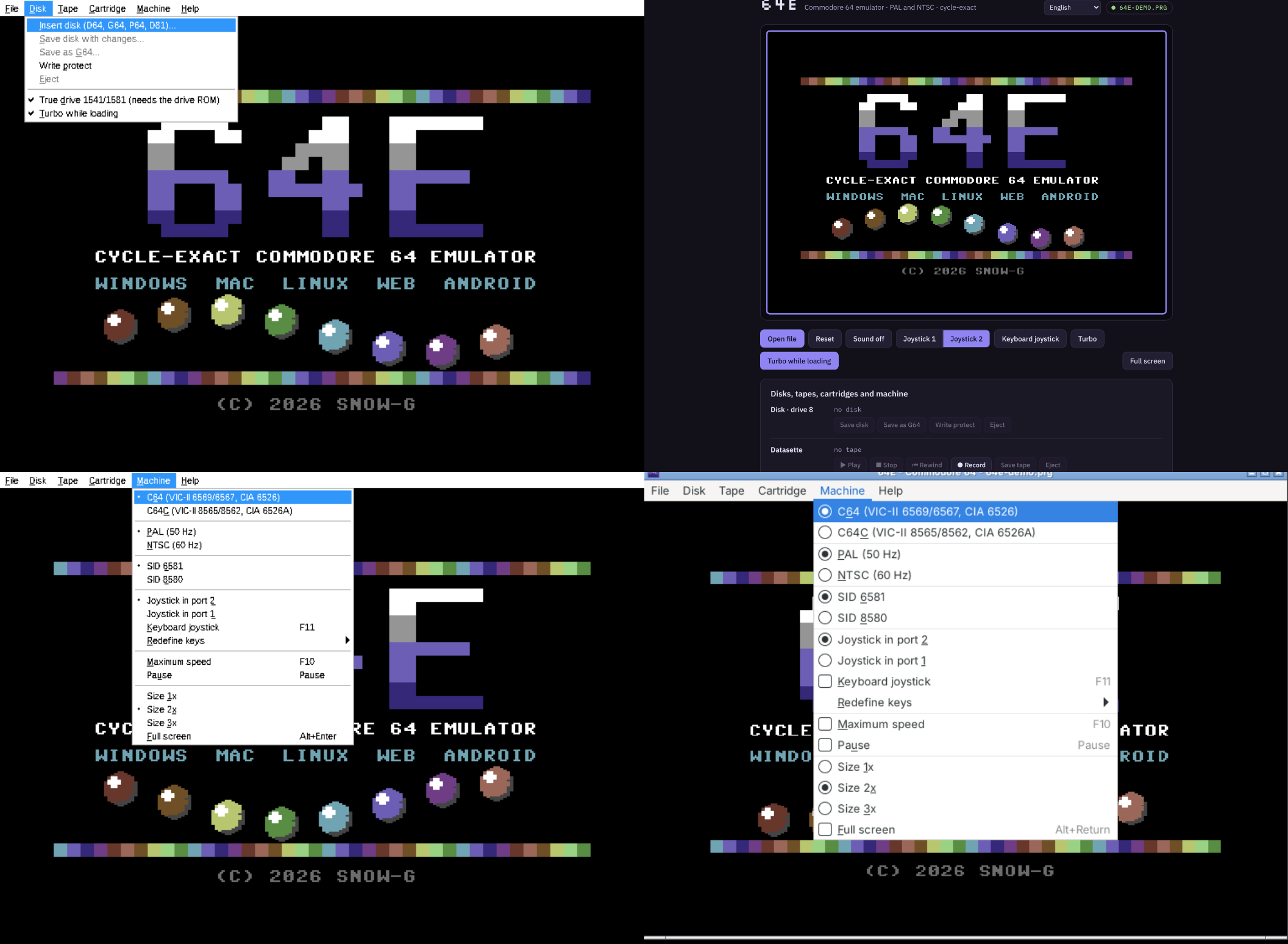
Il s’agit d’un émulateur de Commodore 64 écrit en C++ moderne et basé sur SDL2, conçu pour offrir une reproduction la plus fidèle possible du matériel d’origine. Le projet met l’accent sur une émulation précise, privilégiant le comportement réel du C64 plutôt que des approximations rapides. Il intègre également une infrastructure de débogage avancée, avec un moniteur interne, des breakpoints, des watchpoints et une visibilité détaillée sur l’état de la machine pendant l’exécution. L’ensemble est encore en développement actif, ce qui signifie que certaines fonctionnalités restent incomplètes ou expérimentales.


Télécharger Commodore-64-Emulator v0.8.6.0 alpha (5.6 Mo)

Site Officiel

En savoir plus…


https://getourbonus.com/fr/accueil

https://www.romspedia.com/