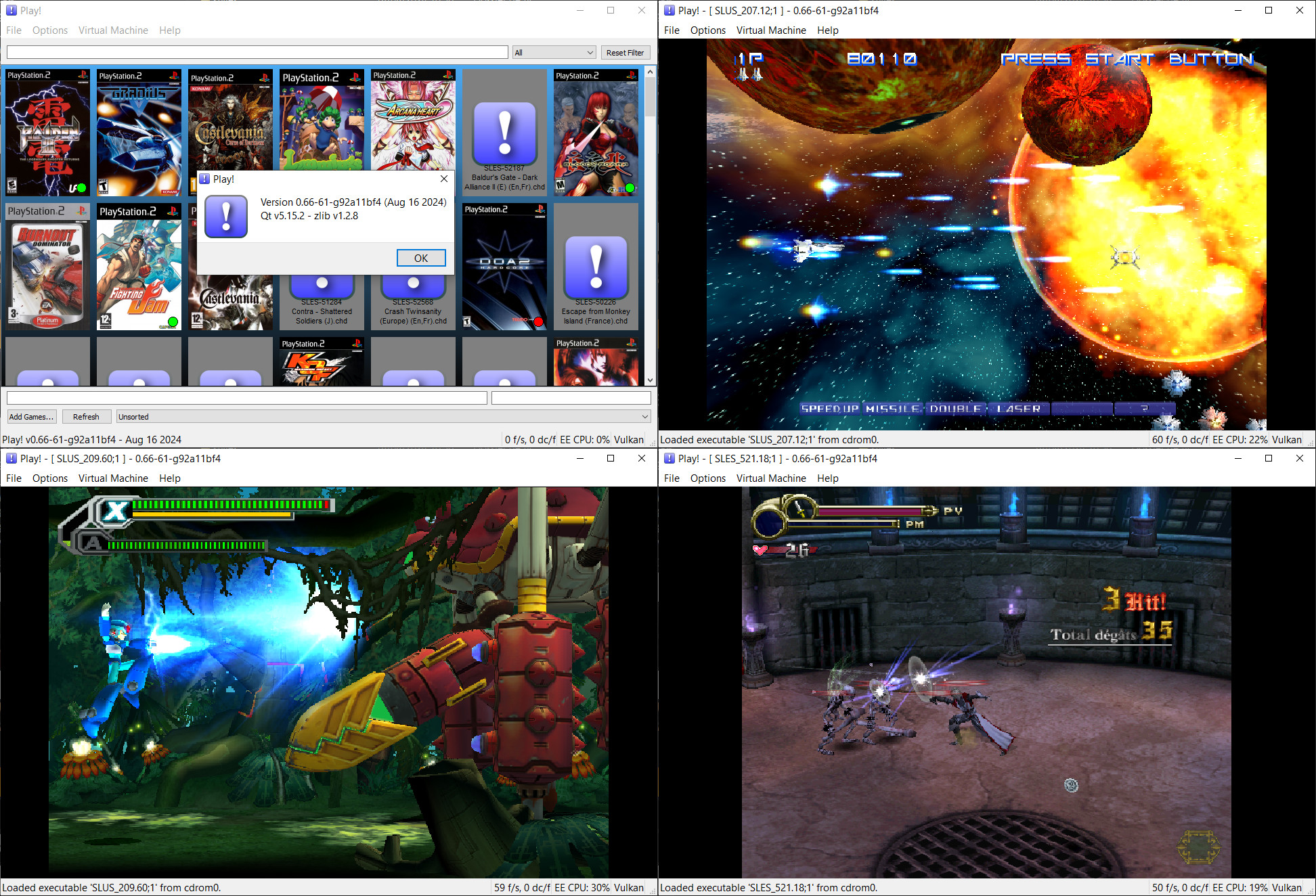
Play! est un émulateur de PlayStation 2 et Namco System 2X6 (ainsi que les variantes System 147/148) sous Windows / MacOS / iOS / Android. Il est actuellement écrit en C / C + + et utilise un système de mise en cache / de recompilation d’instruction pour obtenir de meilleures performances tout en émulant le CPU.
L’émulateur peut faire fonctionner un ensemble de jeux. L’objectif de l’auteur est d’atteindre un niveau de qualité qui permettra à quiconque de jouer à son jeu favori PlayStation 2 sur son PC.
– Add custom iLink ID to taiko11a.
– Sys246: Add field to override iLink ID.
– Cdvdman: Allow specification of custom iLink ID.
– Cleanup.
– Misc fixes
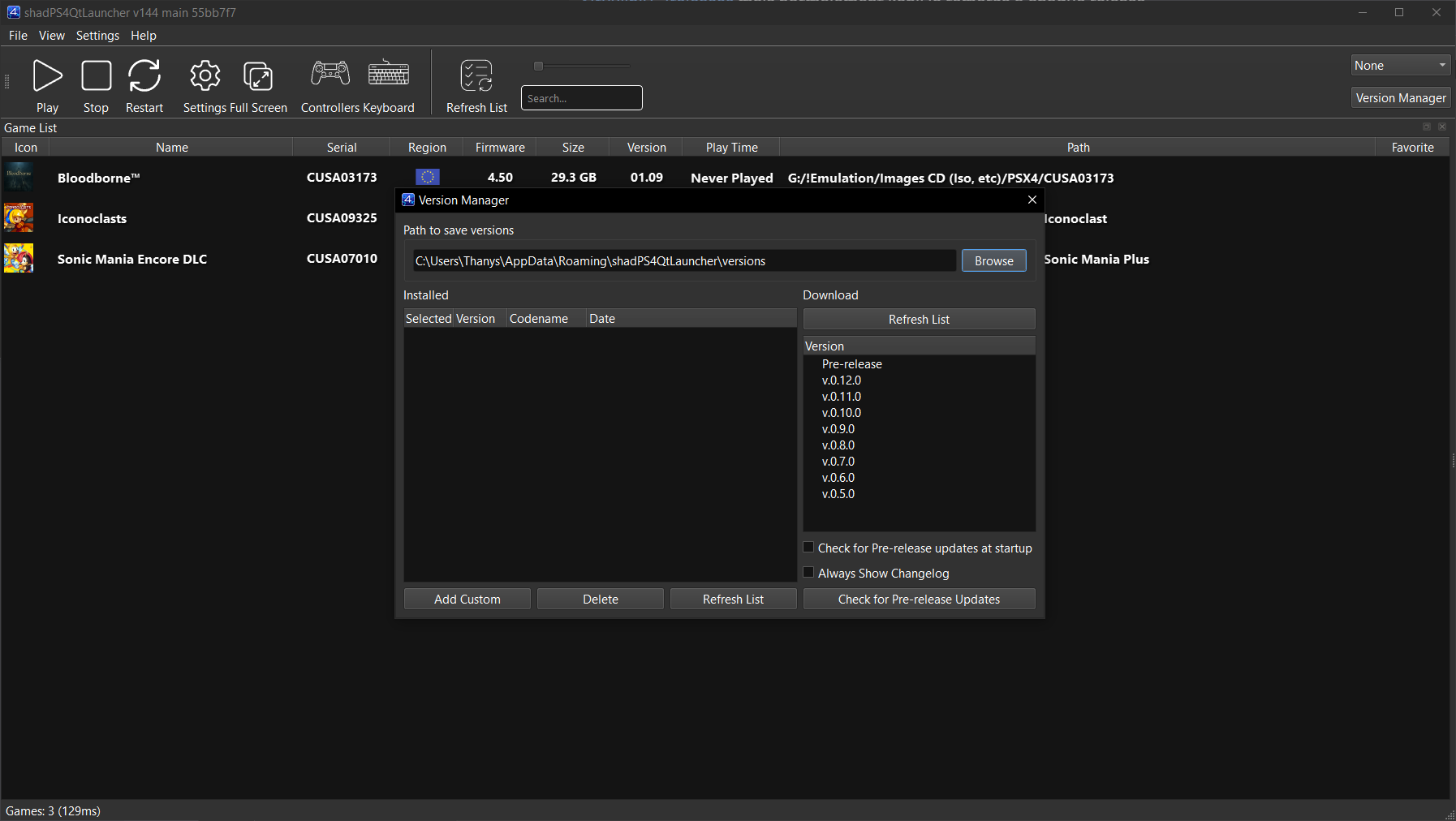
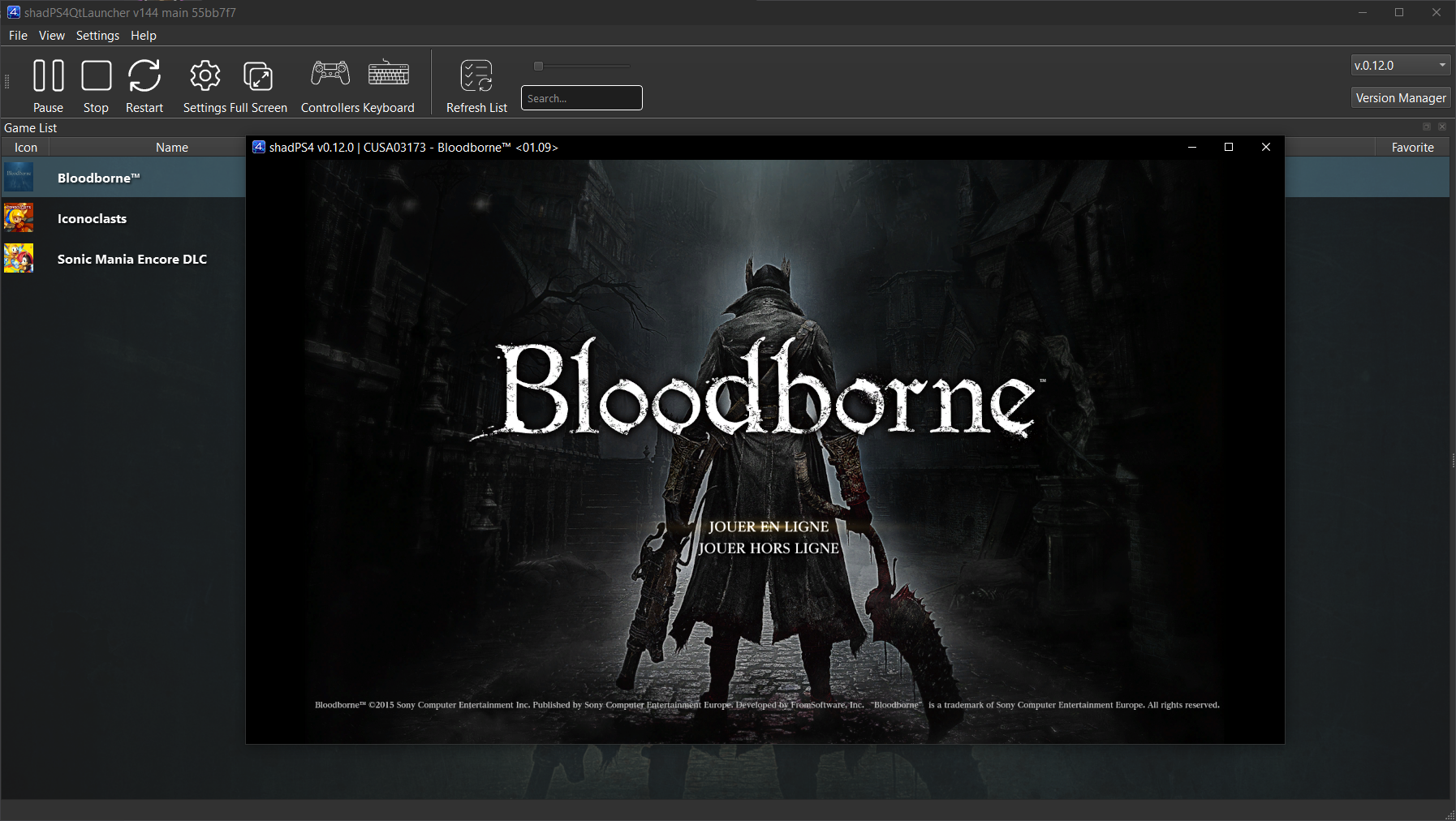
shadPS4 est un émulateur PlayStation 4 open-source. Depuis la version 0.12.1, il abandonne son interface graphique intégrée pour fonctionner uniquement en ligne de commande.
Pour faciliter son usage, une interface externe est disponible. Elle permet de lancer des jeux, configurer les options, et suivre les performances via une interface visuelle simple et intuitive.
Cette interface est développée séparément et reste compatible avec les futures versions de shadPS4.
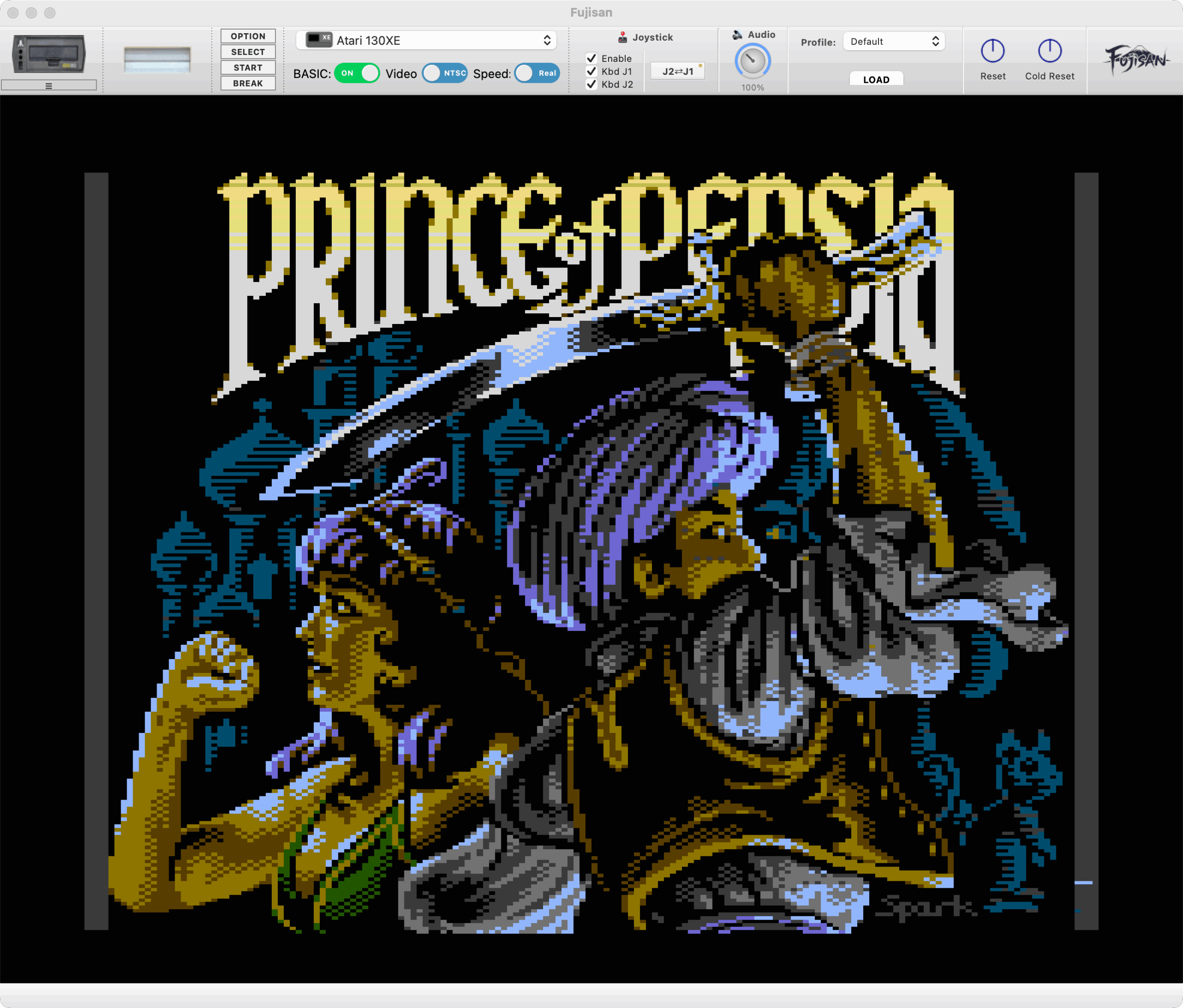
Fujisan est une interface moderne basée sur Atari800 conçue avec Qt5 pour offrir une expérience native sur Windows, macOS et Linux.
Ce n’est pas un nouvel émulateur à proprement parler, mais une surcouche graphique qui facilite l’utilisation de l’émulateur Atari800. L’objectif est de proposer une interface simple, rapide et adaptée à 90 % des cas d’usage, tout en restant fidèle au comportement authentique des machines Atari.
Ce frontend repose directement sur le cœur de l’émulateur Atari800, sans nécessiter l’installation séparée de celui-ci. En raison de cette intégration complète, il est classé dans la catégorie des émulateurs plutôt que dans celle des interfaces graphiques ou frontends.
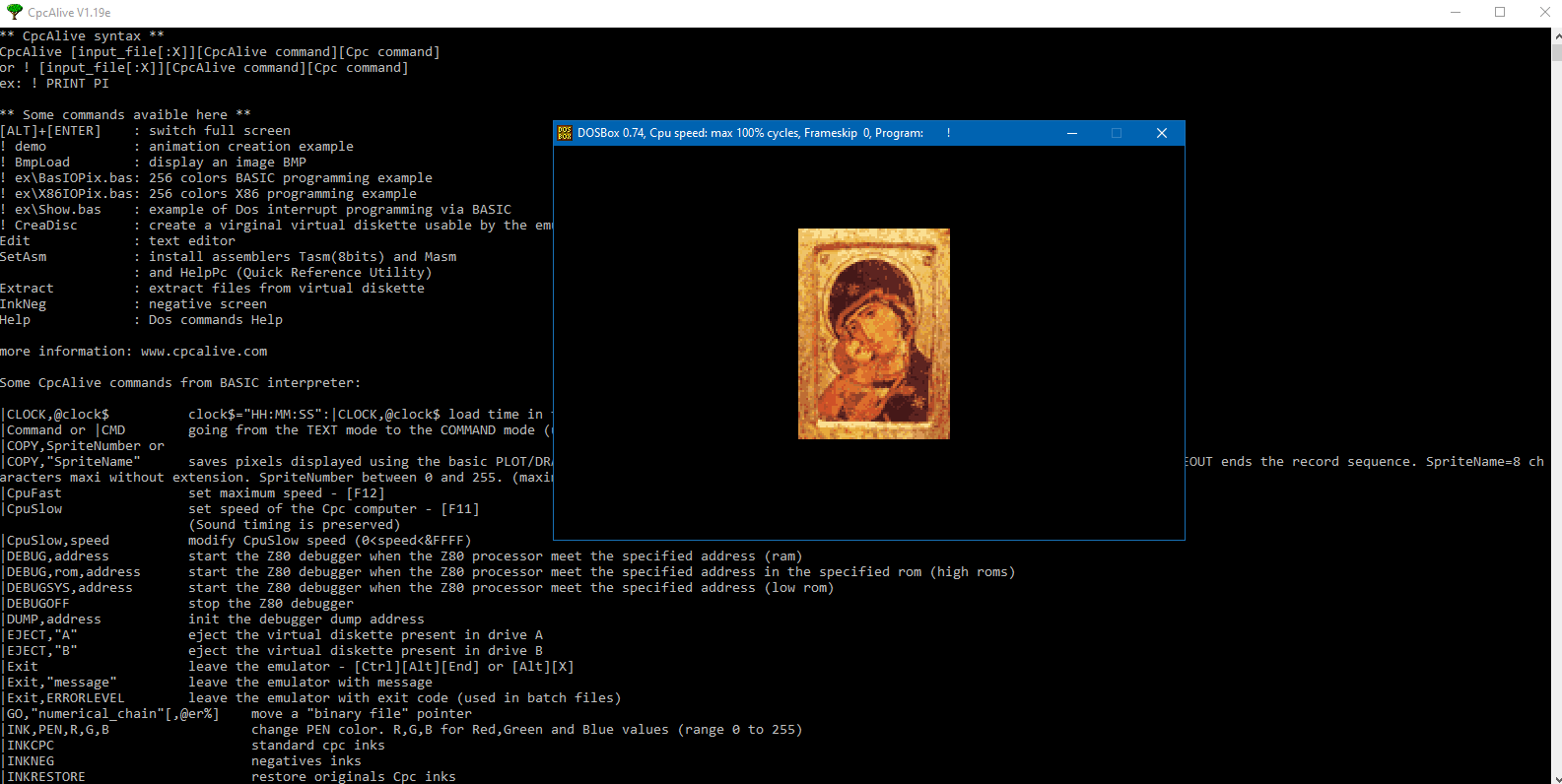
CpcAlive est un environnement de programmation compatible Amstrad CPC pour la création d’animations graphiques. L’originalité de l’émulateur est qu’il peut fonctionner sur tous les supports acceptant l’émulateur Dos « Dosbox« .
Spécificités de l’émulateur CpcAlive :
* gestion sources basic avec étiquettes
* modes graphiques 160*200*16, 320*200*256 et 640*200*16
* environnement de programmation X86 (16Mo)
* sorties écran au format BMP et animations FLI
* instructions BASIC programmables
* possibilité de traiter à partir de l’interpréteur basic du Cpc, tt fichier présent sur le hdd ou autre support.
* création d’images d’environnement autoexécutables.
* intègre un assembleur/débogueur Z80 ainsi qu’un débogueur BASIC
* gestion des fichiers créés par le compilateur C PhrozenC
Ce programme est prévu pour les programmes standards développés pour le Cpc ou spécifiques à l’émulateur. Les manettes de jeux et l’overscan ne sont pas émulés.
Il s’agit ici de CpcAlive pour Dosbox et de l’installateur Windows.
Il s’agit d’une version non officielle de FBA basée sur la version 0.2.97.43 mais qui ajoute beaucoup de fonctionnalités « inutiles » (dixit l’auteur). Cette version ajoute par exemple l’enregistrement vidéo, le support des roms sous 7z, le support de XAudio2/OpenAL/OpenGL, l’autofire… en plus d’avoir une interface plus complète et détaillée. Enfin ce build ajoute des drivers supplémentaires permettant le support de nouveaux jeux. Beaucoup l’apprécient pour ses fonctions à mi-chemin entre FBA et MamePlus!
La version VS2012 est remplacée par la VS2013 (builds compatibles à partir de Vista et supérieur).
La version VS2010 est toujours présente car compatible XP (et supérieur).
Voici les derniers builds de Creamymami concernant MAME(Arcade).
– Caname c’est MAME(Arcade) ne supportant que les jeux CPS et Neo Geo.
– NMamex2 est un build de l’émulateur MAME(Arcade) sous Windows qui ne supporte que les jeux NeoGeo.
– Mame32k c’est MAME(Arcade) intégrant le module Kaillera (jeu en réseau).
– Mame32 More! est une version basée sur Mame Plus! mais compilée avec Kaillera.
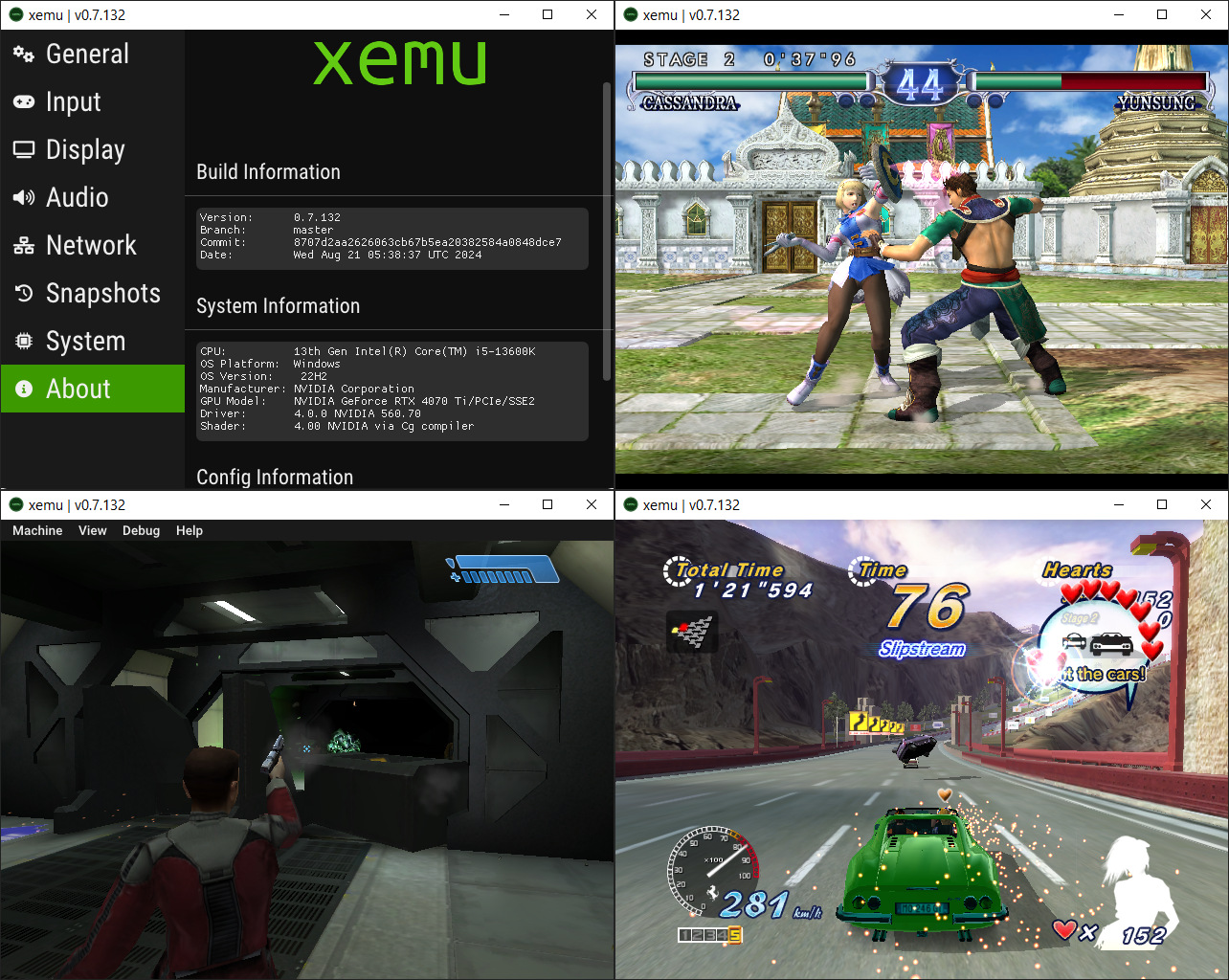
Xemu est une application multiplateforme et open source qui émule le matériel de la console de jeu Xbox d’origine, permettant aux utilisateurs de jouer à leurs jeux Xbox sur les systèmes Windows, macOS et Linux.
Ce projet est une branche active du projet XQEMU, qui est lui même basé sur le projet QEMU qui est populaire et très activement maintenu.
A noter qu’une collection personnelle de patchs graphiques IPS/BPS pour jeux Xbox, offrant divers hacks (16:9, 720p, 480p, 60 FPS), avec des options haute résolution (mais parfois instables) sont disponibles ici.
A noter que la version 32 bits n’est pas officielle (réalisée par Lo v2).
Quelques informations d’ordres générales concernant les modifications:
– meson: Bump SDL3 to 3.4.2 (@mborgerson)
– ci: Work around broken LLVM package repo (@mborgerson)
– xblc: Cleanup (@mborgerson)
– xblc: Migrate to SDL3 (@faha223)
– nv2a: Use G_GNUC_PRINTF macro for debug function printf attribute (@mborgerson)
– nv2a/vk: Cleanup instance creation a bit (@mborgerson)
– apu: Improve throttling (@mborgerson)
– apu: Move monitor management out to monitor.c (@mborgerson)
– apu: Use SDL_SetAudioStreamGain to control monitor volume (@mborgerson)
– apu: Clear HRTF history on voice_reset_filters (@mborgerson)
– apu: Restructure monitor sink to eliminate callbacks and extra buffer (@mborgerson)
– u: Fix crash in SDL_Quit (@oltolm)
– ci: Install Meson in subproject update workflow (@mborgerson)
– ui: Restructure display handling for independent refresh (@mborgerson)
– ci: Check for subproject updates from wrapdb (@mborgerson)
– ci: Add ‘dependencies’ label to PRs created from subproject update wo… (@mborgerson)
– xemu-snapshots: fix assert (@oltolm)
– meson: Bump glslang to 16.2.0 (@xemu-robot)
– ui: fix crash bug when clicking config info (@oltolm)
– Migrate to SDL3 (@mborgerson)
– ui: Improve Windows updater (@mborgerson)
Issues Fixed
– Add support for Vulkan 1.1 or 1.2 for low end/older devices on Linux ARM64
– Nascar 06: Audio Buzzing
Crashes without an available audio device
– Separate host/guest refresh
– Continue emulation while dragging/resizing main window on Windows
File-Browse Dialog not accessible while Fullscreen is enabled
Y axis of right analog not detected on USB controller
– Flatpak: XDG Desktop Portal for FileChooser
– Migrate to SDL3
– Xemu doesn’t work properly with Windows scaling in fullscreen mode
– Bluetooth-connected xinput controller not detected by xemu
– 8BitDo right stick and triggers stopped working in version 0.8.93+
– Continue emulation while file selection dialogs are open
Auto-updater may temporarily grab old releases upon new release
– Provide more update details in auto-update dialog
– Link to release notes in auto-updater
– Auto-updater is not using current package names
NegaMAME, qui se combine avec le frontend NegaTron, se comporte exactement comme MAME officiel mais il ajoute une commande que les frontends tiers peuvent utiliser pour récupérer les informations manquantes dans MAME depuis la version 0.186, aidant ainsi Negatron à retrouver un accès complet à toutes les fonctionnalités qu’il avait déjà en 2015 (avant l’intégration de MEWUI devenu l’interface interne dans MAME).
Maintenu par Robbbert, il s’agit de la suite la plus directe de MAMEUIFX, ne contenant que la partie arcade de MAME et supprimant les « extra games » que proposait MAMEUIFX (ces derniers étant tous inclus dans HBMAME).
As before, the releases only have the binary. Any other needed files come with the standard MAME from mamedev.org.
– Arcade games only
– NO pinball
– NO poker games
– NO gambling games
– NO systems that require software, such as computers and consoles
– If all the games of a specific source file are not functional, then they are removed.
Changement: – sync with mame v0.286
– Finished adding sound to invaders clones.