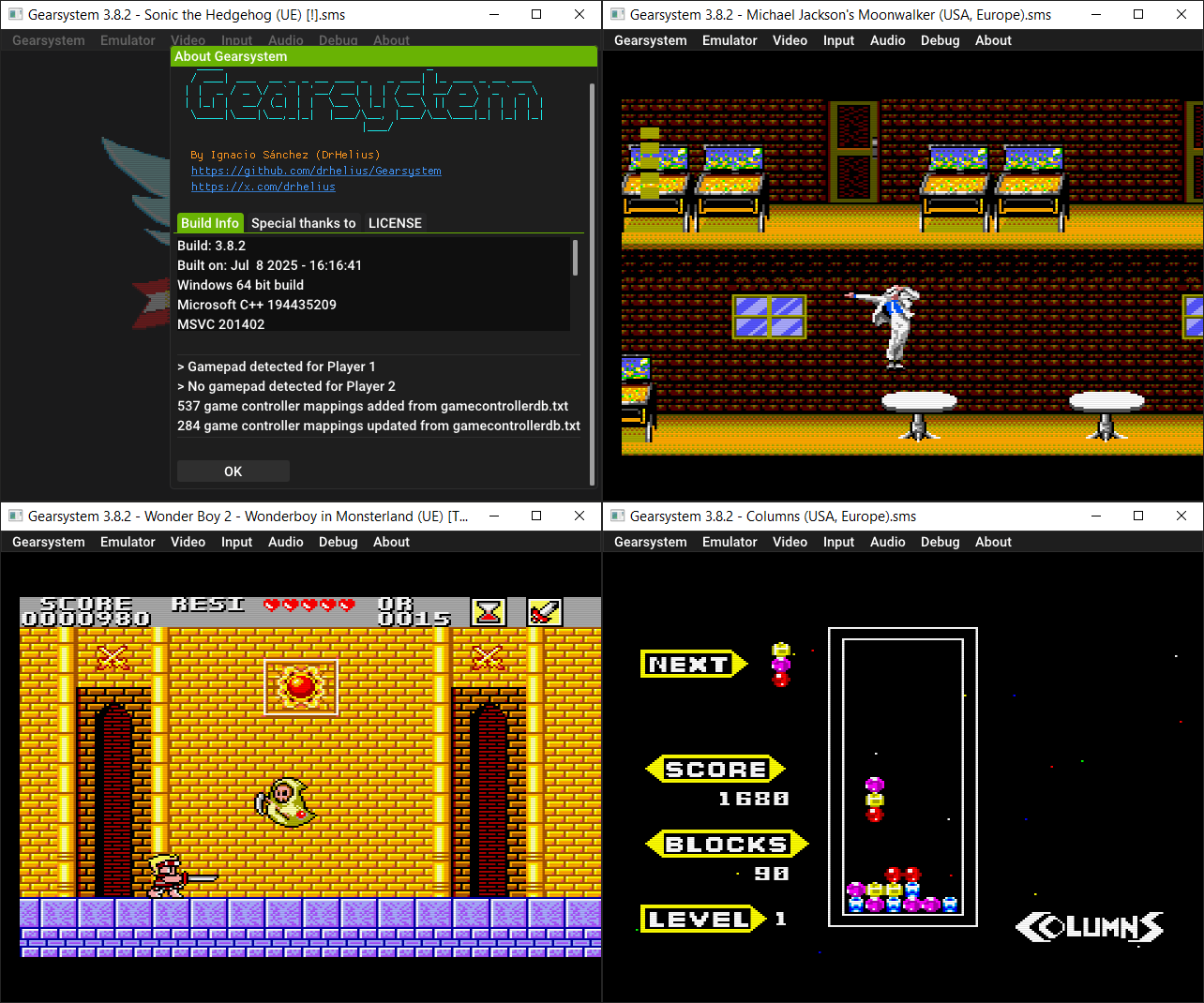
Il s’agit d’un émulateur de Sega 8 bits écrit en C++ par Ignacio Sanchez.
 
Il émule les machines suivantes:
– Sega Mark III
– Sega Master System
– Sega Game Gear
– Sega Game 1000 (SG-1000)
– Othello Multivision


Voici donc les changements:
 

🔊 Fixed VSync audio underruns
🎮 Updated Game Controller DB
🐛 Many bug fixes and improvements

 
Le binaire 32 bits est compilé par Lo v2.


Télécharger GearSystem (32 bits) v3.1.0 (13.5 Mo)

Télécharger GearSystem (64 bits) v3.9.19 (2.8 Mo)

Site Officiel

En savoir plus…

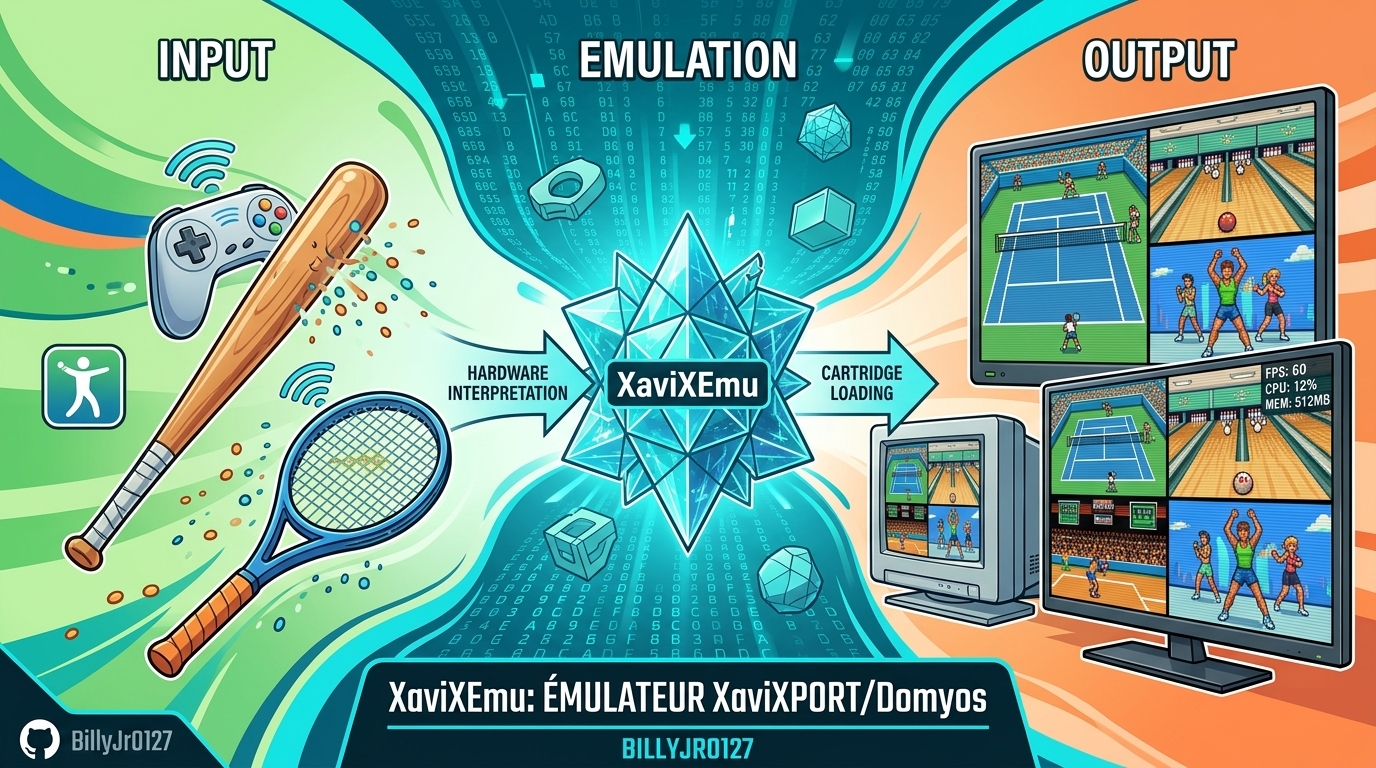
XaviXEmu est un émulateur expérimental et open source pour Windows, dédié à certains jeux télévisés XaviX, XaviX 2000 et XaviX 2. Le projet se concentre sur la documentation du comportement matériel, l’émulation des entrées de mouvement, les tests reproductibles et la préservation des recherches sur des systèmes dont les accessoires optiques d’origine sont difficiles à utiliser avec les écrans modernes.


Les changements:

– Super Dash Ball, Golf & Hamtaro: Fixed stick directions for Super Dash Ball, added Golf’s configurable swing/space action, improved Hamtaro controls, corrected TV-PC mouse coordinates, and updated playability ratings.
– Release & Distribution: Added Traditional Chinese setup, controls, 40 ZIP mappings, and 0.4.1 release notes while distributing binaries without publishing source code.
– Display & Launch Options: Preserved game viewport size during menu wrapping, added -f, -w1–-w4, and -s 4:3 launch options with direct ROM paths, and prevented saving temporary display overrides.
– UI & Versioning: Simplified About section to list XaviXEmu for XaviX/2000/2, updated app version to 0.4.1, and documented all 40 ZIP titles and statuses in the README.
– Canvas & Zoom: Fixed XaviX2 window zoom on a stable 320×240 canvas and locked Take-copter’s 4x window to 1280×960 during its 640×480 startup screen.
– Playability: Marked Choro-Q Byun Byun Racer, Disney Princess, Doraemon Taikan Take-copter, Ham-chans, and IDATEN Jump as fully playable.
– Dragon Ball Z2 Persistence: Separated Dragon Ball Z2’s 1024-byte EEPROM from snapshots to keep story saves persistent across restarts and F7 loads.
– Rendering & Performance: Fixed lower-panel color flashes in Dragon Ball Z2 and optimized empty polygon lists to single-palette frame protection.
– XaviX 2 Depth & Ordering: Fixed depth sorting for culled polygons and billboard anchors in Dragon Ball, removing previous ordering workarounds.
– Diagnostics: Added optional submission/active-line diagnostics and periodic framebuffer captures to the boot probe without modifying runtime state layout.
– Window Scaling: Fixed library launch scaling so selected 1x–4x window scales persist after restarting a game.
– Translucency & Shaders: Implemented interleaved RGB444+Nalpha palette decoding, fixed Take-copter’s cloud/haze rendering, and cleaned up blended 3D/2D sprite edges.
– Alpha Composition & IRQ: Corrected premultiplied alpha blending math and synced Take-copter’s F7 sequence to a stable 60 Hz frame rate.
– Filters & Effects: Implemented the RPU four-tap bilinear filter for smooth sprite scaling and added a $e620 2×2 Gouraud dither pattern for sky gradients.
– GPU Submissions: Merged Take-copter’s dual GPU submissions to fix full-screen color fade layering over characters and clouds.
– Take-copter Controls: Added a full 4×4 head-tilt input driver for Take-copter supporting mouse, keyboard, gamepad, and Wii pointers with custom gestural actions.
– UI Pause Menu: Added an Escape confirmation menu to safely pause, save EEPROM, return to the library, or resume emulation.
– Game Library: Added a searchable, sortable game library with drive scanning, thumbnail support, detailed title metadata, and custom per-game controls.
– ROM Recognition & Profiles: Added exact detection for seven new ROMs (rad_mtrk, rad_snow, etc.), clean input profiles, and separate state identities.
– Vehicle Controls: Added mouse, keyboard, and gamepad analogue controls with fine-grained tilt and duty-cycle steering for early racing systems.

Télécharger XaviXEmu v0.4.1 (262 Ko)

Site Officiel

En savoir plus…

La dernière version béta publique de l’excellent WinUAE, l’émulateur Commodore Amiga. La traduction est signée Tradu-France.


Les changements ici.
 

Télécharger WinUAE (Public Beta) [ARM] v6.1.0 Beta 16 (4.4 Mo)

Télécharger WinUAE (Public Beta) [32 bits] v6.1.0 Beta 16 (5.0 Mo)

Télécharger WinUAE (Public Beta) [64 bits] v6.1.0 Beta 16 (7.6 Mo)

Télécharger WinUAE (Public Beta) [ARM] v6.1.0 Beta 6 FR (7.7 Mo)

Télécharger WinUAE (Public Beta) [32 bits] v6.1.0 Beta 15 FR (5.0 Mo)

Télécharger WinUAE (Public Beta) [64 bits] v6.1.0 Beta 15 FR (7.6 Mo)

Site Officiel

En savoir plus…

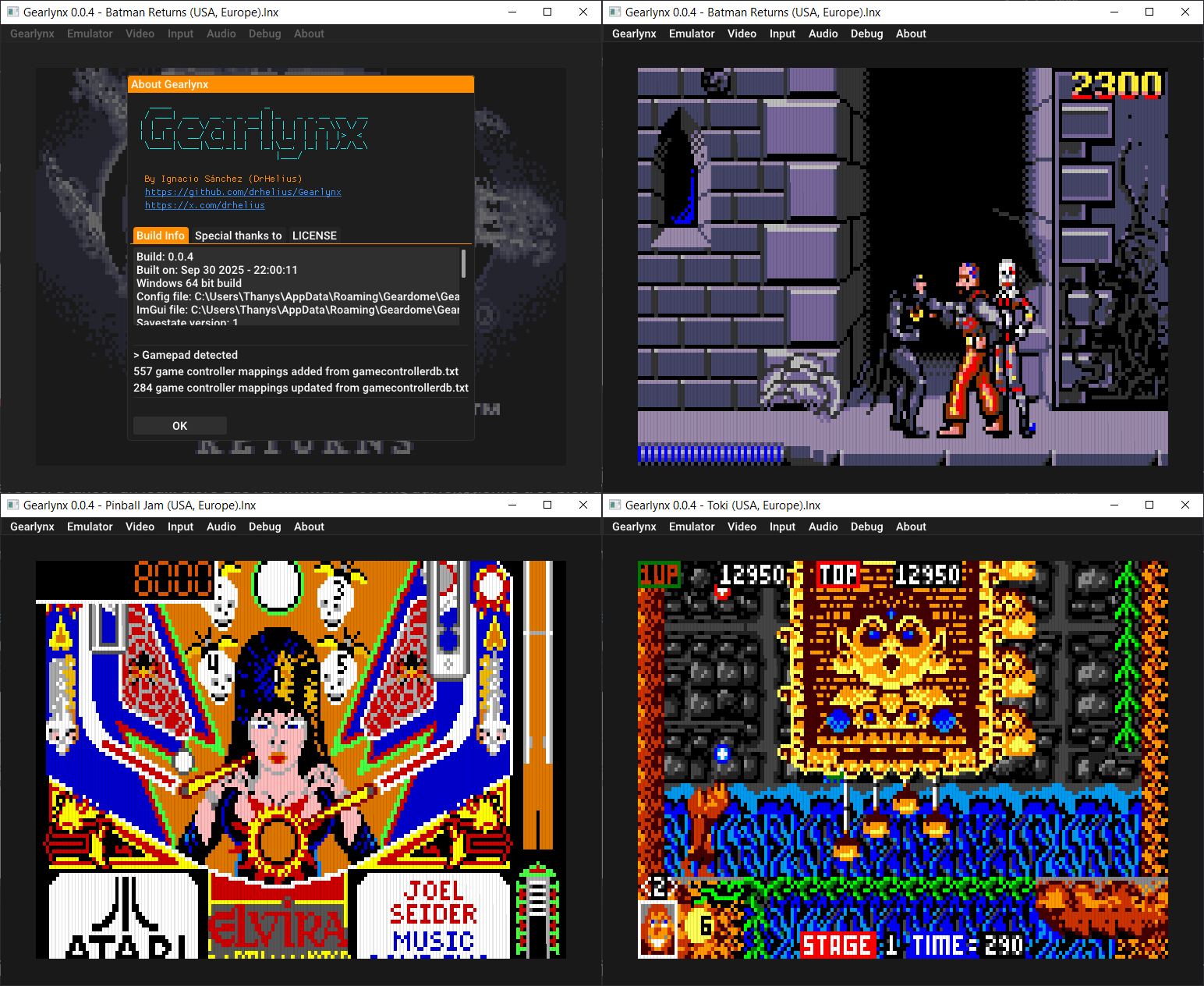
GearLynx est un émulateur d’Atari Lynx pour Windows.


Les changements sont:
🎯 Improved Suzy accuracy
🔊 Fixed VSync audio underruns
🎮 Updated Game Controller DB
🐛 Many bug fixes and improvements


Télécharger GearLynx v1.2.32 (2.9 Mo)

Site Officiel

En savoir plus…

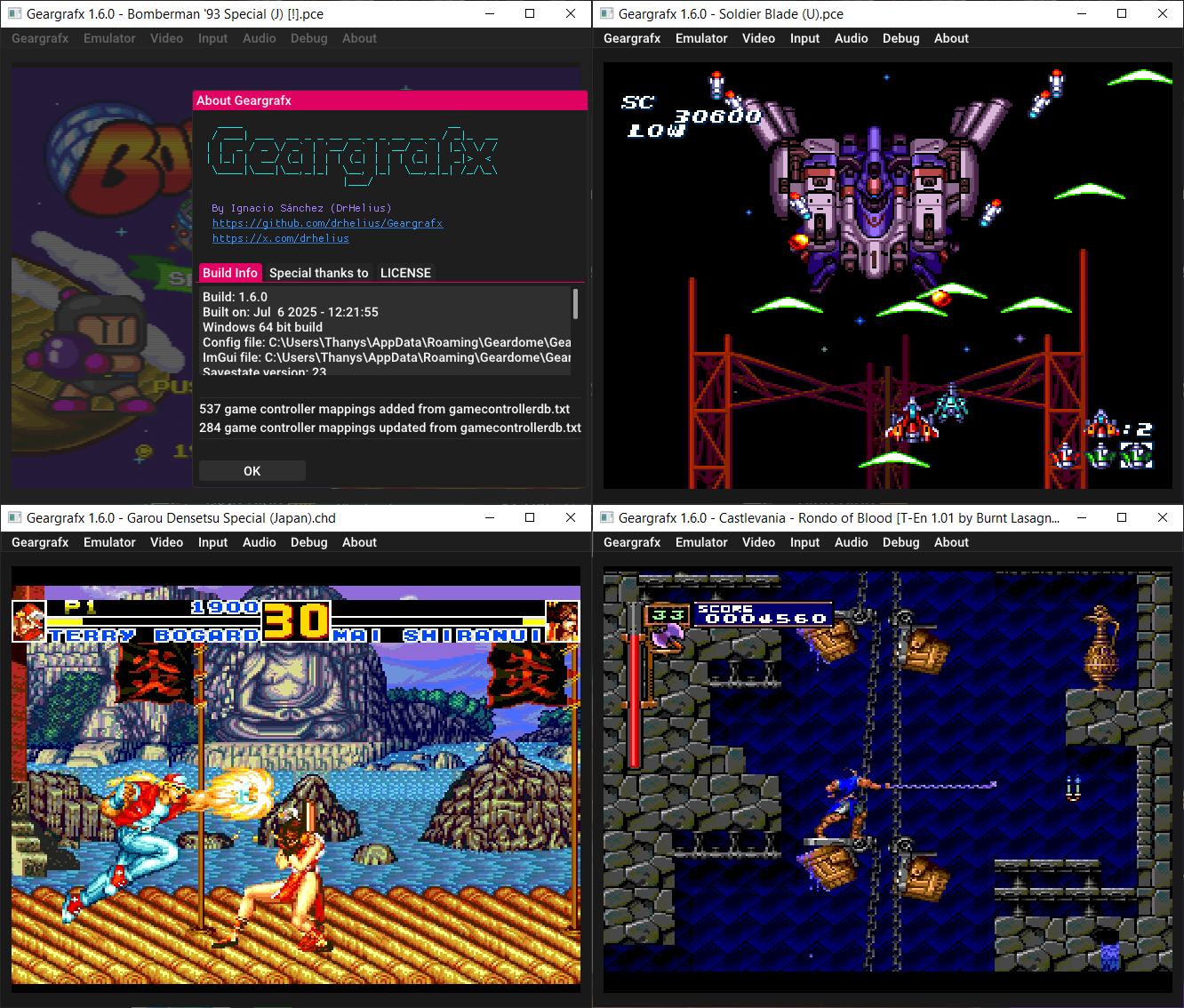
Il s’agit d’un émulateur de PC Engine / TurboGrafx-16 / CD-ROM² / Super CD-ROM² et Arcade CD-ROM² / SuperGrafx multi plateformes.


💿 NEC LaserActive LD-ROM² (MMI) support with multi-side media
🔊 Improved ADPCM clock speed accuracy (configurable)
🧠 Improved MCP server tools for LaserActive/MMI media
🎮 Updated Game Controller DB
🐛 Many bug fixes and improvements


Télécharger GearGRAFX v1.8.0 (3.3 Mo)

Site Officiel

En savoir plus…

Gearcoleco est un émulateur ColecoVision multiplateforme très précis écrit en C++ qui fonctionne sous Windows, macOS, Linux, BSD, Raspberry Pi et RetroArch.


Les changements:
🎮 Updated Game Controller DB
🐛 Many bug fixes and improvements


Télécharger GearColeco v1.7.1 (2.7 Mo)

Site Officiel

En savoir plus…

‘Xbox 360 Controller Emulator’ est une bibliothèque de wrappers qui traduit les appels XInput en appels DirectInput, et permet le support des pads non-compatibles XInput dans les applications (surtout des jeux).
 
En d’autres termes: x360ce vous permet d’utiliser n’importe quel pad dans les jeux qui supportent à la base uniquement le pad XBOX360 !
 
Notez que la version AnyCPU s’exécute nativement en 32 ou 64 bits selon le système. Elle est donc la seule version à jour à privilégier.

 
x360ce_General
 
Plus d’infos sur le site officiel.
 

Télécharger x360ce (AnyCPU) v4.23.59 (18.4 Mo)

Télécharger x360ce (64 bits) v3.2.9.82 (1.6 Mo)

Site Officiel

En savoir plus…

Un émulateur NES écrit en Dart et Flutter. Supporte macOS, Windows, Android et Linux (testé sur Steam Deck).


Télécharger NESd v0.21 (15.5 Mo)

Site Officiel

En savoir plus…

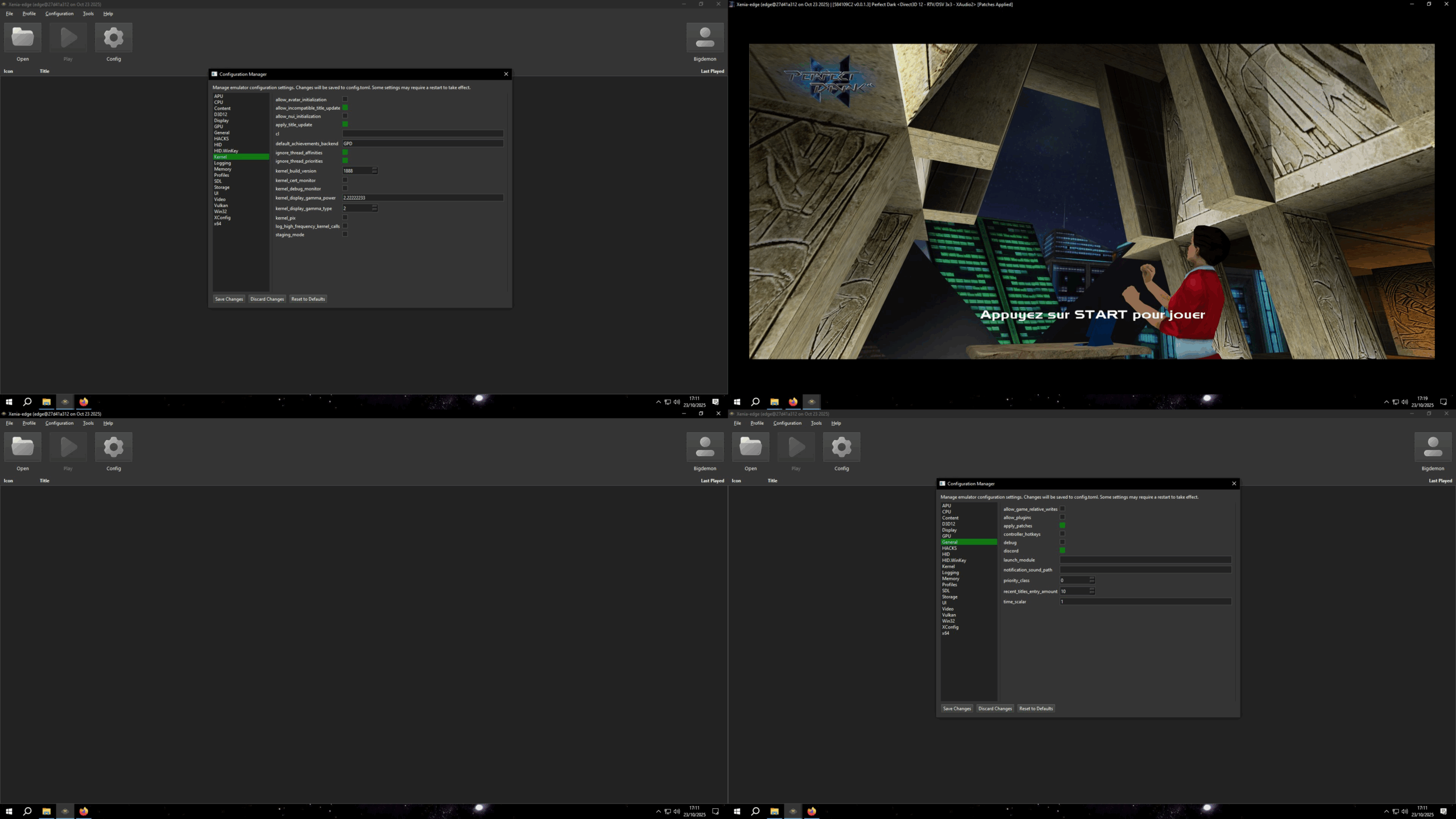
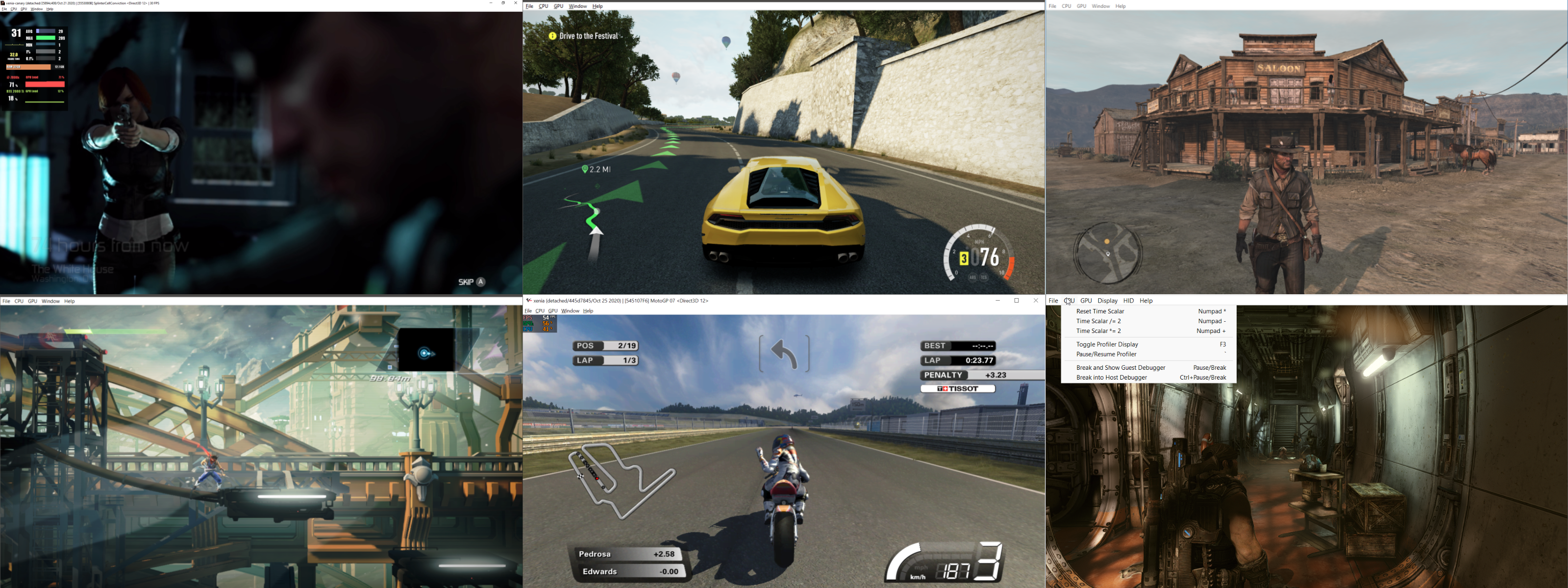
Le projet GitHub xenia-edge est un fork expérimental de l’émulateur Xbox 360 Xenia, basé sur la branche Canary. Il vise à centraliser les dernières avancées techniques issues de divers forks dans un seul package. Le projet est conçu pour la recherche et l’expérimentation autour de l’émulation Xbox 360, avec une compatibilité Windows et Linux. Il propose un script de build personnalisé (xb) pour simplifier la compilation, une liste de compatibilité des jeux maintenue par la communauté, et une intégration continue via Buildbot. Le code est majoritairement écrit en C++, avec des contributions en Assembly, Python, Lua, HLSL et C#. Le dépôt contient des ressources utiles comme un guide de démarrage rapide, une FAQ et des instructions de compilation.


Télécharger Xenia Edge (2026/09/27) (10.3 Mo)

Site Officiel

En savoir plus…

Créé par Ben Vanik alias Noxa (PSP Player), il s’agit d’un projet de recherche pour développer un émulateur Xbox 360. Notez qu’il vous faudra une machine très performante pour lancer des jeux commerciaux de façon fluide. Plus d’informations ici sans oublier le site de développement là [master]. Un manager permettant de gérer l’émulateur Xenia est disponible ici.


– [XAM] – Add missing X_MARKETPLACE_ENTRYPOINT, X_MODULE_FLAGS, and more CreateThreadFlags
– [GPU] RB_COPY_SURFACE_SLICE for volume resolve slice spacing
– Misc fixes


Télécharger Xenia v1.0.2844 (2026/09/27) (3.5 Mo)

Site Officiel

En savoir plus…

Fuse (Free Unix Spectrum Emulator) est un émulateur tournant à l’origine sous Unix. Plusieurs portages ont été fait dont celui pour Windows. Les systèmes 16K, 48K, 128K, +2, +2A, +3, +3e, SE, TC2048, TC2068, TS2068, TTX2000S, Pentagon 128 et Scorpion ZS 256 sont émulés.


Emulation core improvements:
– Expand automatic tape-loader detection and acceleration for
Microprose, Software Projects, Gremlin 2 and Movieload loaders
(fixes bugs #396, #429 and #430) (thanks, Philip Kendall)
(Fredrick Meunier).
– Improve automatic tape playback for custom loaders, allowing Basil
the Great Mouse Detective, Viz: The Computer Game, Moonlighter and
Trzy Wymiary to load without manual tape control (fixes bug #433
and part of bug #218) (Fredrick Meunier).
– Preserve the complete tape signal state when switching from ROM
traps to custom loaders, allowing Bomb Jack and similar loaders to
continue correctly (fixes bug #333 and part of bug #310)
(Fredrick Meunier).
– Avoid accelerating the Technician Ted loader (fixes bug #55)
(Fredrick Meunier).
– Do not automatically restart rewound tapes at end of tape, making
it easier to change sides in multi-side games such as Echelon
(part of bug #218) (Fredrick Meunier).
– Handle bare tape flag blocks explicitly, improving compatibility
with unusual tape images (Fredrick Meunier).
– Correct tape-loading sound through the beeper so loading audio is
reproduced accurately (thanks, Kuba Adamowicz) (Fredrick
Meunier).
 
Machine specific improvements:
– Support both 8K and 16K Interface 1 ROM images and preserve their
size in snapshots (fixes bug #152) (thanks, Andy Potter) (Fredrick
Meunier).
– Enable DISCiPLE on 128K machines, add inhibit behaviour and expose
its magic button in widget UIs (fixes bugs #271 and #273) (thanks,
Stuart Brady, Alan Pearson and Gergely Szasz) (Sergio Baldoví and
Fredrick Meunier).
– Correct +D address decoding for more accurate peripheral behaviour
and software compatibility (Fredrick Meunier).
 
UI improvements:
– GTK3: restart the autohide timeout when switching fullscreen mode
so the menu and status bars appear or disappear immediately
(Alberto Garcia).
– GTK3 and SDL2: set the correct application identity so Linux
desktop environments display the proper Fuse icon (Alberto Garcia).
– Correct CAPS SHIFT handling when multiple host cursor keys are
held (fixes bug #470, patch #448) (thanks, lvd) (Fredrick Meunier).
– Add the FMF extension automatically when recording movies (fixes
bug #469) (Gergely Szasz and Fredrick Meunier).
 
Scaler improvements:
– Extend composite scaler colours correctly to the screen edges,
(thanks, Sergio Baldoví) (Fredrick Meunier).
 
RZX improvements:
– Correct EI-delayed interrupt handling during playback, allowing
affected recordings to replay without desynchronising (fixes bugs
#508, #67 and part of bug #336) (thanks, Alexey Kuznetsov and AJ
B) (Fredrick Meunier).
– Reproduce legacy Spectaculator CPU behaviour and +D snapshot
paging, allowing more Spectaculator recordings to play correctly
(part of bug #336) (Fredrick Meunier).
– Handle SPIN 0.5 frame-boundary and tape-save input quirks, allowing
affected recordings to continue without input-count errors
(Fredrick Meunier).
– Restore the R register correctly in recordings made by Fuse
versions before 0.7, improving playback of old recordings
(Fredrick Meunier).
– Place autosave snapshots after interrupt processing so unfinalised
recordings can restart correctly in other RZX players (fixes bug
#304) (thanks, Sergio Baldoví) (Fredrick Meunier).
– Report missing snapshots and compatibility warnings more clearly,
making playback failures easier to diagnose (Fredrick Meunier).
– Fix the –playback command-line option so RZX playback can again
be started from the command line (Fredrick Meunier).
 
Miscellaneous improvements:
– Avoid reading entire HDF images while identifying file types (part
of bug #168) (thanks, Gergely Szasz) (Fredrick Meunier).
– Require C11 compiler support (Fredrick Meunier).
 
Testing improvements:
– Improve development regression test harness (Fredrick Meunier).
– Expand tape-loader, tape-trap and ROM-loading regression coverage
to reduce the risk of compatibility bugs (Fredrick
Meunier).
 
– Various other minor bugfixes.


Télécharger Fuse v1.10.0 (3.3 Mo)

Télécharger Fuse (SDL) v1.10.0 (4.4 Mo)

Site Officiel

En savoir plus…

Igir est un gestionnaire de collections de ROM qui permet de trier, de filtrer, d’extraire ou d’archiver, de patcher et d’établir des rapports sur des collections de toute taille sous n’importe quel système d’exploitation.


Télécharger Igir v5.5.1 (41.4 Mo)

Site Officiel

En savoir plus…


https://getourbonus.com/fr/accueil

https://www.romspedia.com/