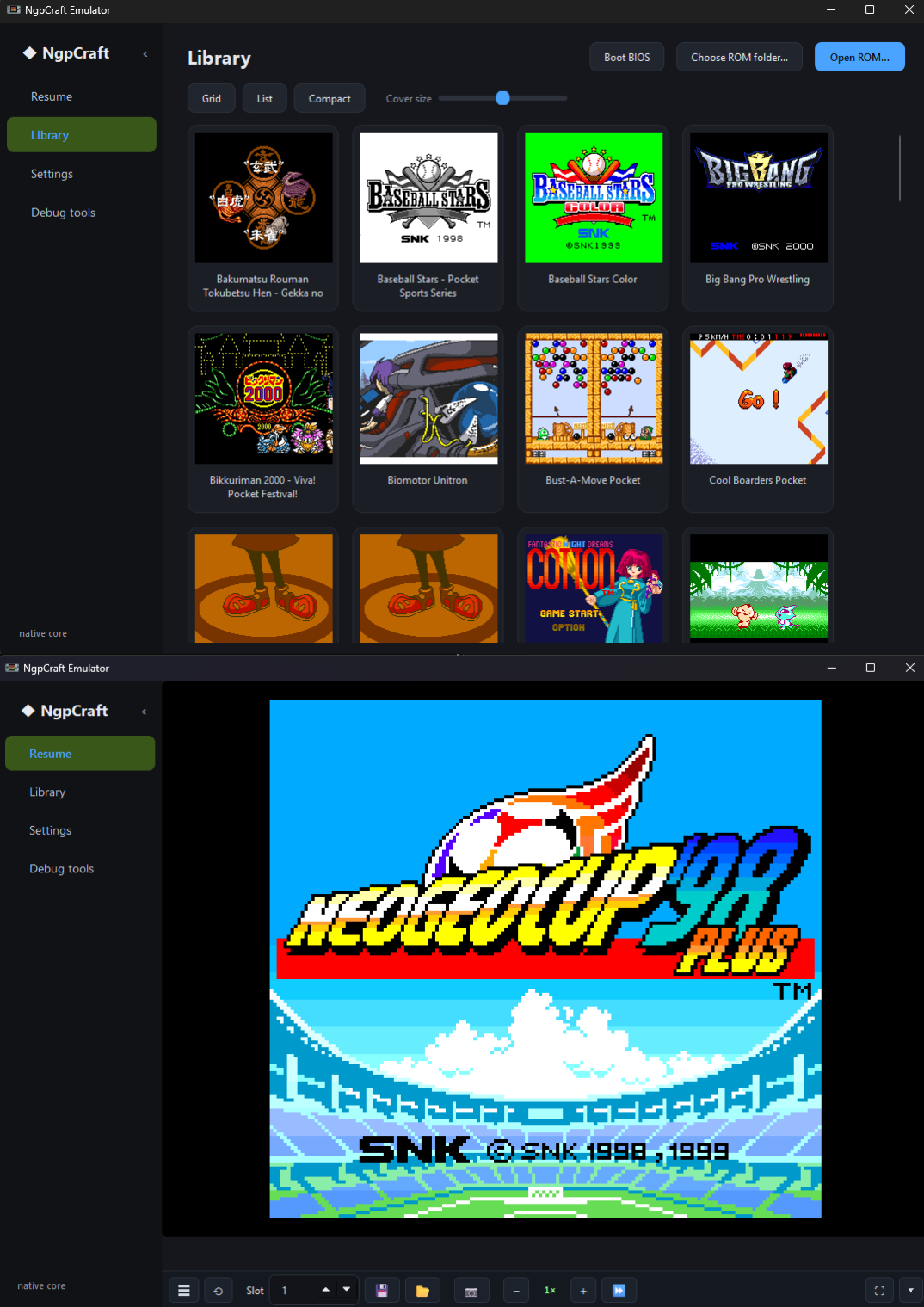
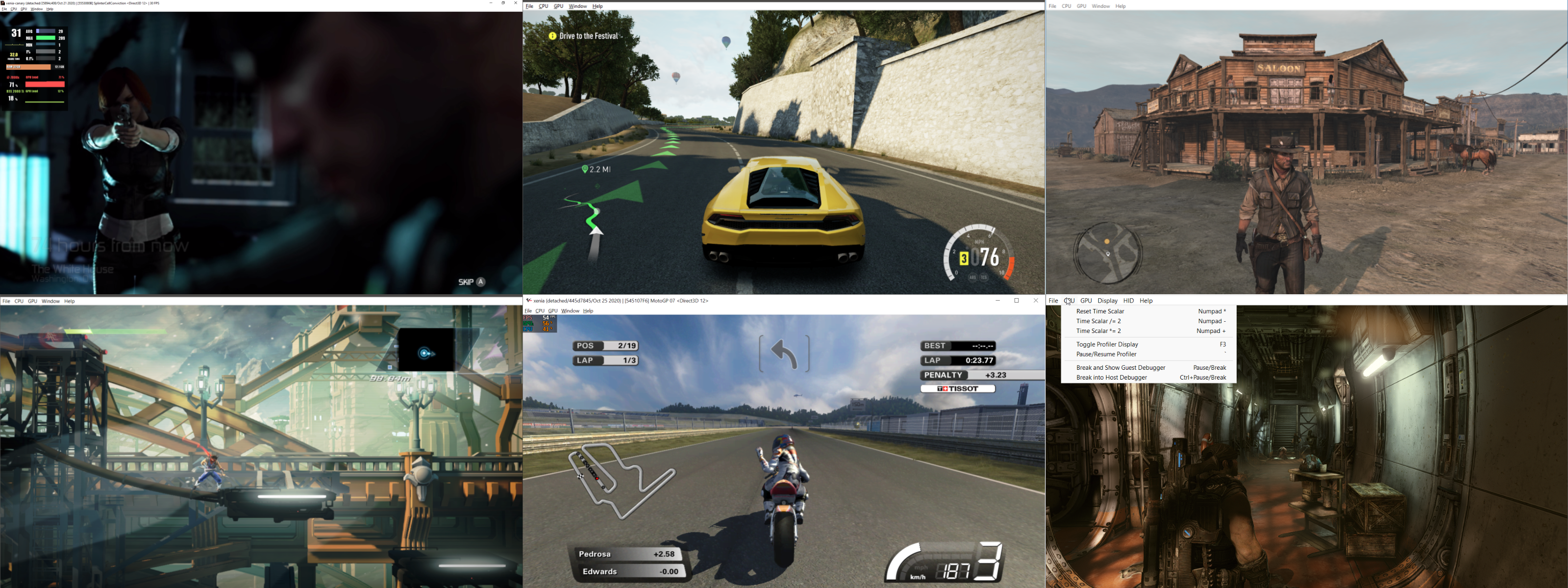
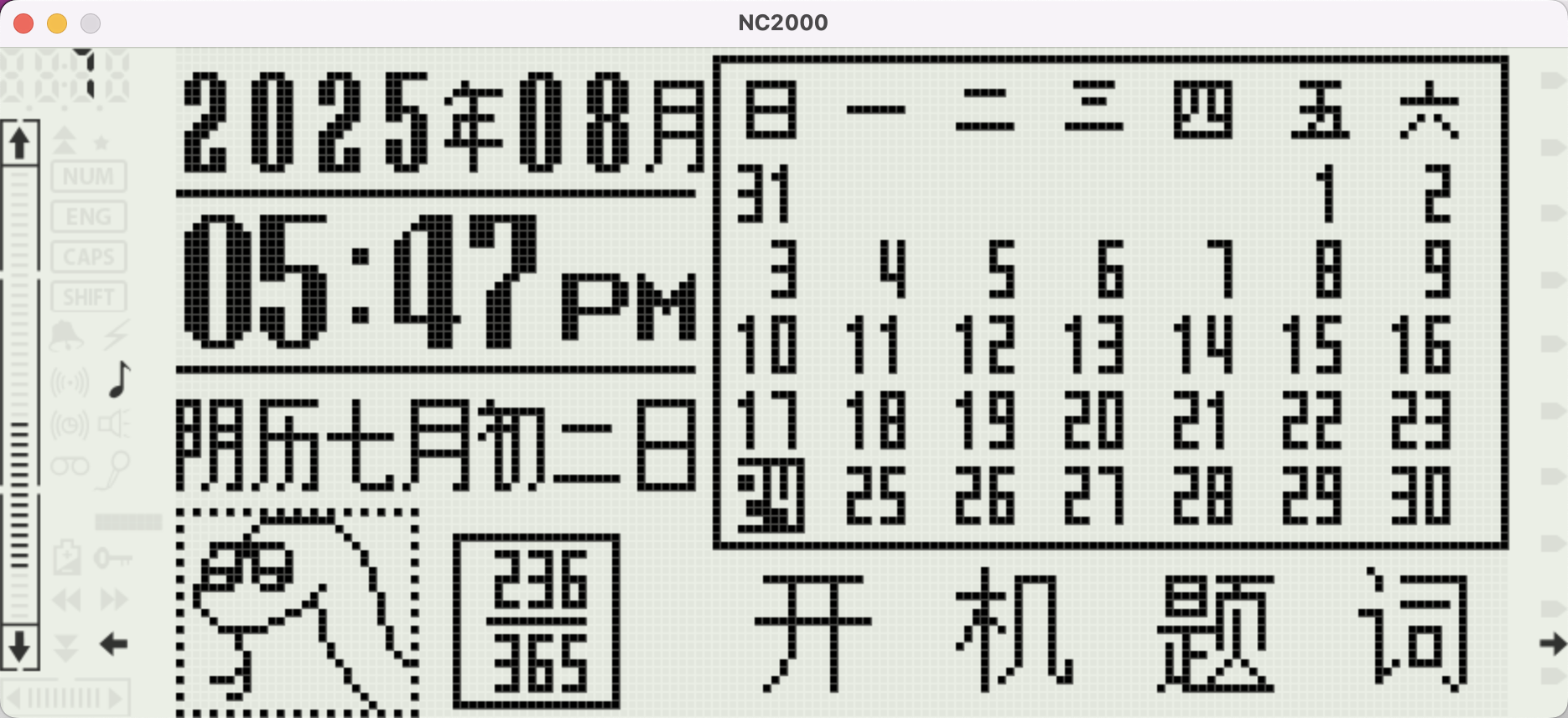
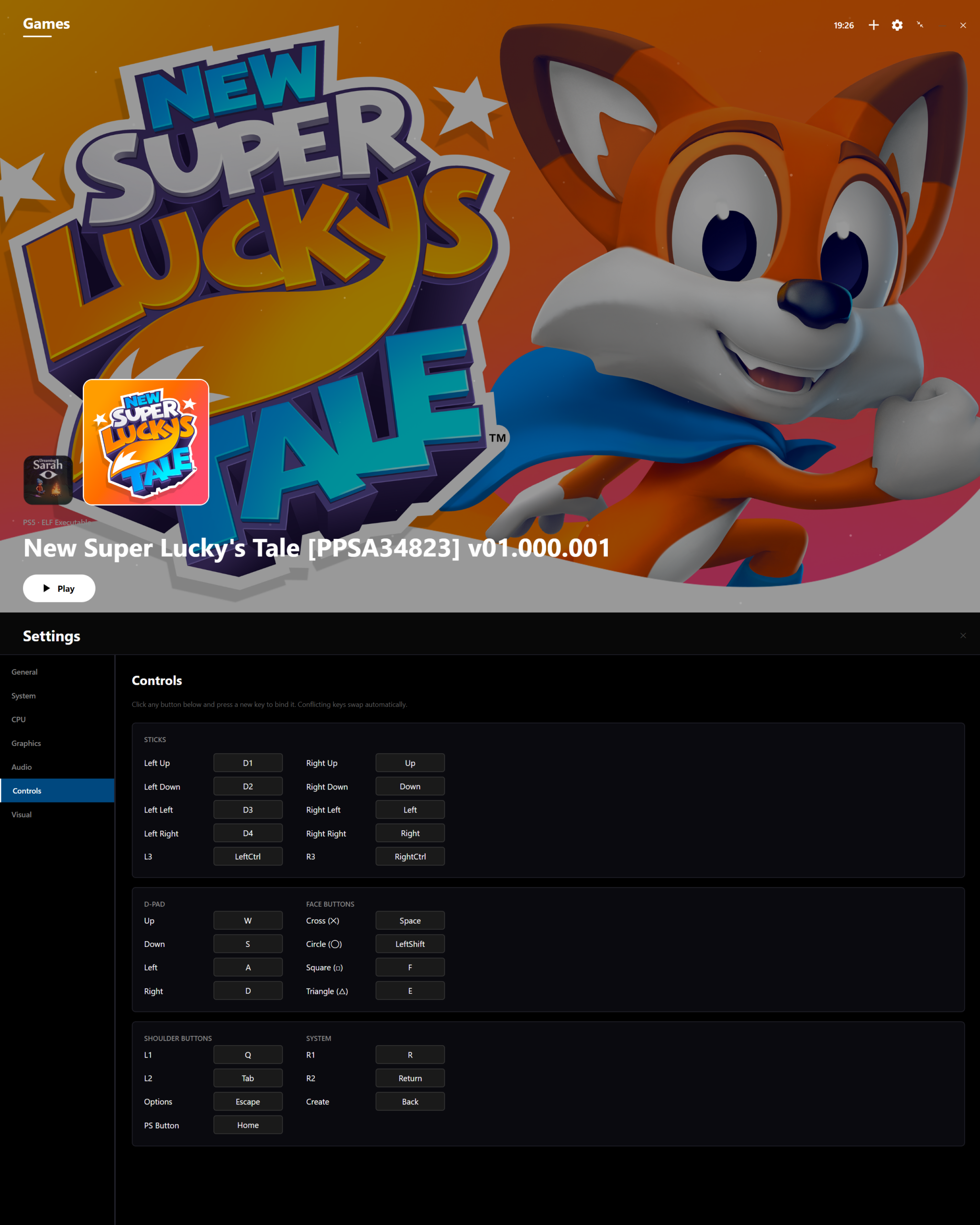
Azahar est une fusion entre Lime3DS et le fork Citra de PabloMK7.


Soyez informé que la prise en charge des jeux cryptés n’est plus disponible…
 
Pour éviter toute confusion concernant les objectifs d’Azahar, la décision a été prise de limiter autant que possible le contournement du TPM (Trusted Platform Module). Le contournement ne sera effectué que lorsque l’interopérabilité du code de Nintendo est nécessaire avec Azahar ou d’autres codes de Nintendo. En conséquence, Azahar n’autorisera pas le lancement ou l’installation de jeux cryptés à moins qu’ils n’aient été obtenus par le biais des applications officielles de Nintendo, telles que l’eShop ou les paramètres système.
 

Notez qu’en renommant les .3ds (non cryptés) en .cci, les jeux se lancent…

 
Il est envisageable de penser que Azahar devienne un moteur pour d’autres émulateurs, qui pourraient tirer parti de ses améliorations pour les intégrer dans leurs propres projets sans limitation…
 
Les changements:
 
All:
– Implemented emulated cartridge insertion functionality.
– This causes the cartridge to appear inserted on the emulated HOME menu, and otherwise act as an inserted cartridge would on real hardware.
– Implemented texture filtering while using the Vulkan renderer.
– Added support for secondary screen opacity while using the Vulkan renderer.
– Improved HLE NWM support.
– This enables multiplayer functionality with use of the LLE DLP module in several new games, including Luigi’s Mansion, Luigi’s Mansion: Dark Moon, and Mario Kart 7.
– Implemented HLE DSP sleep and wakeup functionality.
– This fixes an issue where games could have bugged sound when opened from the HOME menu.
– Added new SMDH region free patch setting which is enabled by default.
– This functions similarly to the region free patch from Luma3DS.
– Improved memory mode handling, allowing extended memory games to be launched from the HOME menu.
– Improved plugin memory management, allowing launching applications with plugins from the HOME menu.
– Changed unimplemented GAS mode behaviour, fixing visual issues in the Monster Hunter games when a blur effect is used.
– Fixed garbled HOME menu graphics when suspending an application.
– Fixed a long-standing issue where microphone input could sound slowed-down or stuttery.
– Various improvements to stereoscopic 3D settings and functionality.
– Implemented AM:CancelImportProgram, allowing emulated CIA installations to be cancelled mid-way.
– Improved implementation of MemorySystem::GetPhysicalPointer, resulting in a very minor performance improvement.
– Moved the plugin framebuffer address ownership from the plg:ldr service to the memory system, resulting in a very minor performance improvement.
– Fixed a possible crash in the Vulkan renderer caused by malformed geometry shaders.
– Switch to using xxHash instead of CityHash64 and improve ShaderSetup hashing behaviour, resulting in a minor performance improvement.
– Implemented game-specific fixes for broken geometry shaders in SEGA 3D Classics titles: Thunder Blade, After Burner, Power Drift.
– The play_time.bin file has now been moved from the log directory to the sysdata directory.
 
Android:
– Increased minimum Android version to Android 10.
– Added support for compressing and decompressing ROM files.
– Implemented background color, second screen opacity, and audio emulation settings from the desktop build.
– Fixed an issue where Discord could break secondary screen detection on dual-screen devices.
– Added « Hide 3DS Images from Android » setting.
– This prevents images related to Azahar from showing up in the Android gallery.
– VSync is now disabled by default on Android.
– This results in a noticeable reduction in input latency with little to no effect on the visual appearance of games.
– This change applies retroactively to existing configurations.
– Fixed an issue where resetting input bindings to their default value wouldn’t actually clear the binding.
– Fixed a bug where the secondary screen opacity setting was being applied in layouts other than the custom layout.
– Fixed an issue where certain external gamepads would have inverted axis controls.
– Affected gamepads will have to be re-bound after updating the emulator.
– The emulator UI’s refresh rate is no longer limited to 60hz on phones with a higher refresh rate.
– During emulation, the display refresh rate is still limited to 60hz to preserve battery life.
– Fixed the Toggle Controls menu flickering on the bottom edge and misaligned list clickboxes on certain Android devices.
– Fixed a bug where the screen size could be detected incorrectly.
 
Desktop:
– Implemented batch compression and decompression functionality.
– Improved consistency of capitalization and colon usage in the UI.
– Prevented refreshing game directory while emulation is powered on, avoiding a race condition.
 
Docker:
– Added new Docker image download option to release files.
– This docker image contains the azahar-room executable, allowing local multiplayer rooms to be hosted.
 
Technical:
– ARM macOS binaries are now built using macOS 26 runners.
– Added new game launch stress testing functionality to the desktop build behind the ENABLE_DEVELOPER_OPTIONS CMake option.
– Various minor internal improvements to the Android performance overlay.
– Fixed build failure on unix-like operating systems introduced by Qt 6.10.0.
– Moved DSP memory ownership to the memory subsystem.
– Updated dynarmic to the latest version.


NB: L’outil Azahar Artic Setup est une application homebrew pour la Nintendo 3DS qui permet d’installer des fichiers système et des données uniques de la console sur l’émulateur Azahar en utilisant votre console. Il diffuse l’application « Paramètres Système » ainsi que le module système NIM pour effectuer une mise à jour système, et copie vos données uniques de la console pour activer les fonctionnalités en ligne.
 

Télécharger Azahar v2124 (39.5 Mo)

Site Officiel

En savoir plus…

Un émulateur écrit sous Visual C++ et qui utilise DirectX. Il supporte les systèmes Sharp suivants : Sharp pc-1245, Seiko MC-2200, Sharp pc-1250, Tandy PC-3, Sharp pc-1251, Tandy PC-3 (4Ko), Sharp pc-1251H, Sharp pc-1255, Sharp pc-1260, Sharp pc-1261, Sharp pc-1262, Sharp pc-1280, Sharp pc-1350, Sharp pc-1360, Sharp pc-1401, Sharp pc-1402, Sharp pc-1403, Sharp pc-1403H, Sharp pc-1421, Sharp pc-1450, Sharp pc-1475, Sharp pc-1500, Tandy PC-2, Sharp pc-1500A, Sharp pc-1600, Sharp pc-2500, Sharp pc-E500, Sharp pc-E550, Sharp PC-G850V, Sharp PC-1445, Sharp PC-1211 (simulateur), Casio FP-200, Casio PB-1000, Casio PB-2000C, Casio Z-1GR, Casio FX-9000P, Canon X-07, Canon X-710, NEC PC-2001, NEC PC-2021, Panasonic HHC, TI-57, HP-41, HP-71B, Elektronika MK-90 ainsi que les extensions suivantes : Sharp ce-152, Sharp ce-125, Seiko MP-220, Tandy 26-3591, Sharp ce-126p, Sharp ce-123p, Sharp ce-129p, Sharp ce-120p, Sharp ce-140p, Sharp ce-150, Sharp ce-140f, Sharp ce-1600p, Sharp EA-129C, Casio MD-100, Casio FP-100, Casio FP-40, HP-41, CE-150 (non free), IWS-Video pour PC-1500.


Les changements sont:
 
New Packages
– HP-71B new package with modules, printer and video interface.
– Elektronika MK-90 package. Unfortunately, the MK-92 plotter is not yet ready.
– Sharp PC-1211 Simulator: only available for subscribers as a preview. It is far for complete.
– IWS-Video for PC-1500: Video interface now included in the Sharp PC-1500 package with its User Manual.
– Sharp PC-1445 included in the PC-140x package.
 
Features & Improvements
– HP-41CX pack: RAW files management, Overlay management, up to 600 internal registers, CCD Module documentation available.
– Sharp PC-1261/62: The LC-3 compiler is now working in PockEmul. An English translated user Manual is included.
– Casio FX-9000p: in context menu you can CALL a specific address to start a ML code loaded by the Memory viewer.
– Casio PB-1000 Command Reference and Technical Reference are now available.
– Casio PB-1000: F key is now working (mapped to Ctrl on the keyboard).
– Sharp PC-1250 Application Software Manual (en).
– Sharp PC-1421: EL-5510 Instruction Manual (en).
– Keyboard Simulator: first try to manage Kana characters.
– New virtual JoyPad (preview).
 
Platform & Licensing Notes
– Sharp PC-1500 and Tandy PC-2 free models are limited to base memory configuration. CE-150 is not free anymore.
– Only 64bit release. 32 bit release is not available anymore on Android.


Télécharger PockEmul (Stable) v2.10.0 (75.0 Mo)

Site Officiel

En savoir plus…

Il s’agit d’un patch à appliquer sur Emu48 et qui permet de prendre en charge les calculatrices à bases d’ARM (mais ce n’est pas une émulation du CPU ARM). Il émule donc les machines suivantes: 38g, 39g+, 40, 48g, 48gx, 48gII, 49, 49g+ et 50g.


Télécharger Emu48+ v1.67+ (621 Ko)

Site Officiel

En savoir plus…

Plus42 est un émulateur de calculatrice scientifique programmable RPN HP-42S, basée sur Free42.


Télécharger Plus42 v1.3.13 (5.0 Mo)

Site Officiel

En savoir plus…

Free42 est une ré-implémentation de HP-42S et de l’imprimante HP-82240. Free42 est une réécriture complète et ne contient aucun code HP. Les versions de Free42 s’exécutent sur Pocket PC, Microsoft Windows, PalmOS, Unix, et Mac OS X (application et widget Dashboard).
 
free42
 

Télécharger Free42 v3.3.11 (4.4 Mo)

Site Officiel

En savoir plus…

Cet émulateur est également le plus complet des outils de développements X68000 existant aujourd’hui. Il s’agit d’un fork de l’émulateur XM6 v2.05 de PI avec une pléthore de nouvelles fonctionnalités. Les changements sont pour la plupart liés à l’interface utilisateur et un accent a été mis sur le développement et les fonctions de débogage plutôt que sur l’exactitude de l’émulation, cependant il y a suffisamment d’améliorations pour qu’il soit recommandé d’utiliser cette version plutôt que XM6 v2.06 finale.


Les changements:
 
Release 73 (251212)
– Support for DPI-based scaling (introduced in the last release) is now basically
complete. All(*) GUI elements are now subject to scaling. There may be a few
minor issues remaining; if any are discovered/reported, they can be addressed
in future releases, although they might not be worth documenting.
– Certain modal dialogs will cancel themselves if the DBSF changes.
This is done as a workaround for things I have no control over.
– Certain dialogs now look different. This was a consequence of resolving
several issues caused by DPI-based scaling. This change does not apply
to the MBCS edition.
– Ideally the artwork (icons, etc.) should be redrawn so that it looks better at
higher scaling factors. Currently the artwork is stretched/contracted as needed.
– The Software Keyboard window’s vector-based drawing is now scalable, and the
font is now larger when appropriate. Furthermore, the text printed on certain
keys will no longer be abbreviated if sufficient room is available.
 
(*) Everything is scaled with the following exceptions:
The PCG viewer is so small that increasing its status bar font would cause the
text to no longer fit. (Bitmap windows do not scale their contents because it
would distort the graphics. You want an exact replica when you press Ctrl-C.)
One message box associated with a fatal error for very old CPU architectures
occurs too early to be properly scaled. [Update: It was later discovered that
the more conservative public release was scaling it properly, thanks to the
use of a different manifest.
 
– The executable size was reduced slightly.
– The Software Keyboard window now displays Meta-key combinations.
– After more than two decades, bitmap windows can finally be maximized.
– Note that some of the larger windows may incur a performance penalty.

 
Bug fixes:
– Fixed some longstanding issues related to resizing bitmap windows.
– Fixed a source of stuck keys when the program was suddenly deactivated.
– The status bar was not being updated during certain « modal » operations.
– The Keyboard Mapping dialog wasn’t display the mapping for certain keys.
– In the Key Assignment dialog, pressing F10 would block certain subsequent keys.
– The TrueKey key assignment dialog was more likely to miss key presses than now.

 
Release 74 (260101)

– Additional sizes for the icons are now available, primarily to support higher
scaling factors. In order to keep the program size down, some of the larger
icon sizes are not available on XP or older, due to their lack of support
for icon compression.

– Unfortunately, due to defective icon caching inherent in your OS, certain icons
may remain in low resolution even after the program is updated. As a workaround,
the procedure for updating the program was overhauled, and the icon cache will
now be rebuilt during relevant updates or on any full reinstallation.

– If you were wondering why your icons flickered briefly during this update,
that’s the reason. This should not occur on future updates unless the main
set of icons change.

– If you prefer the less secure method of manually updating, or are doing
something unusual, like synchronizing the program with another computer
over a network, you need to force the icon cache to be rebuilt on any
computer receiving the updated program. You can do this through the
program itself by selecting Tools > Install > Fix Icons from the menu.

– Incidentally, you could also use this feature for general purposes:
if you know or suspect that your system’s icon cache is inaccurate,
you can use that menu item to rebuild it. It only takes a few seconds.

– The updated Web Package (mentioned earlier) should now be more tolerant
of mixed character sets in the local path. Also, it now uses HTTPS,
even though it isn’t really necessary – the PGP signature check verifies
that the downloads haven’t been tampered with.

– The DLL Package was also updated. I don’t think the older package has
any security risks associated with it, but it’s better to be on the
safe side. In the future, the DLL pack will be updated more frequently,
so the update scripts were revised to check the version number for that
package as well. Be sure to keep it up-to-date if updating manually.

– Scaling for the About dialog was improved.

– The MRU list for the File drop-down menu may now be abbreviated to reduce the
likelihood of obscuring the status bar message area. The pop-up / context menu
equivalent is unaffected: press Apps or Shift-F10, then the F key to open it.

– The language in the program meta data was changed to English. I doubt this will
cause any problems, but if it does, I won’t know about it unless you tell me.
 
Bug fixes:
– Subwindows opened with Alt-N / Alt-F11 sometimes had garbage in non-pop-up mode.


Télécharger XM6 Pro-68k Release 74 (260101) (4.5 Mo)

Site Officiel

En savoir plus…

XEiJ (X68000 emulator in Java) est un émulateur de Sharp x68000 écrit en Java.


Télécharger XEiJ v0.26.01.08 (40.0 Mo)

Site Officiel

En savoir plus…

DXGL (DirectX-to-OpenGL Wrapper) est un remplacement gratuit de la bibliothèque Windows ddraw.dll, fonctionnant sur OpenGL. Il est conçu pour surmonter les bogues des pilotes, en particulier dans Windows Vista et les systèmes d’exploitation plus récents. Il ajoute également diverses améliorations à la sortie graphique telles que la mise à l’échelle de l’affichage et les options de filtrage. DXGL prend en charge les API graphiques DirectX 7.0.


– Implement trace log levels.
– Sync Blt and D3D commands in scaled primary to unscaled primary.


Télécharger DXGL v0.5.26 (11.3 Mo)

Site Officiel

En savoir plus…

WineD3D For Windows est un wrapper DirectX 1-11 vers OpenGL basé sur WineD3D, qui est une implémentation presque complète de DirectX utilisée dans Wine.


Même si Windows prend en charge DirectX de manière native, l’utilisation de WineD3D peut améliorer la compatibilité avec les jeux plus anciens, en particulier sur Windows 8 et supérieurs qui ne prennent pas en charge les modes d’écran 16 bits. Une autre utilisation possible est d’imiter les versions non prises en charge de DirectX ou de transférer des applications DirectX vers OpenGL sans avoir à réécrire le code de rendu.
Notez que WineD3D est loin d’être parfait, et de nombreux jeux ne fonctionneront pas.
 
Des instructions sur l’utilisation des DLL sont également incluses.
 
Version 1.7.x fonctionne à partir de Windows 2000.
Version 7.x fonctionne à partir de Windows Vista.
Version supérieur à 8.x fonctionne à partir de Windows 8.


Télécharger Wine D3D For Windows (Win 2K et +) v1.7.52 (1.7 Mo)

Télécharger Wine D3D For Windows (Vista et +) v7.8 (2.0 Mo)

Télécharger Wine D3D For Windows (32 Bits | Win8 et +) v11.0 (2.4 Mo)

Télécharger Wine D3D For Windows (64 Bits | Win8 et +) v11.0 (2.4 Mo)

Site Officiel

En savoir plus…

AmiArcadia est le port amélioré de Tunix2001 ex ‘Win Arcadia 2001’ (par Gavin Turner) pour Amiga. Ecrit par James Jacobs et Gavin Turner, cette version est en fait le port Windows du port Amiga (un backport) !


Il émule les consoles basé sur la famille des Arcadia2001 : Bandai, Emerson, Grandstand, Hanimex, Intervision, Leisure-Vision, Leonardo, MPT-03, Ormatu, Palladium, Poppy, Robdajet, Rowtron, Tele-Fever, Tempest, Tryom, Tunix, etc.
 
Il supporte aussi l’Interton VC 4000 et l’Elektor TV Games Computer. Il nécessite Windows 9x/ME/NT/2000/XP et tourne aussi sous Vista/8/10/11.
 

Télécharger Win Arcadia (Ami Arcadia) v35.9 (8.5 Mo)

Site Officiel

Le projet StarPSX est un émulateur PlayStation 1 en cours de développement, écrit en Rust. Il peut déjà booter le BIOS et exécuter quelques ROMs de test, mais il n’est pas encore utilisable pour jouer à des jeux commerciaux.


Les changements:
– Add a default fallback sampling rate
– Fix not able to find 44.1khz audio device bug
– Changed how the emulator is launched
– Added proper gui startup
– Added config file support
– Various bug fixes


Télécharger StarPSX v0.4.4 (5.5 Mo)

Site Officiel

En savoir plus…

Un service centralisé de gestion de bibliothèque/collection de jeux, axé sur l’émulation. Configurez une fois, jouez n’importe où.


Télécharger Retrom v0.7.50 (16.3 Mo)

Site Officiel

En savoir plus…


Casino-en-ligne-fiable.com

https://getourbonus.com/fr/accueil

https://www.romspedia.com/

https://www.casinoonlinefrancais.fr

Lucky 7 bonus

https://www.casinogratuitsansdepot.com

pablocasino.org

critiquejeu.info

playbonus

casinodoc.org

laplanquedujoueur.com

casinoonlinefrancais