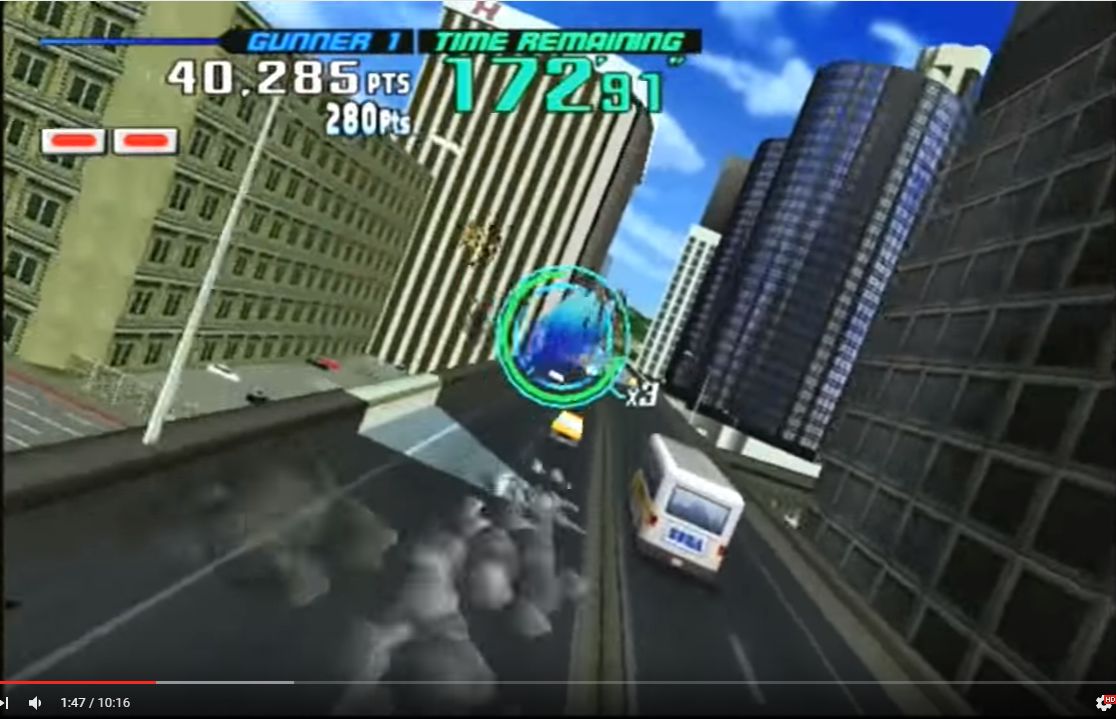
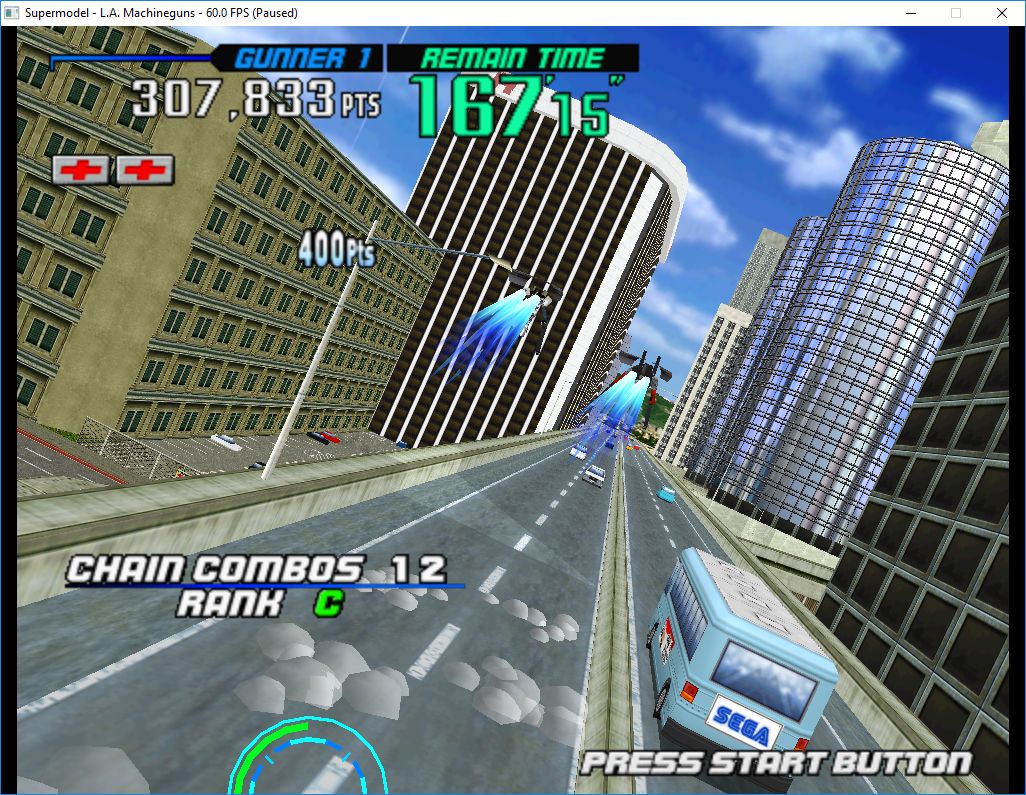
Le premier émulateur de Sega Model 3 créé par Bart Trzynadlowski, Ville Linde et Stefano Teso dans sa version de développement (voir ici) [source].

 
supermodel_actual

Wii version


supermodel_incorrectSupermodel (incorrect)


supermodel_vertexSupermodel with fixed shading

 
Les changements:
– Only check the geometry for culling with valid node distances. We will need this later..

 
Les fichiers sont compilés par spindizzi, merci à lui.
 
Après différentes modifs, je pense avoir isoler le soucis des musiques (avec une nvram remise à zéro, ça fonctionnait, mais sitôt qu’on modifiait le volume des musiques, ça partait dans les choux).


Télécharger SuperModel WIP (x86/x64) v0.3a r504 (1,6 Mo)

Site Officiel

En savoir plus…

rommanager
 
Les dats relatifs à un ensemble d’émulateurs sont disponibles sur le site Rommanager.
 
Le site Rommanager est le lieu le plus complet concernant la concentration de DATs actuels, afin de pouvoir tenir à jour vos collections relatives à l’émulation.
 
Ces dats sont mis à jour par ceux qui déterminent les collections de roms ou autres que l’on peut trouver un peu partout sur le web.


Site Officiel

La dernière version béta publique de l’excellent WinUAE, l’émulateur Commodore Amiga. La traduction est signée Tradu-France.
 

winuae


– Allow non-power of 2 manually configurable memory size, in 64k blocks. (Unsupported with JIT)
– If possible bitplane overrun situation is active, skip BPLCON0 non-delayed modification optimization. (Massive / Skarla)
– Do not steal focus from tree view GUI panel when moving selection up or down using keyboard.
– Switching from 32-bit to 24-bit address space CPU with Z3 UAEGFX: Mode was changed to Z2 without validating old size.
– Some Z2 fast mem only configs crashed at startup.
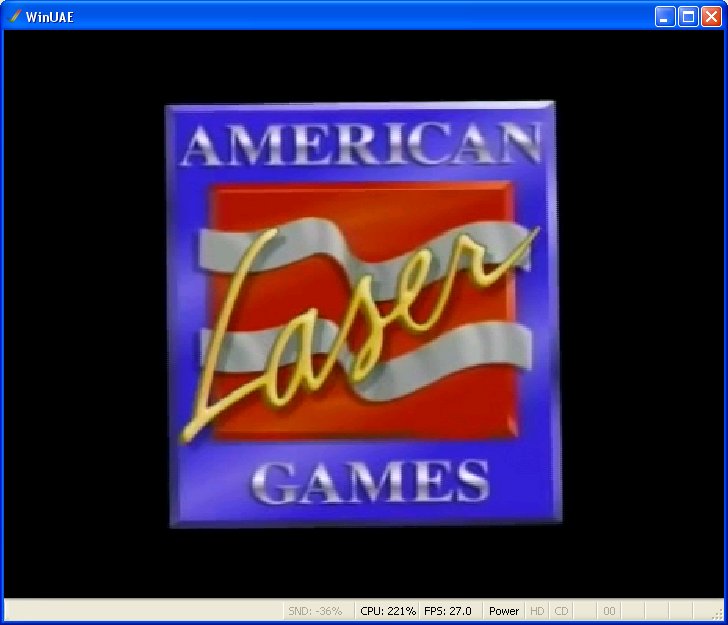
– American Laser Games arcade hardware emulation. ROMs added to ROM scanner, LD drive is also emulated. LaserDisc emulation uses recently added genlock video emulation to play the video. (Games will run without video but it also makes them completely unplayble..). NVRAM load/save support. ALG input events added to Input panel. (Pointless genlock video was useful after all!)
– Genlock video file sound track is also supported but it is only played in ALG LD emulator mode.
– Genlock image/video is now always scaled to screen, previous limited integer only scaling is gone.
– Added genlock keep aspect option.
– Picasso IV and x86 VGA ROM file was cleared when loaded. (b12)
– Updated to Visual Studio 2017 RC
 
American Laser Games configuration:
– Standard A500, KS 1.3, ECS Agnus. Extended ROM = game ROM selection.
– Genlock ALG mode, with video path pointing to LaserDisc video file.
– Input config: Lightpen (do not configure mouse in Amiga mouse port), ALG Right Trigger = fire. Service = service menu. Right Start and Right Coin needed to start the game and use service menu. Mad Dog McCree also needs Right Holster (reload). Player 2 is not fully supported.
 

alg
 
ALG discussion: http://eab.abime.net/showthread.php?t=84888


Télécharger WinUAE (Public Beta) [32 bits] v6.1.0 Beta 23 (5.3 Mo)

Télécharger WinUAE (Public Beta) [64 bits] v6.1.0 Beta 23 (8.5 Mo)

Télécharger WinUAE (Public Beta) [32 bits] v6.1.0 Beta 23 FR (5.4 Mo)

Télécharger WinUAE (Public Beta) [64 bits] v6.1.0 Beta 23 FR (8.5 Mo)

Site Officiel

En savoir plus…

Il s’agit d’une branche de l’émulateur de Microsoft X-Box CXBX, apportant certains modifications et améliorations diverses.


cxbx_reloaded
 
Branche Darkrush3760
Branche LukeUsher


Télécharger CXBX Reloaded (2016/11/29) (908,7 Ko)

Site Officiel

En savoir plus…

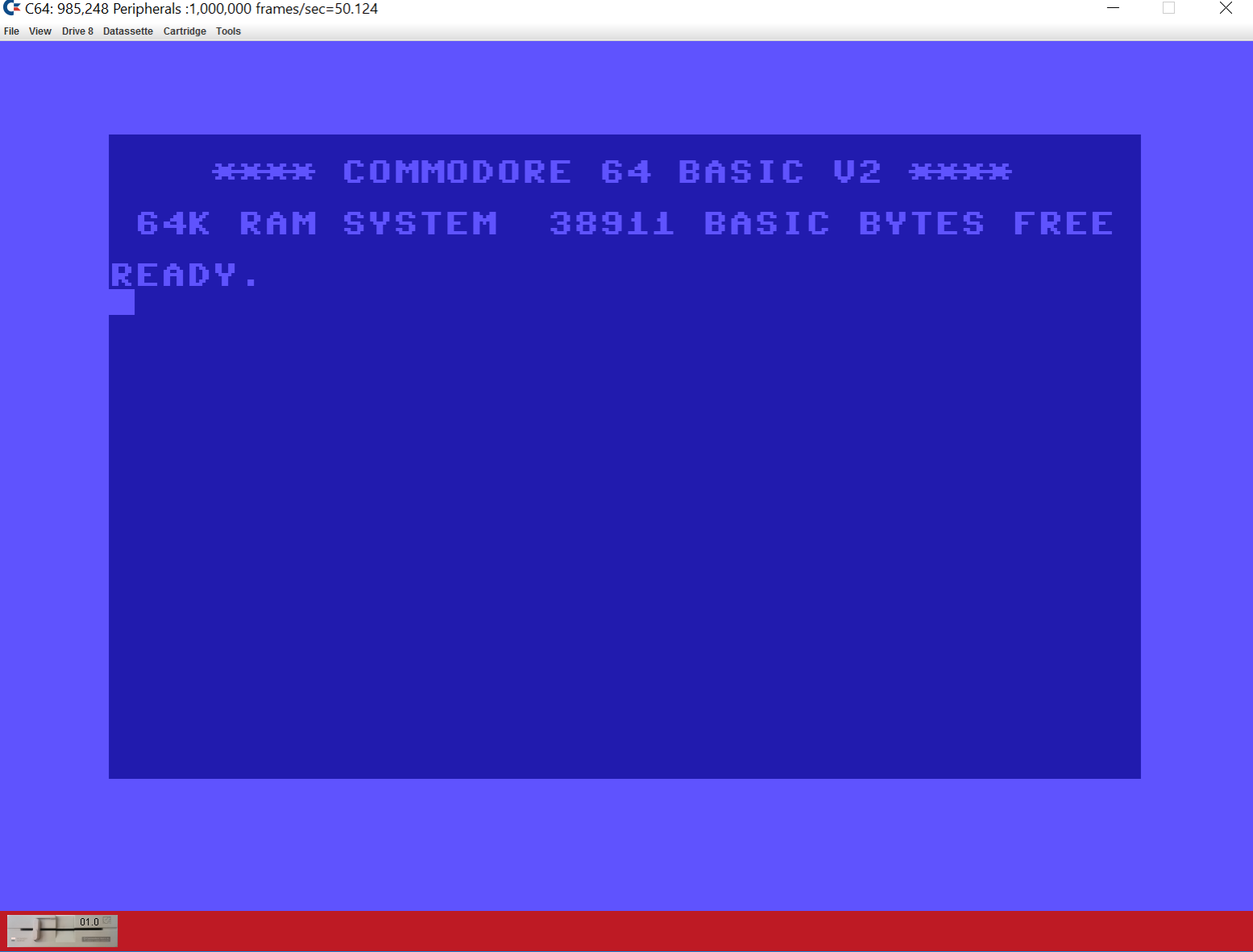
Il s’agit d’un émulateur de commodore c64 écrit en java.


z64k
 

Télécharger Z64K (2016/05/05) (495,0 Ko)

Site Officiel

En savoir plus…

Un gestionnaire de roms avec une interface aussi claire que Romcenter et axé sur la simplicité avec un nombre limité de fonctions. Une référence désormais.


L’immense avantage de ce manager est de pouvoir scanner n’importe quel repertoire de roms , en VRAC & ensuite -en fonction de ce que vous avez comme dats- de les ranger et replacer automatiquement. (très utile si vous avez des tonnes de dats (TOSEC). Il vous permet réellement de collectionner des centaines de collections avec un gain de temps considérable par rapport aux autres managers. Il convertit également les zips au format Torrentzip afin de faciliter le partage à travers les fichiers torrent.


romvault2.1

 
I just added a beta release of RV 2.5, I have spent some time restructuring and cleaning up the code, and added some beta test code in the background. So if you want to download this version and test it, please do, but don’t go crazy running this version on your main sets, until I get some good feed back, and I make an official release.


Télécharger RomVault v2.5 (874,3 Ko)

Site Officiel

En savoir plus…

Créé par Avery Lee (l’auteur de VirtualDub), il s’agit d’un émulateur d’Atari 8 bits (800/800XL/130XE) disponible en 32 et 64 bits. Il dispose de beaucoup d’options ainsi que d’une bonne compatibilité. Il prend en charge les jeux protégés conformément à l’émulation. Il s’agit d’une version de développement au stade de béta.


– Adds full XF551 emulation. As usual, you need an XF551 firmware for this to work. The version I tested with is revision 7.7, with CRC32 38B97AE3. High-speed, double density, and double-sided disks are supported.
 

– There are a couple of interesting things about the XF551’s firmware. First, it is unusually strict about the timing of the SIO COMMAND line in that it will not accept a command if /COMMAND is not still asserted through the end of the last byte, which most other drives don’t check. Currently the emulator stretches the command pulse a bit to work around some timing issues in the transmit path.


– The second issue is the way that the XF551 switches densities. As far as I can tell, the XF551’s density switching strategy is kind of FUBAR in that (a) it will only auto-switch to DSDD, never SSDD, and (b) it only switches to DD if it sees a long sector on a sector read other than a boot sector. The latter causes problems because while the drive successfully switches from SD (FM) to ED (MFM), it will fail to switch from ED to DD if the ED track/sector mapping causes a record not found error from trying to read a sector >18 instead of the lost data error. This happens if a picoDOS is booted or SpartaDOS X attempts to read a MyDOS disk. Would be interested if anyone has seen different behavior on a real drive on stock firmware; I’ve gone over the firmware many times and haven’t found a way for the drive to successfully switch to double density when only sectors 1 and 361 are read.

 
Topic des versions Beta.

Télécharger Altirra (Beta) v2.90 Test 16 (3,9 Mo)

Site Officiel

En savoir plus…

Un joli frontend pour Mame (ou autres), très configurable. Emu Loader est une interface graphique qui se greffe principalement sur les émulateurs Arcade comme MAME, SEGA Model 2, SuperModel ou Daphne. Emuloader permet de gérer votre collection de roms, de vérifier vos jeux et de lancer vos émulateurs.


el


Télécharger EmuLoader v8.2.9 (6,2 Mo)

Site Officiel

En savoir plus…

Un émulateur de PSP écrit en Java. Codé par Mad et Shadow (PCSX2) et rejoint par Wrayal, Fiveofhearts, Hlide et Dreampeppers99. Il émule les jeux commerciaux mais nécessite une puissante configuration.
 
jpcsp
 
Liste de jeux compatibles.
Site de développement du projet.
Builds SVN automatiques (alternative).
 

Télécharger JPcsp (x86) v0.7 rev 0318d15e (26.4 Mo)

Télécharger JPcsp (x64) v0.7 rev 00ac4d6 (29.1 Mo)

Site Officiel

En savoir plus…

MedGui Reborn est une interface (Frontend) pour Mednafen sur OS Windows.
 
– Another correction on Saturn game name detection
– Added Mednafen CD-Play module support
– Added any missing pce_fast options
– Now you can navigate into GUI with a compatible directinput pad (the function is in a very preliminary state)
It use the Microsoft JOYINFOEX structure


Télécharger MedGui Reborn v0.072 (12,3 Mo)

Site Officiel

En savoir plus…

Il s’agit d’un frontend pour Mednafen avec une interface originale et très complète, en voici quelques caractéristiques:


– Responsive GUI that allows for a wide range of monitor resolutions
– No installation required
– Local (SQLite) auto-generated database where all settings are saved
– Built-in games library (with system filters and dynamic search)
– ROM scanner (for games library import)
– Game data (images, manuals etc) scraping
– Manual import of disk-based games (both single and multiple disk games with auto-m3u playlist generation)
– (Nearly) All Mednafen command line parameters available and configurable
– So far uses only Mednafen command line options (and not local configuration files)
– Optional per-system configuration options
– Built-in browser control with links to Mednafen help pages
– Built-in static netplay server selection along with the ability to specify a custom Mednafen netplay server to connect to

 
medlaunch
 
Les changements:
Notable Additions

– Fixed pce-cd games not being found when doing a batch scrape
– Added option (disabled by default) to always import Mednafen cfg files when MedLaunch starts
– Major performance gains on games library datagrid (dirty flag updates to in-memory data rather than individual database calls everywhere)
– Several secondary scraper edge-case bugfixes
– Added scraped data related columns to main games library datagrid
 
New Install

– Extract this release to a folder, run the ‘MedLaunch.exe’ executable and choose your Mednafen directory (must be the Mednafen 0.9.39.x branch and 64-bit version if you want to emulate Saturn games).
– You are then prompted to choose whether to import all config settings from your Mednafen folder into the MedLaunch database (this is recommended).
– If you currently use system-specific config files with Mednafen the settings from these will be imported with the above process. However MedLaunch will write to these files when you launch a game – so back them up somewhere if you are not happy with this.
 
Upgrade
Preferred Method:

– Automatically download and upgrade using the ‘Updates’ tab within MedLaunch itself.
– Once MedLaunch has upgraded, go to the ‘Configs’ tab and click the ‘IMPORT ALL CONFIGS FROM DISK’ button
 
Manual Method:

– You can safely extract this new release over an existing MedLaunch folder (providing you do not have MedLaunch running at the time)
– Once extracted run the MedLaunch.exe executable and your current database will be upgraded before the application starts proper.
– Once MedLaunch has upgraded, go to the ‘Configs’ tab and click the ‘IMPORT ALL CONFIGS FROM DISK’ button


Télécharger MedLaunch v0.2.20 (7,4 Mo)

Site Officiel

En savoir plus…

Créé par Purplemarshmallow, il s’agit d’un plugin LLE RDP pour émulateur N64 respectant les spécifications de Zilmar et basé sur Z64 de Ziggy.


z64gl


Télécharger Z64gl (2016/11/25) (371,0 Ko)

Site Officiel

En savoir plus…


https://getourbonus.com/fr/accueil

https://www.romspedia.com/