YAPE (Yet Another Plus/4 Emulator) est un excellent émulateur Commodore C16/plus4 tournant sous Windows XP à 10. Version compatible 32 et 64 bits.

 
– [NEW] memorize window size when not in GDI mode
– [NEW] new selectable tape signal detection method (edge triggered) for WAV samples
– [NEW] loading MTAP’s with non-native frequency such as ones recorded with NTSC bit set (report courtesy of Luca)
– [NEW] load C64/VIC20 tapes recorded in MTAP format with the KERNAL loader
– [NEW] even line hue phase offset in CRT emulation mode
– [FIX] tape code cleanup
– [FIX] sound related improvements
– [FIX] speedometer improved
– [FIX] preset screen size bug
– [FIX] monitor cleanup
– [FIX] TAP save overwrite warning (bug report courtesy of Luca)


Télécharger Yape (x86/x64) v1.0.11 (699,0 Ko)

Site Officiel

En savoir plus…

Cet émulateur est également le plus complet des outils de développements X68000 existant aujourd’hui. Il s’agit d’un fork de l’émulateur XM6 v2.05 de PI avec une pléthore de nouvelles fonctionnalités. Les changements sont pour la plupart liés à l’interface utilisateur et un accent a été mis sur le développement et les fonctions de débogage plutôt que sur l’exactitude de l’émulation, cependant il y a suffisamment d’améliorations pour qu’il soit recommandé d’utiliser cette version plutôt que XM6 v2.06 finale.


If no MIDI board is installed in the emulated X68000, the corresponding resources will no longer be manipulated. Previously the MIDI subsystem would open the configured MIDI devices (if any) regardless, which was wasteful and caused interference with other programs in rare situations.

The workaround for older versions of the program is to select « (None) » for both MIDI devices before disabling the MIDI board entirely.


Télécharger XM6 Pro-68k Release 6 (161123) (4.23 Mo)

Site Officiel

En savoir plus…

Il s’agit d’un émulateur de NEC PC-9801 qui supporte également le NEC PC-9821.


neko


Télécharger Neko Project 21 v0.86 Rev. 21 (4,2 Mo)

Site Officiel

En savoir plus…

Créé par Ben Vanik alias Noxa (PSP Player), il s’agit d’un projet de recherche pour développer un émulateur Xbox 360. N’espérez donc pas jouer avec des jeux commerciaux de façon fluide avant un certains temps. Plus d’informations ici sans oublier le site de développement là.
 
xenia


Télécharger Xenia (x64) (2016/11/26) (1,5 Mo)

Site Officiel

En savoir plus…

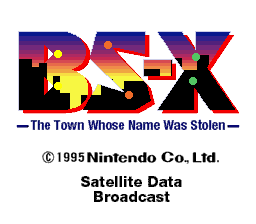
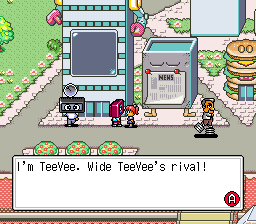
Il s’agit d’un patch qui traduit le bios japonais BS-X (au format sfc) en anglais, et d’un coup tout est plus facile à comprendre 🙂
 
bsx_title

bsx_npc
 

Les changements depuis la v0.2:
 
1.2 Notes:
This will most likely be the final update. If it isn’t, I’d be surprised because it is now fully tested.
This version fixes the money digits, and brings a few typo fixes, making it a more perfect version than it ever was.
Anti-DRM patch is unchanged, mostly because there’s nothing to change.
 
Patch:
You must patch a UNHEADERED JAPANESE BS-X BIOS ROM.
MD5 of the original ROM at No-Intro: fed4d8242cfbed61343d53d48432aced
These are BPS files, so you must use beat (or any other BPS patchers).
 
BS-X BIOS English Patch 2016 v1.2.bps – English + Anti-DRM Patch (RECOMMENDED)
BS-X BIOS ONLY English Patch 2016 v1.2.bps – English Patch ONLY
BS-X BIOS ONLY Anti-DRM Patch 2016.bps – Anti-DRM Patch ONLY
 
What is this Anti-DRM patch? It makes the BS-X BIOS’ DRM-like useless when it runs/detect some games. Some games has limited runs. Once it can’t be run, it’s not detected by the BS-X. This patch removes any detection of limited runs.
If your game is not detected by the BS-X even with this patch, then the Maker Code (should be 0x33) and/or the checksum isn’t good.
 
Changelog:
v1.2:
– Money does not use Kanjis for numbers anymore. Each digit are now shown.
– Typo fixes.
 
v1.1:
– Whale Bait Item Name fixed.
 
v1.0:
– Changed Subtitle Translation of Title Screen
– Checksums fixed.
 
v0.3:
– Translated Title Screen and St. GIGA screen.
– Replaced picture of Transmitting with an english one.
– 3 patches instead of one.

 
A télécharger sur le site officiel.
 
L’auteur en profite pour nous signaler que le projet bsnes-sx2 est abandonné et remplacé par bsnes-plus v073+3 posté précédemment !
 
We worked on Satellaview emulation in the last few weeks, the result is something even better than bsnes-sx2!
The differences are: No more XML files to support Tsukuru games, updated Satellaview data files, better written code, custom time & date so you can play directly at the start of a soundlink game instead of waiting the start of the hour…
 
Many changes that might please you and were quite needed after a long while.
Can you find the easter egg in the BS-X Town? I also left a special Satellaview contest for Itoi’s Bass Fishing No. 1!


Site Officiel

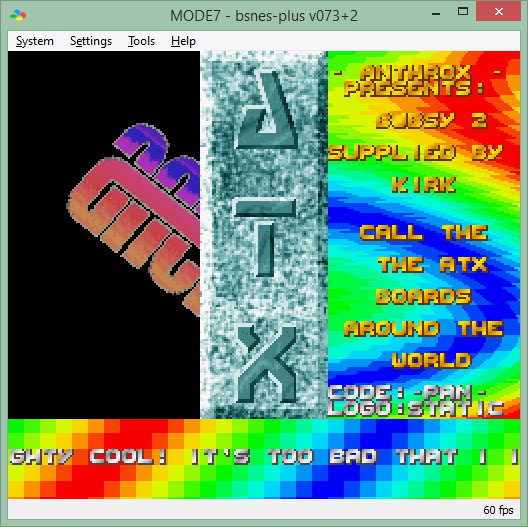
bsnes-plus (ou bsnes+) est un fork de bsnes (basé sur bsnes-classic) destiné à introduire de nouvelles fonctionnalités et améliorations, la plupart visant au débogage. Il s’agit donc d’une version améliorée de bsnes 073 ou l’on retrouve donc l’ancienne interface ainsi que les anciens menus. Plus d’informations ici.
 
bsnes+
 
bsnes64
 
Les changements:
– Added tilemap viewer, revamped VRAM viewer and improved OAM viewer [UnDisbeliever]
– Added all BS-X/Satellaview support from bsnes-sx2 [LuigiBlood]
– Added PPU breakpoint support to accuracy and performance builds [Revenant]
– Added more comparison options to cheat search dialog [Grieverheart]
– Added some command line debugger arguments (see `bsnes –help`) [UnDisbeliever]
– Added debug window option to show H-count as either dots or clocks [Revenant]
– Added option to use WDM instruction as a software breakpoint [Revenant]
– Added « allow invalid input » and « allow modifier keys » to settings window [Revenant]
– Updated MSU1 support to revision 2 (includes pause/resume support) [Revenant]
– Improved handling of debug window GUI state when breaking/running/stepping [Revenant]
– Expanded debug properties view for multiple chips on all 3 build profiles [Revenant]
– Made power-on state (especially accuracy PPU) randomized the same way as higan [Revenant]
– Memory viewer displays current address at bottom of window [Revenant]
– Memory viewer now displays APU bus instead of just APU RAM [Revenant]
– Memory viewer now displays (most) I/O registers as read-only values [Revenant]
– Debug log files are now only opened if a game is actually open [Revenant]
– Debugger switches between debug/main window depending on focus policy [Revenant]
– Fixed flickering/blanking of game screen when changing/resizing windows [Revenant]
– Fixed CPU bug w/ direct page wrapping in emulation mode [AWJ]
– Fixed disassembly of PEA/PEI/PER instructions [AWJ]
– Fixed some details of S-DD1 memory mapping [AWJ]
– Fixed typing in native file dialogs triggering emulator hotkeys [Revenant]
– Fixed debug events messing with emulation speed if turbo/slowdown keys were held [Revenant]
– Fixed spurious debug events caused by dummy reads during SPC write instructions [Revenant]
– Fixed file dialog path being cleared when cancelling a native file dialog [Revenant]
– Fixed handling of $00Fx registers when dumping SPCs [Revenant]
– Fixed « search next/prev » behavior when wrapping to beginning or end of memory [Revenant]

 
Les prochaines versions GIT seront ajoutées à la base d’emufrance, laissant celle-ci comme « stables ».
 
Cette version est compatible avec le pack de shaders disponible ici.
 

Télécharger bsnes-plus (x86) v073+3a (5.6 Mo)

Télécharger bsnes-plus (x64) v05 (7.8 Mo)

Site Officiel

En savoir plus…

Un joli frontend pour Mame (ou autres), très configurable. Emu Loader est une interface graphique qui se greffe principalement sur les émulateurs Arcade comme MAME, SEGA Model 2, SuperModel ou Daphne. Emuloader permet de gérer votre collection de roms, de vérifier vos jeux et de lancer vos émulateurs.


el


Télécharger EmuLoader v8.2.8 (6,2 Mo)

Site Officiel

En savoir plus…

Il s’agit d’une branche de l’émulateur de Microsoft X-Box CXBX, apportant certains modifications et améliorations diverses.


cxbx_reloaded
 
Branche Darkrush3760
Branche LukeUsher


Télécharger CXBX Reloaded (2016/11/26) (908,7 Ko)

Site Officiel

En savoir plus…

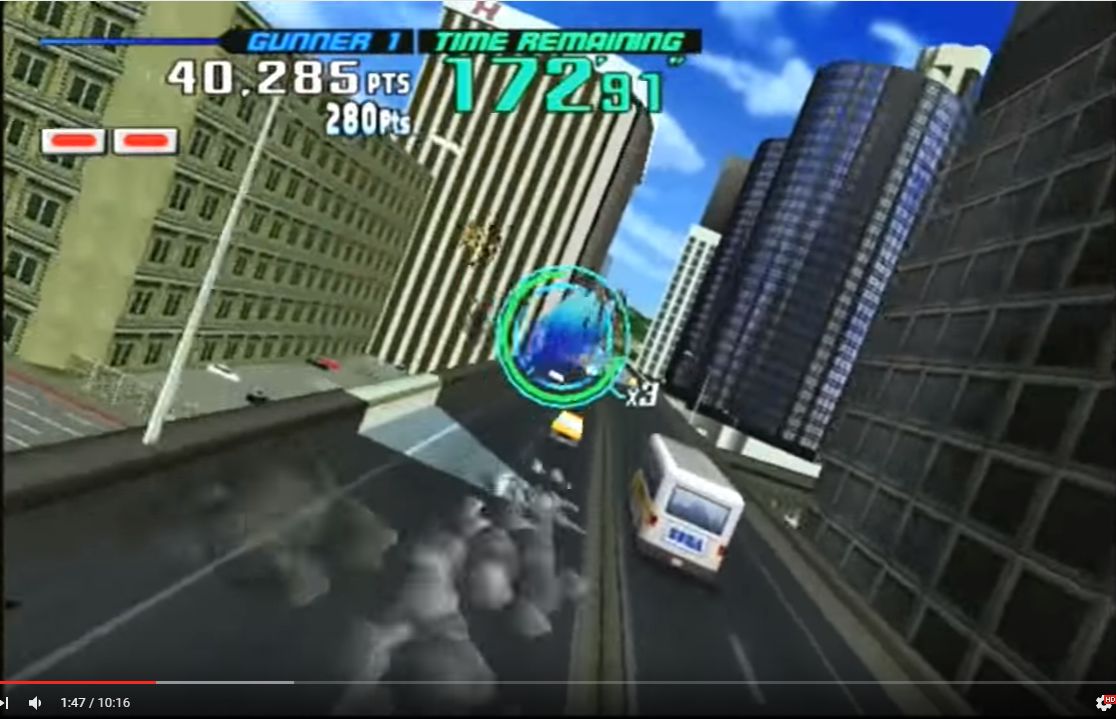
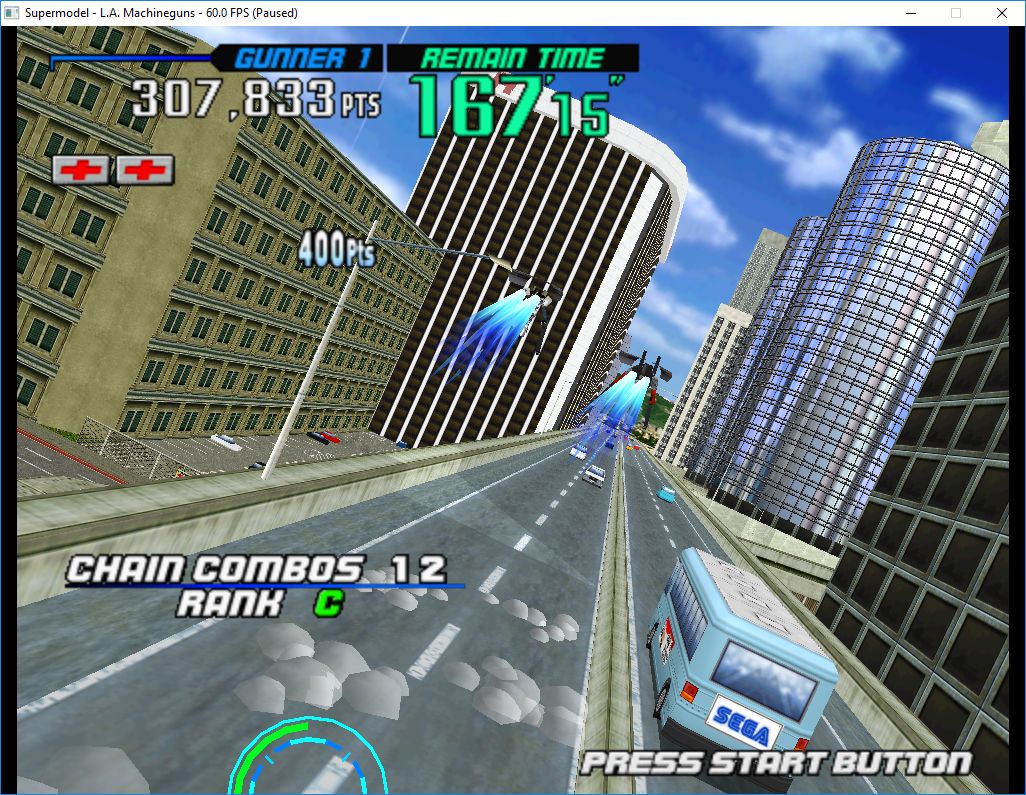
Le premier émulateur de Sega Model 3 créé par Bart Trzynadlowski, Ville Linde et Stefano Teso dans sa version de développement (voir ici) [source].

 
supermodel_actual

Wii version


supermodel_incorrectSupermodel (incorrect)


supermodel_vertexSupermodel with fixed shading

 
Les changements:
– Need to walk back in memory and check the previous texture tiles to see if they overlap with the current textures being invalidated. If they overlap they must be cleared too. Algorithm is a bit brute forcy and more expensive than I’d like but it fixes the bad textures in Spikeout.
 
Le build « test » permet de résoudre des problèmes sonores pour Sega Rally 2.
 
Les fichiers sont compilés par spindizzi, merci à lui.


Télécharger SuperModel WIP (x86/x64) v0.3a r500 (1,6 Mo)

Site Officiel

En savoir plus…

Stella est un excellent émulateur Atari VCS 2600 multi-platformes, releasé sous licence GPL. A la base, le projet a été développé pour Linux par Bradford W. Mott, cependant de nombreuses personnes ont rejoint l’équipe de développement pour porter Stella sur différents systèmes d’exploitation tels qu’AcornOS, AmigaOS, DOS, FreeBSD, IRIX, Linux, GP2X, OS/2, MacOS, Unix, et Windows (ouf!).
Cette version inclut les binaires 32 et 64 bits.


stella

 
– Added preliminary support for the 3E+ bankswitching scheme, developed by Thomas Jentzsch.
– Fixed HMOVE positioning bug that occurred under certain circumstances. Thanks to Omegamatrix of AtariAge for the bug report and patch to fix the issue.
– Added ‘trapm’, ‘trapreadm’, ‘trapwritem’ commands to debugger prompt. These are similar to the non-‘m’ versions, except that they also trap on all mirrors of the given address.
– Fixed bug in debugger ‘reset’ command; it wasn’t resetting the bankswitching, so after a reset the banks were in an undefined state.
– Updated UNIX configure script to fix a bug where it fails in cross-compilation under certain circumstances. Thanks to Vlad Zakharov for providing a patch to fix this issue.


Télécharger Stella (x86/x64) v4.7.3 (4,6 Mo)

Site Officiel

En savoir plus…

IV/Play (prononcé «Four Play») est une interface graphique pour MAME. Il a été conçu par un codeur rémunéré par John IV comme une alternative à MAMEUI (que Robbbert maintient). IV/Play mise sur une séparation réelle entre frontend et code MAME afin que les changements sur MAME n’affectent plus le frontend. Disponible pour windows 32 et 64 bits, il vous faudra .NET 4.0 pour le lancer.

 
4X performance increase for launch / exit.
 

Télécharger IV/Play v1.8.1 (965,5 Ko)

Site Officiel

En savoir plus…

Un joli frontend pour Mame (ou autres), très configurable. Emu Loader est une interface graphique qui se greffe principalement sur les émulateurs Arcade comme MAME, SEGA Model 2, SuperModel ou Daphne. Emuloader permet de gérer votre collection de roms, de vérifier vos jeux et de lancer vos émulateurs.


el


Télécharger EmuLoader v8.2.6 (6,2 Mo)

Site Officiel

En savoir plus…


https://getourbonus.com/fr/accueil

https://www.romspedia.com/