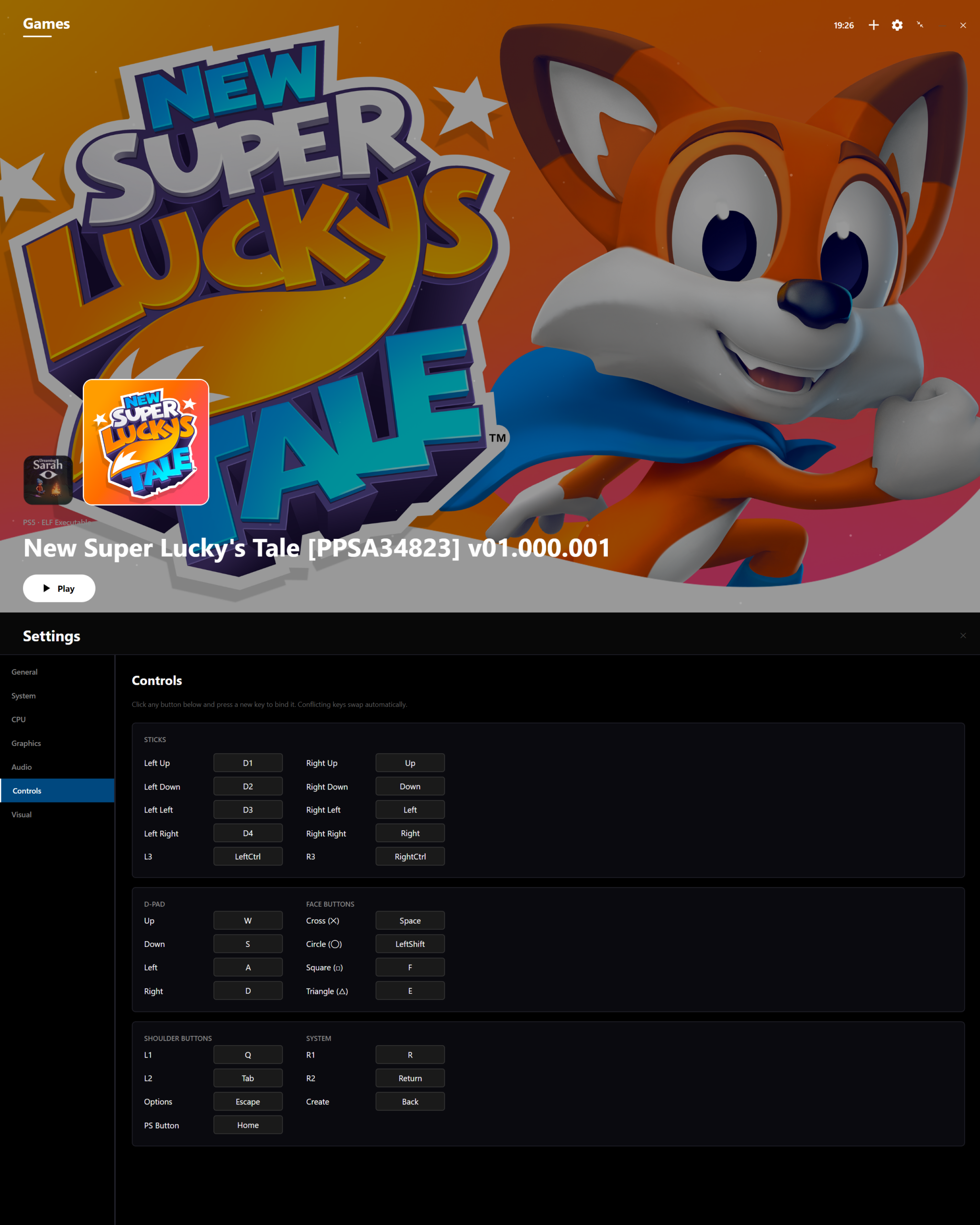
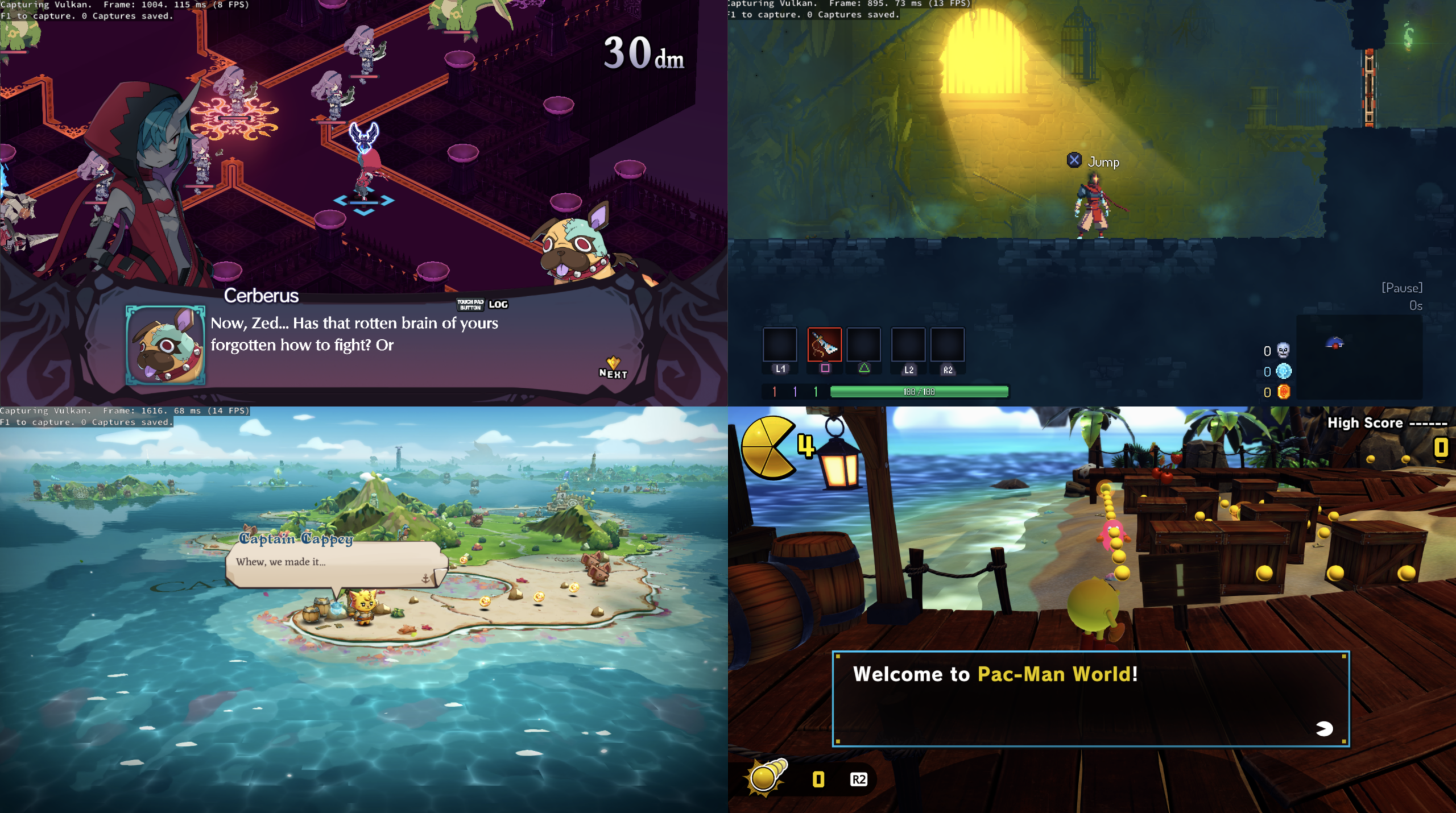
Le projet KytyPS5 est un émulateur PlayStation 5 pour Windows, développé par Nmzik, qui s’appuie sur une version profondément modifiée du Kyty original créé par InoriRus. Il vise à offrir une compatibilité PS5 nettement supérieure à celle du projet initial, en se concentrant sur le démarrage des jeux, la stabilité et la prise en charge progressive des titres commerciaux. L’émulateur est conçu pour fonctionner sans modules LLE externes, ce qui simplifie son utilisation et réduit les dépendances techniques. Le développeur indique que le projet est encore en phase expérimentale, mais déjà capable de lancer certains jeux 2D et plusieurs jeux 3D, avec un objectif clair: améliorer la compatibilité avant de se concentrer sur les performances ou la précision graphique.
 
KytyPS5 fonctionne exclusivement sous Windows et semble optimisé en priorité pour les cartes graphiques NVIDIA, même si d’autres GPU peuvent fonctionner avec des résultats variables. Le projet adopte une approche pragmatique: il cherche d’abord à faire démarrer les jeux, quitte à sacrifier la fidélité visuelle ou la vitesse d’exécution dans les premières versions. Le code est activement développé, avec des mises à jour fréquentes, ce qui en fait l’un des projets PS5 les plus dynamiques actuellement disponibles. Le développeur met en avant une volonté de transparence, en remerciant explicitement InoriRus pour le projet original, tout en assumant une réécriture et une refonte majeure du code.
 
En résumé, KytyPS5 est une continuation non officielle mais assumée du premier Kyty, transformée en un émulateur PS5 moderne, plus ambitieux et plus fonctionnel, qui cherche à devenir une référence dans l’émulation de la console de Sony.


Les changements:
– graphics: clean up draw setup
– graphics: drop unused completion overload
– graphics: simplify image allocation
– shader: remove redundant decoder and translator state
– shader: reuse initial SSA types
– shader: decode buffer formats once
– shader: share control flow labels
– graphics: skip temporary cache lookup vectors
– shader: drop unused decoder fields
– shader: reuse CFG and validation lookups
– shader: share emitter helpers
– graphics: simplify texture cleanup and swizzle decoding
– shader: reuse SPIR-V helpers and memory resources
– shader: reuse operands and remove duplicate helpers
– shader: drop EmitTrueBool
– graphics: fix last provoking vertex on PS5
– shader: support single and split NGG shaders for PPSA11142
– video: keep decoding after Flush
– window: round FPS in the title
– kernel: implement umtx wait/wake and reject malformed timeouts
– graphics: allow absent programmable restart indices
– launcher: guard optional Qt Vulkan support on macOS
– graphics: fix Vulkan BC image compatibility checks`
– libs: implement NpCommerce lifecycle
– launcher: verify updates against GitHub and check release dates
– Audio: support 12-channel AudioOut2 output with SDL
– fix: share thread signal stacks with macOS
– fix: windows build failure in UTF-16 conversion
– fix ge
– render: fix volume attachment slice bounds
– textures: use the backing format for alias uploads
– agc: merge resources from both shader stages
– shader: run merged geometry stages as mesh shaders
– render: fix depth mapping for -1 to 1 viewports
– tests: enable Vulkan gather and derivative features
– shader: fix returns and descriptor placement
– render: share layouts with sampled attachments
– shader: skip resources in untaken uniform branches
– renderdoc: start and stop captures on the present thread
– shader: detect full buffer fills from uniform stores
– shader: zero-extend unsigned SOPK comparisons
– shader: fix packed image address reads
– shader: keep fragment layer values under lane masks
– render: fix tiled depth comparison textures
– render: upload the full stride-zero vertex attribute
– render: use native clears for stencil fill shaders
– present: wait for image acquisition before transitioning
– shader: share runtime value checks
– tests: wait for interrupt callbacks before the next queue
– render: clean up texture transfers and compute fills
– render: clean up image setup and tiler recording
– render: simplify pipeline setup
– render: remove redundant cache setup
– render: simplify pool wrapping and scissor clipping
– render: use Vulkan-Hpp setup defaults
– render: build indexed triangles for merged ES/GS shaders
– render: set merged GS user data from shader registers
– textures: keep incompatible mip layouts separate
– shader: add conditional 64-bit scalar moves
– shader: keep per-invocation mesh exports out of shared memory
– shader: fix embedded vertex fetch swizzles
– tests: clear BDA page tables before transfer updates
– shader: cache integer dependency checks
– render: ignore stale export formats with no pixel shader

 
(Temporary build compiled from this fork pending official releases.)
 

Télécharger KytyPS5 r260908 (19.8 Mo)

Site Officiel

En savoir plus…

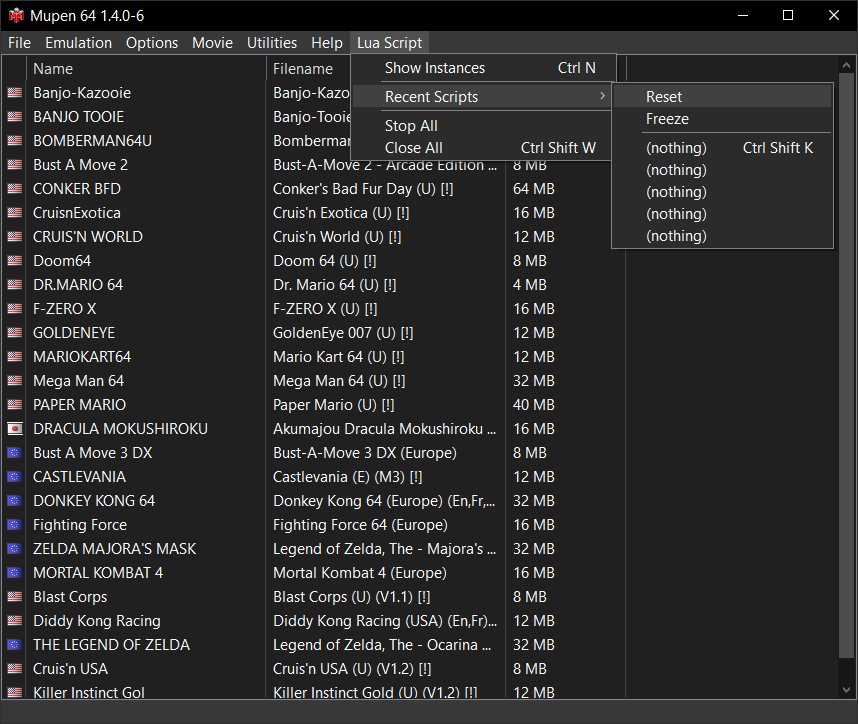
Mupen64 RR Lua (ou Mupen64 Re-recording Lua) est un fork (le 3eme) de Mupen64 permettant l’enregistrement de vidéo.


Les changements sont:
 
1.5.0-2:
– This release primarily fixes a build misconfiguration that caused stable Mupen64 to ship with nightly channel branding (i.e. a blue icon).
– It also features better crash reporting and slightly nicer colors for the joystick control in dark mode.
 
1.5.0:
Emulation
– Mupen64 dynamic recompiler core and first-party plugins are now natively 64-bit (x64).
– 32-bit builds remain available for compatibility with legacy plugins (e.g., Jabo’s).
– Support for ROMs larger than 64MB (up to 128MB).
– Support to run Banjo-Kazooie with the « Accurate RDP Completion » option enabled.
 
Plugins
– First-party plugins are embedded directly in Mupen64 instead of separate DLLs, simplifying management and reducing startup times.
– TAS Video enhancements: texture filtering, true widescreen support, and internal port to OpenGL ES.
 
Performance
– General application performance improvements.
– Savestate operations up to 5x faster using LZ4 compression.
– DCompPresenter: loosened frame latency requirements.
– TASVideo: reduced ROM closing delay.
– Core: faster ROM loading by keeping the emulation thread alive (#977).
– Core: LZ4 savestate compression (#926).
– Reduced joystick control repaints (#917).
 
Linux
– Core, TAS Video, TAS Audio, and TAS RSP plugins now compile and run natively on Linux.
– Development of a rudimentary Qt6-based GUI to eventually replace the Windows GUI cross-platform.
 
Features
– TASVideo, TASAudio, TASInput – Added Dark mode support.
– ParameterPalette – Added ability to go back and forth.
– Seeker – Displays ETA (#1015).
– TASInput – Added magnitude hotkeys (#1010).
– TASInput – Optional wraparound behavior (#984).
– VCR – Seek coalescing (#980).
– Integrated toast notifications (#979).
– Changed MFA default value to -1 (#971).
– ConfigDialog – Tooltips explaining why settings cannot be changed (#961).
– UpdateChecker – Added « Remind Me Later » option (#958).
– Logger – Various logging improvements (#954).
– VCR – Stricter and more informative sync warnings (#935).
– VCR – Key cpu_cf and rcp_lag_factor integrated into extended data section (#927).
– TASVideo – True widescreen support (#909).
– TASVideo – Shader-based combiner and core modernization (#851).
– Core – Support for ROMs up to 128MB (#889).
– Rombrowser – Included recent items (#881).
– Removed « No RSP » plugin (#872).
– Core – Integrated X64 dynarec (#776).
– Embedded first-party plugins within the main build.
 
Bugfixes
– Views.Win32 – Fixed window becoming too big when resized by plugins.
– Views.Win32 – Resolved race condition in titlebar updates.
– TASInput – Fixed window frame breaking when toggling the titlebar.
– Fixed default FFmpeg capture not being playable across all platforms.
– TASInput – Fixed broken sizing when expanding combo section (#994).
– TASVideo – Fixed washed-out colors on certain systems (#981).
– LuaDialog – Fixed rare crash when closing dialog (#965).
– ActionMenu – Fixed disabled menu items not being grayed out under Wine.
– Resolved rare deadlock on closing the application.
– AppActions – Fixed loading recent movie emptying author and description fields (#950).
– Fixed « Keep working directory » option not functioning as expected (#953).
– Fixed rare crashes in SDL_CreateWindow (#947).
– FFmpegEncoder – Fixed spaces in output path causing capture failures (#946).
– CLI – Fixed failure to start ROMs when treated as movies (#921).
– TASVideo – Applied resolution changes without requiring a restart (#903).
– LuaRenderer – Fixed overlays not disappearing when expected under Wine (#894).
– Resolved various Wine-specific operational issues (#875).
– Fixed inconsistent dummy plugin naming (#867).
– Fixed crash when loading ROMs with names containing invalid UTF-8 (#859).
– Fixed inaccurate frame accounting and RDP completion timing (#861).
 
Documentation
– Lua – Correctness and consistency improvements (#1007).
– Added note regarding Discord overlay crash.
– Updated data format documentation (#957).
– Updated documentation with LZ4 savestate details (#943).

 
Site original. Fork 1. Fork 2. Fork 3.
 

Télécharger Mupen64 RR Lua v1.5.0-2 (+AVI Fixes builds) (26.7 Mo)

En savoir plus…

CraziiEmu est un projet expérimental visant à exécuter des logiciels PlayStation 5 sous Windows, en combinant émulation et couche de compatibilité. Il est développé en C# avec .NET 10 et est destiné aux systèmes Windows 64 bits. Basé sur le projet open-source SharpEmu, il intègre un moteur d’exécution CPU à double mode (exécution native x86-64 à pleine vitesse ou interprétation précise pour le débogage), le rendu graphique sous Vulkan, la prise en charge des formats ELF et SELF de la console, ainsi qu’une gestion de la mémoire virtuelle allant jusqu’à 64 Go. Le tout est enveloppé dans une interface fluide au style console conçue avec Avalonia UI, qui propose un carrousel de jeux, une gestion dynamique des jaquettes et un mappage complet des manettes et du clavier.


Les nouveautés sont:
 
GPU & Rendering
– Fixed MRT render target alignment to maintain strict correspondence between PS5 GPU slots and Vulkan attachments.
– Fixed color output masking directly at the Vulkan ROP level.
– Improved vertex parameter mapping and pixel shader input count tracking.
– Optimized render pass management to avoid unnecessary flushes and layout transitions between draw calls.
– Fixed depth buffer handling so it is preserved throughout the entire frame.
– Fixed stride calculation for texture detiling on GFX10/RDNA2, including swizzle modes 21, 25, 8 and 20.
 
Kernel Synchronization & Threading
– Reworked `sceKernelSyncOnAddress` with an atomic fast path that avoids blocking the thread when the condition is no longer satisfied.
– Added support for microsecond timeouts and zero-duration timeouts.
– Improved static pthread mutex handling to prevent potential deadlocks during engine initialization.
 
Audio
– Replaced blocking waits with asynchronous signaling through the kernel event queue.
– Added a high-precision lock-free synchronization system to maintain a continuous 48 kHz audio stream and prevent stuttering or underruns.
– Fixed a NID conflict between `sceAudioOutGetPortTimestamp` and `libKernel:usleep`.
 
UI & Architecture
– Removed the integrated log panel from the main window to reduce UI slowdowns.
– Replaced the old separate configuration window with an integrated settings interface.
– Removed the remaining Linux, macOS and Metal code paths, focusing CraziiEmu on native Windows x86-64 execution.
 
New Features
– Restored smooth scrolling for the PS5 dashboard horizontal carousel.
– Added automatic background scanning of the App0 game library with cached results.
– Added a dedicated log window accessible with F4, featuring real-time search, level filtering, clipboard copying, clearing and log export.
– Added a hardware telemetry overlay accessible with F3, displaying FPS, frame time, CPU/GPU frequencies and RAM/VRAM usage.
– The 20-second hang watchdog now captures CPU register state from the main thread and automatically disassembles the x86-64 instruction responsible for the hang.
– Added internal 3D resolution options: Native, 720p, 1080p, 1440p and 4K.
– Added automatic aspect ratio preservation and fullscreen letterboxing.
– Integrated RenderDoc, with instant capture through F10 or from the settings.
– Added hardware/FFmpeg video decoders for FMV sequences: `videodec2`, `avplayer` and Bink2.
– Added `libScePngDec` for hardware decoding of UI textures and sprites.
– Added `sceKernelSyncOnAddressWait32` and `sceKernelSyncOnAddressWait64`.
– Implemented PSN login and user login dialogs.
– Added save data mounting/unmounting services.
– Added a test suite with more than 15 automated tests covering synchronization, virtual memory, presentation queues, sockets and dialogs.
 
Compatibility
– Dead Cells: now playable in-game, with some known graphical issues remaining.
– Stray: now boots through to the introductory screens.
 
Upcoming
– Continue graphical work on Dead Cells to fix remaining sprite artifacts and improve lighting compositing.
– Continue progressing Unreal Engine 4/5 game boot, particularly Stray, with improved concurrent task execution.
– Expand compatibility with commercial 3D games, including Grand Theft Auto V and Sonic Superstars.
– Implement remaining AGC compute functionality, indirect draw commands and advanced G-buffer surface conversions.


Télécharger CraziiEmu v0.31 alpha (50.5 Mo)

Site Officiel

En savoir plus…

BletchMAME est un frontend pour MAME. Contrairement aux autres existants (et qui fonctionnent comme des lanceurs tout en conservant l’interface utilisateur interne de MAME), BletchMAME remplace l’interface utilisateur interne de MAME par une interface graphique plus conventionnelle pour offrir une expérience plus conviviale dans un certain nombre de domaines (tels que les profils, la configuration des entrées et un certain nombre d’autres éléments). Bien que BletchMAME soit conçu pour prendre en charge toutes les machines que gère MAME, il convient particulièrement à la partie émulation d’ordinateur.


– Adding support for configuring MAME « Artwork » and « BGFX » paths
– After three years, this is a complete rewrite of BletchMAME in Rust using the Slint toolkit
– Instead of launching MAME for each emulation session, MAME is now spun up and reused across emulation sessions
– Very fast system and software list lookup
– Dark mode support
– Too many other user interface changes to list; this is a completely new application
– Special thanks to « nerd4gw » for collaborating with this complete reinvension of BletchMAME


Télécharger BletchMAME v3.0 (9.3 Mo)

Site Officiel

En savoir plus…

Un émulateur NES écrit en Dart et Flutter. Supporte macOS, Windows, Android et Linux (testé sur Steam Deck).


Télécharger NESd v0.19 (15.3 Mo)

Site Officiel

En savoir plus…

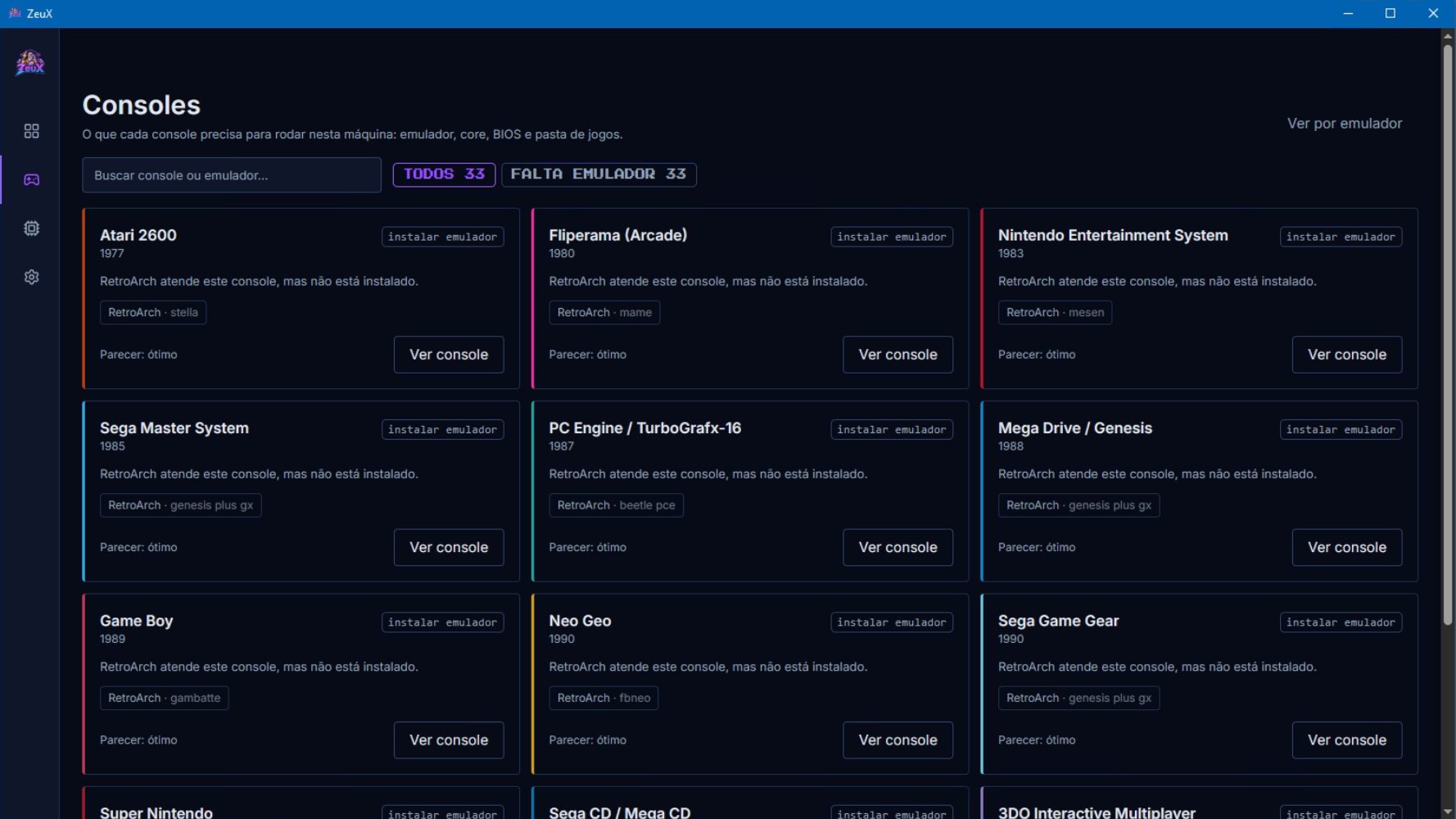
ZeuX est un frontend moderne et léger conçu pour centraliser toute l’expérience d’émulation dans une interface unique. Il permet de regrouper les ROMs de différentes consoles et de les lancer à travers les principaux émulateurs disponibles, évitant ainsi de jongler entre plusieurs programmes, dossiers et configurations. Conçu pour être rapide, intuitif et visuellement soigné, ZeuX propose une approche tout-en-un de l’émulation, avec pour objectif de fournir une expérience simple et immédiatement utilisable. Le projet est entièrement gratuit et se trouve encore à un stade précoce de développement.


Télécharger ZeuX v0.1.7 (14.4 Mo)

Site Officiel

En savoir plus…

La dernière version béta publique de l’excellent WinUAE, l’émulateur Commodore Amiga. La traduction est signée Tradu-France.


Les changements ici.
 

Télécharger WinUAE (Public Beta) [ARM] v6.1.0 Beta 13 (4.4 Mo)

Télécharger WinUAE (Public Beta) [32 bits] v6.1.0 Beta 13 (5.0 Mo)

Télécharger WinUAE (Public Beta) [64 bits] v6.1.0 Beta 13 (7.6 Mo)

Télécharger WinUAE (Public Beta) [ARM] v6.1.0 Beta 6 FR (7.7 Mo)

Télécharger WinUAE (Public Beta) [32 bits] v6.1.0 Beta 11 FR (8.0 Mo)

Télécharger WinUAE (Public Beta) [64 bits] v6.1.0 Beta 11 FR (11.3 Mo)

Site Officiel

En savoir plus…

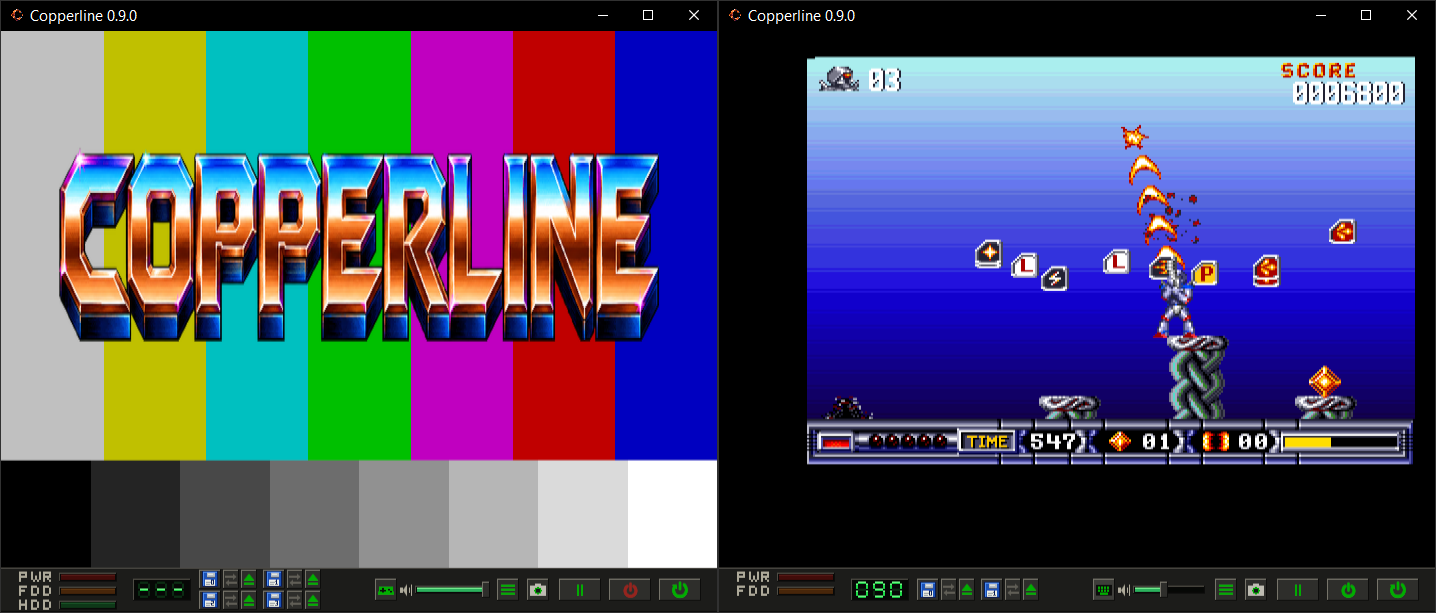
Copperline est un émulateur Amiga écrit entièrement en Rust. Il vise à reproduire fidèlement le fonctionnement du matériel d’origine, avec une émulation précise jusqu’au niveau des cycles d’horloge (cycle-accurate). Son architecture modulaire facilite le développement et permet d’émuler les principaux composants de la machine, comme le CPU, le Copper, le Blitter, Paula et les CIA.


Télécharger Copperline v0.19.0 (43.8 Mo)

Site Officiel

En savoir plus…

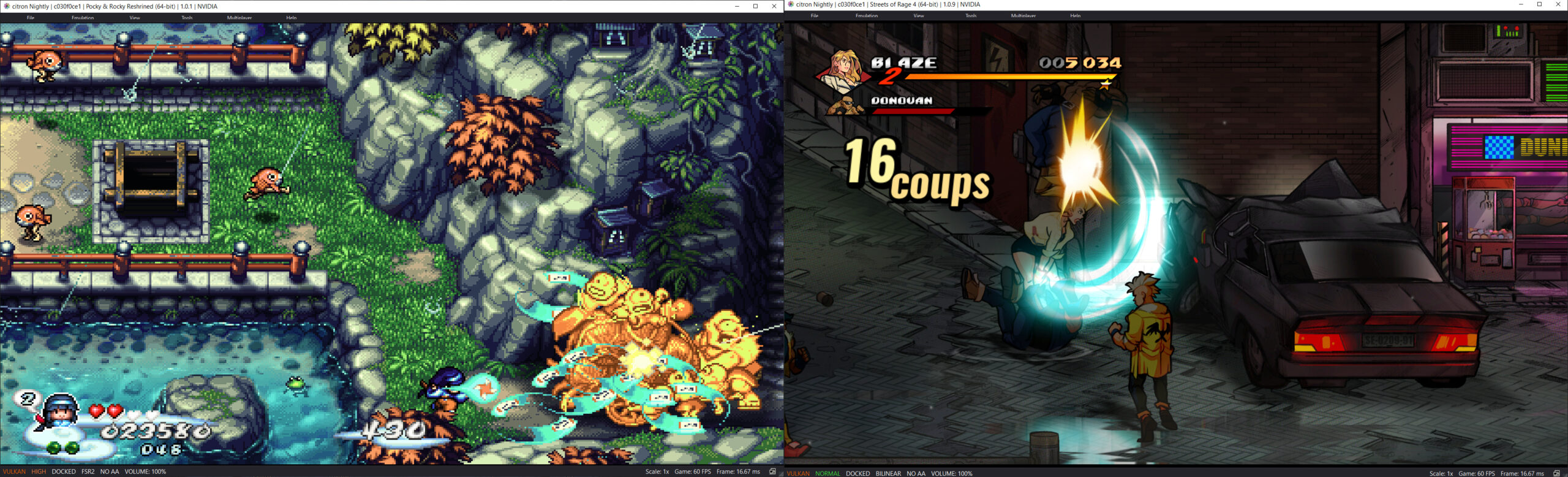
Il s’agit d’un fork de l’émulateur Switch Citron, repris exactement à l’endroit où son développement s’était arrêté.


Les changements:
– Merge pull request #330 from MgeeeeK/fix/normal-fence-and-binary-wakeup
– vulkan: wake all binary fence tick waiters
– video_core: restore early fence callbacks at normal accuracy
– Misc fixes


Télécharger Citron Neo (2026/09/06) (61.5 Mo)

Site Officiel

En savoir plus…

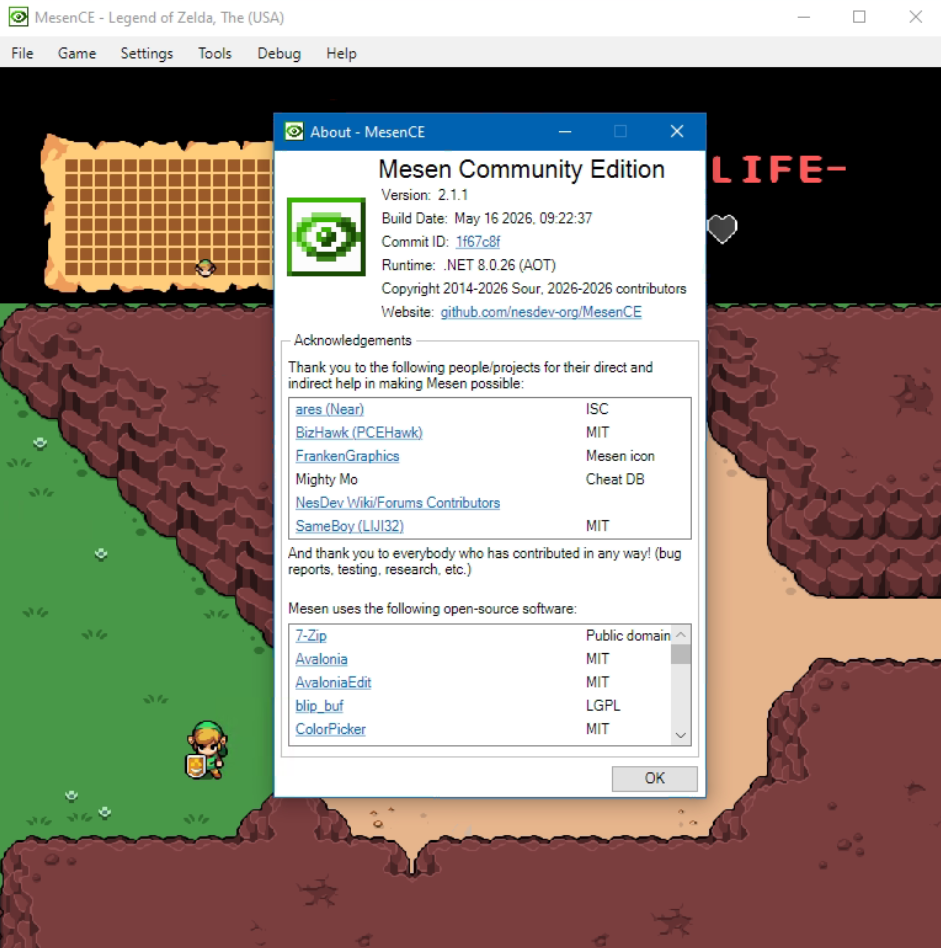
Mesen Community Edition est un émulateur multi‑systèmes open‑source pour Windows, Linux et macOS, développé par la communauté à partir du projet Mesen2. Il vise une haute précision, une excellente compatibilité, et propose une interface moderne accompagnée d’outils avancés pour les joueurs comme pour les développeurs.


Né initialement comme un fork pour pallier la mise en pause du développement de Mesen2 par son créateur original (Sour), MesenCE est désormais devenu la continuation officielle et exclusive du projet. Face à la dynamique communautaire, Sour a choisi de rejoindre activement l’équipe de MesenCE afin d’y centraliser tout le développement futur. Cette transition sous un modèle entièrement géré par la communauté permet d’intégrer plus rapidement les correctifs, d’améliorer la compatibilité multiplateforme et d’ajouter de nouvelles fonctionnalités, tout en préservant l’esprit d’excellence du projet d’origine.
 
Les changements:
 
Mesen is becoming MesenCE, a Community Edition maintained by Sour and various community members. All development will occur in this new fork going forward so it can continue whenever Sour is away from the project.
 
– SNES: Fixed broken scanlines in mode 7 when horizontal mirroring is enabled and the CPU reads/writes a PPU register mid-scanline (#269)
– NES: Rainbow – updated CPU cycle IRQ to match hardware behavior (#267)
– GBA: Fixed REG_KEYCNT reading byte swapped (#268)


Télécharger MesenCE v2.2.1 r20260907 (79.7 Mo)

Site Officiel

En savoir plus…

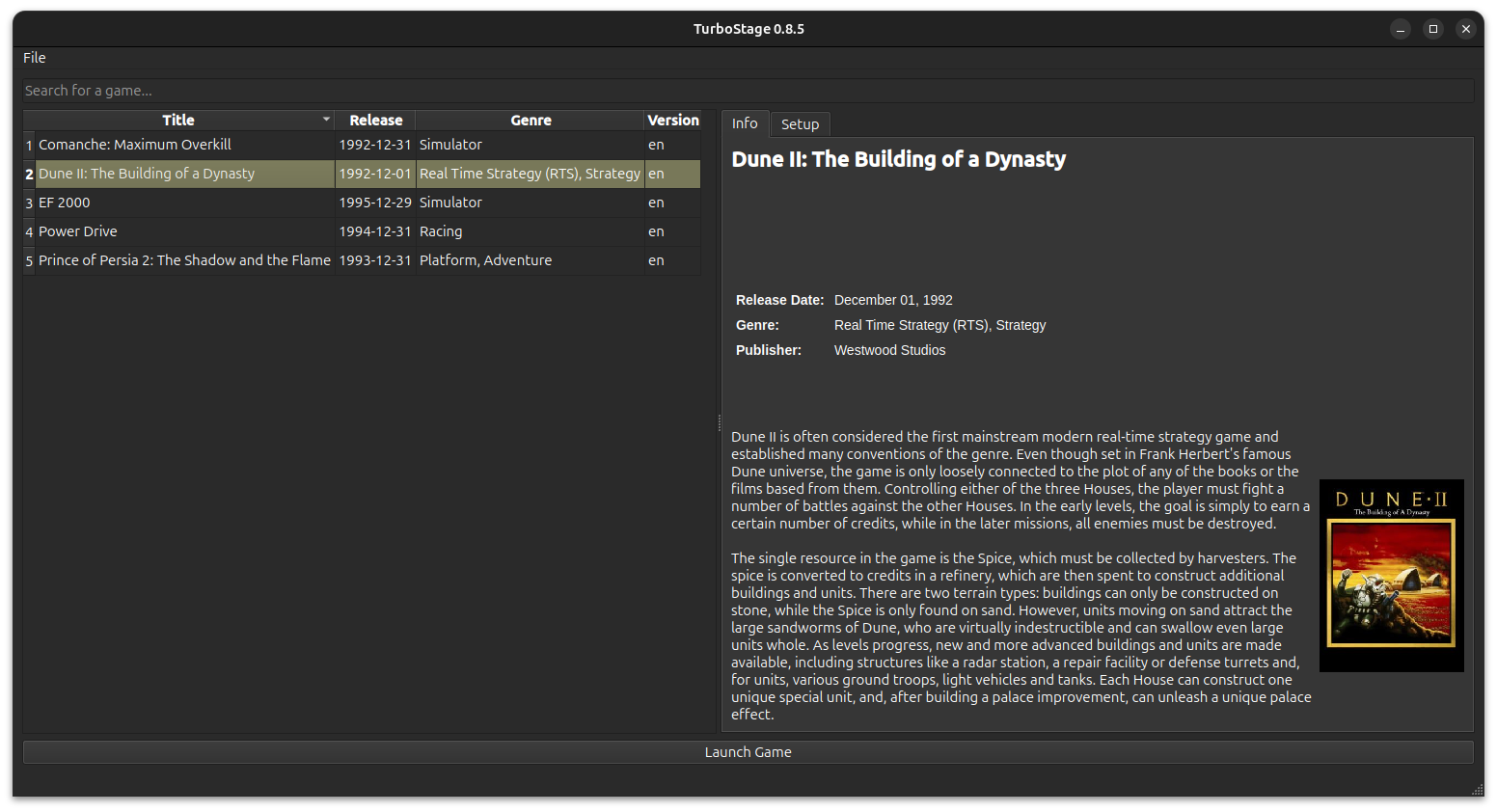
Il s’agit d’un frontend pour DOSBOX Staging. Il est inspiré par FS-Uae-Launcher.


Télécharger Turbo Stage v0.11 (49.8 Mo)

Site Officiel

En savoir plus…

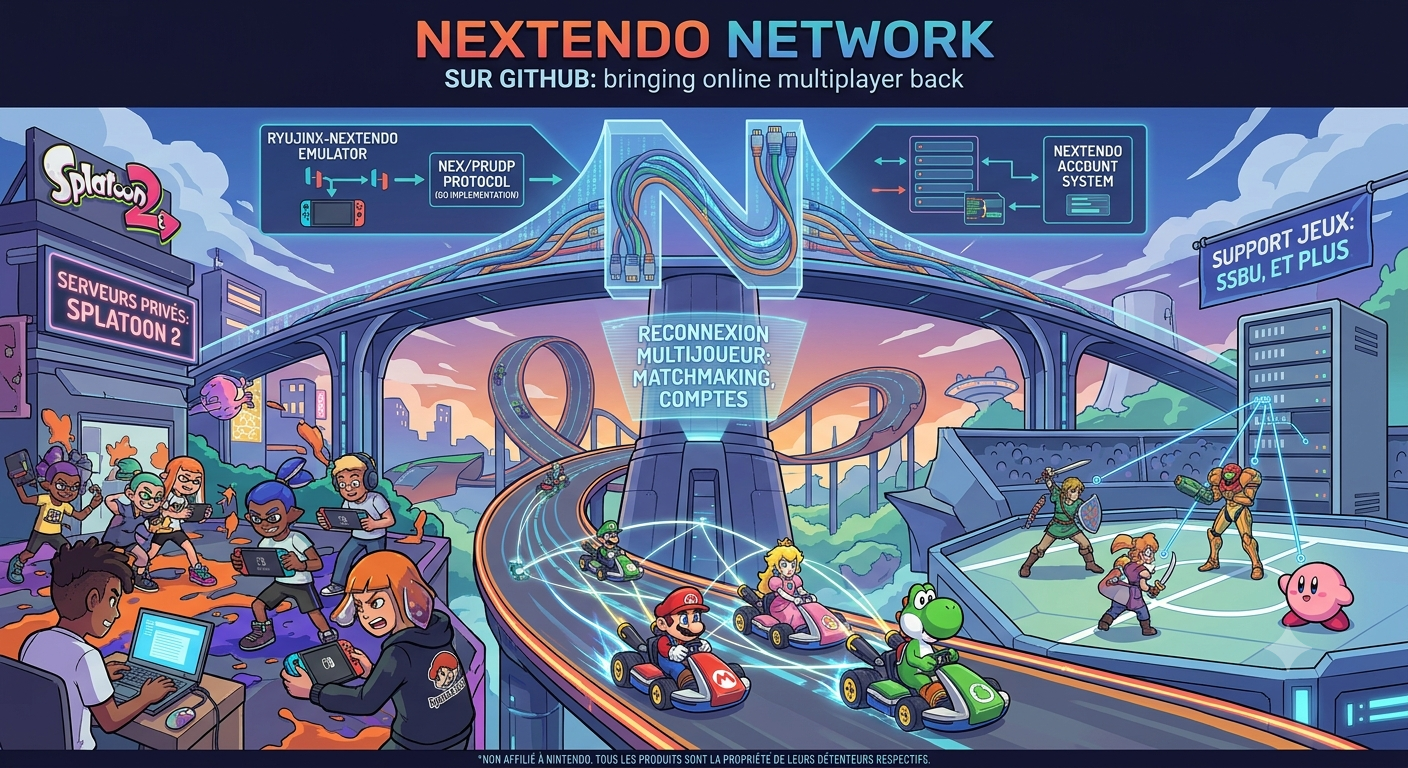
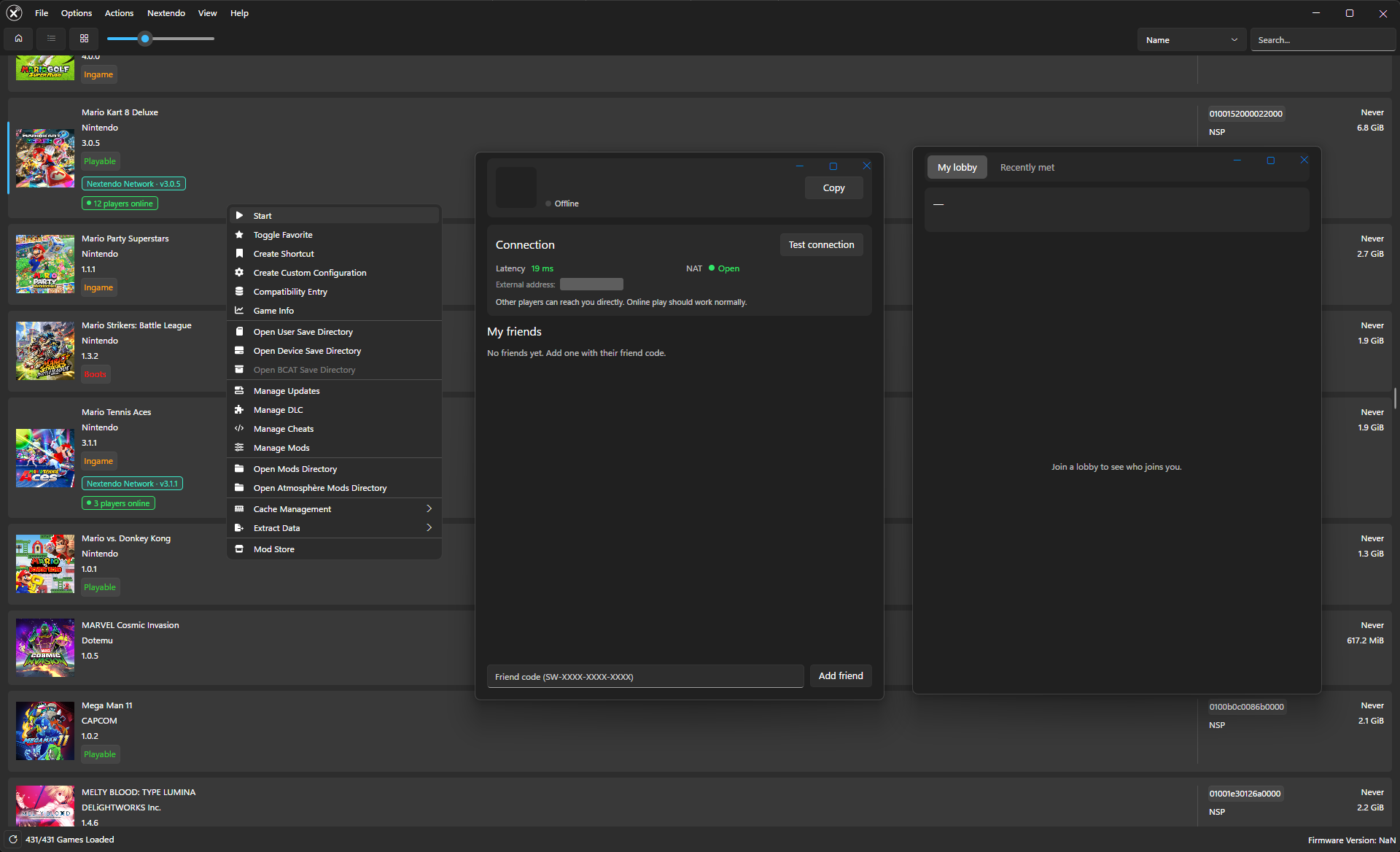
Ryujinx-Nextendo est un émulateur Nintendo Switch basé sur Ryujinx, auquel a été intégré nativement le support du Nextendo Network, un service en ligne privé et communautaire destiné à remplacer le service officiel de Nintendo.
 
Le projet reprend le cÅ“ur d’émulation de Ryujinx, notamment pour le processeur, le GPU, l’audio, les contrôles et le système de fichiers. Les modifications apportées par Nextendo concernent principalement la partie réseau et l’interface utilisateur.
 
L’objectif est notamment de permettre aux jeux compatibles de retrouver des fonctionnalités de jeu en ligne via le Nextendo Network, sans nécessiter de configuration manuelle particulière, de modification du fichier hosts ou de contournement SSL de la part de l’utilisateur.


Les changements sont:
 
New Home Launcher
– Added a new console-style home screen.
– Games are displayed as covers in a grid or carousel.
– Added online player counts directly on game covers.
– The classic game list remains available.
– Added quick-access buttons for the profile, Discord, news, Mii editor, controller settings and emulator settings.
– The preferred home view can now be saved: Home, List or Grid.
 
Nextendo Profile
– Added a dedicated Nextendo profile screen.
– Displays your username, friend code and profile picture.
– Added Friends, Recently Met and Play History tabs.
– Added the ability to add friends by friend code.
– Friend requests can be accepted or declined directly from the emulator.
– Players can be reported without leaving the emulator.
 
Mii Editor
– Fixed an issue where closing the Mii editor could leave the emulator stuck on a black screen at 0 FPS.
– Applets that close themselves now correctly return to the launcher.
 
Interface
– Added support for custom wallpapers on the home launcher.
– Added the ability to select a background image from Interface settings.
– The new interface is fully translated into all 20 supported languages.
– Improved localisation of relative dates and times.
 
Contributors
– New launcher, profile interface and Mii editor fix contributed by Mars-Hermetto.


Télécharger Ryujinx-Nextendo v1.8.2 (34.2 Mo)

Site Officiel

En savoir plus…


https://getourbonus.com/fr/accueil

https://www.romspedia.com/