Envasion est un programme de Cheats pour Windows qui s’adapte aussi aux émulateurs et plus spécifiquement les jeux PC et PCSX2.
Plus d’informations ici.
0 commentaire



Envasion est un programme de Cheats pour Windows qui s’adapte aussi aux émulateurs et plus spécifiquement les jeux PC et PCSX2.
Plus d’informations ici.
RetroMap est un front pour émulateurs dont le but est de rendre le processus d’ouverture de vos jeux rétro préférés dans vos émulateurs préférés aussi simple, organisé et rapide que possible.

RetroMap is a lot better now! You no longer need to keep all your ROMs and emulators in a predetermined folder structure! Plus, I’ve made a few optimizations, massively increased the maximum number of ROMs per system, and just in general made RetroMap more flexible. Here is the full changelog:
– Added the ability to display a background, clock, and added a slide betweenmenu entries. All of these are customizable.
– Increased maximum number of roms per console from 255 to 65535.
– Implemented an in-program file explorer. Rom Folders, Emulator Executables,and Background Folders are selected using this method, or by manually editing the configuration text files in the My Documents folder.
WineD3D For Windows est un wrapper DirectX 1-11 vers OpenGL basé sur WineD3D, qui est une implémentation presque complète de DirectX utilisée dans Wine.
Même si Windows prend en charge DirectX de manière native, l’utilisation de WineD3D peut améliorer la compatibilité avec les jeux plus anciens, en particulier sur Windows 8 et supérieurs qui ne prennent pas en charge les modes d’écran 16 bits. Une autre utilisation possible est d’imiter les versions non prises en charge de DirectX ou de transférer des applications DirectX vers OpenGL sans avoir à réécrire le code de rendu.
Notez que WineD3D est loin d’être parfait, et de nombreux jeux ne fonctionneront pas.
Des instructions sur l’utilisation des DLL sont également incluses.
Version 1.7.x fonctionne à partir de Windows 2000.
Version 2.x fonctionne à partir de Windows Vista.
Télécharger Wine D3D For Windows (Win 2K et +) v1.7.52 (1.7 Mo)
Télécharger Wine D3D For Windows (32 Bits | Win8 et +) v11.20 (1.9 Mo)
La dernière version béta publique de l’excellent WinUAE, l’émulateur Commodore Amiga. La traduction est signée Tradu-France.

– If DirectDraw mode surface allocation fails, retry it with smaller size.
– Smaller than 512 block size and writing to HDF block zero was always detected as failed.
– SCSI MODE SENSE format parameters/rigid drive geometry and uaehf.device TD_GETGEOMETRY didn’t return manual physical geometry if it was set.
– If config file has sound driver name that can’t be found, try to find default device of same type before defaulting to first in list.
– 68030 MMU + prefetch mode delayed bus error fix.
– Added Cubo CD32 config dip switches (Cubo Switch #1 to #8), event activation = switch state toggled. State is only logged, perhaps some kind of on-screen message will be added later.
– Added Cubo CD32 option in Quickstart panel. Currently only enables serial port fake touch screen used by some later games, responds « ok » to all touch screen commands.
– Expansion panel string datatype was unimplemented (forgotten..). NIC MAC option is now visible.
– Disassembler [xxxx] data values (b3) now support 68030+ data caches. If data is located in cache and data in memory is identical, it is prefixed with *, if data is cached and data in memory is different: [value in cache:value in memory]
– Ignore DMS unpacking errors if all data is already unpacked (for example if dms has extra data at the end etc)
Télécharger WinUAE (Public Beta) [32 bits] v6.1.0 Beta 23 (5.3 Mo)
Télécharger WinUAE (Public Beta) [64 bits] v6.1.0 Beta 23 (8.5 Mo)
Télécharger WinUAE (Public Beta) [32 bits] v6.1.0 Beta 23 FR (5.4 Mo)
Télécharger WinUAE (Public Beta) [64 bits] v6.1.0 Beta 23 FR (8.5 Mo)
Un complément pour le cheat.7z (XML) de Pugsy (et qui ne sert que pour la partie arcade de MAME), à utiliser en plus du fichier original.
– Décompressez l’archive de manière à obtenir un fichier cheat_wayder.7z (qui lui n’est pas à décompresser).
– Placez-le dans le répertoire courant de Mame.
– Enfin, ajouter une référence dans le fichier de configuration de MAME :
Remplacez la ligne : ‘cheatpath cheat’ par ‘cheatpath cheat;cheat_wayder;cheat_wayder_omake’
Lire le changelog ici.
Un émulateur de Nintendo NES développé par l’auteur de fixGB.
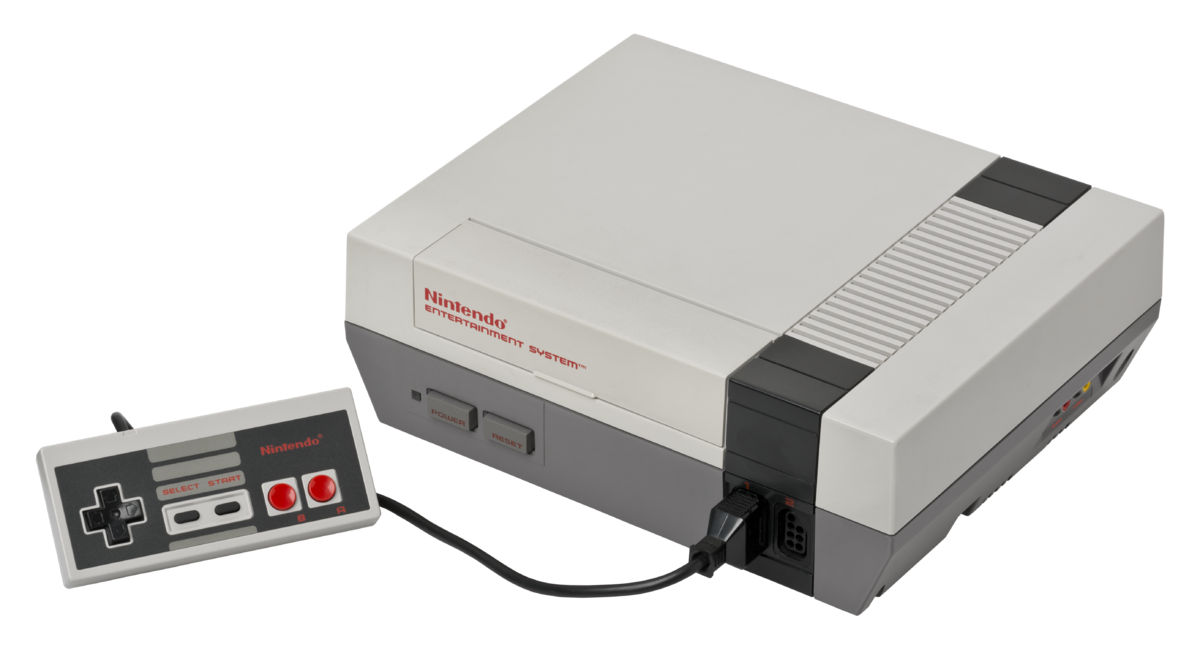
– added missing mmc5 exram support when playing back mmc5 nsf files
Un émulateur de GameBoy en cours de développement.
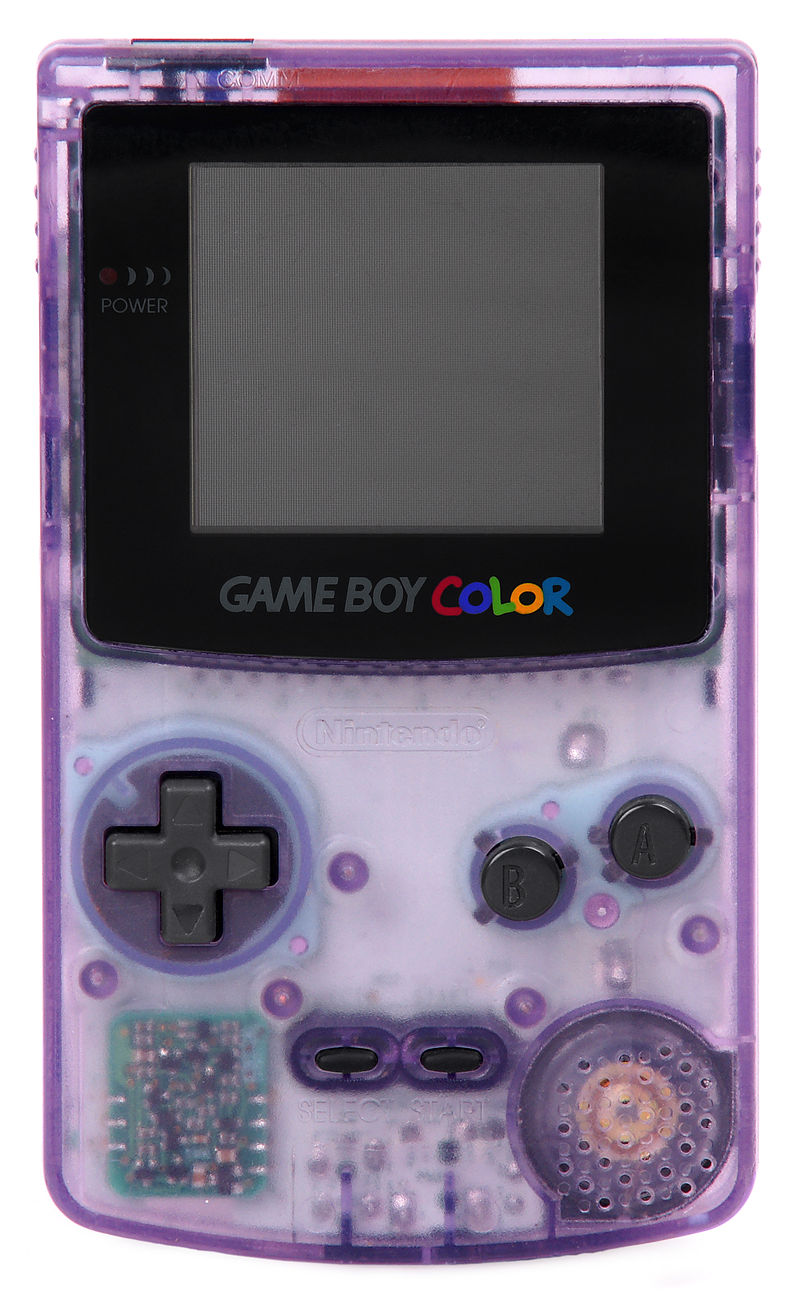
– fixed playback for some gbs music files
– implemented APU zombie mode for volume control
– corrected several CPU instruction timing details
– properly implemented OAM DMA with all its timings etc
– corrected some memory bugs and improved timer accuracy
– added basic serial I/O control support as some games rely on its interrupt
– improved PPU accuracy and implemented STAT DMC bug required for some games
Ootake est un émulateur PC-Engine en provenance du Japon et basé sur PC2E, tournant sous Windows 2000, XP, Vista, 7, 8 et 10. Il nécessite Direct X v9.0c au minimum.

– When « CD-ROM disc is switched » while playing CD games with CD-ROM drive,
the game you switched automatically will be activated. Also, if you take
out the CD-ROM during the game, the game will be paused automatically for
safety.
– « CD access status (seek & read) » is displayed when playing a CD-ROM game.
Currently it is only in window mode, it is displayed on the right side of
« Ootake » at the upper left of the window. If you are using a PC with low
power, or unnecessary, uncheck « View CD Read Access » menu on « CD-ROM »
menu (the third row from the top).
– The play process of ADPCM sound approached the real machine. In
« Cobra II », at the desert town motorcycle ride scene, the stopped problem
(occurred from v2.83) was solved.
– The play operation of ADPCM sound approached the real machine. In
« Seisenshi Denshou », the problem that voice audio was interrupted was
solved.
– In « Ys book I&II (U) », when entering the Tower of Darm, with environment
where CD-ROM access is fast, the problem that Gorban’s voice sound was
interrupted was solved.
– When « Tokimeki Memorial » is started, the decision button of the mouse is
automatically set to left click. If you do not need this, uncheck the
« Setting-> Improve-> Auto Set Left Click (Tokimeki Memorial) » menu.
– When « 1552 Tenka Tairan » is started, mouse mode is set automatically.
(omitting the SELECT button press on the start screen) If you do not
need this, uncheck the « Setting-> Improve-> Auto Use Mouse (1552 Tenka
Tairan) » menu.
– Additionally, a detailed part has been improved and corrected.
MXC ou Mame XML Cleaner est un outil très léger et gratuit développé pour traiter et nettoyer les fichiers DAT (XML) de MAME.
Passer au crible tous les jeux non fonctionnels, les clones, les indésirables et purger comme il se doit votre SET de ROMs. Filtrer par mots-clés, par liste de ROMs (compatible Catver) ou par choix multiples (années, manufacturer, drivers, périphériques…).

Les changements:
– Corrections typographiques mineures.
– Le logiciel ne devrait plus être détecté comme un « risque potentiel » par l’analyse heuristique de certains Anti-Virus.
PSXACT est un émulateur de Playstation One écrit en c++ et qui cherche à être le plus précis possible (LLE).

MedGui Reborn est une interface (Frontend) pour Mednafen sur OS Windows. Cette archive inclut MetroMed.

– Added a progress bar when the user perform a folder scan or load a prescanned rom set
– Now multi compressed archive file will be not extracted on RomTemp folder, but will be streamed and will be extracted only the file selected on the grid by the user
– Reduce too much the time of Preload/Scan Rom set
– Now non supported files by Mednafen or MedGuiR will be skipped with no more error
– On MedClient, now open file dialog purpose the selection of all file or the specific game
– Added a purge function for auto backup made by MedGuiR to preseve space
– fixed the question multitap on MedClient
– fixed the wrong detection of path of snes and pce roms when you load a faust_snes or pce_fast session on MedClient
– Removed psxt001z.exe and added DiscSN.dll (by Asnivor) to detect PSX serial number, now all psx will be detected (many Thanks to Asnivor to port the dll in net 2.0)
Il s’agit d’un émulateur de Nintendo NES (et aussi FDS, NSF, NSFe, VS System) écrit en C++ (interface en c#) gérant le multi threading et est capable de s’exécuter en mode 32 ou 64 bits automatiquement. Il s’attarde sur la précision, gère un ensemble de mappers et filtres graphiques (mais aussi les packs HD au format HDNes) ainsi que les extensions zip/7z, permet l’enregistrement vidéo, le jeu en ligne ou encore d’utiliser des codes de triches. De plus, il se mettra à jour automatiquement. En outre il dispose également d’un débogueur.
Il vous faudra disposer de Windows Vista, 7, 8, 8.1 ou 10 ainsi que DirectX 11 avec .NET Framework 4.5+ d’installé.
A noter qu’il est à présent très probable que Mesen soit devenu l’émulateur le plus précis (devant Nestopia UE/puNES/Bizhawk) et en passe de devenir le meilleur émulateur de NES disponible tout simplement.

New Features
– UI: All UI shortcuts are now customizable in the Preferences (multi-key shortcuts are now supported).
– UI: Added a link to the new online documentation site in the Help menu.
Bug Fixes
– Cheats: Fixed crash when cheats window was opened
– HD Packs: Fixed sprite recording in HD Pack Builder and crashes when loading HD packs in some conditions.
– Debugger: Fixed some minor bugs.
– Linux: Fixed some crashes and layout fixes.
– Dendy: Fixed regression bug with intensify color and grayscale bits emulation.

