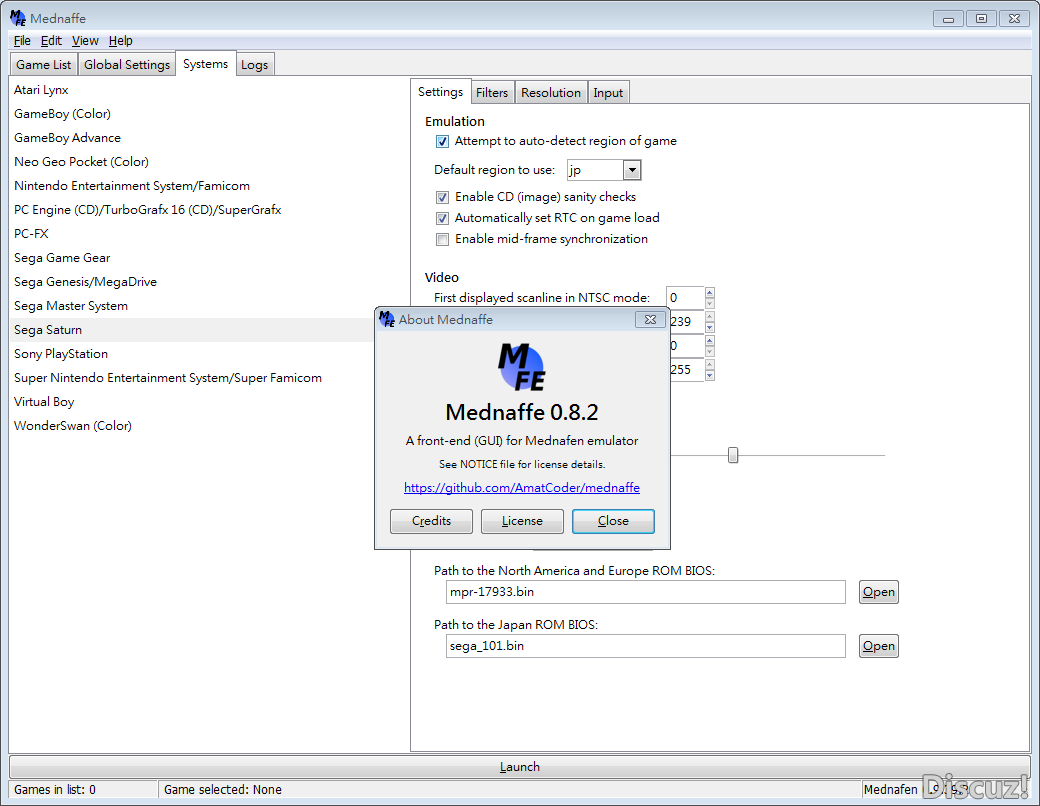
MedGui Reborn est une interface (Frontend) pour Mednafen sur OS Windows. Cette archive inclut MetroMed.
– Added on advanced menu a rapid way to access on a online session
– Change a bit the code that manage advance context menu
MetroMed Beta 05
– Fixed a exception when any values was missing from Mini.ini
– Fixed a bug that reset console type string, when a user abort a selection of a virtual cd iso games on openfiledialog.
m64p (ou Mupen64Plus-GUI) est une interface graphique écrite en Qt5. Elle supporte tout ce que vous attendez d’une interface mupen64plus (sélection de plugins, édition de la configuration, gestion des sauvegardes, capture d’écran, pause, etc.).
Cette archive inclut Mupen64Plus + GlideN64 + une interface utilisateur.
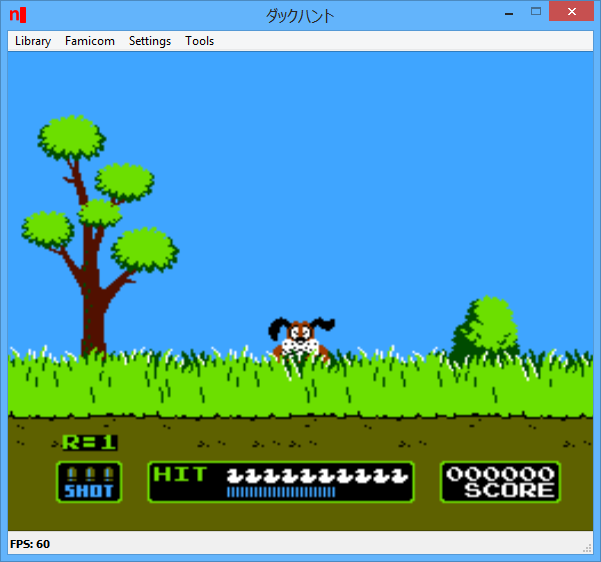
Un émulateur de NES écrit en java. L’émulateur lui-même est assez précis avec une précision de cycle et des composants bien synchronisés. Il passe la plupart des tests. C’est aussi l’un des émulateurs java les plus rapides sur le marché.
Core:
– The core can now do panning of different hardware channels between the left and right output channels.
– The core no longer returns single audio samples and instead returns whole arrays of audio data at once.
– There is now the option for a high quality sampling mode utilizing a full fledged Decimator.(Performance is roughly halved using it and the difference is quite hard to hear. So only use it if you want the very best!)
More sampling rates are now supported. Lower sampling rates slightly increase performance when not using high quality sampling.
– A change was made to the triangle channel so that it doesn’t output very high pitched frequencies.
– Various balancing changes between the different hardware channels.
– Massive clean up of the audio internals for easier maintainability. Despite the added audio processing there is no real performance loss.
UI:
– The display is no longer scaling images. Resulting in a small performance bump.
– Full per channel control of audio panning is available in the audio settings.
– Control of audio latency is now available in the audio settings.
Créé par hex-usr (et basé sur Higan), il s’agit d’un émulateur de NES/VS.System/PlayChoice-10/SuperNES/GameBoy/GameBoy Color/GameBoy Advance/WonderSwan/WonderSwan Color/SwanCrystal/GameGear/SMS/Megadrive/PC-Engine mais aussi des sous systèmes Super GameBoy, BS-X Satellaview et Sufami Turbo, mais ajoute un lots de fonctionnalités en suppléments comme davantage de mappers NES, le NES Four Score, le Zapper, le Power Pad, l’adaptateur 4 joueurs, le VS. System (uniquement les jeux UniSystem n’utilisant pas le Zapper), le PlayChoice-10 mais aussi d’autres éléments à découvrir.
L’auteur propose également un gestionnaire de paquet MSU1 nommé Mercurial-Magic ainsi qu’une application complémentaire nommée Launcher permettant de lancer des dossiers de cartouches avec des émulateurs non-higan.
Cette version, compilée par notre ami Lo, est basée sur Higan 103r24.
Les modifications sont les suivantes:
-Update to higan v103r24
– Renamed the Fighting Pad 6B to just « Fighting Pad » per byuu’s preference.
Lire le readme pour plus d’informations (assez importants).
Fuse (Free Unix Spectrum Emulator) est un émulateur tournant à l’origine sous Unix. Plusieurs portages ont été fait dont celui pour Windows. Les systèmes 16K, 48K, 128K, +2, +2A, +3, +3e, SE, TC2048, TC2068, TS2068, Pentagon 128 et Scorpion ZS 256 sont émulés.
– Add workaround for Multiface One and 128 clash
– Limit RZX sentinel warning to once per playback
– Disable Melodik interface on 128K machines
– Correct the list of machines for Multiface One
– Document –mdr-len and –mdr-random-len options
– Document support for the Recreated ZX Spectrum
– GTK UI: Destroy tape browser dialog on close
– Fix Z80 snapshot writing when +D is enabled
– Fix offset of keyboard mappings in Z80 v3 snaphots
Créé par Exzap, il s’agit du second émulateur de Wii U à être disponible au public mais le premier à pousser jusqu’à l’émulation de jeux commerciaux. Il peut décrypter les images Wii U qui utilisent le format Wud mais également les fichiers RPS ou RPL. La résolution interne peu aller jusqu’à 1920×1080 selon les jeux. A noter que pour le moment, un seul contrôleur est accepté, il s’agit du DRC (GamePad) de la Nintendo Wii U. Cette version n’est compatible que pour les Windows x64 avec une carte graphique gérant OpenGL 4.0 ou supérieur.
(Correspondance ID-Titre).
En résumé: – New controller configuration UI and profile system
– Added support for XInput
– Better implementation of VPAD and Padscore API
– Improved gyro control via mouse
– Misc bug fixes
En détails: # New in 1.9.0c (public release):
– Input: Fixed blow microphone button mapping not working
– Input: Input window should now properly scale on high DPI settings
# New in 1.9.0b:
– general: Fixed mouse cursor not hiding
– Input: Fixed opening input window sometimes triggering a crash
– Input: Fixed z-axis swapped for DirectInput
– Input: Fixed left and right axis for Pro and Classic controller
– Input: Fixed left axis being mapped to dpad for Pro Controller
– Input: Fixed XInput axis being incorrectly normalized
# New in 1.9.0:
– general: Hide mouse cursor in fullscreen if not moving for 3 seconds
– general: Fixed bug that caused keyboard hotkeys to be ignored
– general: Added logging for input API
– Input: New interface and profile system for controller configuration
– Input: Added support for XInput
– VPAD: Improved implementation of VPADControlMotor
– VPAD: Improved GamePad gyro control via mouse. Control third axis with mouse wheel
– VPAD: Added APIs for cross stick emulation, button repeat, sampling callback, lcd mode, touchpad calibration, zero drift mode and gyro dir revise
– padscore: Added APIs for button repeat, connection and extension callback, max controllers and reading of unified status.
– nn_acp: Added API ACPCreateSaveDirEx()
– nn_act: First steps towards accurate account and mii handling
– nn_act: Added API CreateConsoleAccount(), GetAccountIdEx(), UpdateMii(), GetDefaultAccount()
– sysapp: Added preliminary support for sysapp lib (responsible for title switching)
– GX2: Added experimental debug option to force full GPU<->CPU synchronization at GX2DrawDone()
– GX2: Added debug option to toggle BotW crash workaround
A noter que des packs graphiques haute définition sont disponibles ici. Ils permettent, entre autre, d’augmenter la résolution native des jeux car contrairement à Dolphin et parce que la machine est techniquement différente il n’est pas possible à Cemu d’augmenter la définition autrement que par cette méthode.
A l’inverse, des packs SD (définitions standards et/ou basses) sont disponibles sur ce lien et permettent à certains PC manquant de performance de lancer des jeux en 60 FPS.
A l’instar de MAMEinfo pour MAME(Arcade), le fichier MESSinfo vous permet de suivre les changements entre les versions concernant les différents systèmes émulés par ce multi-émulateurs.
Cemu Gui Manager est une interface graphique pour Cemu, ajoutant pas mal de fonctionnalités.
– Now Compatible with Cemu 1.9b version
– Previous shaders and graphic packs are outdated. So not more compatible
– Added Cemu Shaders Management tools
– Added input contrlllers profiles
– Updated Graphic packs and Shaders Library for Cemu 1.8+
– Updated metadata game infos to July 2017
– Improved Mpeg Video support since Cemu 1.9 version.
– Added 3d boxes View and a basic menu
– changed file structure with lots of new options
– Improved Game search for a better scan procedure
– Added support for .bfstm files for background music
– Added a sleath Timer for real-time instructions
– Implemented speedhack plugin and sendkeys command based on internal clock
– Improved Ryzen processor support.
– Lots of other small changes and bugfixes
Il s’agit d’un frontend pour Mednafen avec une interface originale et très complète, en voici quelques caractéristiques:
(Feature) – Added progress bar for MedLaunch and Mednafen update downloads
(Feature) – Modified MedLaunch updater to download from the official download mirror (meaning much faster update times)
(BugFix) – Re-designed auto-scrape methods in an attempt to eliminate games ‘missed’
(BugFix) – Fixed exception generated when using the ‘Unscraped Games’ filter with sub-system games present in the library (FDS etc)
(BugFix) – Re-added missing video.driver config setting (that went walkabout at some point in the last 5 months)
(Change) – Increased dialog window show-time on game launch errors (so users can actually see what the problem was)
(BugFix) – Mitigated exception on PSX game launch where game files/path had changed and game had not been rescanned
(BugFix) – Mednafen version now detected if user has deleted stdout.txt (for whatever reason)
(BugFix) – Exception when scraping megadrive game that does not have a country/region detected
(Feature) – Asyncronous loading of sidebar images (to make navigating the games library a little less sluggish)
(Addition) – Added .sgx as an acceptable rom extension (suprgrafx)
(Feature) – Removed Configs ‘SAVE CHANGES’ button. Config settings are now saved automatically when you navigate to another tab or system filter
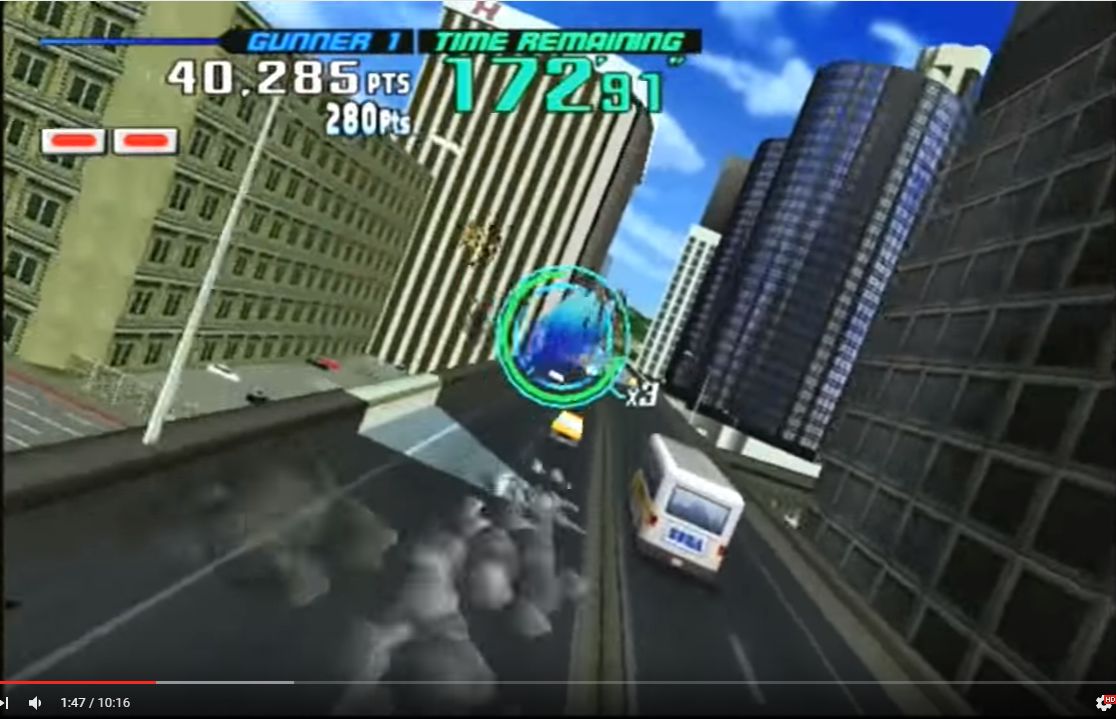
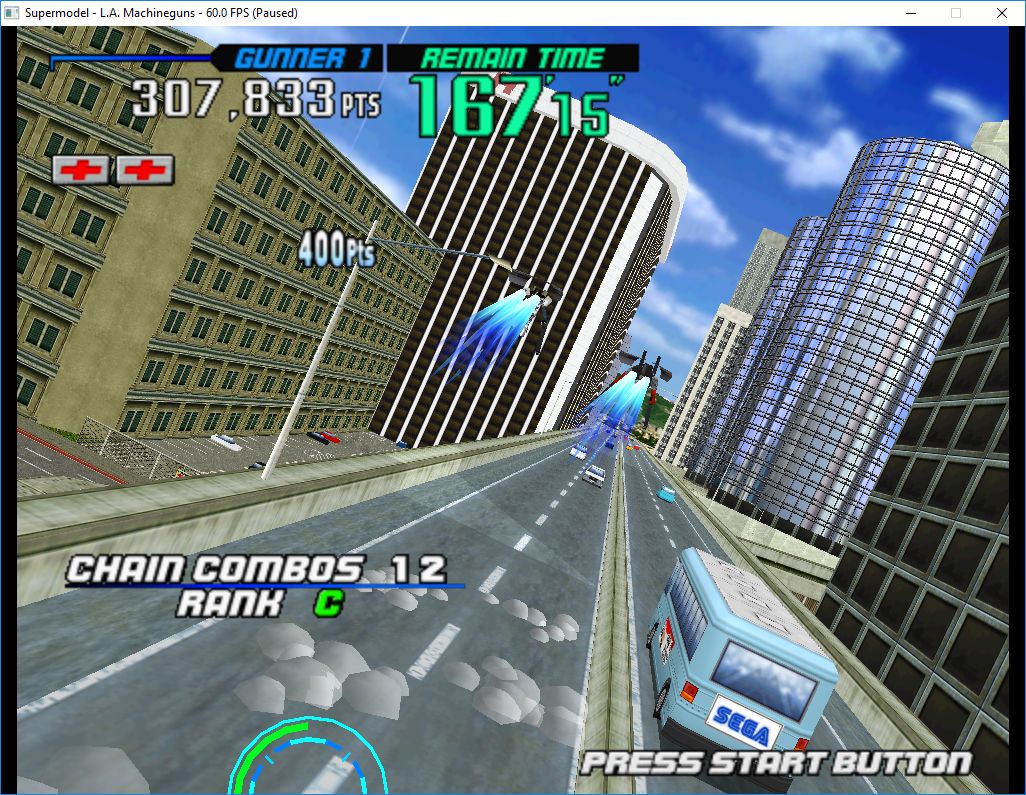
Le premier émulateur de Sega Model 3 créé par Bart Trzynadlowski, Ville Linde et Stefano Teso dans sa version de développement (voir ici) [source].
Wii version
Supermodel (incorrect)
Supermodel with fixed shading
Les changements: Ski champ for some reason is passing denormalised numbers for the modelscale. This is causing a NaN in our shader killing the lighting for these models, so we simply skip these, since they are essentially zero anyway. Thanks to Harry for finding this bug 🙂
test et test32:
– correction des musiques dans sega rally 2 (mix)
– correction musique 1er niveau 2joueurs (la cave rouge) dans vf3 (pas sûr de la modif, et donc cela peut éventuellement entrainer d’autre problèmes sonore sur d’autre jeux).
Les fichiers sont compilés par spindizzi et/ou KOF2112, merci à eux.