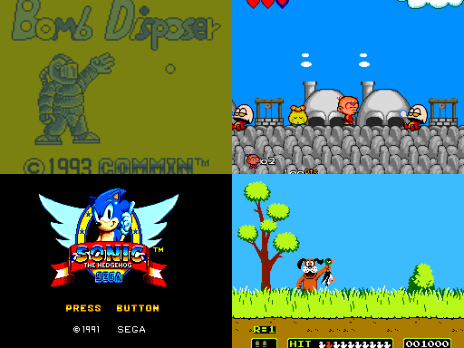
De nouvelles versions en cours de développement du projet de Ignacio Sanchez Gines sont disponibles:
 
GearSystem est un émulateur de Sega 8 bits écrit en C++ par Ignacio Sanchez.
 
Il émule les machines suivantes:
– Sega Mark III
– Sega Master System
– Sega Game Gear
– Sega Game 1000 (SG-1000)
– Othello Multivision


Télécharger GearSystem GIT (2026/03/11) (2.5 Mo)

Site Officiel


Gearcoleco est un émulateur ColecoVision multiplateforme très précis écrit en C++ qui fonctionne sous Windows, macOS, Linux, BSD, Raspberry Pi et RetroArch.
 

Télécharger GearColeco GIT (2026/03/11) (1.6 Mo)

Site Officiel


GearBoy est un émulateur de Nintendo GameBoy écrit en C++ (lire les pré-requis pour que l’émulateur s’exécute).


Télécharger GearBoy GIT (2026/03/11) (1.8 Mo)

Site Officiel


GearGRAFX est un émulateur de PC Engine / TurboGrafx-16 multi plateformes.


Télécharger GearGRAFX GIT (2026/03/11) (2.6 Mo)

Site Officiel


GearLynx est un émulateur d’Atari Lynx pour Windows.


Télécharger GearLynx GIT (2026/03/11) (2.4 Mo)

Site Officiel

Fujisan est une interface moderne basée sur Atari800 conçue avec Qt5 pour offrir une expérience native sur Windows, macOS et Linux.
 
Ce n’est pas un nouvel émulateur à proprement parler, mais une surcouche graphique qui facilite l’utilisation de l’émulateur Atari800. L’objectif est de proposer une interface simple, rapide et adaptée à 90 % des cas d’usage, tout en restant fidèle au comportement authentique des machines Atari.
 
Ce frontend repose directement sur le cœur de l’émulateur Atari800, sans nécessiter l’installation séparée de celui-ci. En raison de cette intégration complète, il est classé dans la catégorie des émulateurs plutôt que dans celle des interfaces graphiques ou frontends.


Télécharger Fujisan v1.1.8 (24.4 Mo)

Site Officiel

En savoir plus…

XEiJ (X68000 emulator in Java) est un émulateur de Sharp x68000 écrit en Java dont il vous faudra ce runtime pour l’exécuter.


Télécharger XEiJ v0.26.03.08 (40.5 Mo)

Site Officiel

En savoir plus…

Il s’agit d’un projet visant à réécrire le serveur Kaillera en Rust dont le nom du serveur est ‘Direlera’.


L’objectif est le suivant:
– Viser une vitesse de réponse rapide.
– Éliminer les facteurs d’instabilité opérationnelle tels que les pannes de serveur.
 

Les changements:
– feat: game quit bug fix and enhance client ping measurement by @hsnks100 in #52
– ci: update workflows and configuration for improved CI/CD by @hsnks100 in #54
– chore: Add .gitattributes to normalize line endings and specify binar… by @hsnks100 in #24
– refactor: Remove GameCache and related client input handling from the… by @hsnks100 in #27
– feat: Add Kaillera Protocol Dissector for Wireshark #19 by @hsnks100 in #28
– docs: Add GAME_SYNC_PROTOCOL.md by @hsnks100 in #30
– Feature/issue 29 1 by @hsnks100 in #31
– refactor: Update dependencies and enhance logging with structured fields #33 by @hsnks100 in #34
– feat: Implement session management for UDP connections with dedicated tasks #35 by @hsnks100 in #36
– feat: implement game session time-out #32 by @hsnks100 in #37
– refactor: split handler to two files #40 by @hsnks100 in #41
– Continue game when some players drop by @hsnks100 in #42
– refactor: introduce packet building utilities by @hsnks100 in #44
– refactor: update packet handling to use byte arrays for encoding by @hsnks100 in #46
– feat: Introduced a configuration file (config.toml) for server settings by @hsnks100 in #48
– ci: adjust workflow to reference config.toml by @hsnks100 in #49
– Refactoring whole code except for in-gaming by @hsnks100 in #17


Télécharger Direlera-rs v0.4.0 (1.3 Mo)

Site Officiel

En savoir plus…

EmuLinker-K est un serveur qui utilise le protocole Kaillera pour faciliter le multijoueur en ligne pour les émulateurs.


EmuLinker-K est une réécriture en Kotlin d’EmulinkerSF et qui met l’accent sur la mesure et l’amélioration des performances, la correction des vulnérabilités en matière de sécurité et de confidentialité, et l’ajout de fonctionnalités utiles pour les propriétaires et les utilisateurs du serveur.
 
Les changements:
– Interactive setup and update script (see Quick Start section). This can also be used to install beta versions and upgrade/downgrade to specific versions as needed.
– The rewritten start-server.sh and stop-server.sh scripts now check if the server is running, display startup output/errors, and check for updates.
The legacy scripts server.sh and kill-server.sh are obsolete and have been removed.
– The windows variants start-server.bat and stop-server.bat are also improved but do not check for updates.
– A number of bug fixes are included in this release. Most notably, we resolved an issue that caused the server to gradually slow down over time and need to be restarted.
– A new Kotlin Multiplatform (KMP) library for Kaillera protocol messages, supporting several new languages.
– Updated project dependencies to their latest stable versions.
– Obsolete configuration flags in conf/emulinker.cfg have been removed (including game.desynchTimeouts and game.timeoutMillis) and others now have reasonable default values. See the README for a description of each flag value, including their defaults and whether they are required.


Télécharger EmuLinker-K v1.0.2 (55.0 Mo)

Site Officiel

En savoir plus…

Très performant, PPSSPP est un émulateur de Sony PSP (pour Windows, Android et autres via SDL) gratuit et libre écrit en C + + par Henrik Rydgard (très connu sous le pseudo de Ector, déjà auteur de l’émulateur de PSP Potemkin et surtout connu pour Dolphin, ayant également exercé sur nombre d’émulateurs Dreamcast).


Les changements sont les suivants:
 
– Improved server list for ad hoc multiplayer, dynamically updated and you can now add/remove entries ([#21326], [#21389], [#21351])
– Fix broken multitouch on iOS with OpenGL ([#21350])
– Ad hoc relay connection improvements ([#21352])
– Fix a lot of minor UI issues ([#21400], [#21362])
– Fix background image selection on Android and iOS ([#21345], [#21384], [#21371])
– Fix file permission issue on iOS ([#21374])
– Add a « hold » version of axis swap toggle ([#21357])
– Fix regression in Gripshift ([#21377])
– Fix crash on audio device switch on Windows ([#21341])
– Fix timing glitches in gamepad input on Windows ([#21393])
– And other assorted fixes.


Cette archive inclut la version 32 et 64 bits.


Télécharger PPSSPP v1.20.2 (19.3 Mo)

Site Officiel

En savoir plus…

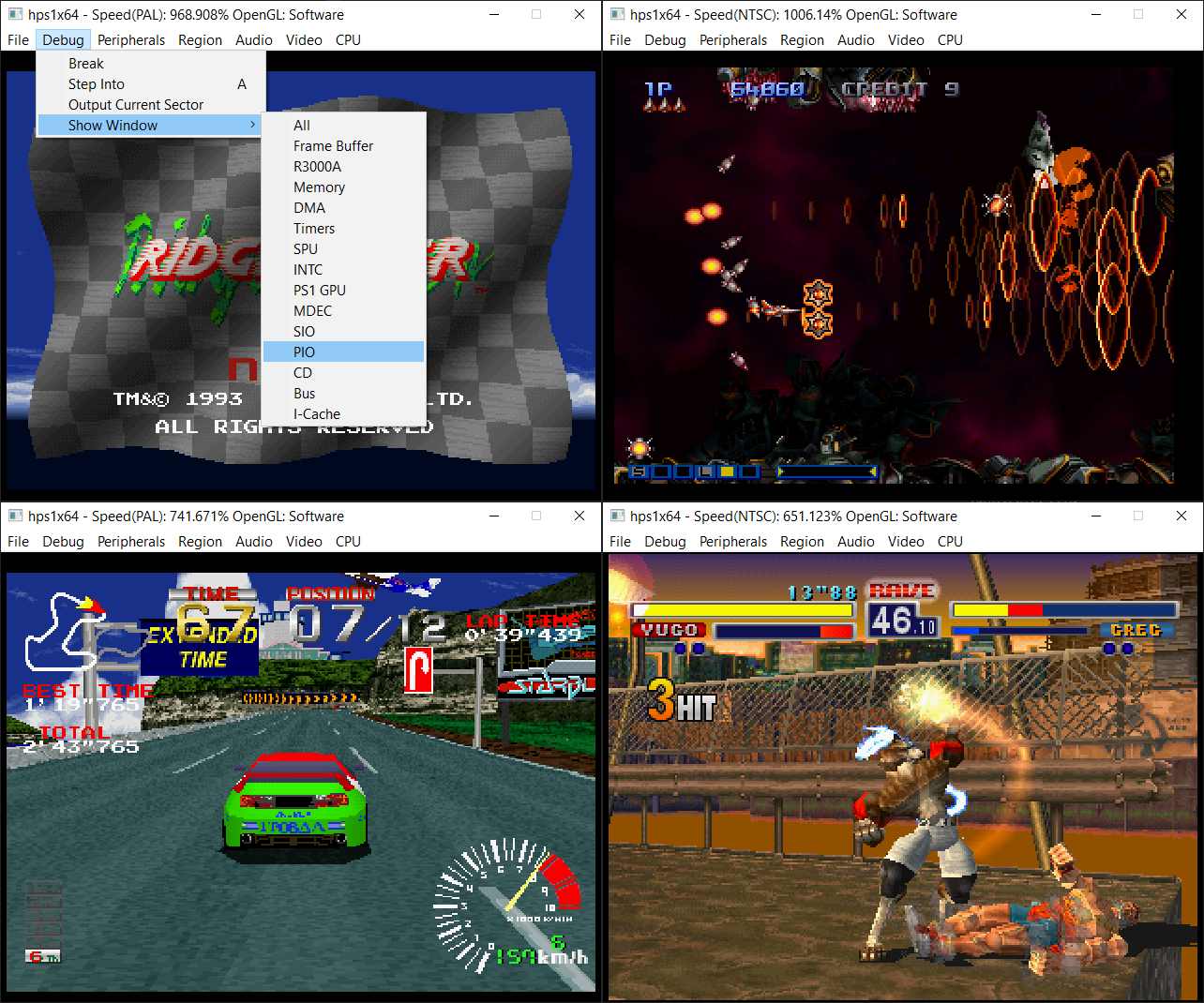
Le projet StarPSX est un émulateur PlayStation 1 en cours de développement, écrit en Rust. Il peut déjà booter le BIOS et exécuter quelques ROMs de test, mais il n’est pas encore utilisable pour jouer à des jeux commerciaux.


Les changements:
– Added memory cards support (has shared or per title card support)
– Minor ui tweaks
– Add the ability to run the emulator at uncapped speeds


Télécharger StarPSX v0.6.5 (2.8 Mo)

Site Officiel

En savoir plus…

shadPS4 est un émulateur PlayStation 4 open-source. Depuis la version 0.12.1, il abandonne son interface graphique intégrée pour fonctionner uniquement en ligne de commande.
 
Pour faciliter son usage, une interface externe est disponible. Elle permet de lancer des jeux, configurer les options, et suivre les performances via une interface visuelle simple et intuitive.
 

Cette interface est développée séparément et reste compatible avec les futures versions de shadPS4.


Les changements:
– New translations en_us.ts (Spanish) (#261)
– [ci skip] Qt GUI: Update Translation. (#264)
– Rename GUI readbacks options to Relaxed, Precise (#263)
– Misc fixes


Télécharger ShadPS4 (GUI) v219 (25.4 Mo)

Site Officiel

En savoir plus…

WineD3D For Windows est un wrapper DirectX 1-11 vers OpenGL basé sur WineD3D, qui est une implémentation presque complète de DirectX utilisée dans Wine.


Même si Windows prend en charge DirectX de manière native, l’utilisation de WineD3D peut améliorer la compatibilité avec les jeux plus anciens, en particulier sur Windows 8 et supérieurs qui ne prennent pas en charge les modes d’écran 16 bits. Une autre utilisation possible est d’imiter les versions non prises en charge de DirectX ou de transférer des applications DirectX vers OpenGL sans avoir à réécrire le code de rendu.
Notez que WineD3D est loin d’être parfait, et de nombreux jeux ne fonctionneront pas.
 
Des instructions sur l’utilisation des DLL sont également incluses.
 
Version 1.7.x fonctionne à partir de Windows 2000.
Version 7.x fonctionne à partir de Windows Vista.
Version supérieur à 8.x fonctionne à partir de Windows 8.


Télécharger Wine D3D For Windows (Win 2K et +) v1.7.52 (1.7 Mo)

Télécharger Wine D3D For Windows (Vista et +) v7.8 (2.0 Mo)

Télécharger Wine D3D For Windows (32 Bits | Win8 et +) v11.4 (2.4 Mo)

Télécharger Wine D3D For Windows (64 Bits | Win8 et +) v11.4 (2.4 Mo)

Site Officiel

En savoir plus…

Applewin est un excellent émulateur Apple IIe pour Windows et développé par Tom Charlesworth. Applewin est basé sur la version originale 1.10.4 d’Oliver Schmidt.
 
[Change #853] Improve the Configuration GUI
– Add a new « Slots » configuration page so that each slot can have any card inserted.
– Some cards have an extra configuration page to support specific card configuration.
– Add a ‘Reset all to Default’ on the main configuration page.
– Remove the « Sound » and « Disk » configuration pages.
– Update AppleWin.chm help doc.


Télécharger AppleWin v1.31.02 beta (4.3 Mo)

Site Officiel

En savoir plus…

Azahar est une fusion entre Lime3DS et le fork Citra de PabloMK7.


Soyez informé que la prise en charge des jeux cryptés n’est pas disponible…
 
Pour éviter toute confusion concernant les objectifs d’Azahar, la décision a été prise de limiter autant que possible le contournement du TPM (Trusted Platform Module). Le contournement ne sera effectué que lorsque l’interopérabilité du code de Nintendo est nécessaire avec Azahar ou d’autres codes de Nintendo. En conséquence, Azahar n’autorisera pas le lancement ou l’installation de jeux cryptés à moins qu’ils n’aient été obtenus par le biais des applications officielles de Nintendo, telles que l’eShop ou les paramètres système.
 

Note: Les fichiers .3ds non cryptés sont désormais pris en charge nativement.

 
Les changements:
 
Azahar 2125.0 Alpha 6
Android
– Fixed the Cheats menu failing to load saved cheats when opened in the vanilla variant.
 
Libretro
– Input –> Touch Support setting is now enabled by default. | @warmenhoven #1853
– This addresses the emulated touch screen previously not being usable in the Android core out-of-the-box without first adjusting the setting.
 
Desktop
– Improved update checker logic to prevent potential downgrades caused by hypothetical future release patterns.
 
——-
 
Azahar 2125.0 Alpha 5
 
Général (All)
– Added compatibility with NetPass by implementing NWM_SOC::GetMACAddress. | @PabloMK7 #1840
– Requires « Enable required LLE modules for online features » to be enabled alongside the BOSS LLE module.
– The BOSS LLE module has recently been observed to cause the HOME menu to stop opening correctly under certain conditions, so use with caution until we’ve investigated the issue.
– CECD LLE module is now enabled by the « Enable required LLE modules for online features » setting. | @PabloMK7 #1842
– Download Play sessions can now be hosted without the DLP LLE module, meaning that Download Play is now fully operational with HLE only. | @lannoene #1828
– Fix an issue where certain applications, such as Nintendo Video, would incorrectly think they were receiving SpotPass data. | @lannoene #1828
– Added a debug option which allows toggling the console type specified in the console unique data between the Old and New 3DS types. | @PabloMK7 #1826
– Addressed validation issues Vulkan renderer which could potentially have resulted in undefined behavior. | @PabloMK7 #1818
– Fixed Nintendo Badge Arcade incorrectly displaying an « update data has been applied » message. | @PabloMK7 #1845
– Version numbers have been moved to the end of the release files’ filenames for easier readability. | @OpenSauce04 #1815
 
Android (Vanilla)
– Transition to using fully native file I/O for the Vanilla (non-GooglePlay) build variant. | @PabloMK7 @OpenSauce04 #1795
– This results in extreme reductions of loading time compared to previous builds or the current Google Play build.
– As an example, booting the HOME menu has been observed to drop from taking 30-45 seconds to now taking under 5 seconds.
– As explained in previous patch notes, these improvements don’t apply to the Google Play build due to restrictions put in place by Google via their Play Store app policies.
 
libretro
– The Vulkan renderer is now capable of rendering a visual cursor for touch-screen input if enabled, whereas previously only the OpenGL renderer had this capability. | @warmenhoven #1831
– Added Large Screen Proportion setting to core settings. | @fnune #1833
– Fixed a possible crash at startup when using the Vulkan renderer. | @fnune #1825
 
Windows (MSYS2)
– Fixed camera emulation with a real camera not working as intended. | @jbm11208 #1812
 
Windows
– Fixed filesystem issues with some games due to minor file I/O emulation inaccuracies. | @PabloMK7 #1841
 
——-
 
Azahar 2125.0 Alpha 4
– 2125.0 Alpha 4 is an amendment to Alpha 3 which addresses an issue which caused the Android build to crash when launched (#1810).
– It is otherwise identical to Alpha 3.

 
——-
 
Azahar 2125.0 Alpha 3
– Azahar is now available as libretro/RetroArch cores for various OS platforms (Linux, Windows, macOS, Android, iOS, tvOS).
– Greatly reduced CPU usage of Azahar while using Artic Base.
– Shader and pipeline compilation tasks are now handled by separate workers, improving parallelism.
– Fixed an issue with the Vulkan shader disk cache where transferring the cache between devices could cause graphical issues.
– Fixed unnecessary file IO spam while reading from Vulkan shader disk cache.
– Added HLE implementation for Download Play (DLP) client (LLE module no longer required to connect).
– Implemented new « Integer Scaling » option.
– Added a new « Layouts to Cycle » setting for hotkey customization.
– Major refactor of configuration backend for all platforms for better maintainability.
– Android: Added a new « Hotkey Enable » button bind.
– Android: Added new « Auto-Map Controller » button.
– Android: The drawer menu now always uses the layout appropriate for the current device orientation.
– macOS: Fixed a possible UI freeze during game list population.
– Windows: Explicitly tell AMD drivers to use the dedicated GPU by default.
– Technical: Intel macOS binaries are now built using macOS 15 + Xcode 16.
– Technical: Refactor and fix a resource leak in the Vulkan texture runtime.

 
——-
 
Azahar 2125.0 Alpha 2
– Re-added texture filtering functionality while using the Vulkan renderer.
– Fixed an issue which could cause Azahar to crash when resetting all settings to their default value.
– Removed all code relating to the old SDL2 standalone frontend.
– Technical: Remove redundant code relating to SSE4.2 CPU detection.
– Technical: Removed unused SSE/SSE2 CPU detection code.

 
——-
 
Azahar 2125.0 Alpha 1
– Implemented a disk shader cache for the Vulkan renderer in the form of .vkch files.
– Fixed an issue where the cheats list for the previously loaded game would be erroneously used if a game had no cheats.
– Minor fixes to local play for Luigi’s Mansion 1 and Download Play applications.
– Minor optimization applied to the Vulkan renderer which slightly reduces its memory usage.
– Fixed a rare issue where the emulator could attempt to pre-load custom textures even when disabled, resulting in a crash.
– Fixed an issue where a small subset of setting tooltips wouldn’t have automatic line breaks.
– Added new « Enable display refresh rate detection » debug setting.
– Windows: Fixed an issue where certain characters in an application name could become corrupted when creating a desktop shortcut.
– Technical: Improved code exclusion for features disabled at compile-time.
– Technical: Detection of CPUs using the FMA4 extension has been disabled.
– Technical: Added NATVIS to BitField class for better debugging in Visual Studio.


NB: L’outil Azahar Artic Setup est une application homebrew pour la Nintendo 3DS qui permet d’installer des fichiers système et des données uniques de la console sur l’émulateur Azahar en utilisant votre console. Il diffuse l’application « Paramètres Système » ainsi que le module système NIM pour effectuer une mise à jour système, et copie vos données uniques de la console pour activer les fonctionnalités en ligne.
 

Télécharger Azahar v2125 Alpha 6 (39.7 Mo)

Site Officiel

En savoir plus…

Pureikyubu est un émulateur de Nintendo GameCube en cours d’élaboration basé sur Dolwin.
 

Le but de l’émulateur est de rechercher les caractéristiques matérielles de la GameCube et de faire de la rétro-ingénierie sur les technologies utilisées pour développer des jeux pour cette plateforme.


– Merge pull request #322 from ogamespec/master
– Check Data directory exists
– Merge pull request #321 from ogamespec/master
– Correctly handle Mem and DVD reset in PI CONFIG register
– Merge pull request #320 from ogamespec/master
– PI FIFO to pi.cpp
– set CP_CR_WPINC on reset
– Update README.md
– Merge pull request #319 from ogamespec/master
– Update CMakeLists.txt
– Update flipper.md
– Merge pull request #318 from ogamespec/master
– VS2022 project update
– Minor refactoring
– Misc fixes


Télécharger Pureikyubu (32 bits) v1.4 (1.2 Mo)

Télécharger Pureikyubu (64 bits) v1.7 (2026/03/10) (1.0 Mo)

Site Officiel

En savoir plus…


Casino-en-ligne-fiable.com

https://getourbonus.com/fr/accueil

https://www.romspedia.com/

https://www.casinoonlinefrancais.fr

Lucky 7 bonus

https://www.casinogratuitsansdepot.com

pablocasino.org

critiquejeu.info

playbonus

casinodoc.org

laplanquedujoueur.com

casinoonlinefrancais