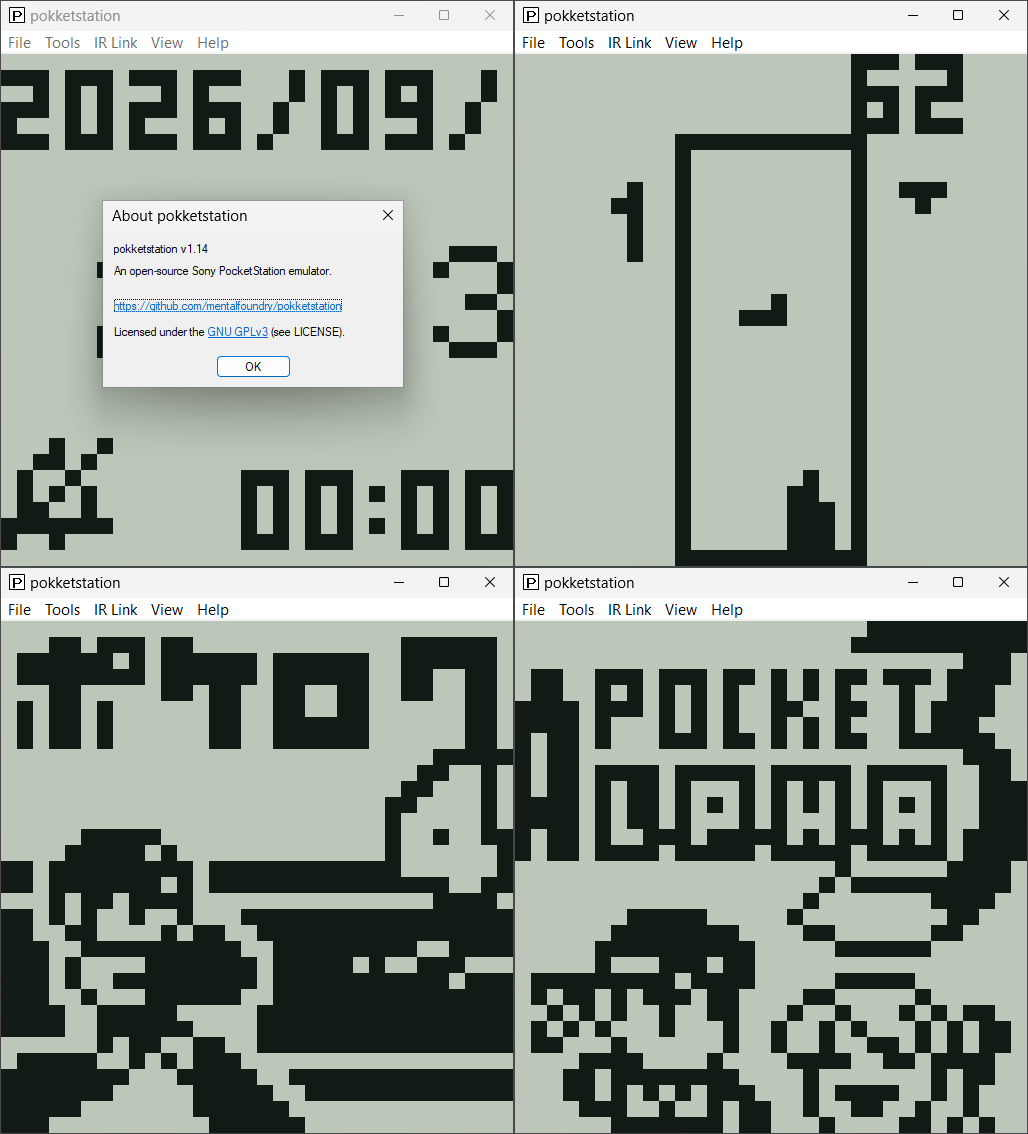
Il s’agit d’un émulateur open source de la Sony PocketStation, écrit en C portable et conçu pour être utilisé sous forme de core libretro, d’application autonome sous Windows, Linux et macOS, ainsi que via un portage homebrew pour PlayStation Vita. Le projet vise une émulation aussi fidèle que possible au matériel original et prend notamment en charge l’affichage LCD, les boutons, la mémoire Flash, le son et les communications infrarouges.


Télécharger PokketStation v1.14 (720 Ko)

Site Officiel

En savoir plus…

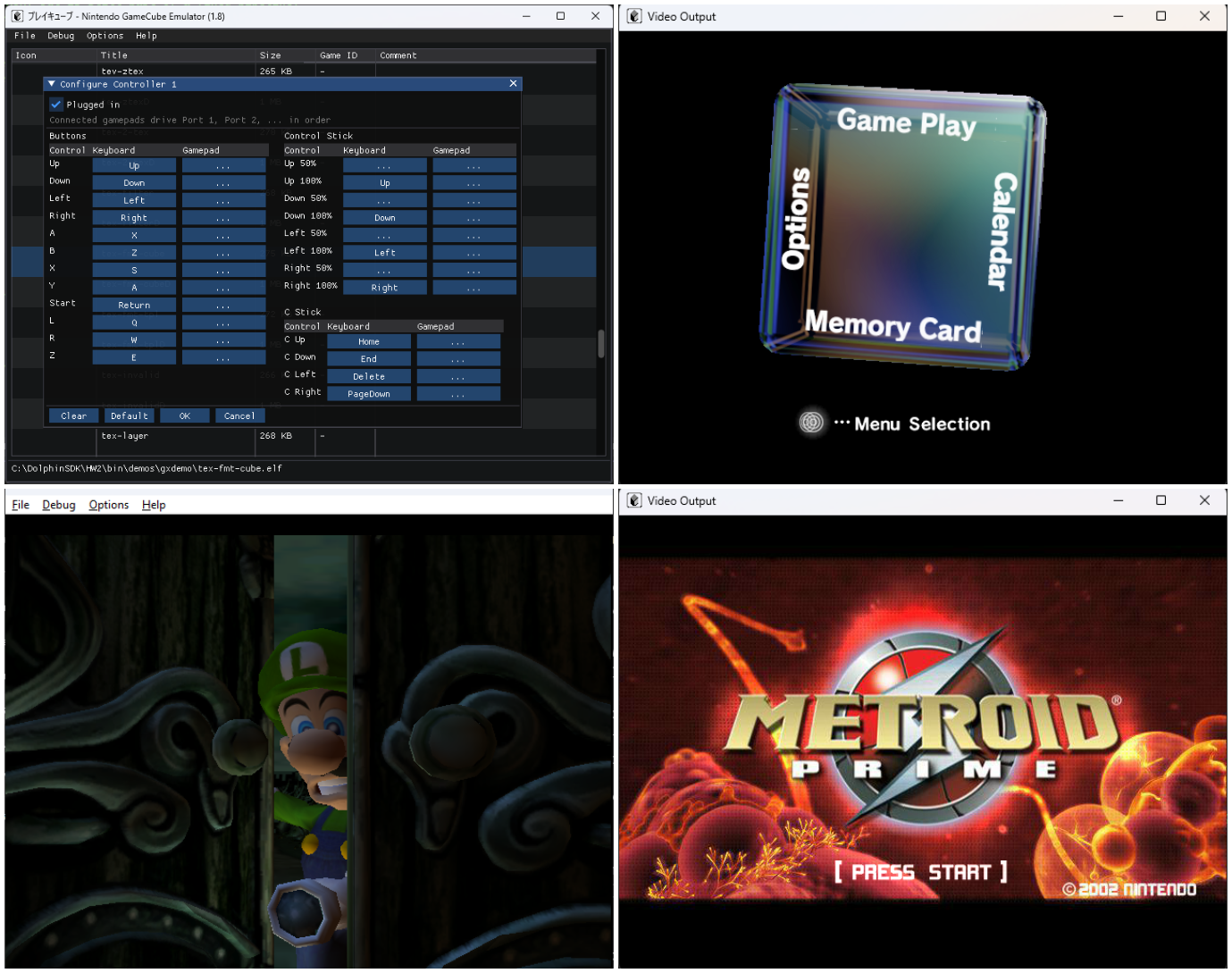
Pureikyubu est un émulateur open source de Nintendo GameCube, intégrant également l’émulation de la Game Boy et de la Game Boy Advance, actuellement en cours de développement et basé sur Dolwin.


Le but de l’émulateur est de rechercher les caractéristiques matérielles de la GameCube et de faire de la rétro-ingénierie sur les technologies utilisées pour développer des jeux pour cette plateforme.


Les améliorations sont les suivantes:
 
– Merge pull request #456 from ogamespec/ui-theme-support
– Interface: eight themes drawn from the site’s palette, and the Japanese titles of the selector
– Merge pull request #455 from ogamespec/master
– GBA settings: give the BIOS row’s buttons their room, and let the file be a user file
– GBA: the stand-alone machine’s settings get a window of their own
– Settings: a device’s page comes from its model, not from the bus it hangs from
– Peripherals: the device pool, the network adapters, the Game Boy Player and the link cable


Télécharger Pureikyubu (32 bits) v1.4 (1.2 Mo)

Télécharger Pureikyubu (64 bits) v1.9.1 (2026/09/28) (2.4 Mo)

Site Officiel

En savoir plus…

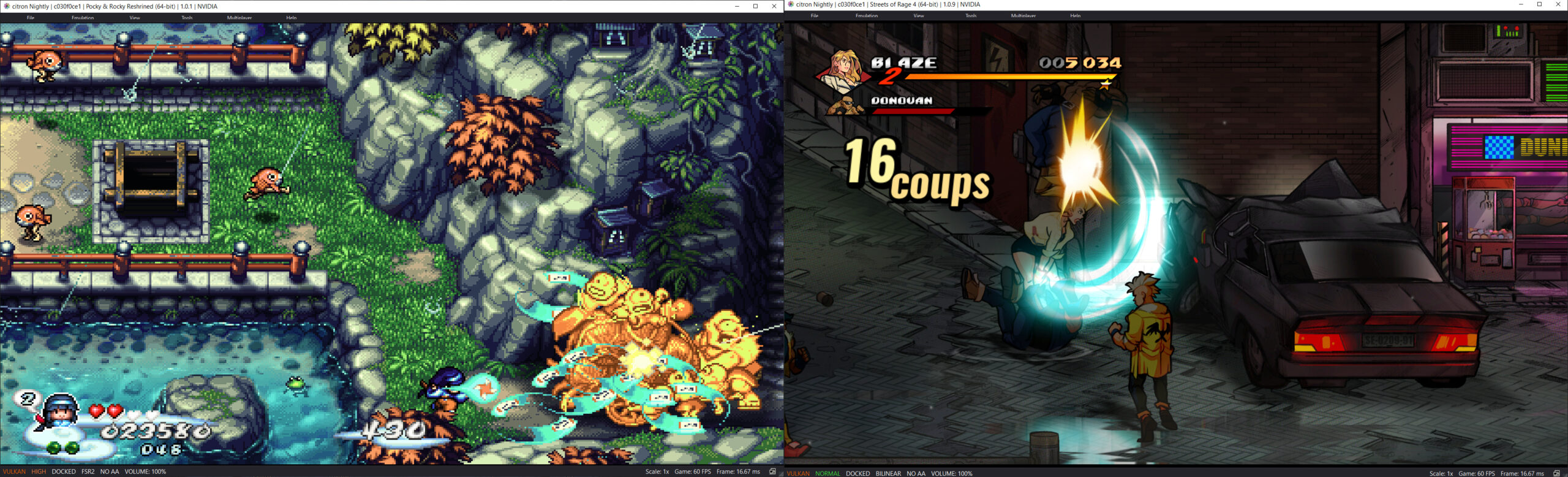
Il s’agit d’un fork de l’émulateur Switch Citron, repris exactement à l’endroit où son développement s’était arrêté.


Les changements:
– Merge pull request #350 from HopeSuffers/fix/dont-enable-fastmem-when-no-arena
– fix(dynarmic): dont enable fastmem when there is no arena
– Merge pull request #338 from unuruu5760/fix/windows-non-ascii-paths
– Reject path traversal in firmware ZIP extraction.
– Link static libarchive without dllimport on clang-cl.
– Treat non-ASCII Windows paths the same as ASCII paths.
– Merge pull request #347 from cheezwiz7899/clangcl-fix
– `cmake: include configure script and pkg-config hashes in FFmpeg rebuild sentinel`
– Merge pull request #346 from cheezwiz7899/clangcl-fix
– build: fix clang-cl relwithdebinfo hangs on full LTO builds. Also prevent mingw headers from leaking in through the ffmpeg build cache
– Merge pull request #331 from Splaser/codex/upstream-pso-cache
– vulkan: preserve normal fence timing and drain compilation on shutdown
– Misc fixes


Télécharger Citron Neo (2026/09/28) (62.2 Mo)

Site Officiel

En savoir plus…

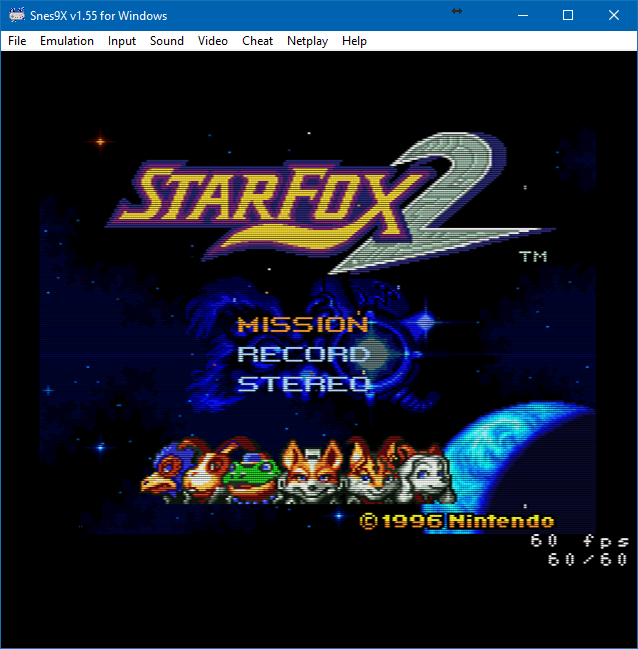
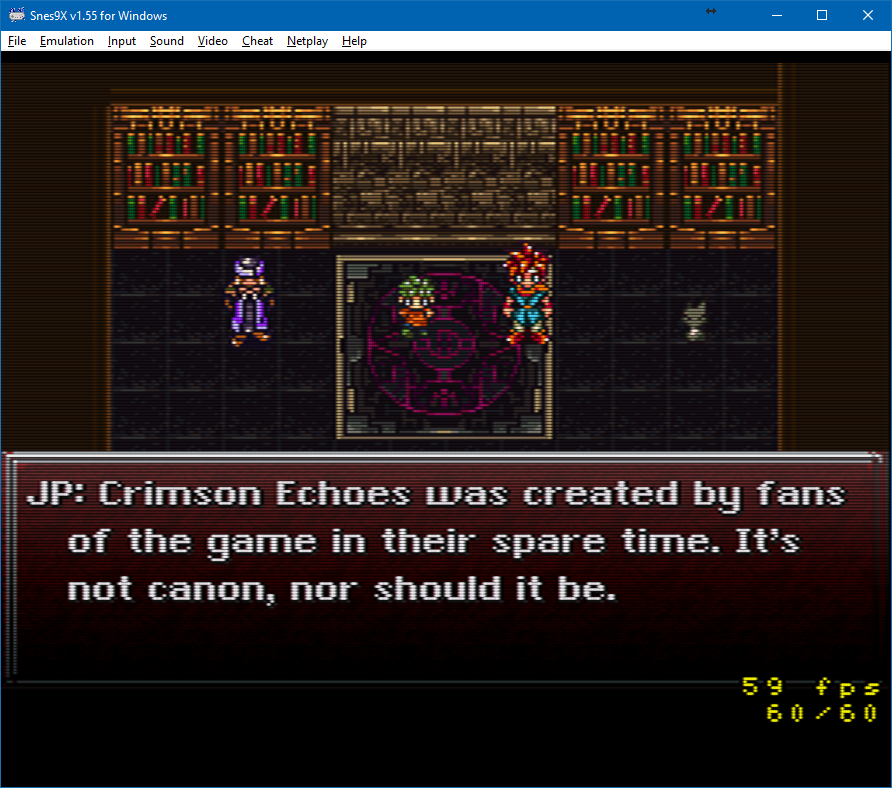
Il s’agit de la dernière version officielle dite « instable » de Snes9x ajoutant les dernières nouveautés, améliorations et/ou corrections en provenance des sources GIT. Versions 32 et 64 bits dans l’archive.
 

Une petite partie de Starfox 2 (SNES Mini Edition) ?


…ou peut-être un Secret of Mana Français iOS Edition ?


Laissez tomber, je vais me faire la suite non officielle de Chrono Trigger plutôt :p


Les changements depuis le dernier build:
 
– memmap: bound multi-cart ROM copies
– snapshot: rebuild SuperFX pointers after restore
– libretro: validate ROM size before BS-X probing
– Added phases and proper gamma correction
– Misc fixes


Télécharger Snes9x TestBuild v1.63.1657 (8.1 Mo)

Site Officiel

En savoir plus…

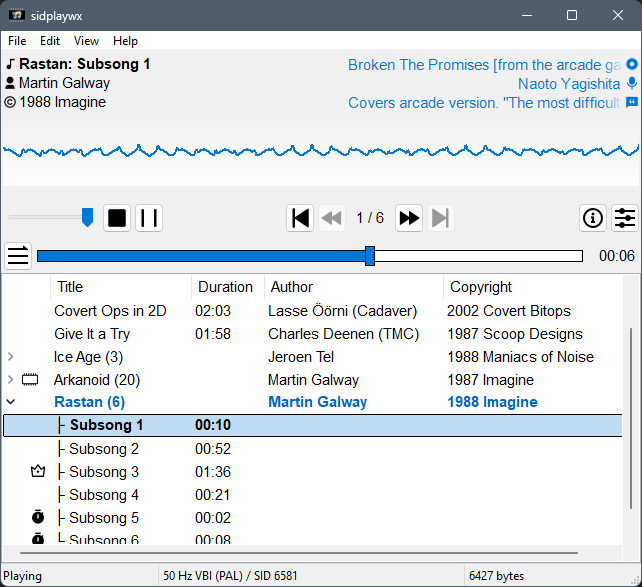
Sidplaywx est un lecteur graphique pour PC conçu pour lire les musiques SID du Commodore 64, avec une interface moderne et intuitive.
 
Il repose sur libsidplayfp pour une émulation sonore de haute qualité et sur wxWidgets pour une interface native multi‑plateforme, tandis que la sortie audio est gérée par PortAudio afin d’assurer une compatibilité étendue.
 

Le projet est pleinement utilisable, avec des fonctions pratiques comme le glisser‑déposer, la recherche, la compatibilité Unicode et la gestion des écrans haute résolution. Il fonctionne sur Windows et Linux avec des binaires pré‑compilés disponibles.


Télécharger SidPlayWX v0.20.0 (8.1 Mo)

Site Officiel

En savoir plus…

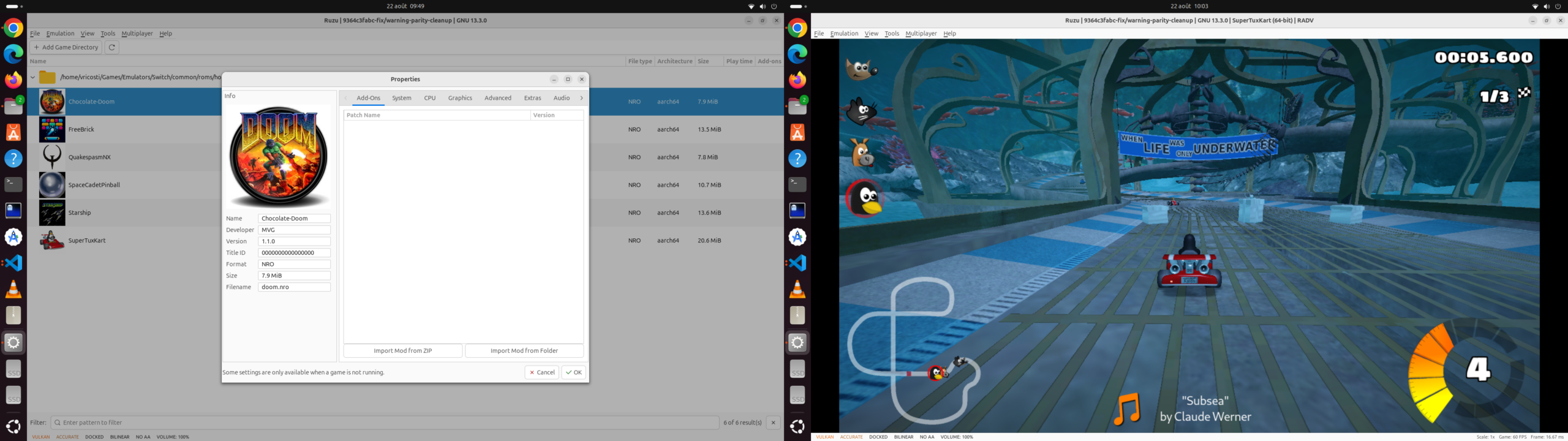
Ruzu est un émulateur Nintendo Switch écrit en Rust, développé comme une expérience visant à déterminer si l’IA, via des modèles de langage (LLM), pouvait réaliser le portage complet d’un projet logiciel de très grande taille de C++ vers Rust.
 

Le projet est basé sur le code de yuzu/Eden et représente environ 500 000 lignes de code portées exclusivement avec l’aide de LLM, sur une période d’environ six mois. L’objectif n’était pas simplement d’obtenir un programme fonctionnel, mais de conserver au maximum la structure du projet original, avec une correspondance entre les fichiers et les différentes parties du code C++ et Rust.


Ruzu intègre notamment un kernel HLE avec ordonnanceur, fibres, IPC et services, un processeur de commandes GPU, un recompilateur de shaders et un JIT. La recompilation dynamique du code ARM est assurée par rdynarmic, un portage Rust de Dynarmic, avec des backends natifs x86-64 et ARM64. Le projet comprend également rxbyak, un portage Rust de Xbyak pour la génération de code machine x86-64.
 
L’émulateur est déjà capable de démarrer et d’exécuter des jeux commerciaux, avec l’objectif affiché d’atteindre les performances de l’implémentation C++ originale. Le projet reste toutefois en développement.
 
Ruzu dispose également d’un frontend graphique ainsi que d’un frontend en ligne de commande, et peut être compilé sous Windows, Linux, macOS et plusieurs systèmes BSD.
 
Les changements sont:
– Windows performance: optimized memory-protection updates to search only the affected memory mappings instead of scanning from the beginning of the mapping table. In local Final Fantasy Resonance demo cinematic tests, average performance improved from approximately 16.5 to 29.9 FPS. These were not frame-identical benchmark windows; results depend on the game and hardware, and occasional long frames remain.
– Graphics compatibility: fixed inline indexed draws, addressing missing text in some game. Preserved interpolation arithmetic in depth-writing shaders to address striped or missing pixels observed in Final Fantasy Resonance.
– Vulkan stability: corrected query-report cleanup to prevent stale reports from writing into reused guest memory. Fixed resource-destruction ordering and a settings-lock interaction that could cause a deadlock.
– GPU command handling: improved handling of null buffer bindings and constant-buffer writes, avoiding several GPU-thread panics. Added regression coverage for command arguments split across submissions.
– Updates from Eden: incorporated further fixes across application and applet management, content handling, networking and SSL, controller handling, and graphics-buffer management.
– Windows window handling: fixed resizing after restoring a maximized window, without the earlier re-maximize/restore workaround.
– Interface: the software keyboard now follows the dark theme. Stop and exit confirmations initially focus Cancel to reduce accidental loss of unsaved progress.
– Testing and packaging: extended input recording and replay to Windows, including clean automated recording completion. Generic Linux AppImages now have a distinct name from Steam Deck packages.


Télécharger Ruzu v0.1.1 RC2 (48.6 Mo)

Site Officiel

En savoir plus…

Suyu est un émulateur open source de Nintendo Switch. Il offre une couverture presque complète de la bibliothèque de jeux de cette console. Suyu est la suite directe de Yuzu, suite à l’arrêt définitif de ce dernier, mais il n’est pas développé par les mêmes auteurs.
 

Les développeurs de l’émulateur Suyu commence à proposer des évolutions importantes, à commencer par implémenter le menu d’accueil de la Nintendo Switch. Ce célèbre menu d’accueil, Qlauncher, est le code que la team Yuzu a laissé mais n’avait jamais implémenté, vous pouvez donc désormais exécuter des jeux, les fermer ou accéder aux paramètres et tout le reste comme vous pouvez le faire sur la console. Bien entendu pour faire tourner l’ensemble il faut utiliser le firmware 17.0.0 (ou supérieur) de Nintendo.
 
Ce projet a été abandonné après la version 0.0.4, avant d’être repris par le développeur DougChanSan à partir de cette même version.


Les changements:
 
Hybrid exports can now complete the final Windows link and return safely to JIT when generated code changes. The Windows download includes a matched build kit, and standalone games include their matching Control metadata.

Portable exports configure their host build for Release and normalize Windows
paths. Windows release builds use the VS 2022 toolset baseline. The kit records
its producer compiler version and rejects an older toolchain with an upgrade
message before compilation.


Télécharger Suyu v0.0.12 (167 Mo)

Site Officiel

En savoir plus…

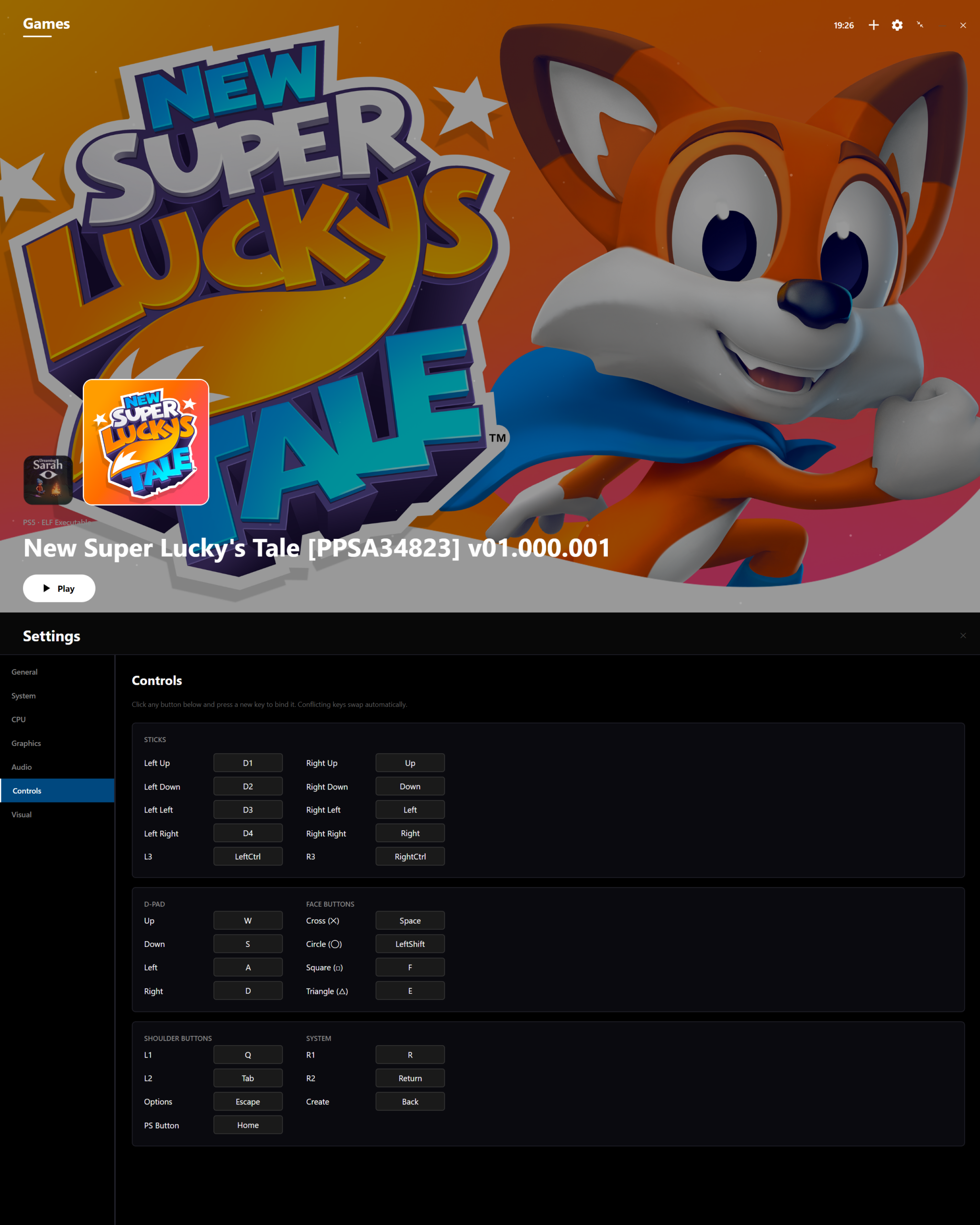
CraziiEmu est un projet expérimental visant à exécuter des logiciels PlayStation 5 sous Windows, en combinant émulation et couche de compatibilité. Il est développé en C# avec .NET 10 et est destiné aux systèmes Windows 64 bits. Basé sur le projet open-source SharpEmu, il intègre un moteur d’exécution CPU à double mode (exécution native x86-64 à pleine vitesse ou interprétation précise pour le débogage), le rendu graphique sous Vulkan, la prise en charge des formats ELF et SELF de la console, ainsi qu’une gestion de la mémoire virtuelle allant jusqu’à 64 Go. Le tout est enveloppé dans une interface fluide au style console conçue avec Avalonia UI, qui propose un carrousel de jeux, une gestion dynamique des jaquettes et un mappage complet des manettes et du clavier.


Les nouveautés sont:
 
– Integrated foundational updates and core architecture from upstream SharpEmu v0.0.4, including modernized Vulkan presentation primitives, updated ELF loader structures, and low-level subsystem interfaces.
– Engineered a dedicated high-precision display clock enforcing a stable 60 FPS target cadence across both HLE flip calls and internal GPU command stream flips.
– Standardized default Vulkan presentation to FIFO VSync synchronization with Mailbox fallback to eliminate screen tearing and lock framerate to the host display refresh.
– Modularized the Vulkan graphics engine across independent, specialized subsystems for command streams, descriptor pools, pipelines, swapchain management, and guest draw calls.
– Introduced a dedicated asynchronous GPU worker pipeline to eliminate per-draw heap allocations and presentation stalls.
– Implemented cross-process configuration synchronization (CRAZIIEMU_CONFIG) ensuring settings changes (volume, audio toggle, hotkeys, input maps) apply live within 250ms without restarting the emulator.
– Resolved Unity engine rendering freezes in commercial titles (Among Us) by implementing flip completion semaphore signaling and 120Hz display refresh reporting.
– Aligned sceVideoOut event queue IDs with KytyPS5 specifications (0x0000000000000001) and enhanced sceKernelWaitEventQueue gate waking to prevent flip deadlocks.
– Upgraded the Gen5 shader compiler with an advanced resource materialization engine, SSA scalar value graphs, and automatic Vulkan binding layout planning.
– Implemented structured control flow graph analysis and data share swizzle translation for complex compute and pixel shaders.
– Expanded scalar uniform operations in the shader translator and made strict shader aborts opt-in for broader commercial game shader compatibility.
– Expanded the automated test suite to 19 passing test suites covering GPU timelines, memory views, pipelines, semaphores, shaders, audio gain, and input mappings.
– Updated verified commercial game compatibility documentation and showcase media covering Sonic Superstars, Dead Cells, Among Us, and Stray.


Télécharger CraziiEmu v0.34 alpha (52.8 Mo)

Site Officiel

En savoir plus…

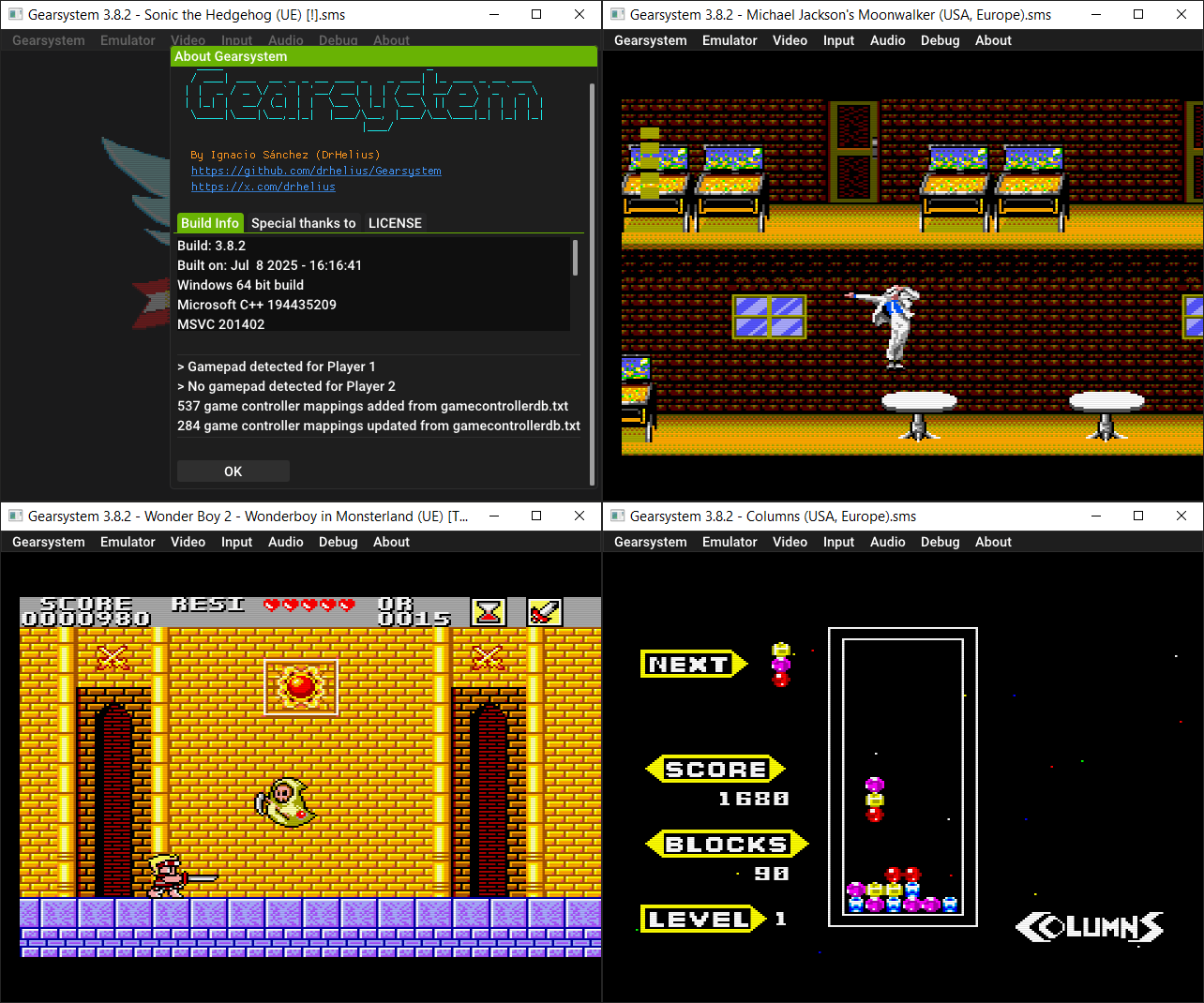
Il s’agit d’un émulateur de Sega 8 bits écrit en C++ par Ignacio Sanchez.
 
Il émule les machines suivantes:
– Sega Mark III
– Sega Master System
– Sega Game Gear
– Sega Game 1000 (SG-1000)
– Othello Multivision


Voici donc les changements:
 

🔊 Fixed VSync audio underruns
🎮 Updated Game Controller DB
🐛 Many bug fixes and improvements

 
Le binaire 32 bits est compilé par Lo v2.


Télécharger GearSystem (32 bits) v3.1.0 (13.5 Mo)

Télécharger GearSystem (64 bits) v3.9.19 (2.8 Mo)

Site Officiel

En savoir plus…

XaviXEmu est un émulateur expérimental et open source pour Windows, dédié à certains jeux télévisés XaviX, XaviX 2000 et XaviX 2. Le projet se concentre sur la documentation du comportement matériel, l’émulation des entrées de mouvement, les tests reproductibles et la préservation des recherches sur des systèmes dont les accessoires optiques d’origine sont difficiles à utiliser avec les écrans modernes.
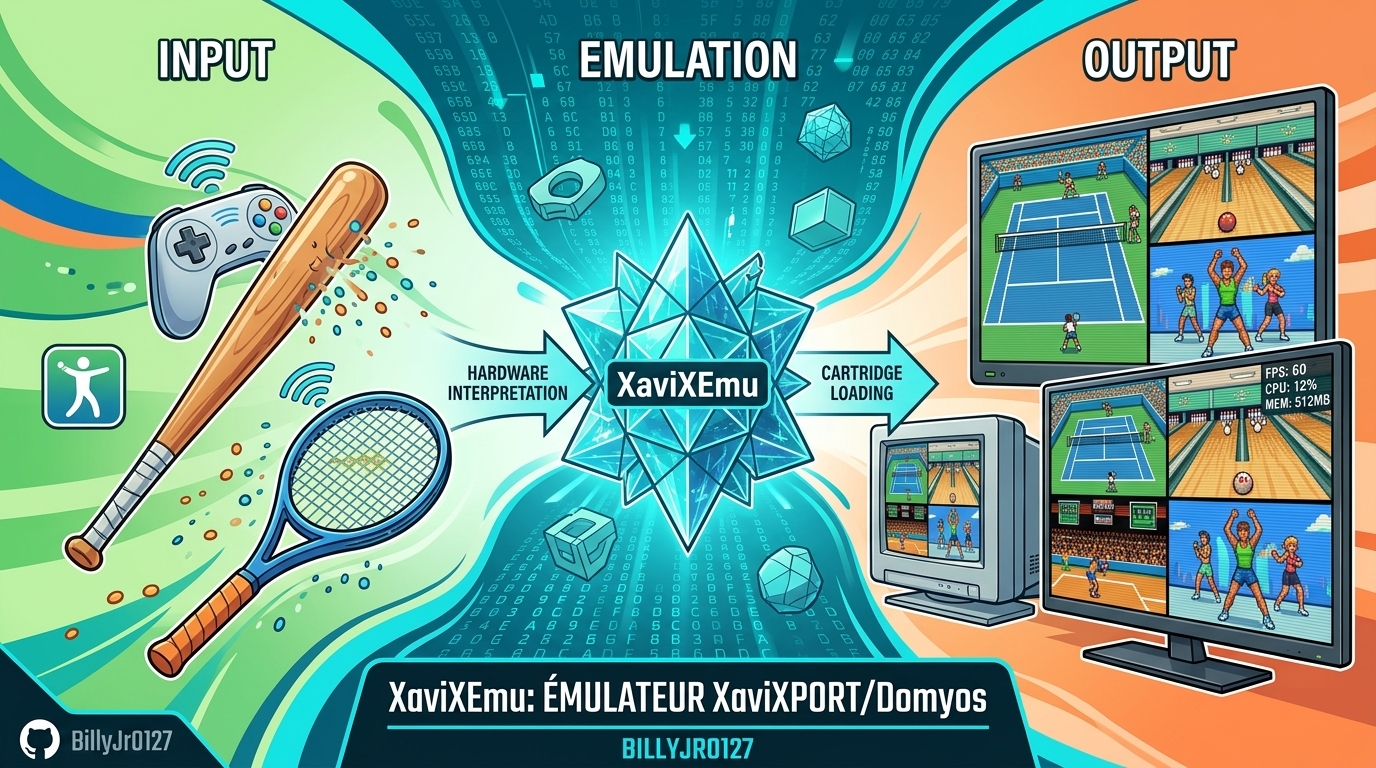


Les changements:

– Super Dash Ball, Golf & Hamtaro: Fixed stick directions for Super Dash Ball, added Golf’s configurable swing/space action, improved Hamtaro controls, corrected TV-PC mouse coordinates, and updated playability ratings.
– Release & Distribution: Added Traditional Chinese setup, controls, 40 ZIP mappings, and 0.4.1 release notes while distributing binaries without publishing source code.
– Display & Launch Options: Preserved game viewport size during menu wrapping, added -f, -w1–-w4, and -s 4:3 launch options with direct ROM paths, and prevented saving temporary display overrides.
– UI & Versioning: Simplified About section to list XaviXEmu for XaviX/2000/2, updated app version to 0.4.1, and documented all 40 ZIP titles and statuses in the README.
– Canvas & Zoom: Fixed XaviX2 window zoom on a stable 320×240 canvas and locked Take-copter’s 4x window to 1280×960 during its 640×480 startup screen.
– Playability: Marked Choro-Q Byun Byun Racer, Disney Princess, Doraemon Taikan Take-copter, Ham-chans, and IDATEN Jump as fully playable.
– Dragon Ball Z2 Persistence: Separated Dragon Ball Z2’s 1024-byte EEPROM from snapshots to keep story saves persistent across restarts and F7 loads.
– Rendering & Performance: Fixed lower-panel color flashes in Dragon Ball Z2 and optimized empty polygon lists to single-palette frame protection.
– XaviX 2 Depth & Ordering: Fixed depth sorting for culled polygons and billboard anchors in Dragon Ball, removing previous ordering workarounds.
– Diagnostics: Added optional submission/active-line diagnostics and periodic framebuffer captures to the boot probe without modifying runtime state layout.
– Window Scaling: Fixed library launch scaling so selected 1x–4x window scales persist after restarting a game.
– Translucency & Shaders: Implemented interleaved RGB444+Nalpha palette decoding, fixed Take-copter’s cloud/haze rendering, and cleaned up blended 3D/2D sprite edges.
– Alpha Composition & IRQ: Corrected premultiplied alpha blending math and synced Take-copter’s F7 sequence to a stable 60 Hz frame rate.
– Filters & Effects: Implemented the RPU four-tap bilinear filter for smooth sprite scaling and added a $e620 2×2 Gouraud dither pattern for sky gradients.
– GPU Submissions: Merged Take-copter’s dual GPU submissions to fix full-screen color fade layering over characters and clouds.
– Take-copter Controls: Added a full 4×4 head-tilt input driver for Take-copter supporting mouse, keyboard, gamepad, and Wii pointers with custom gestural actions.
– UI Pause Menu: Added an Escape confirmation menu to safely pause, save EEPROM, return to the library, or resume emulation.
– Game Library: Added a searchable, sortable game library with drive scanning, thumbnail support, detailed title metadata, and custom per-game controls.
– ROM Recognition & Profiles: Added exact detection for seven new ROMs (rad_mtrk, rad_snow, etc.), clean input profiles, and separate state identities.
– Vehicle Controls: Added mouse, keyboard, and gamepad analogue controls with fine-grained tilt and duty-cycle steering for early racing systems.


Télécharger XaviXEmu v0.4.1 (262 Ko)

Site Officiel

En savoir plus…

La dernière version béta publique de l’excellent WinUAE, l’émulateur Commodore Amiga. La traduction est signée Tradu-France.


Les changements ici.
 

Télécharger WinUAE (Public Beta) [ARM] v6.1.0 Beta 16 (4.4 Mo)

Télécharger WinUAE (Public Beta) [32 bits] v6.1.0 Beta 16 (5.0 Mo)

Télécharger WinUAE (Public Beta) [64 bits] v6.1.0 Beta 16 (7.6 Mo)

Télécharger WinUAE (Public Beta) [ARM] v6.1.0 Beta 6 FR (7.7 Mo)

Télécharger WinUAE (Public Beta) [32 bits] v6.1.0 Beta 15 FR (5.0 Mo)

Télécharger WinUAE (Public Beta) [64 bits] v6.1.0 Beta 15 FR (7.6 Mo)

Site Officiel

En savoir plus…

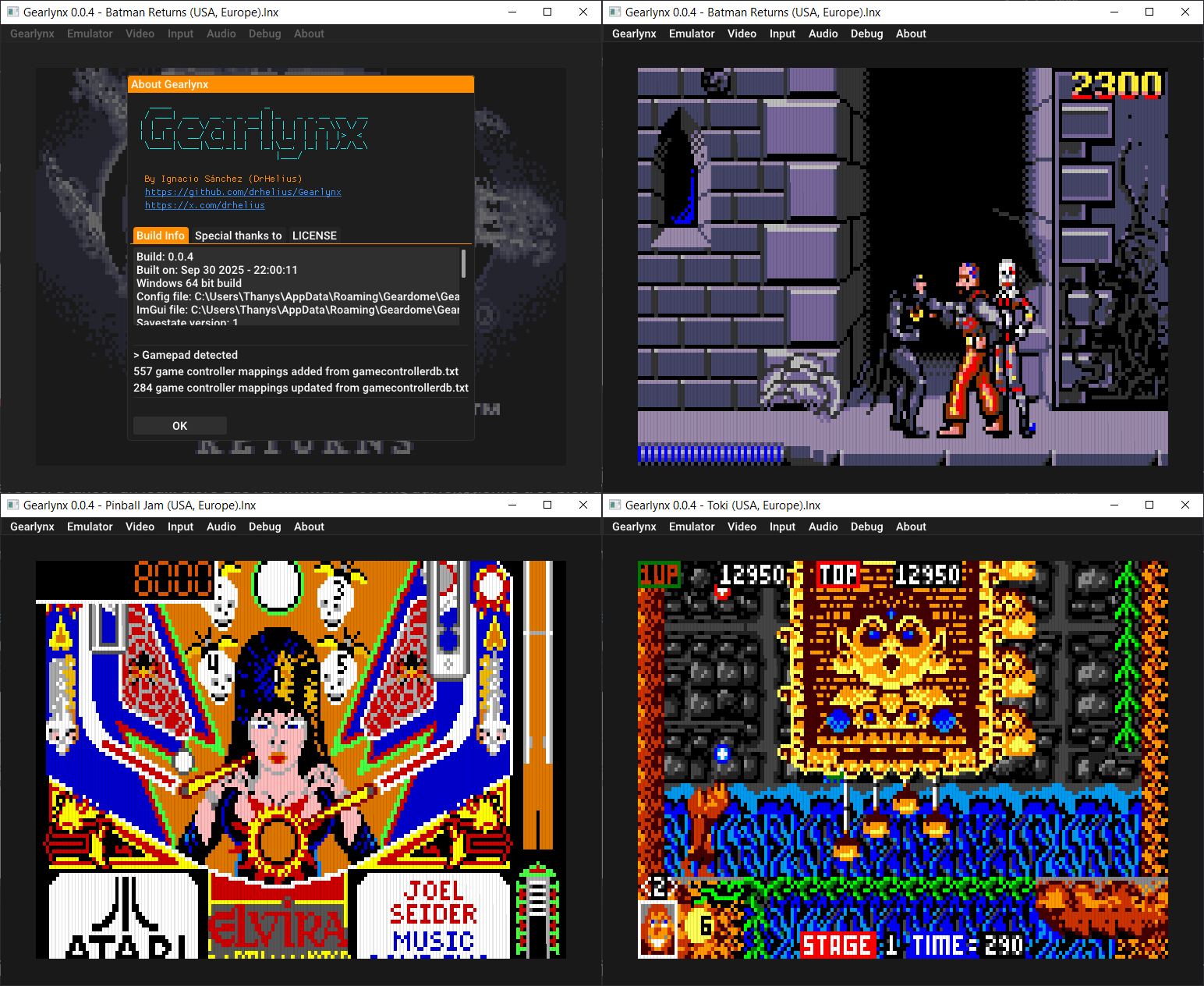
GearLynx est un émulateur d’Atari Lynx pour Windows.


Les changements sont:
🎯 Improved Suzy accuracy
🔊 Fixed VSync audio underruns
🎮 Updated Game Controller DB
🐛 Many bug fixes and improvements


Télécharger GearLynx v1.2.32 (2.9 Mo)

Site Officiel

En savoir plus…


https://getourbonus.com/fr/accueil

https://www.romspedia.com/