Azahar est une fusion entre Lime3DS et le fork Citra de PabloMK7.

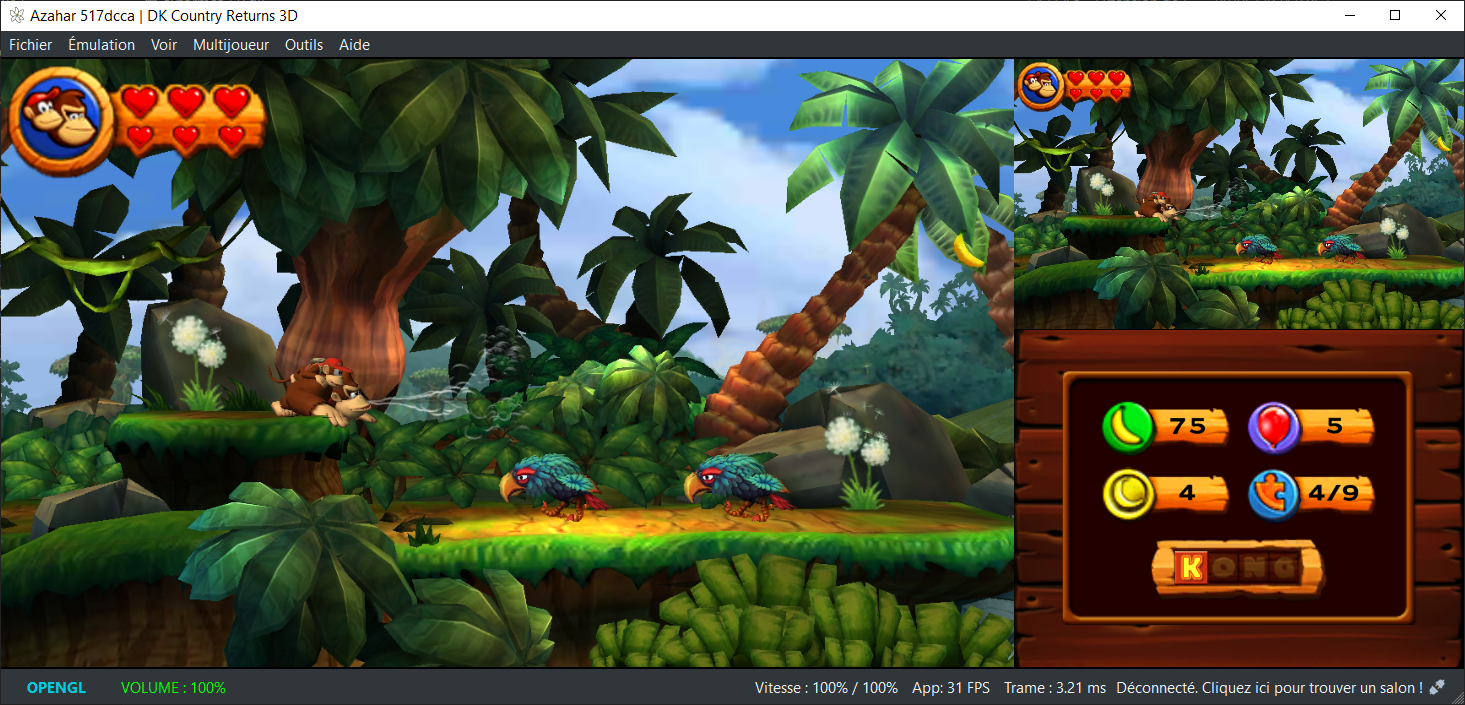
Soyez informé que la prise en charge des jeux cryptés n’est pas disponible…
Pour éviter toute confusion concernant les objectifs d’Azahar, la décision a été prise de limiter autant que possible le contournement du TPM (Trusted Platform Module). Le contournement ne sera effectué que lorsque l’interopérabilité du code de Nintendo est nécessaire avec Azahar ou d’autres codes de Nintendo. En conséquence, Azahar n’autorisera pas le lancement ou l’installation de jeux cryptés à moins qu’ils n’aient été obtenus par le biais des applications officielles de Nintendo, telles que l’eShop ou les paramètres système.
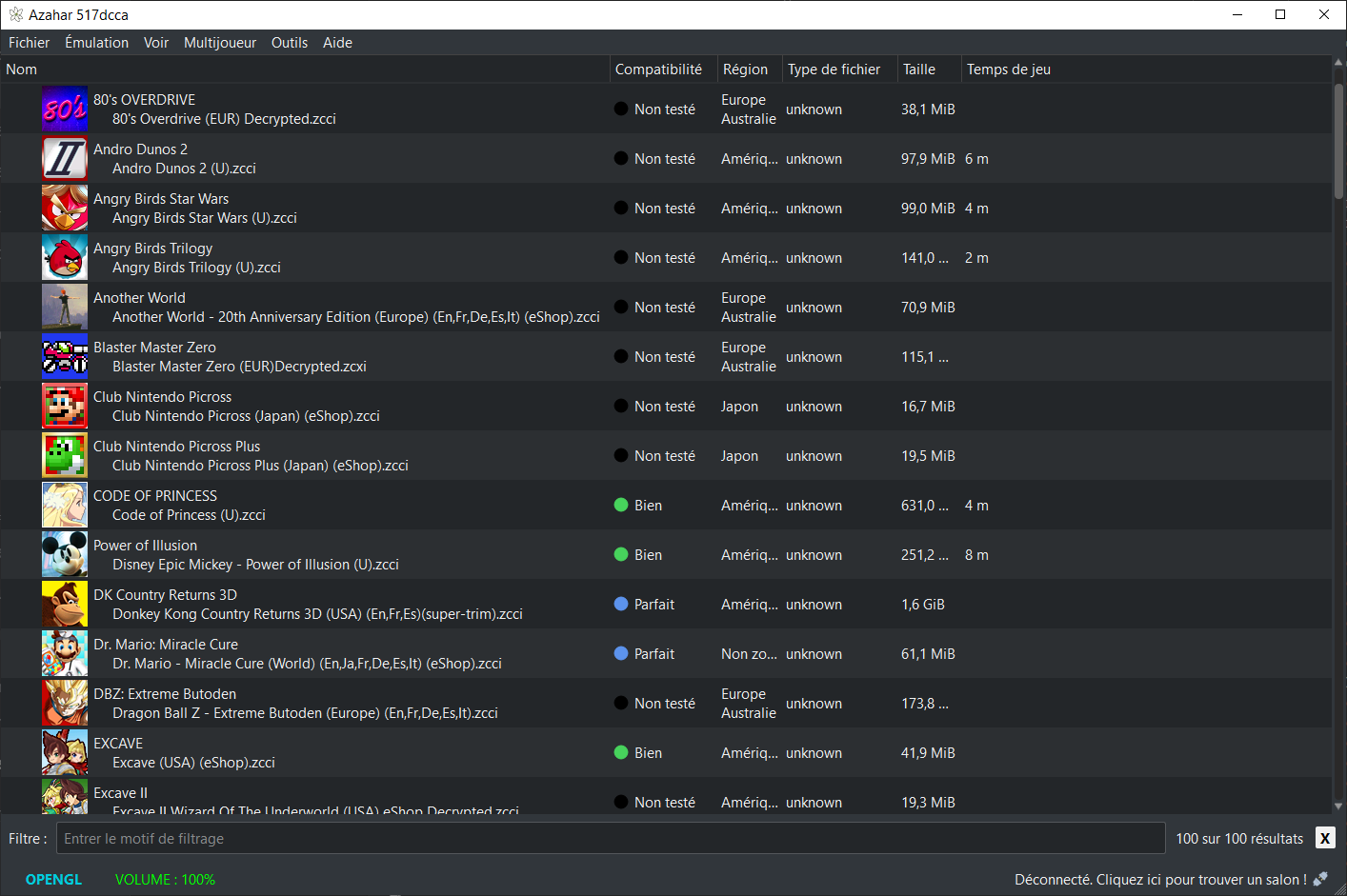
Note: Les fichiers .3ds non cryptés sont désormais pris en charge nativement.
Les changements:
Libretro
– Azahar is now available as libretro/RetroArch cores for various OS platforms.
– Linux (x86_64)
– Windows (x86_64)
– macOS (arm64)
– macOS (x86_64)
– Android (arm64)
– iOS
– tvOS
– Other platforms and architectures may be added in subsequent releases.
– On iOS and tvOS, JIT is disabled by default due to App Store restrictions, which may reduce performance.
All
– Implemented a disk shader cache for the Vulkan renderer using `.vkch` files to prevent recompiling shaders between launches.
– Added compatibility with NetPass by implementing `NWM_SOC::GetMACAddress`.
– Greatly reduced CPU usage while using Artic Base.
– Shader and pipeline compilation tasks are now handled by separate workers for better parallelism.
– Re-added texture filtering functionality when using the Vulkan renderer.
– Fixed an issue where a previous game’s cheat list could appear for games without cheats.
– Minor fixes to local play for Luigi’s Mansion 1 and Download Play applications.
– Minor optimization to the Vulkan renderer reducing memory usage.
– CECD LLE module is now enabled by the « Enable required LLE modules for online features » setting.
– Added a debug option to toggle the console type between Old 3DS and New 3DS.
– Fixed validation issues in the Vulkan renderer that could cause undefined behavior.
– Fixed Nintendo Badge Arcade incorrectly displaying an update message.
– Fixed a crash when resetting settings to default.
– Removed all code related to the old SDL2 frontend.
– Fixed camera emulation issues with real cameras in the MSYS2 build.
– Fixed filesystem issues affecting some games.
– Fixed corrupted characters in application names when creating desktop shortcuts.
– AMD drivers are now explicitly instructed to use the dedicated GPU when available.
Android
– Added a new « Hotkey Enable » button bind for activating hotkeys through button combinations.
– Added an « Auto-Map Controller » button similar to the desktop version.
– The drawer menu now adapts to the device orientation.
Android (Vanilla)
– Switched to a new package ID `org.azahar_emu.azahar`.
– Improved removable storage path detection using StorageManager.
– Transitioned to fully native file I/O for the vanilla build, drastically reducing loading times.
Desktop
– Added support for using a controller touchpad to control the emulated touchscreen.
– Fixed a crash caused by preloading custom textures when they were disabled.
– Fixed missing automatic line breaks in some setting tooltips.
– Added « Enable display refresh rate detection » debug setting.
– Improved update checker logic to prevent accidental downgrades.
macOS
– Added a warning when launching Azahar directly instead of from the `.app` bundle.
– Fixed a possible UI freeze while populating the game list.
Technical
– Code for disabled features is now more aggressively excluded at compile time.
– Disabled CPU detection for the unused FMA4 extension.
– Added NATVIS support for the BitField class to improve debugging in Visual Studio.
– Removed redundant SSE4.2 CPU detection code.
– Removed unused SSE/SSE2 CPU detection code.
NB: L’outil Azahar Artic Setup est une application homebrew pour la Nintendo 3DS qui permet d’installer des fichiers système et des données uniques de la console sur l’émulateur Azahar en utilisant votre console. Il diffuse l’application « Paramètres Système » ainsi que le module système NIM pour effectuer une mise à jour système, et copie vos données uniques de la console pour activer les fonctionnalités en ligne.