


Azahar est une fusion entre Lime3DS et le fork Citra de PabloMK7.


Soyez informé que la prise en charge des jeux cryptés n’est plus disponible…
Pour éviter toute confusion concernant les objectifs d’Azahar, la décision a été prise de limiter autant que possible le contournement du TPM (Trusted Platform Module). Le contournement ne sera effectué que lorsque l’interopérabilité du code de Nintendo est nécessaire avec Azahar ou d’autres codes de Nintendo. En conséquence, Azahar n’autorisera pas le lancement ou l’installation de jeux cryptés à moins qu’ils n’aient été obtenus par le biais des applications officielles de Nintendo, telles que l’eShop ou les paramètres système.
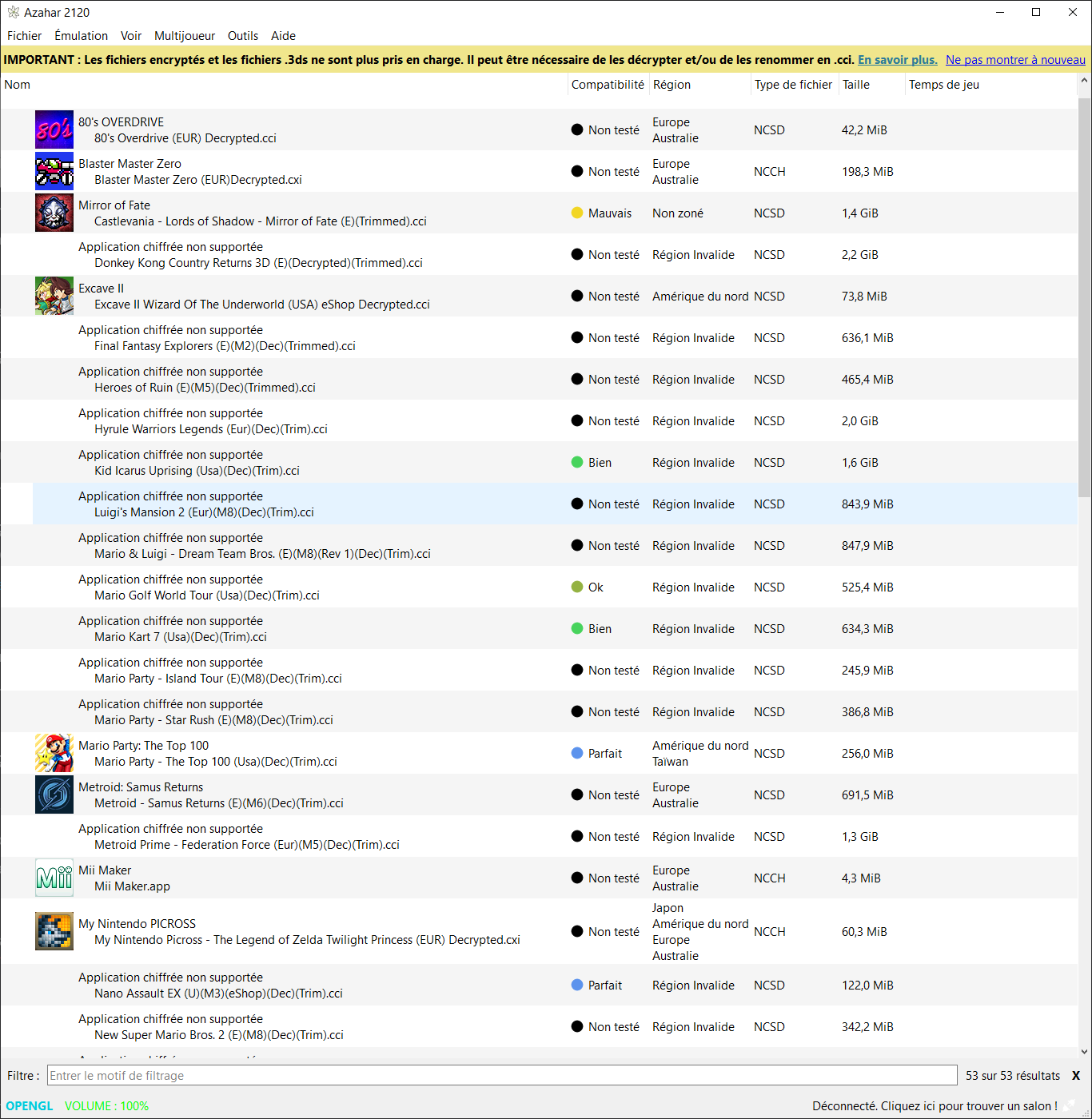
Notez qu’en renommant les .3ds (non cryptés) en .cci, les jeux se lancent…
Les changements:
Desktop
– Introduced a new Update Channel feature
– This feature can be accessed from the General section of the settings menu under a new « Updates » subsection.
– The available channels are « Stable » and « Prerelease ».
– When using pre-release builds, update notifications will still be received for newer pre-releases regardless of the setting value to allow important fixes to be distributed. As such, this new feature primarily applies to the stable build.
– Added a note to the « Enable async presentation » setting indicating that it adds 1 frame of input lag.
– The Vulkan texture filtering functionality, which was introduced in 2124, has been temporarily disabled due to unforeseen stability issues.
– This feature is planned to be re-enabled in the 2125 update following additional polishing and another round of public testing. Apologies for any inconvenience.
MacOS
– Fixed an issue where, when using an Application Directory, Azahar may hang or have a flickering user interface after launching.
All
– Fixed an issue where plugins that were intended to run for all title IDs instead didn’t run at all.
– This notably fixes an issue where the Nimbus plugin required to play Animal Crossing: New Leaf online failed to load properly.
– Updated SDL to version 2.32.10.
– This notably fixes an issue where connecting/disconnecting a controller during emulation on macOS would cause the emulator to crash.
– Fixed an issue where, when launching from the HOME menu, applications which required forced accurate multiplication wouldn’t have it activated.
– Fixed an issue where, when loading a save state, accurate multiplication would be automatically and erroneously disabled until emulation was restarted.
– Fixed an issue where game graphics could momentarily appear broken after loading a save state.
– Fixed an issue where custom textures would be disabled after loading a save state until emulation was restarted.
– Mario & Luigi: Paper Jam now has forced accurate multiplication, improving compatibility.
Android
– Fixed an issue where, on many setups, the VSync setting could appear to be disabled, but was actually enabled.
– This was addressed by properly disabling the VSync setting in these configurations, matching the setting’s prior appearance.
– Fixed an issue where the Retroid Pocket screen attachment could function incorrectly on the Odin 2.
– The circle pad/c-stick binding UI has been updated to be more clearly understandable.
NB: L’outil Azahar Artic Setup est une application homebrew pour la Nintendo 3DS qui permet d’installer des fichiers système et des données uniques de la console sur l’émulateur Azahar en utilisant votre console. Il diffuse l’application « Paramètres Système » ainsi que le module système NIM pour effectuer une mise à jour système, et copie vos données uniques de la console pour activer les fonctionnalités en ligne.







