


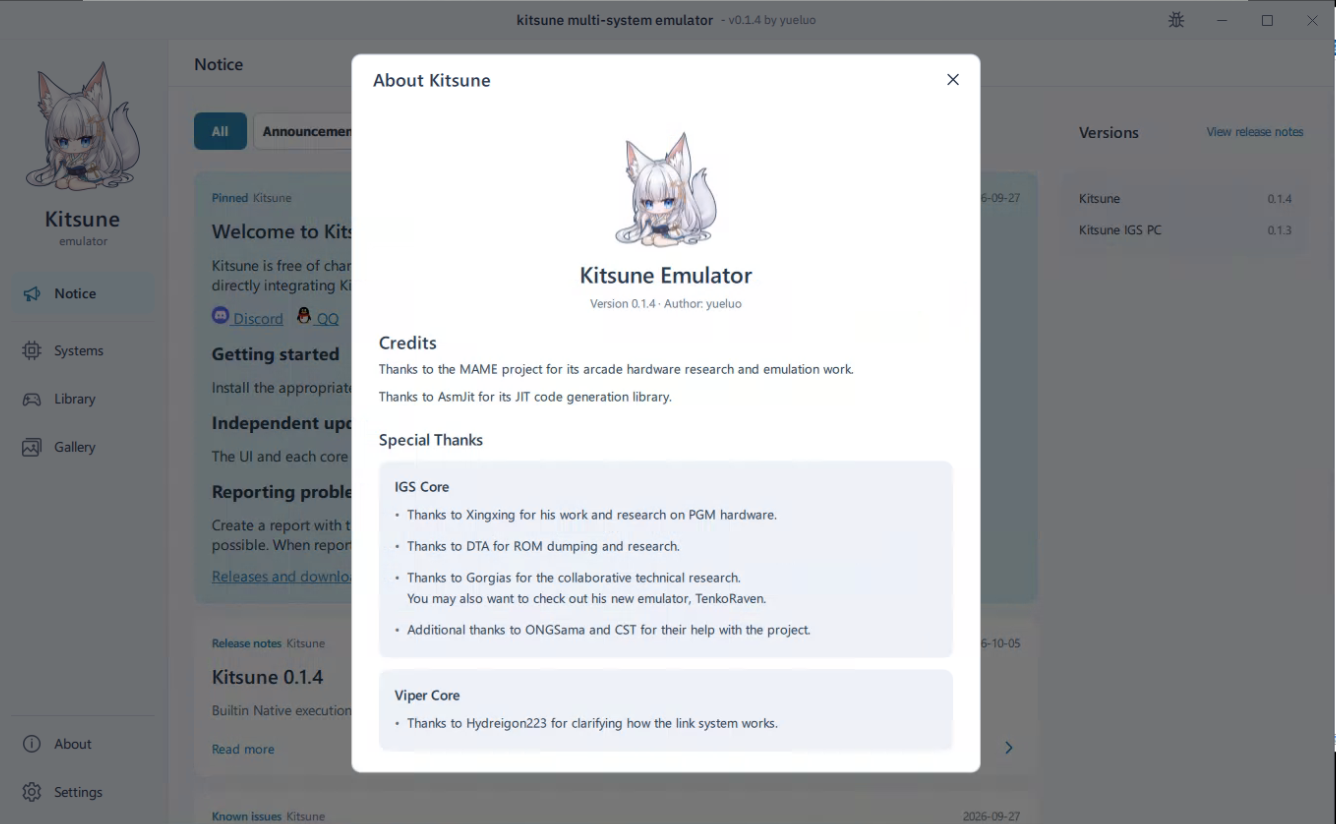
Kitsune est un émulateur multisystème fonctionnant autour de différents « cores ». Le projet est actuellement principalement orienté vers l’émulation de systèmes d’arcade, avec trois cores disponibles: Konami Viper, IGS PC et IGS PGM 3.
Le core IGS PC permet notamment de faire fonctionner plusieurs jeux d’arcade de la plateforme, tandis que le core Konami Viper prend en charge différents titres Konami utilisant ce hardware.
Le projet semble encore très récent, mais son architecture permet d’intégrer progressivement de nouveaux cores et donc d’étendre la compatibilité de Kitsune à d’autres systèmes. L’émulateur dispose déjà d’une gestion de bibliothèque de jeux, des favoris, de différentes versions d’un même jeu ainsi que de nombreux réglages liés aux contrôles, à l’affichage et à la configuration des cores.
Le développement étant particulièrement actif, Kitsune est un projet à suivre, notamment pour voir quels nouveaux systèmes seront ajoutés à l’avenir.
Les changements:
New support
– Integrate PGM3 core installation and Knights of Valour 3 HD with shared bindings, cards, patches and cabinet settings.
New features
– Add a pose overlay with metrics, head-position or skeleton views, including camera FPS, recognition FPS and local processing latency.
– Add confirmed cabinet SRAM reset to cabinet settings, retaining a backup.
– Add a global default crosshair, retain game overrides and copying, and allow removing overrides to inherit the default.
– Add graphics-device settings with core defaults and per-game overrides.
Improvements
– Add PGM3 acknowledgements.
– Move pose overlay settings to Cameras and simplify the preview.
– Refresh the PGM3 platform icon and Knights of Valour 3 HD artwork.
– Stack pose and performance panels when they share a position.
– Improve operation-binding responsiveness, including racing wheel views and the in-game menu.
Fixes
– Improve actual GPU, driver and graphics API reporting and error messages.
– Unify the graphics device list and include GPU choices and runtime library information in diagnostics.
– Keep existing core updates working when new, unrecognized cores are added.
0.1.5
New features
– Add webcam motion settings with image adjustment, calibration and smoothing. A low-latency 60 FPS camera is required.
– Add custom game-window sizes for IGS and Viper.
– Add Automatic / OpenGL / D3D12 graphics modes for Windows IGS, with Automatic as the default.
– Press Esc twice within 500 milliseconds to exit a game.
– Copy screenshots to the clipboard or open their containing folder from the preview.
Improvements
– Improve game-library location management, including adding locations, choosing a default and removing unavailable locations.
– Improve cabinet diagrams, input binding and window settings, with live input highlights in controller previews.
– Improve webcam calibration, tracking stability and response.
– Optimize settings saves to reduce disk activity during adjustments.
– Improve network startup, cancellation and error messages.
Fixes
– Fix permission problems when deleting or moving Windows portable installations across drives.
– Fix missing game-library locations.
– Fix scrolling when first opening F10 input bindings.
– Fix linked-cabinet binding edits and support system-cursor mouse-button bindings.