Il s’agit d’un front-end (sous MacOS/Linux et Windows et qui nécessite une version récente de Java) pour MAME, dont la spécificité est de simplifier toute la gestion de ce qu’a apporté MESS en mai 2015. Lancer un jeu d’arcade avec MAME a toujours été relativement simple mais lancer un jeu sur console ou même lancer un soft sur un ordinateur est une autre paire de manche. C’est là où Négatron fait la différence.


De prime abord, Négatron a une interface similaire à MAMEUI. Mais dès que Négatron détecte la sélection d’une console ou d’un ordinateur, il donne accès à un nouveau volet présentant les paramètres utiles pour ces types de machines, par exemple l’accès au « software list » pour une console ou l’ajout de cartes d’extension pour un ordinateur.


Il est aussi compatible avec les MAME EXTRAs, cette suite informative montrant les flyers, les screenshots, etc. liés aux jeux.


Negatron


Les habitués de MAME, MAME EXTRAs et autres applications frontales peuvent considérer Négatron comme étant une application dérivée de MAME32/MAMEUI. En effet, MAMEUI est une application à la conception ancienne, montrant son âge. Négatron est une tentative de moderniser le concept en se concentrant sur les options les plus utiles. Veuillez simplement suivre cette procédure en 3 étapes pour bien commencer :


  • Téléchargez et installez la dernière version de Java,
  • Téléchargez et installez la dernière version de VLC media player (attention : la largeur en bits des versions de Java et VLC installées doivent correspondre, que ce soient des versions 32 bits ou 64 bits)
  • Téléchargez et décompressez la dernière version de Négatron,
  • Lancez Négatron comme suit :
    • Sur Linux, lancez Negatron.sh,
    • Sur Mac OS X, lancez Negatron.command,
    • Sur Windows, lancez Negatron.bat.


Dans la gestion des machines, seul QMC2 arrive au même niveau mais au prix d’une interface compliquée alors que Négatron a été pensée pour être aussi intuitif que possible.
 
Les changements à lire ici.


Télécharger Negatron v1.0.2 (104 Mo)

Site Officiel

En savoir plus…

bsnes-plus (ou bsnes+) est un fork de bsnes (basé sur bsnes-classic) destiné à introduire de nouvelles fonctionnalités et améliorations, la plupart visant au débogage. Il s’agit donc d’une version améliorée de bsnes 073 ou l’on retrouve donc l’ancienne interface ainsi que les anciens menus. Plus d’informations ici.
 
Il s’agit d’une version WIP (en cours de développement) dite « instable » basée sur les dernières sources GIT du projet.


Changements:
– BS-X: allow setting default memory pack size
– BS-X: report correct flash size in vendor info
– BS-X: don’t let debugger interfere with flash writes
– BS-X: show the correct written path on the statusbar
– prompt for filename when saving BS-X memory pack
– minor Cx4 timing tweaks (not tested)
– https://board.byuu.org/viewtopic.php?f=4&t=2134
– more accurate satellite data xfer rate
– fix loading a default/empty 8M pack before a previous load
– slight BS-X stream status fix

 
Cette version est compatible avec le pack de shaders disponible ici.
 

Télécharger bsnes-plus (x86) WIP v05.60 (2020/05/09) (7.6 Mo)

Télécharger bsnes-plus (x64) WIP v05.105 (2025/03/23) (12.5 Mo)

Site Officiel

En savoir plus…

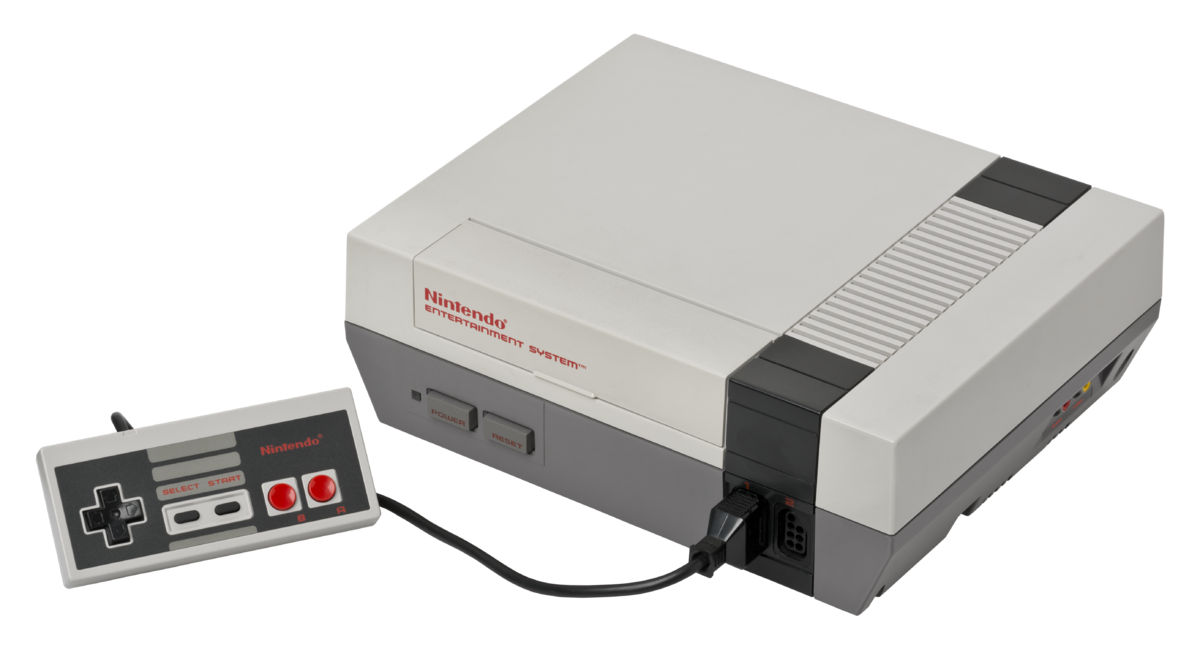
ANESE est un émulateur de Nintendo NES écrit en C++11 par Daniel.


Télécharger ANESE v0.9.1 (Build 200901) (570 Ko)

Site Officiel

En savoir plus…

Il s’agit d’un fork du plugin RDP d’Angrylion qui vise à améliorer les performances, ajouter de nouvelles fonctionnalités tout en conservant la précision du plugin d’origine.


Current features
– More maintainable code base by dividing the huge n64video.cpp into smaller pieces.
– Improved portability by separating the emulator plugin interface and window management from the RDP emulation core.
– Multi-threaded rendering support, which increases performance on multi-core CPUs significantly.
– Replaced deprecated DirectDraw interface with a modern OpenGL 3.3 implementation.
– Added manual window sizing.
– Added fullscreen support.
– Added BMP screenshot support.
– Added settings GUI.
– Added Mupen64Plus support.
 
Tested with Project64 2.3+. May also work with Project64 1.7 with a RSP plugin of newer builds (1.7.1+).

 
Les changements:
– Fixed some smelly VI filter mode code
– Simplified linecount expression

 
Source des builds WIP.
 

Télécharger Angrylion RDP Plus v1.6 r32 (2025/01/06) (1.2 Mo)

Site Officiel

En savoir plus…

La crème des émulateurs CPC écrit en Java et sous Windows. Au début du projet, il reprenait les sources de JEMU écrites par R. Wilson et de celles d’Enhanced Emulator par Markus Hohmann. La mouture actuelle nommée Desktop est plus qu’un simple émulateur car elle intègre son propre environnement de bureau, et reprenant des caractéristiques de Windows (Menu Démarrer, icônes…). Elle contient entre autres un logiciel de dessin, une messagerie instantanée, une calculatrice pour votre Amstrad CPC, un tchat, une horloge et d’autres fonctionnalités.


Il dispose aussi d’un « Gamebrowser » situé sur le desktop, cochez l’option « Boot Games » situé en haut du browser : le jeu se lancera automatiquement via la commande qui s’adaptera à votre configuration AZERTY ou QWERTY !


L’icône BDD-Database (Bases De Données) vous donne -via un GUI- la possibilité de vous connecter sur plusieurs bases de données CPC : Amstrad.eu, CPC-Devilmarkus (JavaCPC games & demos) et la titanesque BDD CPC-POWER. Vous aurez un aperçu du titre avec même la prise en charge du multi-DSK et des sauvegardes d’état (.sna) ! Egalement est disponible la possibilité de vous connecter sur le site de la BDD en question par navigateur interne (celui de JavaCPC basé (app Internet Explorer) ou externe (le vôtre).


javacpc29e1javacpc29e2

 
– Removed the old virtual keyboard
– Added a new virtual keyboard with better look and handling

 
Site alternatif

Télécharger JavaCPC Desktop v3.0.2 (47.6 Mo)

Site Officiel

En savoir plus…

Attract-Mode est une interface graphique pour émulateur en ligne de commande comme Mame, Mess et Nestopia. Elle cache le système d’exploitation sous-jacent et est destinée à être contrôlée par un joystick, manette ou trackball, ce qui la rend idéale pour une utilisation dans des configurations de bornes d’arcade. Attract-Mode est open-source et fonctionne sur Linux, OS X et Windows.


Les changements sont visibles ici.
 

Télécharger Attract-Mode (x86) v2.7.0 (24.3 Mo)

Télécharger Attract-Mode (x64) v2.7.0 (24.9 Mo)

Site Officiel

En savoir plus…

Un émulateur de Nintendo NES développé par l’auteur de fixGB.


-various small changes to further increase overall performance
-corrected small inaccuracy in one of the unofficial cpu instructions
-changed the logic of the apu sweep to produce a better output
– actually use starting track set in nsf files instead of always starting with track 1
-reworked most of the code related to how memory is read and written to, also in the process improved accuracy of a lot of the implemented mappers and improved performance
-reworked most of the ppu, this gets rid of some small graphical glitches as well as further improve performance
-improved cpu core to now do some rare operations more accurately
-greatly improved soft reset to now work properly with multicart mappers and not cause any more weird freezing with certain games


Télécharger fixNES v1.2.2 Alpha (502,9 Ko)

Site Officiel

En savoir plus…

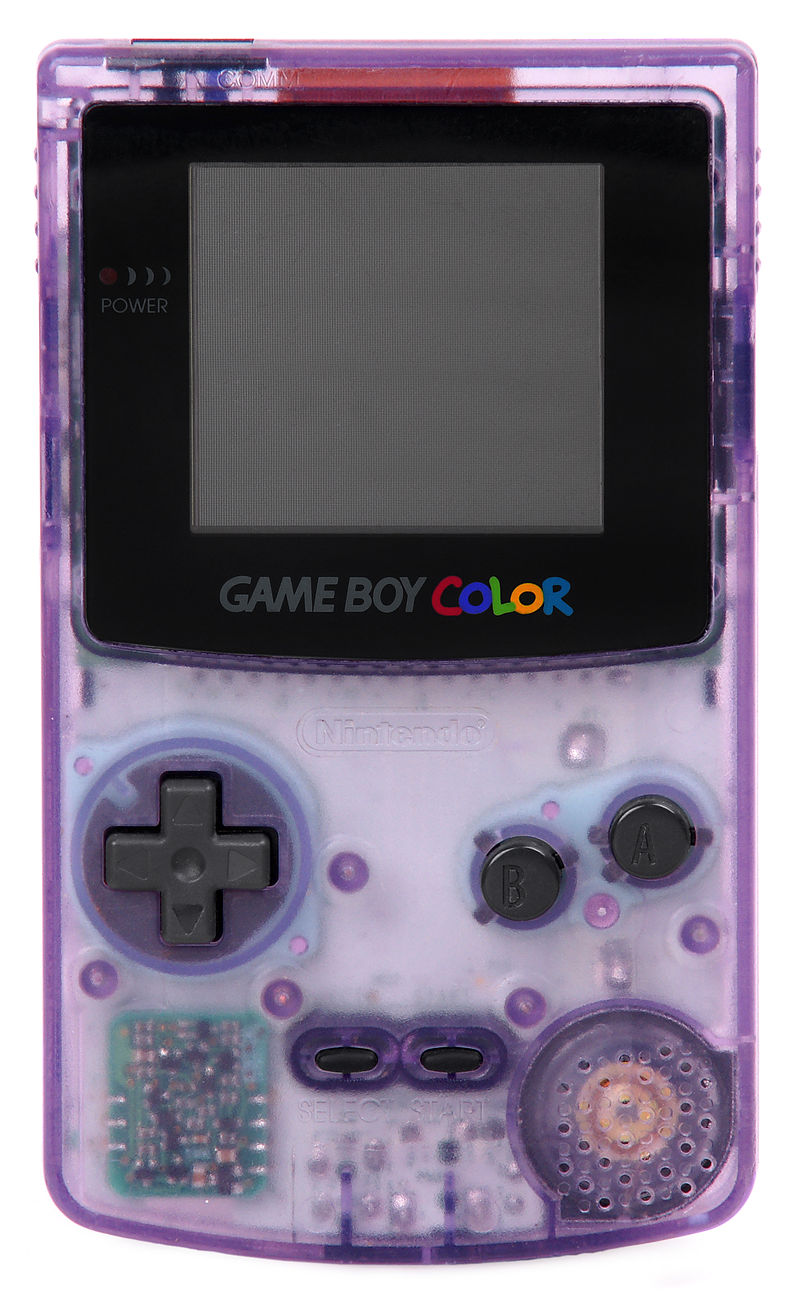
Un émulateur de GameBoy en cours de développement.


– corrected small mistake in input code


Télécharger fixGB v0.8.1 Alpha (409,5 Ko)

Site Officiel

En savoir plus…

Créé par espes et basé sur QEMU, il s’agit d’un émulateur open source multi-plateformes expérimentale de console Microsoft X-Box et de sa déclinaison arcade Sega Chihiro.


xqemu-chihiro xqemu-xbox


Vous trouverez sur ce site un ensemble de fichiers utiles.
 
Site de développement.

Télécharger XQEMU (2018/07/17) (8,3 Mo)

Site Officiel

En savoir plus…

Un joli frontend pour Mame (ou autres), très configurable. Emu Loader est une interface graphique qui se greffe principalement sur les émulateurs Arcade comme MAME, SEGA Model 2, SuperModel ou Daphne. Emuloader permet de gérer votre collection de roms, de vérifier vos jeux et de lancer vos émulateurs.
 
el


Télécharger Emuloader v8.9.4 (32.8 Mo)

Site Officiel

En savoir plus…

Créé par hex_usr (nSide/Lunar Snes), bsnes-mcfly est un port de l’interface graphique Qt de bsnes v073 à higan v106. Cette version est basée sur la dernière version d’Higan (mais ne se concentre que sur la partie Super NES) et ajoute énormément de fonctionnalités.
Dans les versions de développement (et jusqu’à la v106) il était connu sous le nom de « bsnes-classic » dans une tentative de remplacer la fourche d’Awjackson également nommée « bsnes-classic » qui paraissait être abandonnée. Cependant, AWJ a montré que bsnes-classic était encore en vie, par conséquent ce projet a dû être renommé.
 
L’objectif est en partie de faire arrêter l’utilisation de bsnes 073 et de fork comme bsnes-classic (et plus tard bsnes+) et de tout fusionner dans un seul émulateur combinant à la fois les améliorations des dernières versions d’Higan et en même temps les avantages des anciennes versions de bsnes (notamment l’interface).


This version of the Qt GUI has the following features:
– Compatibility with higan v106, including v106-style gamepaks (cartridge folders)
. Low-level emulation of the HG51BS169 (Cx4) and ARM6 (ST018)
. Newer MSU1 features such as audio resume
– Concatenated firmware in game ROMs, as well as a firmware/ fallback directory.
. No cartridge folders are created within the user’s home directory. It is all handled in memory.
– Database lookup of SNES and Super Famicom cartridges. The database is embedded right into the application along with heuristics for games not in it, so icarus is not required.
– Compressed archives: Zip, GZip, BZip2
. Support for Zip and GZip provided by nall instead of snesreader
. BZip2 support by Rob Landley under the zero-clause BSD license
– Copier extensions: SMC, SWC, FIG, UFO, GD3, GD7, DX2, MGD, MGH, 048, 058, 068, 078, BIN, USA, EUR, JPN, AUS
. All of these extensions are also available for use with BS Memory and Sufami Turbo slot cartridges.
– Optional FuSoYa header (512 bytes at the beginning of the ROM)
– WASAPI and ASIO audio drivers
– Exclusive mode for Direct3D and WASAPI
– Separate directories for save RAM, save states, and other mutable game files
– Turbo buttons
– asciiPad (more advanced turbo switches with Off, Turbo, and Auto settings)
– Simultaneous up/down and left/right (must be enabled in the settings file)
. I needed to use a really evil compilation trick to enable this feature without modifying higan directly.
– IPS, UPS, and BPS soft-patching
. IPS and UPS patches are applied before removing the FuSoYa header, and BPS patches are applied after.
– Movie recording and playback
– Cheats
. Pro Action Replay (AAAAAA:DD, AAAAAADD, AAAAAA/DD)
_ Can omit the address/data separator or use a colon, when higan v106 mandates the use of an equals sign or a slash.
. Game Genie (GGGG-GGGG)
– Cheat search (works only on WRAM at 7e-7f:0000-ffff)
– Software filters
. 2xSaI, Super 2xSaI, Super Eagle
. HQ2x, LQ2x, Scale2x
. Pixellate2x
. blargg’s snes_ntsc
. Phosphor3x (was included in some bsnes v08x versions)
– OpenGL shaders
. Curvature and Edge Detection from higan v092
. HQ2x, Pixellate, Scale2x
. HDR-TV, Watercolor (these were marked “Archive” in bsnes v083 and not restored when bsnes v085 went back to XML from BML)
. Sepia (converted from Direct3D)
– Only 1 copy of nall for the overall project instead of a separate copy each for bsnes, snesfilter, and snesreader
 
Features missing from bsnes v073:
– Compressed archives: Z (compress), 7z, RAR, JMA
. Most of these have restrictive licenses. Need to think carefully on how to implement them…
– Selecting one of multiple files in a single Zip archive
– snes_ntsc configuration dialog
. Because the palette size was increased from 32768 to 524288, changing a setting causes bsnes to freeze while it recreates the palette. This dialog had to go.
– Binding the Pause/Break key to an input
– Direct3D shaders
. As consolation, the Sepia shader was converted to OpenGL

 
Les changements:
I wish 007 was still here. He reported a Windows-exclusive crashing bug that occurs when a user:
 
Selects the Direct3D driver
Turns off exclusive fullscreen and turns off auto-hiding the menu bar in fullscreen
Activates fullscreen
Switches to a video filter with a different output size than the previous one

 
I can’t reproduce the bug. No matter which profile I use, no matter how much I change the filters, nothing happens. Even if I use the Compatibility: OpenMP profile, which is the only one capable of outputting 256 columns instead of 512 when using Modes 0, 1, 2, 3, 4, or 7, and play Secret of Mana, which is known to switch between Modes 1 and 5, nothing happens. The emulator just continues as normal.
 
Without any further bug testing, I’m just going to have to release bsnes-mcfly v106r08 and hope for the best. This version is based on bsnes v106r46.
 
As previously mentioned, this version includes 7z archive support using the public domain LZMA SDK. The supported compression formulas are LZMA, LZMA2, and PPMd. I haven’t completed my rewrite of the GPLv2 parts of libjma, so JMA support is not in yet.
 
I am also dropping the Compatibility: Legacy profile, so the only 3 profiles are Accuracy, Compatibility: OpenMP, and Performance. I have not dropped the source code for it though, just in case an emergency happens and I need to keep it around longer. If you happen to have Compatibility: Legacy selected, the launcher should automatically select the Compatibility: OpenMP profile instead in order to prevent the program from prematurely quitting because it can’t find the missing profile.
 
The Compatibility: OpenMP and Performance profiles now share the PPU class. Even if I disable OpenMP, the Performance profile has the same speed as before, so enabling OpenMP increases it even more.
 
In addition, I made a change to the Performance profile’s APU (merged SMP/DSP) class inspired by but not taking code from Snes9x. Previously, the Performance SMP had a hidden compiler flag to switch between Opcode timing and Cycle timing, with Opcode timing being faster but incompatible with games that stream samples such as Tales of Phantasia. Now, a mixed timing option is used instead, in which timing synchronization only happens immediately before any read/write operation on the APURAM. This timing is slightly faster while still being compatible with Tales of Phantasia. How does this code differ from what Snes9x uses? I believe Snes9x wrote all the opcode timing by hand, but I took advantage of the little-known generate program and made it generate the timing information for me.


Télécharger bsnes-mcfly v106r14b (13.2 Mo)

Site Officiel

En savoir plus…

Un émulateur de Sinclair Zx Spectrum écrit en C# émulant également les machines suivantes:


– ZX Spectrum 48
– ZX Spectrum 128
– Pentagon 128
– SCORPION 256
– ATM 450
– PROFI 5xx
– QUORUM 256
– Leningrad 1
– et quelques variantes


Télécharger ZXMAK2 v2.9.3.8 (19.6 Mo)

Site Officiel

En savoir plus…


https://getourbonus.com/fr/accueil

https://www.romspedia.com/