AmiArcadia est le port amélioré de Tunix2001 ex ‘Win Arcadia 2001’ (par Gavin Turner) pour Amiga. Ecrit par James Jacobs et Gavin Turner, cette version est en fait le port Windows du port Amiga (un backport) !


Il émule les consoles basé sur la famille des Arcadia2001 : Bandai, Emerson, Grandstand, Hanimex, Intervision, Leisure-Vision, Leonardo, MPT-03, Ormatu, Palladium, Poppy, Robdajet, Rowtron, Tele-Fever, Tempest, Tryom, Tunix, etc.
 
Il supporte aussi l’Interton VC 4000 et l’Elektor TV Games Computer. Il nécessite Windows 9x/ME/NT/2000/XP et tourne aussi sous Vista/8/10.
 

Télécharger Win Arcadia (Ami Arcadia) v36.8 (9.9 Mo)

Site Officiel

Il s’agit d’un émulateur de MSX/MSX2/MSX2+ créé par le grand Marat Fayzullin dont cette dernière version est enfin disponible gratuitement (ce qui ne fut pas le cas pendant des années).


– Added simple CPU-based linear scaling algorithm.
– Added -linear command line option.
– Added drag’n’drop files functionality to fMSX-Windows.
– Fixed fMSX-Windows loading disk and tape files on click.


Télécharger fMSX (Windows) v6.0 (380 Ko)

Site Officiel

En savoir plus…

Play! est une tentative de créer un émulateur PlayStation 2 sous Windows / MacOS / iOS / Android. Il est actuellement écrit en C / C + + et utilise un système de mise en cache / de recompilation d’instruction pour obtenir de meilleures performances tout en émulant le CPU.
 
L’émulateur peut faire fonctionner quelques jeux, mais très moyennement dans la plupart des cas. L’objectif de l’auteur est d’atteindre un niveau de qualité qui permettra à quiconque de jouer son jeu favori PlayStation 2 sur son PC.
 
play
 
– Make bootable loading behavior coherent.
– Don’t prevent starting game if we can’t update the bootable database.
– Merge pull request #991 from Zer0xFF/github_actions
– Github action: disable signing/uploading setups when user doesnt have them setup, e.g in forks
– upload artifacts to github
– Fixes / Cleanup


Télécharger Play! (x86) GIT v0.77 (2026/10/25) (8.9 Mo)

Télécharger Play! (x64) GIT v0.77 (2026/10/25) (10.3 Mo)

Site Officiel

En savoir plus…

Il s’agit d’un émulateur de PlayStation One très prometteur, peut être déjà la référence ou du moins en passe de le devenir ! (lire ce petit article des amis de chez Logic Sunrise, rien à dire de plus).
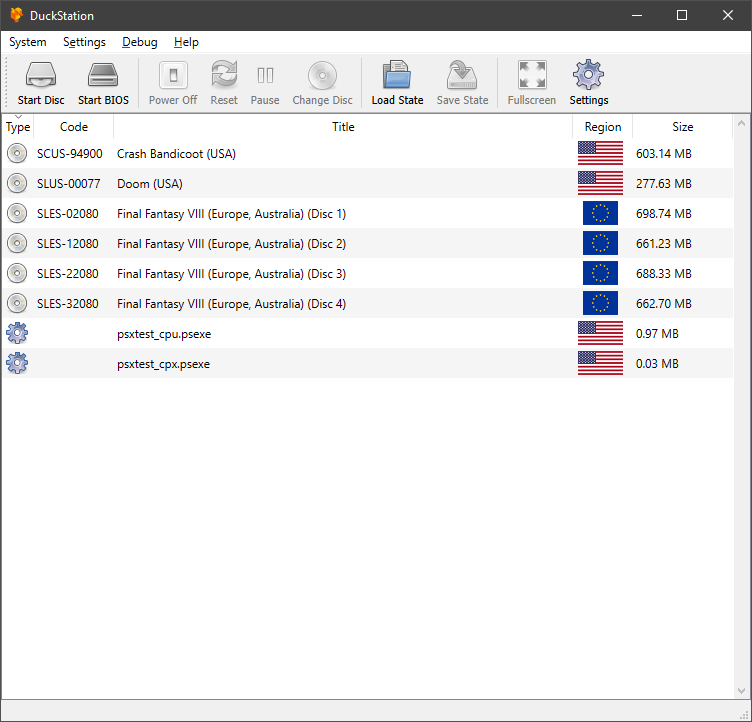


Caractéristiques:
– CPU Recompiler/JIT (x86-64, armv7/AArch32 and AArch64)
– Hardware (D3D11, OpenGL, Vulkan) and software rendering
– Upscaling, texture filtering, and true colour (24-bit) in hardware renderers
– PGXP for geometry precision and texture correction
– Post processing shader chains
– « Fast boot » for skipping BIOS splash/intro
– Save state support
– Windows, Linux, highly experimental macOS support
– Supports bin/cue images, raw bin/img files, and MAME CHD formats.
– Direct booting of homebrew executables
– Direct loading of Portable Sound Format (psf) files
– Digital and analog controllers for input (rumble is forwarded to host)
– Namco GunCon lightgun support (simulated with mouse)
– NeGcon support
– Qt and SDL frontends for desktop
– libretro core for Windows and Linux
– Automatic updates for Windows builds
– Automatic content scanning – game titles/regions are provided by redump.org
– Optional automatic switching of memory cards for each game
– Supports loading cheats from libretro or PCSXR format lists
– Memory card editor and save importer
– Emulated CPU overclocking


Configuration requise:
– A CPU faster than a potato.
– For the hardware renderers, a GPU capable of OpenGL 3.0/OpenGL ES 3.0/Direct3D 11 Feature Level 10.0 and above. So, basically anything made in the last 10 years or so.
– SDL or XInput compatible game controller (e.g. XB360/XBOne). DualShock 3 users on Windows will need to install the official DualShock 3 drivers included as part of PlayStation Now.

 
Changements:
– Update compatibility list and settings
– Update ru translation
– Android: Fix touchscreen controller being instantiated when disabled
– Update duckstation-qt_fr.ts
– Merge pull request from andercard0 / shikulja / zkdpower
– CPU/AArch64: Use scratch register for unfitting intermediate values
– GameSettings: Force Digital Controller in Disney’s Hercules (Re-release) (#1190)
– GameList: Prioritize game title cover image over database title
– Misc fixes


Télécharger DuckStation v0.1 build 12XXX (71.6 Mo)

Site Officiel

En savoir plus…

Il s’agit d’un émulateur de Playstation. (Builds automatiques).
 
– android: lower minSdk to 21
– Fixed PlayStation name in Readme
– Expansion2: support Openbios stdout
– Misc fixes etc.


Télécharger Avocado (x86) r784 (2.2 Mo)

Télécharger Avocado (x64) r784 (2.4 Mo)

Site Officiel

En savoir plus…

m64p (ou Mupen64Plus-GUI) est une interface graphique écrite en Qt5. Elle supporte tout ce que vous attendez d’une interface mupen64plus (sélection de plugins, édition de la configuration, gestion des sauvegardes, capture d’écran, pause, etc.).
 
Cette archive inclut Mupen64Plus + GlideN64 + une interface utilisateur.


– Improvements to 64DD saving.
– Option to specify a custom server address for netplay. This allows you to host your own server (https://github.com/m64p/m64p-netplay-server) if desired. Thanks to @joeldenning for this feature.
– Misc Fixes

 
Code source. Builds ici.

Télécharger Simple64 (x86) (2020/06/02) (20.6 Mo)

Télécharger Simple64 (x64) v2024.12.1 (46.5 Mo)

Site Officiel

En savoir plus…

DSP est un émulateur Sinclair ZX Spectrum mais aussi Amstrad CPC, Arcade, NES, SMS, GameBoy, Coleco Vision, Chip8/Super Chip8… développé par Leniad Soft 2003. Il supporte les Spectrum 48K, Spectrum 128K et des jeux d’arcades comme Phoenix, BombJack ou encore Ghost’n’Goblins. Il s’agit d’un projet Open Source développé en Delphi+Lazarus+Free Pascal.
 
DSP
 

DSP Emulator 0.18b3 WIP:
-Lazarus
+Cosmetical changes (icons, objects size…)
+Fixed change screen size from options menu
-Game & Watch
+Finaly find a solution to compile under Lazarus
-Amstrad CPC
+You can load disks again… Opps!
 

more here…


Télécharger DSP (x86) v0.23 (6.0 Mo)

Télécharger DSP (x64) v0.20 (16/07/2022) (3.5 Mo)

Site Officiel

En savoir plus…

BletchMAME est un frontend pour MAME. Contrairement aux autres existants (et qui fonctionnent comme des lanceurs tout en conservant l’interface utilisateur interne de MAME), BletchMAME remplace l’interface utilisateur interne de MAME par une interface graphique plus conventionnelle pour offrir une expérience plus conviviale dans un certain nombre de domaines (tels que les profils, la configuration des entrées et un certain nombre d’autres éléments). Bien que BletchMAME soit conçu pour prendre en charge toutes les machines que gère MAME, il convient particulièrement à la partie émulation d’ordinateur.


– Added a warning to the Images Dialog if no hash paths were set up
– Fixed a bug that could cause image widgets to not be properly cleaned up if they got removed by a slot change
– Fixed a bug that prevented the « Unload Image » menu item from working
– Fixed a bug in the console window that could cause text to be appended in the wrong location
– Fixed a cosmetic bug in the « About BletchMAME » dialog
– No longer passing -nodtd when invoking -listxml on MAME
– Changed worker_ui plugin to tolerate changes in machine().images expected with MAME 0.227


Télécharger BletchMAME v3.0 (9.3 Mo)

Site Officiel

En savoir plus…


CPCEC est un émulateur d’Amstrad CPC (modèles 464, 664 et 6128). ZXSEC est un émulateur de Sinclair ZX Spectrum (modèles 48k, 128k, +2/Plus2 et +3/Plus3) pour Windows.
 

Télécharger CPCEC / ZXSEC / CSFEC / MSXEC (2026/01/31) (1.2 Mo)

Site Officiel

En savoir plus…

Conçu pour gérer les roms MAME, ClearMAMEPro supporte également tous les dats au format CM, mais aussi XML, permettant de gérer efficacement vos collections de roms & isos. Le manager le plus complet.
 
clrmamepro
 
Changement :
– fixed: www profiler, don’t truncate protocol from page url, so you can use http or https (however you need to update your settings once)
– fixed: www profiler shows downloaded and updated dats still as update
– fixed: don’t prompt user that the download was ok when www profiler loaded a decompressed dat
– fixed: downloaded and not moved decompressed dats get removed when closing cmpro
– fixed: some sets don’t get marked as unneeded or weird renames are proposed in mame/software list combined mode only
– fixed: parent/clone relationship of software list roms got lost under some circumstance
– fixed: 32k pathlength support doesn’t work for profiles/datfiles
– fixed: fixing a wrong sysdefpath issue only worked when you got « ask before fixing » enabled
– fixed: xml parser fails on xml files with
– fixed: falsely trim « . » characters at the end of filenames
– fixed: falesly check ‘marked disabled sets as unneeded’ sets for wrong names
– fixed: falsely hide missing bios roms in bios sets when separate bios sets is disabled
– fixed: falsely skip rebuilding bios roms in bios sets when separate bios sets is disabled
– fixed: falsely load not updated profiler cache after delete profile operations
– fixed: 32k path support failed for paths which are exactly MAX_PATH long
– fixed: scanner font selection isn’t applied/saved when you use the default font (blank name)
– fixed: misleading wrong merged messages when using regions/languages
– misc: www profiler, allow redownload of local datfiles
– misc: use UTC based time/date for date/time fixing
– misc: allow odd second values (MS DOS times are over)
– misc: allow yyyymmddTHHMMSS as date/timestamp in dat
– misc: www profiler can handle urls which provide filenames by content-disposition header information
– misc: updated rar ddl
– added: %L=1/0 option for set-info select sets to enable/disble sets which reference software lists
– added: show number of selected profiles/datfiles in profiler window title

 
clrmamepro


Télécharger ClrMAME Pro (XP) v4.035 (3.1 Mo)

Télécharger ClrMAME Pro (x86) v4.050 (3.9 Mo)

Télécharger ClrMAME Pro (x64) v4.050 (4.5 Mo)

Site Officiel

En savoir plus…

NSFPlay est un lecteur de musiques NSF c’est à dire pour les jeux Nintendo NES (disquettes et cartouches) pour Windows. Il est également distribué sous forme de plugin destiné à Winamp. Il s’agit d’une version en cours de développement.
 
– Merge pull request #51 from eatnumber1/warn-on-cutoff
– nsf2wav: Add warnings for track length/fade time.
– Merge pull request #50 from eatnumber1/nsf2flac
– Merge branch ‘master’ into nsf2flac
– nsfmeta: Support non-UTF-8 NSF[e] via a flag.
– Makefile: remove dependency-tracking and auto-cleaning
– nsf2flac: Add tool for converting NSF[e] to FLAC.
– nsfmeta: Add a tool to output NSF metadata in JSON


Télécharger NSFPlay/NSFPlug WIP v2.6 (2025/02/04) (2.1 Mo)

Site Officiel

En savoir plus…

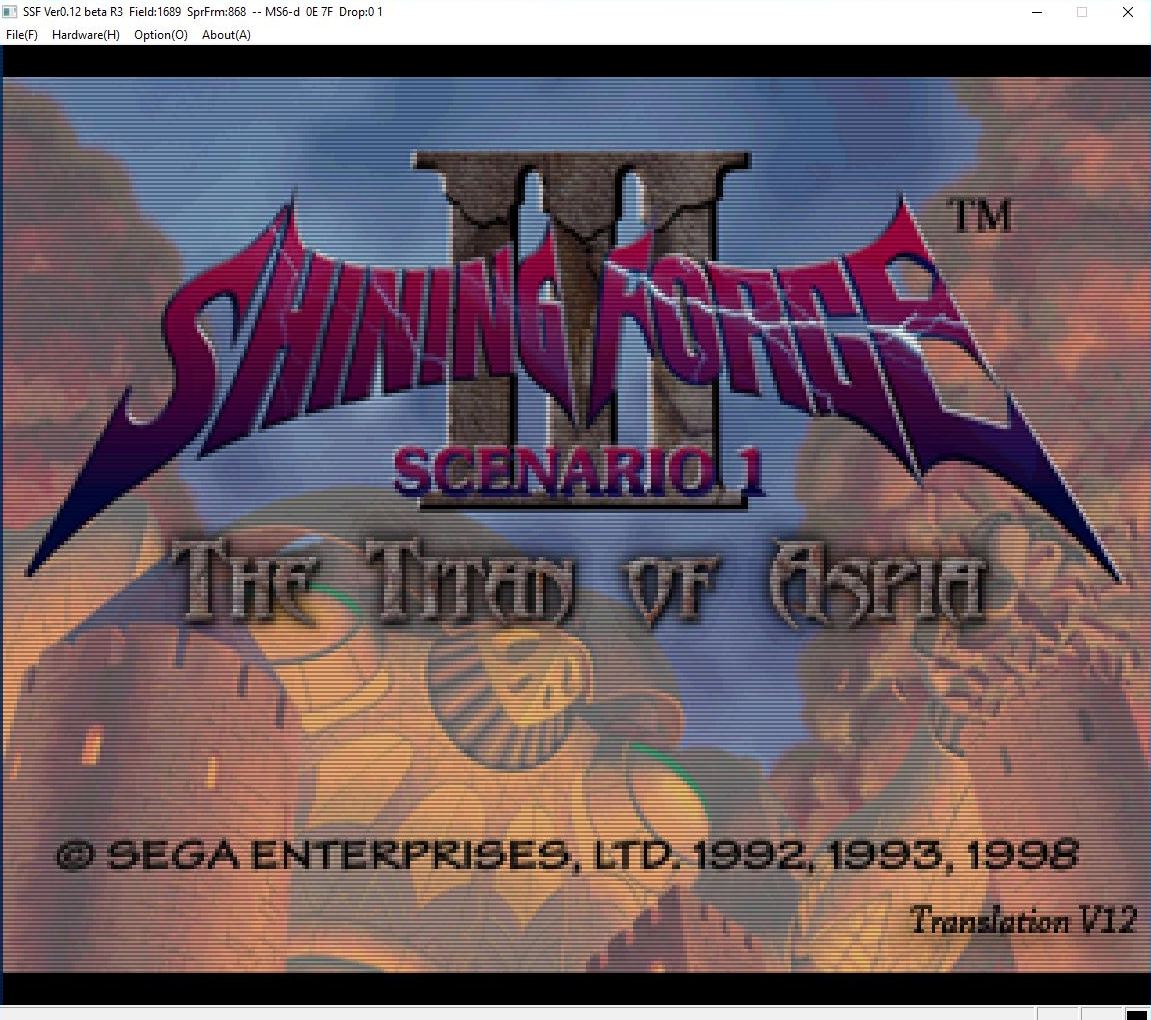
Créé par Shima, SSF est l’un des meilleurs émulateurs Saturn. Il fut le premier à émuler des jeux commerciaux.


– Fixed the problem of noise during single sample decoding of PCM
– Since the drawing clock has been adjusted, please delete the setting file at once or delete the Program5 item in the file.
– Android version update ver.0.20 is the same as R18 v8.
– Somes fixes


Télécharger SSF v0.12 PreviewVer R38 (39.9 Mo)

Télécharger SSF (Français) v0.12 PreviewVer R34 (49.7 Mo)

Site Officiel (pour archive)

En savoir plus…


https://getourbonus.com/fr/accueil

https://www.romspedia.com/