Il s’agit de WinUAE, la référence de l’émulation Commodore Amiga, traduit en français.


Télécharger WinUAE (Français | 32 bits) v6.0.2 (8.6 Mo)

Télécharger WinUAE (Français | 64 bits) v6.0.2 (10.9 Mo)

Site Officiel

En savoir plus…

Créé par Near (ex byuu) et continué par Luke Usher (PolyBlast / CxBx-Reloaded) et d’autres, Ares est un émulateur multi-systèmes dont le développement a commencé le 14 octobre 2004. C’est un descendant de higan et bsnes. Il se concentre sur la précision et la préservation.


Ares émule les 35 machines suivantes:
 
– Atari 2600
– Famicom + Famicom Disk System
– Super Famicom / SuFami Turbo / Satellaview / Super Game Boy
– Nintendo 64/64DD + SETA Aleck64 (arcade)
– Game Boy + Game Boy Color
– Game Boy Advance + Game Boy Player
– SG-1000 (+ Arcade version) + SC-3000
– Master System + Game Gear
– Mega Drive + Mega 32X + Mega CD
– Mega LD (Pioneer – LaserActive)
– Nichibutsu – My Vision
– Playstation
– PC Engine + PC Engine CD + SuperGrafx
– MSX + MSX2
– ColecoVision
– Neo Geo Pocket + Neo Geo Pocket Color
– Neo Geo AES / MVS
– Sinclair Zx Spectrum
– WonderSwan + WonderSwan Color + SwanCrystal + Pocket Challenge V2
 
A noter qu’un pack de shaders est disponible ici.
Des packs MSU-1 sont disponibles ici.
 
Voici les informations depuis la dernière version d’ares:
 
ares v147 has now been released.
 
v147 expands upon LaserActive emulation by introducing support for the PC-Engine LDROM² (NEC PAC) add-on. All currently dumped LDROM² titles are playable in ares v147, with no known compatibility issues.
 
Other highlights in this release include modernizing the code base by moving from some custom nall implementations to the standard C++ library [C++20], updates to the N64 including support for the bio sensor peripheral, GBA, PlayStation, WonderSwan, Super Famicom, MyVision, & Famicom cores, as well as general application and build improvements.
 
Since v146, 11 contributors have created 191 commits to the ares codebase.
 
As always, if you wish to see the full changelog in a per-commit format along with their authors, you can do so on GitHub here.
 
NOTE: The signing certificate used to sign ares on Windows has expired. ares will be unsigned until a compatible signing solution is found. Windows users should be sure to only download ares from official sources, including the ares website and GitHub.


TMS9918 (ColecoVision, MSX, MyVision)
– Simplified and improved timings
 

M68000 (Mega Drive, Neo Geo)
– Fix write ordering in MOVEM.L with indirect pre-decrement addressing
 

MOS6502 (Atari 2600, Famicom)
– Fix JSR memory transactions
 

Pioneer – LaserActive
– Added support for the PC-Engine LDROM² (NEC PAC) titles
– Mega LD emulation accuracy and performance improvements
– Added frame prefetch and video resampling coefficient precalculation
– Both cores are now underneath Pioneer in the Load menu option
 

Nintendo – Game Boy Advance
– Handle cartridge access sizes via CPU bus
– Improved handling of MEMCNT register
– Fixed addressing of 2D mapped sprites
– Implemented write protection for HALTCNT
 

Nintendo – Super Famicom / SNES
– Added support for newly dumped competition cartridges:
– Campus Challenge 92 – Second Screen
– Powerfest 94 – 1 Million Points
– Fixed original Campus Challenge 92 USA region running at PAL speeds
 

Nintendo – Nintendo 64
– Added support for Viewpoint 2064
– Implemented basic MI repeat mode
– Implemented N64 accessory DETECT controller status
– Support for N64 accessory commands with non-standard data lengths
– Implemented support for the Bio Sensor accessory
– Recompiler performance improvements
– Handle correct R/W to RDP spans in test mode
– Fixed VI bug causing spinloop (performance improvement)
– Fixed PIF HLE on RX flag clearing
– Added option to pause execution until a GDB client connects
 

Nintendo – Famicom
– Bit 5 of $4015 reads from open bus
– Reading APU status register should not affect open bus
– Improved frame counter IRQ timing
– Values in CGRAM should be six bits in size
– Improved handling of OAM accesses during rendering
– Fixed evaluation of sprites not aligned to 4 byte boundaries in OAM
– Fixed Famicom keyboard support
– Fixed missing noise channel when resuming from save states
 

Bandai – WonderSwan
– Added I/O port access tracer support
– Implemented Karnak mapper ADPCM decoder
 

Nichibutsu – MyVision
– Fixed VDP clock to 2x colorburst
– Adjust audio frequency to match real hardware
 

Sony – PlayStation
– Improved color modulation
– Randomly initialize memory on boot
– Use constant random seed in homebrew mode
 

Application / Misc.
– Prevent blowing out brightness when increasing saturation
– Migrated from nall:vector to std::vector
– Migrated from nall:function to std::function
– Migrated from nall::unique_pointer to std::unique_ptr
– Migrated from nall::shared_pointer to std::shared_ptr
 

Build
– Updated build with support for C++20
– Added FreeBSD runner to builds
– Miscellaneous fixes, improvements, and optimizations to CMake build files
– Cleanup of a number of warnings during build
 

Dependencies
– Updated SDL to version 3.2.20, containing miscellaneous bugfixes
– Updated slang-shaders to ref c9303dc
– Updated MoltenVK to 1.4.0


Télécharger Ares (32 bits) v114 (3.3 Mo)

Télécharger Ares (64 bits) v147 (56.0 Mo)

Site Officiel (pour archive)

Site Officiel de substitution

Site de développement

En savoir plus…

PCBox est un émulateur PC de bas niveau basé sur 86Box. Il est sous licence GPLv2 ou version ultérieure.


PCBox est donc un émulateur de système IBM PC spécialisé dans l’exécution d’anciens systèmes d’exploitation et logiciels conçus pour les systèmes IBM PC et compatibles à partir de 1981 grâce à des conceptions de systèmes assez récentes basées sur le bus PCI.
 

Il est à noter qu’il est compatible avec le frontend 86BoxManager. Les binaires (dev et debug) sont disponibles dans la partie « action » du site de développement (inscription obligatoire).


Les changements:
This is the corresponding release to 86Box 5.3 and has everything from it!
 

Télécharger PCBox v5.3 (48.6 Mo)

Site Officiel

En savoir plus…

De nouvelles versions en cours de développement du projet de Ignacio Sanchez Gines sont disponibles:
 
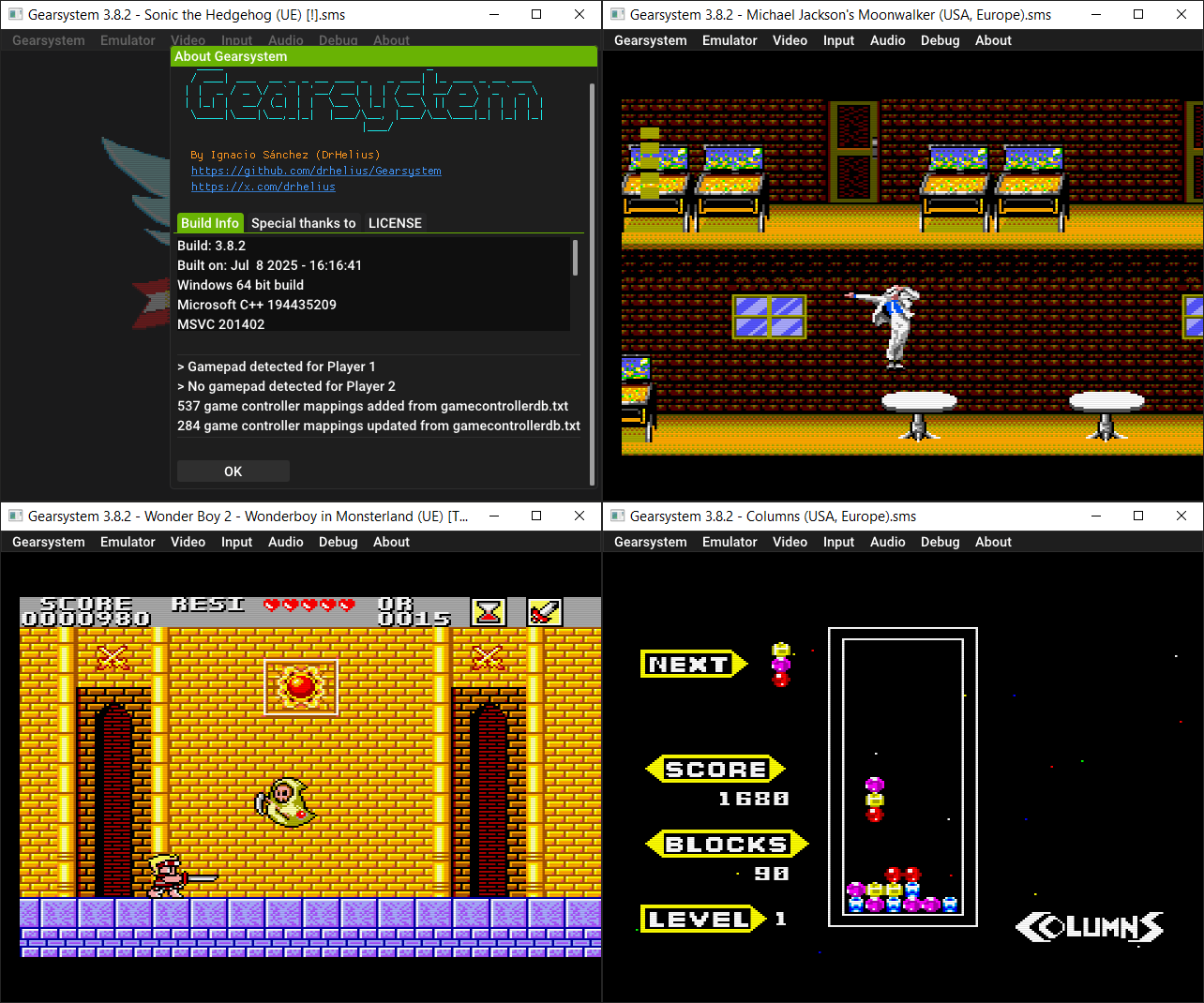
GearSystem est un émulateur de Sega 8 bits écrit en C++ par Ignacio Sanchez.
 
Il émule les machines suivantes:
– Sega Mark III
– Sega Master System
– Sega Game Gear
– Sega Game 1000 (SG-1000)
– Othello Multivision


Télécharger GearSystem GIT (2025/12/22) (1.8 Mo)

Site Officiel


Gearcoleco est un émulateur ColecoVision multiplateforme très précis écrit en C++ qui fonctionne sous Windows, macOS, Linux, BSD, Raspberry Pi et RetroArch.
 

Télécharger GearColeco GIT (2025/12/22) (1.6 Mo)

Site Officiel


GearBoy est un émulateur de Nintendo GameBoy écrit en C++ (lire les pré-requis pour que l’émulateur s’exécute).


Télécharger GearBoy GIT (2025/12/22) (1.8 Mo)

Site Officiel


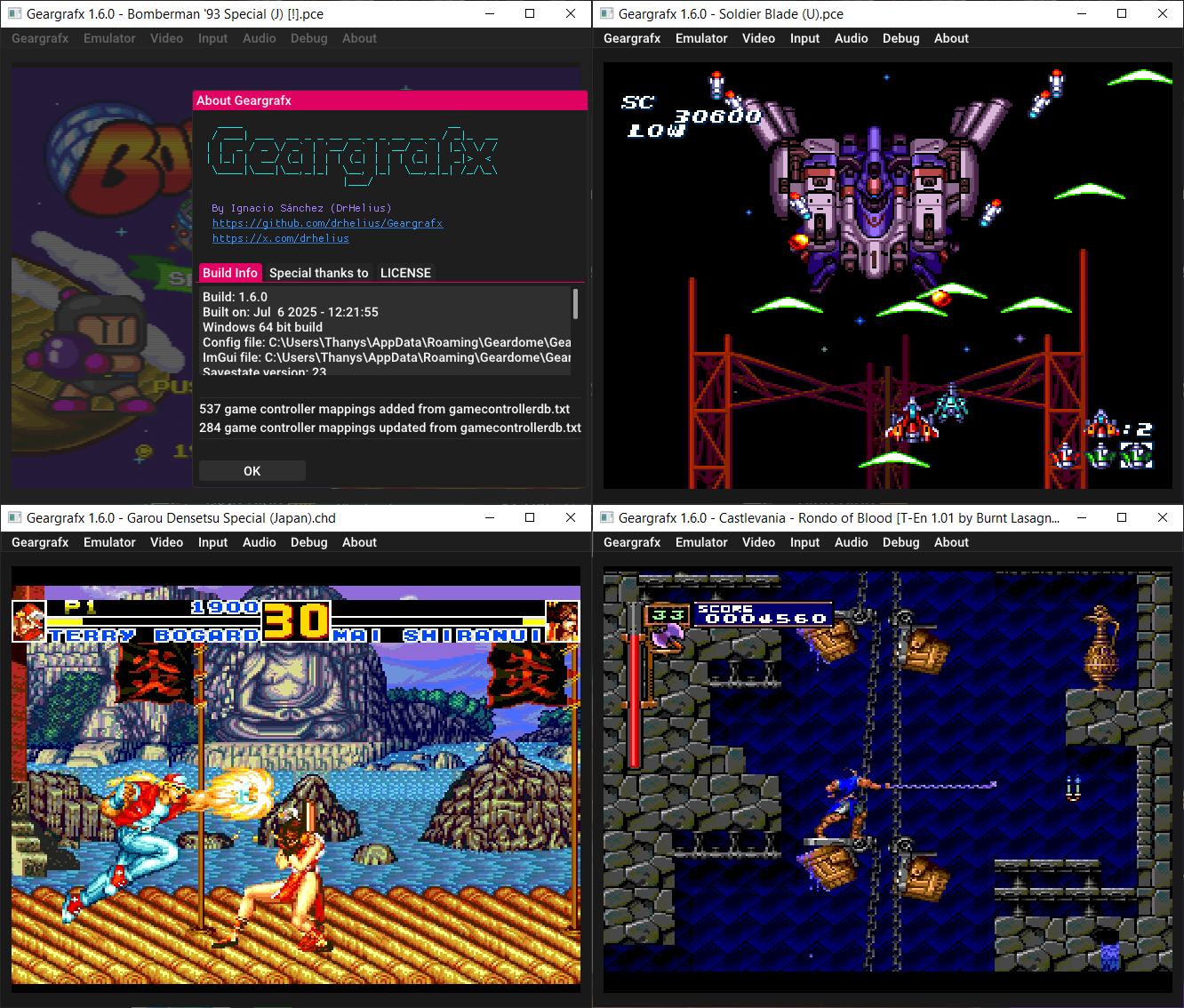
GearGRAFX est un émulateur de PC Engine / TurboGrafx-16 multi plateformes.


Télécharger GearGRAFX GIT (2025/12/22) (2.3 Mo)

Site Officiel


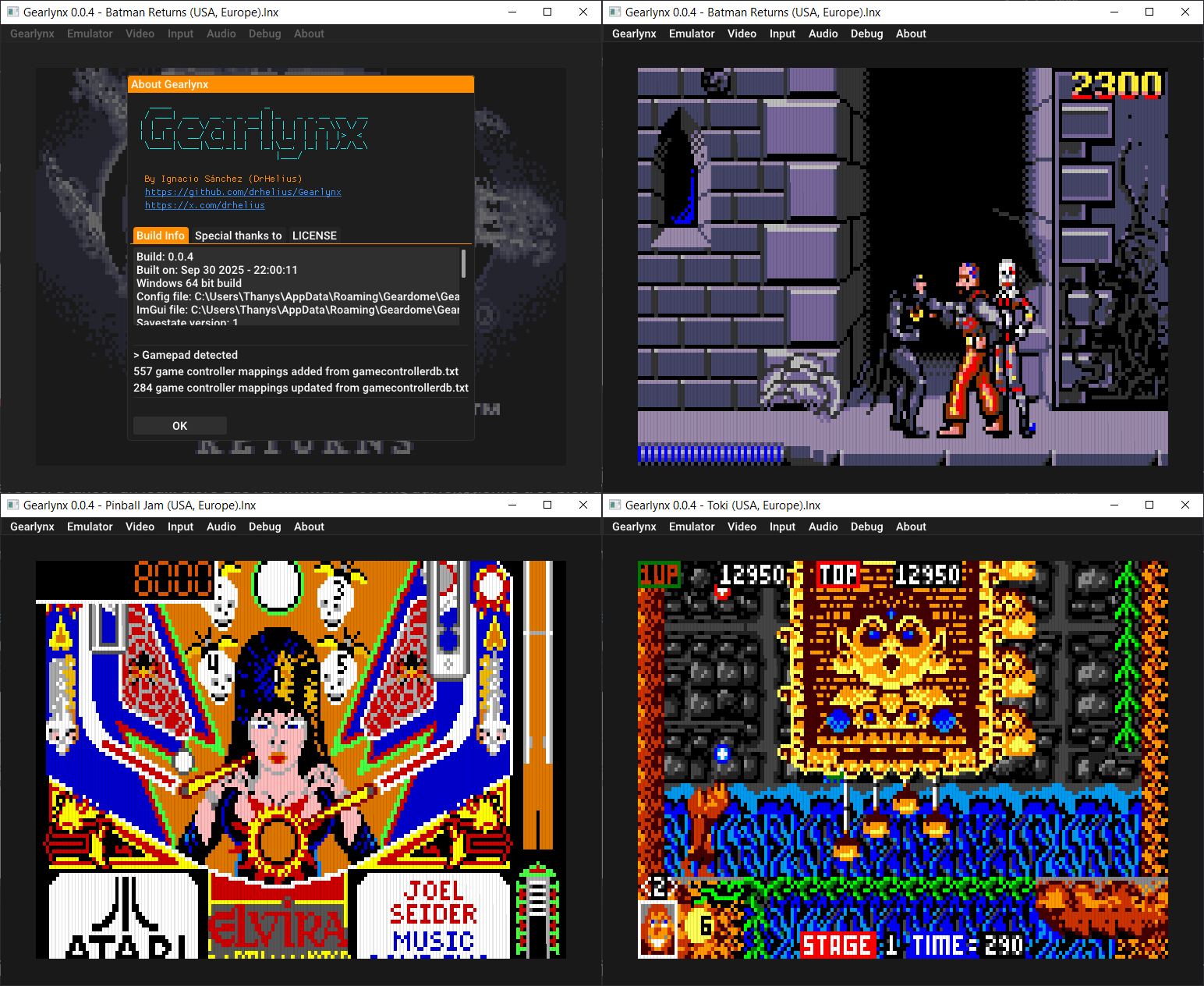
GearLynx est un émulateur d’Atari Lynx pour Windows.


Télécharger GearLynx GIT (2025/12/22) (1.8 Mo)

Site Officiel

Hades est un émulateur de Nintendo GameBoy Advance en cours de développement, il vise à atteindre un équilibre satisfaisant entre convivialité, vitesse et précision.


Actuellement, Hades présente les caractéristiques suivantes:
 

– Une précision décente
– Correction des couleurs
– Sauvegarde rapide (également connue sous le nom de Save State)
– Support de l’horloge en temps réel (RTC)
– Support des contrôleurs de jeu
 

C’est le troisième émulateur à passer les benchs de la cartouche AGS Aging Cartridge utilisée pour tester les systèmes Game Boy Advance.
 

Les nouveautés:
 
– Beautify small and redundant aspects of the code.
– Misc fixes


Télécharger Hades v1.0 Build 251222 (6.6 Mo)

Site Officiel

En savoir plus…

shadPS4 est un émulateur PlayStation 4 open-source. Depuis la version 0.12.1, il abandonne son interface graphique intégrée pour fonctionner uniquement en ligne de commande.
 

Pour faciliter son usage, une interface externe est disponible. Elle permet de lancer des jeux, configurer les options, et suivre les performances via une interface visuelle simple et intuitive.
 

Cette interface est développée séparément et reste compatible avec les futures versions de shadPS4.


Les changements:
– Misc fixes
– New Crowdin updates (#220)


Télécharger ShadPS4 (GUI) v183 (25.3 Mo)

Site Officiel

En savoir plus…

Nouvelle version de cet émulateur d’Amiga dont voici les améliorations:


6.0.x bugs fixed
– Custom chipset emulation fixes.
– Status bar Power and DFx: offset when selecting with a mouse click.
– Add Harddrive didn’t always mount the drive at boot even if it was selected.
– Restoring statefile with active blitter may not have restored blitter state correctly.
– Horizontal offset that follows mouse cursor in some chipset modes and it was possible to have – graphics garbage near left and right borders.
– Horizontal centering positioning in programmed/scandoubled modes.
– Lightpen fixes (For example blank screen or trails in some configurations)
– Native/RTG autoswitch didn’t default to enabled.
– A2024 and other display port adapters work again.
– S3 Virge PCI was broken.
– Fixed AVI Output wrong colors, possible vertical jitter and possible crashes.
– WASAPI sound driver supported mode/channel/frequency enumaration stopped early with some sound drivers resulting in no sound.
– Random guru at bootup with JIT enabled.
– Autoresolution + NTSC (possibly also in some other display modes) switched between lores and hires continuously.
– On the fly switching to 68000/010 cycle-exact from any other mode caused CPU to run too slow.
– Multiple crash fixes.
 
Other bug fixes
– Fixed bad drive click code, sound buffer size affected click sound quality.
– Fixed stuck left ALT when using ALT-TAB and Misc panel when active and mouse uncaptured = pause emulation.
– Fixed harddrive imager GUI getting stuck at the end of imaging process.
– D3D11 fullscreen mode active, enter GUI, switch screen mode to windowed or full-window, press – Reset button: GUI closed, emulation screen was not restored.
– External HRTMon ROM images were not accepted.
– Gameports remap window didn’t always list all mapped input events, mapping analog stick to digital joystick movement now always selects digital event target ([-][+] at the end of event name).
– If A2090 or Mast FireBall hardfile is added, RDB mode was not fully activated automatically.
 
New features
– Added “Always stretch NTSC mode” checkbox to Filter panel.
– Added “Override initial native chipset display” to RTG panel.
– Filter panel position and size numeric text boxes added and increased manual mode positioning range.
– If 680×0 CPU is stopped with IPL mask 7 (CPU can only wake up with NMI or reset), CPU OSD shows CPU as stopped.
– Added Processor slot RAM setting to main memory GUI. This RAM type is much more common in real world than Z3 RAM.
– If any GUI text box is selected, ESC will only unfocus the text box instead of exiting the GUI.
– Using GUI to increase Chip RAM size and emulation has not yet been started and OCS Agnus is selected: set Agnus model to ECS.
– RDB/OFS/FFS hardfile creation option is now separated to RDB and OFS/FFS. RDB adds RDSK identifier to new hardfile and enables Full drive/RDB mode automatically.
– Added 3.2.3 KS ROM checksums.


And more…


Télécharger WinUAE (x86) v6.0.2 (8.4 Mo)

Télécharger WinUAE (x64) v6.0.2 (10.7 Mo)

Télécharger WinUAE Shaders + Filters Pack (29/10/2017) (33 Ko)

Télécharger WinUAE Plugin + Extension Pack (21/06/2018) (13.6 Mo)

Site Officiel

En savoir plus…

86Box (anciennement nommé PCem Unofficial, PCem Experimental ou PCem-X) est une branche non officielle de l’émulateur PCem, qui vise à émuler des machines compatibles IBM de la période 1981-2000. Cette branche ajoute plusieurs cartes mères émulées. (site de développement de l’auteur)
 
Cet émulateur peut également fonctionner avec cette interface ou celle-ci qui lui sont dédiée.


Les changements en détails sont visibles ici.
 
Voir le site officiel.

 
Un ensemble de programmes et bios est disponible ici.
 

Télécharger 86Box (x86) v4.2.1 build 6130 (31.3 Mo)

Télécharger 86Box (x64) v5.3 build 8200 (52.2 Mo)

Site Officiel

En savoir plus…

Eden est un émulateur Nintendo Switch open-source issu d’un fork de l’émulateur Yuzu — lancé par l’ancien développeur de Citron, Camille LaVey, et l’équipe Eden. Il est écrit en C++ avec une approche axée sur la portabilité, et est disponible pour Windows, Linux et Android.


L’émulateur est capable d’exécuter la plupart des jeux commerciaux à pleine vitesse, à condition de répondre aux exigences matérielles nécessaires.
 

Les changements:
 

This release contains many low-level and build system improvements, alongside game fixes and expanded platform support for macOS and Android/x86_64. Additionally, the experimental *Overlay Applet* has been added, which can be accessed via « Enable Overlay Applet » and holding the home button for a short time, much like a real Switch.
 

Universal
– Improved shader compilation speed
– Fixed the « Audio Engine » setting not properly saving
– Low-level optimizations and performance improvements (as always)
– Experimental support for overlay and system setup applets
– Fixed some system settings not saving under certain conditions
– Fixed some race conditions and cache/memory issues on NCE
– GPU accuracy levels have been reworked. Use « Performance » for high performance but more frequent graphical issues, « Accurate » for less graphical glitches at the cost of performance, and « Balanced » for a mix of the two.
– *Accurate* is not needed on many titles. Most titles that required High before (Pokemon Legends: Z-A, Pokemon Scarlet/Violet, etc.) can safely use Balanced.
– Fixed Metroid Prime 4 issues
– Fixed game icons on the Switch Home Menu (QLaunch)
– Reduced JIT latency by removing unnecessary reg_allocs
– Themed logo for the New Year and Christmas
– Fixed a memory leak in video decoding that could cause crashes in games such as Echoes of Wisdom
 

Renderer
– Further improvements to Pokemon Legends: Z-A and Scarlet/Violet graphical issues
– Fixed Lego Horizon white screen
– Fixed blurring in Burnout
– All platforms and drivers will now attempt to continue even if the driver is determined to be unsuitable
– *This also allows the experimental KosmicKrisp MESA driver to run on macOS, and the Dozen/dzn driver to run on WSL*
– Swapchain presentation now uses a faster deque method
 

Desktop
– Network configuration can now be done per-game
– Fixed macOS Vulkan crash
– Enabled VideoToolbox video accelerator on macOS
– Fixed the delay in mouse panning
 

Android
– Reworked the setup screen to use smaller buttons rather than giant pages for each operation
– Fixed some edge cases where game decryption and mod loading would take longer than usual
– Significantly reduced final APK size
– The way FFmpeg was built on Android has changed to use the same method as other platforms. This resulted in FFmpeg being able to be statically linked rather than distributed as a shared library like before. Some further cuts to unneeded libraries, encoders, and decoders were also done, ultimately resulting in a ~9MB smaller APK that is also *truly* 16KB-aligned.
– Removed the now-unnecessary Release Fences Early toggle.
– Removed the now-unnecessary Frame Interpolation, aka Enhanced Frame Pacing, setting.
– This option used to help with frame pacing, but further improvements to our Vulkan backend have resulted in it being unnecessary.
 

Internal
– Initial Windows 7 support
– This is currently command-line only, though support for Qt is in the works
– Improved NetBSD and macOS support
– Initial Android x86_64 (ChromeOS, Atom) support
– Invalid kernel service paths are marked as unreachable
– Vibration and mouse threads are given less priority
– Debug asserts now also display the expression of the asserts
– Removed unneeded HeapTracker on Linux (fixes some performance and memory issues)
– Fixed some cases of the « Filesystem object at … is not a directory » warning
– Stubbed parental controls and some other stuff from Firmware 21
 

Platform Support
The following platforms have been elevated to first-class support:
– Linux/aarch64
– For Gentoo users, `games-emulation/eden-0.0.4` is now keyworded for `~arm64`.
– Windows/arm64
– macOS
– Android/x86_64


Télécharger Eden v0.0.4 (39.5 Mo)

Site Officiel

En savoir plus…

Créé par Ector et F|res, voici la dernière version de Dolphin, un émulateur GameCube/Wii et également Tri-Force en version de développement (système d’arcade élaboré par Nintendo-Sega-Namco dont le hardware est basé sur celui de la GameCube).


Lire l’article concernant les changements apportés par cette version ici.


Télécharger Dolphin v2512 (17.1 Mo)

Site Officiel

En savoir plus…

Il s’agit de l’émulateur Apple ][ et Apple //e entièrement écrit en Rust, SDL et HTML5.


Télécharger emu6502 v0.9.4 (2.3 Mo)

Site Officiel

En savoir plus…

La dernière version béta publique de l’excellent WinUAE, l’émulateur Commodore Amiga. La traduction est signée Tradu-France.


Les changements ici.
 

Télécharger WinUAE (Public Beta) [32 bits] v6.0.2 Beta 12 (4.9 Mo)

Télécharger WinUAE (Public Beta) [64 bits] v6.0.2 Beta 12 (7.4 Mo)

Télécharger WinUAE (Public Beta) [32 bits] v6.0.2 Beta 8 FR (7.8 Mo)

Télécharger WinUAE (Public Beta) [64 bits] v6.0.2 Beta 8 FR (10.8 Mo)

Site Officiel

En savoir plus…


Casino-en-ligne-fiable.com

https://getourbonus.com/fr/accueil

https://www.romspedia.com/

https://www.casinoonlinefrancais.fr

Lucky 7 bonus

https://www.casinogratuitsansdepot.com

pablocasino.org

critiquejeu.info

playbonus

casinodoc.org

laplanquedujoueur.com

casinoonlinefrancais