Kitsune est un émulateur multisystème fonctionnant autour de différents « cores ». Le projet est actuellement principalement orienté vers l’émulation de systèmes d’arcade, avec trois cores disponibles: Konami Viper, IGS PC et IGS PGM 3.
Le core IGS PC permet notamment de faire fonctionner plusieurs jeux d’arcade de la plateforme, tandis que le core Konami Viper prend en charge différents titres Konami utilisant ce hardware.
Le projet semble encore très récent, mais son architecture permet d’intégrer progressivement de nouveaux cores et donc d’étendre la compatibilité de Kitsune à d’autres systèmes. L’émulateur dispose déjà d’une gestion de bibliothèque de jeux, des favoris, de différentes versions d’un même jeu ainsi que de nombreux réglages liés aux contrôles, à l’affichage et à la configuration des cores.
Le développement étant particulièrement actif, Kitsune est un projet à suivre, notamment pour voir quels nouveaux systèmes seront ajoutés à l’avenir.
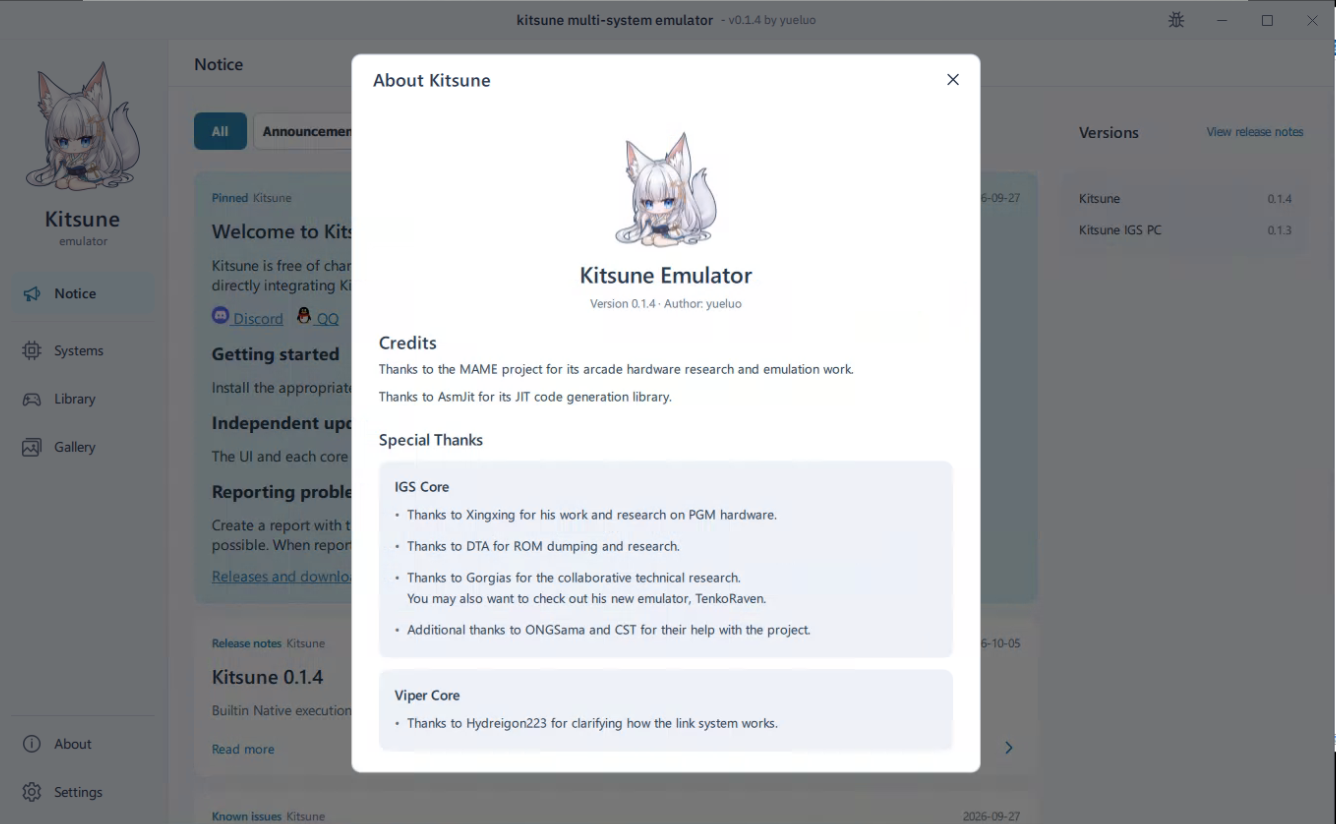
Les changements:
New features
– Add shared input setup for P1–P4 keyboards, controllers, light guns, MIDI and wheels, including device sharing, calibration and feedback. Preserve game overrides; Reset adopts current shared defaults.
– Add card import for raw dumps and exported BIN files.
– Add virtual camera images with large-image crop, rotation and local caching, accessible from game cabinet settings.
Fixes
– Fix some Linux UVC cameras capturing at approximately 15 FPS when 30 FPS is selected.
– Prevent camera disconnects or device reordering from opening another camera, and refresh unavailable-device status.
– Fix intermittent camera preview failures when starting calibration.
– Fix stale shared device/binding lists and binding edits failing after feedback setup.
– Fix equipment and inventory item pickers not opening in the Knights of Valour 3 HD card editor.
Improvements
– Use player tabs and a two-panel input editor with explicit device Add/Remove and ownership labels, and improve player-switching responsiveness.
– Separate camera resolution and frame rate, with pixel format in advanced settings. Automatically prefer 640×480 and measured stable 60/30 FPS.
– Reuse camera mode queries, allow cancellation, resolve generic USB camera names and avoid redundant Windows capture graph rebuilds.
– Show target and measured capture rates separately; preserve automatic exposure in low light instead of needlessly lowering the capture mode.
– Distinguish disconnected devices, ambiguous matches and required reassignment while preserving bindings and calibration.
– Clarify full-axis wheel/stick bindings versus digital directions, add effective-travel tuning, and preserve travel and deadzone when recalibrating; distinguish device limits from effective driving travel in the wizard.
– Improve settings sizing, clear actions and repeated hints, and add a simple trackball above the original RF4 button diagram.
Télécharger Kitsune v0.1.10 (158 Mo)
Site Officiel
En savoir plus…