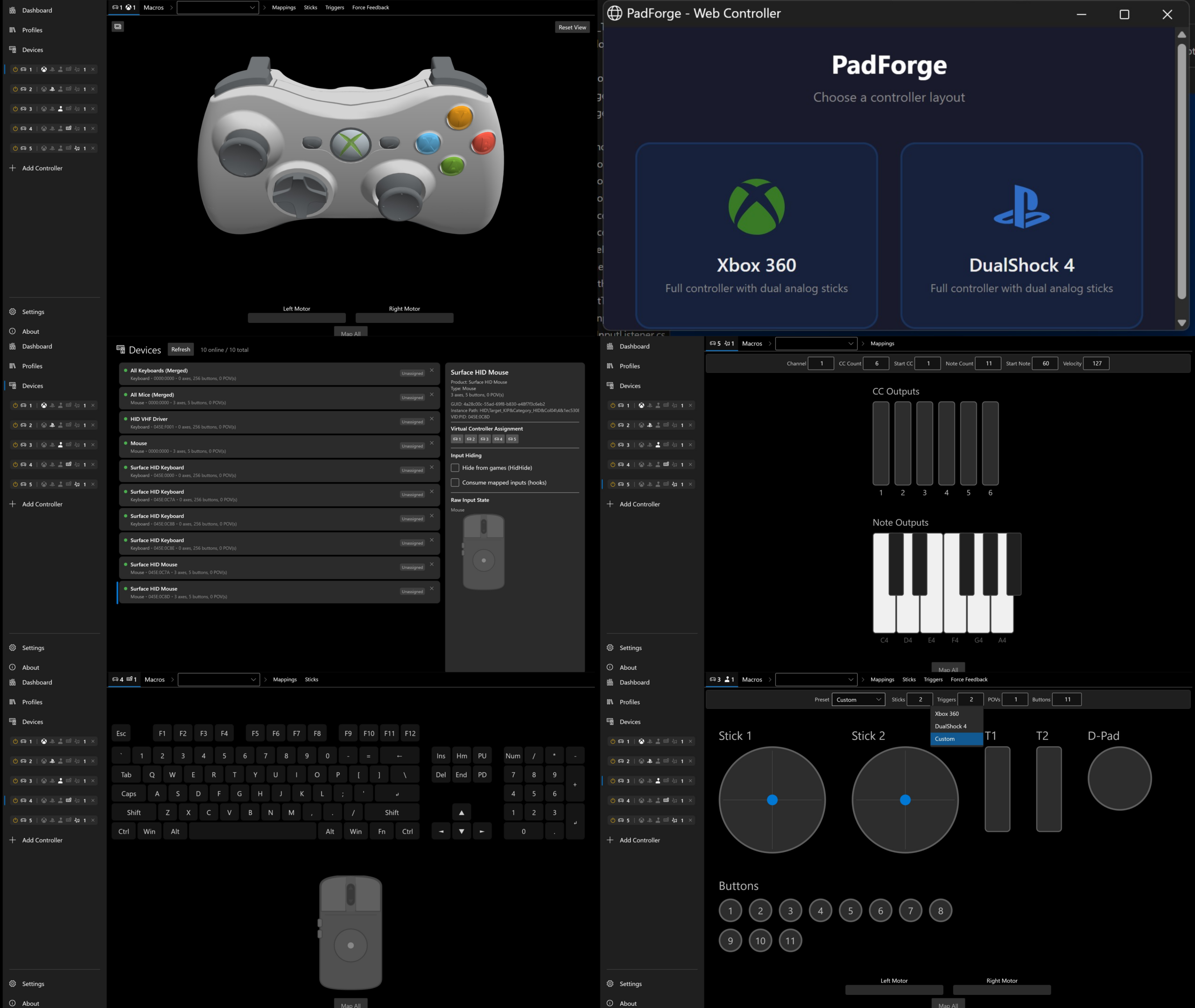
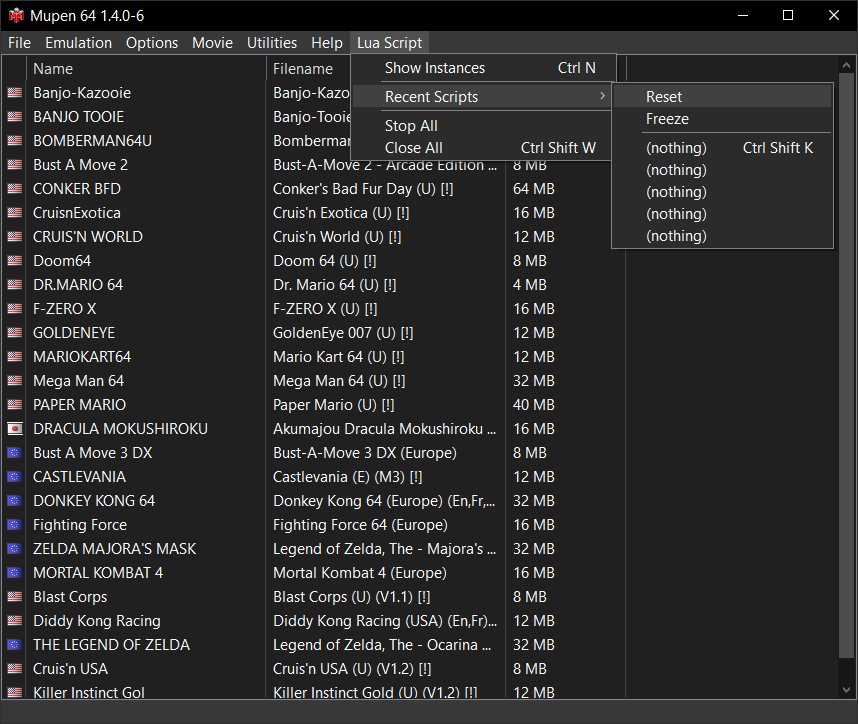
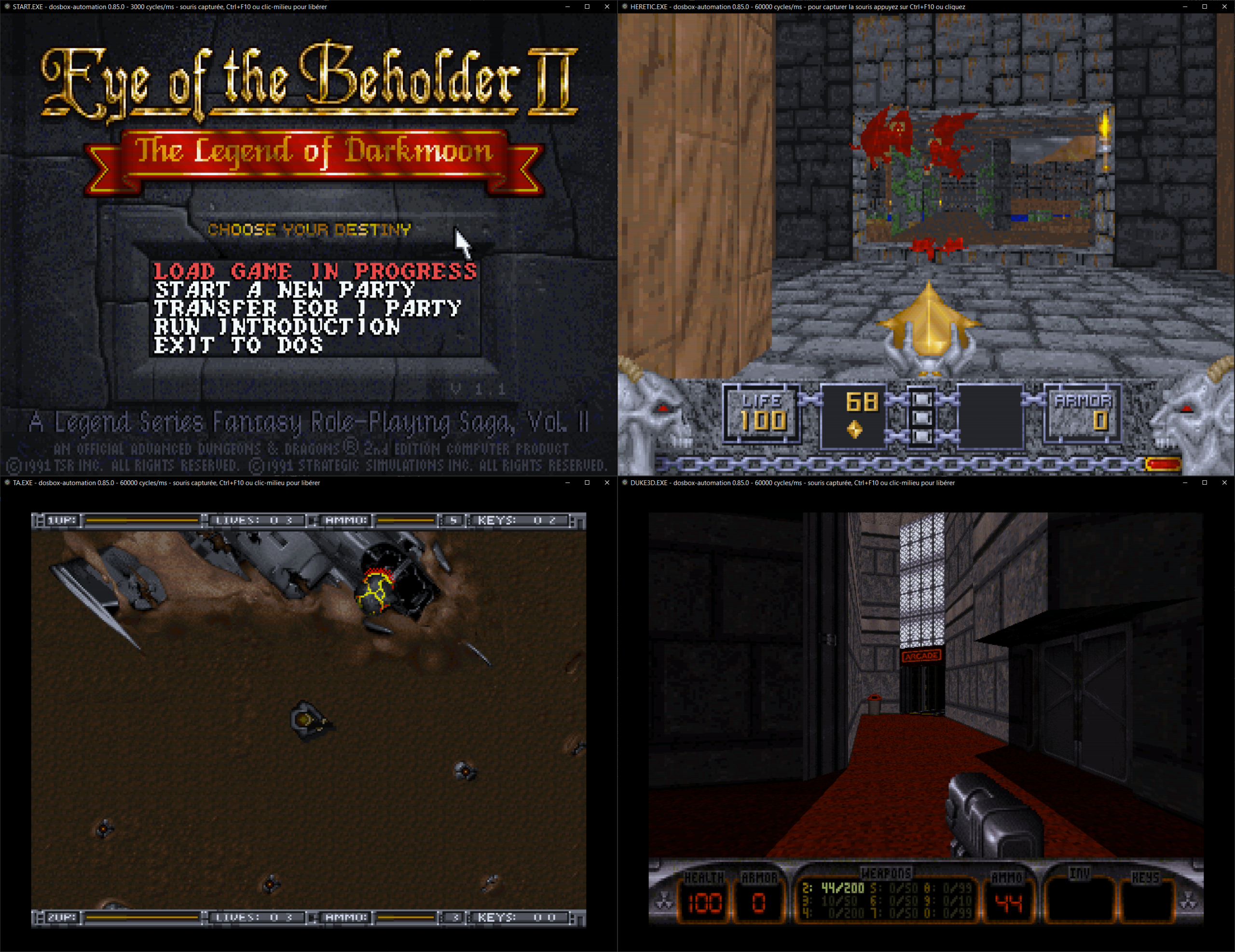
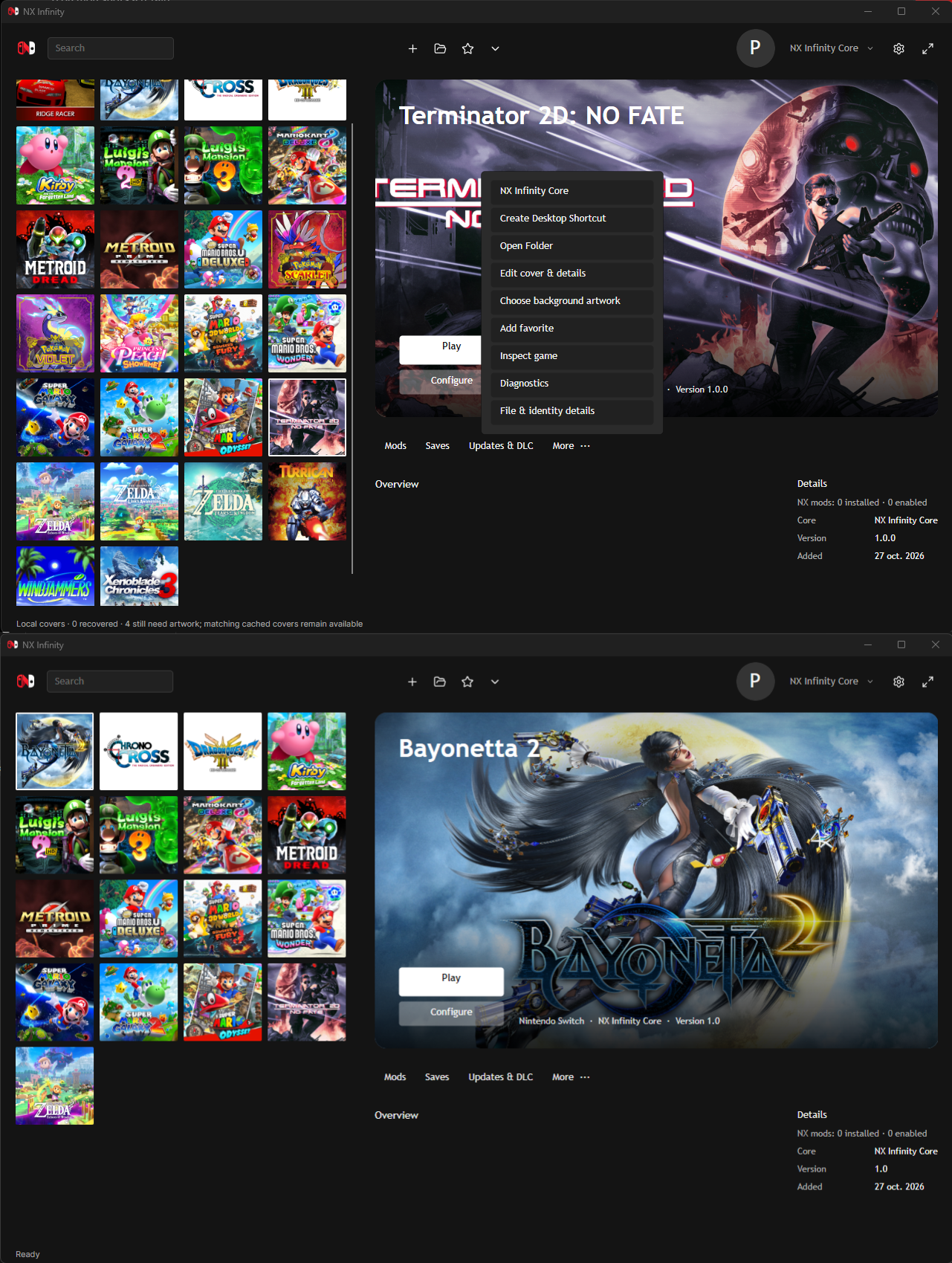
Il s’agit d’un émulateur Game Boy écrit en Python.


Les changements sont les suivants:
– A lot of compatibility improvements
– General speed improvements
– Add DMG palette cycling with ‘C’ key by @Santitub in #411
– Fixes issue where interrupt is not fired, when LYC is set to the same… by @Baekalfen in #413
– fix: persistent src/dest tracking during gdma by @gVirtu in #414


Télécharger PyBoy v2.7.1 (8.5 Mo)

Site Officiel

En savoir plus…

NegaMAME, qui se combine avec le frontend NegaTron, se comporte exactement comme MAME officiel mais il ajoute une commande que les frontends tiers peuvent utiliser pour récupérer les informations manquantes dans MAME depuis la version 0.186, aidant ainsi Negatron à retrouver un accès complet à toutes les fonctionnalités qu’il avait déjà en 2015 (avant l’intégration de MEWUI devenu l’interface interne dans MAME).


Télécharger NegaMAME v0.288 (78.2 Mo)

Site Officiel

En savoir plus…

Le projet GitHub xenia-edge est un fork expérimental de l’émulateur Xbox 360 Xenia, basé sur la branche Canary. Il vise à centraliser les dernières avancées techniques issues de divers forks dans un seul package. Le projet est conçu pour la recherche et l’expérimentation autour de l’émulation Xbox 360, avec une compatibilité Windows et Linux. Il propose un script de build personnalisé (xb) pour simplifier la compilation, une liste de compatibilité des jeux maintenue par la communauté, et une intégration continue via Buildbot. Le code est majoritairement écrit en C++, avec des contributions en Assembly, Python, Lua, HLSL et C#. Le dépôt contient des ressources utiles comme un guide de démarrage rapide, une FAQ et des instructions de compilation.


Télécharger Xenia Edge (2026/05/31) (8.3 Mo)

Site Officiel

En savoir plus…

Créé par Ben Vanik alias Noxa (PSP Player), il s’agit d’un projet de recherche pour développer un émulateur Xbox 360. Notez qu’il vous faudra une machine très performante pour lancer des jeux commerciaux de façon fluide. Plus d’informations ici sans oublier le site de développement là [master]. Un manager permettant de gérer l’émulateur Xenia est disponible ici.


– [GPU] Implement ZPD occlusion queries
– Misc fixes


Télécharger Xenia v1.0.2844 (2026/05/31) (5.0 Mo)

Site Officiel

En savoir plus…

Mesen Community Edition est un émulateur multi‑systèmes open‑source pour Windows, Linux et macOS, développé par la communauté à partir du projet Mesen2. Il vise une haute précision, une excellente compatibilité, et propose une interface moderne accompagnée d’outils avancés pour les joueurs comme pour les développeurs.


Né initialement comme un fork pour pallier la mise en pause du développement de Mesen2 par son créateur original (Sour), MesenCE est désormais devenu la continuation officielle et exclusive du projet. Face à la dynamique communautaire, Sour a choisi de rejoindre activement l’équipe de MesenCE afin d’y centraliser tout le développement futur. Cette transition sous un modèle entièrement géré par la communauté permet d’intégrer plus rapidement les correctifs, d’améliorer la compatibilité multiplateforme et d’ajouter de nouvelles fonctionnalités, tout en préservant l’esprit d’excellence du projet d’origine.
 

Télécharger MesenCE v2.1.1 r20260531 (40.8 Mo)

Site Officiel

En savoir plus…

PCBox est un émulateur PC de bas niveau basé sur 86Box. Il est sous licence GPLv2 ou version ultérieure.


PCBox est donc un émulateur de système IBM PC spécialisé dans l’exécution d’anciens systèmes d’exploitation et logiciels conçus pour les systèmes IBM PC et compatibles à partir de 1981 grâce à des conceptions de systèmes assez récentes basées sur le bus PCI.
 

Il est à noter qu’il est compatible avec le frontend 86BoxManager. Les binaires (dev et debug) sont disponibles dans la partie « action » du site de développement (inscription obligatoire).


Les changements:
– This release builds off of both PCBox 5.3 and 86Box 6.0 and contains all features from both!
– Riva 128 emulation has been VASTLY improved (9x and wfw3,11 still don’t work, but we’re getting closer!) (dev builds only)


Télécharger PCBox v6.0 (62.7 Mo)

Site Officiel

En savoir plus…

86Box (anciennement nommé PCem Unofficial, PCem Experimental ou PCem-X) est une branche non officielle de l’émulateur PCem, qui vise à émuler des machines compatibles IBM de la période 1981-2000. Cette branche ajoute plusieurs cartes mères émulées. (site de développement de l’auteur)
 
Cet émulateur peut également fonctionner avec cette interface ou celle-ci qui lui sont dédiée.


Les changements en détails sont visibles ici.
 
Voir le site officiel.

 
Un ensemble de programmes et bios est disponible ici.
 

Télécharger 86Box (x86) v4.2.1 build 6130 (31.3 Mo)

Télécharger 86Box (x64) v6.0 build 9001 (57.3 Mo)

Site Officiel

En savoir plus…

Nuance Resurrection est une version est développée par Carsten Wächter (toxieainc), il s’agit de la suite de l’émulateur du même nom qui a été créée après la publication des sources diffusées en l’honneur de l’auteur original Mike Perry.


Présentation:
 

Malheureusement, Mike Perry, créateur du projet original, est décédé il y a longtemps et aucun successeur n’a poursuivi son travail. De ce fait, aucun nouvel émulateur NUON n’a vu le jour, et la seule version disponible reste Nuance 0.5.1, datant de 2007.
Le code source de la version 0.5.0 (ou est-ce en fait 0.5.1??) a été publié plus tard par sa famille via http://www.dragonshadow.com/-/downloads/NuanceExperimental.zip


À l’heure actuelle, avec la version 0.6.x, l’émulation a considérablement progressé. De nombreux jeux sont désormais exécutés de manière quasi correcte, à l’exception de certains blocages aléatoires causés par des boucles infinies dans le code émulé, un problème encore lié aux particularités de la synchronisation audio.

En raison de certains choix de conception effectués par Mike pour le cœur de l’émulateur, ce projet ne cherche pas à reproduire fidèlement chaque cycle d’exécution du matériel d’origine. Il s’apparente davantage à une machine virtuelle NUON exploitant au maximum la puissance de calcul du PC hôte.

Cette approche présente un avantage notable : les jeux qui souffraient de ralentissements sur le matériel d’origine peuvent fonctionner de manière beaucoup plus fluide. En contrepartie, des problèmes de synchronisation subsistent encore dans certains titres.


Quoi de neuf depuis la précédente version:
 

– FINALLY, T3K can be played with no hangs on music transitions, and with proper music looping!
– Also the level select hang (with DynamicCompiler enabled) is resolved (see GameCompatibility.txt/MPE3PacketHack-option though for the caveats)!
– Merlin Racing’s AI drivers now follow the course as intended (with DynamicCompiler enabled).
– Add Linux port with CMake build system, X11/GLX backend and miniaudio audio output.
– Add libretro port.
– 32-bit build supports the x86 JIT dynamic recompiler on Linux via __attribute__((fastcall)).
– 64-bit builds employ asmjit instead.
– Static linking of glew (no more glew32.dll needed).
– Replace FMOD 3.75 with miniaudio. No more outdated FMOD SDK / fmod.dll dependency.
– Due to this, decouple host audio from Nuon DMA via a ring buffer (which was implicitly done by FMOD under the hood).
– Audio interrupts are kept intact while muted (matches previous behavior, needs to be verified on real HW).
– Drag and drop support for the UI.
– Can load games directly from ZIP/ISO files on Windows.
– On Linux additionally supports RAR/7z via FUSE tools.
– All « with carry » opcodes (=addwc/subwc/cmpwc variants) should now behave as written in the ISA spec.
– MSB JIT bug fixed.
– Fix bug in JIT versions of MULScalarShiftAcshift, MULImmediateShiftAcshift, MULScalarShiftScalar and MULImmediateShiftScalar (shift broken if left shift >= 32 used).
– Fix bug in JIT version of MULImmediateShiftLeftImmediate (wrong dependency used).
– Fix bug in ANDImmediateShiftScalar, ANDScalarShiftScalar, FTSTImmediateShiftScalar, FTSTScalarShiftScalar, ORImmediateShiftScalar, ORScalarShiftScalar, EORImmediateShiftScalar, EORScalarShiftScalar (shift broken if left shift == 32 used).
– Fix wrong flag setting for large numbers (highest bit set) in JIT versions of DECRc0 and DECRc1.
– Fix missing JIT implementations for loading odmactl,odmacptr,mdmactl,mdmacptr,comminfo,commctl,commxmit0/1/2/3,commrecv0/1/2/3 and configa/configb/dcachectl/icachectl.
– BTST is still not same as ISA spec (as apparently a real HW bug, at least on Aries 2 (=tested there)).
– Multiple bugs in the « CompilerConstantPropagation »-enabled path fixed, so enabled by default now, leading to more performance.
– Fix « _MPEAlloc() » logic to match original BIOS.
– Correct Audio Buffer sizes used for all configurations (via GetBufferSize()).
– Unfortunately, Tetris now sounds even worse than before.
– Fix (re)loading of 2ndary games: reset audio + MPE states.
– To make (at least) T3K work better, the whole MediaRead (and partially MediaWrite) implementation has been redone to better match the spec (incl. proper return values, proper callback mode handling, and not filling up buffers too early), at the tradeoff that now the loads actually need some time to arrive (incl. potential stutter).
– Fix « _MediaGetInfo() » byte-swapped fields.
– Fix uninitialized framebuffer (e.g. when starting fullscreen from command line).
– Optimize most JIT code that needs to do bswap/endian change.
– Enforce rz/rzi1/rzi2 (matching the Nuon hardware) to have bit 0 as 0 (due to 16-bit alignment).
– Some JIT instructions now are implemented correctly on non-SSE4.1 capable hardware (MUL_SVScalarShiftSvshift, MUL_SVRuShiftSvshift and MUL_SVRvShiftSvshift had vector-lane swaps for 2 components).
– Fix JIT for PVectorShiftSvshift (had wrong z component).
– Handle ITAGS and CTRL tags correctly in the JIT versions of StoreScalarLinear & StoreVectorLinear.
– Handle vdma* loads in JIT.
– Fix a potential correctness issue in the JIT MULScalarShiftLeftImmediate and MULImmediateShiftLeftImmediate with shifts > 32.
– Fix JIT RangeOnly and ModuloOnly register indices.
instructiontest.cof has been updated with more tests (verified to match real HW / Samsung DVD-N501).


Télécharger Nuance v0.6.7 (1.3 Mo)

Site Officiel

Site Officiel (archive)

En savoir plus…

SuperSNES9X est un fork avancé de SNES9X, développé par shanytc, qui ajoute de nombreuses améliorations modernes tout en conservant la rapidité et la simplicité du SNES9X original. Il vise autant les joueurs (retroachievements, online) que les créateurs (sprite ripping, hacking, debugging).


Principales améliorations:
– Support multi-système : GameBoy, GameBoy Color et Super GameBoy intégrés
– RetroAchievements intégrés
– Kaillera (Client/Serveur) pour le jeu en ligne
– Run‑Ahead pour réduire la latence d’entrée
– Correction colorimétrique et filtres CRT‑like
– Viewers S-PPU avancés (Sprites/Tiles) pour rippers et map‑makers
– Cheat Search & Editor améliorés : clic droit, fonctions batch
– Assignation Multi-Bind: mixage clavier + manette sur une même entrée
– Support SDL (Simple DirectMedia Layer)
– Débogueur en cours de développement
– Convertisseur de sauvegarde SNES9X <-> MESEN, disponible ici.
 
A noter que les fichiers de configuration et sauvegardes sont 100% compatibles entre SNES9X et SuperSNES9X.
 
Les changements sont:
 
New Mappers:
Three previously-unsupported cartridge mappers now load and run under SGB emulation. All three reuse existing MbcState fields, so the GB savestate layout is unchanged.
 
– HuC1 (cart type $FD→ $FF) — Was a read-only stub, so ROM-bank-select writes were dropped and the game jumped into the wrong bank and locked up executing $FC filler.
– Reimplemented as MBC1-with-infrared (ROM/RAM banking + IR register). Fixes Chousoku Spinner, Pokémon Trading Card Game.
– HuC3 (cart type $FE) — Added the RTC command/response interface plus IR; boot gates on the RTC status command reading back ready. Fixes Robopon (Sun Version).
-Bandai TAMA5 (cart type $FD) — The ROM was rejected at load entirely. Implemented its unusual two-register port ($A001 selects, $A000 carries one nibble), a 32-byte battery-backed EEPROM, the $0A ready handshake, and the TAMA6 RTC. Fixes Game de Hakken!! Tamagotchi – Osutchi to Mesutchi.
 
Game Boy / Super Game Boy fixes:
– MBC5 keeps cart RAM readable when RAM-enable is off (2026-05-29). Some games run a trampoline out of SRAM; returning $FF while disabled hung them at boot. Fixes the Nettou King
of Fighters ’97 SGB boot hang.
– Optional frame-blend toggle — PR #87. Games that fake transparency by flickering two backgrounds (e.g. Chikyuu Kaihou Gun ZAS) can now blend each displayed frame 50/50 with the
previous one at the shared end-of-frame hook. New « Blend Game Boy Frames » checkbox in Display Settings.
– Independent GB volume slider in SGB BIOS mode


Télécharger SuperSnes9x v1.63.19 (8.7 Mo)

Site Officiel

En savoir plus…

La dernière version béta publique de l’excellent WinUAE, l’émulateur Commodore Amiga. La traduction est signée Tradu-France.


Les changements ici.
 

Télécharger WinUAE (Public Beta) [ARM] v6.1.0 Beta 7 (4.4 Mo)

Télécharger WinUAE (Public Beta) [32 bits] v6.1.0 Beta 7 (5.0 Mo)

Télécharger WinUAE (Public Beta) [64 bits] v6.1.0 Beta 7 (7.6 Mo)

Télécharger WinUAE (Public Beta) [ARM] v6.1.0 Beta 6 FR (7.7 Mo)

Télécharger WinUAE (Public Beta) [32 bits] v6.1.0 Beta 6 FR (5.5 Mo)

Télécharger WinUAE (Public Beta) [64 bits] v6.1.0 Beta 6 FR (7.8 Mo)

Site Officiel

En savoir plus…

Il s’agit du meilleur émulateur de PlayStation One, devant ePSXe et pSX.


Caractéristiques:
– Recompilateur/JIT CPU (x86-64, armv7/AArch32, AArch64, RISC-V/RV64).
– Rendu matériel compatible avec les API D3D11, D3D12, OpenGL, Vulkan et Metal.
– Mise à l’échelle, filtrage des textures et couleurs vraies (24 bits) dans les moteurs de rendu matériels.
– PGXP pour la précision géométrique, la correction des textures et l’émulation du tampon de profondeur.
– Mélange précis via Rasterizer Order Views / Fragment Shader Interlock.
– Système de remplacement de textures dans les moteurs de rendu matériels.
– Rendu logiciel vectorisé et multi-threadé.
– Désentrelacement adaptatif au mouvement.
– Filtre de sous-échantillonnage adaptatif.
– Rotation d’écran pour les jeux de tir verticaux ou en mode « TATE ».
– Chaînes de shaders de post-traitement (GLSL, Reshade FX et préréglages Slang).
– Bordures décoratives affichées autour du contenu du jeu.
– « Démarrage rapide » pour ignorer l’intro du BIOS.
– Prise en charge des sauvegardes d’état, avec exécution anticipée et rembobinage.
– Compatible avec Windows, Linux et macOS.
– Lecture directe depuis CD, images bin/cue, fichiers bin/img bruts, MAME CHD, ECM à piste unique, MDS/MDF, CCD et formats PBP non chiffrés.
– Préchargement des images disque en RAM pour éviter les interruptions dues à la mise en veille du disque.
– Fusion des jeux multi-disques dans la liste/grille avec cartes mémoire partagées.
– Chargement/application automatique des patchs PPF.
– Démarrage direct des exécutables homebrew.
– Chargement direct des fichiers Portable Sound Format (psf).
– Audio étiré dans le temps lors de l’exécution hors de la vitesse 100 %.
– Prise en charge des manettes numériques et analogiques (le retour de force est transmis à l’hôte).
– Support des pistolets GunCon et Justifier (simulés à la souris).
– Support de la manette NeGcon.
– Préréglages de manette et configuration par jeu.
– Interface utilisateur Qt et mode « Big Picture ».
– Mises à jour automatiques avec canaux preview et stable.
– Analyse automatique du contenu — titres/hachages fournis par redump.org.
– Commutation automatique optionnelle des cartes mémoire par jeu.
– Prise en charge des cheats à partir de listes existantes.
– Éditeur de carte mémoire et importateur de sauvegardes.
– Overclocking CPU émulé.
– Débogage intégré et à distance.
– Support des manettes multitap (jusqu’à 8 appareils).
– Intégration RetroAchievements.
– Présence enrichie Discord.
– Capture vidéo via Media Foundation (Windows) et FFmpeg (toutes plateformes).
– Fonction de caméra libre.
– Émulation de cartouches via port parallèle.

 
Configuration requise:
– Windows 10/11 (7/8/8.1 ici), Linux (AppImage/Flatpak), macOS.
– Un CPU plus rapide qu’une patate. Mais il doit être x86_64, AArch32/armv7, AArch64/ARMv8 ou RISC-V/RV64.
– Un GPU capable de OpenGL 3.1 / OpenGL ES 3.1 / Direct3D 11 niveau de fonctionnalité 10.0 / Vulkan 1.0. Donc, en gros, n’importe quoi fabriqué au cours des 10 dernières années.
– Une manette compatible SDL, XInput ou DInput (par exemple XB360/XBOne/XBSeries). Les utilisateurs de DualShock 3 sous Windows devront installer les pilotes officiels DualShock 3 inclus dans PlayStation Now.


Les améliorations sont:
 
Preview Build:
– Fix missing monochrome in controller settings (Stenzek)
– Remove more unused icons (Stenzek)


Stable Build (or rolling release):
– optimization scanline-modern-ex.fx (#3733)
– GameDB: Various fixes (#3734)
– GameDB: Add disc set for Persona 2 – Eternal Punishment (USA) (#3735)
– Qt: Update French translation by Corrigo
– Qt: Don’t draw OSD messages with zero opacity
– CDImageCCD: Support loading ccd+img without sub
– Atualização Português do Brasil (#3737)
– GameDB: Decrease cdromMaxReadSpeedupCycles for Resident Evil 2 (#3736)
– AudioStream: Reset staging buffer position (#3738)
– CI: Bump Xcode to 26.4 (#3713)
– CI: Bump dependencies to 20260512
– GameDB: Force Round Texture Coordinates for Lego Island 2
– AudioStream: Tidy up more state reset
– FullscreenUI: Fix unused variable warning
– Qt: Work around broken build in latest MSVC versions
– Qt: Make binding tooltips/multi-window localisable
– GPUDevice: Pack local state in struct
– DynamicLibrary: Add symbol resolution helpers
– DiscordPresence: Use ResolveSymbols()
– GPUDevice: Use ResolveSymbols()
– VulkanDevice: Use ResolveSymbols()
– MediaCapture: Use ResolveSymbols()
– MediaCapture: Eliminate global load mutex
– GPUDevice: Pack shaderc/spirv-cross function pointers together
– ImGuiManager: Use 1/255 as opacity threshold
– optimization scanline-modern shader (#3742)
– Atualização Português do Brasil (#3741)
– Update Russian translation (#3740)
– GameDB: A few more fixes (#3739)
– MSBuild: Enable segment heap via vsprops
– CMake: Drop Win32/MSVC specific paths. Use MSBuild.
– CDROM: Fix incorrect stat response in test command
– DMA: Enforce read-only bits in OTC channel control
– CI: Drop unused input (#3743)
– GPU/HW: Remove unnecessary reference to backend in texture cache
– GPU: Merge gpu.cpp and gpu_commands.cpp
– GPU: Convert frontend to namespace
– GPU: Slightly faster path for DMA writes
– GPU: Use InlineFIFOQueue
– GPU: Fix incorrect bitmask for command primitives
– CDROM: Fix incorrect date in comment
– Achievements: Fix game not loading after token-expired late login
– ImGuiManager: Return wants_keyboard for all generic inputs
– FullscreenUI: Don’t override existing window in PauseAndOpenMenuFromCoreThread()
– HTTPCache: Remove downloader mutex
– HTTPCache: Notify host when downloader is active
– HTTPDownloader: Add owner tracking to requests
– HTTPDownloader: Don’t poll requests when cancelling
– Achievements: Use request owner for waiting for server calls
– Qt: Avoid double cancellation in updater
– Qt: Add AsyncHTTPRequest class
– Qt: Use main HTTP downloader for updater
– HTTPDownloader: Convert to namespace
– Spanish (Spain) translation update (#3744)
– Timers: Correctly handle sync mode 0/3 for timer 2
– Bus: Add option for enabling PCSX expansion region
– FullscreenUI: Fix adapter list not updating on renderer change
– Deps: Update to 20260526
– Qt: Expose debugger and exit in toolbar
– Qt: Minimize controller SVGs
– Qt: Add monochrome icon theme
– Qt: Add ThemeSVGIconEngine to replace use of Qt SVG
– Qt: Add more monochrome icons
– Qt: Remove separate colour icon SVGs
– Qt: Remove unused PNG icons
– Qt: Don’t use QIcon::fromTheme()
– Qt: Set isMask property on menu bar action icons on MacOS
– ImGuiOverlays: Don’t draw outline on status indicators
– Qt: Add icon to empty game list page
– FullscreenUI: Optimize SVGs
– Qt: Optimize checkbox SVGs that were previously missed
– Qt: Move ReadFileToByteArray() to QtUtils
– Qt: Add SVGWidget
– Qt: Rename ThemeSVGIconEngine to SVGIconEngine
– FullscreenUI: Fix double scaling of some UI elements
– FullscreenUI: Preserve aspect ratio of SVG images
– Qt: Store controller images in main data instead of qrc
– FullscreenUI: Add images to controller settings
– Qt: Fix incorrect icon path
– SPU: show friendly reverb mode names in debug window
– SPU: increase volume display precision in debug window
– SPU: Use display fractional volume for voices as well
– Host: Add icon to ConfirmMessageAsync()
– Update Azerbaijani Translation (#3745)
– Qt: Move most recent migration to updater
– Qt: Use SVGWidget for empty game list icon
– Qt: Make SVGWidget respond to palette changes
– MediaCapture: Fix Media Foundation refusing to load
– CDImageCue: Remove unused variable
– CueParser: Switch to fmt for errors
– Qt: Preserve aspect ratio in SVGIconEngine
– Qt: Handle icon state in SVGIconEngine
– Qt: Tint non-coloured disabled icons in SVGIconEngine
– Qt: Use SVGWidget for icon in debugging settings
– Qt: Fix missing monochrome in controller settings
– Qt: Remove more unused icons


Télécharger DuckStation v0.1 build 11XXX (65.8 Mo)

Site Officiel

En savoir plus…

Créé par Near (ex byuu) et continué par Luke Usher (PolyBlast / CxBx-Reloaded) et d’autres, Ares est un émulateur multi-systèmes dont le développement a commencé le 14 octobre 2004. C’est un descendant de higan et bsnes. Il se concentre sur la précision et la préservation.


Ares émule les 35 machines suivantes:
 
– Atari 2600
– Famicom + Famicom Disk System
– Super Famicom / SuFami Turbo / Satellaview / Super Game Boy
– Nintendo 64/64DD + SETA Aleck64 (arcade)
– Game Boy + Game Boy Color
– Game Boy Advance + Game Boy Player
– SG-1000 (+ Arcade version) + SC-3000
– Master System + Game Gear
– Mega Drive + Mega 32X + Mega CD
– Mega LD (Pioneer – LaserActive)
– Nichibutsu – My Vision
– Playstation
– PC Engine + PC Engine CD + SuperGrafx
– MSX + MSX2
– ColecoVision
– Neo Geo Pocket + Neo Geo Pocket Color
– Neo Geo AES / MVS
– Sinclair Zx Spectrum
– WonderSwan + WonderSwan Color + SwanCrystal + Pocket Challenge V2
 
A noter qu’un pack de shaders est disponible ici.
Des packs MSU-1 sont disponibles ici.
 
Voici les informations depuis la dernière version d’ares:
 
This release includes big improvements to a number of ares cores. Highlights include rewrites to the N64 CPU & RSP JITs resulting in significant performance gains across the N64 library, additional implementation & accuracy improvements to the PlayStation core, fixes to the GBA core, and support for the Famicom data recorder & Dendy.
 
Additionally, there have been many updates to the core ares application across all platforms. Per-core input configuration has been added, updated video, audio, & input drivers are available, bug fixes, additional options have been added, and core dependencies have been updated.
 
Since v147, 20 contributors have created 300 commits to the ares codebase.
 
As always, if you wish to see the full changelog in a per-commit format along with their authors, you can do so on GitHub here.
 
NOTE: The signing certificate used to sign ares on Windows has expired. ares will be unsigned until a compatible signing solution is found. Windows users should be sure to only download ares from official sources, including the ares website and GitHub.


Sony – PlayStation
– Refactored core to use libco threading
– CPU: implemented memory timing/control registers
– CD-ROM: incorrect 150 LBA offset in command 0x14
– CD-ROM: fix behavior when a command is issued before the previous has completed
– CD-ROM: implement behavior where a new command cannot be executed until pending
– CD-ROM: implement ‘command/parameter busy’ register
– DMA: improve chopping/allowing the cpu to run between blocks of a long transfer
– DMA: fixed incorrect bit position for DMA channel chopping enable
– DMA: fixed block DMA using incorrect timing
– DMA: fixed SPU canReadDMA/canWriteDMA flags
– MDEC: implement basic decode timing
– MDEC: implement correct input fifo behavior
– MDEC: fix behavior when an incomplete block is transferred via the input fifo
– MDEC: fix DMA request registers, input/output full/empty registers, busy register
– GPU: use correct clock frequency for PAL and NTSC
– GPU: fix hblank timing
– GPU: Fixed some clocking issues
– Timer: improve behavior around timer overflow/target reached IRQ
 
Nintendo – Game Boy Advance
– Only trigger keypad IRQ when input changes
– Fixed handling of repeat bit during immediate DMA transfers
– Prefetcher should fail reading across 128KiB boundaries
– OBJ mosaic fixes to correct some graphical bugs
– Prevent instruction tracing from modifying open bus
– Refactored bus reads fixing some open bus edge cases
– Implemented internal horizontal/vertical window flags when window boundaries reached
– Improved affine parameter timings
– Fixed wave RAM bank selection
– Added OAM to memory viewer
– Implemented OAM stage timings for sprite rendering
 
Nintendo – Super Famicom / SNES
– Added support for loading GBC games in the Super Game Boy
– Super Game Boy accuracy fixes (multiplayer, packet acknowledgement, register mirroring)
– Improved auto-joypad polling accuracy
 
Nintendo – Nintendo 64
– CPU & RSP JIT improvements resulting in improved performance
– Cubivore (Doubutsu Banchou w/English patch applied) support added
– Implemented support for region free ROMs (homebrew extension)
– If homebrew header present, don’t default to a controller pak in port 1
– Keep serrate bit enabled when VI processing is disabled
– Fixed audio pops when AI DMA ends
– Fixed GDB read result for RCP/PI bus path
– Implemented eeprom write timing and status flags
– Added initial support for Emux extensions
– Implemented VR4300 reverse-endian mode
 
Nintendo – Famicom / NES
– Added support for the Famicom data recorder
– Added support for JY Company and SC-127 boards
– Added support for the Dendy
 
Atari – 2600
– Improved RIOT (MOS 6532) emulation
 
Pioneer – LaserActive
– Added support for changing discs for PC-Engine LDROM² (NEC PAC) titles
– Fixed core detection of MMI file extensions
 
Sega – 32X
– Adjust H32 pixel offset between the Gen/MD VDP and the 32X VDP
 
Sega – Mega Drive
– Fixed screen in interlace mode 1
 
Sega – SC-3000
– Added tape support (.wav, .bit)
 
NEC – PC-Engine
– Don’t render background and sprites in burst mode
 
Microsoft – MSX
– Added tape support (.tsx/tzx, .wav, /cas)
 
Application / Misc.
– Libco: align co_active_buffer on amd64 & aarch64 architectures
– Libco: limit scope of section modification to gcc based builds
– Ruby: allow drivers to set controller names and use deterministic device id in SDL driver
– Default to the Metal driver on macOS
– Removed the macOS OpenGL video driver
– Don’t enable Arcade menu option if no arcade cores are compiled in
– Added –settings-file command line parameter to select alternate config file (settings.bml)
– Fixed opening a game from a symbolic link to a file
– Fixed loading shaders from a command line argument
– Added –pseudofullscreen command line option
– Added settings option in GUI to suppress secondary media file load requests
– Fixed Dip Switches menu on Linux not working correctly
– Added hotkey to toggle shader display
– Added –save-state command line argument to specify a save state slot to load
– Upgraded XAudio2 driver from version 2.1 to version 2.9
– Fixed resetting a game would drop you out of pseudo-fullscreen
– Fixed application crash when opening the about window while a game was running
– Added –version command line argument to print the version string
– Fixed an issue where fast forward couldn’t be disabled without a restart
– Added an OpenGL 4.6 driver needed for some shaders [Windows]
– Added ability to import and export settings configurations
– Fixed shader install path on Linux
– Fixed abort on exit caused by invalid mutex unlock
– Added –kiosk command line argument to start with no UI
– Prevent hotkeys from firing when setting them while allow input is active
– Cores that share the same file extension will prompt for a core to load (UI)
– Implemented core specific input mappings
– Replaced multiplier sizing with viewport sizing and re-added manual integer scaling ratios
– Added a tape position slider to the UI
 
Build
– Fixed missing qon linking [PC-Engine]
– GCC – fix attribute warnings
– Update FreeBSD runner to 15.0
– Add missing sources to cmake for improved IDE integration
 
Dependencies
– Updated SDL to version 3.4.4
– Updated slang-shaders to ref d0cbcd0
– Updated MoltenVK to version 1.4.1
– Updated librashader to version 0.10.1
– Updated libchdr to version 0.3.0


Télécharger Ares (32 bits) v114 (3.3 Mo)

Télécharger Ares (64 bits) v148 (61.8 Mo)

Site Officiel (pour archive)

Site Officiel de substitution

Site de développement

En savoir plus…


Casino-en-ligne-fiable.com

https://getourbonus.com/fr/accueil

https://www.romspedia.com/

https://www.casinoonlinefrancais.fr

Lucky 7 bonus

https://www.casinogratuitsansdepot.com

pablocasino.org

critiquejeu.info

playbonus

casinodoc.org

laplanquedujoueur.com

casinoonlinefrancais