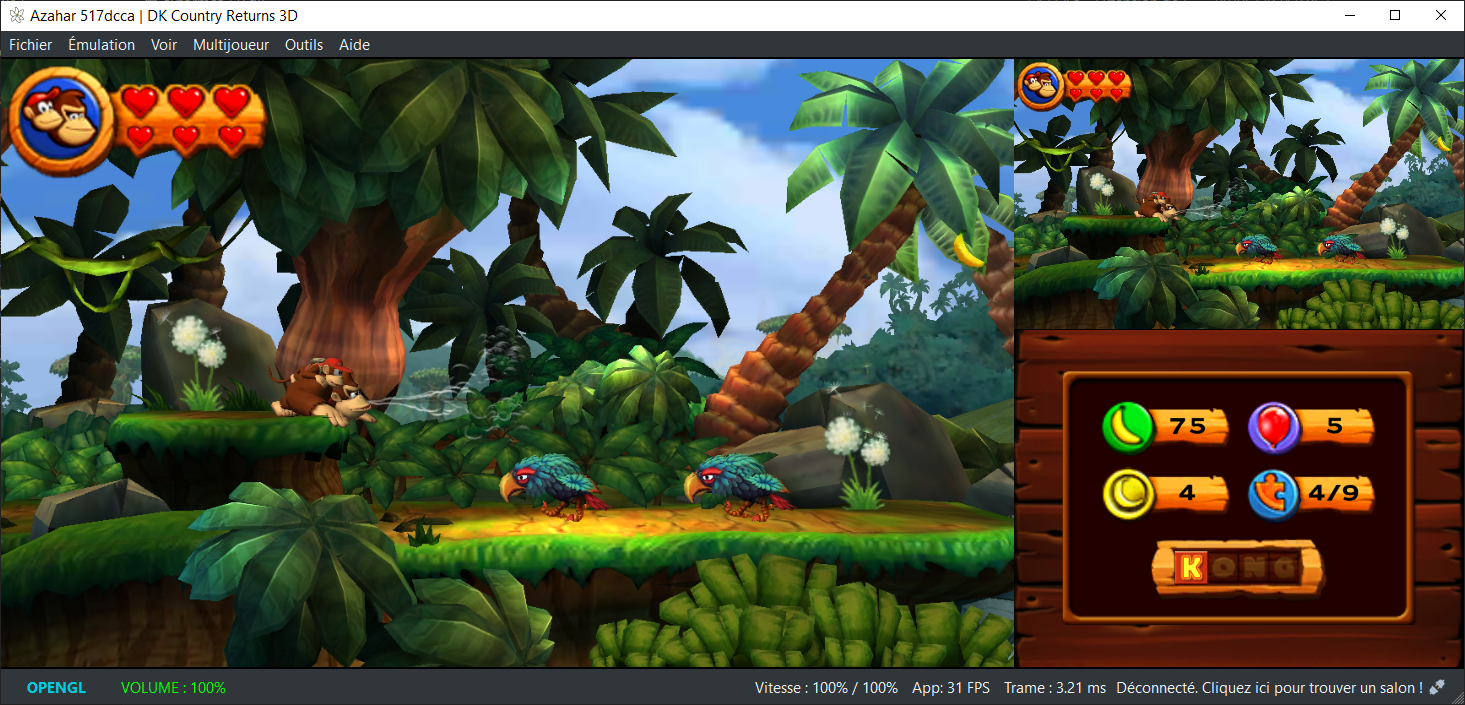
Azahar est une fusion entre Lime3DS et le fork Citra de PabloMK7.



Soyez informé que la prise en charge des jeux cryptés n’est pas disponible…
 
Pour éviter toute confusion concernant les objectifs d’Azahar, la décision a été prise de limiter autant que possible le contournement du TPM (Trusted Platform Module). Le contournement ne sera effectué que lorsque l’interopérabilité du code de Nintendo est nécessaire avec Azahar ou d’autres codes de Nintendo. En conséquence, Azahar n’autorisera pas le lancement ou l’installation de jeux cryptés à moins qu’ils n’aient été obtenus par le biais des applications officielles de Nintendo, telles que l’eShop ou les paramètres système.
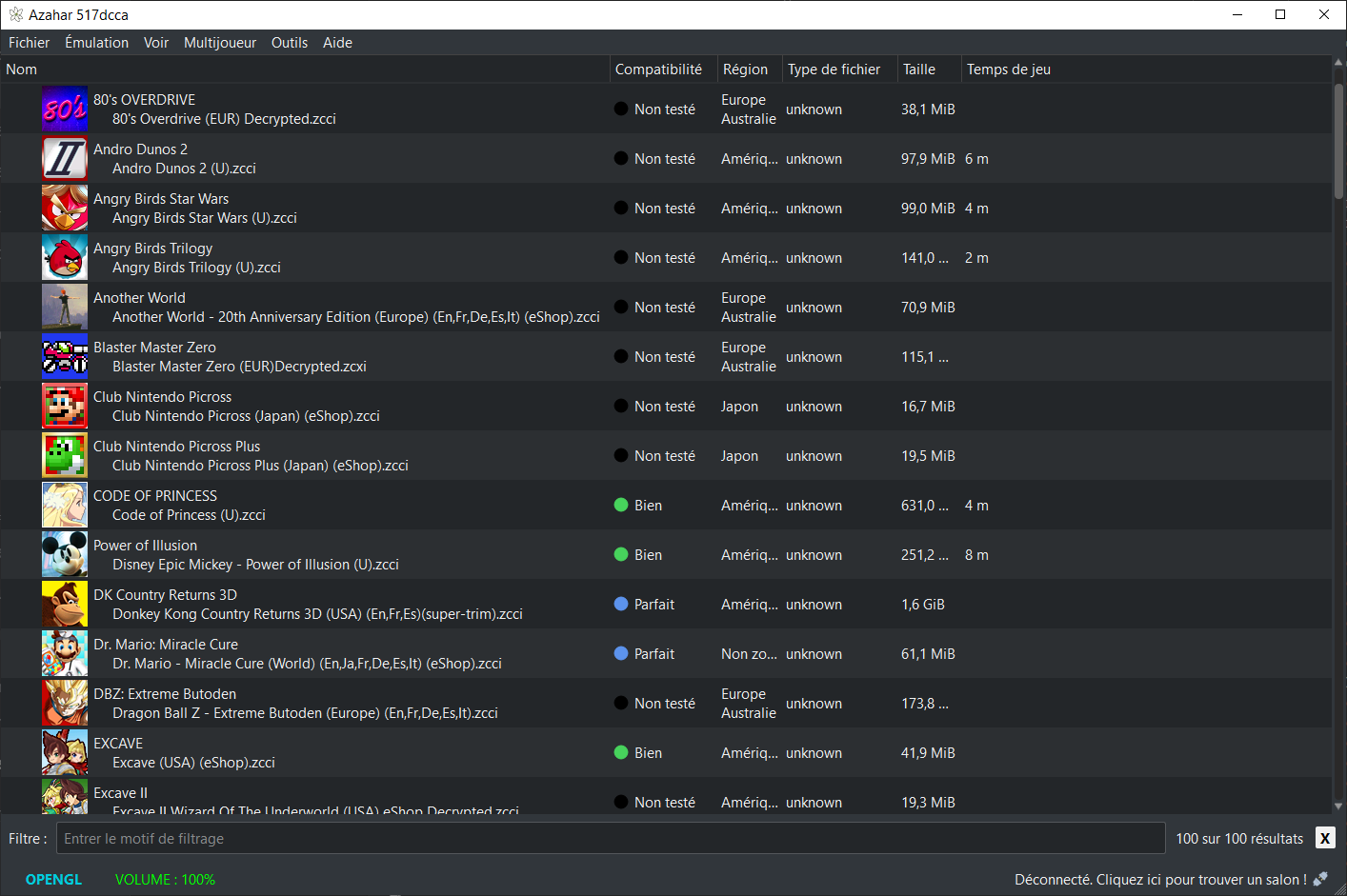
 

Note: Les fichiers .3ds non cryptés sont désormais pris en charge nativement.

 
Les changements:
 
Azahar 2125.0 Alpha 5
 
Général (All)
– Added compatibility with NetPass by implementing NWM_SOC::GetMACAddress. | @PabloMK7 #1840
– Requires « Enable required LLE modules for online features » to be enabled alongside the BOSS LLE module.
– The BOSS LLE module has recently been observed to cause the HOME menu to stop opening correctly under certain conditions, so use with caution until we’ve investigated the issue.
– CECD LLE module is now enabled by the « Enable required LLE modules for online features » setting. | @PabloMK7 #1842
– Download Play sessions can now be hosted without the DLP LLE module, meaning that Download Play is now fully operational with HLE only. | @lannoene #1828
– Fix an issue where certain applications, such as Nintendo Video, would incorrectly think they were receiving SpotPass data. | @lannoene #1828
– Added a debug option which allows toggling the console type specified in the console unique data between the Old and New 3DS types. | @PabloMK7 #1826
– Addressed validation issues Vulkan renderer which could potentially have resulted in undefined behavior. | @PabloMK7 #1818
– Fixed Nintendo Badge Arcade incorrectly displaying an « update data has been applied » message. | @PabloMK7 #1845
– Version numbers have been moved to the end of the release files’ filenames for easier readability. | @OpenSauce04 #1815
 
Android (Vanilla)
– Transition to using fully native file I/O for the Vanilla (non-GooglePlay) build variant. | @PabloMK7 @OpenSauce04 #1795
– This results in extreme reductions of loading time compared to previous builds or the current Google Play build.
– As an example, booting the HOME menu has been observed to drop from taking 30-45 seconds to now taking under 5 seconds.
– As explained in previous patch notes, these improvements don’t apply to the Google Play build due to restrictions put in place by Google via their Play Store app policies.
 
libretro
– The Vulkan renderer is now capable of rendering a visual cursor for touch-screen input if enabled, whereas previously only the OpenGL renderer had this capability. | @warmenhoven #1831
– Added Large Screen Proportion setting to core settings. | @fnune #1833
– Fixed a possible crash at startup when using the Vulkan renderer. | @fnune #1825
 
Windows (MSYS2)
– Fixed camera emulation with a real camera not working as intended. | @jbm11208 #1812
 
Windows
– Fixed filesystem issues with some games due to minor file I/O emulation inaccuracies. | @PabloMK7 #1841
 
——-
 
Azahar 2125.0 Alpha 4
– 2125.0 Alpha 4 is an amendment to Alpha 3 which addresses an issue which caused the Android build to crash when launched (#1810).
– It is otherwise identical to Alpha 3.

 
——-
 
Azahar 2125.0 Alpha 3
– Azahar is now available as libretro/RetroArch cores for various OS platforms (Linux, Windows, macOS, Android, iOS, tvOS).
– Greatly reduced CPU usage of Azahar while using Artic Base.
– Shader and pipeline compilation tasks are now handled by separate workers, improving parallelism.
– Fixed an issue with the Vulkan shader disk cache where transferring the cache between devices could cause graphical issues.
– Fixed unnecessary file IO spam while reading from Vulkan shader disk cache.
– Added HLE implementation for Download Play (DLP) client (LLE module no longer required to connect).
– Implemented new « Integer Scaling » option.
– Added a new « Layouts to Cycle » setting for hotkey customization.
– Major refactor of configuration backend for all platforms for better maintainability.
– Android: Added a new « Hotkey Enable » button bind.
– Android: Added new « Auto-Map Controller » button.
– Android: The drawer menu now always uses the layout appropriate for the current device orientation.
– macOS: Fixed a possible UI freeze during game list population.
– Windows: Explicitly tell AMD drivers to use the dedicated GPU by default.
– Technical: Intel macOS binaries are now built using macOS 15 + Xcode 16.
– Technical: Refactor and fix a resource leak in the Vulkan texture runtime.

 
——-
 
Azahar 2125.0 Alpha 2
– Re-added texture filtering functionality while using the Vulkan renderer.
– Fixed an issue which could cause Azahar to crash when resetting all settings to their default value.
– Removed all code relating to the old SDL2 standalone frontend.
– Technical: Remove redundant code relating to SSE4.2 CPU detection.
– Technical: Removed unused SSE/SSE2 CPU detection code.

 
——-
 
Azahar 2125.0 Alpha 1
– Implemented a disk shader cache for the Vulkan renderer in the form of .vkch files.
– Fixed an issue where the cheats list for the previously loaded game would be erroneously used if a game had no cheats.
– Minor fixes to local play for Luigi’s Mansion 1 and Download Play applications.
– Minor optimization applied to the Vulkan renderer which slightly reduces its memory usage.
– Fixed a rare issue where the emulator could attempt to pre-load custom textures even when disabled, resulting in a crash.
– Fixed an issue where a small subset of setting tooltips wouldn’t have automatic line breaks.
– Added new « Enable display refresh rate detection » debug setting.
– Windows: Fixed an issue where certain characters in an application name could become corrupted when creating a desktop shortcut.
– Technical: Improved code exclusion for features disabled at compile-time.
– Technical: Detection of CPUs using the FMA4 extension has been disabled.
– Technical: Added NATVIS to BitField class for better debugging in Visual Studio.


NB: L’outil Azahar Artic Setup est une application homebrew pour la Nintendo 3DS qui permet d’installer des fichiers système et des données uniques de la console sur l’émulateur Azahar en utilisant votre console. Il diffuse l’application « Paramètres Système » ainsi que le module système NIM pour effectuer une mise à jour système, et copie vos données uniques de la console pour activer les fonctionnalités en ligne.
 

Télécharger Azahar v2125 Alpha 5 (39.7 Mo)

Site Officiel

En savoir plus…

Pureikyubu est un émulateur de Nintendo GameCube en cours d’élaboration basé sur Dolwin.
 

Le but de l’émulateur est de rechercher les caractéristiques matérielles de la GameCube et de faire de la rétro-ingénierie sur les technologies utilisées pour développer des jeux pour cette plateforme.


– Merge pull request #321 from ogamespec/master
– Correctly handle Mem and DVD reset in PI CONFIG register
– Merge pull request #320 from ogamespec/master
– PI FIFO to pi.cpp
– set CP_CR_WPINC on reset
– Update README.md
– Merge pull request #319 from ogamespec/master
– Update CMakeLists.txt
– Update flipper.md
– Merge pull request #318 from ogamespec/master
– VS2022 project update
– Minor refactoring
– Misc fixes


Télécharger Pureikyubu (32 bits) v1.4 (1.2 Mo)

Télécharger Pureikyubu (64 bits) v1.7 (2026/03/09) (1.0 Mo)

Site Officiel

En savoir plus…

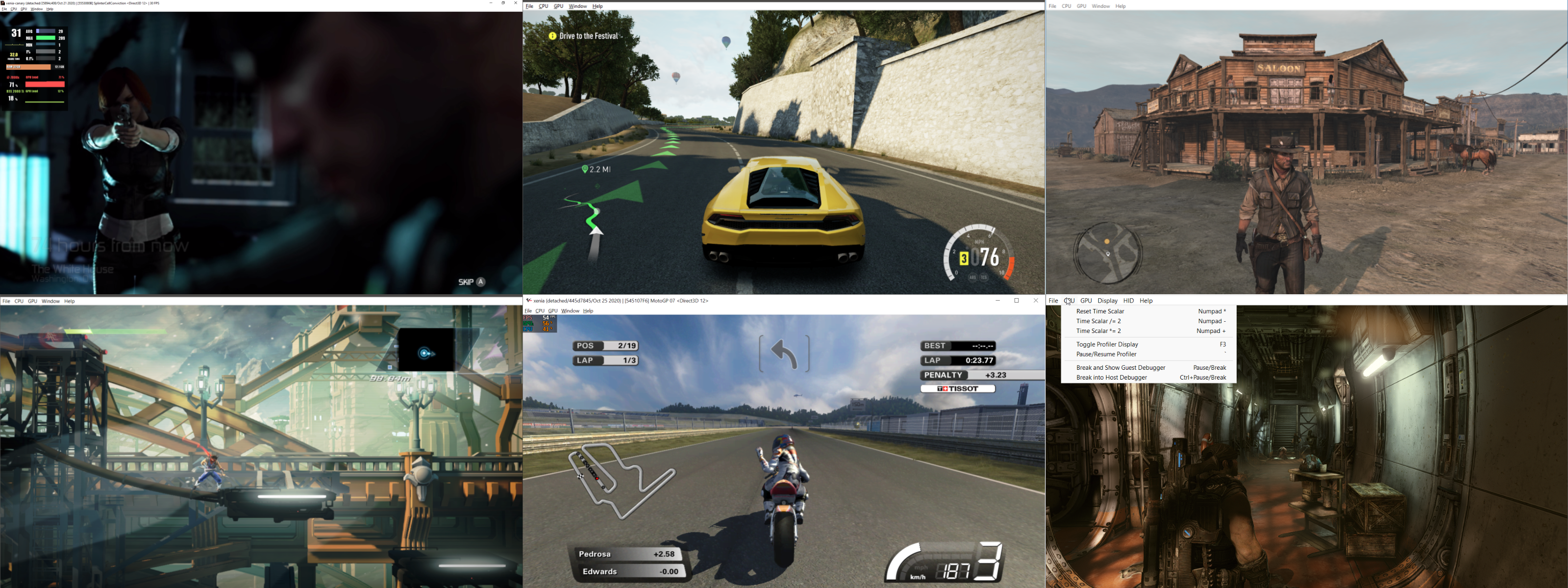
Créé par Ben Vanik alias Noxa (PSP Player), il s’agit d’un projet de recherche pour développer un émulateur Xbox 360. Notez qu’il vous faudra une machine très performante pour lancer des jeux commerciaux de façon fluide. Plus d’informations ici sans oublier le site de développement [master]. Un manager permettant de gérer l’émulateur Xenia est disponible ici.


– [Kernel] Fix data race on XFile position
– [CPU/Thread] setup r[2] constant value, only used by HV afaik
– [Kernel] Thread safety fixes for xfile, xmutant, and xtimer objects
– [APU] Move XmaContext::Block() to base class with RAII locking
– [XboxKrnl] Don’t crash the host on guest trap
– [APU] Fix audio crashes during shutdown
– [Kernel] Clear object handles before release in ObjectTable::Reset
– [Kernel] Remove some log spam
– [Xboxkrnl] Remove devkit memory access assert and replace with warning
– [x64] Fix vector mask issue and add missing tests
– [x64/Debug] Fix TrapDebugPrint to properly terminate string
– [CPU] Check for null when returning machine code ptr
– [Posix] Fix DeallocFixed crashes / memory leaks
– [CPU/PPC] Add Linux workaround for fdiv instruction format
– [Linux] Implement fast mutex similar to Windows version
– [Linux/Threading] change self-suspend to wait to be resumed
– [Memory] Linux cleanup shm files on exit
– [Threads] Ensure proper RTTI/vtable emission for PosixWaitHandle
– [Posix Threading] Robust mutexes
– [Posix Threads] Refactored condition variables from static to per-instance members and replaced deadlock-prone predicate-based WaitMultiple with polling using try_lock.
– [Threading] Signal handler / self-suspension improvements
– [Kernel] Ensure file mutex is initialized
– [Kernel] Thread suspend for posix to match windows semantics
– [Kernel] ReleaseSemaphore for Posix to match Windows semantics
– Fix potential buffer overflow in posix memory handling
– Keep threads from trying to suspend themselves on Linux
– [GPU] Ensure vsync works correctly on Linux.
– Fix menu hotkeys on Linux
– [Kernel/XMP] Add title-specific file I/O hooks for XMP volume sync
– [Build] Integration with CLion
– [Cmake] Filter Configuration presets. This removes VS preset visibility on linux
– [Base] Replace CRITICAL_SECTION with SRWLOCK based mutexes
– [Base] Use function-local static for global_mutex
– [Kernel] Return null on handle type mismatch instead of asserting
– Misc fixes


Télécharger Xenia v1.0.2841 (2026/03/09) (4.7 Mo)

Site Officiel

En savoir plus…

Novo Player est une application écrite en Electron et Angular et qui aide à organiser votre collection de logiciels MSX et à l’exécuter sur openMSX.


– Display screenshots for Spectravideo, ColecoVision and Sega game ROMs. Screenshot packages are available for each to download from the website
– Launch ColecoVision games on Gearcoleco
– Few bug fixes, enhancements and updates


Télécharger Novo Player v1.15 (62.9 Mo)

Site Officiel

En savoir plus…

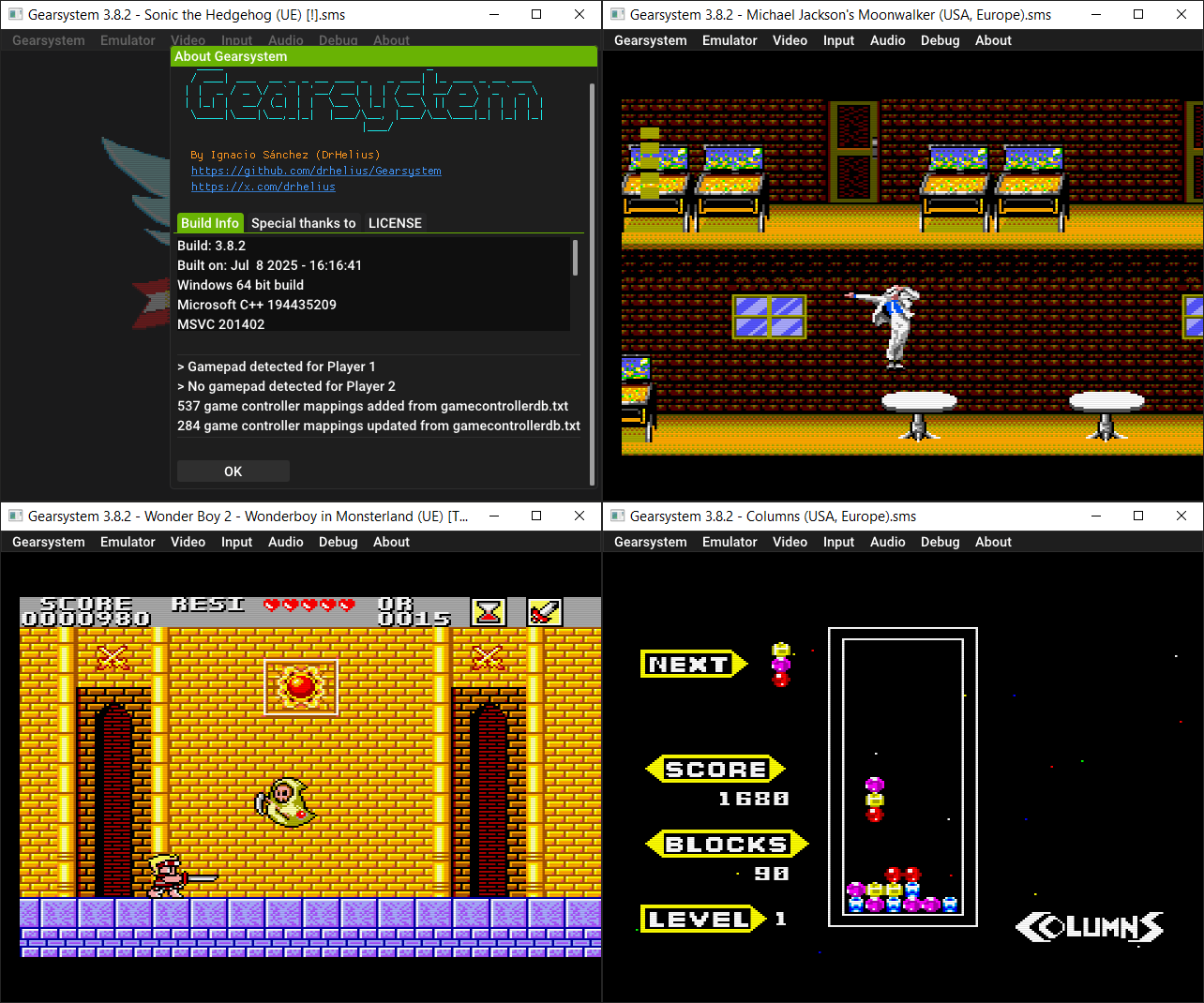
Il s’agit d’un émulateur de Sega 8 bits écrit en C++ par Ignacio Sanchez.
 
Il émule les machines suivantes:
– Sega Mark III
– Sega Master System
– Sega Game Gear
– Sega Game 1000 (SG-1000)
– Othello Multivision


Voici donc les changements:
 

🎯 Increased accuracy
💾 Desktop app migrated to SDL3 + OGL3
🧠 MCP server for AI assisted debugging and hacking
⚙️ Completely redesigned debugger with new features and windows
🔈 Improved audio latency with configurable settings
🗒️ New option to load default settings
🖥️ Support for vsync in 120/240 Hz screens
🗺️ Iratahack mapper
🎮 Updated game controller database
🐛 Many bug fixes

 
Le binaire 32 bits est compilé par Lo v2.


Télécharger GearSystem (32 bits) v3.1.0 (13.5 Mo)

Télécharger GearSystem (64 bits) v3.9.0 (2.5 Mo)

Site Officiel

En savoir plus…

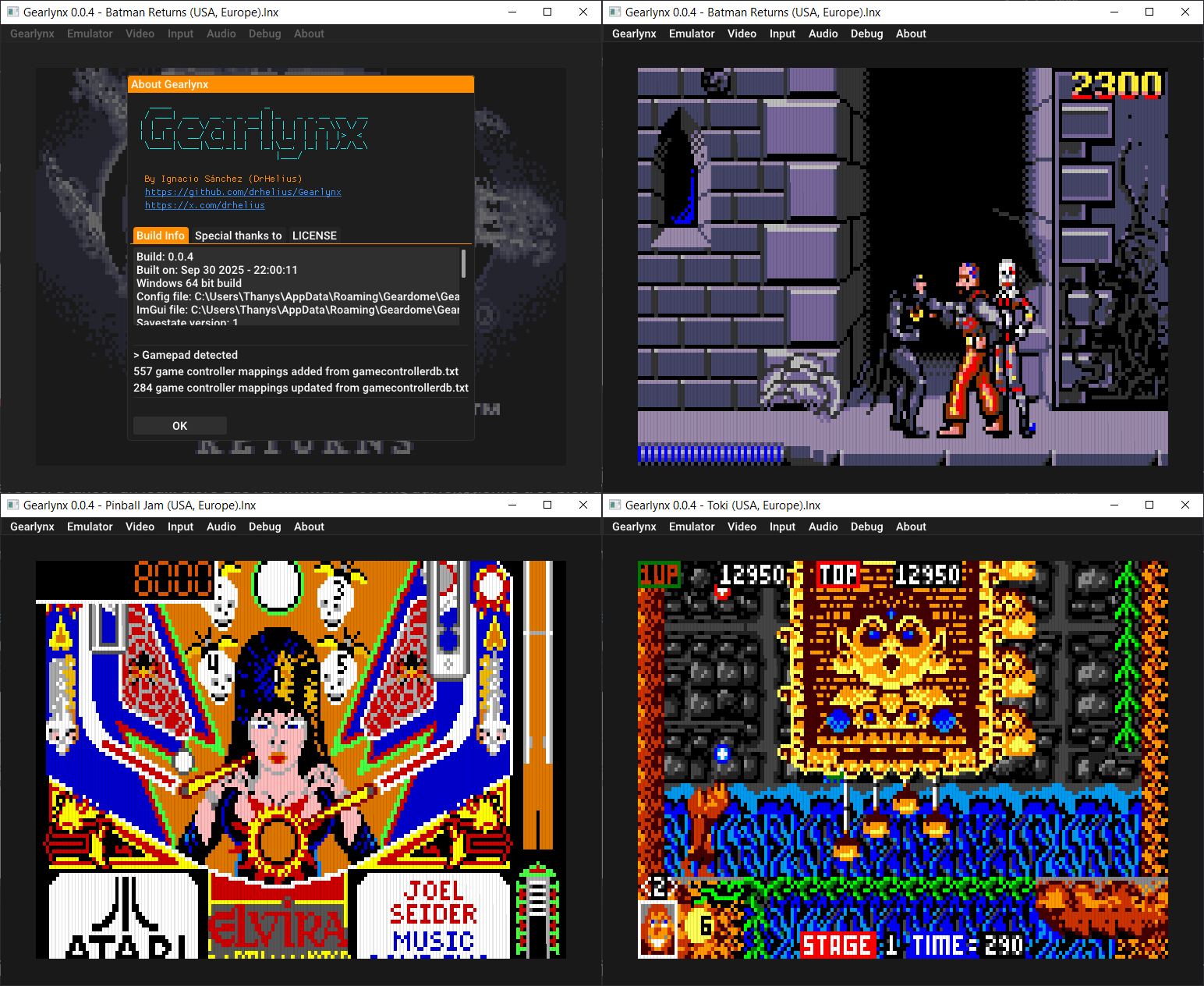
GearLynx est un émulateur d’Atari Lynx pour Windows.


Les changements sont:
🎮 Updated game controller database
👾 [libretro] Migrated to core options v2 with descriptions
🐛 Many bug fixes and improvements


Télécharger GearLynx v1.2.1 (2.3 Mo)

Site Officiel

En savoir plus…

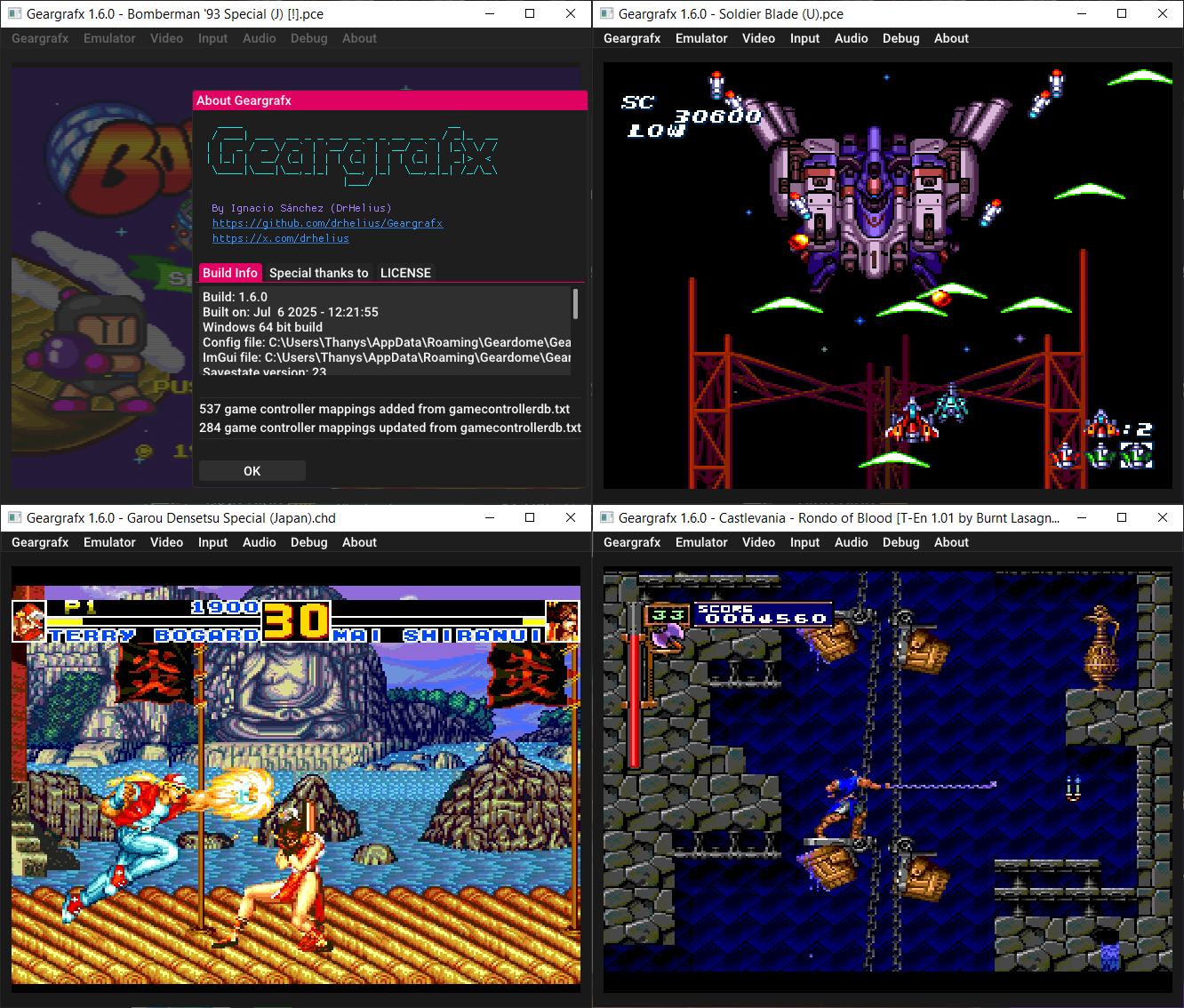
Il s’agit d’un émulateur de PC Engine / TurboGrafx-16 / CD-ROM² / Super CD-ROM² et Arcade CD-ROM² / SuperGrafx multi plateformes.


🎮 Updated game controller database
👾 [libretro] Migrated to core options v2 with descriptions
🐛 Many bug fixes and improvements


Télécharger GearGRAFX v1.7.1 (2.5 Mo)

Site Officiel

En savoir plus…

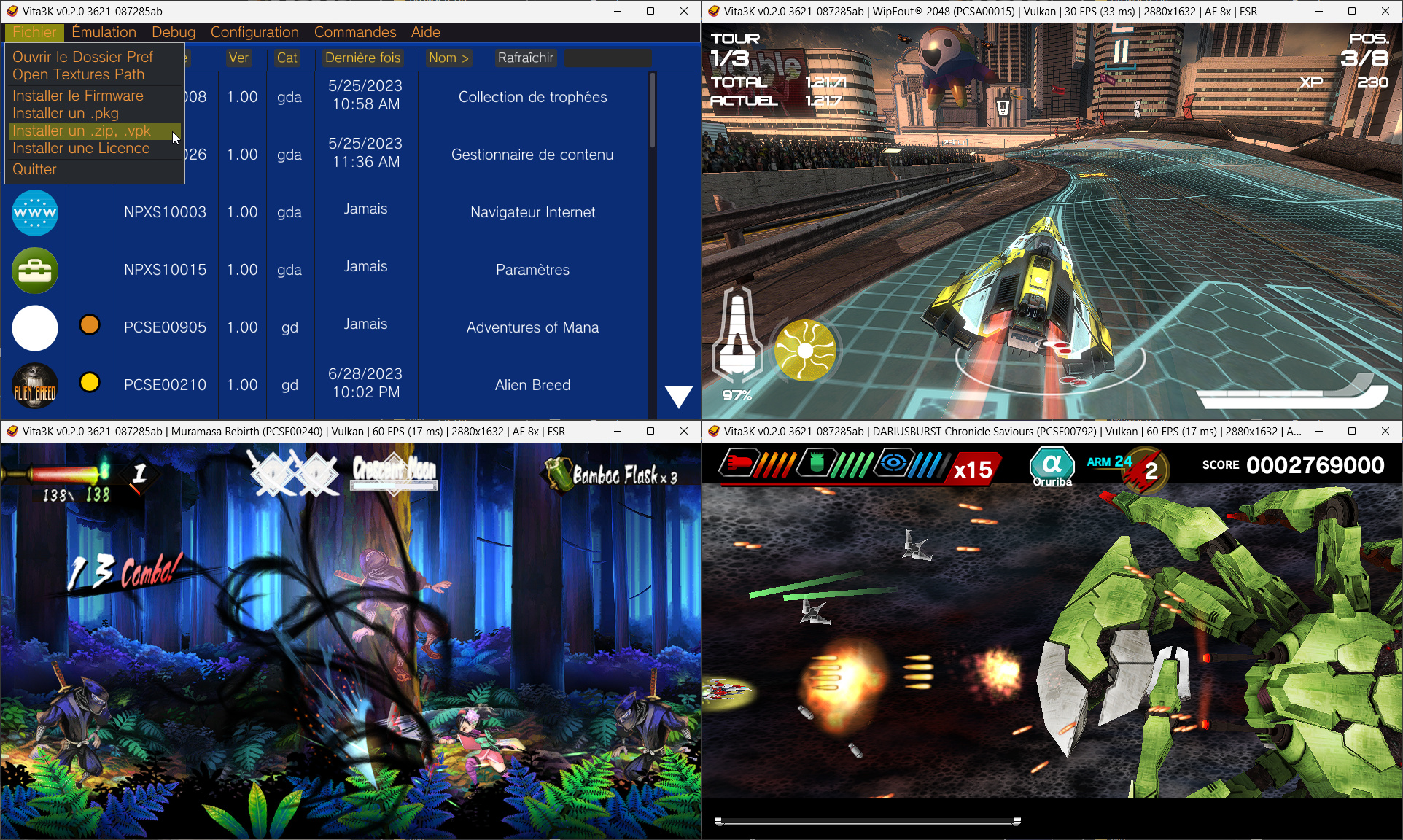
Il s’agit d’un émulateur de Sony Playstation Vita pour Windows et MacOS, émulant homebrew, démos ainsi que des jeux commerciaux.


Site source (et builds automatiques).
 

Télécharger Vita3K v0.2.1 (2026/03/08) (14.3 Mo)

Site Officiel

En savoir plus…

Il s’agit d’un émulateur de Sega Megadrive et Mega-CD.


Version en ligne disponible ici.
 
Les changements:
Updated ClownMDEmu core:
– 68k delays caused by DMA transfers are now emulated.
– Fixes Sonic 2’s split-screen showing level geometry where it should not be visible.
 
Improved cheat menu:
– Individual cheats can be applied by pressing the Enter key.
– Added checkboxes so that cheats can be disabled without deleting them outright.
 
Made the sizing of some windows automatic instead of hardcoded.
– Fixes the tile viewer showing 15 tiles per line instead of 16 (at 100% DPI).
– Generally makes the sizing of windows neater across all DPIs.
 
– Fixed race conditions involving file loading/saving which could result in crashes.
– Input devices are now bound when a button is pressed, instead of when they are connected.
– Fixes the controls not working on the Steam Deck, which was due to input 1 always being assigned to the non-existent keyboard rather than the controller.
– Added support for loading ZIP-compressed ROMs.


Télécharger Clownmdemu v1.6.8 (10.7 Mo)

Site Officiel

En savoir plus…

Gaming History offre des fichiers INI uniques.
 
✓ Données provenant du site Gaming History, la plus grande base de données de jeux sur Internet (plus de 25 ans de recherche sur les jeux : plus de 500 000 jeux)
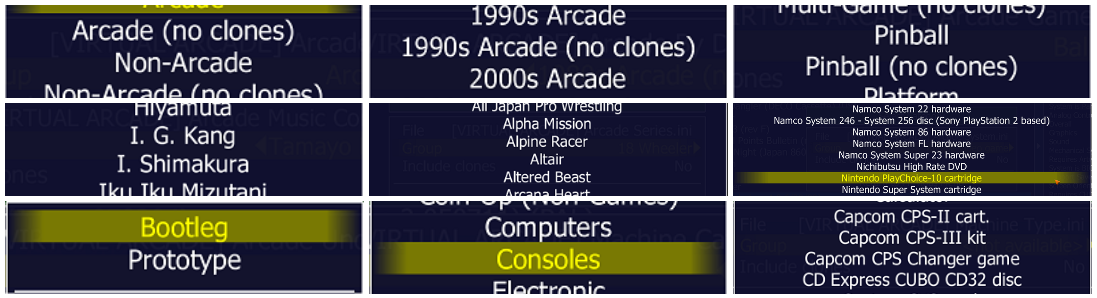
✓ Fichiers INI de haute qualité uniques pour MAME
✓ Toujours mis à jour pour la dernière version de MAME
✓ Toujours utilisant la dernière version de history.xml (pour les filtres INI pris en charge)


Le fichier compagnon parfait pour les fichiers INI de Gaming History Inifiles est History.xml. Ce fichier vous donne des informations sur chaque jeu dans l’onglet « Info » de MAME sur le côté droit de l’écran (cliquez sur la flèche droite pour activer « History »).


Quels fichiers INI pourrez-vous télécharger ?
 

– Machine Type: classement par type exact de machine
– Machine Category: classement plus générale, par catégorie de machine
– Game or No Game: Encore plus générale, si la machine est un jeu ou non.
– Etc.
 

Télécharger Gaming History Inifiles pack v0.286 (195 Ko)

Site Officiel

En savoir plus…

Il s’agit d’un ficher XML (anciennement un .DAT) regroupant plusieurs informations retraçant l’historique des avancées de l’émulation des jeux ainsi que des informations sur eux au sein de MAME (arcade/consoles/ordinateurs), il comporte également une section « tips and tricks ». En anglais.


Télécharger Mame History v2.86 (12.6 Mo)

Site Officiel

En savoir plus…

Pegasus est une interface graphique pour permet de parcourir votre bibliothèque de jeux et de lancer toutes sortes d’émulateurs via un même endroit. Il se concentre sur la personnalisation, la prise en charge multiplateformes et les hautes performances.


– Updated the localizations
– Misc fixes


Télécharger Pegasus Frontend Alpha 16 r93 (14.7 Mo)

Site Officiel

En savoir plus…


Casino-en-ligne-fiable.com

https://getourbonus.com/fr/accueil

https://www.romspedia.com/

https://www.casinoonlinefrancais.fr

Lucky 7 bonus

https://www.casinogratuitsansdepot.com

pablocasino.org

critiquejeu.info

playbonus

casinodoc.org

laplanquedujoueur.com

casinoonlinefrancais