Voici ColEMu, un émulateur Colecovision tournant sous Dos et WIndows développé par le célèbre Marat Fayzullin. Sachez que l’émulateur est très complet et qu’il a été développé en C, ainsi un certain nombre de portage ont pu être effectués, en vrac : Unix/X, Amiga, Dreamcast (…).


colem


– Not resetting VDP address latch when reading status (Sir Lancelot).
– Implemented 5th sprite fields in the VDP status register.
– Switched SN76489 PSG to logarithmic volumes.
– Corrected SN76489 PSG base frequency.
– Added more realistic « LD R,A » opcode to the Z80 emulation.
– Added undocumented opcode 71h to the Z80 emulation.
– Added accurate R register emulation.
– Added accurate LDIR/LDDR emulation.
– Added « replay » function (press [SHIFT]+[F8] to record, [F8] to replay).
– Added vertical scanlines effect to ColEm-Windows.
– Added LCD-like raster effect to ColEm-Windows.
– Started adding Coleco Adam emulation (not yet complete).
– ColEm-Android port is now available from Google Play.
– Maemo, Meego, Symbian, and MSDOS versions are no longer supported.


Télécharger ColEM v2.9 (120,4 Ko)

Site Officiel

En savoir plus…

Une interface graphique pour Mame dédiée aux MameCabs.


Fonctionnalités :
Gratuit ! Code Source disponible sur demande ; faites moi savoir si vous trouvez des problèmes ou désirez des améliorations
* Support totalement jouable des mini-jeux du frontend ; George et R9-A se combattent pour le contrôle de la sélection du jeu
* Supporte tout programme que vous pouvez lancer par ligne de commandes ; Si vous pouvez le lancer via la ligne de commandes, vous pouvez le lancer de Big Blue
* facile et simple configuration de liste de jeux qui n’a pas besoin d’être changé continuellement à chaque version de l’émulateur
* ^Fonctionne à n’importe quelle résolution ou Aspect ratio (les résolutions de 320×240 à 3840×2160 ont été testées)
* Theme qui change en fonction de l’heure de la journée
* Effets Pixel shader
* Son et musique
* Economiseur d’écran avec timer configurable
* Possibilité d’arrêter ou redémarrer l’ordinateur en sortant du frontend
* Contrôles configurables du frontend


Les modifications :
05/23/2014
– Fixed alignment of debris in portrait mode
– Added speed modifier so that George doesn’t climb the building at the speed of light when in portrait mode.
– If George dies while he’s behind the energy bars, the energy bars no longer stay transparent through the end of the round.
– When the time runs out during a versus match, the numbers beneath the energy bar revert to their normal colors just like SF2.
– Added vertical game XML file and started adding snapshots for vertical games.

05/22/2014
– When running in portrait/rotated mode, Big Blue will now change the game snapshot to 3:4 aspect ratio so that screenshots of vertical games won’t be distorted
– SF2-style energy bars are now generated programmatically instead of using a sprite rip from the original game; this allows Big Blue to display the energy bars without any gaps at any resolution without any resolution specific hacks
– Snapshot border now uses an opacity layer instead of baking the shadow into the image
– Added portrait mode SF2 image for the snapshot during a versus game


Télécharger Big Blue Frontend (2014/05/23) (17,5 Mo)

Site Officiel

En savoir plus…

Un émulateur de NES qui comme son nom l’indique permet l’affichage en haut définition (et supportant des packs de textures).


hdnes

 
Les changements :
– Fixed a bug when removing redundant screen shots used by the graphics pack editor.
– Compiled the emulator with SSE.
– Reduced the amount of rendering by keeping graphics data from one frame to the next. Large speed improvement when using 4x graphics pack in games with many unique tiles appearing at the same time on the screen but do not vary a lot between frames. For example the title screen of Dragonball Z.


Télécharger HD NES (2014/05/24) (2,0 Mo)

Site Officiel

En savoir plus…

amber


Vous vous êtes rendus au casino hier soir et vous avez tout perdu aux machines à sous ?? Pour satisfaire votre dépendance sans vous ruiner, voici Project Amber !


Un grand projet actif mené par Guitar. Project Amber peut émuler une grande majorité de jeux MPU4.

Supporte les Barcrest, BWB, Cristal, Coinworld, Empire, MDM, Il propose davantage d’options et de compatibilités que MFME. Un bon complément à celui-ci ; Déjà une référence en matière de Fruit machine !


Vous trouverez tous les détails concernant Project Amber dans une section dédiée sur le forum de Fruit-Emu, où s’active une sympathique communauté.


De nombreux changements pour cette version :

1) Fixed bug in importer causing source widths/height error.

2) Alpha Graphics Setting now saves in Emulator rather than layout.

3) Added BGT, Gemini and Union Games to the manufacturers lists and EDC.

4) Made the classic chat a bit bigger and added always on top option.

5) Intro Screen now displays when loading online games / challenges.

6) Fixed the flickery lamps bug when adjusting layout brightness.

7) Added an Exit option to the menu’s in addition to Escape key to exit.

8) Stopped layouts breaking when setting details in « Helpers » form.

9) Cleaned up some of the server communication code.

10) Made classic chat window appear on load when enabled.


Une démonstration (hélas datant de 2 ans) de Project Amber


Télécharger Project Amber v0.10910 RC1 (47,1 Mo)

Site Officiel

En savoir plus…

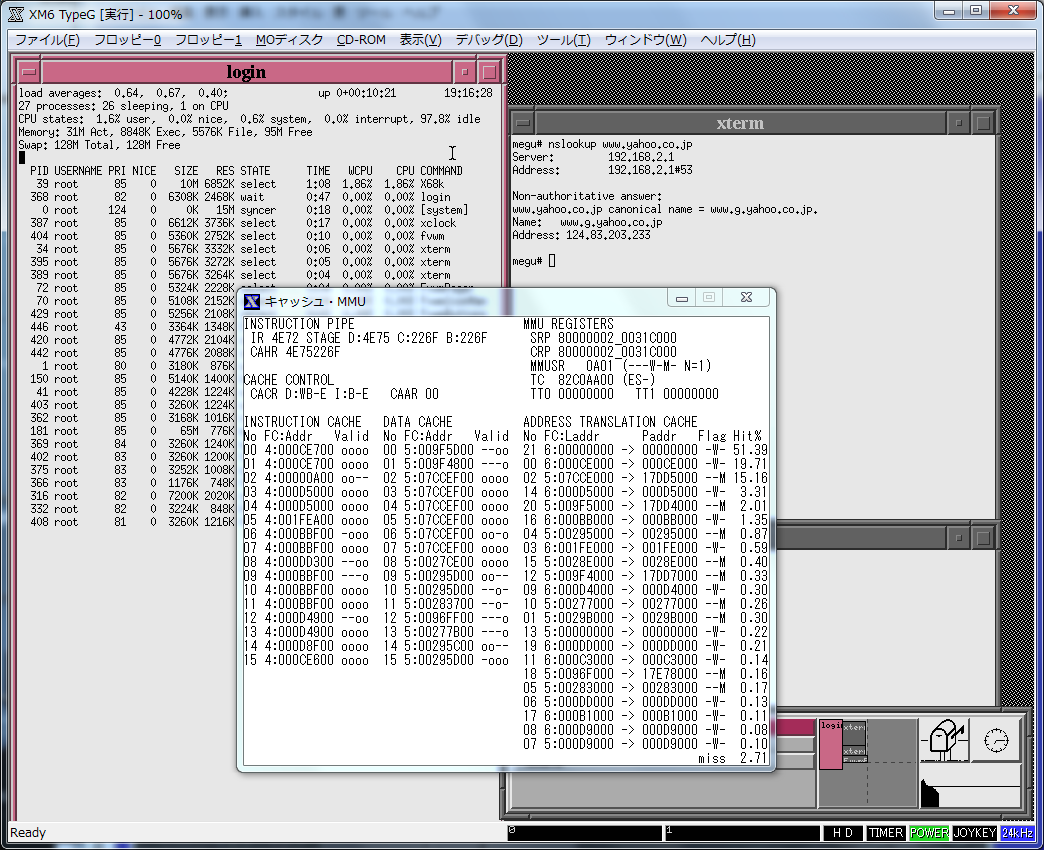
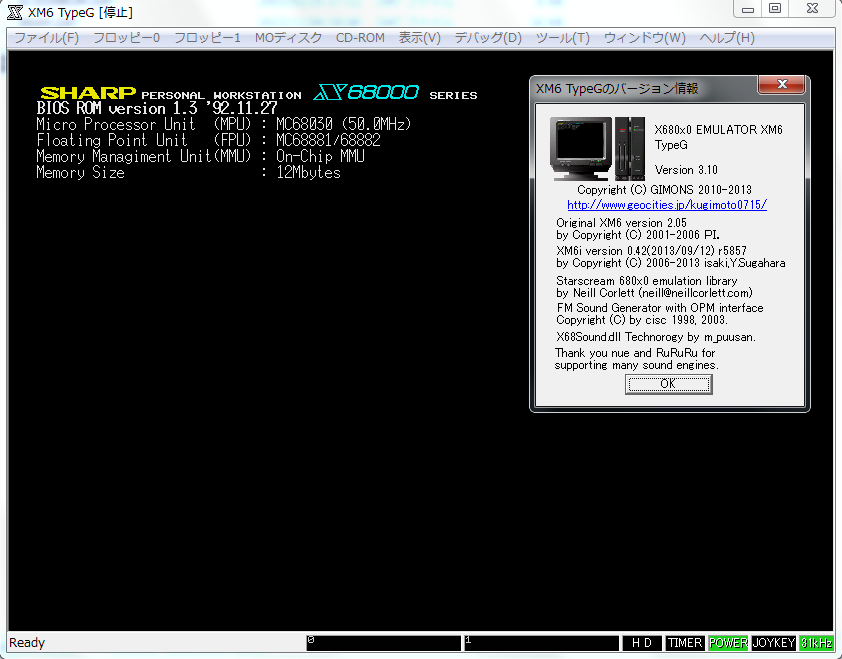
Un émulateur de Sharp X68000 utilisant StarScream comme noyau (plus rapide que celui de Mame).


netbsdX 68030mode


Télécharger XM6 Type G (StarScream) v3.12 (2014/05/23) (8,2 Mo)

Site Officiel

En savoir plus…

MAMEUIFX est basé sur le code source de MAME/MAMEUI, emprunte des améliorations à de nombreux builds non officiels (en vrac : StretchMAME, JMAME, RND, AdvanceMAME, CANAME, WHACK…).

Il s’agit d’une version de test susceptible d’avoir des bugs, à tester.


Télécharger MAMEUIFX32 v0.153 r30615 (16,6 Mo)

Télécharger MAMEUIFX64 v0.175.1 (18.4 Mo)

Site Officiel

En savoir plus…

PinballX est un frontend gratuit pour jeux de flippers numériques développé par l’auteur de GameEx. Il est compatible avec les bases de données et les médias disponibles pour HyperPin.


Télécharger PinballX v1.83 (53,7 Mo)

Site Officiel

En savoir plus…

RAEM (ex-RA player -afin de ne pas être confondu avec Real Player- est une interface graphique dédiée à RetroArch. RAEM vous permet de configurer séparemment les différents cores des différents systèmes (NES/SNES/PSX/etc). Vous pouvez même gérer plusieurs cores de systèmes (comme Snes9X / bSNES etc).


RAEM permet :
– de configurer les cores des systèmes (mode avancé préliminaire)
– la configuration des contrôles par core (requiert “retroarch-joyconfig.exe”)
– Ajoute une extension d’archive automatique dans le système « types de fichiers »


Télécharger RAEM v0.5.1.0 (149.7 Ko)

Site Officiel

En savoir plus…

Créé par BUT, Emuman, K&K, Sword et Xvi. Mame Plus! est sans problème la meilleure version de Mame pour Windows, avec ou sans frontend. Support multi-langage, tirs automatiques, option anti-sortie, interface interne améliorée, interface de gestion des roms améliorée, effets vidéos supplémentaires (2xSai, RGB, hq3x, 2xPM…), meilleure gestion des contrôles, support de la NeoGeo en mode console, il regroupe également plein de correctifs et de drivers additionnels…


r5157
*misc update
———————
r5156
*[MAMEUI] Sync with MAMEUI [Mamesick]
———————


Site source n°1. Site source n°2. Site source n°3.


Télécharger Mame/MameUI Plus! (x86) v0.153 r5157 (51,6 Mo)

Télécharger Mame/MameUI Plus! (x64) v0.168 r5272 (32.8 Mo)

Site Officiel

En savoir plus…

Un émulateur de Commodore C65 qui fut un prototype et qui ne fut jamais vendu officiellement par Commodore.


C65


Les changements sont les suivants:

– Implemented the SPC and TAB parameters in the PRINT function (respectively, to display the specified amount of spaces and move the cursor to the specified column).
– Fixed a bug in the LOCATE function that used to add the screen border twice instead of once to the cursor position.
– Fixed a bug in the DLOAD function that used to hang the emulator if a syntax error was made when entering the command.
– Fixed a bug in the LET function that used to leave residual characters of a previous string initialization, if the new value was shorter than the older one.
– Implemented the system timer. This counts the 60ths of a second elapsed since the C65 was switched on (or, in this case, since the emulator was launched) and stores the value into the numeric variable TI. Instead, the string variable TI$ contains the system time, like it would in a C65 with a real-time clock.
– Implemented the SCNCLR function.
– Implemented the support of sequential files, with the functions DOPEN, APPEND, DCLOSE, INPUT# and PRINT#. This makes it possible to read and write files from within a BASIC 10 program.
– Added a new feature to the Windows frontend: a menu called Paths, from which you can now tell the frontend where the Hi65 and VICE executables are located. The default is that both are located in the same directory as the frontend, which is true for Hi65, but if you want to use the frontend with VICE without moving files around, you’ll have to use the appropriate option of the Paths menu to specify the VICE directory.
– Fixed a bug in the frontend that used to make the « Launch with current program » button work incorrectly.
UPDATE: Optimized and debugged the INPUT function, to prevent it from corrupting the data when reading a negative non-integer.


Télécharger Hi65 v4.1 (1.2 Mo)

Site Officiel

En savoir plus…

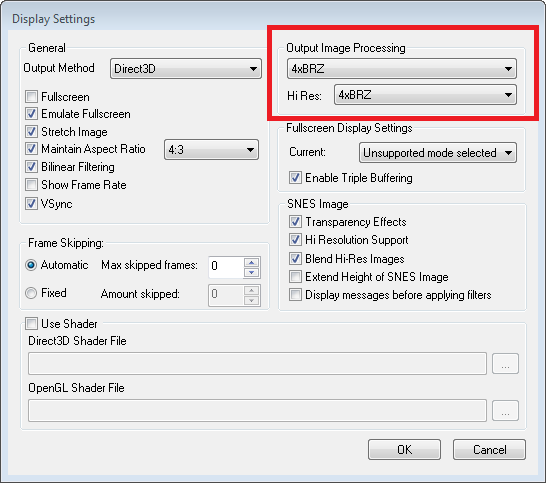
Il s’agit de Snes9x avec le support du filtre graphique xBR modifié par Zenju et appelé xBRz. Notez que le support du xBR était déjà présent via les shaders (utilisation de la carte graphique) mais qu’il s’agit ici d’un filtre (utilisation du CPU) principalement dédié au traitement de l’image en sortie. Version 64 bits uniquement.


snesxbrz


Télécharger Snes9x xBRz v1.53 (2.0 Mo)

Site Officiel

En savoir plus…

Créé par Ben Vanik alias Noxa (PSP Player), il s’agit d’un projet de recherche pour développer un émulateur Xbox 360. N’espérer donc pas jouer avec des jeux commerciaux avant longtemps. Plus d’informations ici sans oublier le site de développement là.


Télécharger Xenia WIP (2014/05/22) (1,7 Mo)

Site Officiel

En savoir plus…


https://getourbonus.com/fr/accueil

https://www.romspedia.com/