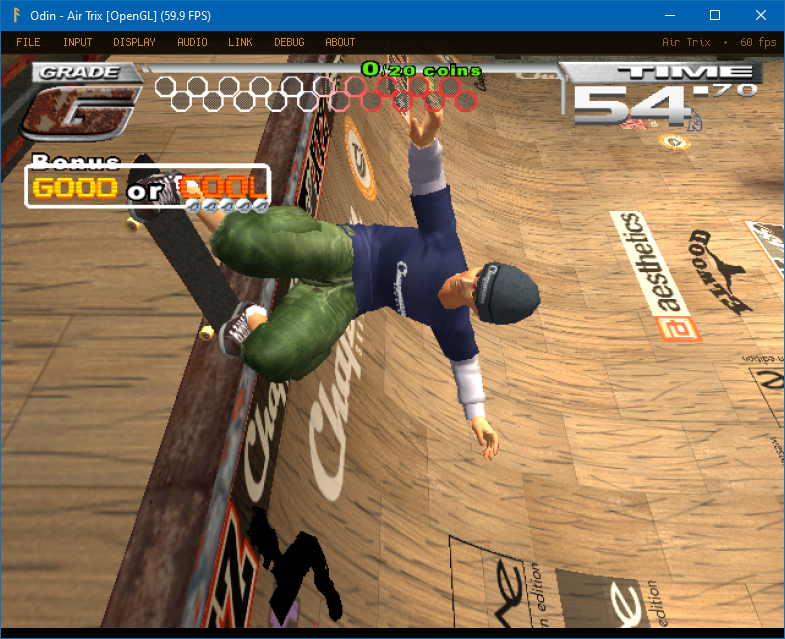


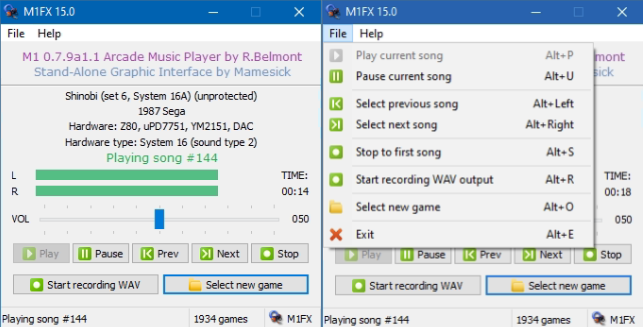
Créé par Mamesick et originellement destiné à son émulateur MAMEUIFX (à présent Arcade64), il s’agit de M1 avec un frontend intégré (et simplifié) dans un seul exécutable et permettant de régler le volume ou même d’enregistrer.
Les changements:
– Added new option « Save new rompath in M1.INI file » enabled by default
How setting a new rompath works:
1) Launch M1FX as usual, from the ARCADE GUI or with a double-click. In this last case, a new message « Select a game » will appear.
2) Use « Select new game » button or Menu option. Now browse to your ROMS directory, it can be everywhere on your PC, even on another drive. Select a game and verify that (if supported) the ROM is loaded and played.
3) If « Save new romparth in M1.INI file » is enabled, as it is by default, this path will be stored in M1.INI and will be available to be your default path until you’ll decide to change it again with the method at point #2.
That’s all. A bit of testing is required, please let me know if you’ll encounter some strange behaviour.
Ancien sujet.