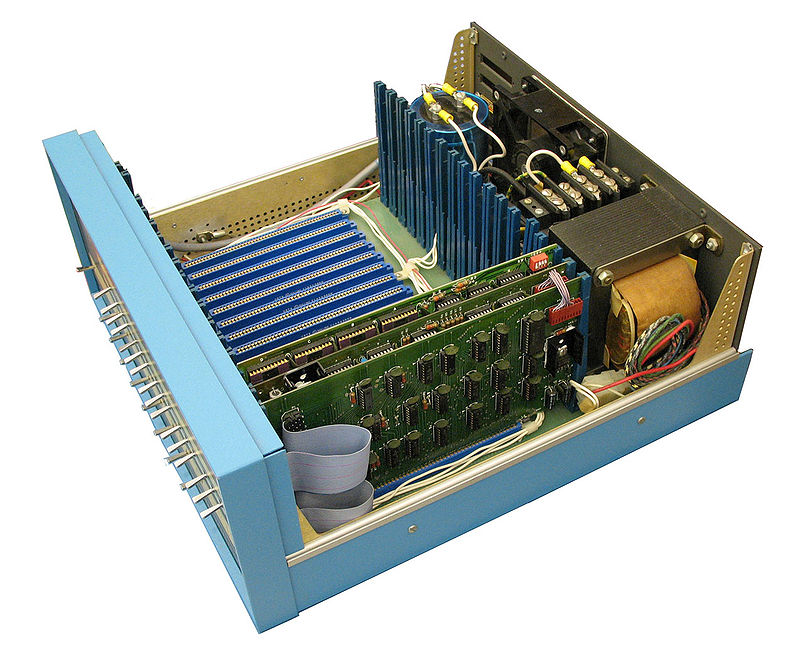
Il s’agit d’un émulateur d’Altair 8800, considéré comme l’un des premiers micro-ordinateurs vendus aux particuliers.
0 commentaire



Il s’agit d’un émulateur d’Altair 8800, considéré comme l’un des premiers micro-ordinateurs vendus aux particuliers.
Appelé aussi MAME/MESS logo pack, il s’agit d’un pack d’icônes pour MAME (arcade, consoles et ordinateurs) dont la définition est supérieur au traditionnel 32x32px.
– Further optimisations: converted about 99% of the images to indexed color with optimized palettes
– Countless logo’s fixed/cleaned up/improved, still a few to go
– added ‘clones’ folder. The subfolders contain symbolic links named after clones. Copy these in the respective logo folder to have clone support!
– added ‘nologo’ folder. These contain symbolic links to an error sign, to help me remind the logo of that particular game cannot be obtained because it doesn’t run or the game doesn’t have in in-game title logo.
Il s’agit d’un émulateur de Nintendo NES (et aussi FDS, NSF, NSFe, VS System) écrit en C++ (interface en c#) gérant le multi threading et est capable de s’exécuter en mode 32 ou 64 bits automatiquement. Il s’attarde sur la précision, gère un ensemble de mappers et filtres graphiques (mais aussi les packs HD au format HDNes) ainsi que les extensions zip/7z, permet l’enregistrement vidéo, le jeu en ligne ou encore d’utiliser des codes de triches. De plus, il se mettra à jour automatiquement. En outre il dispose également d’un débogueur.
Il vous faudra disposer de Windows Vista, 7, 8, 8.1 ou 10 ainsi que DirectX 11 avec .NET Framework 4.5+ d’installé.
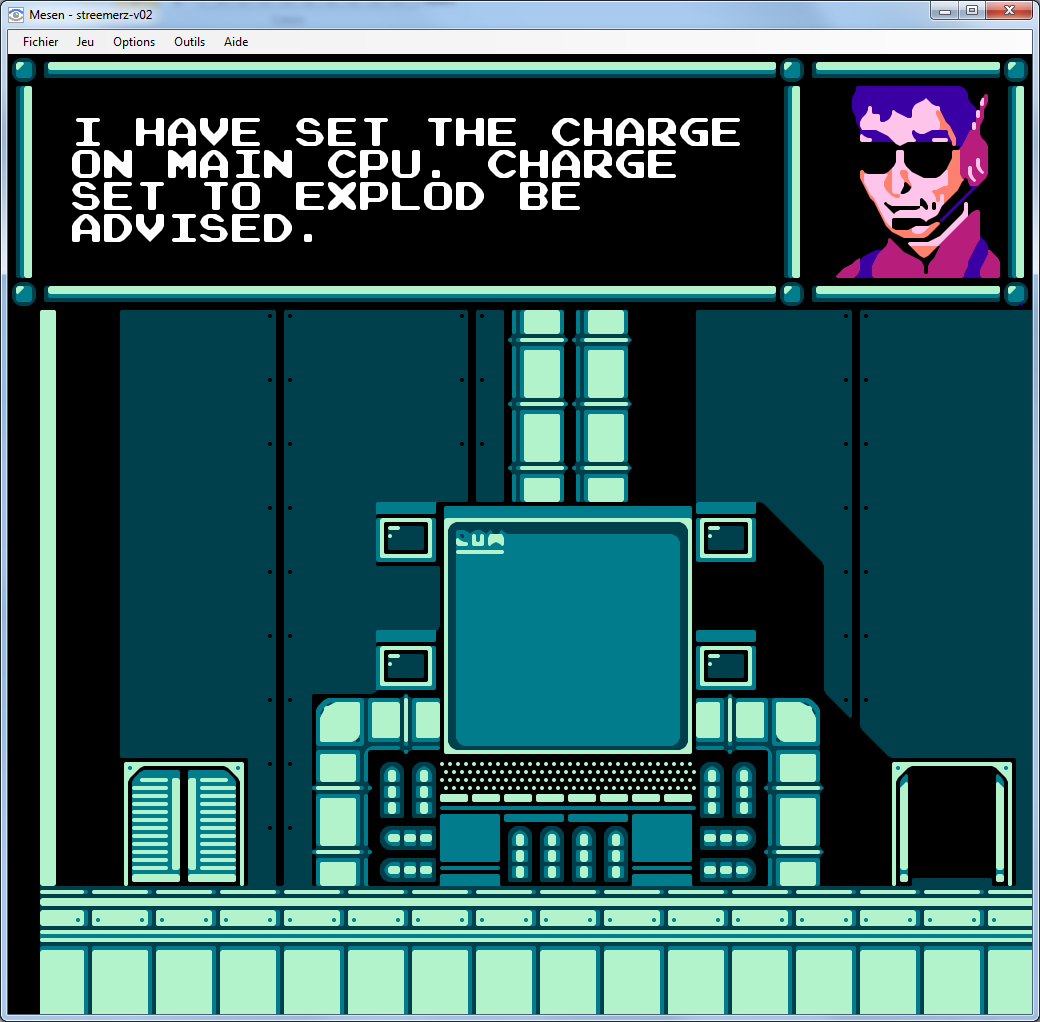
This release is a beta – save states, movies, etc. created with this version may not be compatible with future versions of Mesen.
New Features
– Compatibility: Added support for 20 new mappers (28, 31, 40, 42, 46, 48, 50, 56, 132, 133, 142, 170, 171, 172, 173, 175, 177, 179, 182, 252)
– Input: DirectInput controllers/joysticks (e.g: PS4 controller, etc.) are now supported.
– Overclocking: Added a lag counter like the one present in FCEUX and puNES.
– Sunsoft 4: Improved compatibility for this mapper.
Bug Fixes
– Audio: Fixed a bug in the square channel’s sweep units – fixes audio distortion in some games.
– Open Bus: Improved open bus implementation.
– VS System: Fixed a palette bug that could occur after loading VS System games.
– VRC4: Fixed a bug that was causing TMNT2 (J) to crash.
Fuse (Free Unix Spectrum Emulator) est un émulateur tournant à l’origine sous Unix. Plusieurs portages ont été fait dont celui pour Windows. Les systèmes 16K, 48K, 128K, +2, +2A, +3, +3e, SE, TC2048, TC2068, TS2068, Pentagon 128 et Scorpion ZS 256 sont émulés.
Emulation core improvements:
– Fix bugs when the detect loaders feature is being used (thanks, Lee Tonks and windale) (Fredrick Meunier).
Debugger improvements:
– Remove the need for « % » when accessing system variables (Philip Kendall).
– Add Z80 registers as debugger variables (Philip Kendall).
– Expose last byte written to the ULA, tstates since interrupt, primary and secondary memory control ports as debugger system variables (Philip Kendall).
– Make breakpoints on events honour lifetime (Sergio Baldoví).
– Extend breakpoints on paging events to more peripherals: Beta 128, +D, Didaktik 80, DISCiPLE, Opus Discovery and SpeccyBoot (Sergio Baldoví).
– Split +D memory sources into RAM and ROM sections (Sergio Baldoví).
– Coalesce +D and DISCiPLE RAM pages so they show as 8K pages (Sergio Baldoví).
Miscellaneous improvements:
– Update GNOME .desktop file (Alberto Garcia).
– Add an emulator module startup manager to automatically handle dependency issues (Philip Kendall).
– Fix crash on widget UIs when hitting the close icon on the title bar several times (Sergio Baldoví).
Il s’agit d’un wrapper pour MAME (en ligne de commande) qui télécharge automatiquement les roms (à partir des softwarelist) depuis archive.org si celles-ci ne sont pas présentes dans le rompath. L’usage de la ligne de commande est identique à MAME original, il faut juste préciser ou se situe son exécutable. Il vous faudra une version de JAVA installée sur votre ordinateur.

0.7
– Now distributed as a zipped package as well
– Added support for negative boolean options (-[no]option)
– Fixed bug some mame games seems to need others files ex Punisher qsound
0.6
– Fixed bug ia-mame
– Now support download of Mame system CHD files
– The download total size and progress in percent is now displayed.
– Handle the configuration parameters (ie rompath and so on) set from the command line too
Il s’agit d’un émulateur de consoles Nintendo 8/16-bit. Le site étant entièrement en japonais, il est difficile d’en connaitre les réelles améliorations.
Voici les derniers émulateurs (et aussi les plus fréquemment mis à jour) en cours de développements.
Citra: Emulateur de 3DS.
RPCS3: Emulateur de Playstation 3.
Nucleus: Emulateur de Playstation 3.
SuperModel: Emulateur de Sega Model 3.
Decaf-Emu: Emulateur de Nintendo Wii U préliminaire.
Xenia: Emulateur de Microsoft X-Box 360.
Cen64: Emulateur de Nintendo 64 Préliminaire.
Télécharger Citra (Final build) (2024/03/07) (140 Mo)
Télécharger RPCS3 v0.0.43 Alpha (36.7 Mo)
Télécharger Nucleus (WIP) (2016/08/28) (715 Ko)
Télécharger SuperModel v0.4 Build 261122 (5.2 Mo)
Télécharger Decaf-Emu Build 231109 (40.8 Mo)
Un émulateur de PSP écrit en Java. Codé par Mad et Shadow (PCSX2) et rejoint par Wrayal, Fiveofhearts, Hlide et Dreampeppers99. Il émule les jeux commerciaux mais nécessite une puissante configuration.

Liste de jeux compatibles.
Site de développement du projet.
Builds SVN automatiques (alternative).
Télécharger JPcsp (x86) v0.7 rev 0318d15e (26.4 Mo)
Il s’agit d’un émulateur multi-plateformes qui supporte les machines suivantes: ZX Spectrum, ZX-Uno, ZX80, ZX81 et Z88.
– Added Sam Coupe emulation
– Added TBBlue/ZX Spectrum Next emulation
– Added AtomLite emulation (Sam Coupe IDE interface)
– Added DivIDE emulation
– Added turbo modes: native support for ZX-Uno, Prism, Chloe and TBBlue, and manual for other machines
– Added Autoload Tape for Amstrad CPC
– Added Chloe keyboard
– Added On Screen keyboard pressing F8 or a dedicated joystick button
– Added GUI themes: Default ZEsarUX, ZXSpectr style (to celebrate 20th anniversary of ZXSpectr), ZX80/81, Z88, CPC
– Added Top Speed setting
– Added Accelerate loaders setting
– Added setting to alter beeper volume. This facilitates loading audio on a real Spectrum (sending output audio from the emulator)
– Added setting to disable RAM/ROM paging on Spectrum 128k models
– Added Drive selection on file selector on Windows version. You must write « D: » for example in File name section (pressing TAB twice)
– Added Hotswap to Spectrum 128k on all Spectrum 48k machines
– Changed ULAplus non-standard extended mode ports
– Improved Raspberry Pi Sound with SDL audio drivers
– Improved Amstrad CPC display
– Improved real joystick events. Now event list can be cleared from menu, command line, configuration file or custom config setting
– Improved ZEsarUX ULAPlus video modes. Now these modes are supported on a physical device 🙂 (Prism machine)
Improved debugger:
*Added tstatesp counter: T-states partial. This is a counter that you can reset with key P
*New pseudo variables:
**MRV, MWV, MRA, MWA, PRV, PWV, PRA, PWA: Return the value or address read/written from memory or i/o port
**TSTATES: t-states total in a frame
**TSTATESL: t-states in a scanline
**TSTATESP: t-states partial counter, can be reset by the user
**SCANLINE: current scanline drawn
**ENTERROM, EXITROM: Return 1 when entering or exiting rom space address
*Added watches: You can see whatever register or variable you want on screen at real time and on the debugger menu
*New condition: / means not equal
*Setting to step over interrupt handlers
– Fixed looking for divmmc rom firmware when spectrum machine selected (and not on zxuno)
– Fixed Little Endian CPU detection on configure script for Mac
– Fixed error with divmmc and machines using ram on rom, like Chloe, which gets corrupted the ram
– Fixed hardware display size change on Amstrad CPC. Now games that use, for example, ZX Spectrum resolution, are displayed fine
– Fixed AY chip on Amstrad CPC
– Fixed debugger error when debugging repeated table values DD/FD
– Fixed reading ULAplus port 0xFF3B
– Fixed ZX80/81 AY chip frequency
– Fixed bug when using simulate real tape and divmmc or divide enabled
– Some other minor bugfixes and improvements
Il s’agit d’un émulateur de Commodore C64 en allemand et aussi en anglais.
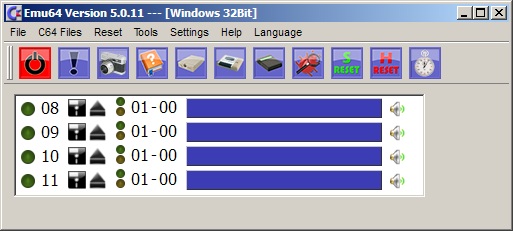
– Export IEC bus signals to a VCD file. This file can be as display chart with gtkwave as signal timing.
– Window Focus on C64 Screen for auto start / REU / GEO RAM
– even when learning a new controller, it automatically switches to the screen C64
– Switch between window and full screen mode now as usual with Alt + Return o. Atl-Gr + Return
– Directory of the last autostart file is saved when you quit
– added mouse support again in 1531
– Hard Reset now also in the C64 Screen (Shift + Esc)
– No more Absturtzmeldung after end of Emu64 (memory access violation)
– installed sprite collision again
– Action Replay built in emulation and GUI -> No FastLoad
– Folders and use of analog sticks of e.g. a gamepad works properly again
– Debugger IEC added status window
– Windows Cross Build converted to MXE
– * .C64 Files are now recognized
– Conversion of SDL by SDL2
– Aspect ratio 4: 3 can now be activated (separately for window and / fullscreen)
– Graphics 16bit mode disabled only times
– Deb and rpm packages for Linux
– Windows version for 32Bit and 64Bit now in a Zip with all the necessities. (No installation required)
Télécharger Emu64 (x86) v5.2.0 (21.9 Mo)
Il s’agit d’un émulateur de Sega Dreamcast en cour de développement.
RetroArch est un émulateur multi-systèmes pour Linux, Windows, Mac OS X et BSD. Il est anciennement connue sous le nom SSNES.
RetroArch est un système modulaire émulateur multi-système qui est conçu pour être rapide, léger et portable.
Ce n’est pas un Frontend à proprement parler, ni véritablement un multi-emulateur.
Il utilise en fait des libraires (core) d’émulateurs déjà existants sous la forme de fichier « libretro XXX.dll ». Ce n’est pas non plus un simple front end, car il offre l’émulation complète de plusieurs plateformes console et même final burn alpha.

Actuellement, il existe des implémentations libretro pour les systèmes tels que SNES, NES, GBA, GB / GBC, la Genesis, et même des jeux d’arcade Final Burn Alpha et bien d’autres encore. Voir ici pour obtenir les cores nécessaires.
Libretro n’est pas seulement utilisable pour les émulateurs. Un port préliminaire d’une ré-implémentation open source de Cave Story a été porté aussi à libretro.
RetroArch croit en la modularité. L’application elle-même est une application en ligne de commande adapté pour HTPC et / ou l’utilisation sans tête. Il existe également une interface graphique pour RetroArch, en soutenant toutes les options de configuration unique.
RetroArch établit la norme sur la portabilité multi-plateforme pour le moment:
Linux (x86 et x86_64)
Windows (32bit/64bit)
Mac OSX (PPC / Intel)
Playstation 3 (PS3 SDK/PSL1GHT (WIP))
PS Vita
Xbox 1 (XDK)
Xbox 360 (XeXDK / Libxenon)
Gamecube
Wii
3DS
Raspberry Pi
OpenPandora
Androïd

Les nouveautés sont visible ici.
Télécharger RetroArch (32 Bits) v1.22.2 (191 Mo)
Télécharger RetroArch (64 Bits) v1.22.2 (193 Mo)

