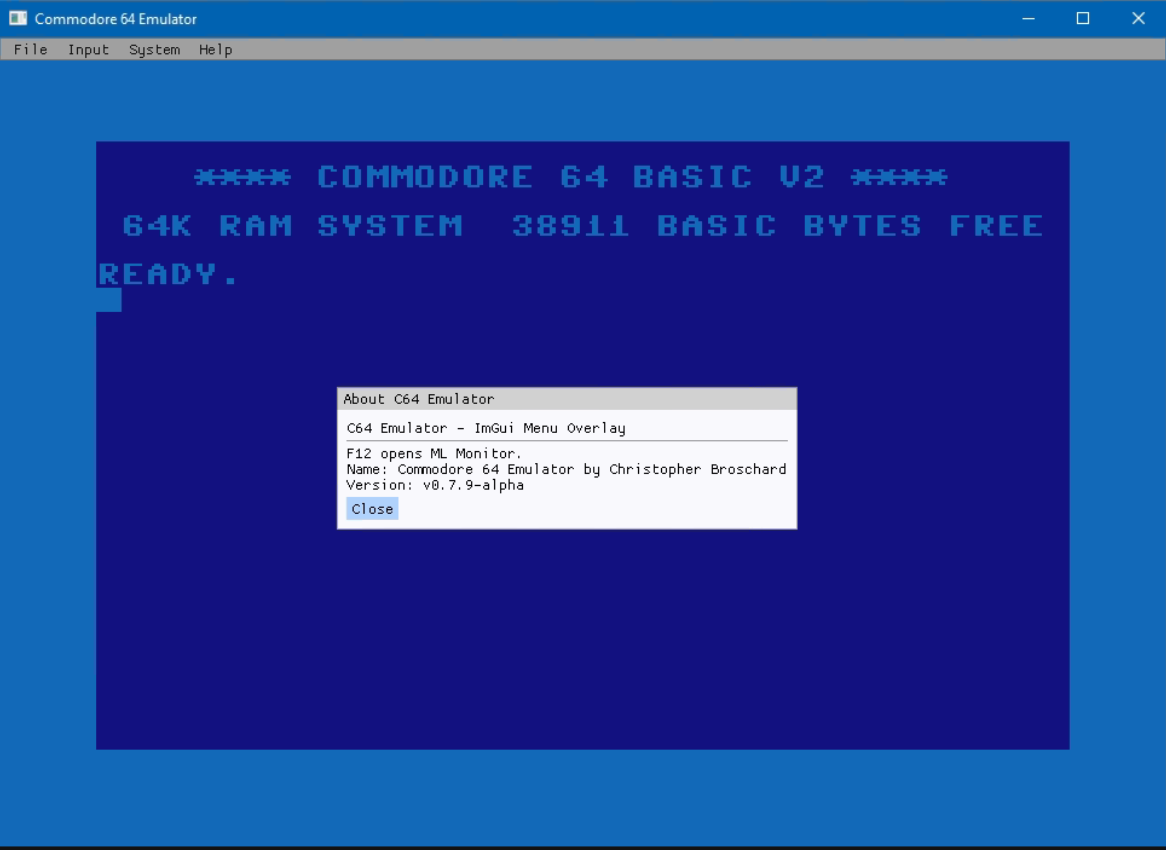
Il s’agit d’un émulateur de Commodore 64 écrit en C++ moderne et basé sur SDL2, conçu pour offrir une reproduction la plus fidèle possible du matériel d’origine. Le projet met l’accent sur une émulation précise, privilégiant le comportement réel du C64 plutôt que des approximations rapides. Il intègre également une infrastructure de débogage avancée, avec un moniteur interne, des breakpoints, des watchpoints et une visibilité détaillée sur l’état de la machine pendant l’exécution. L’ensemble est encore en développement actif, ce qui signifie que certaines fonctionnalités restent incomplètes ou expérimentales.


Télécharger Commodore-64-Emulator v0.8.3.1 alpha (4.9 Mo)

Site Officiel

En savoir plus…

Ootake est un émulateur PC-Engine en provenance du Japon et basé sur PC2E, tournant sous Windows 2000, XP, Vista, 7, 8, 10 et 11. Il nécessite Direct X v9.0c au minimum.
 
ootake
 
– The sound volume balance has been adjusted to more closely match the real
hardware.

– Added « Early games Use Old System Card » to the CD-ROM menu. Among the early
CD-ROM2 titles released before the launch of the Super CD-ROM2, games that
appear to have been developed for System Card v1.0 will automatically boot
using the older system card (the one set as Old System Card). If you do not
have an image file of v1.0, please uncheck this option.

* When playing with the v1.0 system card, kana fonts and other text elements
are displayed in a distinctive style, and music written for the v1.0 sound
driver will be played beautifully with the sound exactly as intended by
the original sound designers.

– Added « Arcade0 Stretched » to the Screen menu. In the 256-pixel horizontal
mode, the display uses an aspect ratio that provides dot-by-dot(1:1 pixel
mapping) rendering. Unlike « Non-Stretched », black bars appear on the left
and right sides. For games that operate in modes of 320 pixels or wider, the
image will be displayed slightly narrower horizontally compared to « Arcade1
Stretched ».

– Added « Auto Aspect Ratio (Gradius II with Arcade0 Stretched) » to the
Setting->Improve menu. When playing « Gradius II » with the Arcade0 Stretched
display mode, only the PCE-exclusive opening and ending scenes are shown
using the pixel aspect ratio of Real Stretched instead of dot-by-dot (1:1
pixel mapping).

– Fixed an issue in the opening visual scene of « Cosmic Fantasy » where the
ship graphics were not displayed correctly. The sprite rendering limitations
of the original hardware are now properly reproduced.

– Fixed an issue where a game installed from CD could not be recognized
correctly after its game title was renamed, if the new name contained
certain full-width characters such as « ソ ».

– Corrected the game title recognition for the following CD-ROM titles:
« Yokoyama Mitsuteru Sangokushi (J) »,
« Yokoyama Mitsuteru Shin Sangokushi (J) »,
« Kagami no Kuni no Legend (J) », and «  »Ultra Box Soukangou (J) ».
If save data from an older version cannot be loaded due to the game title
change, please manually rename the save data file. After saving once, you
can confirm the new file name.

– Various minor issues have been fixed and improvements have been made.


Télécharger Ootake (2K/XP/Vista/7/8/10/11) v3.06 (1.4 Mo)

Site Officiel

En savoir plus…

– MAME(Arcade), partie arcade de MAME, est un émulateur multi-arcade émulant plus de 40000 jeux (à partir de 1975).

– MAME(MESS), partie consoles et ordinateurs de MAME, est un émulateur multi-systèmes émulant des dizaines de milliers de jeux.


– Les builds 32 bits restent compatibles avec Windows XP et sont compilés à l’aide d’une chaîne d’outils personnalisée basée sur GCC 11.2 et Python 3. Lire le readme.
– Les autres builds 64 bits sont quant à eux compilés avec Clang 22.x et/ou GCC 16.x. et Python 3.


Télécharger MAME(Arcade) [32 bits] v0.289 (75.2 Mo)

Télécharger MAME(Arcade) [64 bits] v0.289 (71.9 Mo)

Télécharger MAME(MESS) [32 bits] v0.289 (42.5 Mo)

Télécharger MAME(MESS) [64 bits] v0.289 (41.0 Mo)

Site Officiel

En savoir plus…

ADAM+ est un émulateur moderne conçu pour reproduire la console ColecoVision et l’ordinateur Coleco ADAM.
 

Il a été développé pour Windows avec la bibliothèque Qt6, ce qui lui donne une interface graphique stable et performante. Le projet est inspiré d’EmulTwo mais a été entièrement réécrit afin d’offrir une meilleure robustesse et une extensibilité accrue.


Il ne se limite pas à l’émulation: il intègre aussi des outils de débogage et de développement, permettant aux passionnés de rétro‑gaming et aux développeurs de tester, analyser et créer des programmes dans un environnement fidèle aux machines originales. ADAM+ se présente donc comme une suite complète, à la fois pour rejouer aux classiques des années 80 et pour explorer l’histoire technique de la ColecoVision et de l’ADAM.
 

Télécharger ADAMP v1.2.08.26 (55.3 Mo)

Site Officiel

En savoir plus…

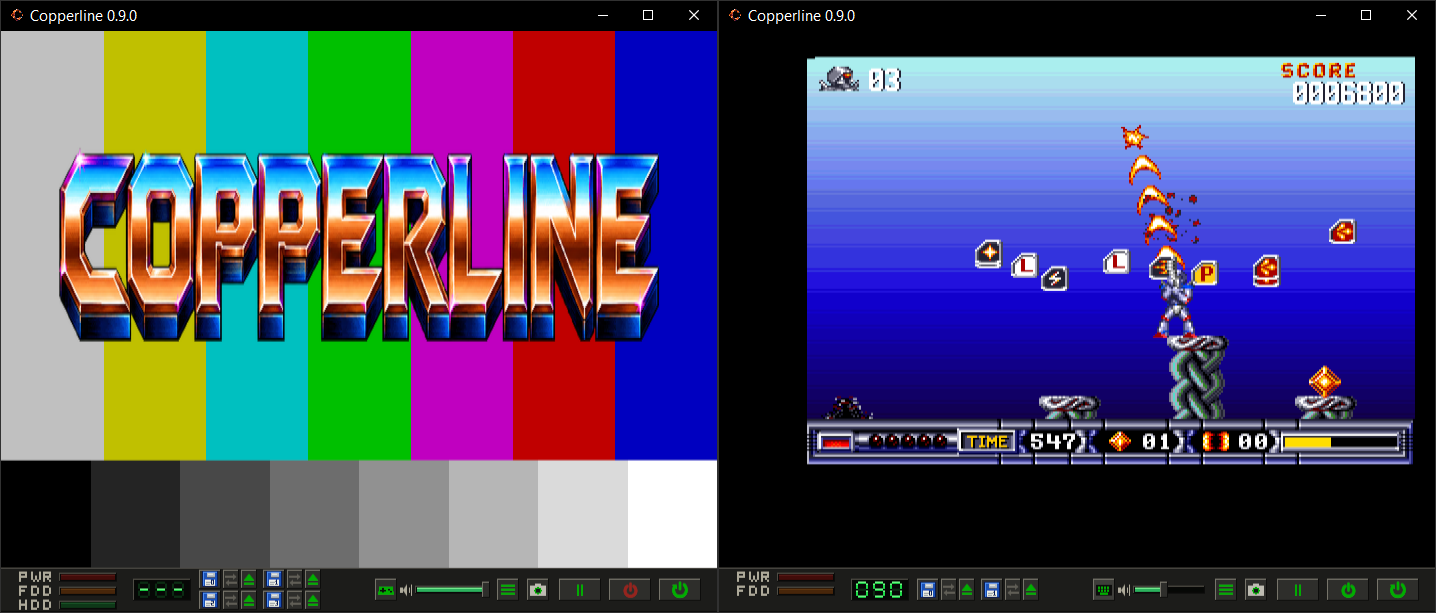
Copperline est un émulateur Amiga écrit entièrement en Rust. Il vise à reproduire fidèlement le fonctionnement du matériel d’origine, avec une émulation précise jusqu’au niveau des cycles d’horloge (cycle-accurate). Son architecture modulaire facilite le développement et permet d’émuler les principaux composants de la machine, comme le CPU, le Copper, le Blitter, Paula et les CIA.


Télécharger Copperline v0.14.0 (11.4 Mo)

Site Officiel

En savoir plus…

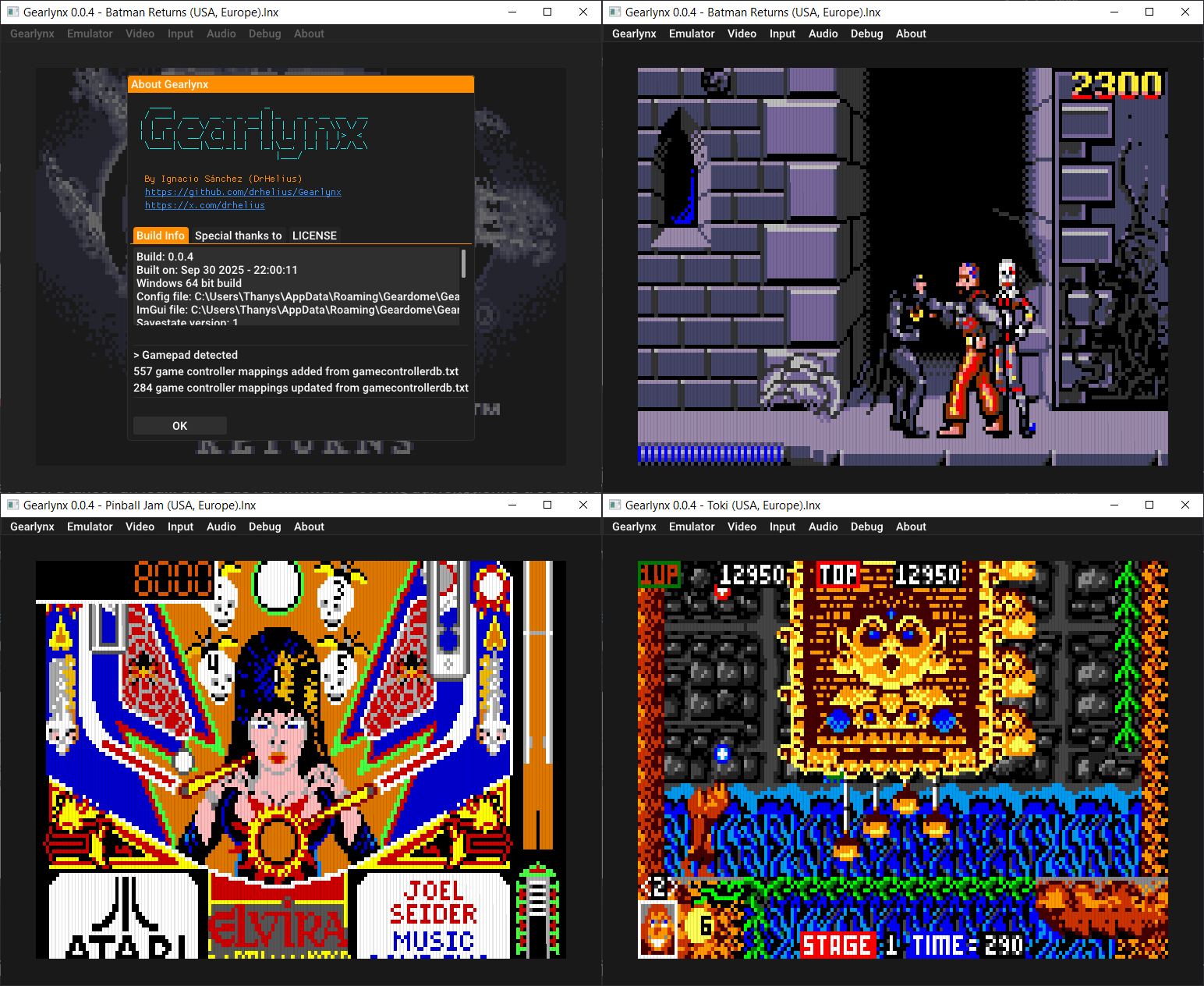
GearLynx est un émulateur d’Atari Lynx pour Windows.


Les changements sont:
🎯 Improved Suzy sprite rendering timing accuracy
🎯 Improved CPU and hardware timing accuracy
💾 GameDrive cartridge (SD card access API)
💾 ElCheapoSD cartridge (SD card access API)
📺 libretro VFS support for BIOS loading and path-only content
🎮 Updated Game Controller DB
🐛 Many bug fixes and improvements


Télécharger GearLynx v1.2.21 (2.8 Mo)

Site Officiel

En savoir plus…

Un émulateur NES écrit en Dart et Flutter. Supporte macOS, Windows, Android et Linux (testé sur Steam Deck).


Télécharger NESd v0.15.1 (16.1 Mo)

Site Officiel

En savoir plus…

Dolphin est un émulateur permettant de faire tourner des jeux GameCube et Wii sous Windows, Linux, macOS et sur les appareils Android récents. Il est distribué sous licence GNU GPLv2+.
Ce fork ajoute la prise en charge OpenXR afin de permettre la réalité virtuelle sur les versions Windows compatibles.[Consoles de salon] DolphinXR v0.3
 
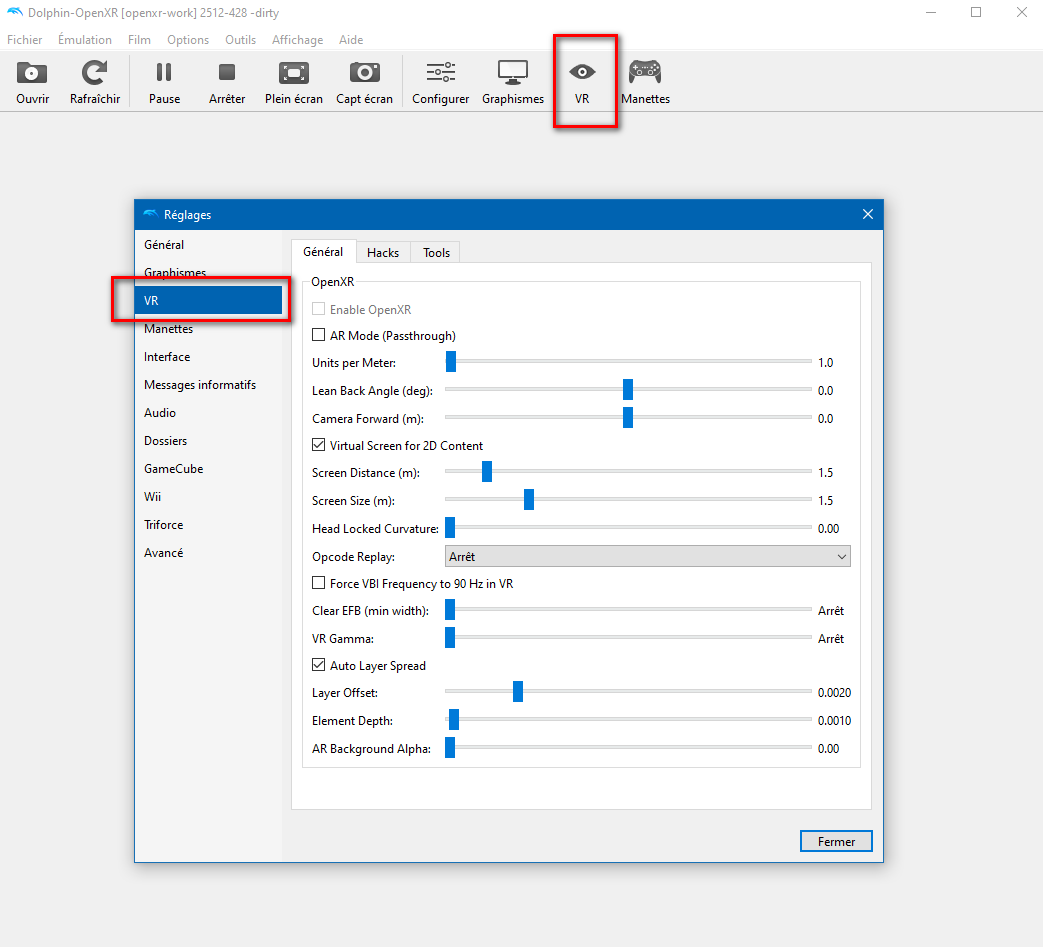
DolphinXR est une version VR de Dolphin, construite sur la base de DolphinVR mais entièrement repensée pour offrir une expérience OpenXR moderne, flexible et personnalisable.
Le projet est né d’une frustration face aux limites du Dolphin VR original: de nombreux jeux restaient injouables à cause de problèmes de rendu, les « codes de masquage » ne résolvaient qu’une partie des défauts, et certains titres comme Metroid Prime 3 offraient une expérience VR très dégradée (scanner cassé, performances faibles, carte inutilisable…).
 
Cette nouvelle version apporte une approche beaucoup plus robuste: réglages visuels et shaders ajustables en temps réel, création de profils VR personnalisés par jeu en quelques minutes, et une architecture pensée pour permettre à la communauté de rendre encore plus de titres jouables en VR.


Points forts :
– Rendu DirectX 11 et Vulkan
– Suivi complet 6DoF
– Prise en charge des manettes VR
– Paramètres VR étendus, avec support pour créer et utiliser des profils VR personnalisés par jeu
– Shader Hunter avec plusieurs options d’override: Skip, Fullscreen, Virtual Screen, Headlock, Units per Meter et Flag
– Premiers travaux sur Elements Hunting
– Raccourcis VR personnalisables
– Compatibilité avec les jeux Triforce
– Support de relecture d’opcodes pour convertir du gameplay 30/60 Hz en 90 Hz


Les changements sont les suivants:
Highlights
– Added DirectX 12 and OpenGL renderer support.
– Added OpenXR asynchronous mode for Vulkan and DirectX 12.
– Added passthrough support for Meta Quest headsets.
– Added foveated rendering to improve performance on Quest.
– Introduced a new VR configuration panel for binding controls directly in VR.
– Improved the Texture Override, Hide Code, and Shader Hunter tools.
 
OpenXR and VR
– Added OpenXR asynchronous mode for Vulkan and DirectX 12.
– Added an eager frame heartbeat for native VR frame-rate operation.
– Added a new VR configuration panel for controller bindings.
– Added new camera and controller anchor overrides.
– Added a new « Screen pane » override.
– Updated the Wiimote pointer to use absolute pointing.
– Fixed Wii MotionPlus gyroscope behavior.
 
Meta Quest
– Added passthrough support for Meta Quest headsets.
– Added foveated rendering to improve performance.
– Added a new first-launch screen for applying recommended Quest bindings.
– Newly created shaders can now be used on Quest.
– Added basic support for 2D Cinematic Mode.
 
2D Virtual Screen
– Added True Depth support.
– Added automatic « Remove EFB » handling.
– Fixed 2D screen clamping when using Vulkan.
 
Rendering and Compatibility
Added support for:
– Frame size detection from XFB copies.
– Small 3D viewports.
– Render-to-texture viewport detection.
– Improved handling for games that do not support Immediate XFB.
– Improved viewport scissor clipping behavior.
– Improved compatibility with games using unusual viewport configurations.
– Fixed Ubershader and visual glitches when using Vulkan Multiview.
 
Tools
– Greatly improved the Texture Override tool.
– Improved the Hide Code tool.
– Shader Hunter can now use Family Hash matching instead of only Exact Hash matching.
 
Stability and Bug Fixes
– Fixed a Vulkan crash that could occur after opening and closing DolphinXR multiple times.
– Fixed several rendering and visual issues.
– Various other bug fixes and stability improvements.


Télécharger DolphinXR v0.4 (43.6 Mo)

Site Officiel

En savoir plus…

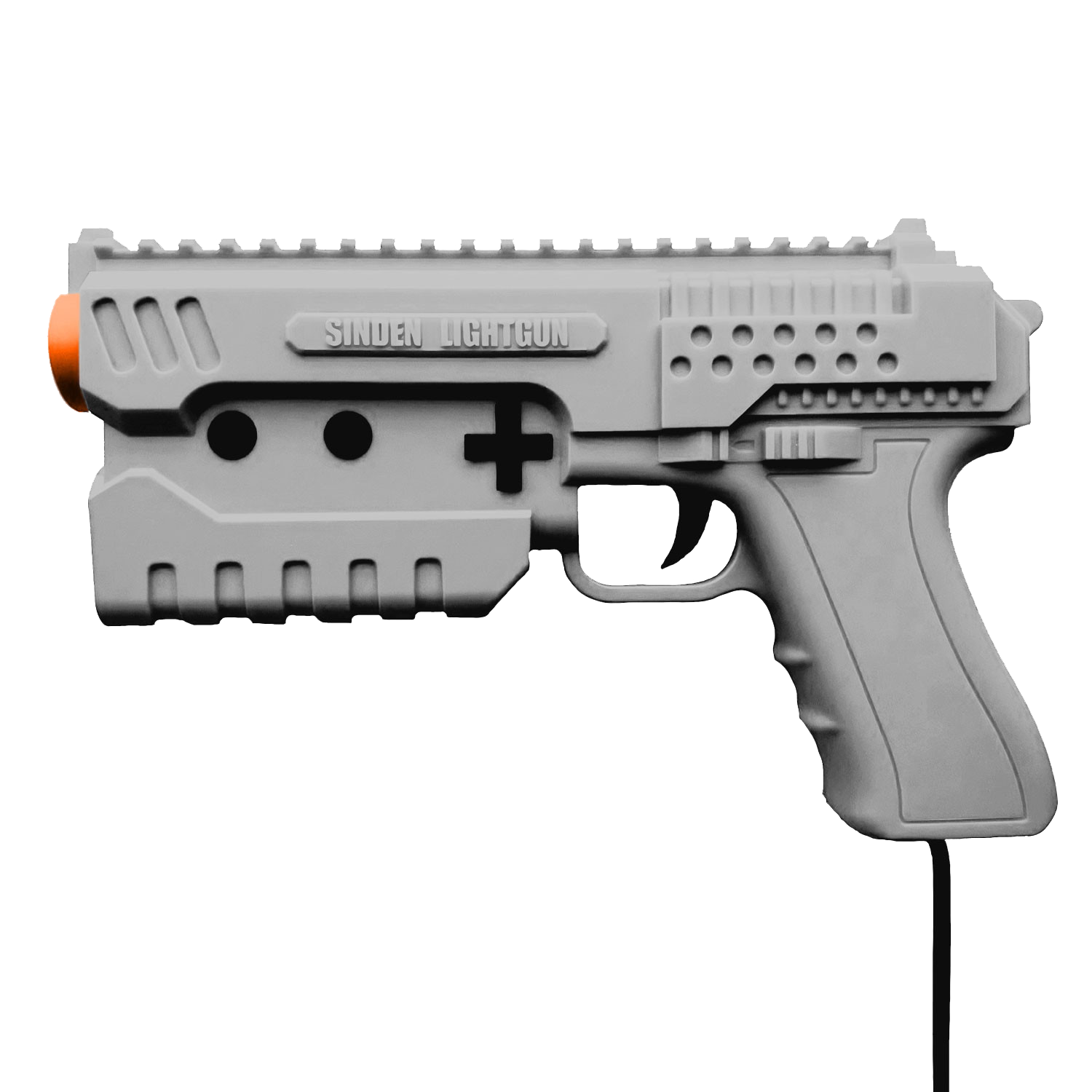
Il s’agit d’un fork de l’émulateur Sega Model 3 nommé SuperModel mais qui prend en charge l’utilisation du LightGun appelé Sinden.


Télécharger SuperModel Sinden Edition v0.3a r260801 (3.0 Mo)

Site Officiel

En savoir plus…

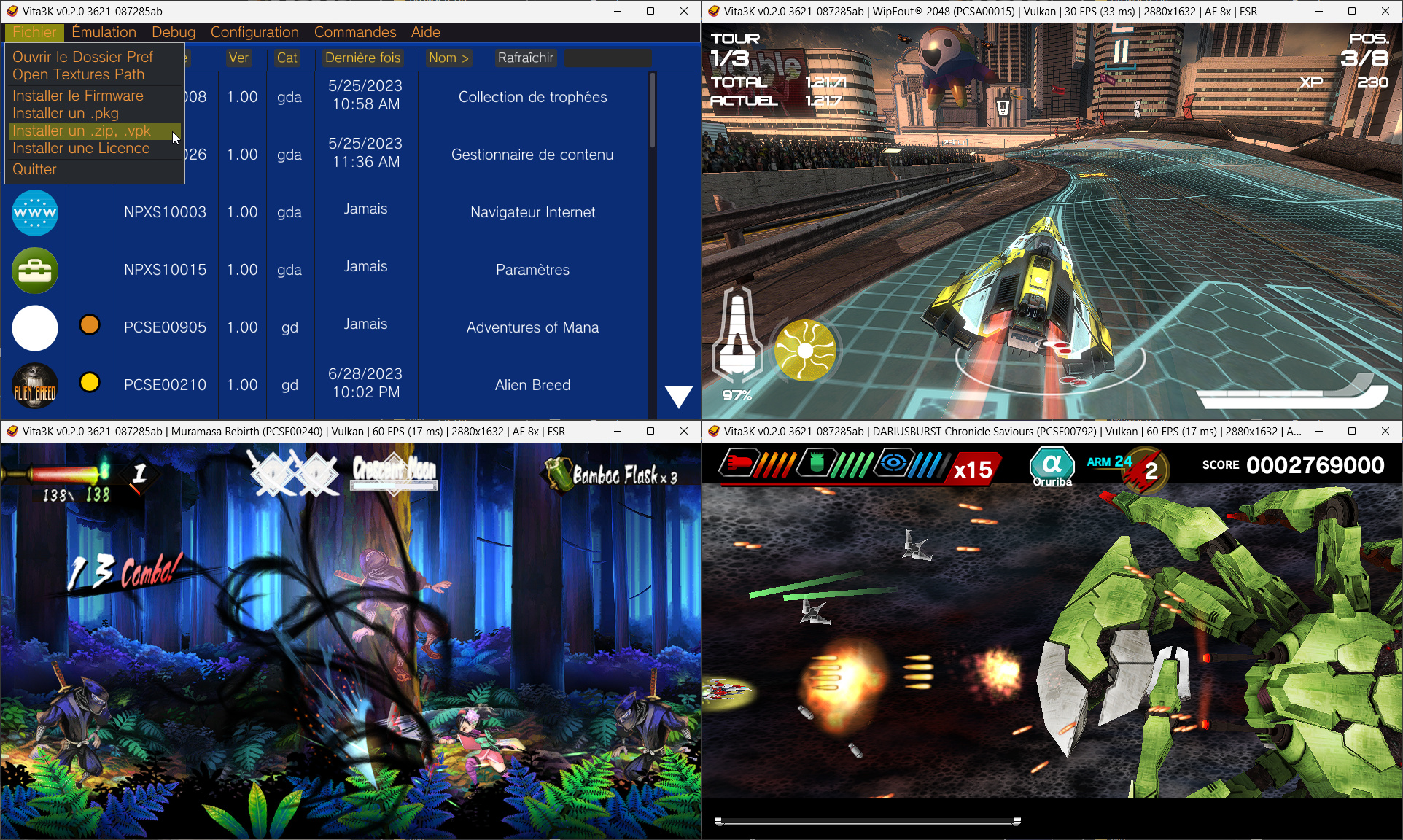
Il s’agit d’un émulateur de Sony Playstation Vita pour Windows et MacOS, émulant homebrew, démos ainsi que des jeux commerciaux.


Site source (et builds automatiques).
 

Télécharger Vita3K v0.2.1 (2026/08/01) (35.7 Mo)

Site Officiel

En savoir plus…

Erockus ARCADE est un frontend pour SDLMAME et permet d’en simplifier son utilisation.


Les changements:
– Updated for MAME .289
 

Télécharger Erockus v14.3 (3.1 Mo)

Site Officiel

En savoir plus…

Il s’agit de la dernière version WIP de Meka, excellent émulateur Sega 8 bits. (Builds automatique ici / forum ici).


– Simplify display setup to always use GUI mode
 

Télécharger Meka WIP v0.80.361 (2026/07/31) (2.2 Mo)

Site Officiel

En savoir plus…


Casino-en-ligne-fiable.com

https://getourbonus.com/fr/accueil

https://www.romspedia.com/

https://www.casinoonlinefrancais.fr

Lucky 7 bonus

https://www.casinogratuitsansdepot.com

pablocasino.org

critiquejeu.info

playbonus

casinodoc.org

laplanquedujoueur.com

casinoonlinefrancais