Un très bon émulateur de Commodore Amiga, alternative du célèbre WinUAE.


New features:

– Amiga Forever 2017 support modules were updated to the latest version, improving Amiga Forever input device handling by reducing lag
 
Bug fixes:

– improve support for IPF images (align disk words to sync if sync is found on an odd boundary)
 
Please see the included file ChangeLog.txt for a full list of changes, including minor bug fixes which are not listed above.


Télécharger WinFellow v0.5.6 r1041 (2,1 Mo)

Site Officiel

En savoir plus…

Il s’agit d’une interface graphique dédiée à l’émulateur Cemu. Maple Seed vous permet de sauvegarder les mises à jour Wii U, DLC et les titres directement sur votre PC, ainsi que de lancer Cemu avec des titres.


Cette version (V2) propose les options suivantes:
– Lancement du titre
– Titres complets
– Dernières mises à jour
– DLC
– Background dynamique
– Auto application des packs graphiques


Les changements sont:
– Added Toggle for controller input
– Updated GraphicPackDatabase


Télécharger Maple Seed V2 v2.1.1.18 (2,11 Mo)

Site Officiel

En savoir plus…

Un excellent émulateur de Sega Dreamcast, Naomi 1 et 2 (+GD), Atomiswave, Gaelco, Hikaru et Cave 3rd (le Model 3 ayant été mis en standby au profit de SuperModel, plus performant). Programmé par Wind (principal codeur), CaH4e3 (co-codeur), Ajax16384 (co-codeur), DreamZzz (co-codeur), MetalliC (co-codeur). Il s’agit d’une version en cours de développement.
 
demul
 
– Akai Katana added
– Mushiking IV/V/VI added. new card codes included.
(to change 4-5-6 game version go to game test mode BACKUP CLEAR and hold both players buttons 1 for 3 seconds)
– DX11: fixed Cave bilinear filter
– ymz770: implemented main volume and clip control
– ARM: DP immediate Carry little fix
– basic analogs simulation when playing from keyboard (arcade only)
– Gaelco: improved ball mechanic simulation
– fixed Dreamcast game name handle
– DX11old: fixed shader filter settings load


Télécharger Demul (WIP) v0.7 (11/11/2017) (2,5 Mo)

Site Officiel

En savoir plus…

Un émulateur de plateformes « Radio-86RK », « Partner », « Apogee », « Mikrosha », « specialist », « Orion », « Micro-80 », « UT-88 » pour Windows.

 
Merci à Breaker pour la news.
 
+ Innovation
* Change / Improvement
– Fixed a bug
!! Known issue
 
Changes in version 4.0.271:
+ GitHub sources have been published: https://github.com/vpyk/emu80v4
– Bug fixed: the status of the AF ‘register in the debugger was not always correctly displayed
+ Added the ability to edit the memory and the contents of registers in the debugger by Enter or F2 (while without separate flags)
+ Saving screenshots to bmp files (Alt-S)
+ Silent mode (Alt-U)
+ The possibility of setting the volume in the configuration file (emulation.volume = 1..5)
* Internal changes
!! Under Linux, dialog boxes can appear behind the main window of the emulator


Télécharger Emu80 (beta) v4.0.271 (8,4 Mo)

Site Officiel

En savoir plus…

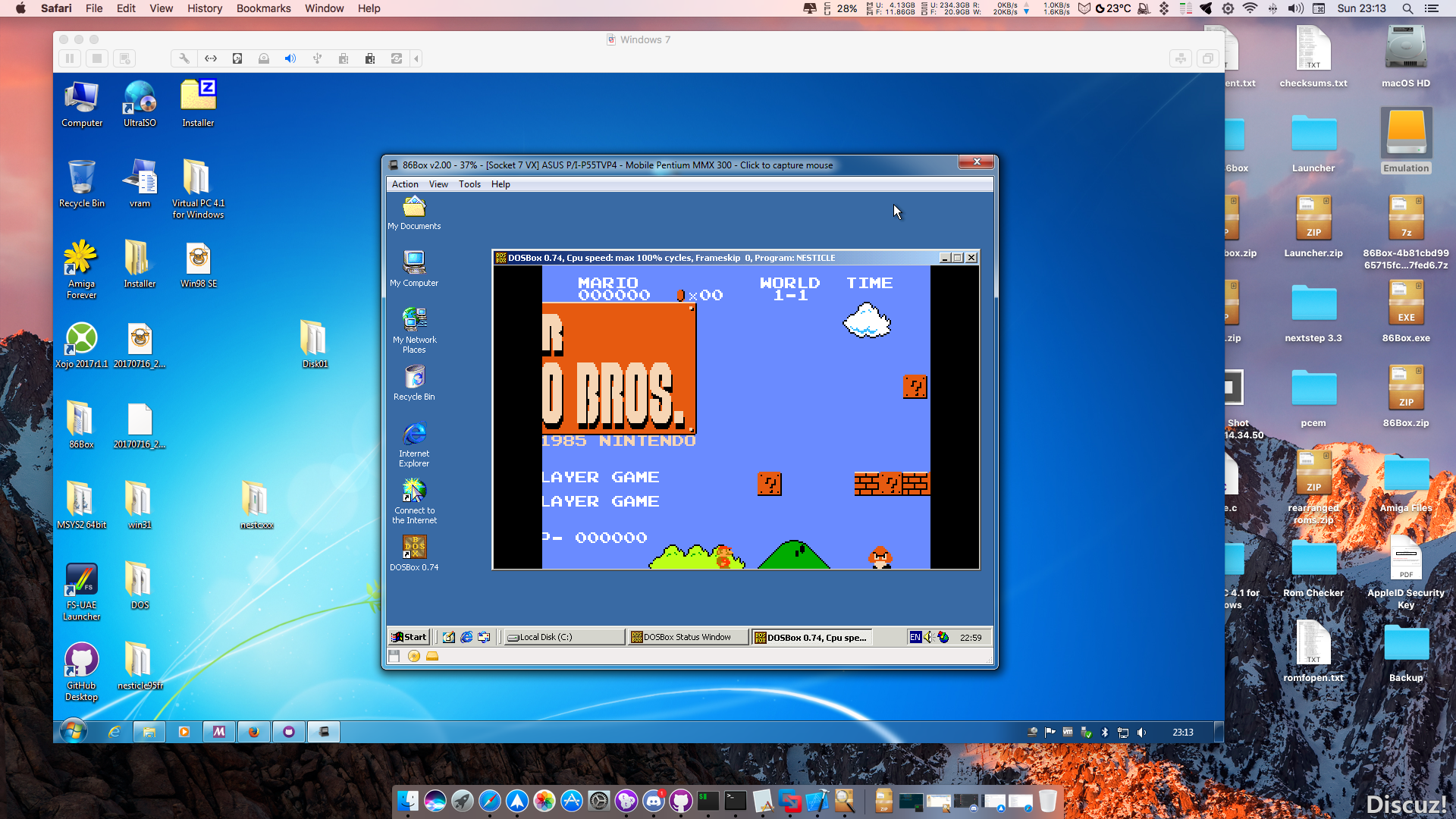
86Box (anciennement nommé PCem Unofficial, PCem Experimental ou PCem-X) est une branche non officielle de l’émulateur PCem, qui vise à émuler des machines compatibles IBM de la période 1981-2000. Cette branche ajoute plusieurs cartes mères émulées.


Télécharger 86Box (x86) v4.2.1 build 6130 (31.3 Mo)

Site Officiel

En savoir plus…

DS4Windows est un programme portable qui vous permet d’obtenir la meilleure expérience lors de l’utilisation d’un DualShock 4 sur votre PC, en émulant un contrôleur Xbox 360, beaucoup de jeux deviennent alors accessibles.


– Updated DS4Updater to version 1.2.3
– Added delay before executing program linked to a profile
– Added initial support for the Nacon Revolution Pro thanks to Yuki-nyan
– Fixed issue with service changing when changing the XInput port range
– Added option to export log text to a text file
– Added version information to log tab messages
– Fixed problem with some scan codes used for multimedia key events
– Added saving of form position upon exit and restoring form position on startup
– Corrected some form control alignment issues


Télécharger DS4Windows (original) (x86) v3.3.3 (2.6 Mo)

Télécharger DS4Windows (original) (x64) v3.3.3 (2.6 Mo)

Site Officiel

En savoir plus…

Steam ROM Manager permet, comme son nom l’indique, de gérer vos roms dans Steam et bien plus encore.


Added
– Executable modifier field is now available. Now you can modify executable, append/prepend custom data.
Titles, not found in customVariables.json can now be failed (skipped). Useful for MAME and similar emulators.
– Image and icon indexes will now persist from previously generated list. This means that if your newly generated list overwrites apps with the same APPID, you should see previously selected images/icons.
– Local images with png, tga, jpg and jpeg extensions can now be added to image pool manually in preview page.
– Parser configuration can now be copied to clipboard in « ready-to-paste » text format.

 
Changed
– Arguments are now appended to executable by default.
– A lot of fields are now trimmed for whitespace.
– Fuzzy parser will now look for …, The… segment first. Before it looked for it after no matches were found. That, however, sometimes returned false positives which resulted in …, The… segment replacement being skipped. Click here to see how it does it.
– Changed image size from cover to contain in preview menu, because Steam seems to be doing it for non-standard images.
– Completely rewritten VDF manager to ease implementation of new features. Should increase list saving performance. If something breaks, there’s always a backup VDF!
– Optimized shortcuts.vdf parser. Should give a huge performance increase for people with a lot of entries.
– Default page changed from Preview to Parsers.
– Changed generic vdf library from node-vdf to @node-steam/vdf. Previous one did not properly convert data to vdf. This change might require to delete screenshots.vdf (only if SRM throws an error).

 
Fixed
– Added missing and fixed incorrect whitespace validation.
Empty titles (with a length of a 0) will now be failed (skipped) by a parser.
– Field Image pool will have highlighting enabled.
# is now encoded for local files.
– UTF-8 BOM is now properly removed from read files.
– Custom-input field will not scroll when trying to select text while scrolling. The downside is that it will loose focus when mouse is not hovering input element itself. Can be fixed with Chromium v60 which is yet to be implemented in Electron.


Télécharger Steam Rom Manager v2.2.8 (68,3 Mo)

Site Officiel

En savoir plus…

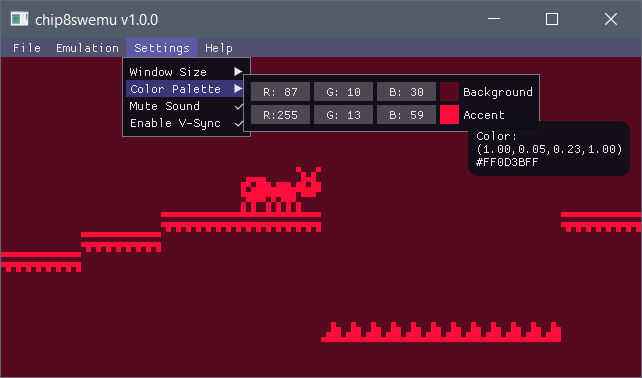
Un émulateur de Chip8 multi plateforme.


– new screenshots and improved readme
 

Télécharger Chip8swEmu v1.1.2 (1.2 Mo)

Site Officiel

En savoir plus…

EmulationStation est un frontend qui est utilisable avec n’importe quelle manette. Développé à l’origine pour le RasperryPi, il fonctionne à présent sous Windows et Linux (Debian, Arch) et est OpenSource.


Il s’agit d’une version pour Windows basée sur la version développée pour Retropie, elle même basée sur la version officielle.


Source de EmulationStation
Source du fork pour Retropie
Source du fork Retropie pour Windows


Télécharger EmulationStation (WIP) v2.11.0 (2022/02/13) (39.6 Mo)

Site Officiel

En savoir plus…

Voici ColEMu, un émulateur Colecovision tournant sous Dos et Windows développé par le célèbre Marat Fayzullin. Sachez que l’émulateur est très complet et qu’il a été développé en C, ainsi un certain nombre de portage ont pu être effectués, en vrac : Unix/X, Amiga, Dreamcast (…).


– Added multiple monitor support to ColEm-Windows.
– Fixed disappearing window in ColEm-Windows.
– Fixed best full-screen mode detection in ColEm-Windows.
– Fixed window flicker that appeared after recent Win10 updates.
– Fixed DirectInput joysticks support in ColEm-Windows.
– Fixed directional pads on the XBox gamepads.
– Switched ColEm-Linux to using PulseAudio sound.
– Updated old PulseAudio driver for 64bit Linux.


Télécharger ColEM v4.2 (135,8 Ko)

Site Officiel

En savoir plus…

Créé par Avery Lee (l’auteur de VirtualDub), il s’agit d’un émulateur d’Atari 8 bits (800/800XL/130XE) disponible en 32 et 64 bits. Il dispose de beaucoup d’options ainsi que d’une bonne compatibilité. Il prend en charge les jeux protégés conformément à l’émulation. Il s’agit d’une version de développement au stade de béta.
 
Topic des versions Beta.

Télécharger Altirra (Beta) v2.99 Test 18 (4,1 Mo)

Site Officiel

En savoir plus…

De nouveaux patchs sont disponibles sur le site de nos partenaire de chez la TRAF (et sur notre miroir), de quoi s’occuper de nombreuses heures 🙂
 
traf


Site Officiel


https://getourbonus.com/fr/accueil

https://www.romspedia.com/