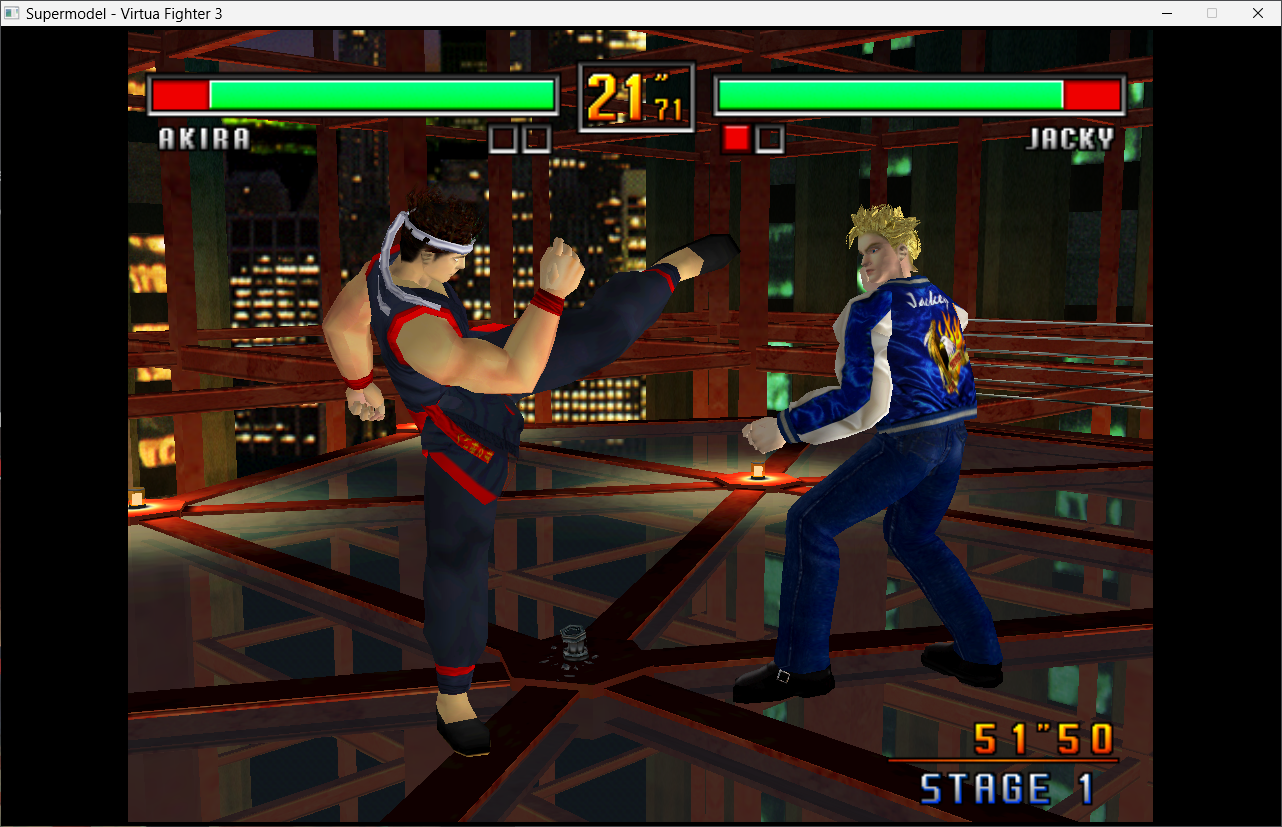
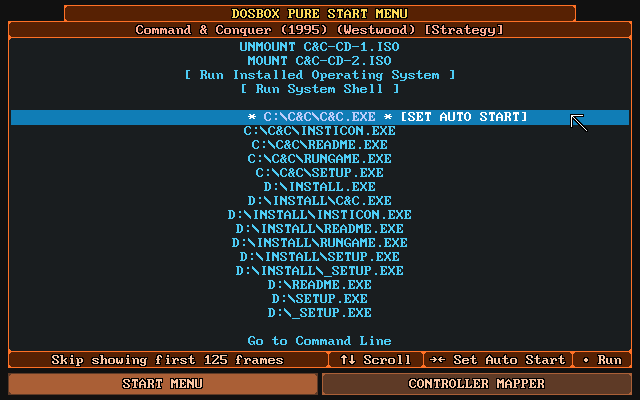
DOSBox Pure est un fork moderne de DOSBox, conçu à l’origine pour RetroArch, mais désormais disponible en version autonome sous Windows, ce qui le rend accessible sans frontend.

Pensé pour simplifier l’expérience utilisateur, il permet de lancer des jeux DOS directement depuis des fichiers ZIP, ISO ou CUE, sans configuration manuelle.
Il prend en charge les savestates, le mappage automatique des manettes, les overlays graphiques et les shaders, tout en détectant intelligemment les fichiers d’installation ou d’exécution.
Bien qu’il offre moins de réglages avancés que DOSBox-X ou Staging, il brille par sa simplicité et son efficacité, notamment pour les joueurs occasionnels ou les setups console-like.
La vidéo qui résume l’avantage de Pure, à savoir son extrême facilité d’utilisation:
Les changements sont:
New Features
Support for Dynamic VHD Disk Images
– Installing an operating system will also automatically create dynamic VHD files from now on (which initially is just a few megabytes and grows as needed)
Volume Settings
– Volume settings were added to the options for the various DOS devices (Sound Blaster, Adlib, MIDI, etc.)]
Handle shut down requests in Windows 9x
– Minimal implementation of APM (Advanced Power Management) BIOS functionality just to handle the power off request by Windows 9x. This will allow to automatically go back to the menu or exit the emulator when the emulated Windows is shut down.
Experimental multiplayer support (65398a8)
– For now can only be initialized via command line, -H to host server, -C=IPADDRESS to connect client, -P=PORTNUMBER to customize port
Custom Paths in Config File (5865f67)
– Added advanced options that can only be set via DOSBoxPure.cfg file:
default_content: Specify the default content file to be loaded when starting without passing a path
path_saves: Specify a custom path to be used for the saves directory
path_system: Specify a custom path to be used for the system directory
Unleashed Fixes
– Fix analog triggers on a gamepad mapped to keys possibly making the pressed keys getting stuck (250071b)
– Set the keyboard LEDs on startup before the first keypress (05341ed)
– Prevent occasionally falling out of fast forwarding if the emulated and actual monitors’ frequencies are the same (cf1c4d0)
– Fix SF2 or MT-32 ROM loading error not always showing
– Fix potential crash during restart/shutdown while CD audio playback is active
Minor Additions
– Allow mounting of ZIP files via IMGMOUNT command (with IMGMOUNT X: file.zip -t zip)
– Support a custom extended M3U format tag to overlay the multiple contents (i.e. load multiple ZIP files as C:)
Improvements
– 3dfx OpenGL improvements (pixel drawing and reading, hud effects)
– Further speed improvements of save file writing
– Use more optimized memory reading/writing for INT13 disk access
– Integrated faster variant of Nuked-OPL3
Fixes
– Fix some Windows 9x games that show a black square on top of the screen
– Fixed some floppy disk installers not working correctly
– Fix directories inside ZIP potentially having the wrong date/time loaded if a child of the directory appears first in the ZIP structure
– Fix a crash when unmounting a drive which contains disk images that are also mounted
– Fix crash in disney sound source emulation when being forced to render a large block of audio samples
– Avoid long freezes and potential crashes when using a .conf file with an [autoexec] section that mounts a directory with an extreme amount of subdirectories
– Fix Gamepad Mapper wrongfully showing content specific preset instead of ‘Custom Mapping’ if the only change to the preset is an additional button mapping
– Fix mouse stop working when a guest program loads mouse driver state with INT33H 0x17
– Apply fix for ‘Grand Prix 2’ keyboard mapping (correctly map moving right to right instead of down)