VDos est un programme Windows qui sert à exécuter correctement les applications DOS dans toutes les versions de Windows actuelles.

Les changements sont les suivants:
– vDos won’t run anymore in Windows XP (it was then already somewhat crippled), it’s now “Windows 7 or later” to ease future Windows compatibility. vDos can however still be installed and used on Windows Vista.
– 4DOS is no longer embedded as the default command processor. Hardly anyone used the 4DOS extra functionality, while it proved to be confusing to others. The previous internal command processor is reinstated, though largely revised. As a bonus vDos.exe is 28% smaller, vDos not executing the 4DOS 16-bit code, applications start slightly faster, while free conventional memory increases 4KB.
– A FPU (Floating-point unit) is added to the emulated CPU. Programs utilizing a FPU can run substantially faster.
– Protected mode support and bare extended memory (XMEM-EXT) usage is overhauled.
– More progressive idle detection (lowering the real CPU/core load) and responsive DOS mouse handling.
– The LOW= directive in config.txt is dropped. vDos detects faulty EXEPACKed programs itself, and applies the required memory adjustments to let them run properly.
– More robust and comprehensive pasting of Windows Clipboard text.
– Minor printing issues resolved. Added SEL = « » option to select the default Windows printer.
– Integrated WP Shell emulation to Windows Clipboard. Direct copy/append of WP’s selected text, paste text w/o the keyboard buffer roundabout and ASCII restrictions. Support of the VGA512 extended character set.
– COLS/LINS directive in config.txt accepts larger maximum values, determined by the formula COLS x LINS < 16,385 (a minimal font size is of course still enforced).
- [Win]+Ctrl+C copies text starting at the cursor (as long in the same fore/background color) to the end of the line. So it's now a more useful quick (to the end of) line or field copy.
- Loading a DOS COM executable, a free/available 64KB memory segment was just assumed at setting the initial programs SP value.



0 commentaire
m64p (ou Mupen64Plus-GUI) est une interface graphique écrite en Qt5. Elle supporte tout ce que vous attendez d’une interface mupen64plus (sélection de plugins, édition de la configuration, gestion des sauvegardes, capture d’écran, pause, etc.).
Cette archive inclut Mupen64Plus + GlideN64 + une interface utilisateur.

Code source.
Télécharger Simple64 (x86) (2020/06/02) (20.6 Mo)
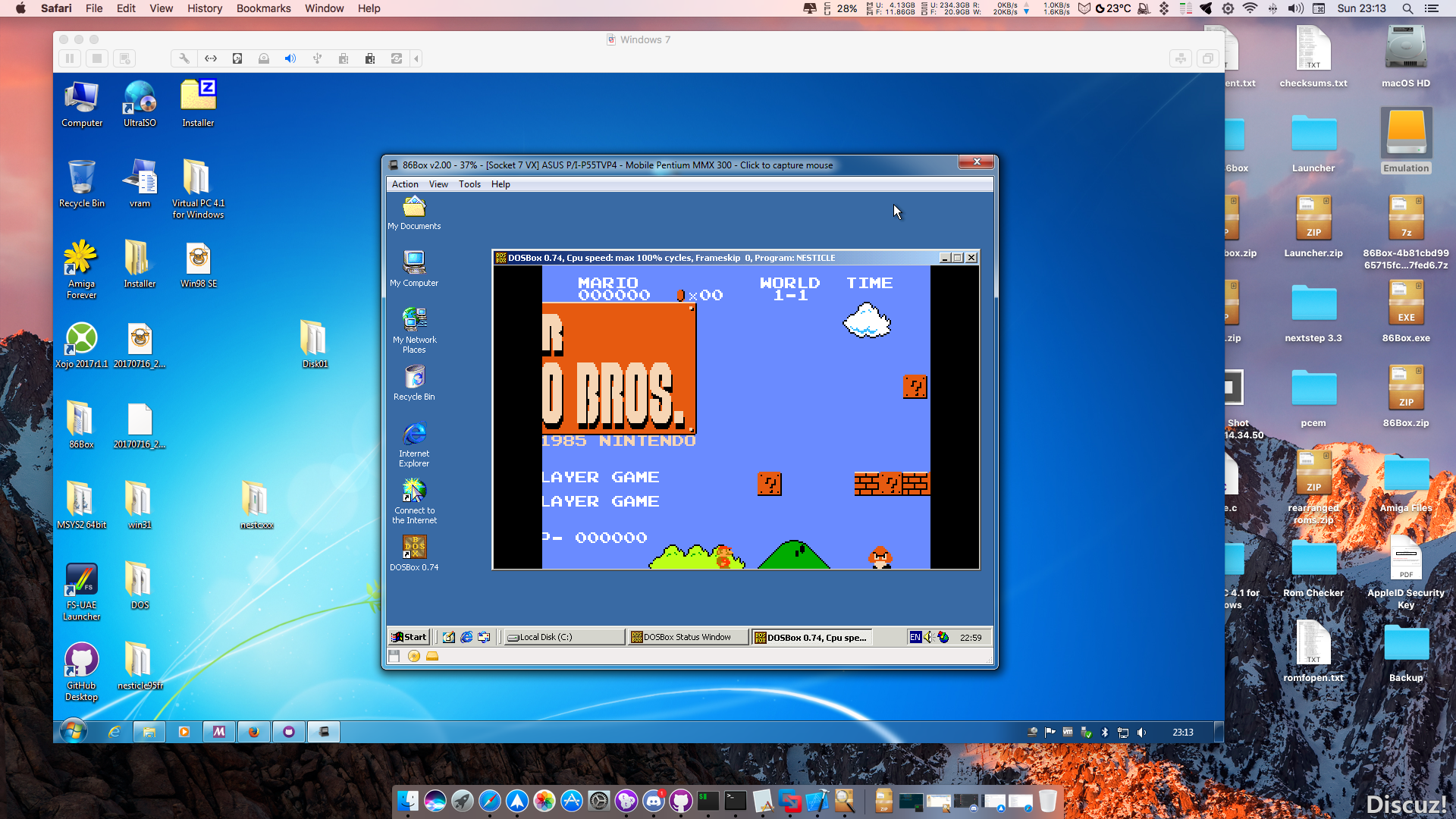
86Box (anciennement nommé PCem Unofficial, PCem Experimental ou PCem-X) est une branche non officielle de l’émulateur PCem, qui vise à émuler des machines compatibles IBM de la période 1981-2000. Cette branche ajoute plusieurs cartes mères émulées.


Il s’agit d’une version de développement de PCSX2 dont le but est d’améliorer la gestion des fonctions d’enregistrement vidéos.

– The emulator should no longer crash when the user resizes the game window.
Site alternatif.
L’émulateur « Emu48 » a été développé a l’origine par « Sébastien Carlier » et publié sous licence GPL (nan pas le carburant). Cette version est développé par Christoph Giesselink et émule les HP38/39/40/48/49. Le service pack est à appliqué uniquement si vous désirez mettre à jour votre précédente version.
Télécharger Emu48 v1.68 (693 Ko)
Un émulateur HP17/19/27/28/42. Inclus les fichiers KML (pour la version dédiée) pour les machines HP-17B, HP-17BII, HP-27S, HP-28S et HP-42S ainsi que des outils et le code source.
Télécharger Emu42 (+KML) v1.33 (5.2 Mo)
Développé par Mike Wynne, il s’agit d’un émulateur Sinclair ZX81, Sinclair ZX80, Sinclair ZX Spectrum 16k/48k, Sinclair ZX Spectrum 128k, Amstrad/Sinclair Spectrum +2, Amstrad/Sinclair Spectrum +2a, Amstrad/Sinclair Spectrum +3, Timex TS1000, Timex TS1500, Timex TS2068, Timex TC2048, Lambda 8300, Ringo R470, MicroDigital TK85 et Jupiter ACE.

Bug fixes:
– Breakpoints now trigger on both addresses of a 16-bit memory read or write.
* Enhancements
– Updated ZXpand emulation to use the ROM and firmware of the ZXpand+ model.
AY sound is not automatically selected.
– ROM files have been renamed to follow a consistent scheme:
[system].[modifier](.[modifier]…)
– A Save option has been added to the TZX Edit General Data Block window to allow
saving of ZX80 and ZX81 programs.
– The character representations of the data shown in the TZX General Data Block
window can now be viewed using the ZX80 character set.
Voici ColEMu, un émulateur Colecovision tournant sous Dos et Windows développé par le célèbre Marat Fayzullin. Sachez que l’émulateur est très complet et qu’il a été développé en C, ainsi un certain nombre de portage ont pu être effectués, en vrac : Unix/X, Amiga, Dreamcast (…).

– Added support for DirectInput joysticks to ColEm-Windows.
– Moved all input-related options to the « Input » menu in ColEm-Windows.
– Fixed crash when changing audio sampling rate in ColEm-Windows.
– Added « Draw 65% Frames » option to ColEm-Windows.
– Fixed screen updates after changing scaling algorithm in ColEm-Windows.
Ootake est un émulateur PC-Engine en provenance du Japon et basé sur PC2E, tournant sous Windows 2000, XP, Vista, 7, 8 et 10. Il nécessite Direct X v9.0c au minimum.

– With Windows8/10 when « Play Installed CD » is selected, fixed the problem
that Ootake stopped.
– When « Sorcerian » is started, the title screen is launched immediately.
(launched with [I] button pressed) If you do not need this, please uncheck
[Adjust Sorcerian BGM Repeat] of [Setting->Improve] menu.
– [Auto Skep Opening (Sorcerian)] was added to [Setting->Improve] menu. If
this menu is checked, when « Sorcerian » is started, the title screen is
launched immediately.(launched with [I] button pressed)
By default this is off. + When this menu is checked, if you reset the game
with [SELECT]+[RUN], you can see the opening demo.
– In « Sorcerian », when the party returned to the castle, fixed a problem
where BGM was disturbed.
– The operation of the PCE built-in sound (wave memory sound) has been
brought close to the real machine. In « Xevious – Fardraut Densetsu », when
PAUSE was released, the problems that sound became thin was solved.
– When « Gotzendiener » is started, it is starts with Multi-Tap removed. The
problem that the motion was unstable has been solved. (This problem will
occur in the same way on the real machine)
– Additionally, a detailed part has been improved and corrected.
DS4Windows est un programme portable qui vous permet d’obtenir la meilleure expérience lors de l’utilisation d’un DualShock 4 sur votre PC. En émulant un contrôleur Xbox 360, beaucoup de jeux deviennent alors accessibles.
– Updated .NET target framework version to version 4.5.2
– Updated TaskScheduler to version 2.5.28
– Added option to disable touchpad mouse inversion while holding a selected button or combination
– Added offset for touchpad mouse
– Changed mouse offset used for stick mouse
– Lowered speed factor used for stick mouse routine
– Minor changes to exclusive mode routine

PSXACT est un émulateur de Playstation One écrit en c++ et qui cherche à être le plus précis possible (LLE).


