Foobar2000 est un lecteur de prime abord minimaliste. Son interface est des plus sobre avec la seule présentation d’une liste de lecture alors que la barre de progression et les boutons de contrôle peuvent n’être que des caractères textuels. Il supporte de nombreux formats sonores (notamment les formats audio d’anciennes machines) grâce à l’ajout de plugins.


Cette légèreté permet bien sûr à Foobar2000 d’être l’un des lecteurs MP3 les plus léger en termes de ressources mémoire / processeur, mais il ne faudrait pas croire que cela le contraint au minimum syndical. Le fonctionnement par plugins de ce lecteur lui permet d’être incroyablement modulaire et d’intégrer un nombre impressionnant de fonctions.


De nombreux formats audio en rapport avec l’émulation sont parfaitement supportés.


– ReplayGain scanner component: support for altering loudness of MP4/AAC files.

– ID3v2 – improved compatibility with iTunes “release date” tag.


Télécharger Foobar2000 v1.3.1 (3,8 Mo)

Site Officiel

En savoir plus…

Madrigal CD Collection regroupe spécifiquement la totalité des simulateurs de Madrigal. Ce set est en complément au « Handheld Remakes (Simulators) » afin de respecter le nom d’origine des simulateurs de Madrigal.


cd_cover_front


Télécharger MADrigal CD Collection v57.14 (77,2 Mo)

Site Officiel

En savoir plus…

Qu’est ce que ce nouveau programme?


RomSManger


Pourquoi ce logiciel?

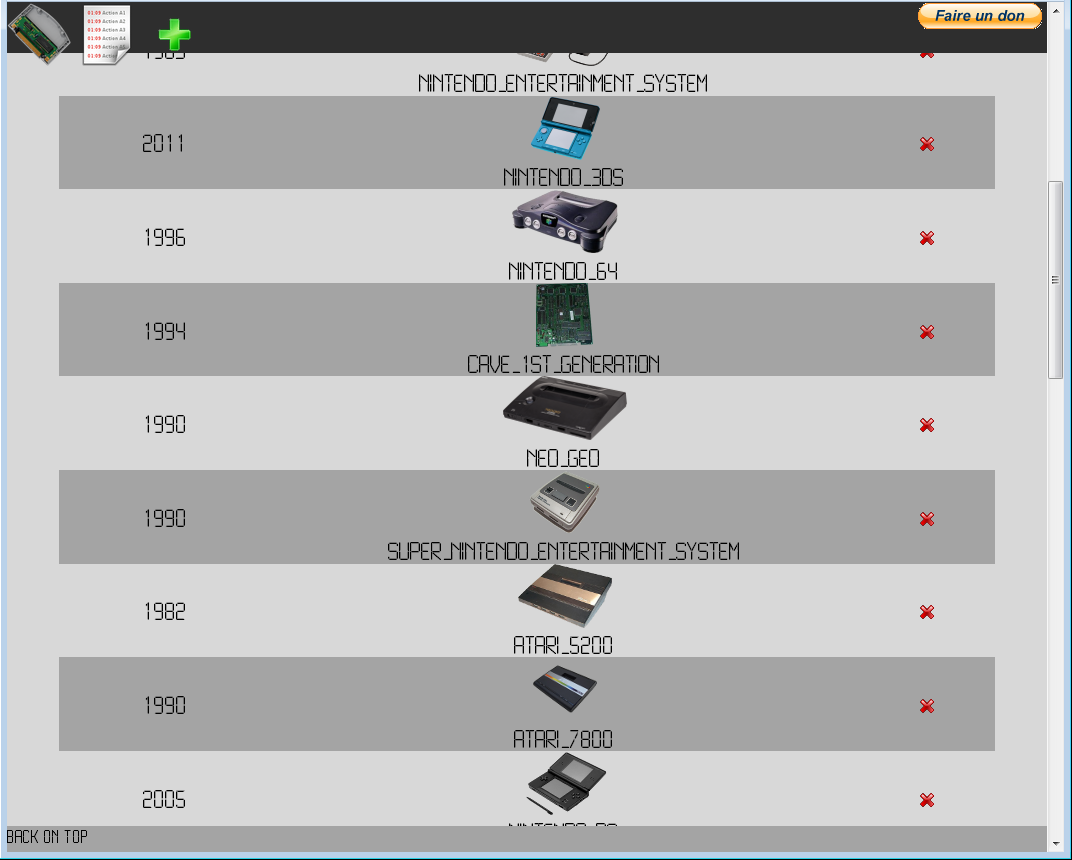
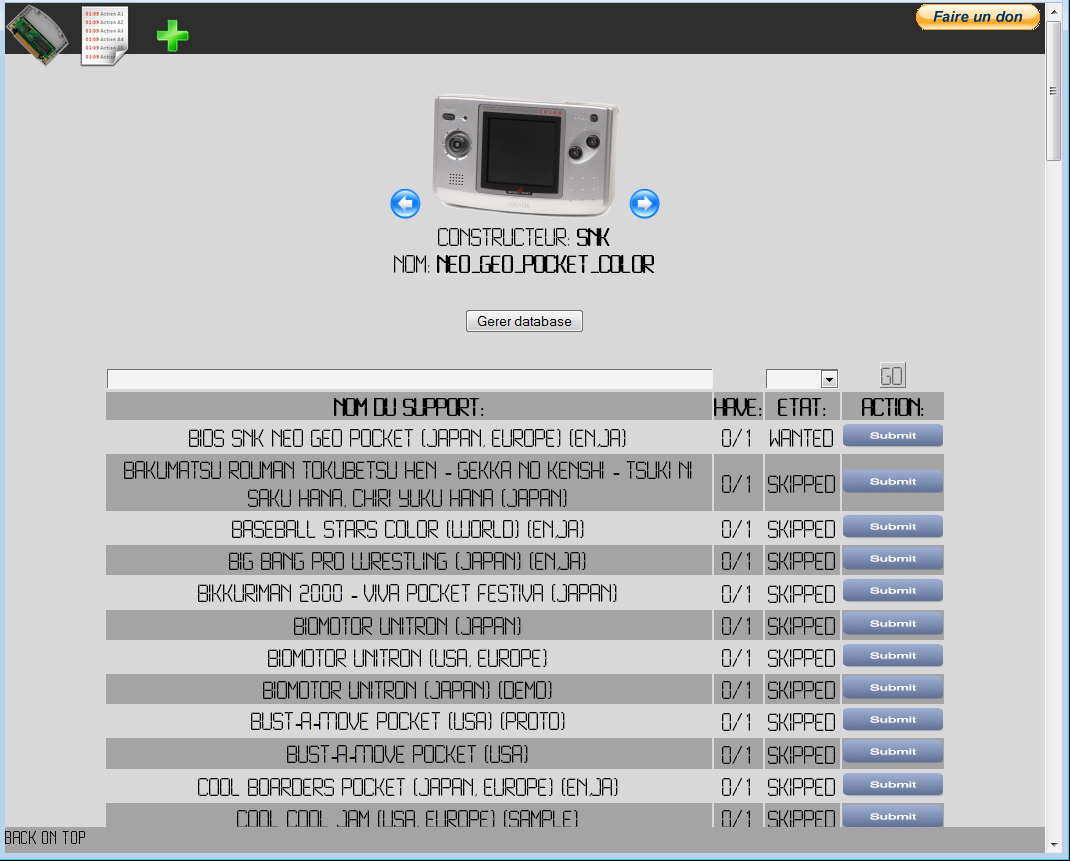
Après plusieurs déménagements, je me suis retrouvé avec mes jeux sans avoir la console adéquat. C’est gênant, de ce constat, j’ai du me rabattre sur l’utilisation d’émulateurs afin de pouvoir profiter de mes jeux. Malheureusement, les jeux originaux ne s’utilisent pas ou rarement sur ces logiciels… Donc comment récupérer un backup propre. ET LA ! l’idée!


RomSManger2
Que fait ce logiciel?

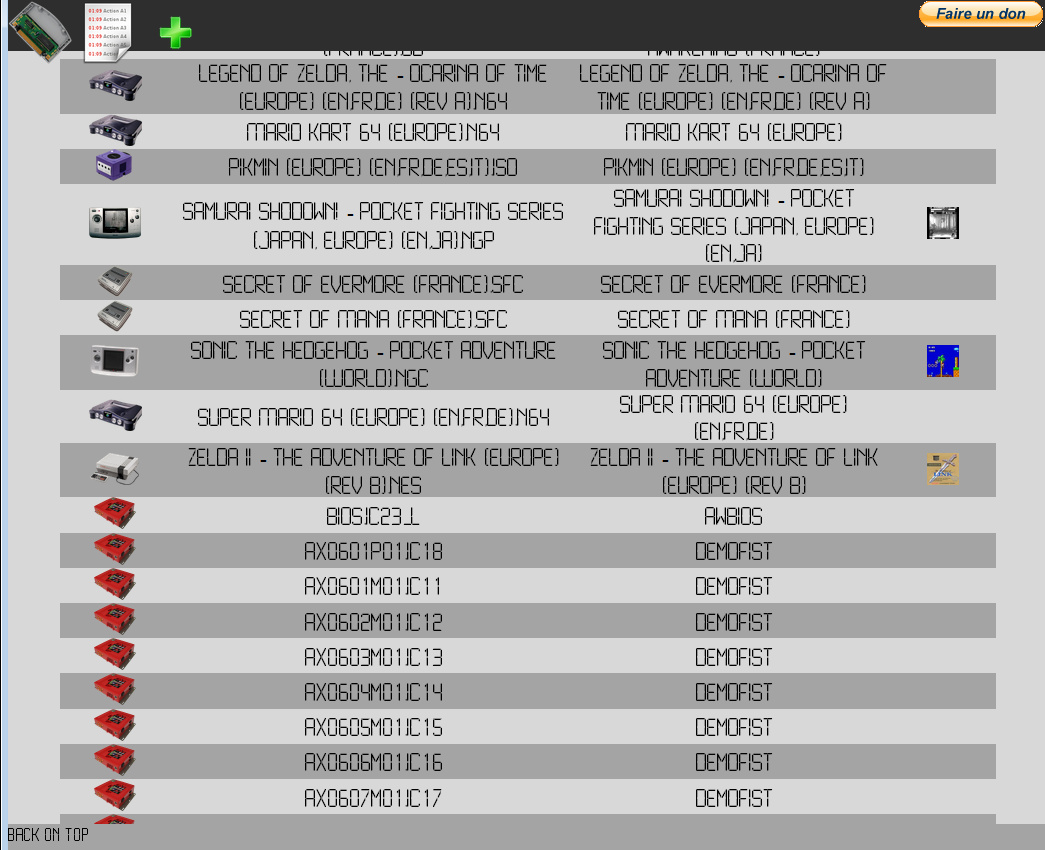
Ce logiciel est-là pour ce charger de récupérer un backup du jeux auquel vous souhaitez jouer. Mais pas de n’importe quelle manière… Il utilise les newsgroups, et travail au CRC prêt.


RomSManger3
Quelles sont les prérequis ?

– Un interpréteur Python en version 2.7 minimum.
– La librairie PIL pour python 2.7.
– Un serveur Sabnzbd opérationnelle.
– 7Zip
– Un fichier DAT pour chaque système que vous souhaitez obtenir.
– Une machine relativement récente pour les calculs de CRC (2GO RAM minimum pour les fichiers DAT volumineux).
– Une bonne connexion internet, voire très bonne.
Une version entièrement refaite est prévue maintenant que ce prototype est terminé, mais j’attends vos retours, et vos dons, avant de me replonger dans un nouveau code.


Merci pour votre lecture.


Plus d’infos sur le Wiki du programme ici.


Site Officiel


Un excellent frontend multi-systèmes axé sur la simplicité d’utilisation.


mGalaxy supporte les émulateurs Arcade, consoles (Atari, Nintendo, Sega, Playstation…) & PC au sein d’une superbe interface proche de GameEX. Il est pourvu de nombreux réglages (informations, thèmes, affichage en mode portrait ou paysage, etc).
Il supporte également les mamecab à l’instar d’Hyperspin et peut être contrôlé entièrement par joystick. LE frontend idéal ?


Les nouveautés sont nombreuses : 
– Recursive folders: when scanning your rom folder mGalaxy will also scan (and add roms from) sub-directories.
– New search engine: mGalaxy now searchs if the rom name CONTAINS your keyword (not only if it STARTS WITH that keyword).
– Icon added: an icon is displayed to warn you when the current list is filtered on ?Show Available Roms Only?.
– Icon added: an icon is displayed to warn you when the current list is filtered on a keyword.
– Install option: you now can choose where your ?mGalaxy Data? folder should be installed.
– By default – and to conform to Microsoft security policy – it?ll be installed in the ApplicationData folder…but you can choose to install it inside – the mGalaxy folder itself. This will make mGalaxy « Portable ».
– Auto repeat´ function on gamepad button presses.
– Items view extended to 5 in the ´Select System´ window.
– GUI: ´List items text alignment´ option added.
– mGalaxy_Runway: it´s now possible to enter text (thus, making copy/paste) in the App Path/Rom Path/Snap Path/Video Path text boxes.
– A couple of new themes added.


Télécharger mGalaxy v5.2 (5,6 Mo)

Site Officiel

En savoir plus…

Il est très rare de récupérer ou de trouver le code source d’un jeu (qui plus est d’un jeu d’arcade), c’est pourtant le cas de dlfrsilver qui a découvert le code source d’Art Of Fighting sur Neo-Geo (à priori, mais ca y ressemble très fort) dans une archive provenant d’un PC 9821 de chez NEC !


Neo_Geo_Logo


Une analyse approfondie risque d’être nécessaire, et peut-être que ca donnera des idées à certains pour continuer à faire vivre la Roll’s des machines d’antan 🙂

Le code est disponible ici mais également là (edit: nouvelle version), de plus un document très intéressant (sortie il y a quelques mois) est lisible ici (traduction de la documentation technique de SNK) [version pdf].


Edit: lire les commentaires de cette news pour d’avantage d’infos importantes en provenance de dlfrsilver qu’on remercie pour ce partage !!!


Source officielle sur MameWorld


Un joli frontend pour mame (ou autres), très configurable et souvent mis à jour. Emu Loader est une interface graphique qui se greffe principalement sur les émulateurs arcade comme MAME, SEGA Model 2, SuperModel, Daphne. L’interface permet de gérer votre collection de roms, de vérifier vos jeux et de lancer vos émulateurs.


Télécharger EmuLoader v7.5 (6,0 Mo)

Site Officiel

En savoir plus…

I spent the past three weeks working very hardly to release the updated version of my old simulator of Donkey Kong II (Nintendo, Multi Screen). I really wanted to release it today to celebrate my 40th birthday and make you a gift in my very own way. But a few unforeseen issues prevented me from finishing the job in time.

Anyway, I still have a small gift for you. 🙂

I had some time to update the other game from the series, that’s Donkey Kong (Nintendo, Multi Screen). The game has much larger graphics (+30% size, now fitting a 1024×768 desktop) and a few bug fixes and optimizations.
Here’s the usual comparison between the new version and the old one:   (Luca)


Donkey Kong


Site Officiel

Créé par Joshua MacDonald, il s’agit d’un outil de patching utilisant un système de compression différentiel, un peu à l’instar d’IPS mais en plus puissant. Utile pour les gros fichiers.


Windows build now includes support for liblzma secondary compression with « -S lzma »


Télécharger Xdelta (x86) v3.0.8 (314,9 Ko)

Télécharger Xdelta (x64) v3.0.11 (213 Ko)

Site Officiel

En savoir plus…

Appelé Flips, il s’agit d’un patcher IPS mais également BPS créé par Alcaro.


Télécharger Floating IPS v1.12 (64,0 Ko)

Site Officiel

En savoir plus…

Il s’agit d’un émulateur de Playstation 3 créé par InoriRus à partir d’Octobre 2012. Pour le moment il ne lance que quelques démos mais beaucoup d’instructions sont déjà prises en charges, l’auteur espère que son émulateur lancera des jeux d’ici 2 voir 3 ans.


Informations:
English version for our foreign folks 🙂 If you are going to repost this material, put the link to the source please.


Yesterday EmuPlace administration was contacted by InoriRus – the developer of the PlayStation 3 emulator – who offered us to test his project. Below you can read some information about the emulator, which has been taken from the readme file and translated into English:


Short Waves Emulator
Version 0.0.1 (30.12.2013) / v0.0.2 (20.01.2014)

System requirements: quad-core CPU and DirectX 9.0 compatible graphics card are recommended, Windows XP or Vista 32-bit. Version for Windows 7 64-bit has not been tested for a long time (my laptop kicked the bucket), so it may not work.


It is still far from launching games (2-3 years). Do not expect miracles. As of now the emu can launch just small homebrew apps.


The project started its life in October 2012. Initially I wanted to extract resources of one game, but it turned out the whole content was encrypted (and packed). In order to crack the encryption algorithms I had to use Cell debugger. I downloaded the RPCS3 source code, compiled and tried to launch it. The emu crashed with error without doing anything. This had really disappointed me and I decided to build my own Theme park.


My emulator has no relation to RPCS3, not a single line of code has been borrowed. Everything is written from scratch on the ground of my personal research.


As of now I have implemented PPU, SPU and RSX emulation. Almost all instructions are supported. Vertex and Pixel shaders are translated directly: from RSX binary code and into DirectX binary code, without temporal appearance in its original source code. There are texture, surface and shader caches. All OS calls are intercepted and executed natively, i.e. official firmware is not required.


I won’t implement dynamic recompilation of PPU and SPU. Static recompilation of PPU has already been implemented: a file is generated using C++ which then is recompiled offline. The resulting .dll is uploaded and executed. All this is done in place of interpretator. Recompilation affects not only simple blocks, but also branching and function calls. A manual on how to use recompilation will be available later.


The emu does not have GUI. The path to the emulated .elf file and all settings are set in the config file sw_emu.ini, that must be placed in the emu’s folder.


The gamepad button bindings on the keyboard are hardwired into the code and currently you can’t change them through config file.


VK_LEFT = LEFT
VK_DOWN = DOWN
VK_RIGHT = RIGHT
VK_UP = UP
VK_END = START
‘3’ = R3
‘8’ = L3
VK_DELETE = SELECT
‘A’ = SQUARE
‘S’ = CROSS
‘D’ = CIRCLE
‘W’ = TRIANGLE
‘0’ = R1
‘1’ = L1
‘9’ = R2
‘2’ = L2
‘F’ = ANALOG_LEFT
‘H’ = RIGHT
‘T’ = ANALOG_UP
‘G’ = ANALOG_DOWN
‘J’ = ANALOG_LEFT
‘L’ = ANALOG_RIGHT
‘I’ = ANALOG_UP
‘K’ = ANALOG_DOWN


By pressing ESC button Short Waves receives REQUEST_EXITGAME signal – force game exit or power off the real hardware.


Right now the source code is closed.


The author asks for help in testing the emu:


I’d like to have some feedback concerning possible errors. For instances, today I’ve found that psgl tests don’t work on some graphics cards.


Télécharger Short Waves v0.0.2 (12,6 Mo)

Site Officiel

En savoir plus…

Stella est un émulateur Atari VCS 2600 multi-platforme, releasé sous licence GPL. A la base le projet a été développé pour Linux par Bradford W. Mott, cependant de nombreuses personnes ont rejoint l’équipe de développement pour porter Stella sur différents système d’exploitation comme AcornOS, AmigaOS, DOS, FreeBSD, IRIX, Linux, GP2X, OS/2, MacOS, Unix, et Windows (ouf!). Cette version inclus les binaires 32 et 64 bits.


Télécharger Stella (x86/x64) v3.9.3 (3,2 Mo)

Site Officiel

En savoir plus…

Anciennement connu sous le nom de bsnes, il s’agit d’un émulateur de NES/SuperNES/GameBoy/GameBoy Color/GameBoy Advance, (et anciennement Nintendo DS) mais aussi les sous systèmes Super GameBoy, BS-X Satellaview et Sufami Turbo.
En fait bsnes existe toujours mais n’est qu’un module de Higan (concernant la Super NES).

Pas mal d’améliorations dont le détails est le suivant:

 
– sfc: added SA-1 MDR support (fixes SD Gundam G-Next bug)
– sfc: remove random/ and config/, merge to system/ with better randomization
– gb: improved color emulation palette contrast
– gbc: do not sort sprites by X-priority
– gbc: allow transparency on BG priority pixels
– gbc: VRAM DMA timing and register fixes
– gbc: block invalid VRAM DMA transfer source and target addresses
– gba: added LCD color emulation (without it, colors are grossly over-saturated)
– gba: removed internal frame blending (use shaders to simulate motion blur if desired)
– gba: added Game Boy Player support (adds joypad rumble support to supported games)
– gba: SOUND_CTL_H is readable
– gb/gbc: PPU renderer is now cycle-based (major accuracy improvement)
– gb/gbc: OAM DMA runs in parallel with the CPU
– gb/gbc: only HRAM can be accessed during OAM DMA
– gb/gbc: fixed serialization of games with SRAM
– gb/gbc: disallow up+down or left+right at the same time
– gb/gbc: added weak hipass filter to remove DC bias
– gb/gbc: STAT OAM+Hblank IRQs only trigger during active display
– gb/gbc: fixed underflow in window clamping
– gb/gbc/gba: audio mixes internally at 2MHz now instead of 4MHz (does not affect accuracy)
– gb/gbc/gba: audio volume reduced for consistency with other systems
– fc/sfc/gb/gbc/gba: cheat codes are now stored in universal, decrypted format
– ethos: replaced file loader with a proper game library
– ethos: added display emulation shader support
– ethos: added color emulation option to video settings
– ethos: program icon upgraded from 48×48 to 512×512
– ethos: settings and tools windows now use tab frames (less wasted screen space)
– ethos: default to optimal (video, audio, input) drivers instead of safest drivers
– ethos: input mapping system completely rewritten to support hotplugging and unique device mappings
– ruby: added fixes for OpenGL 3.2 on AMD graphics cards
– ruby: quark shaders now support user settings inside of manifest
– ruby: quark shaders can use integral textures (allows display emulation shaders to work with raw colors)
– ruby: add joypad rumble support
– ruby: XInput (Xbox 360) controllers now support hotplugging
– ruby: added Linux udev joypad driver with hotplug support
– phoenix: fixed a rare null pointer dereference issue on Windows
– port: target -std=c++11 instead of -std=gnu++11 (do not rely on GNU C++ extensions)
– port: added out-of-the-box compilation support for BSD/Clang 3.3+
– port: applied a few Debian downstream patches
– cheats: updated to mightymo’s 2014-01-02 release; decrypted all Game Genie codes


Télécharger Higan (x86) v094 (1,4 Mo)

Télécharger Higan (64 bits) v110 (3.0 Mo)

Site Officiel

En savoir plus…


https://getourbonus.com/fr/accueil

https://www.romspedia.com/