MAME Content Manager Plus est un programme simple qui permet de trier et selectionner les roms que vous voulez garder sur votre PC. Il permet de facilement renommer ou effacer les roms MAME en utilisant les catégories : Adult, Quiz, Mahjong, Puzzle, etc.


Les changements sont visibles ici.


Télécharger MAME Content Manager Plus v1.1.1 (946,2 Ko)

Site Officiel

En savoir plus…

Une nouvelle version de développement est disponible sur le site git officiel, en voici les changements depuis la version stable v4.7.3:


– CompuMate PAL ROM now displays in correct mode
– RESPM is fixed for 8 pixel players -> Frostbite displays correctly
– Fix spurios dispatch after RESPx for wide players -> Fixes glitch in Missile Command
– Frame rate stabilization
– Side effects of NUSIZ during decode are modelled -> Meltdown seems correct now
– Emulate final reset of more movement required counter -> Fixes glitch in Masters of the Universe
– Delay ENABL by one cycle -> fixes Super Challenge Football
– Fix INPT5
– Fix positioning regressions introduced between pre1 and pre2
– « Mega Bitmap Demo » now displays correctly; this is the first time that this ROM has ever worked in any emulator
– RESMP matches real hardware fo 16 and 32 pixel players
– Starfield includes an effective description of modulation effects seen on real hardware (players not included for now)
– Frame and TV mode detection are improved, fixes multiple glitched ROMs
– Exception in Yar’s revenge is fixed
– Keyboard controllers et. al. now work
– Delay for REFP[01] — fixes Strawberry Shortcake
– Sprite positioning during extenden hblank has been adjusted. This fixes glitches in numerous games.
– Several Stella features like PAL color loss are currently not implemented in the 6502.ts core
– State saving is broken; don’t try it, otherwise the emulation will lock up
– The debugger is functional for both cores, except for the TIA stuff
– The keyboard controller is currently broken with the 6502.ts core, as are other ROMS that use registers related to paddles (CompuMate, etc)
– The 6502.ts core currently exhibits minor horizontal positioning glitches in some ROMs

 
A télécharger sur le site officiel.
 

Site Officiel

Conçu pour gérer les roms MAME, ClearMAMEPro supporte également tous les dats au format CM, mais aussi XML, permettant de gérer efficacement vos collections de roms & isos. Le manager le plus complet.
 
clrmamepro


Changement :

– fixed: falsely create sampleOnly sets from empty sets (MAME >.180 genpin issue)
 
clrmamepro
 

Télécharger ClrMAME Pro (x86) v4.050 (3.9 Mo)

Télécharger ClrMAME Pro (x64) v4.050 (4.5 Mo)

Site Officiel

En savoir plus…

Un excellent frontend multi-systèmes axé sur la simplicité d’utilisation.


Les nouveautés sont les suivantes:

– New “Presenter” theme added.
– mGalaxy_Runway : Database > Hidden items can be restored to ‘Visible’.
– mGalaxy_Runway: Database > Show/hide Hidden items (displayed in a different text format)
– mGalaxy_Runway: Database > Show/hide Missing items (displayed in a different text format)
– mGalaxy_Runway: Database > New database server added.
– mGalaxy_Runway: Database > Media download extended to movies, clear logos, fan arts.
– Game description cleaned up from parenthesis and brackets (and their content) [Option]
– Game list animation when scrolling [Option]
– Game list with logo images [Option]
– mGalaxy_Runway: Mame database creation further simplified.
– “Catver.ini” & “nplayers.ini” automatically downloaded when missing.


Télécharger mGalaxy v6.2 (7.3 Mo)

Site Officiel

En savoir plus…

Créé par Avery Lee (l’auteur de VirtualDub), il s’agit d’un émulateur d’Atari 8 bits (800/800XL/130XE) disponible en 32 et 64 bits. Il dispose de beaucoup d’options ainsi que d’une bonne compatibilité. Il prend en charge les jeux protégés conformément à l’émulation. Il s’agit d’une version de développement au stade de béta.


– Adds the ability for the compatibility engine to supply cartridge types and adds a bunch of 5200 cartridges to the internal list. This is to address the annoying issue of trying to decide whether a headerless 5200 cart image is 16K one chip or 16K two chip, for which autodetection isn’t good enough and the user can only guess. This also allows the emulator to auto-switch to the 5200 profile without having to confirm that the cartridge is a 5200 cart first. This can be expanded to computer carts as well — this is a test flight. If there is an issue, the internal compatibility list can be turned off in Options.

– The compatibility editor has also gotten some usability improvements. It is now modeless, there are keyboard shortcuts for save/compile, compiling automatically saves, and the external compatibility DB is auto-reloaded. The procedure is still a bit clumsy, but the process is: add title, add alias (select cart/disk checksum), then add tag for compatibility action. Build > Compile to save the source file and build the engine file. Afterward, the file can be set up as the external DB in Options, and the editor will reload it on subsequent compiles. I think I’m going to stick with the current FNV checksum after all; if there does turn out to be a problem that requires switching to another algorithm, I’ll add a scan command that can automatically convert the checksums as long as you still have the matching images.

– The disk explorer will now allow write access to a disk that has only minor VTOC/bitmap errors, i.e. free blocks marked as allocated. This is fairly common and was getting in the way of some testing. As some point I should add a fix VTOC option. It will still block write access to a filesystem that has more serious errors like cross-linked files or allocated blocks marked as free.

– Added a delay to the modem emulation between ATA and reporting CONNECT to try to fix an issue with Carina II missing the latter when it tries to quickly close and reopen R:.

 
Topic des versions Beta.

Télécharger Altirra (Beta) v2.90 Test 21 (3,9 Mo)

Site Officiel

En savoir plus…

Créé par Purplemarshmallow, il s’agit d’un plugin LLE RDP pour émulateur N64 respectant les spécifications de Zilmar et basé sur Z64 de Ziggy.


z64gl


Télécharger Z64gl (2016/12/25) (371,0 Ko)

Site Officiel

En savoir plus…

Il s’agit de WinUAE, la référence de l’émulation Commodore Amiga, traduit en français.


Télécharger WinUAE (Français | 32 bits) v6.0.3 (8.6 Mo)

Télécharger WinUAE (Français | 64 bits) v6.0.3 (11.0 Mo)

Site Officiel

En savoir plus…

emuControlCenter est un excellent gestionnaire multi-émulateurs de jeu, qui supporte plus de 190 plates-formes. ECC supporte les images et aperçus dans le «Resultview» ou en plein écran.


EmuControlCenter 1
En outre il gère la prise en charge de ZIP, RAR, 7z ainsi que les Import & Export des images directement à partir de No-Intro / EmuMovies ; il permet de jouer des fichiers vidéo MP4/FLV avec VLC media player et supporte Daemon Tools Lite (en utilisation avec un script). Il est également possible d’importer les dats de CMPRO et RomCenter. Enfin plusieurs thèmes sont sélectionnables pour l’aspect visuel.


Les améliorations, toujours très nombreuses, sont les suivantes:
– ECC Core
– ECC License now GPLv3
– Fixed some missing icons in the Platform and Rom sub menu system.
– Fixed an « freeze » issue with datfile importing if the path did not exist.
– Fixed issue where you could not import v1.1 or older ECC DAT files properly.
– Fixed an issue where calling the ABOUT screen made ECC close.
– Fixed startup of some GUI’s to CENTER screen.
– Fixed some language lines in ‘i18n_meta.php’ files to be translated.
– Fixed some issues & link in the offline helpfiles.
– Updated PHP-GTK Glade3 GUI from v3.4.3 to v3.6.1.
– Reworked all GLADE GUI’s due to update, some icons have been changed/added.
– Rearranged TOP menu icons.
– Added new theme icons to the TOP menu, no more stock PHP-GTK icons.
– Added proper deactivation on menu items when ALL PLATFORMS has beem selected.
– Cleaned up code in GUI and php code for ROMdb.
– Removed Xpadder and Xpadder options, the freeware v5.3 crashes on Windows 8/10.
– New Option to select a external Joystick emulator yourself now.
– Shipping WorldOfJoysticks v1.57 standard edition (worldofjoysticks.com) with ECC.
– Updated ES language to ECC v1.21 [Jarlaxe]
– Removed unique CID structure in ECC, now implemented UID in autoit variables.
– Updated ECC EMU INI files in « ecc-system\system » these are now exported by EDC.
 
– EMUDOWNLOADCENTER
– Introducing the new EDC module for ECC, with this you can download, install and
configure emulators with a few clicks!
– Project page is on GitHub: https://github.com/PhoenixInteractiveNL/emuDownloadCenter/wiki
– This project had been started in OCT-2016, and with help of ‘Shando’ we have a lift-off!
– You can help collecting and adding more platforms and emulators, it’s all open source!
– You can request specific EDC data export to a file, but you have to work for it 😉
 
– ECC Documentation
– Now using GitHub wiki markdown documentation, this way it’s maintained better!
– Made a Github wiki markdown to HMTL converter to generate offline documentation!
 
– ECC Update
– v1.2.0.3
– Removed redundant CID checks.
– v1.2.0.2 (2016.09.15)
– Fixed a bug where eccUpdate! could not find the last update from the server correctly.
 
– eccThirdPartyConfig
– v1.0.0.3 (2016.09.25)
– Removed Xpadder config.
 
– eccScriptSystem
– v1.3.0.1 (2016.09.25)
– Removed Xpadder variable, added JoyEmulator variable.
 
– eccToolVariables
– v1.0.2.0
– Added EDC variables.
– v1.0.1.0
– Added UID string.
– v1.0.0.9 (2016.09.25)
– Removed Xpadder variable, added JoyEmulator variable.
 
– DatFileUpdater
 
– v1.3.0.1
– Removed DATE function and string, not used in newer MAME dats anymore
– Fixed NeoGeo driver from ‘neodrvr.cpp’ to ‘neodriv.hxx’
 
– MobyGamesImporter
– Updated the emuMoviesDownloaderlist from 2012-10-10 to 2016-11-05.
 
– emuMoviesdownloader
– v1.2.1.3
– Removed redundant CID checks.
 
– iccImageInject
– v1.1.0.9
– Adjusted CID checks to UID.
 
– eccDiagnostics
– v1.0.0.4
– Adjusted CID checks to UID.
 
– Thirdparty updates
– 7-zip v16.02 to v16.04
– Notepad++ v6.9.2 to v7.2.2
 
– Updated DAT files for:
– CPS-1 : v0.178 to v0.180 (mame)
– CPS-2 : v0.178 to v0.180 (mame)
– CPS-3 : v0.178 to v0.180 (mame)
– MAME : v0.178 to v0.180 (mame)
– MODEL1 : v0.178 to v0.180 (mame)
– MODEL2 : v0.178 to v0.180 (mame)
– NAOMI : v0.178 to v0.180 (mame)
– NEOGEO : v0.178 to v0.180 (mame)
– PGM : v0.178 to v0.180 (mame)
– S11 : v0.178 to v0.180 (mame)
– S16 : v0.178 to v0.180 (mame)
– S18 : v0.178 to v0.180 (mame)
– S22 : v0.178 to v0.180 (mame)
– ZINC : v0.178 to v0.180 (mame)


A noter que emuDownloadCenter (EDC) est lancé!
Grâce au module EDC, ECC est capable de télécharger et d’installer les émulateurs automatiquement sans rien faire de plus !

 
Le site du projet ce trouve ici.



Télécharger emuControlCenter v1.22 (101,1 Mo)

Site Officiel

En savoir plus…

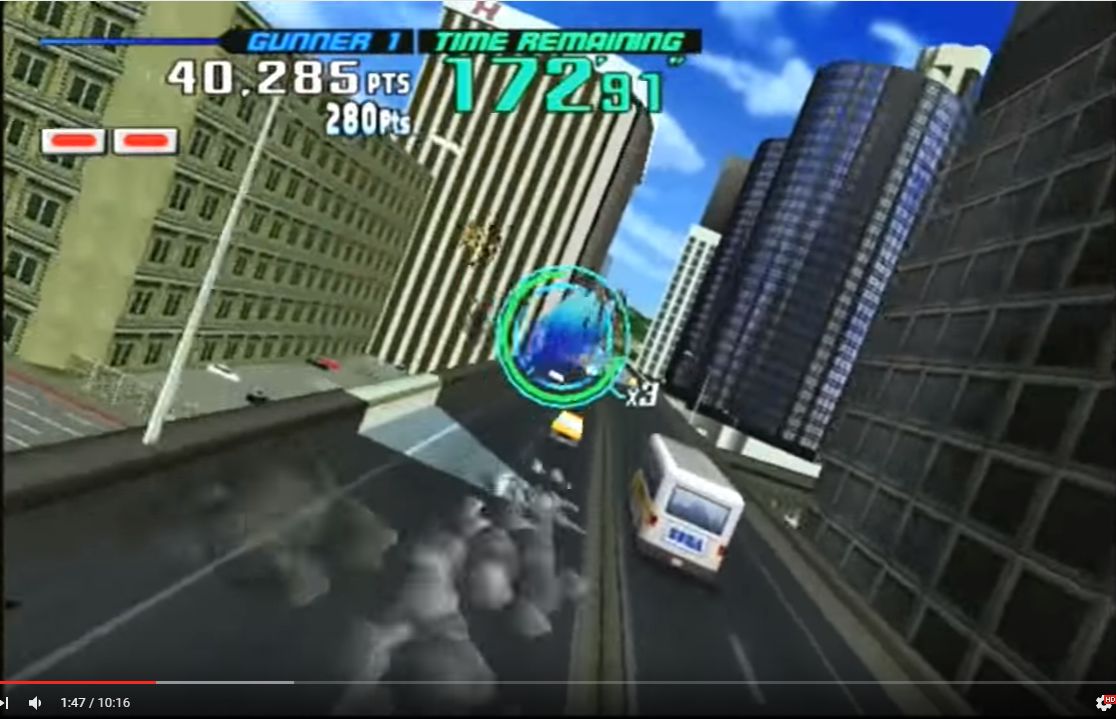
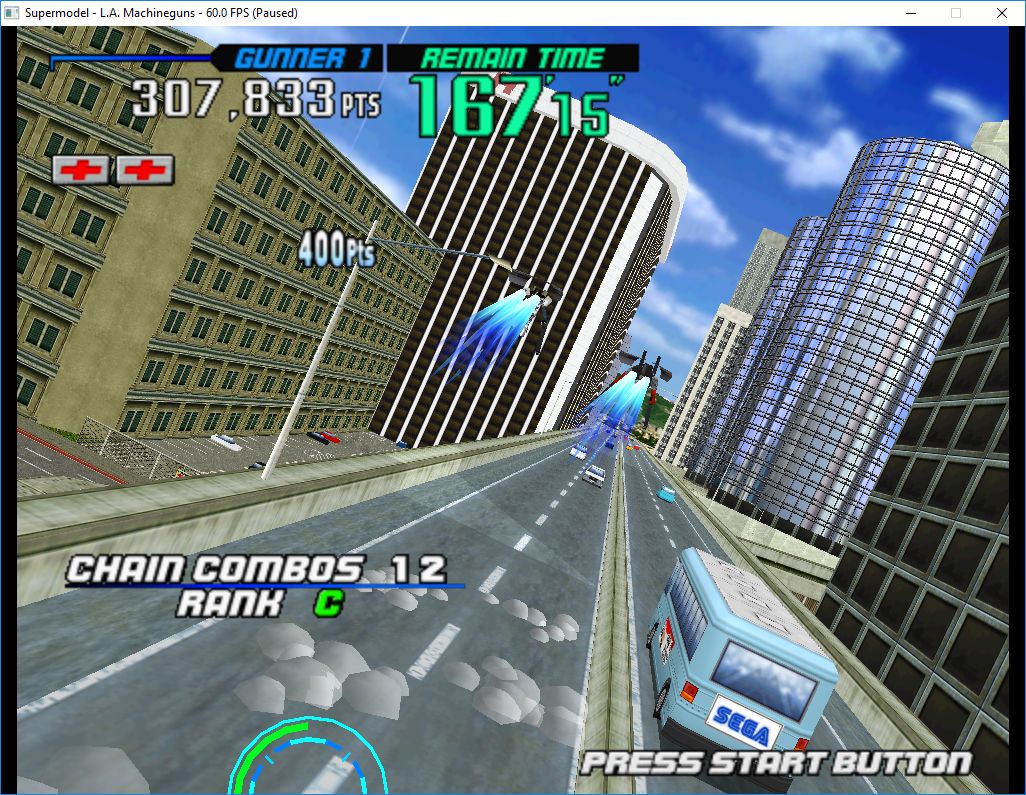
Le premier émulateur de Sega Model 3 créé par Bart Trzynadlowski, Ville Linde et Stefano Teso dans sa version de développement (voir ici) [source].

 
supermodel_actual

Wii version


supermodel_incorrectSupermodel (incorrect)


supermodel_vertexSupermodel with fixed shading

 
Les changements:
– cosmetics
– only need to cull against 4 clipping planes
 
———————–
 
test et test32 (svn516)
– correction des musiques dans sega rally 2

 
Les fichiers sont compilés par spindizzi, merci à lui.


Télécharger SuperModel WIP (x86/x64) v0.3a r516 (1,6 Mo)

Site Officiel

En savoir plus…

Il s’agit d’un émulateur multi-systèmes dont l’interface est en Japonais et en anglais. Il est également accompagné d’un très bon débogueur.


Télécharger vdmgr v0.1.0 (1,4 Mo)

Site Officiel

En savoir plus…

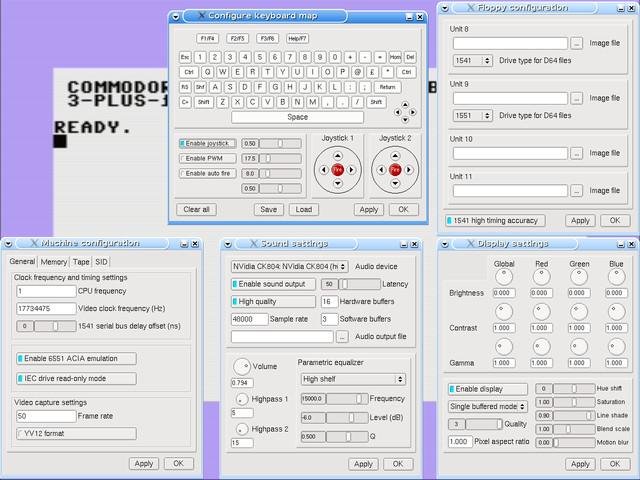
Nouvelle version de cet émulateur de Commodore Plus 4 dans sa toute dernière version béta (disponible sur le site git officiel).


Quoi de nouveau depuis la version stable 1.2.9.2:
– new configuration options for C64 compatible SID emulation
– screenshots and printer output are saved in PNG format instead of TGA
– various improvements and new features in the compress utility
– snapshot and demo files can be compressed in epcompress format
– OpenGL has been made an optional dependency at compile time
– video display improvements and bug fixes; the screen is no longer blanked while the emulator is paused
– the debugger window is hidden only after a short delay when it is closed, this fixes the flickering while using the step buttons
– the editor buffer in the monitor has been increased from 120 to 160 lines
– memory dump is now also shown in ASCII format
– in addition to the default hexadecimal format, it is also possible to specify numbers in the monitor in binary (e.g. %1010), octal (12o), and decimal (10l) format
– new « step » buttons for stepping to the 16-bit address at the top of the stack (‘Return’) or any 16-bit address specified by the user (‘Step to’)
– the debugger prints more detailed information about syntax and runtime errors in Lua scripts, and there is a new button to insert an empty breakpoint callback function
– window icons have been implemented on non-Windows platforms if the emulator is built with FLTK 1.3.3 or newer
– audio output fixes and improvements, WASAPI is now supported on Windows
– added support for building with FLTK 1.3.x and Lua 5.2/5.3, and for building 64-bit Windows binaries
– minor bug fixes


Site Officiel

En savoir plus…

Ce projet fait suite au projet de AloneCoder lui même basé sur le code créé par SMT, il est développé par deathsoft.
Il s’agit d’un émulateur ZX Spectrum conçu pour tourner sous Windows 2000/XP/Vista/7. Il porte le surnom de « Unreal » car il possède des fonctions que n’ont jamais eu les vrais Spectrum telles que : sauvegarder/chargement rapide, capture d’écran, pause, accélération…


Traduction par Google trad:
 
! Added check for exceeding the maximum number of tracks.
! Added check udi crc and an error message.
udi crc is no crc32 (multiple errors in the implementation of the algorithm).
+ Added support for Advanced Format fdi 2 (with the support of bad bytes).
Now you can run the original game, « Black Crow » to the defense.
! Z-Controller: made to delay the data output on one reading
(When reading data are given matter at the previous stage of the exchange). (Blade)
! Fixed handling of read / write commands sd-card.
Fixed service information on a map.
Added detection of card size.
Added reset Sd card when you reset the computer.
+ Added detect invariant TSC (TSCINV: YES in the console window).
@ High priority is not really for the process, but also for the mainstream,
priority is raised to the maximum possible (HighPriority = 1 in the .ini).
! Added ATM2 restart when changing the font ATM3-> ATM2. (CHRV)
! Fixed check for an empty rect calculated numbers when displayed.
! Fixed scaling of fonts and dialogs for high dpi.
+ Added check for HW overlay.
* Fixed detection of video memory size of the graphics card with 4096MB and more.
+ Implemented size / move a window without internal modal cycle (when the emulation is not interrupted by dragging the window).
@ Default memory size is set 128kb (to avoid conflicts with the majority of dem).
+ Trace halt by step over done autorouting to the first interrupt handler instruction.
+ Added information cyl head and the derivation of the error on the impossibility to create a disk of the desired size
(Eg when loaded incorrectly removed td0).
+ Added support d3d exclusive mode (d3de option in .ini).
+ Added presets for ULA KAY 1024. (Las, krt17)
! Fixed timings ATM1 / ATM2 (start of paper 3.5MHz). (DDp)
! Fixed loading of data blocks on the alt-r, if the destination address out of FFFF. (Savelij)
+ In the .ini file is added to the catalog for more screenshots (ScrShotDir, the current default). (AAA)
@ Naming screenshots name of the last loaded image. (AAA)
! Fixed assignment last_branch when interrupts occur (previously has been given).
+ Setting a border size via hotkeys. (AAA)
main.border_none = ALT 4
main.border_small = ALT 5
main.border_full = ALT 6
+ Added additional four-way controller (been implemented yet in the previous versions).
JB1 = 1
JB2 = 2
JB3 = 3
JB4 = 4
JB5 = 5
JB6 = 6
JB7 = 7
JB8 = 8
 
PS: We test and report bugs if it is not found bugs in a week I will put sortsy. (Check the operation on windows xp).

 
Il s’agit de la révision du 22 décembre qui est non bugguée au niveau des inputs.


Télécharger UnrealSpeccy (deathsoft) v0.38.3 (2.6 Mo)

Site Officiel

En savoir plus…


https://getourbonus.com/fr/accueil

https://www.romspedia.com/