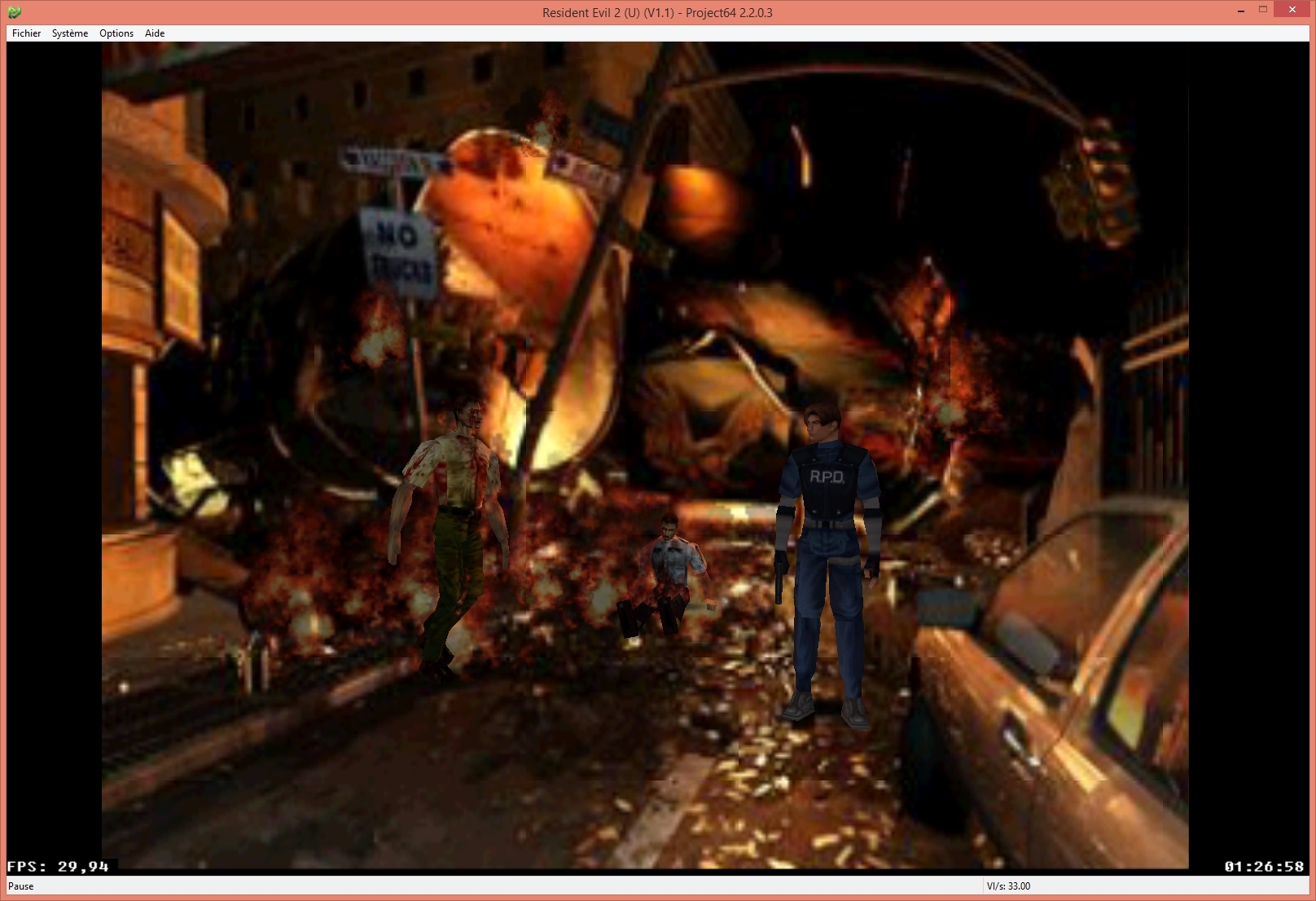
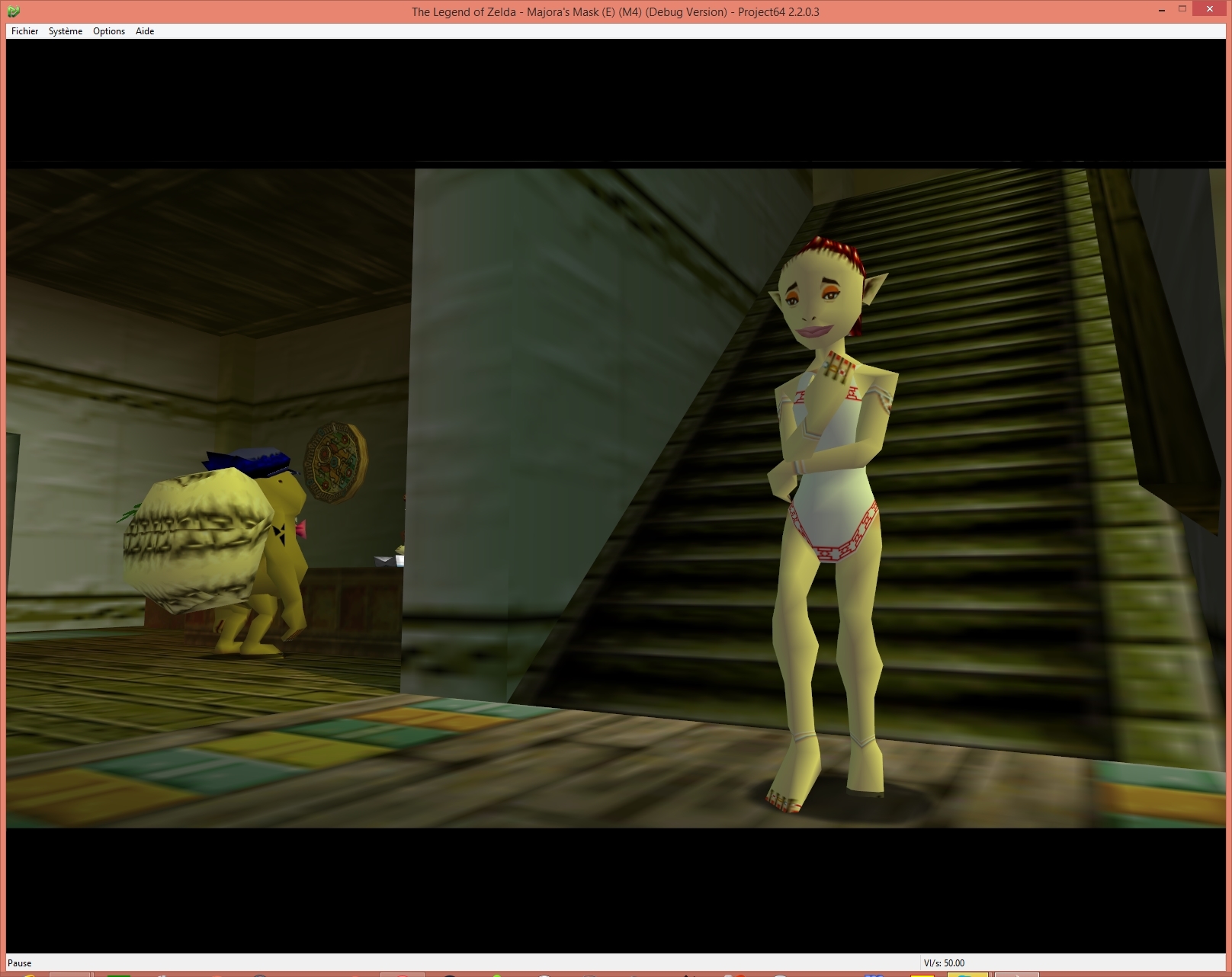
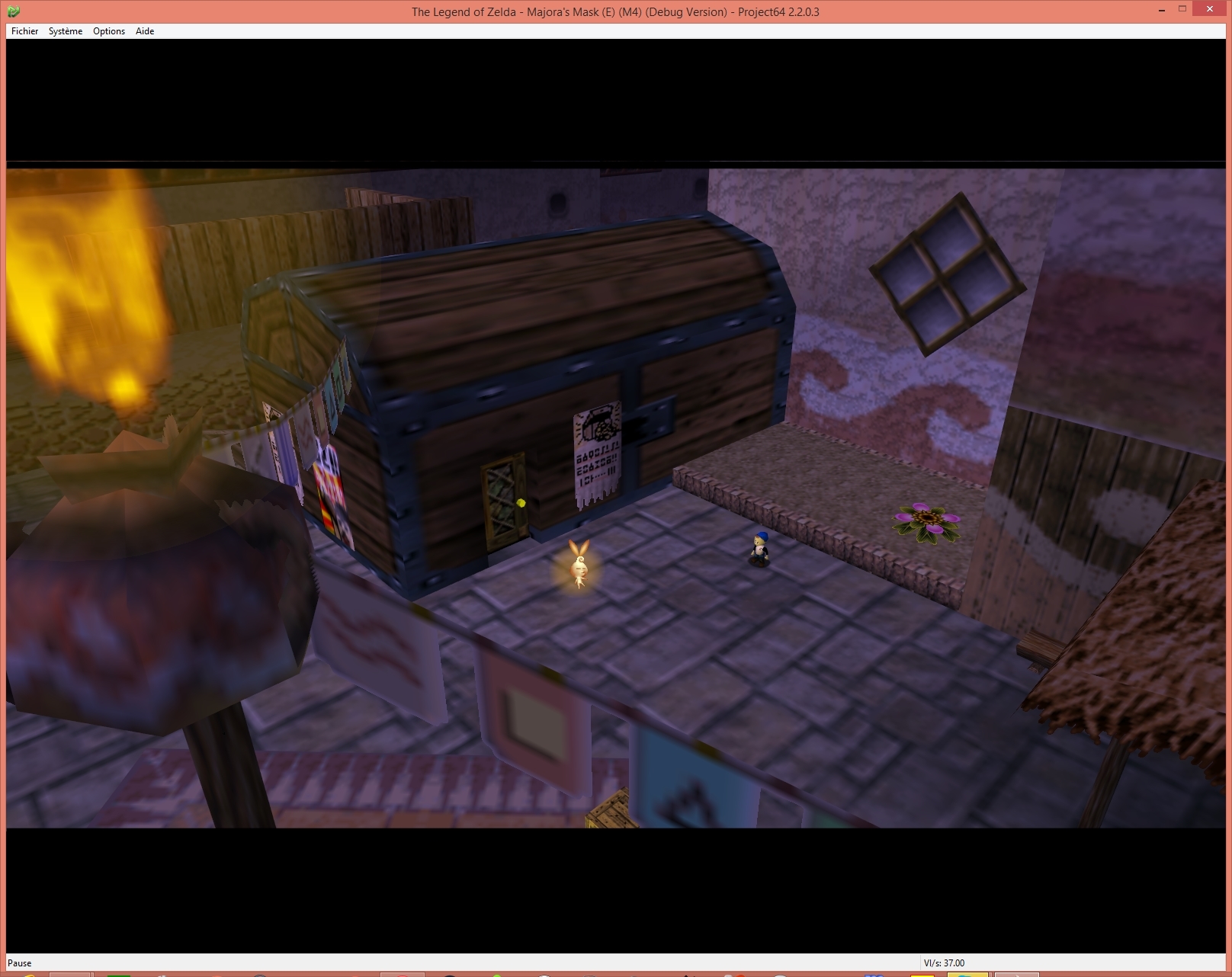
Nouvelle version de cet émulateur de Nintendo64 et 64DD écrit en C++ et qui fête ses 20 ans déjà. Une version pour Android est également disponible ici.
Minor layout fixes :
– Fixed Notes in Enhancements window
– Fix Add Cheat to accommodate for cheat disable value feature
– Center about window header
– Fix ROM browser default column size
– Don’t ask for advanced mode to let user pick enhancements
– [*]English.pj.Lang: Simplify wording
Notons le futur planning qui devrait être le suivant:
Project64 3.0 – Enhancement build: This includes things like getting games to run at higher fps, include GlideN64, etc.
Project64 4.0 – Accuracy: Looking at having more accurate LLE Graphics, accurate cycle timings
Project64 5.0 – Multiplatform: Have Project64 to run well on different platforms, including 64bit on Windows.
Raine est un émulateur Arcade/NeoGeoCD ainsi qu’une excellente alternative à MAME.
En résumé: .16:
Everything is in the title, it’s a binary only for those playing with sound associations to play with customized musics, look in the forum for details. This version fixes the sound commands for matrimelee and adds support for cps2 games… yeah all of them, even the cps1 games using qsound. It’s still quite experimental for the cps2, but it seems functional enough for a release…
.17:
The cps2 music detection was crap in the previous version, here is the fixed version !
This one is based on reading the code in the z80 rom and using directly a table which describes the sounds to play, so it’s very reliable to detect if something is a music, but it doesn’t work for all the roms, it works for the majority though. For those which don’t work (mainly the oldest ones including cps1 qsound and the newest ones !) the sound commands dialog is simply disabled. Anyway it’s good enough for me for now… sorry for the double release !
.18
I might have released 0.91.16 & 0.91.17 too fast, but this one finally holds its promise : all the cps2 games supported (at least those using qsound, gigaman2 being a bootleg without any z80 rom it’s out of the list, I even added it to non working games !).
Except that I finally added some breakpoints in the console for the z80 which helped me a lot to finish this. And updated the help for the regs and break commands, still in the console.
Créé par Exzap (et aidé par Peter Gov), il s’agit du second émulateur de Wii U à être disponible au public mais le premier à émuler des jeux commerciaux. Il peut décrypter les images Wii U qui utilisent le format Wud mais également les fichiers RPS ou RPL. La résolution interne peu aller jusqu’à 1920×1080 selon les jeux (et au delà avec des packs graphiques). Actuellement, le DRC (GamePad), le contrôleur Pro et le contrôleur classique sont émulés. Les Wiimotes sont également émulées (y compris le support natif). Les entrées du clavier + contrôleurs USB en tant que périphériques d’entrée sont également pris en charge. La saisie tactile du GamePad peut être contrôlée par un clic gauche de la souris. La fonctionnalité Gyro est émulée avec des limitations et peut être contrôlée via le bouton droit de la souris. Cette version n’est compatible que pour les Windows x64 (à partir de Windows 7) avec une carte graphique gérant OpenGL 4.1 (ou supérieur) ou Vulkan et il faudra posséder 4 à 8 Go de mémoire vive (Ram) pour le faire fonctionner. (Correspondance ID-Titre [archive ici]).
general: Fixed various regressions introduced by an internal optimization in 1.23.1
# New in 1.23.1:
UI: Download Manager now displays a progress indicator for verifying/installing stage
CPU/JIT: Added some missing instructions to recompiler
Should boost performance in Minecraft, specifically when there are a lot of active sound effects (e.g. during rain)
May also boost performance in other games
GX2: Corrected behavior of GX2GetSurfaceFormatBits() for compressed formats
Resolves corrupted textures and random crashes in Sonic & All-Stars Racing Transformed (#527)
GX2: Fixed a bug where GX2GetLastFrame() would not setup the frame texture correctly
Resolves Hyrule Historia crashing on boot (#402)
coreinit: Reworked OSFastMutex
Paper Mario Color Splash should not longer have massively degraded performance in multi-core mode (#525)
Vulkan: Fixed unpacking of quads into triangles
Resolves graphics bugs in Hyrule Historia
Note:
(#xx) refers to resolved bug tracker issues. See http://bugs.cemu.info/projects/cemu/
A noter que des packs graphiques haute définition sont disponibles ici. Ils permettent, entre autre, d’augmenter la résolution native des jeux car contrairement à Dolphin et parce que la machine est techniquement différente il n’est pas possible à Cemu d’augmenter la définition autrement que par cette méthode.
A l’inverse, des packs SD (définitions standards et/ou basses) sont disponibles sur ce lien et permettent à certains PC manquant de performance de lancer des jeux en 60 FPS.
Il s’agit d’une nouvelle version de Fightcade qui utilise des émulateurs à jour + GGPO pour le netplay. Celui-ci est basé sur la version originale de GGPO mais avec quelques améliorations.
LaunchBox a été conçu comme une interface attrayante pour DOSBox, mais a depuis été élargi pour supporter à la fois les jeux PC modernes et les consoles émulées. DOSBox continuera d’être une priorité principale pour LaunchBox.
Il peut rechercher dans la database TheGamesDB.net (une base de données en ligne communautaire qui permet à quiconque de contribuer) pour les metadatas & box-arts. Il peut exporter les fichiers image, dispose d’une meilleure compatibilité avec dropbox.
LaunchBox comprend des processus d’importations automatiques pour Steam, D-Fend Reloaded, et les fichiers ROM pour des gains de vitesse.
Version modifiée d’Emu71 pour émuler un « HP-72S » théorique (un HP-71B avec un écran à deux lignes) et un « HP-74S » théorique (un HP-71B avec un écran à quatre lignes, double largeur) qui auraient été les successeurs du HP-71B. Nécessite une image ROM Emu72.
HP Prime est une calculatrice graphique présentée par Hewlett-Packard en 2013 et actuellement fabriquée par HP Inc. Elle a été conçue avec des fonctionnalités similaires à celles des smartphones, telles qu’un écran tactile couleur et la possibilité d’étendre les fonctionnalités au moyen d’applications téléchargeables. Elle fait suite à la HP50g.
Explorez les mathématiques à l’ère du tactile avec la HP PRIME
Tendance et haute performance
Une utilisation intuitive à l’identique de votre smartphone pour déplacer, modifier et manipuler des graphiques de manière intuitive avec le doigt. Un écran tactile couleur haute définition et un mode examen intégré homologué.
Des menus en français mais aussi anglais, allemand, espagnol, chinois … pour les sections européennes et internationales ainsi que des applications essentielles et la possibilité de créer vos propres applications.
La HP prime inclue aussi le calcul formel (CAS issu du XCas) avec un design actuel – ultra fine, ergonomique et légère – en métal brossé qui allie tendance et haute performance.
Il s’agit d’une version béta de bsnes ajoutant un mode haute résolution au mode 7 et qui gère à présent l’affichage en mode écrans larges, le résultat est absolument magnifique !! Espérons que Near pourra l’intégrer dans le projet officiel prochainement !
– The libretro core now re-applies setting overrides whenever settings change.
– The setting override to allow widescreen windowing can now be enabled manually in the libretro core as an option.
– The setting overrides for pixel aspect ratio correction and overscan are available again, only for the libretro core.
– There are new setting overrides for the scale as well as for disabling the sprite limit.
– It is now possible to soft-patch with multiple patches. (like in RetroArch, append « 1 » to extension of second patch, « 2 » to third, …)
– The libretro core can now also apply patches in IPS format. (discouraged, (un)headered is a core option)
– Merged rom-size detection fix from upstream. (fixes some Metroid ROM hacks that would not start)
– Removed the dependency libgtksourceview. (from upstream, only affected Linux)
– Added setting override for doubling VRAM size (for widescreen patches and other ROM hacks only, please contact me on Discord for details)
Créé par Dietmar Klein, SidTools est un lecteur de sons/musiques dédié au composant SID ou MOS 6581 (commodore C64 et 128) mais également un frontend pour les émulateurs gérants ce même composant tel que VICE ou encore Hoxs64 par exemple.
– sidtool.ini file now saved in users folder
– Version check upgraded
– Fixed minor bug on subsong display
– New option to always start at subsong #1
– STIL no longer updates on changing subsong
– DoubleClick on selected Sid now starts it (again)
– Fixed Bug when Next Sid was due but nothing selected
– Peililintu lost interest, thus SidTool no longer OS.
– Discord server closed due to related inactivity
PlayNite est un gestionnaire open source de bibliothèque de jeux vidéo et un launcher avec prise en charge des bibliothèques tierces telles que Steam, GOG, Origin, Battle.net et Uplay. Incluant le support d’émulation de jeu et fournissant une interface unifiée pour vos jeux.
New:
– Battle.net: Added support for Diablo 2 Resurrected, Crash Bandicoot 4 and Blizzard Arcade Collection
Fixed:
– Updated localizations
– Steam games from different disk drives not imported correctly
– Leaking process handles when tracking play time
– Installed Origin games not being detected and launched properly
– Incorrect metadata downloaded for some Epic games
– Import of installed GOG games fails sometimes
– Fullscreen mode dialogs are not rendered properly after exiting a game
– Epic client not being detected as installed
– Battle.net authentication not working properly
– Authentication using Google account doesn’t work
AmiArcadia est le port amélioré de Tunix2001 ex ‘Win Arcadia 2001’ (par Gavin Turner) pour Amiga. Ecrit par James Jacobs et Gavin Turner, cette version est en fait le port Windows du port Amiga (un backport) !
Il émule les consoles basé sur la famille des Arcadia2001 : Bandai, Emerson, Grandstand, Hanimex, Intervision, Leisure-Vision, Leonardo, MPT-03, Ormatu, Palladium, Poppy, Robdajet, Rowtron, Tele-Fever, Tempest, Tryom, Tunix, etc.
Il supporte aussi l’Interton VC 4000 et l’Elektor TV Games Computer. Il nécessite Windows 9x/ME/NT/2000/XP et tourne aussi sous Vista/8/10.
dgVoodoo est un glide wrapper mais aussi un wrapper DirectDraw/Direct3D (v1 à 7, 8.1 et 9) vers Direct3D11/12. Pour simplifier grandement, ça émule une carte 3DFX qui va pouvoir gérer la bibliothèque propriétaire Glide (Glide 2.11, Glide 2.45, Glide 3.1 et Napalm) mais également les vieilles cartes graphiques compatibles DD/D3D v1 à v9. Quel est l’intérêt ? Jouer aux anciens jeux qui fonctionnent mal sur les nouvelles cartes graphiques (parce qu’ils ont été optimisés pour le Glide ou de vieilles versions de DirectX et non pour d’autres API telles que OpenGL ou DirectX v11 ou v12) ou tout simplement utiliser un émulateur qui lui aussi utilise le Glide. Cette version est destiné à Windows Vista/7/8/10 avec DirectX 11 (ou supérieur) d’installé et vous devez posséder une carte graphique (compatible DirectX Level 10.1) supportant les Shaders Model v4 ou v5.
Vous aurez besoin de ces bibliothèques pour activer certaines fonctions graphiques.
Les changements:
– Minor D3D incompatibility fixed (Corn N64 emulator)
– Adding dynamic type resolution ‘Desktop’ (see the appropriate section for details)
– Changing the implementation of D3D8/9 software cursor to be compatible with MS implementation
– A bug in the general hw cursor emulation is fixed (No One Lives Forever)
– Adding ARM64 builds of the 64 bit libraries and the CPL
– Fixing a bug in the shader code generator (Virtua Tennis 4)
– Minor DDraw compatibility fix (Alien vs Predator 2 corrupted health texture)
– DDraw optimizations for LithTech engine lightmap textures handling (Alien vs Predator 2, but it should affect other games as well)
– Improved GDI hooking to support the old MCI AVI player (Nocturne)
– DDraw/D3D compatibility fixes to support the old ramp device (Banzai Bug) (As for the rendering, this game now runs fine with dgVoodoo in hw mode. However, still there is a problem, see this bug entry )
– Some performance optimizations in the D3D11/12 DX backends
– Fixing (refactoring) an old optimization for managed textures (Spirit of Speed 1937, missing textures)
– Fractional (rational) values for option GeneralExt\FPSLimit