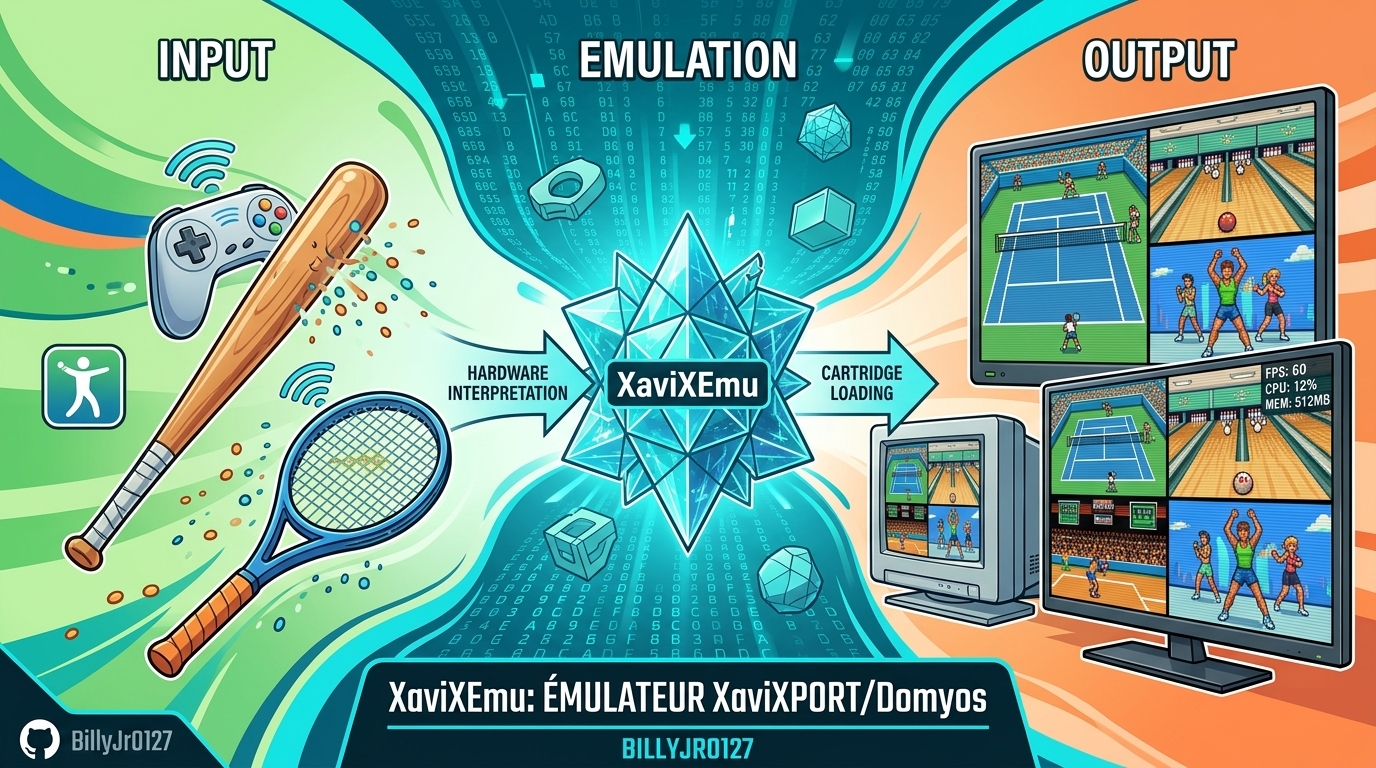
XaviXEmu est un émulateur expérimental et open source pour Windows, dédié à certains jeux télévisés XaviX, XaviX 2000 et XaviX 2. Le projet se concentre sur la documentation du comportement matériel, l’émulation des entrées de mouvement, les tests reproductibles et la préservation des recherches sur des systèmes dont les accessoires optiques d’origine sont difficiles à utiliser avec les écrans modernes.
Les changements:
– Super Dash Ball, Golf & Hamtaro: Fixed stick directions for Super Dash Ball, added Golf’s configurable swing/space action, improved Hamtaro controls, corrected TV-PC mouse coordinates, and updated playability ratings.
– Release & Distribution: Added Traditional Chinese setup, controls, 40 ZIP mappings, and 0.4.1 release notes while distributing binaries without publishing source code.
– Display & Launch Options: Preserved game viewport size during menu wrapping, added -f, -w1–-w4, and -s 4:3 launch options with direct ROM paths, and prevented saving temporary display overrides.
– UI & Versioning: Simplified About section to list XaviXEmu for XaviX/2000/2, updated app version to 0.4.1, and documented all 40 ZIP titles and statuses in the README.
– Canvas & Zoom: Fixed XaviX2 window zoom on a stable 320×240 canvas and locked Take-copter’s 4x window to 1280×960 during its 640×480 startup screen.
– Playability: Marked Choro-Q Byun Byun Racer, Disney Princess, Doraemon Taikan Take-copter, Ham-chans, and IDATEN Jump as fully playable.
– Dragon Ball Z2 Persistence: Separated Dragon Ball Z2’s 1024-byte EEPROM from snapshots to keep story saves persistent across restarts and F7 loads.
– Rendering & Performance: Fixed lower-panel color flashes in Dragon Ball Z2 and optimized empty polygon lists to single-palette frame protection.
– XaviX 2 Depth & Ordering: Fixed depth sorting for culled polygons and billboard anchors in Dragon Ball, removing previous ordering workarounds.
– Diagnostics: Added optional submission/active-line diagnostics and periodic framebuffer captures to the boot probe without modifying runtime state layout.
– Window Scaling: Fixed library launch scaling so selected 1x–4x window scales persist after restarting a game.
– Translucency & Shaders: Implemented interleaved RGB444+Nalpha palette decoding, fixed Take-copter’s cloud/haze rendering, and cleaned up blended 3D/2D sprite edges.
– Alpha Composition & IRQ: Corrected premultiplied alpha blending math and synced Take-copter’s F7 sequence to a stable 60 Hz frame rate.
– Filters & Effects: Implemented the RPU four-tap bilinear filter for smooth sprite scaling and added a $e620 2×2 Gouraud dither pattern for sky gradients.
– GPU Submissions: Merged Take-copter’s dual GPU submissions to fix full-screen color fade layering over characters and clouds.
– Take-copter Controls: Added a full 4×4 head-tilt input driver for Take-copter supporting mouse, keyboard, gamepad, and Wii pointers with custom gestural actions.
– UI Pause Menu: Added an Escape confirmation menu to safely pause, save EEPROM, return to the library, or resume emulation.
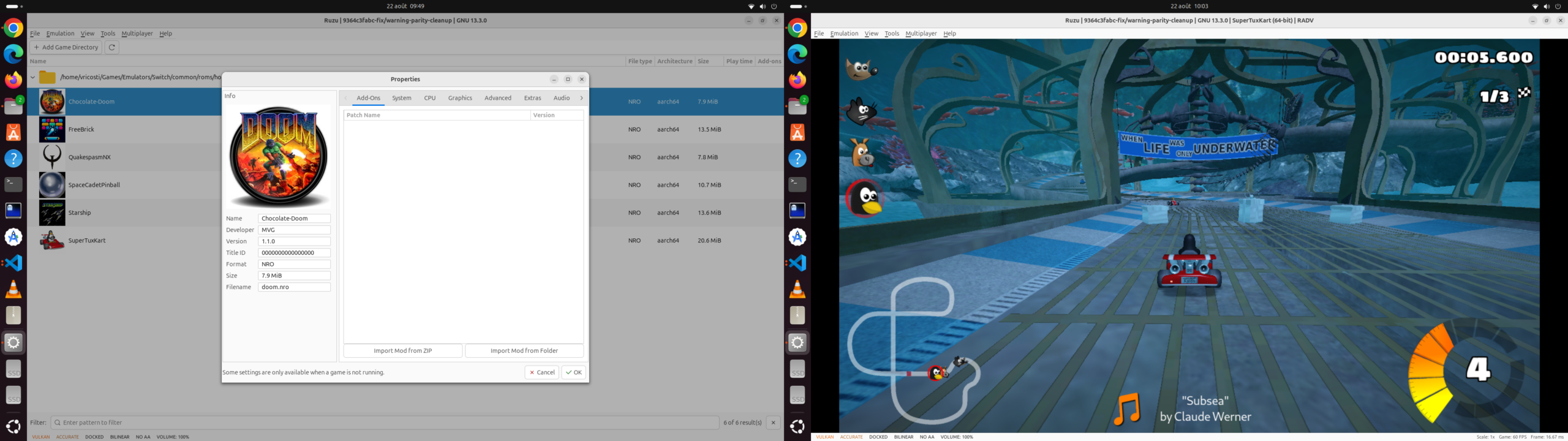
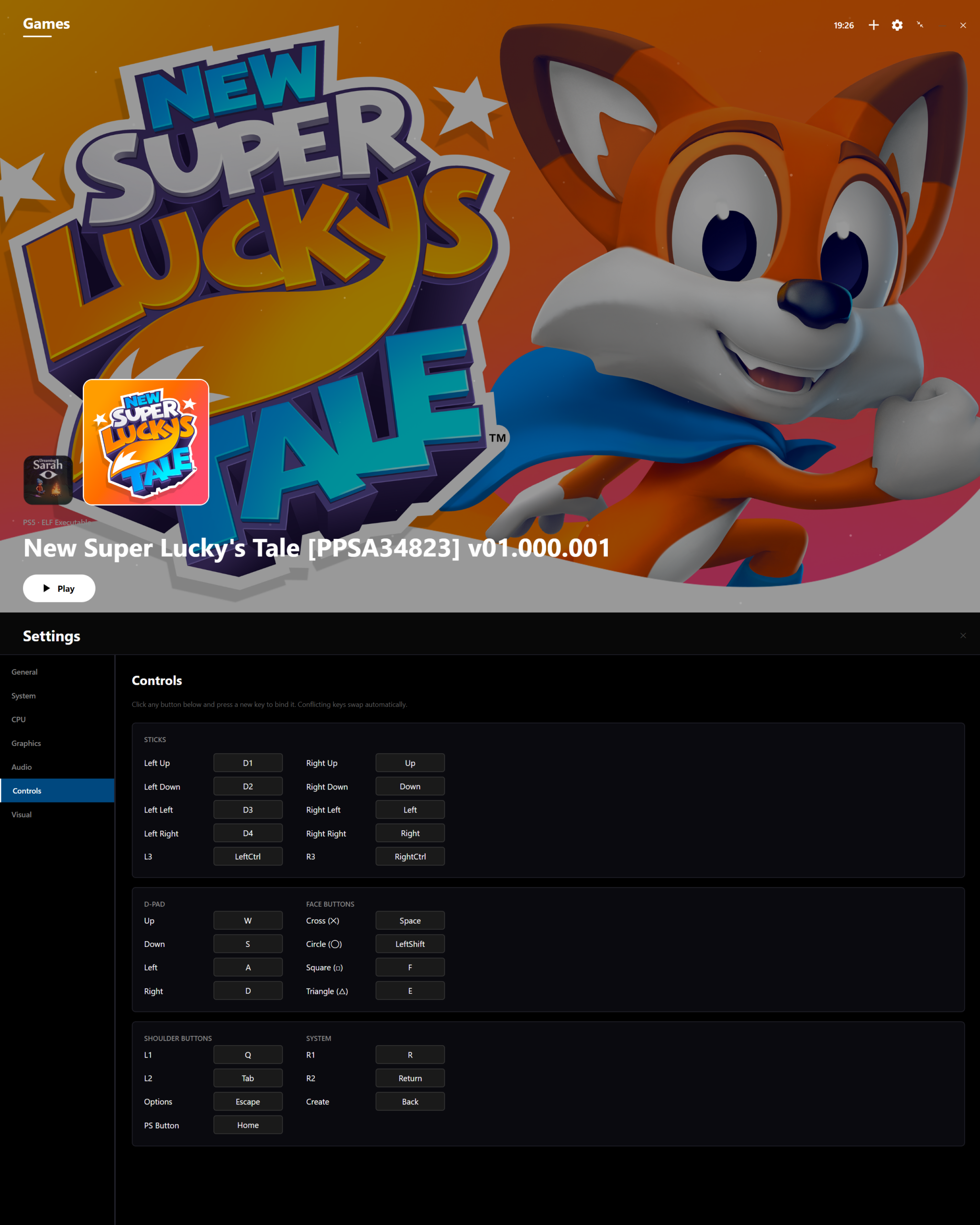
– Game Library: Added a searchable, sortable game library with drive scanning, thumbnail support, detailed title metadata, and custom per-game controls.
– ROM Recognition & Profiles: Added exact detection for seven new ROMs (rad_mtrk, rad_snow, etc.), clean input profiles, and separate state identities.
– Vehicle Controls: Added mouse, keyboard, and gamepad analogue controls with fine-grained tilt and duty-cycle steering for early racing systems.
Télécharger XaviXEmu v0.4.1 (262 Ko)
Site Officiel
En savoir plus…