Un émulateur NES écrit en Dart et Flutter. Supporte macOS, Windows, Android et Linux (testé sur Steam Deck).

0 commentaire



Un émulateur NES écrit en Dart et Flutter. Supporte macOS, Windows, Android et Linux (testé sur Steam Deck).
Le projet GitHub xenia-edge est un fork expérimental de l’émulateur Xbox 360 Xenia, basé sur la branche Canary. Il vise à centraliser les dernières avancées techniques issues de divers forks dans un seul package. Le projet est conçu pour la recherche et l’expérimentation autour de l’émulation Xbox 360, avec une compatibilité Windows et Linux. Il propose un script de build personnalisé (xb) pour simplifier la compilation, une liste de compatibilité des jeux maintenue par la communauté, et une intégration continue via Buildbot. Le code est majoritairement écrit en C++, avec des contributions en Assembly, Python, Lua, HLSL et C#. Le dépôt contient des ressources utiles comme un guide de démarrage rapide, une FAQ et des instructions de compilation.
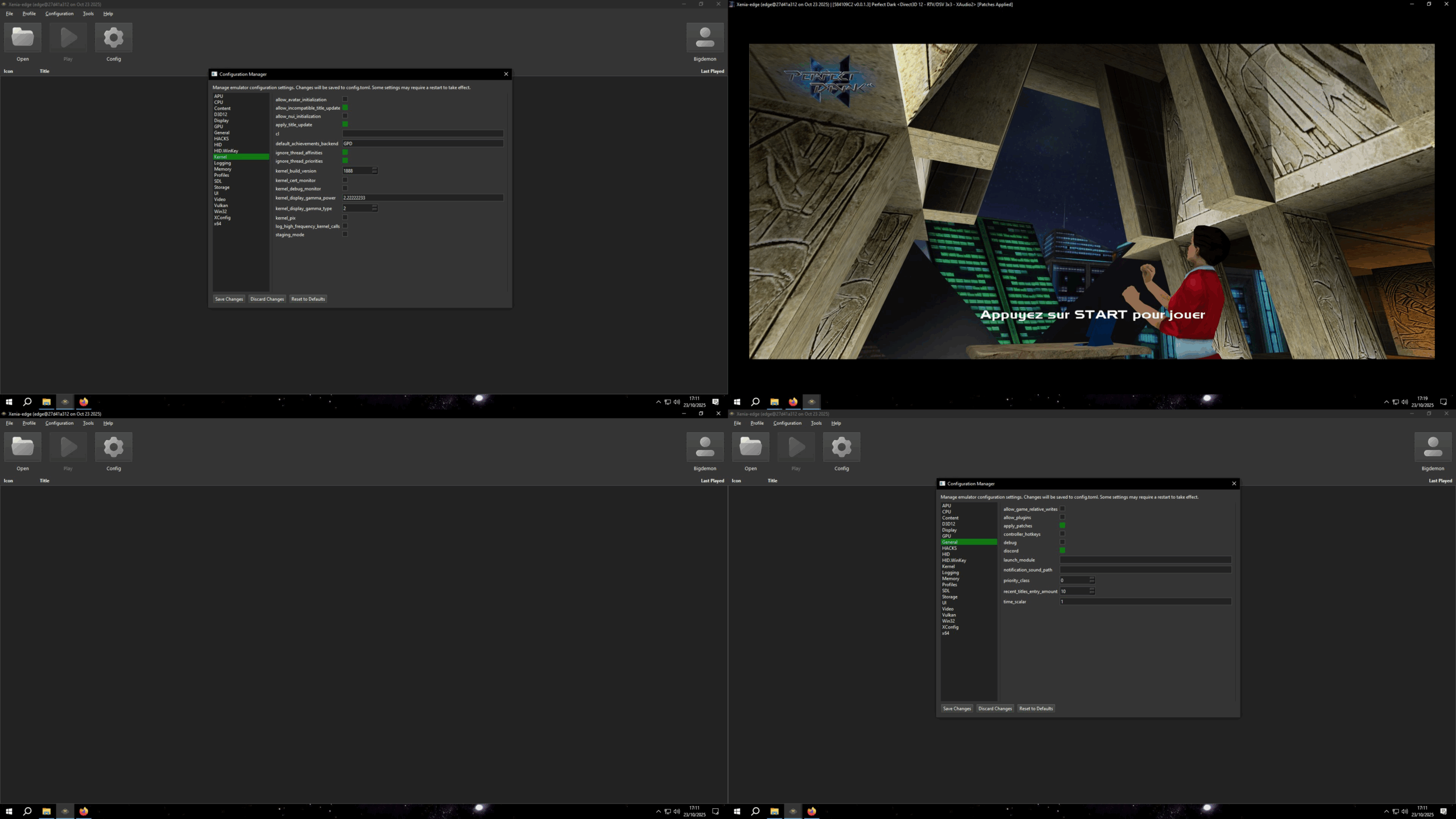
Créé par Ben Vanik alias Noxa (PSP Player), il s’agit d’un projet de recherche pour développer un émulateur Xbox 360. Notez qu’il vous faudra une machine très performante pour lancer des jeux commerciaux de façon fluide. Plus d’informations ici sans oublier le site de développement là [master]. Un manager permettant de gérer l’émulateur Xenia est disponible ici.
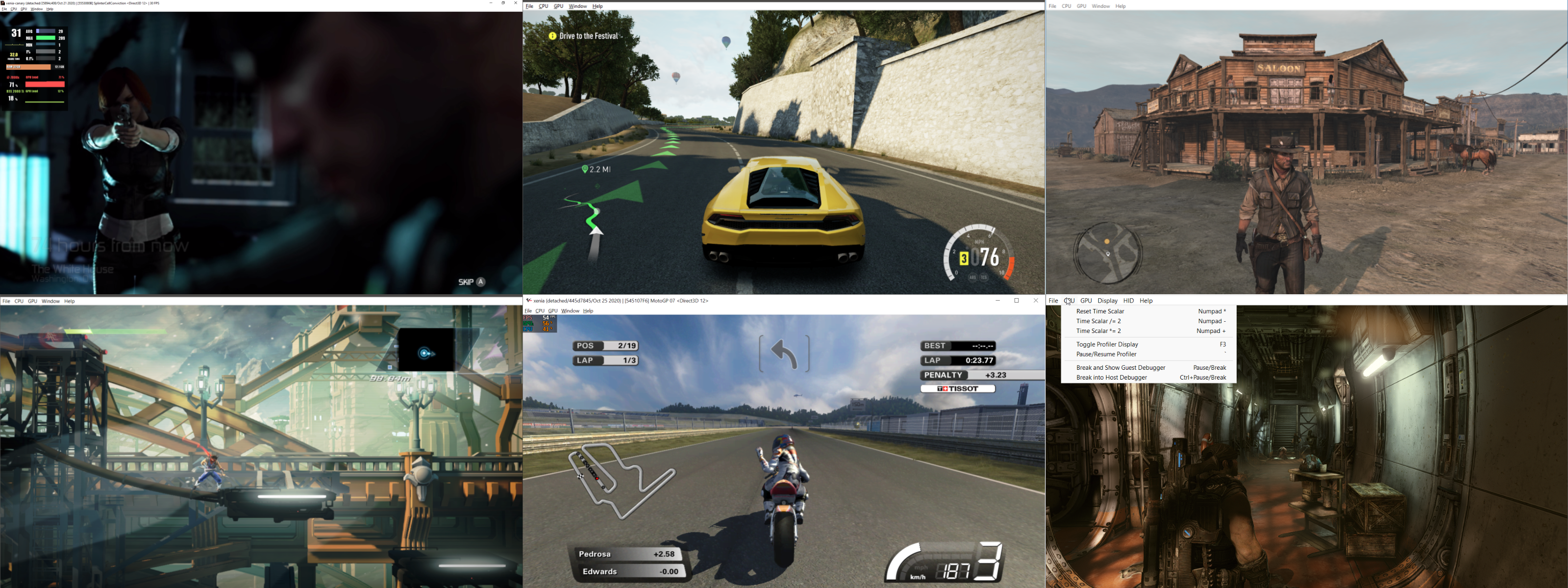
– [XAM] – Add missing X_MARKETPLACE_ENTRYPOINT, X_MODULE_FLAGS, and more CreateThreadFlags
– [GPU] RB_COPY_SURFACE_SLICE for volume resolve slice spacing
– Misc fixes
Fuse (Free Unix Spectrum Emulator) est un émulateur tournant à l’origine sous Unix. Plusieurs portages ont été fait dont celui pour Windows. Les systèmes 16K, 48K, 128K, +2, +2A, +3, +3e, SE, TC2048, TC2068, TS2068, TTX2000S, Pentagon 128 et Scorpion ZS 256 sont émulés.

Emulation core improvements:
– Expand automatic tape-loader detection and acceleration for
Microprose, Software Projects, Gremlin 2 and Movieload loaders
(fixes bugs #396, #429 and #430) (thanks, Philip Kendall)
(Fredrick Meunier).
– Improve automatic tape playback for custom loaders, allowing Basil
the Great Mouse Detective, Viz: The Computer Game, Moonlighter and
Trzy Wymiary to load without manual tape control (fixes bug #433
and part of bug #218) (Fredrick Meunier).
– Preserve the complete tape signal state when switching from ROM
traps to custom loaders, allowing Bomb Jack and similar loaders to
continue correctly (fixes bug #333 and part of bug #310)
(Fredrick Meunier).
– Avoid accelerating the Technician Ted loader (fixes bug #55)
(Fredrick Meunier).
– Do not automatically restart rewound tapes at end of tape, making
it easier to change sides in multi-side games such as Echelon
(part of bug #218) (Fredrick Meunier).
– Handle bare tape flag blocks explicitly, improving compatibility
with unusual tape images (Fredrick Meunier).
– Correct tape-loading sound through the beeper so loading audio is
reproduced accurately (thanks, Kuba Adamowicz) (Fredrick
Meunier).
Machine specific improvements:
– Support both 8K and 16K Interface 1 ROM images and preserve their
size in snapshots (fixes bug #152) (thanks, Andy Potter) (Fredrick
Meunier).
– Enable DISCiPLE on 128K machines, add inhibit behaviour and expose
its magic button in widget UIs (fixes bugs #271 and #273) (thanks,
Stuart Brady, Alan Pearson and Gergely Szasz) (Sergio Baldoví and
Fredrick Meunier).
– Correct +D address decoding for more accurate peripheral behaviour
and software compatibility (Fredrick Meunier).
UI improvements:
– GTK3: restart the autohide timeout when switching fullscreen mode
so the menu and status bars appear or disappear immediately
(Alberto Garcia).
– GTK3 and SDL2: set the correct application identity so Linux
desktop environments display the proper Fuse icon (Alberto Garcia).
– Correct CAPS SHIFT handling when multiple host cursor keys are
held (fixes bug #470, patch #448) (thanks, lvd) (Fredrick Meunier).
– Add the FMF extension automatically when recording movies (fixes
bug #469) (Gergely Szasz and Fredrick Meunier).
Scaler improvements:
– Extend composite scaler colours correctly to the screen edges,
(thanks, Sergio Baldoví) (Fredrick Meunier).
RZX improvements:
– Correct EI-delayed interrupt handling during playback, allowing
affected recordings to replay without desynchronising (fixes bugs
#508, #67 and part of bug #336) (thanks, Alexey Kuznetsov and AJ
B) (Fredrick Meunier).
– Reproduce legacy Spectaculator CPU behaviour and +D snapshot
paging, allowing more Spectaculator recordings to play correctly
(part of bug #336) (Fredrick Meunier).
– Handle SPIN 0.5 frame-boundary and tape-save input quirks, allowing
affected recordings to continue without input-count errors
(Fredrick Meunier).
– Restore the R register correctly in recordings made by Fuse
versions before 0.7, improving playback of old recordings
(Fredrick Meunier).
– Place autosave snapshots after interrupt processing so unfinalised
recordings can restart correctly in other RZX players (fixes bug
#304) (thanks, Sergio Baldoví) (Fredrick Meunier).
– Report missing snapshots and compatibility warnings more clearly,
making playback failures easier to diagnose (Fredrick Meunier).
– Fix the –playback command-line option so RZX playback can again
be started from the command line (Fredrick Meunier).
Miscellaneous improvements:
– Avoid reading entire HDF images while identifying file types (part
of bug #168) (thanks, Gergely Szasz) (Fredrick Meunier).
– Require C11 compiler support (Fredrick Meunier).
Testing improvements:
– Improve development regression test harness (Fredrick Meunier).
– Expand tape-loader, tape-trap and ROM-loading regression coverage
to reduce the risk of compatibility bugs (Fredrick
Meunier).
– Various other minor bugfixes.
Télécharger Fuse v1.10.0 (3.3 Mo)
Igir est un gestionnaire de collections de ROM qui permet de trier, de filtrer, d’extraire ou d’archiver, de patcher et d’établir des rapports sur des collections de toute taille sous n’importe quel système d’exploitation.

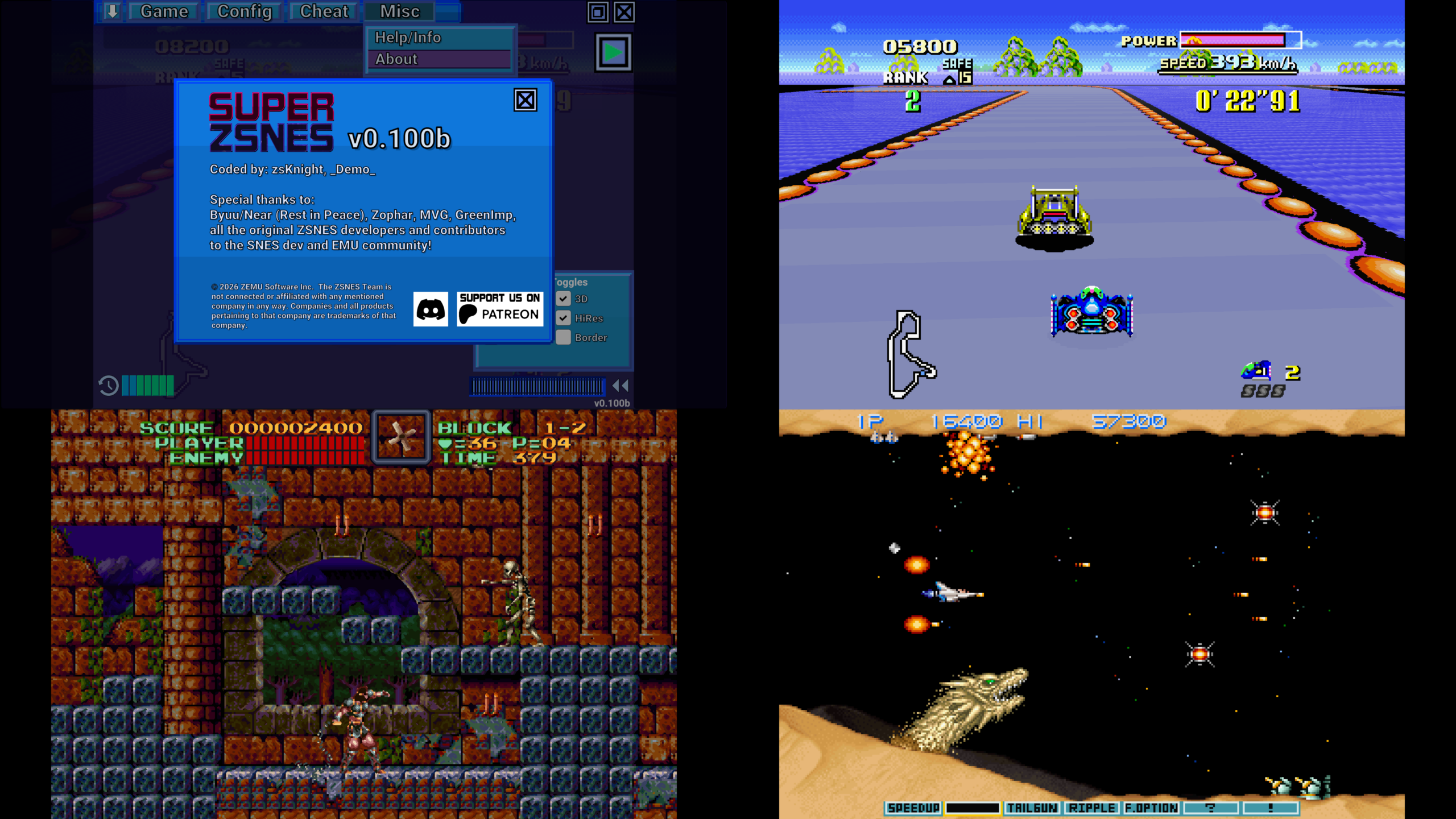
SUPER ZSNES est une réécriture complète et moderne de l’emblématique émulateur ZSNES.
Réunis à nouveau, les deux créateurs originaux développent un émulateur SNES moderne, accéléré par GPU, plus précis, plus rapide et doté d’un système d’améliorations spécifiques à chaque jeu.
Caractéristiques principales:
– Cœurs CPU et audio plus précis que l’ancien ZSNES.
PPU accéléré par GPU:
– Mode 7 haute résolution
– Effets spéciaux améliorés
– Rendu plus propre et plus stable
Interface classique ZSNES modernisée:
– Effet de neige conservé
– Haute définition
– UX améliorée
Fonctions avancées:
– Fast forward
– Rewind
– Save states
– Auto-save history
– Bookmarks
– Cheat codes
– Quick load
– Développement sans frameworks modernes (style classique).
Super Enhancement Engine:
– Système d’améliorations par jeu, déjà actif sur 9 jeux populaires.
– Support des fichiers d’amélioration personnalisés au format .zsmod.
Types d’améliorations:
High Resolution:
– Rendu interne redessiné manuellement
– Détails haute résolution propres et nets
Texture / Normal Map:
– Ajout de détails supplémentaires
– Aspect plus riche et plus profond
Overclock:
– Suppression du slowdown
– Fluidité accrue
Widescreen (si support interne):
– Activation du widescreen lorsque le jeu possède un code interne partiel ou complet
– Le widescreen interne est désactivé lorsqu’un widescreen spécifique au jeu est actif
Uncompressed Audio Replacement:
– Remplacement des samples compressés par des versions non compressées
3D (Mode 7 perspective):
– Remplacement des tiles par des données 3D height-mapped
– Effet 3D réel sur les jeux utilisant le Mode 7 en perspective
Toutes les améliorations peuvent être activées ou désactivées individuellement.
Les fichiers d’amélioration n’incluent aucun extrait de ROM: ils ne contiennent que des données additionnelles, jamais de contenu provenant du jeu lui‑même.
Support des appareils:
– Support d’Apple TV
– Support d’Android TV
– Mode portrait sur appareils mobiles
– Launcher Android
– Transfert de fichiers via serveur Web local
– Support du stick analogique droit pour contrôler les couches 3D du Mode 7
– Clic sur le stick analogique gauche pour contrôler le zoom
– Amélioration de la détection des boutons et de la croix directionnelle des manettes
– Support initial des scripts personnalisés au format .zlua
– Première version de l’amélioration de Star Fox avec modèles 3D et sprites recréés en véritables modèles 3D accélérés par GPU, avec support du widescreen, de la haute résolution et de l’interpolation.
À venir:
– Corrections de bugs
– Support des special chips (DSP1, SuperFX, etc.)
– Retroachievements
– Widescreen personnalisé pour les patches
– Optimisations supplémentaires
– Nouveaux types d’améliorations
– Netplay
– Autres
Les changements:
– Added portrait mode for mobile
– Fixed various controller button/dpad detection issues
– Apple TV and Android TV support. It currently uses a local web server to transfer files over.
– First pass Starfox Enhancement. Big thanks to Kandowontu, Sunlit, Alexander, and the Starfox -EX team for making this possible! Re-creates 3D models and sprites as actual 3D models instanced on the GPU. Adds wide-screen, hi-res, and interpolation. Currently works only on the original rom.
– Initial custom .zlua script support
– Internal widescreen is now off when per game widescreen is on. Fixes Super Metroid widescreen patch
– Right analog stick now controls 3D layers mode. Click and hold the left analog stick to activate zoom mode.
– Android frontend launcher support (thanks to Snu for the testing work!)
– Custom .zsmod (enhancement) files can now be loaded. Put it with the rom and rename the .zsmod file to match the rom filename.
– Lots more optimizations
KytyPlus est un fork de KytyPS5, lui-même dérivé du projet original Kyty. Il reprend son émulation de la PlayStation 5 tout en ajoutant plusieurs améliorations, notamment le support expérimental des jeux PS4 via shadPS4, le FSR 1.0, un cache Vulkan permettant de conserver les pipelines compilés et différentes optimisations destinées aux GPU intégrés (iGPU). Il permet également l’installation des fichiers PKG depuis son interface et propose une gestion unifiée des jeux PS4 et PS5. Le projet est encore en développement et de nombreux jeux peuvent rencontrer des plantages, des écrans noirs ou des problèmes graphiques.
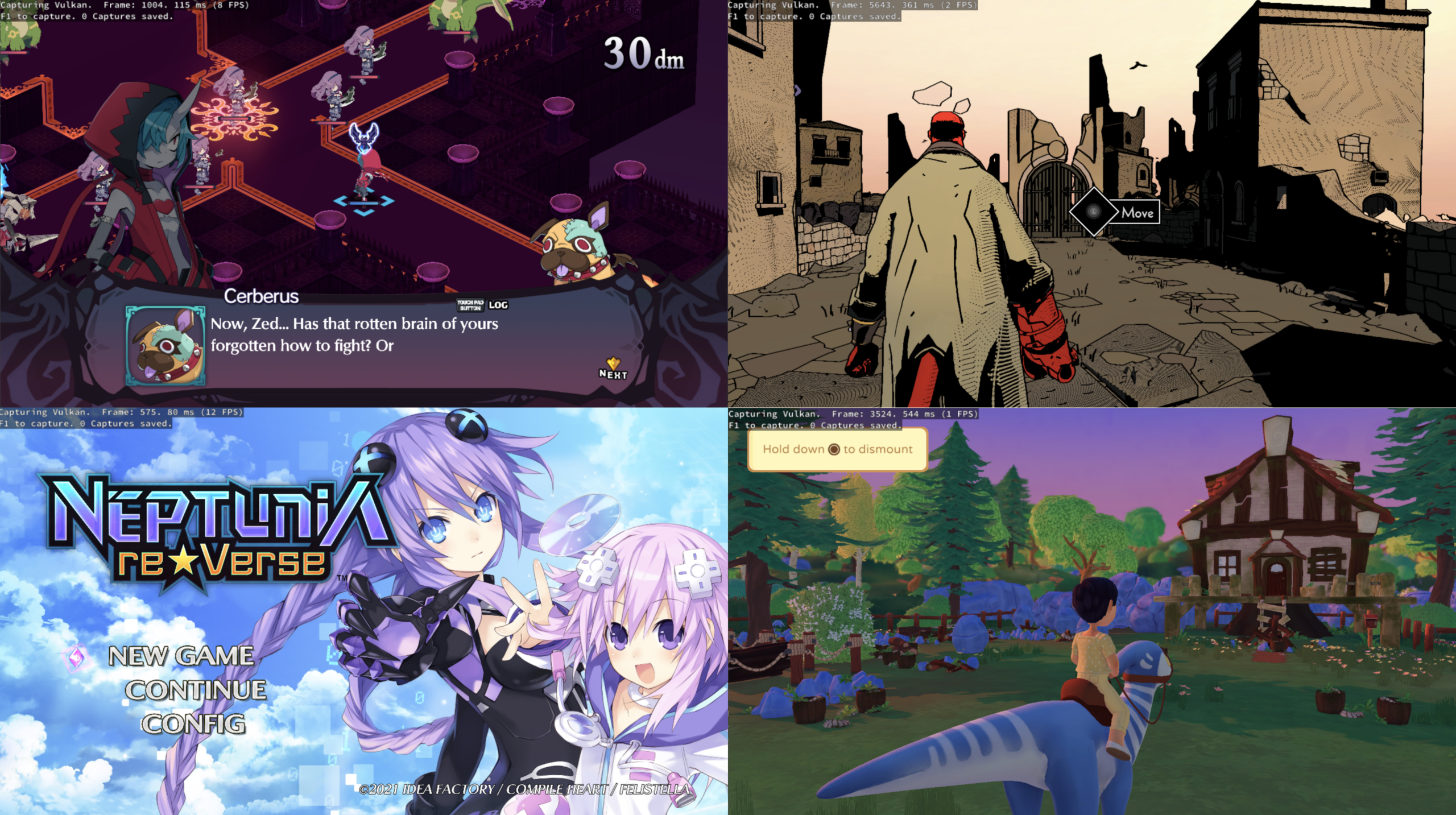
Les changements:
– Crash Bandicoot 4: It’s About Time: Fixed video playback so the complete intro cutscene chain now plays correctly
– Fixed a deadlock preventing the fourth bumper video from completing
– Fixed black screens caused by fence waits that were not being re-evaluated
– Added a stalled-wait watchdog to prevent GPU queue hangs
– Fixed null destination handling in `write32`/`write64` and `CpOpReleaseMem`
– Fixed FSR crashes on AMD integrated GPUs; FSR is no longer enabled by default on iGPUs
– Fixed presentation issues on integrated GPUs by enforcing FIFO present mode
– Fixed zero-size swapchain handling
– Fixed the launcher spawning the emulator through `cmd /K`
– Fixed geometry-stage draws being incorrectly skipped
– Fixed handling of `AtomicXorU32`, `AtomicFMinF32` and `AtomicFMaxF32`
– Fixed depth/stencil image aspect transitions
– Fixed `file://` URI handling for movie playback and improved related error logging
– Added diagnostics for infinite kernel event/semaphore waits
– Added diagnostics for `PthreadCondWait` calls stuck for more than 10 seconds
– Updated compatibility information for Crash Bandicoot 4: It’s About Time
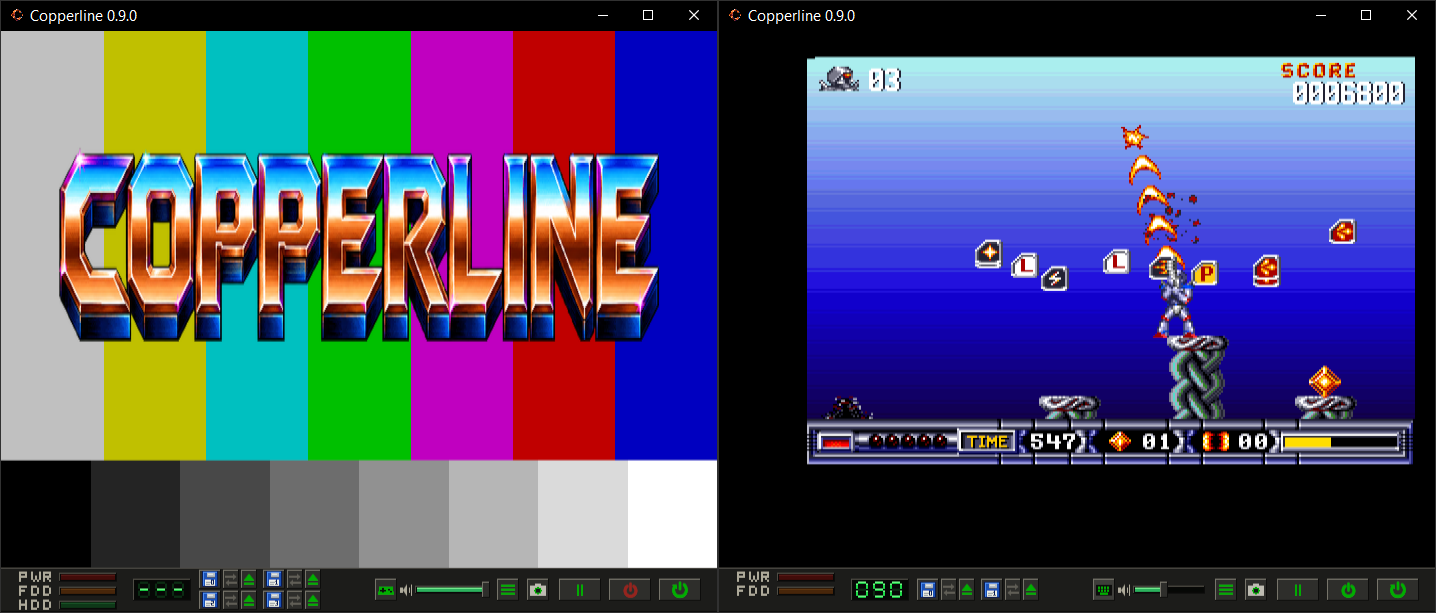
Copperline est un émulateur Amiga écrit entièrement en Rust. Il vise à reproduire fidèlement le fonctionnement du matériel d’origine, avec une émulation précise jusqu’au niveau des cycles d’horloge (cycle-accurate). Son architecture modulaire facilite le développement et permet d’émuler les principaux composants de la machine, comme le CPU, le Copper, le Blitter, Paula et les CIA.
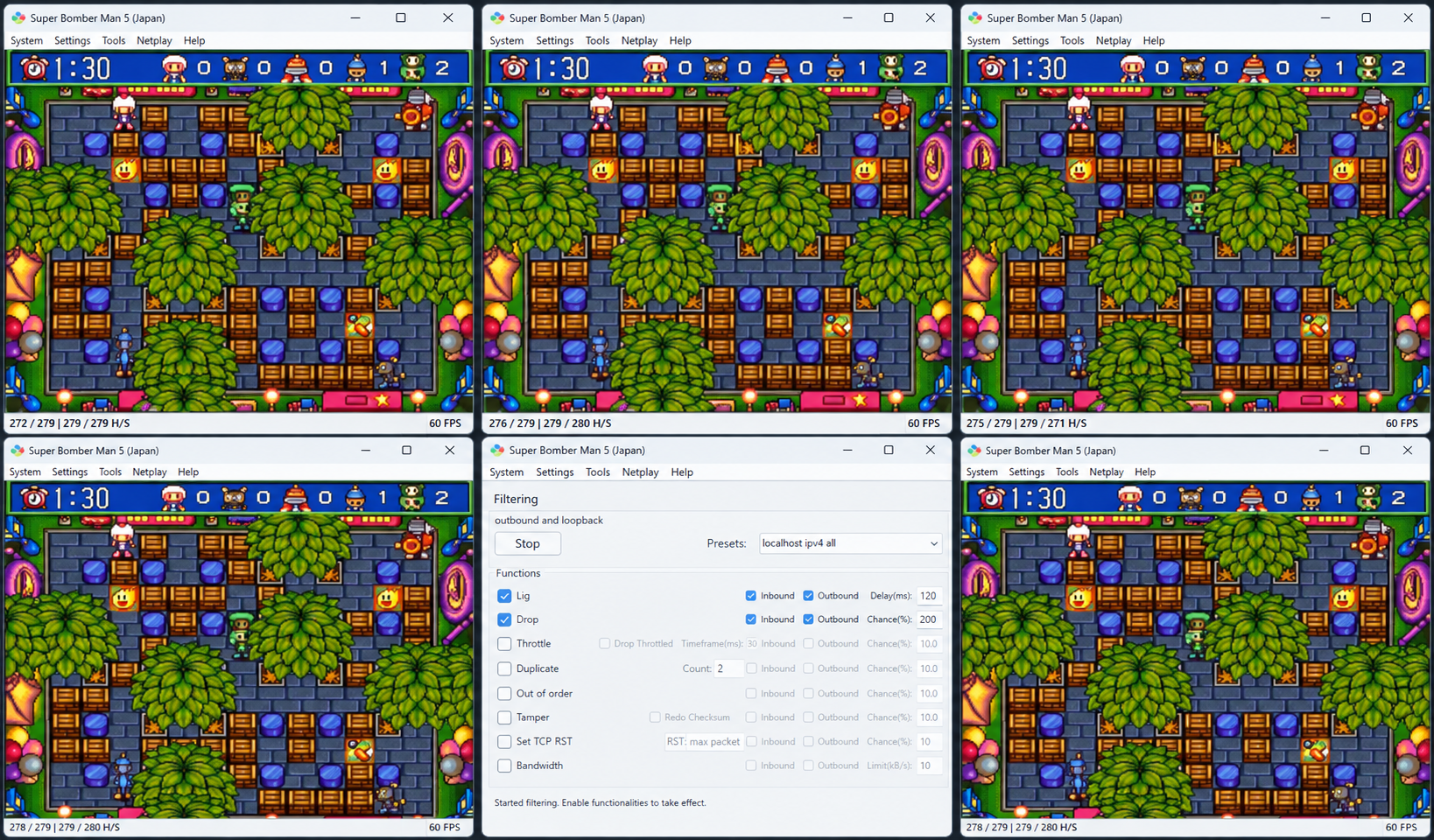
Il s’agit d’une version personnalisée de l’émulateur bsnes, intégrée à GekkoNet, pour offrir des fonctionnalités de netplay robustes et à faible latence.
Actuellement, il prend en charge des sessions allant jusqu’à 5 joueurs. La redirection de ports (ou une autre solution, comme un VPN simulant un réseau local) peut être nécessaire.
Le mode spectateur est également pris en charge, lui aussi via connexion directe. D’autres méthodes de connexion sont en cours de développement.
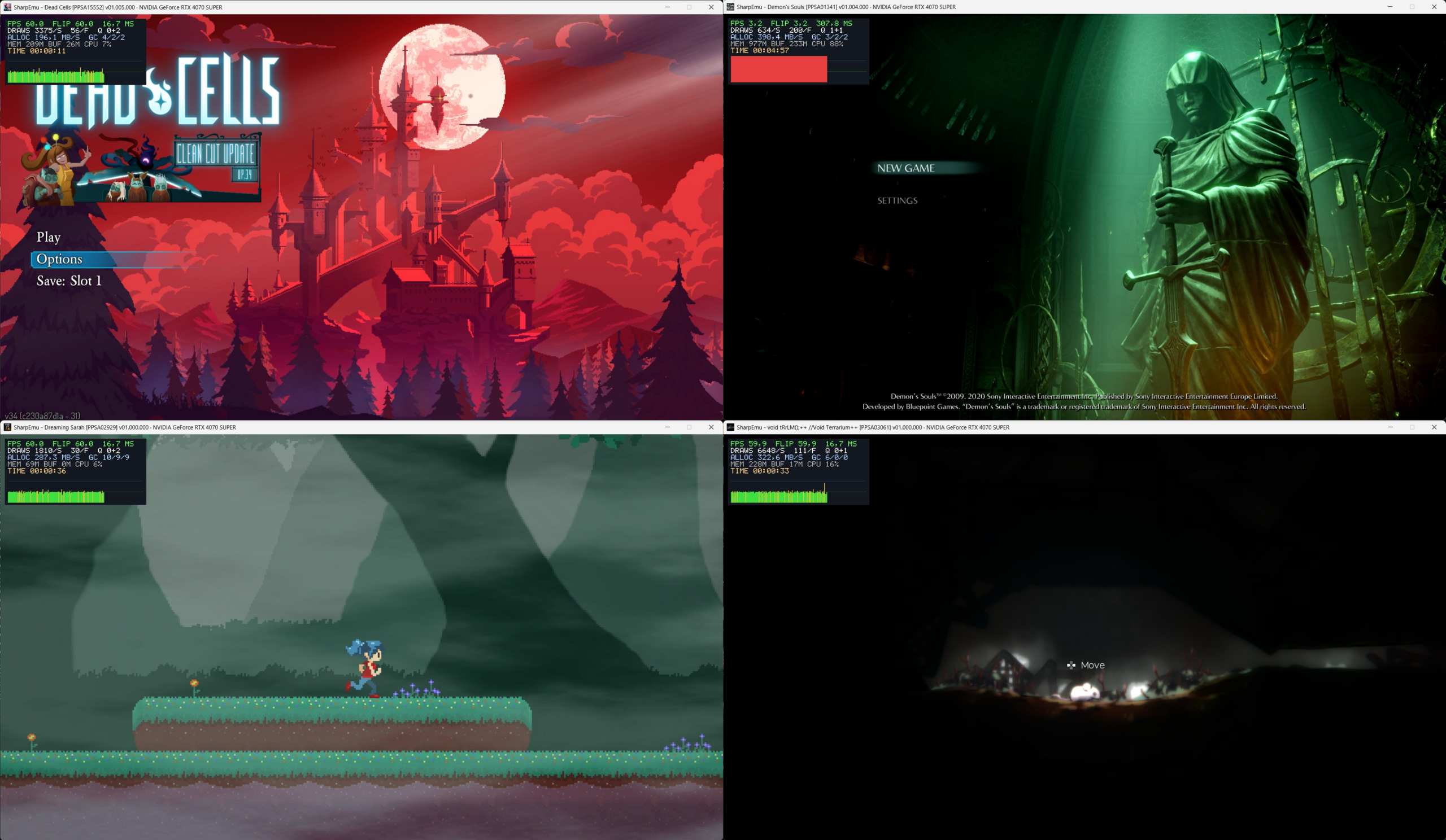
SharpEmu est un émulateur PlayStation 5 expérimental développé par par274, entièrement écrit en C# et conçu pour fonctionner sur Windows, Linux et macOS, même si le développement se concentre surtout sur Windows. Le projet est codé from scratch, sans reprendre d’autres émulateurs, et sert autant d’émulateur que de plateforme d’étude de l’architecture PS5.

L’émulateur est encore très jeune: aucun jeu commercial n’est jouable, mais il peut déjà charger des eboot.bin, exécuter des instructions CPU, lire les métadonnées des jeux, charger des modules système et initier certaines étapes du pipeline graphique. Plusieurs jeux testés atteignent des stades avancés comme sceVideoOut ou AGC, ce qui montre que le rendu commence à fonctionner, même si encore limité.
Le développement est actif, avec des builds Windows disponibles et des progrès réguliers. SharpEmu se concentre sur la mise en place d’une base technique solide avant de viser la compatibilité avancée ou la jouabilité.
En résumé, SharpEmu est un projet PS5 ambitieux, méthodique et en pleine construction, qui pose les fondations nécessaires pour une future émulation complète de la console.
Voici les changements:
– Vk version update (#897) (6fe8555)
– [Spirvtranslator] Added many instruction set for SPIR-V translator (#894) (6d6a5a1)
– [CPU] Host RBX is restored from the saved host frame below (a036bc1)
– [Vk] Implement VK_EXT_shader_viewport_index_layer extension support (d9433ff)
– [GUI/CLI] Add option to disable Vulkan implicit layers (#900) (f70e333)
– [SpirvTranslator] Declare vgprPackedHalf only when a shader uses it (#901) (22e73fb)
– Amd fix opcode nid filecache wave32 (#903) (d4ff32a)
– [GUI/CLI] Add support for console settings and language selection (#907) (7dbdd8b)
– fix(gen5): handle runtime and shader buffer paths (#904) (8feea60)
– chore: bump version to 0.0.4-release.2 (#908) (f98ff99)
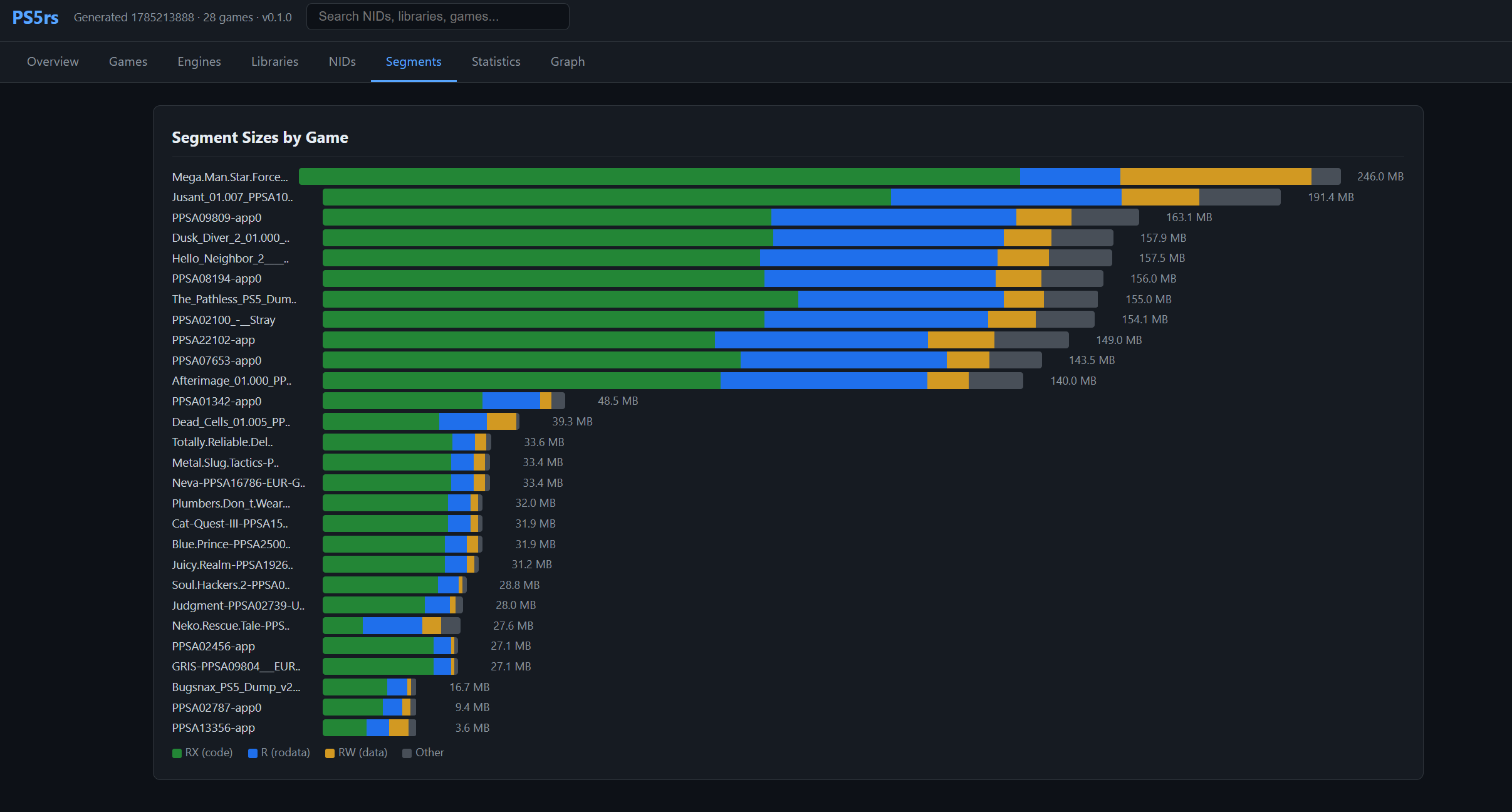
PS5rs est un framework d’analyse de binaires, de chargement virtuel et d’émulation PlayStation 5 écrit en Rust. Il prend notamment en charge l’analyse des formats SELF, ELF et PRX, la résolution des imports NID et le chargement virtuel des exécutables PS5. Il intègre également un émulateur côté hôte capable d’exécuter les binaires PS5 sur le processeur x86-64 du PC et de gérer les appels aux bibliothèques système via des modules HLE en Rust. Le projet fournit également différents outils d’analyse et de génération de rapports.
SuperSNES9X est un fork avancé de SNES9X, développé par shanytc, qui ajoute de nombreuses améliorations modernes tout en conservant la rapidité et la simplicité du SNES9X original. Il vise autant les joueurs (retroachievements, online) que les créateurs (sprite ripping, hacking, debugging).

Principales améliorations:
– Support multi-système: Super NES, GameBoy, GameBoy Color, Super GameBoy (1 et 2) et Super GameBoy Color (expérimental)
– Support Super FX 3 (FX3) pour les nouvelles sorties LRG 2026, avec synchronisation GSU cycle par cycle
– Support du dongle de vibration LRG SNES (Ultimate Doom FX3, RT.SFC)
– Core libretro pour SNES / SGB / GB / GBC
– Émulation du périphérique Voicer-kun et lecture de ses CD audio depuis des images CUE/BIN
– Émulation du Super Famicom Box (SNES d’hôtel), avec traduction OSD anglaise en temps réel
– Support du Nintendo SuperDisc
– Support du Nintendo Super System
– Support des cartouches événementielles: PowerFest ’94 et Nintendo Campus Challenge ’92
– Émulation du Voicer-kun: transmetteur/récepteur infrarouge connecté au deuxième port manette
– RetroAchievements intégrés, sans support du mode Hardcore
– Support de Wide-SNES, pour le hack ROM widescreen de Super Mario World par Vitor Vilela
– Kaillera (Client/Serveur) pour le jeu en ligne
– Run-Ahead pour réduire la latence d’entrée
– Correction colorimétrique et couleurs CRT natives
– Viewers PPU avancés (Sprites/Tiles) pour SNES, GB, GBC et SGB, destinés notamment aux rippers et map-makers
– Visualiseur de forme d’onde audio avec pistes par canal, fonctions solo/muet et vumètres
– Cheat Search & Editor améliorés: support SNES et GB, avec notamment les codes GB en mode BIOS SGB
– Assignation Multi-Bind-Controller
– Support SDL (Simple DirectMedia Layer)
– Pack multilingue
– Prise en charge à 100 % des tests Acid pour GB, GBC et SGB
– Convertisseur de sauvegarde SNES9X <-> MESEN, disponible ici.
A noter que les fichiers de configuration et sauvegardes sont 100% compatibles entre SNES9X et SuperSNES9X.
Les changements sont:
Nintendo Super System
– Added Nintendo Super System arcade support: Z80 supervisor, key chip, on-screen display, three cartridge sockets and the front panel.
– Twelve of the thirteen dumped cartridges run, including HiROM and DSP-1 boards.
– Named the cartridge DIP switches for ActRaiser, The Addams Family, Lethal Weapon and Robocop 3.
– The supervisor’s reset silences the APU too, Restart has to be held as on the cabinet, and nocash’s test program is accepted as a BIOS.
– The joypad watchdog is off by default. Fixes Lethal Weapon being thrown off the machine.
– Added hotkey tabs
– Load with Preview now shows previews
Nintendo Super Disc
– Added support for the BIOS in the BIOS Manager.
– Added support for disc insert and eject (eject resets to the home screen), and the disc’s name in the window title.
– Working Titles: Super Boss Gaiden, Test CD, sdtest.zip
– Added hotkey tabs
– Load with Preview now shows previews
Super Famicom Box
– The keyswitch position is remembered, and the window title names the running game.
– Added a Super Famicom Box menu (coin, keyswitch, OSD language and backdrop), moved from the Hacks dialog.
– Load with Preview now shows previews
SNES
– Fixes the A.S.P. sortie report screen.
– Re-applied A.S.P.’s mid-scanline effects, now re-rendered at each line’s HBlank, which avoids the Final Fantasy VI damage-number glitches.
Xeno Crisis
– Added RP2040 cartridge emulation support.
– The firmware is read from
Wide-SNES
– The widescreen Super Mario World game is patched in memory using Vitor Vilela’s (approved) hack at four widths: Normal, Extra, Ultra (Experimental), Hyper (Experimental)
Tekken2/SF EX Security Chip Emulation
– Emulated the security chip on the unlicensed Tekken 2 cart.
– Street Fighter EX now uses the same chip instead of a ROM patch.
Mickey Magic demo
– Added support for Mickey Magic demo: H/V IRQs are taken one poll later, WAI wakes a cycle sooner, and a window can start and stop only once per line.
– Fixed interlaced modes 0-4 fetching separate BG rows per field.
Super Game Boy
– The ICD2 packet decoder follows the hardware’s rules. Fixes Bonk’s Revenge / B.C. Kid 2 booting to a blank border and the KCE logo in Castlevania Legends.
– Super Game Boy Color is only offered for SGB-enhanced carts, and a Super Game Boy pick whose BIOS is missing falls back to Automatic.
Game Boy
– The boot-ROM handoff now matches hardware cycle for cycle.
– NRx2 glitch suppression is off by default.
– Added Game Boy Color LCD color correction, picture adjustments for Game Boy output and a custom Game Boy (DMG) palette.
– Load with Preview shows previews for SFC-Box, NSS, Super Disc and Xeno Crisis savestates.
– Fixed a hang computing the checksum of an exactly 16MB ROM.
Other
– Latch Mode 7 registers early (upstream).
– Fixed WAI when no IRQ or NMI is imminent. (upstream)
– Fixed SuperFX 8-bit plotting transparency and RPIX clearing DREG too early. (upstream)
– Loading an invalid snapshot no longer hangs. (upstream)
– One button or axis can now be bound to multiple actions. (upstream)
Win32 GUI
– Loading a game while another is running is now instant (saving the latest games caused slowdowns).
– Added Always on Top and Lock Screen Resize to the Video menu.
– Each console keeps its own window size, and Window Size steps in the loaded content’s own resolution.
– Fixed a phantom menu-bar margin leaving a black bar at some window sizes.
– Added layer toggles to the S-PPU menu.
– The Color Correction dialog is modeless, applies changes live, and keeps separate SNES and GBC settings.
– Added a background color choice to the tilemap and Game Boy sprite viewers.
– Hardware menus (Nintendo Super System, Super Disc, S-PPU, GB-PPU) only appear while their hardware is loaded.
– Acid Tests boot through the BIOS Manager’s boot ROMs and SGB BIOS, and run modeless in the background.
Bios Manager
– BIOS files come only from the BIOS Manager; the loaders no longer search folders for them by name.
– BIOS Manager status notes no longer smear when X widens the window
Qt/GTK (Linux)
– Added the S-PPU Tile, Tilemap and Sprite Viewers, and a GB-PPU menu with the Game Boy viewers and layer toggles.
– Added front panels, hotkeys and settings for the NSS and SFC-Box, and the PowerFest ’94 / Campus Challenge ’92 session timer.
– Added the Super Disc menu and hotkeys.
– Added Always on Top, Lock Screen Resize, the S-PPU layer menu and a Widescreen option.
– Game Boy content keeps its own shape, and new configs default to square pixels.
– Layer hotkeys 1/2/5 switch the Game Boy layers in a Game Boy session.
– Missing-BIOS notices are shown instead of the ROM info.
GTK
– Fixed a crash on SIGTERM and Ctrl-C.
– Fixed an out-of-range sound driver setting leaving no sound.
– Updated Japanese translation. (Nekokabu)
Qt
– Fixed quit signals being ignored during startup.
– Fixed a PulseAudio abort with a zeroed config.
– A key bound to several hotkeys now fires all of them.
– Added a –dark command line option. (BearOso)
– OpenGL repaints on resize. (BearOso)
Libretro
– Added a Game Boy Model core option, so any cart can run on the Super Game Boy.
– Added a Widescreen core option for Super Mario World.
– Super Disc supports RetroArch’s Disc Control.
– Xeno Crisis runs from a zip, and its saves are kept in SAVE_RAM, interchangeable with the other ports’ .srm.
– Missing-BIOS notices are shown on the frontend’s OSD.

