DS4Windows est un programme portable qui vous permet d’obtenir la meilleure expérience lors de l’utilisation d’un DualShock 4 sur votre PC, en émulant un contrôleur Xbox 360, beaucoup de jeux deviennent alors accessibles.
– Fixed profile duplication
– Add log message if HidGuardian is detected
– Change to launch HidGuardHelper later at startup
– Fixed midpoint for Swipe to Axis controls
– Added comment in profiles stating which version of DS4Windows made the file
– Added link to HTML5 Gamepad Tester under Utils
– Change to apply trigger max zone when dead zone is 0.0
– Updated Russian translation. Change provided by DragonZX
– Fixed exclusive mode issues for non-admin users. Fixed second instance shutdown failure.
– Added extra hooks in Binding window for Numpad keys
RetroBat est un ensemble de scripts en Batch et Powershell écrits pour configurer et lancer facilement EmulationStation pour Windows. Cette interface est conçu pour rassembler votre collection de ROM et exécuter des jeux avec des émulateurs compatibles tels que RetroArch.
RetroBat peut télécharger et installer tous les logiciels nécessaires pour une bonne expérience de jeu vidéo sur votre PC.
En outre il est conçu pour fonctionner en mode portable ce qui signifie que vous pouvez l’exécuter de n’importe quel répertoire ou via un périphérique de stockage amovible (tel qu’une clé usb).
Les changements: – RetroBat is now compatible with 64 bit AND 32 bit Windows x86 computers.
– Bump RetroArch to 1.8.4.
– Hotkeys are enabled in RetroArch configuration.
– Added compatibility with Kodi.
– Added compatibility with many standalone emulators: m2emulator (Model 2), cemu (Wii U), citra (3DS), Future Pinball, Mednafen (nes, snes, megadrive, pcengine, pcenginecd, playstation), mGBA (Game Boy Advance), Raine (Neo Geo CD), snes9x (Super NES) and Visual Pinball.
– Added launchers for Visual Pinball and Future Pinball to make them portable (by Fabrice Caruso).
– Added runcommand.exe module instead of batch scripts to launch emulators from RetroBat config menu in EmulationStation. Emulators command parameters can be modified in runcommand.ini. Runcommand.exe can read m3u files to launch Wii U and PS3 games.
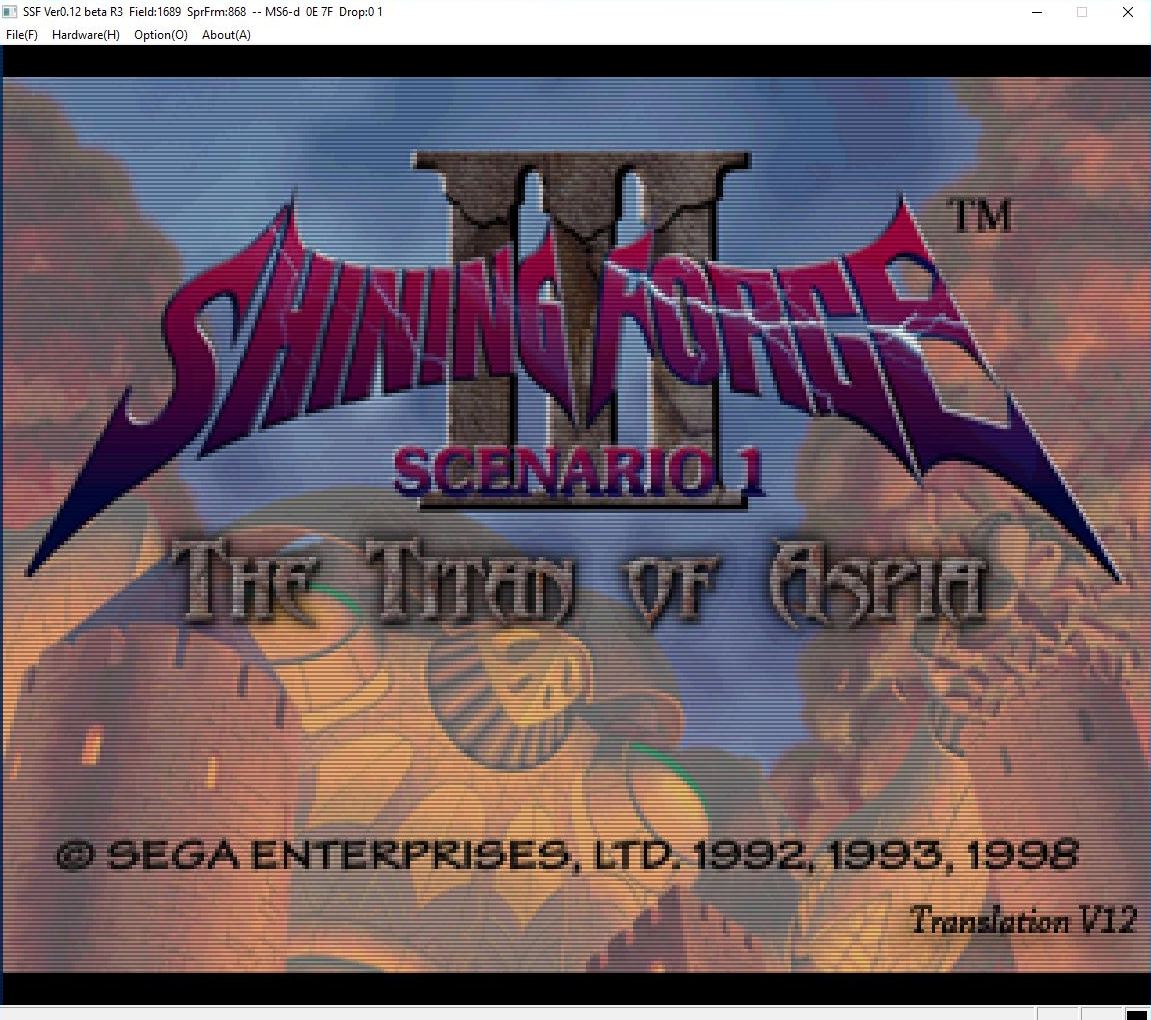
– Added compatibility with Theodore libretro core (Thomson computers) and Kronos (Saturn).
– Added compatibility with Megadrive Steam Uncompressed ROMS with .68K extension.
– Some bugs fixes.
EmulationStation est un frontend qui est utilisable avec n’importe quelle manette. Développé à l’origine pour le RasperryPi, il fonctionne à présent sous Windows et Linux (Debian, Arch) et est OpenSource.
Il s’agit d’une version pour Windows basée sur la version développée pour Retropie, elle même basée sur la version officielle.
Applewin est un excellent émulateur Apple IIe pour Windows et développé par Tom Charlesworth. Applewin est basé sur la version originale 1.10.4 d’Oliver Schmidt.
– [Bug #752] Fixed double-clicking a registered file-type issue (regression introduced at 1.29.8.0).
– [Bug #750] Fixed Ctrl+Alt+Break wasn’t emulating CTRL+OA+RESET (regression introduced at 1.29.8.0).
MedGui Reborn est une interface (Frontend) pour Mednafen sur OS Windows. Cette archive inclut MetroMed.
– Changed behaviour of rapid rom searcher textbox
– Fixed detection of per-config system file
– Solved a bug with snes faust hblend option, that caused crash on old mednafen version
– Fixed negative value problem with per-game config file
– Now per-game config will do not delete still existent input config
– Changed suffix « /v1/ » on tgbd api (now scrape function work again)
– Now user can chose to open mednafen general doc or specific per module
– Added conversion from chd to cue/bin
– Added a old style menu instead icons menu, on the top of frontend, user can swap between the two menu in « General Tab », selecting « Text Menu » option
– Fixed a crash that occur when is impossible to detect the windows os version
– Fixed behaviour of netplay button
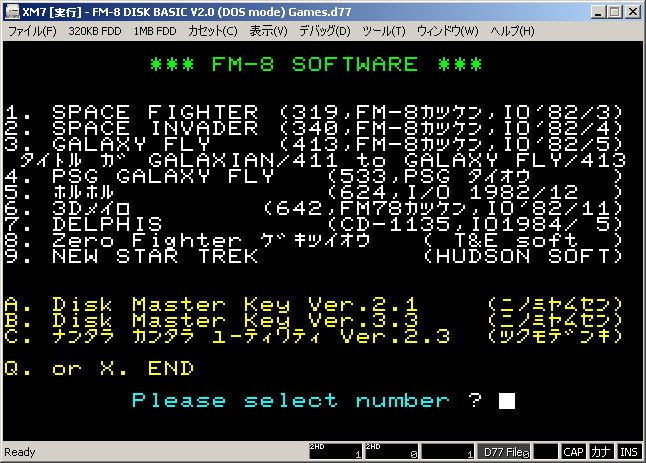
Un émulateur FM7 tout en Japonais par Ryu Takegami. Ces versions font suite à XM7 Emulator Final Release du même auteur. Toutefois la branche « regular » vient de reprendre du service.
Notez une chose (trad. de google): For a few years (or rather since PI. ‘S site was closed) I have not had any impressive impressions, I’m satisfied I intended to report a bug with my page / Twitter account and report it to the developer There are people, and development machines that kept running for the last 6 years are not in good condition and there is no more money to repair, so we decided to terminate the development of XM 7 Type R / XM 7 pure on July 21, 2018.
Since I moved the site to RetroPC.NET side on August 23, 2018, this site will close on January 23, 2019.
L’ancien site était à l’origine sur retropc puis a migré pendant des années sur celui-ci, et le voila de nouveau sur son lieu d’origine chez retropc. Sincèrement je comprend rien à la démarche donc si quelqu’un comprend mieux les choses, qu’il nous le dise en commentaire merci ^^
Créé par Exzap, il s’agit du second émulateur de Wii U à être disponible au public mais le premier à pousser jusqu’à l’émulation de jeux commerciaux. Il peut décrypter les images Wii U qui utilisent le format Wud mais également les fichiers RPS ou RPL. La résolution interne peu aller jusqu’à 1920×1080 selon les jeux. A noter que pour le moment, un seul contrôleur est accepté, il s’agit du DRC (GamePad) de la Nintendo Wii U. Cette version n’est compatible que pour les Windows x64 (à partir de Windows 7) avec une carte graphique gérant OpenGL 4.1 (ou supérieur) ou Vulkan et il faudra posséder 4 à 8 Go de mémoire vive (Ram) pour le faire fonctionner. (Correspondance ID-Titre).
En résumé: – New graphic pack features (UI and internally)
– Native support for Cemuhook patches + our own patch format
– Gamelist fixes
– Vulkan improvements
– Tons of smaller bug fixes and improvements
En détails: # New in 1.17.0d:
general: Further improvements to patch parsing (better error handling, new minor features)
general: Patches can now be unloaded & loaded again while a game is running
general: Various internal tweaks (optimized settings.xml format, fixed cache file name in log.txt)
# New in 1.17.0c:
vulkan: Use vkCmdSetDepthBias instead of fixed state to reduce the number of Vulkan objects (fixes ‘Failed to allocate descriptor sets’ error)
vulkan: Fixed a bug where texture memory would never be deallocated
# New in 1.17.0b:
general: Fixed a bug where Cemu would not remember previously enabled graphic packs if they don’t have any presets
general: Improved error handling for graphic pack patches and added more descriptive error messages
# New in 1.17.0:
general: Added new graphic pack features
Version 5 adds new UI features:
– Support for multiple preset categories per pack (aka multiple dropdowns) (#225)
– Preset categories can be shown/hidden based on preset selections (via condition expressions) which allows to fit even more options into a single pack
– Force line breaks in the description field with |
To accommodate these changes the internal handling of preset variables has been updated:
– Added a [Default] category for defining preset variables and their initial values
– The default value of a variable will be used if no preset overwrites it
– If multiple presets set a variable then the visible preset categories will be prioritized over the non-visible ones
All of these features are optional and Cemu 1.17.0 remains fully backwards compatible with v3 and v4 packs
general: Added native support for Cemuhook patches.txt
Cemu will only load patches.txt if Cemuhook is not present. Otherwise Cemuhook will take over patching
A huge shoutout to Rajkosto for originally adding patch support to graphic packs and for designing the format!
general: We also saw that larger patches might benefit from some extra functionality. Therefore we added our own flavor of a patch format
It introduces several new concepts:
– Automatic codecave sizing
– Optional write cursor instead of having to preface every instruction with an address
– Labels and variables
– Can be split into multiple files and patch groups
A wiki article with format explanations and examples can be found here: https://wiki.cemu.info/wiki/Cemu_patches
We also created a demonstration gfx pack to showcase the new features. Available here: https://cemu.info/files/FPS++AIO.zip
general: Fixed a crash if the meta information of a game was missing
general: If Cemu is started for the first time and no graphic packs are installed, it will recommend downloading them to the user
general: Gamelist fixes
– Fixed that custom game titles would reset when switching display modes (#254)
– Fixed an exception that could occur when installing update/dlc while having the icon mode active
– Icon modes also use the custom titles of games now
general: Added drag & drop support for game files and NFC files (dragging the file into the Cemu window will launch/scan it) (#256)
general: The automatic updater can now handle a renamed Cemu.exe and will also preserve the custom name after the update
vulkan: Fixed a softlock that occurred when failing to compile a shader from the cache
vulkan: Fixed a bug where textures larger than 128MB would cause a crash (could happen with high-resolution shadow graphic packs)
vulkan: If VRAM is full and the device supports it, fallback to RAM for texture memory allocation
vulkan: General robustness improvements in the memory allocator
input: Due to issues with bad drivers libusb, which is needed for GameCube controllers, is now only loaded when the API is actually selected
Note:
(#xx) refers to bug tracker issues resolved by this change. See http://bugs.cemu.info/projects/cemu/
A noter que des packs graphiques haute définition sont disponibles ici. Ils permettent, entre autre, d’augmenter la résolution native des jeux car contrairement à Dolphin et parce que la machine est techniquement différente il n’est pas possible à Cemu d’augmenter la définition autrement que par cette méthode.
A l’inverse, des packs SD (définitions standards et/ou basses) sont disponibles sur ce lien et permettent à certains PC manquant de performance de lancer des jeux en 60 FPS.
DS4Windows est un programme portable qui vous permet d’obtenir la meilleure expérience lors de l’utilisation d’un DualShock 4 sur votre PC, en émulant un contrôleur Xbox 360, beaucoup de jeux deviennent alors accessibles.
– Created Max Output setting for some axes. Replacement for negative deadzone functionality from Jays2Kings build
– Increased stick mouse offset
– Increased virtual controller change delay time
– Fixed saving of Custom Steam Folder setting
Un gestionnaire de roms avec une interface aussi claire que Romcenter et axé sur la simplicité avec un nombre limité de fonctions. Une référence désormais.
L’immense avantage de ce manager est de pouvoir scanner n’importe quel repertoire de roms , en VRAC & ensuite -en fonction de ce que vous avez comme dats- de les ranger et replacer automatiquement. (très utile si vous avez des tonnes de dats (TOSEC). Il vous permet réellement de collectionner des centaines de collections avec un gain de temps considérable par rapport aux autres managers. Il convertit également les zips au format Torrentzip afin de faciliter le partage à travers les fichiers torrent.
– RomVault 3.0.49, bug fix Release. Biggest change is 7z extract caching is now always on, and a cache bug was fixed in that code.
– Fixed a reporting directory name bug, in unzipped files with directories in the filename. (was just a UI thing.)
– Fix DAT’s now do not add a description if there was no description in the original DAT.
– And you can now make a Fix DAT from any level in the tree by right clicking on the Tree.
– Also one other thing. This website is now using https, so happy safe browsing.