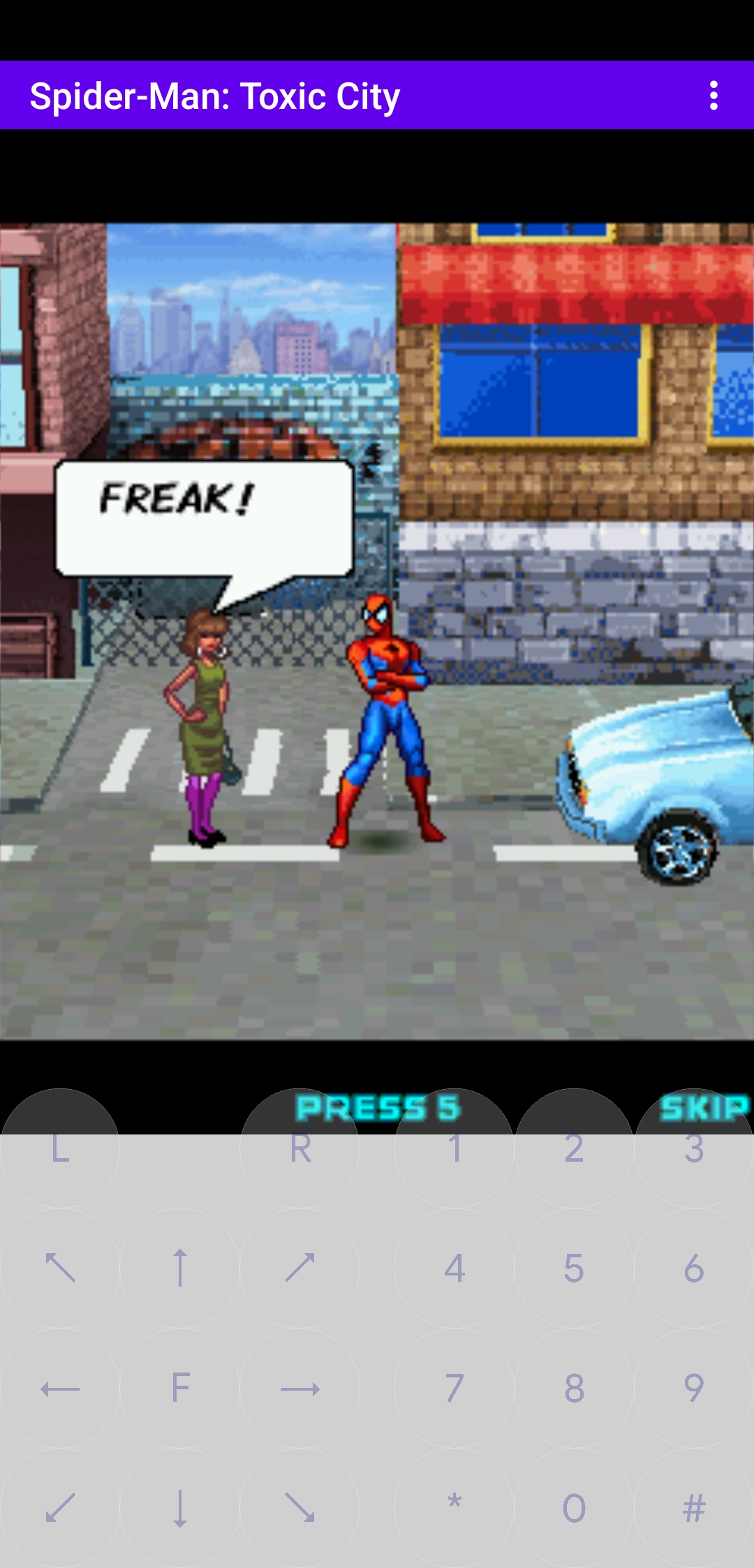
Play! est un émulateur de PlayStation 2 et Namco System 2X6 (ainsi que les variantes System 147/148) sous Windows / MacOS / iOS / Android. Il est actuellement écrit en C / C + + et utilise un système de mise en cache / de recompilation d’instruction pour obtenir de meilleures performances tout en émulant le CPU.
 
L’émulateur peut faire fonctionner un ensemble de jeux. L’objectif de l’auteur est d’atteindre un niveau de qualité qui permettra à quiconque de jouer à son jeu favori PlayStation 2 sur son PC.


– Add ability to specify idle loop blocks in arcade definitions.
– Misc fixes


Télécharger Play! (x86) GIT v0.75 (2026/05/16) (8.9 Mo)

Télécharger Play! (x64) GIT v0.75 (2026/05/16) (10.3 Mo)

Site Officiel

En savoir plus…

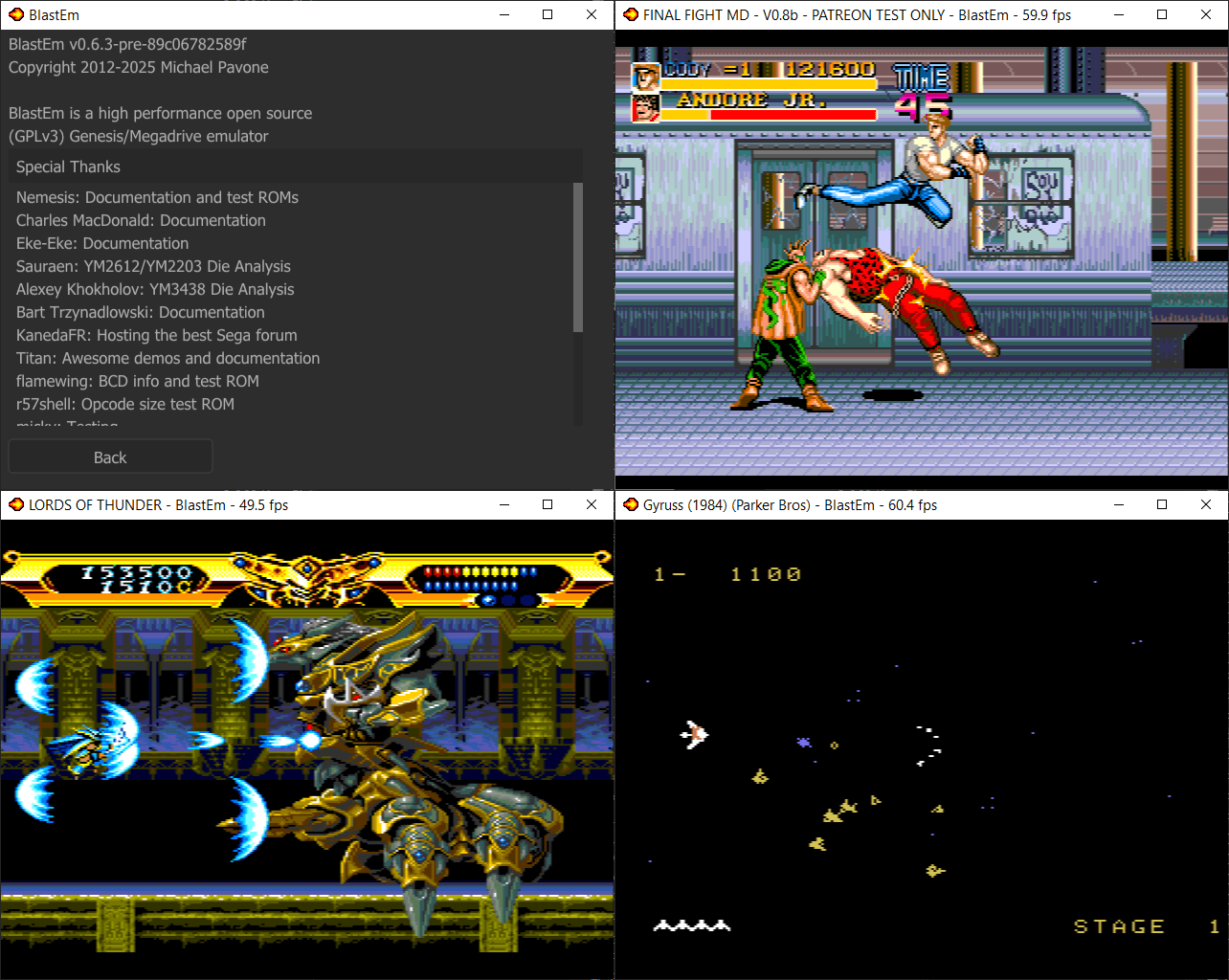
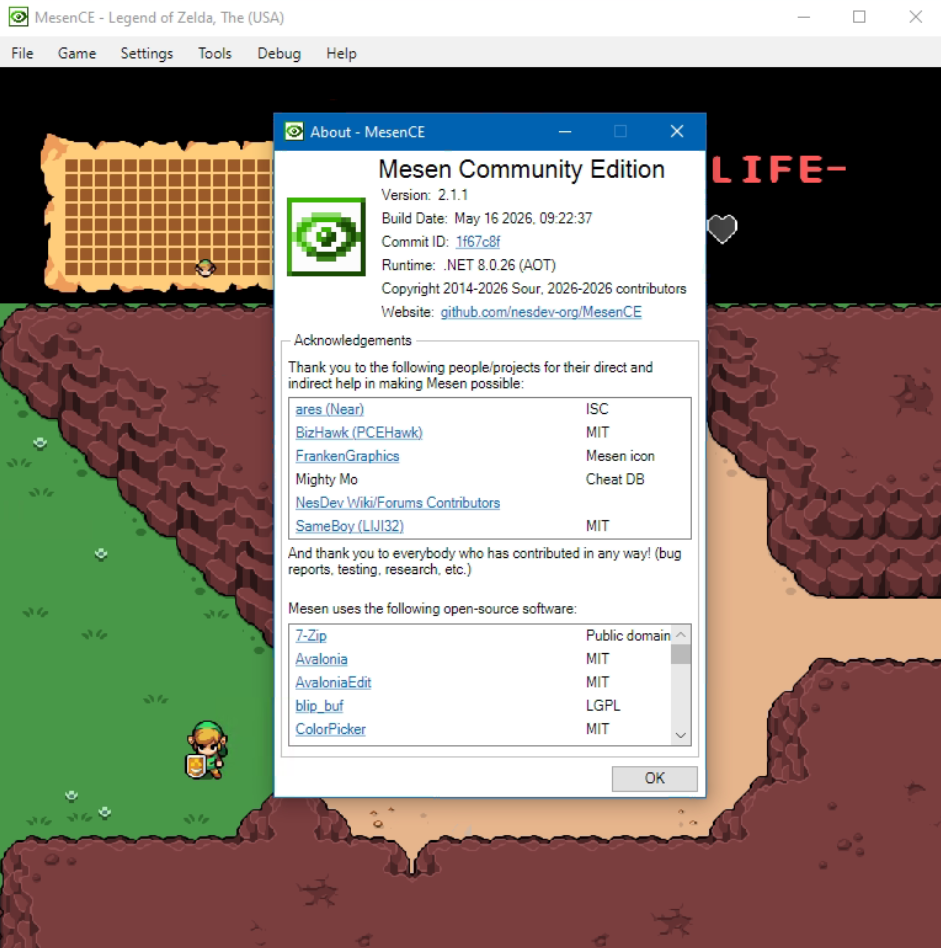
Nexen est un émulateur multi-système puissant et polyvalent pour Windows, Linux et macOS. Basé à l’origine sur le code de Mesen2, il s’en distingue par l’ajout de fonctionnalités avancées destinées au Tool-Assisted Speedrun (TAS), au débogage profond et à l’ingénierie inverse.


Les machines émulés sont les suivantes:
 

Consoles de Salon:
– Nintendo Entertainment System (NES) / Famicom / Dendy
– Super Nintendo (SNES) / Super Famicom (support complet des puces spéciales)
– Sega Master System
– Sega Genesis / Mega Drive
 

Consoles Portables:
– Game Boy (Originale)
– Game Boy Color
– Game Boy Advance
– Sega Game Gear
– WonderSwan & WonderSwan Color
– Atari Lynx
 

Consoles Micro-Informatiques & Autres:
– PC Engine / TurboGrafx-16 (incluant le format SuperGrafx)
– Atari 2600
– Fairchild Channel F


Télécharger Nexen v1.4.41 (87.3 Mo)

Site Officiel

En savoir plus…

GearLynx est un émulateur d’Atari Lynx pour Windows.


Les changements sont:
🧠 Improved MCP server
🖼️ New icon for Windows app
🐛 Many bug fixes and improvements


Télécharger GearLynx v1.2.11 (2.5 Mo)

Site Officiel

En savoir plus…

Il s’agit d’un émulateur de Sega 8 bits écrit en C++ par Ignacio Sanchez.
 
Il émule les machines suivantes:
– Sega Mark III
– Sega Master System
– Sega Game Gear
– Sega Game 1000 (SG-1000)
– Othello Multivision


Voici donc les changements:
 

🧠 Improved MCP server
🔈 Added master volume slider
🖼️ New option to remove sprite limit
🐛 Many bug fixes and improvements

 
Le binaire 32 bits est compilé par Lo v2.


Télécharger GearSystem (32 bits) v3.1.0 (13.5 Mo)

Télécharger GearSystem (64 bits) v3.9.7 (2.6 Mo)

Site Officiel

En savoir plus…

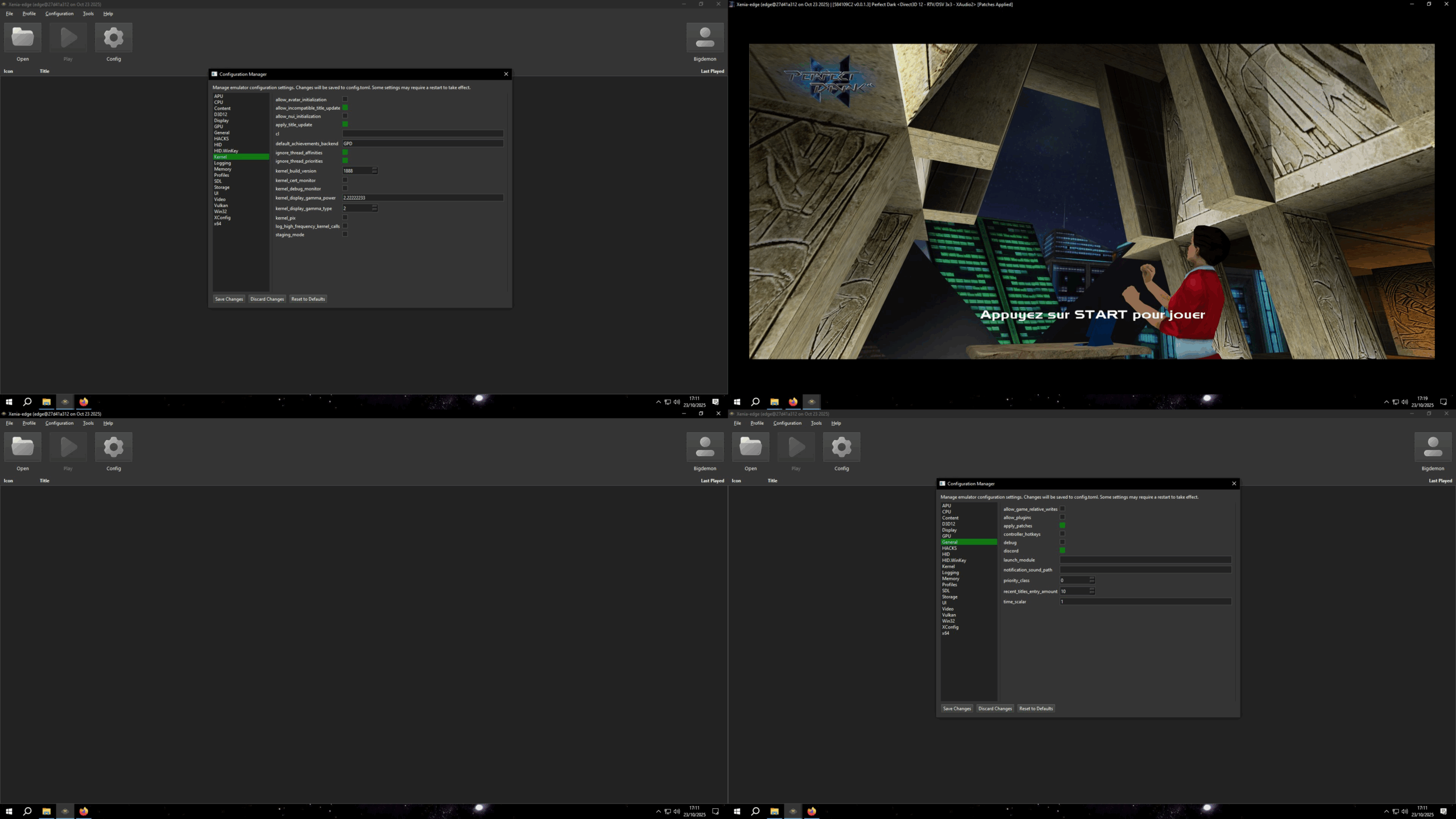
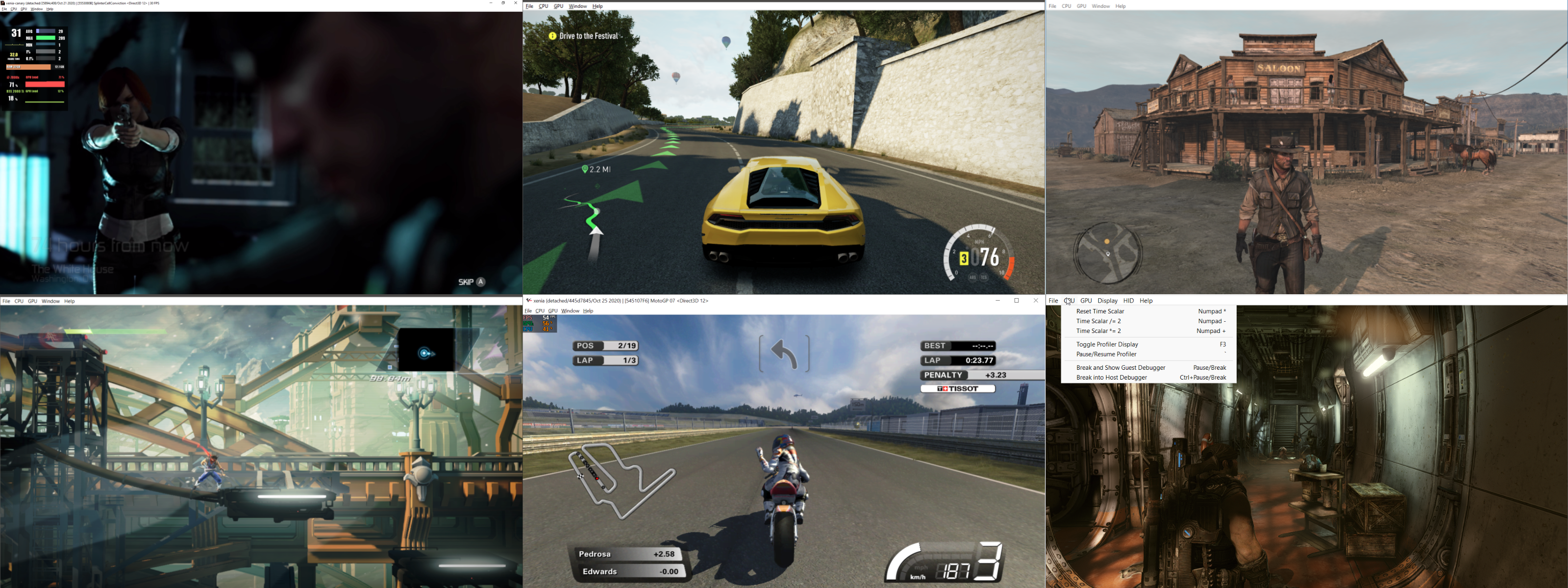
Créé par Ben Vanik alias Noxa (PSP Player), il s’agit d’un projet de recherche pour développer un émulateur Xbox 360. Notez qu’il vous faudra une machine très performante pour lancer des jeux commerciaux de façon fluide. Plus d’informations ici sans oublier le site de développement [master]. Un manager permettant de gérer l’émulateur Xenia est disponible ici.


– [Vulkan] Drop vertex buffer residency cache, hoist global lock like D3D12
– [Vulkan] Route guest oDepth through gl_FragDepth in FBO and into FSI depth test
– [XAM] Fixed XEX swap failing to remove prefix
– [Vulkan] Only declare the clip-distance or cull-distance array that is written
– [Vulkan] Port ac6_ground_fix vertex-fetch nudge to SPIR-V
– [Kernel] Implemented XeCryptHmacShaInit, XeCryptHmacShaUpdate and XeCryptHmacShaFinal
– [Kernel] Replace SHIM version of kernel strings with exports
– [XMA] Enhances the existing XmaContextNew implementation with one derived from the AC6_recomp RexGlue SDK.
– Misc fixes


Télécharger Xenia v1.0.2844 (2026/05/16) (5.0 Mo)

Site Officiel

En savoir plus…

Il s’agit d’un fork de l’émulateur Switch Citron, repris exactement à l’endroit où son développement s’était arrêté.


Les changements:
– hid: Resolve null dereference in UpdateMotion during startup
– fuck off ugly big line thing
– Egg
– audio_core: Fix ResultInsufficientBuffer on older revisions due to internal struct inflation


Télécharger Citron Neo (2026/05/15) (61.5 Mo)

Site Officiel

En savoir plus…

LaunchBox a été conçu comme une interface attrayante pour DOSBox, mais a depuis été élargi pour supporter à la fois les jeux PC modernes et les consoles émulées. DOSBox continuera d’être une priorité principale pour LaunchBox.
 
Il peut rechercher dans la database TheGamesDB.net (une base de données en ligne communautaire qui permet à quiconque de contribuer) pour les metadatas & box-arts. Il peut exporter les fichiers image, dispose d’une meilleure compatibilité avec dropbox.
 
LaunchBox comprend des processus d’importations automatiques pour Steam, D-Fend Reloaded, et les fichiers ROM pour des gains de vitesse.
 
LaunchBox-3.6
 

Télécharger LaunchBox v13.27 (509 Mo)

Site Officiel

En savoir plus…

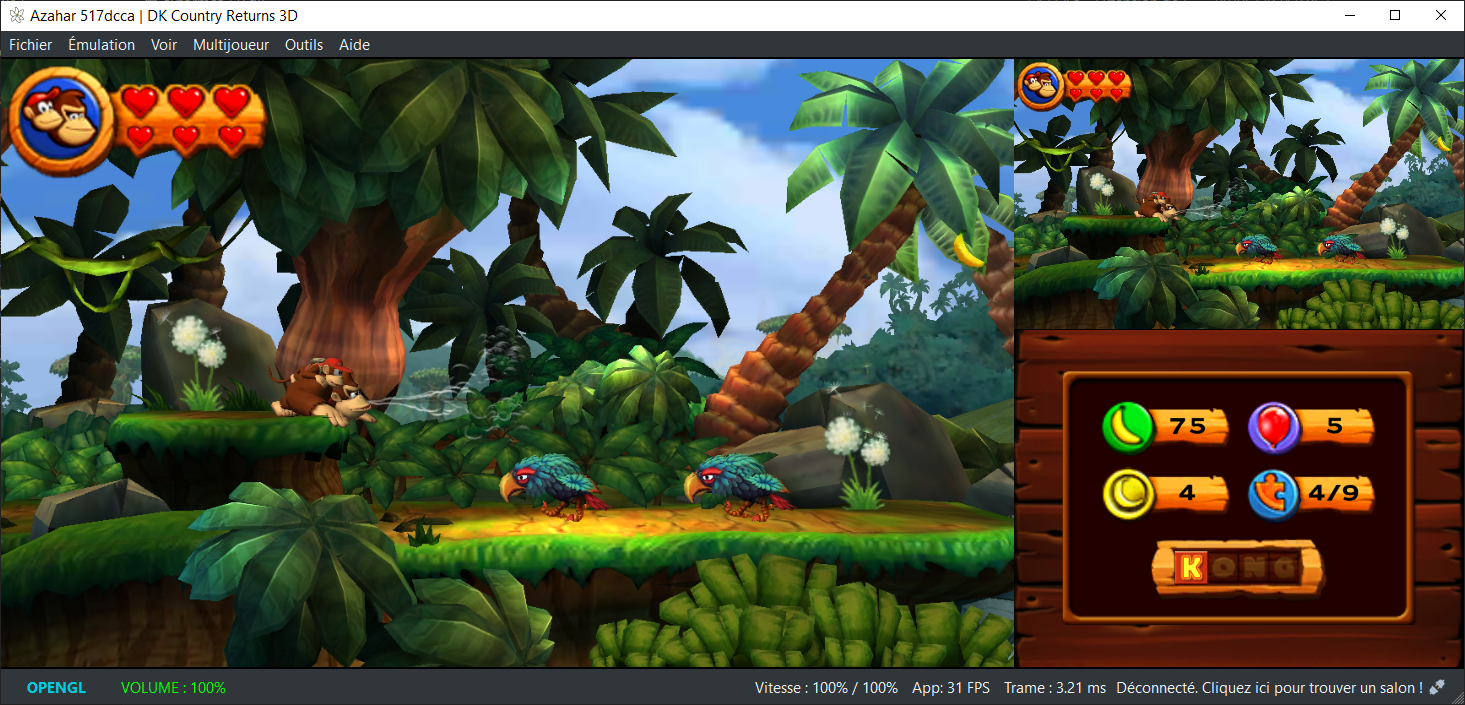
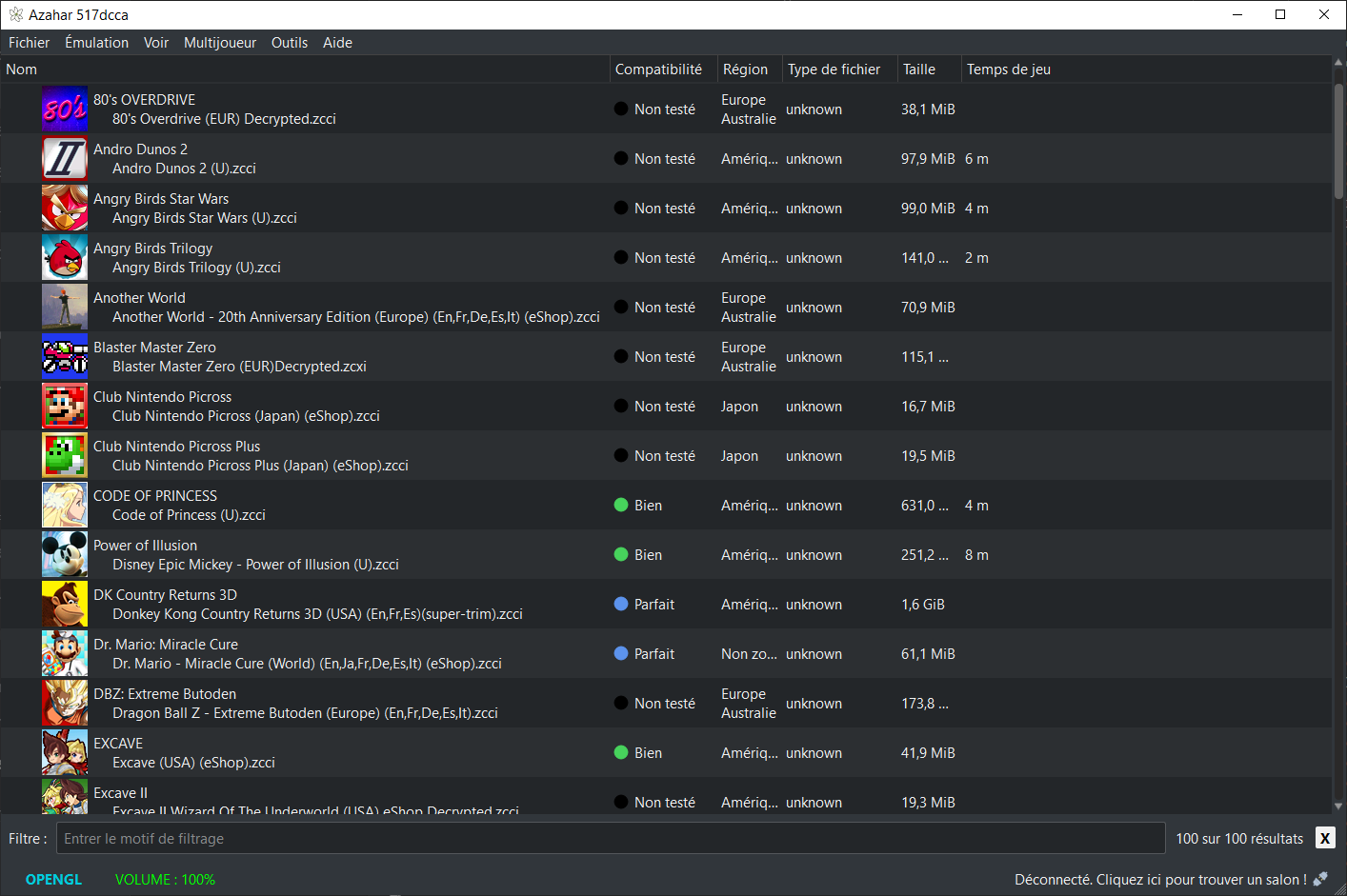
Azahar est une fusion entre Lime3DS et le fork Citra de PabloMK7.


Soyez informé que la prise en charge des jeux cryptés n’est pas disponible…
 
Pour éviter toute confusion concernant les objectifs d’Azahar, la décision a été prise de limiter autant que possible le contournement du TPM (Trusted Platform Module). Le contournement ne sera effectué que lorsque l’interopérabilité du code de Nintendo est nécessaire avec Azahar ou d’autres codes de Nintendo. En conséquence, Azahar n’autorisera pas le lancement ou l’installation de jeux cryptés à moins qu’ils n’aient été obtenus par le biais des applications officielles de Nintendo, telles que l’eShop ou les paramètres système.
 

Note: Les fichiers .3ds non cryptés sont désormais pris en charge nativement.

 
Les changements:
 
All
– Enabled Attestation and Software Bill Of Materials for release assets to increase release security. | @PabloMK7 #2117
– From now on, Azahar releases are immutable. This means that once we publish a release, the assets linked to it cannot be changed in any way. This prevents token stealers from modifying release assets after they are published. You are able to know if a release is immutable if it shows a padlock icon with the word Immutable at the top left of the page.
– Starting from this release, Azahar release binaries are attested. This means that all of the official Azahar assets have now signed claims that specify where they were produced (CI jobs), the exact commit and timestamp, and other metadata.
Users should be able to verify the validity of azahar binaries using the GitHub Cli. For example: gh attestation verify –owner azahar-emu –predicate-type « https://spdx.dev/Document/v2.3 » . This command will only succeed if the file was not tampered with, which is useful when downloading assets from secondary sources, such as our Internet Archive page.
While plain sha256 hashes serve to verify integrity, attestations also allow to include the aforementioned metadata.
You can view the attestations for all of our binaries in the Attestations page.
– Also starting from this release, Azahar binaries have a Sofware Bill Of Materials, which consists in a JSON that (in theory) contains all dependencies Azahar relies upon, which should help tracking vulnerabilities. In practice, this technology is rather new, so not all dependencies are fully detected. You can read more about this in #2117.
A verify-release bash script is now provided in our source code that helps verifying the validity of Azahar releases. This allows users to better audit our releases as well as easily obtain the software bill of materials. Example usage is as follows: ./tools/verify-release.sh azahar-emu/azahar 2125.1.2. You can learn more about this tool in #2117.
 

Technical
– Added EXCLUDE_FROM_ALL to CMake targets where applicable, speeding up build times for certain non-standard build configurations. | @OpenSauce04 #2088
– All libretro core binaries are now stripped, greatly reducing filesize (primarily for the Android core) without affecting functionality in any way. | @OpenSauce04 #2111
– This is only relevant for the core binaries distributed by us; The cores used by the RetroArch core downloader were already doing this.


NB: L’outil Azahar Artic Setup est une application homebrew pour la Nintendo 3DS qui permet d’installer des fichiers système et des données uniques de la console sur l’émulateur Azahar en utilisant votre console. Il diffuse l’application « Paramètres Système » ainsi que le module système NIM pour effectuer une mise à jour système, et copie vos données uniques de la console pour activer les fonctionnalités en ligne.
 

Télécharger Azahar v2125.1.2 (39.8 Mo)

Site Officiel

En savoir plus…

Il s’agit d’un émulateur de Sinclair ZX Spectrum.


Les améliorations:
– minimal JDK version lifted up to 22
– replaced JInput with input4j for game controllers
– added save of last TAP, SNAPSHOT, FLOPPY folders between restart
– improved JVM flags, switched to ZGC garbage collector
– the embedded JDK has been updated to 26.0.1+10
– added Low Pass Filter for sound output


Télécharger ZX Poly v2.4.0 (46.0 Mo)

Site Officiel

En savoir plus…

Mupen64 RR Lua (ou Mupen64 Re-recording Lua) est un fork (le 3eme) de Mupen64 permettant l’enregistrement de vidéo.


Les changements sont:
 
⚡ Performance
– VFWEncoder – Offload encoding to another thread (#621)
– LuaRenderer – Skip expensive TransparentBlt during capture (#620)
– Tighten message loop (#606)
– Use 32bpp BGRA video buffers (#605)
– Lua – Skip lua calls when no callbacks are registered (#604)
 
✨ Features
– ConfigDialog – Ask for confirmation before cancel when there are unsaved settings (#668)
– TASVideo – More compatible universal combiner (#664)
– FFmpegEncoder – Use NUT packets (#655)
– VFWEncoder – Better A/V sync (#653)
– Dark mode (#569)
– Lua – Add emu.get_speed_mode and emu.set_speed_mode (#618)
– Lua – Add d2d.draw_image2 (#600)
– TASAudio – Use SDL3 for playback (#594)
– Lua – debugger API (#592)
– Website – Add stroop page (#596)
– Lua – More serious trust message (#595)
– CoreDbg – (breaking) Remove CoreDbg GUI (#589)
– LuaRenderer – Native resizing support (#583)
 
🐞 Bugfixes
– CaptureManager – Choppy frame pacing after lag sections (#654)
– TASVideo – Scrolling text dialogs being cut off in SM64 (#657)
– TASVideo – Incorrect texture conversion in some cases (#658)
– Mp4 extensions not being handled correctly in capture file dialogs (#656)
– Core – Unreliable frame advance graphics updating (#649)
– Various in-app images have opaque backgrounds (#647)
– Inconsistent OK and Cancel button positions (#646)
– Plugins not receiving extended functions when invoking config, test, or about (#641)
– LuaRenderer – Overlays flickering when main window moves (#642)
– VCR – Pausing one frame too late when pause at frame is specified (#640)
– TASAudio – Messed up stereo audio during capture (#625)
– TASVideo – Broken screenshot functionality (#623)
– Crash when trying to capture screenshot using a video plugin that doesn’t support it (#622)
– LuaRenderer – Visible pink alpha mask on platforms without LWA_COLORKEY support (#587)
– AppActions – File > Exit causes crash (#582)
– LuaRenderer – Run rendering heartbeat on a separate thread (#577)
– LuaRenderer – Overlays stealing focus from primary window (#572)
– Double spaces in plugin names (#568)
– Set CMAKE__COMPILER_TARGET based on VS environment (#563)

 
Site original. Fork 1. Fork 2. Fork 3.
 

Télécharger Mupen64 RR Lua v1.4.0-beta (+AVI Fixes builds) (10.6 Mo)

En savoir plus…

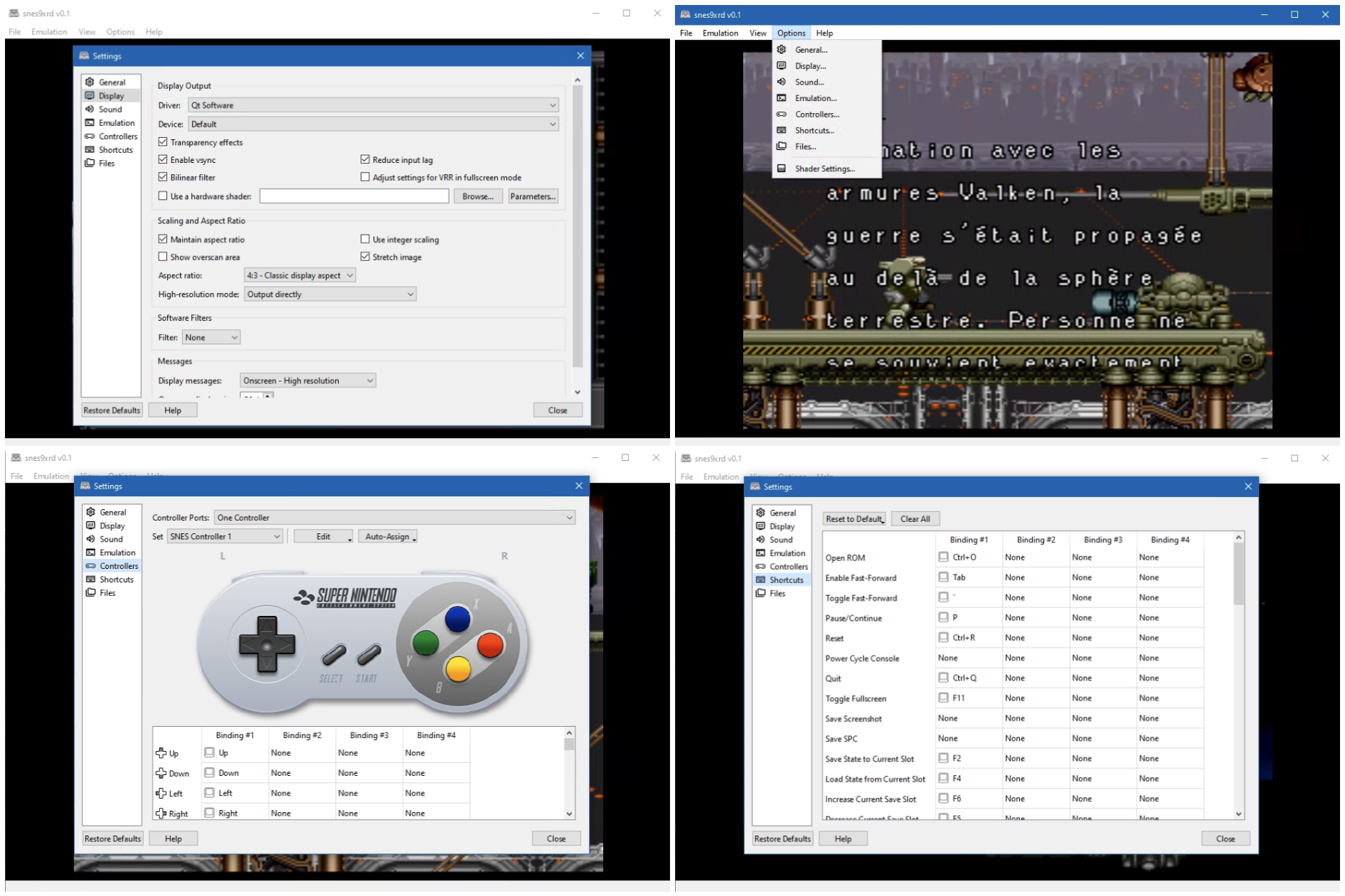
SuperSNES9X est un fork avancé de SNES9X, développé par shanytc, qui ajoute de nombreuses améliorations modernes tout en conservant la rapidité et la simplicité du SNES9X original. Il vise autant les joueurs (retroachievements, online) que les créateurs (sprite ripping, hacking, debugging).


Principales améliorations:
– Support multi-système : GameBoy, GameBoy Color et Super GameBoy intégrés
– RetroAchievements intégrés
– Kaillera (Client/Serveur) pour le jeu en ligne
– Run‑Ahead pour réduire la latence d’entrée
– Correction colorimétrique et filtres CRT‑like
– Viewers S-PPU avancés (Sprites/Tiles) pour rippers et map‑makers
– Cheat Search & Editor améliorés : clic droit, fonctions batch
– Assignation Multi-Bind: mixage clavier + manette sur une même entrée
– Support SDL (Simple DirectMedia Layer)
– Débogueur en cours de développement
 
A noter que les fichiers de configuration et sauvegardes sont 100% compatibles entre SNES9X et SuperSNES9X.
 
Les changements sont:
 
Cheat Editor Enhancements
– Win32: cheat editor changes now apply live instead of waiting for the dialog to close.
 
SGB
– Gate BIOS artifact-cleanup memsets on sgb_flag == 0x03 — the BIOS artifact-cleanup memsets (added in PR #63 for SGB Tetris/Tetris Plus stripe fixes) are now gated on sgb_flag == 0x03, so they only run for actual SGB carts and don’t regress plain SNES titles.
 
SGB audio
– GB APU output through a Hermite resampler with adaptive ratio so GB samples match host playback rate.
– BIOS-released audio mix path in CXAudio2: GB owns the voice, SPC is mixed under via MixSpcOverGB.
– GB APU gain + DC blocker tuned to eliminate DC-step impulses at the source.
– Closed-loop SPC chip-clock DRC (S9xSpcAdjustRate + spc::drc_scale applied inside S9xAPUGetClock). Slows the SPC chip toward wall-native rate based on resampler fill, so SPC tempo + pitch stay correct independent of emulator pace.
– S9xSpcResetDrc restores neutral state when leaving SGB mode.
 
Audio Waveform viewer
– New menu sub-item: Sound > Show Audio Waveform.
– Three-panel viewer (SPC / GB / MIX) with mint-green filled waveform on black, gray grid, right-side Y-axis (-30000…+30000, smpl header), hollow bordered panel labels, shared bottom X-axis (ms) on the MIX panel.
– Live readouts: GB output rate / emu fps, SPC effective Hz + resampler r_step, current UI refresh.
– Right-click refresh-rate menu — 2 / 5 / 10 / 20 / 30 / 60 Hz. Only affects the UI repaint timer; emulator thread is untouched.
– Double-buffered painting (memory DC + BitBlt) and WM_ERASEBKGND suppression — flicker-free at any refresh rate.
 
SGB VRAM / handoff
– Hide GB boot-ROM Nintendo logo until the game writes VRAM.
– Latch row/bank for $6000 to fix vertical-stripe artifacts (Pokémon Red, Animaniacs, etc.).
– Zero BG1 tilemap + OAM at handoff, then re-zero each frame for the first 30 frames post-handoff (kills Tetris Plus stripes).
– Zero BG1 + BG3 tilemaps during the BIOS fade-out window, plus pattern-detected BG3 char cleanup for the Tetris fade-in.
– Removed the post-handoff $7800 write gate so CHR_TRN / PCT_TRN packets reach the BIOS.
 
SGB multi-player
– Enabled MLT_REQ joypad rotation for SGB-flagged carts; auto-drop forced 2-player MLT after the detection window for single-player games miscategorised by the cart header.
 
UI
– Video > Show Frame Number toggle.


Télécharger SuperSnes9x v1.63.15 (8.7 Mo)

Site Officiel

En savoir plus…

Il s’agit d’un émulateur multi-console et multiplateforme prenant en charge un certain nombre de consoles de jeu 8 bits et 16 bits.


Emulation des consoles suivantes:
– Sega Genesis / Mega Drive
– Sega CD / Mega CD / 32X / Mega 32X
– Sega SG-1000
– Sega Master System / Mark III
– Game Gear
– Nintendo Entertainment System (NES) / Famicom
– Super Nintendo Entertainment System (SNES) / Super Famicom
– Game Boy / Game Boy Color / Advance
 

Voici quelques caractéristiques:
– Moteur de rendu basé sur le GPU avec mise à l’échelle des nombres entiers et interpolation linéaire optionnelle
– Rapport d’aspect des pixels configurable pour chaque console avec plusieurs options différentes : fidélité au matériel/téléviseur d’origine, pixels carrés et étirement pour remplir la fenêtre.
– Prise en charge de l’extension de l’unité sonore FM du Sega Master System
– Prise en charge de la puce SVP de la Sega Genesis, utilisée dans Virtua Racing
– Prise en charge des mappeurs NES les plus courants, ainsi que d’un certain nombre de mappeurs moins courants
– Prise en charge de la plupart des coprocesseurs SNES (par exemple Super FX, SA-1, DSP-1, CX4, S-DD1, SPC7110)
– Prise en charge des contrôleurs Genesis à 3 et 6 boutons
– Prise en charge des commandes au clavier et des commandes au gamepad DirectInput
– Sauvegarde des états, avance rapide et retour en arrière
– Quelques shaders simples de flou horizontal et d’anti-dither naïf pour mélanger des motifs de pixels dithered, qui étaient extrêmement courants sur ces consoles en raison des palettes de couleurs limitées et de l’absence de transparence prise en charge par le matériel.
– Option d’overclocking CPU 2x pour l’émulation Sega Master System et Game Gear
– Surcadençage GSU 2-4x en option pour les jeux SNES Super FX
– Peut exécuter les démos Titan Overdrive et Titan Overdrive 2 pour la Mega Drive.
 
Les changements sont les suivants:
 
Settings Changes
– On Windows, the settings file is now stored in a user profile directory by default (generally C:\Users\$NAME\AppData\Local\jgenesis\); other platforms already behaved this way (e.g. generally $HOME/.config/jgenesis/ on Linux).
– If you want to restore the old Windows behavior of storing the settings file in the emulator directory, there is a new option in Settings > Paths to switch the settings file location, or you can create a portable.txt file in the emulator directory (contents don’t matter, the file just has to exist); this works on all platforms.
– The –config command line arg still exists and overrides all of this behavior if it is used.
 
Improvements
– The rewind buffer is now compressed in memory; this significantly decreases the emulator’s RAM usage, particularly when emulating Sega CD or 32X.
– Exact savings will vary based on a lot of things, but with 32X for example I’m seeing that a 10-second rewind buffer now takes 40-80 MB of RAM instead of ~600 MB.
– Compression is performed asynchronously, so this should not impact emulator performance.
– Save states are now compressed and written to disk asynchronously, which makes it significantly less likely that saving state will cause the emulator to stutter.
 
Fixes
– Fixed turbo input mappings not working properly; this was a regression in v0.12.0.
– This was caused by the backend changes to support the Genesis debugging tools added in v0.12.0, which involved mostly rewriting the main emulator execution loop (among other things); the new version was missing the bit of code that makes turbo buttons alternate between pressed and not pressed.
– Fixed all settings reverting to defaults when a single setting fails to deserialize from the config file; now only the setting(s) that failed to deserialize will reset to default.
– (SNES) Cartridges that specify a nonsensically high amount of SRAM in the cartridge header now get 256 KB of SRAM instead of none (#635). This seems to usually happen with prototype cartridges that don’t have a proper cartridge header.


Télécharger Jgenesis v0.12.1 (28.0 Mo)

Site Officiel

En savoir plus…


Casino-en-ligne-fiable.com

https://getourbonus.com/fr/accueil

https://www.romspedia.com/

https://www.casinoonlinefrancais.fr

Lucky 7 bonus

https://www.casinogratuitsansdepot.com

pablocasino.org

critiquejeu.info

playbonus

casinodoc.org

laplanquedujoueur.com

casinoonlinefrancais