AmiArcadia est le port amélioré de Tunix2001 ex ‘Win Arcadia 2001’ (par Gavin Turner) pour Amiga. Ecrit par James Jacobs et Gavin Turner, cette version est en fait le port Windows du port Amiga (un backport) !


Il émule les consoles basé sur la famille des Arcadia2001 : Bandai, Emerson, Grandstand, Hanimex, Intervision, Leisure-Vision, Leonardo, MPT-03, Ormatu, Palladium, Poppy, Robdajet, Rowtron, Tele-Fever, Tempest, Tryom, Tunix, etc.
 
Il supporte aussi l’Interton VC 4000 et l’Elektor TV Games Computer. Il nécessite Windows 9x/ME/NT/2000/XP et tourne aussi sous Vista/8/10.
 

Télécharger Win Arcadia (Ami Arcadia) v36.8 (9.9 Mo)

Site Officiel

Il s’agit d’un nouvel émulateur multi-plateformes de GameBoy N&B/Color, GameBoy Advance et Nintendo DS créé par Jeffrey Pfau, l’auteur de mGBA dont il tire une bonne partie des améliorations (mais il en reste encore pas mal à implémenter), la nouveauté étant la partie Nintendo DS. Les 2 branches (mGBA et Medusa) vont évoluer parallèlement jusqu’à ce que, à terme, mGBA fusionne avec Medusa pour ne former qu’un seul émulateur qui se nommera donc définitivement Medusa (à partir de la version 2.0 probablement en 2018), le nom mGBA ne sera pas maintenu pour des raisons évidentes.


Plus d’infos ici.


Télécharger Medusa Alpha 1 (9.9 Mo)

Site Officiel

En savoir plus…

Il s’agit d’un émulateur de consoles Nintendo 8/16-bit. Le site étant entièrement en japonais, il est difficile d’en connaitre les réelles améliorations.


Télécharger Pasofami v2.32 (3,5 Mo)

Site Officiel

En savoir plus…

CoolSoft VirtualMIDISynth est un fantastique synthétiseur SoundFont logiciel, similaire à BASSMIDI Driver : il s’installe également en tant que nouveau périphérique de sortie MIDI sous Windows, et, par conséquent, peut également être utilisé depuis n’importe quelle application ou jeu vidéo. Une fois votre soundfont MIDI assignée, vous pouvez par exemple la choisir sous ScummVM en tant que synthétiseur MIDI, et une nouvelle expérience sonore des oldies PC s’offrira à vous !


coolsoft


Tout comme BASSMIDI Driver, VirtualMIDISynth utilise le moteur de rendu SoundFont BASS, de chez Un4Seen Developments, pour reproduire les sonorités. Par conséquent, vous percevrez peu de différence entre ces deux synthétiseurs logiciels lorsque vous jouerez des fichiers MIDI ; en revanche, chacun d’entre eux propose des options et des choix de conception spécifiques, qui pourront vous amener à choisir l’un plutôt que l’autre.
 
Excellent Tutorial en images (par Arachnosoft)


Télécharger MIDI Synth. Driver-CoolSoft VirtualMIDISynth v2.0 (1.2 Mo)

Site Officiel

En savoir plus…

pfeMame (écrit par Gareth Finch) est un frontend pour MAME, écrit en Python. Il est multiplateforme (testé sur Linux – Ubuntu et Windows). Il comprend également une interface graphique destinée aux MameCab qui permet le contrôle à l’aide de joystick / manette.


pfemame_main


  • Snapshot (image) names created when running systems now use the program file name, not the top level system name for the snapshot. This now allows snapshots to be taken for system programs (Had to manually rename them up until now)
  • Added file path definition for the softwarelist HASH files. This is needed for systems support.  Up until now I have assumed that the default folder location was ok but this can cause issues in Linux.
  • Added file path definition for the plugins files. This is needed to support LUA plugins.  Up until now as I hadnt defined it you could not get the plugins to work.  You must manually define a plugins.ini file and put it in the plugins folder.  I may add some options for this in a later release but as the plugins can be anything you write yourself, it is pretty hard for me to define them.
  • Removed unused imports
  • Added ‘Find’ the edit menu and linked to CTRL-F event. This caused the search input box to take focus and it selects all text in the box at the same time.  This allows for easier and faster searching.
  • Carried out some improvements to code ‘correctness’
  • Removed an incorrect write to the log file in the preferences.py file. The method I was using was not working.
  • Corrected the method I was using to close child windows
  • The issue of p.communicate() locking up after running a game in windows has come up again. I can see that other prople have similar issues and its to do with how windows closes the child when the game is executed but the p.communicate() method is still waiting for an output and locks up.  This is only an issue if the game is run in fullscreen mode.  If its run in  a window then no issue.  Until I can diagnose this further, if running in fullscreen I dont get the command output.
  • Fixed bug that would cause tileview to lock up if there were no games in the favorites list. This bug was introduced in version 1.004 when I added systems to tileview. It was due to an un-initialised variable.
  • Added output of platform type, python version, and wxpython version to the logfile. Can assist with debugging issues.
  • Fixed a bug that prevented systems programs with a fullstop ‘.’ in the file name from being able to be run and also cant display an image snapshot
  • After editing the game categories, the search input field is cleared as any searth test in the field is now unusable anyway
  • Have further improved the performance of the check all roms code – output is piped to a temporary file and that file is used for parsing. This takes care of buffering issues causing the code to take far too long to execute.  Have also gotten rid of the progress bar as it was almost worthless.
  • Added a backup and restore function to the File menu. This will allow you to backup and restore the application preferences and DAT files and includes the following;
    • dat
    • dat
    • dat
    • dat
    • ini
  • Fixed a bug that caused incorrect game information from being displayed for the psa rom (sony playstation one)’ the psa entry in the history.dat file didnt exist so it was picking up a partial match from a different program with psa in the name.  Had to add a check for the comma at the end of the info string ($info=psa,).


Télécharger pfeMame (32 bits) v3.9.2 (119 Mo)

Télécharger pfeMame (64 bits) v1.008 (12.5 Mo)

Site Officiel

En savoir plus…

Il s’agit d’un fichier permettant à MAME/MAMEUI de connaître la procédure à suivre pour l’initialisation d’un jeu.


gameinit


Télécharger GameInit.dat v0.184 (40,2 Ko)

Site Officiel

En savoir plus…

Voici les derniers émulateurs (et aussi les plus fréquemment mis à jour) en cours de développements.


Citra: Emulateur de 3DS.

Decaf: Emulateur de WiiU.

RPCS3: Emulateur de Playstation 3.

Redream: Emulateur de Sega Dreamcast.

CXBX: Emulateur de Microsoft X-Box.

Xenia: Emulateur de Microsoft X-Box 360.

Cen64: Emulateur de Nintendo 64 Préliminaire.


Télécharger Citra (Final build) (2024/03/07) (140 Mo)

Télécharger Decaf-Emu Build 231109 (40.8 Mo)

Télécharger RPCS3 (WIP) v0.0.43 Alpha (2026/11/17) (35.5 Mo)

Télécharger Redream v1.5.0.1239 (3.1 Mo)

Télécharger Xenia v1.0.2844 (2026/11/17) (3.9 Mo)

Télécharger CXBX Reloaded v0.1.0 (1.3 Mo)

Télécharger Cen64 (WIP) (2022/10/02) (2.6 Mo)

Télécharger Cen64 (Debugger) r2015.01.18 + (DEV) r2017.04.23 (3.4 Mo)

FS-UAE est un émulateur multi-plateformes (sur Linux , Mac OsX et Windows) reprenant les travaux de WinUAE/E-UAE/PUAE en mettant l’accent sur l’émulation des jeux sur lecteur de disquette et CD-Rom. A noter que cette version propose un launcher dédié. Il s’agit de la version en cours de développement.
 
– Added some game controller configs.
– Restructuring to allow for (future) multiple video/audio/input drivers.
 
Changes in FS-UAE Launcher 2.9.5dev:
– Added support for WHDLoad 18.3.
– New quick settings panel (initial version) with toggle button.
– Tweaked Fusion Adwaita theme colors to better match recent GNOME theme.
– Controller configs for 8Bitdo SFC30 and Zero gamepads.
– Controller config for DualShock 3 in bluetooth mode on Linux.
– Make configurations list wider when window width is quite large.
– Remember last selected game list on startup.
– Lots of changes for non-Amiga/CDTV/CD32 game support.
– New GUI setting to enable use of additional game platforms.
– Disable config controls when loading a non-Amiga platform game.
– Fix check for startup-sequence when determining if an archive is WHDLoad.


Télécharger FS-UAE (Instable) [32 bits] v2.9.7 DEV 5 (69.5 Mo)

Télécharger FS-UAE (Instable) [64 bits] v2.9.12 DEV (9.2 Mo)

Site Officiel

En savoir plus…

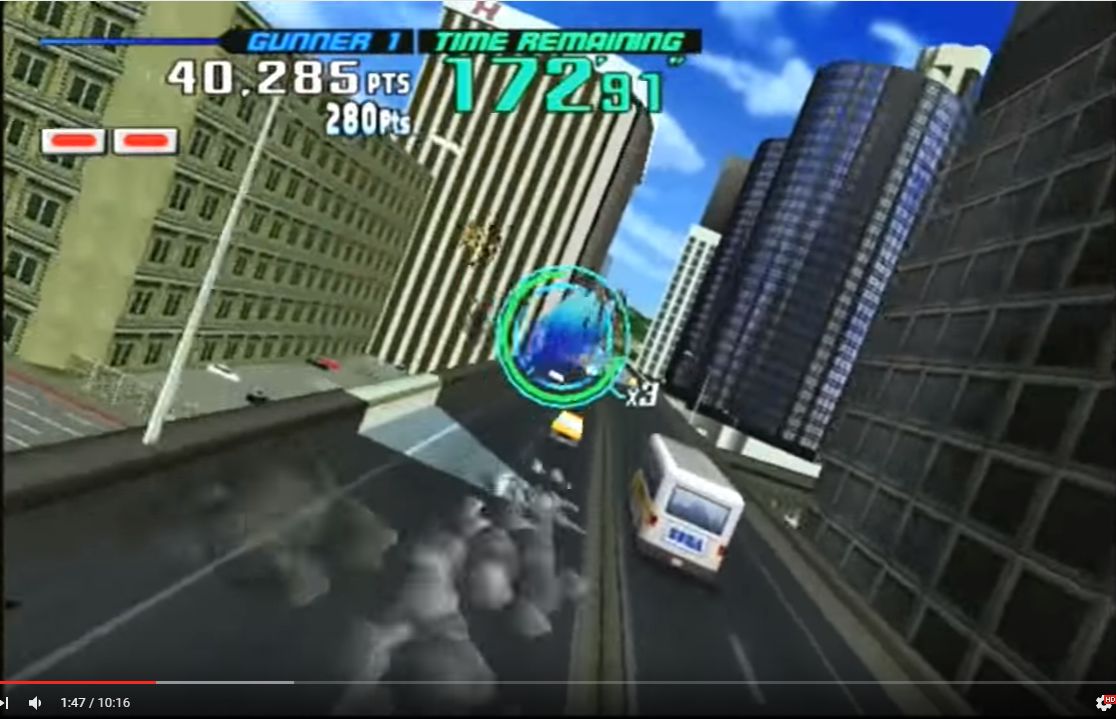
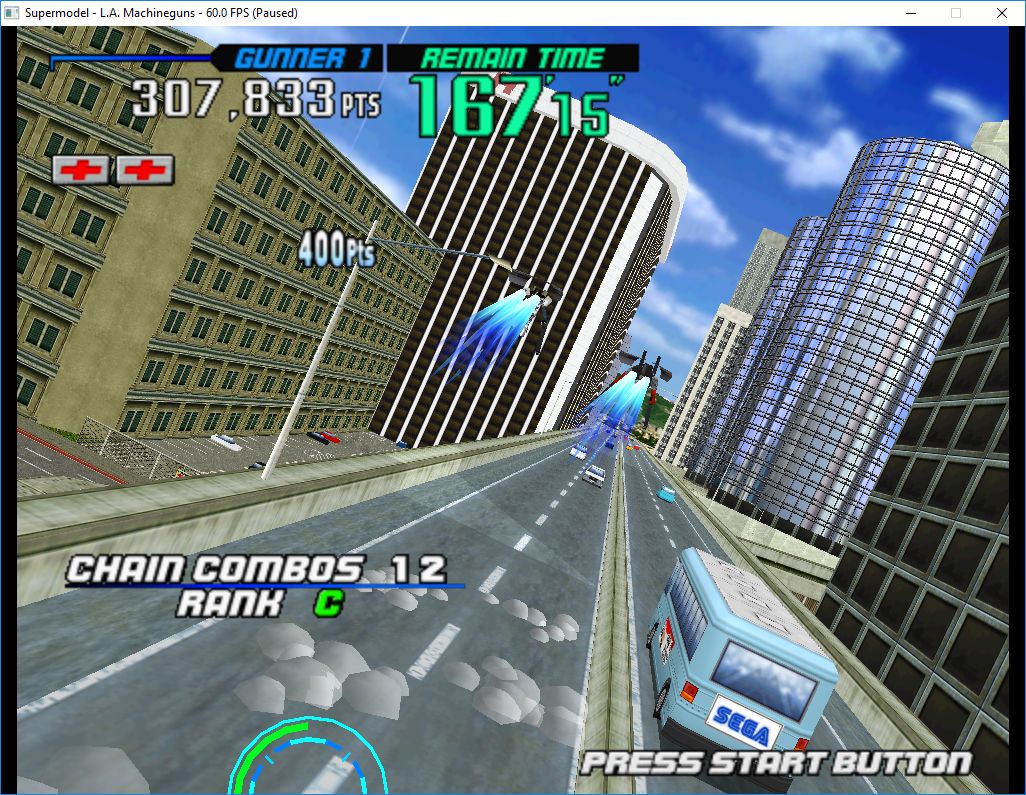
Le premier émulateur de Sega Model 3 créé par Bart Trzynadlowski, Ville Linde et Stefano Teso dans sa version de développement (voir ici) [source].

 
supermodel_actual

Wii version


supermodel_incorrectSupermodel (incorrect)


supermodel_vertexSupermodel with fixed shading

 
Les changements:
svn 590
– Removed unnecessary patches from lemans24
svn 889
– add missing include
svn 588
– Removed patches from source code and moved them into game XML file. Created ROMSet.cpp. Print a more descriptive error when game XML file fails to load.
svn 587
– Updated help text to include -game-xml-file option
svn 586
– Moved ROM patches into Games.xml and added patches to swtrilgy to make test emu work and to eca/ecau to pass the network check
svn 585
– add missing include


test et test32:
– correction des musiques dans sega rally 2 (mix)
– correction musique 1er niveau 2joueurs (la cave rouge) dans vf3 (pas sûr de la modif, et donc cela peut éventuellement entrainer d’autre problèmes sonore sur d’autre jeux).

 
Les fichiers sont compilés par spindizzi, merci à lui.


Télécharger SuperModel v0.4 Build 261117 (5.2 Mo)

Site Officiel

En savoir plus…

Il s’agit d’un émulateur de SHARP MZ-2000/MZ-2200/MZ-80B/MZ-80B2 pour Windows et Linux basé sur Emu-Z 2000.


Télécharger EmuZ-2000 TF Edition v0.95.5 (481,9 Ko)

Site Officiel

En savoir plus…

A l’instar de MAMEinfo pour MAME(Arcade), le fichier MESSinfo vous permet de suivre les changements entre les versions concernant les différents systèmes émulés par ce multi-émulateurs.


Télécharger MESSinfo.dat v0.184 (5,0 Mo)

Site Officiel

En savoir plus…

Foobar2000 est un lecteur de prime abord minimaliste. Son interface est des plus sobre avec la seule présentation d’une liste de lecture alors que la barre de progression et les boutons de contrôle peuvent n’être que des caractères textuels. Il supporte de nombreux formats sonores (notamment les formats audio d’anciennes machines) grâce à l’ajout de plugins.


Cette légèreté permet bien sûr à Foobar2000 d’être l’un des lecteurs MP3 les plus léger en termes de ressources mémoire / processeur, mais il ne faudrait pas croire que cela le contraint au minimum syndical. Le fonctionnement par plugins de ce lecteur lui permet d’être incroyablement modulaire et d’intégrer un nombre impressionnant de fonctions.


De nombreux formats audio en rapport avec l’émulation sont parfaitement supportés.


foobar

Les changements:


– Improved compatibility with certain internet radio stations.
– Tag manipulation improvements.
. When editing tags of iTunes-encoded M4A files, excess padding (often as much as 32 kilobytes) will be removed.
. Better handling of WMA “rating” field.
– Default UI album art viewer now less likely to make app unresponsive when attempting to load pictures from a lagging network share.
– Embedded album art loading performance tweaks.
– Updated FLAC library (1.3.2)
– Updated zlib (1.2.11)
– Updated FFmpeg (3.2.4)
– Unicode filenames within ZIP files now work correctly.
– Added “skip all” button to Converter overwrite prompt dialog.
– Fixed resampler configuration sample rate pickers not allowing more than five digits.


Télécharger Foobar2000 v1.3.15 (3,7 Mo)

Site Officiel

En savoir plus…


https://getourbonus.com/fr/accueil

https://www.romspedia.com/