0 commentaire



Nouvelle version du frontend de Space1.
Les changements:
– modify download dats
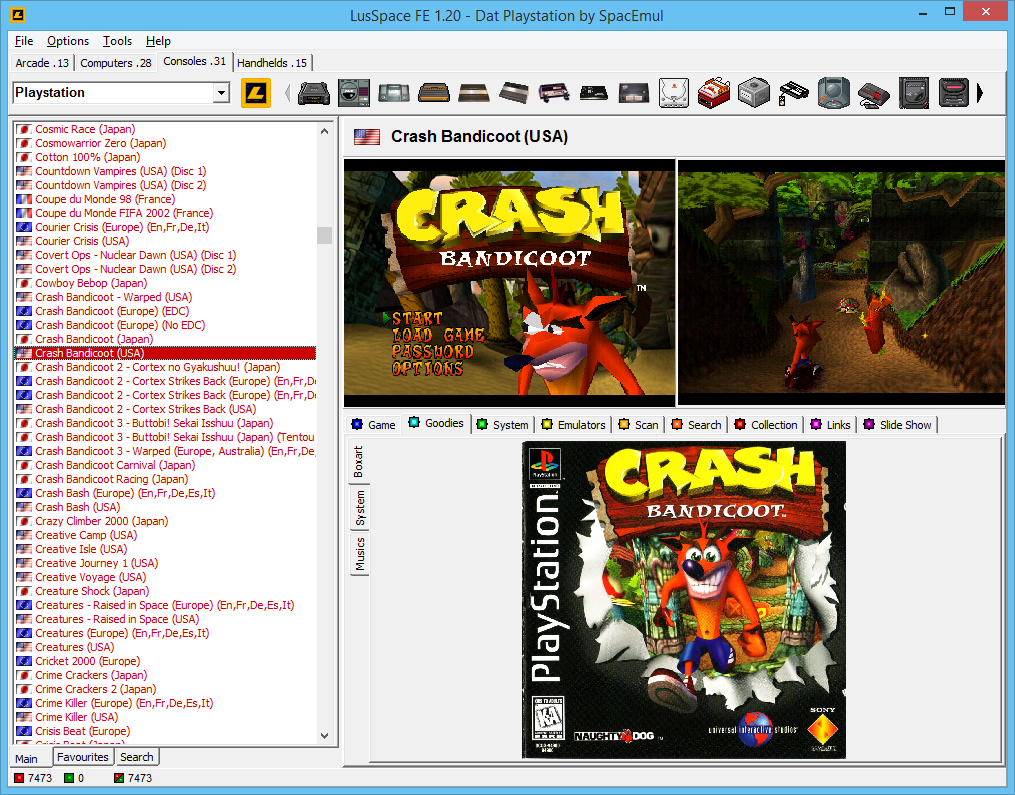
Lien pour télécharger tous les packs de screens et boxarts : http://lusspace.free.fr/download
Ootake est un émulateur PC-Engine en provenance du Japon et basé sur PC2E, tournant sous Windows 2000, XP, Vista, 7, 8 et 10. Il nécessite Direct X v9.0c au minimum.

- Image quality setting of "Screen -> Mode" menu has been added(changed)
some quality selection. Along with this, "TV Mode (Ctrl + F11)" menu and
"Setting -> Screen -> Setting Direct3D" menu has been removed.
The following is a picture quality that can be selected.
Special Scanlined The scanning line is put in the screen on lengthwise
and crosswise. Neither burr (jaggy) nor scumble stands
out when the screen is expanded. It is easy to see the
string and the character.
TV Scanlined The horizontal scanning lines are put on the screen.
And a few shadeing off is put. As a result, the
atmosphere of a real machine that outputs the video to
the television is reproduced. - Processing lightens
because the enlargement processing is done with
hardware. It is likely not to be reproduced well
according to the kind of the video card.
Horizontal
Scanlined The horizontal scanning lines are put on the screen.
Horizontal This is a sharp screen than "Horizontal Scanlined".
Scanlined 2 Jagged exists.
Horizontal This is a sharp screen than "Horizontal Scanlined 2".
Scanlined 3 Jagged exists.
Horizontal This is the mode for speed priority. It is a sharp
Scanlined F screen, but the jagged exists. - Processing lightens
because the enlargement processing is done with
hardware.
Non-Scanlined This is a screen display that doesn't put the scanning
line.
Non-Scanlined 2 This is a sharp screen than "Non-Scanlined".
Non-Scanlined TV This is a smooth screen than "Non-Scanlined".
- Additionally, a detailed part has been improved and corrected.
+ I began Twitter. (Japanese language)
* The happiness of the game is the world human race commonness. It longs for
peace.
* I think that it cannot do improvement & correction of the above-mentioned
if there are many neither operation report nor defect report. Thank you
really for you who reported.
Le premier émulateur de Sega Model 3 créé par Bart Trzynadlowski, Ville Linde et Stefano Teso dans sa version de développement (voir ici).
Il s’agit d’un émulateur de COMKIT 8060, 8061 et 8062, que seul les japonais ont pu connaitre.


Ecrit en Java par Shigekazu Hirao (HAL8999), u80 est un émulateur du premier ordinateur personnel Japonais : le TK-80, mais aussi son évolution le TK-85.


Ecrit en Java par Shigekazu Hirao (HAL8999), j80 est un émulateur précis, axé sur la série d’ordinateurs japonais NEC PC-8000 (PC-8001+PCG8100). j80 dispose d’excellente fonctions de traçage et de débogage. Il gère aussi le PCG8100.


Ecrit en Java par Shigekazu Hirao (HAL8999), il s’agit d’un lecteur vidéo/image de cassettes que pouvait lire le Nec PC8001.

Il s’agit du seul émulateur Basic Master disponible (très bon, au demeurant !), connu également sous le nom de Bml3mk5. Cliquez sur « En savoir plus » pour la description résumée de ce système.
Des versions avec debuggeur sont disponibles sur le site officiel.

Télécharger Hitachi Basic Master Level3 MARK5 (x86) v1.4.1 (193.0 Ko)
Télécharger Hitachi Basic Master Level3 MARK5 (SDL) v2.1.4 (2.3 Mo)
Télécharger Hitachi Basic Master Level3 MARK5 (x64) v2.1.4 (520 Ko)
La version française de cet excellent émulateur de Sega Saturn.
Télécharger SSF (Français) v0.12 Beta R4 (29/04/2016) (1,8 Mo)
Un excellent émulateur Nintendo NES pour windows et linux.
– Added support to mapper 40.
– Fixed aspect ratio of NTSC software filters.
– (OpenGL) Add the « Disable RGB FBO » option. Some older drivers of video cards do not support them properly altering the color palette with shaders.
– Added the pixel aspect ratio of PAL TV.
– Added « xBRZ 5x » and « xBRZ 6x » software filters.
– Added the possibility to make screenshots (ALT+X) which will be automatically saved in the folder « screenshot » of the base directory.
– Added « Unlimited sprites » (ALT+U) option.
– Added « Hide sprites » (ALT+V) and « Hide background » (ALT+B) options.
Un pack de shaders est disponible ici.
Télécharger puNES SDL (x86) v0.100 (8,8 Mo)
Télécharger puNES OpenGL (x64) v0.111 (23.9 Mo)
Télécharger puNES D3D9 (x86) v0.111 (21.8 Mo)

